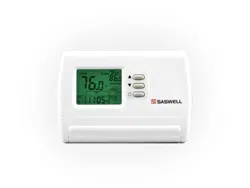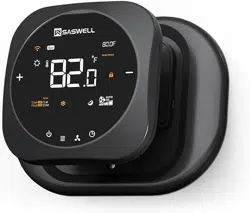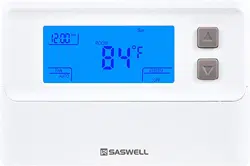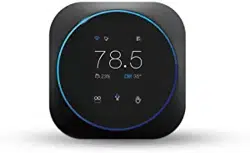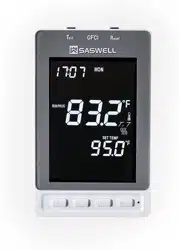
SAS968
SA S968FH L-7
SAS968FHL-7(C)
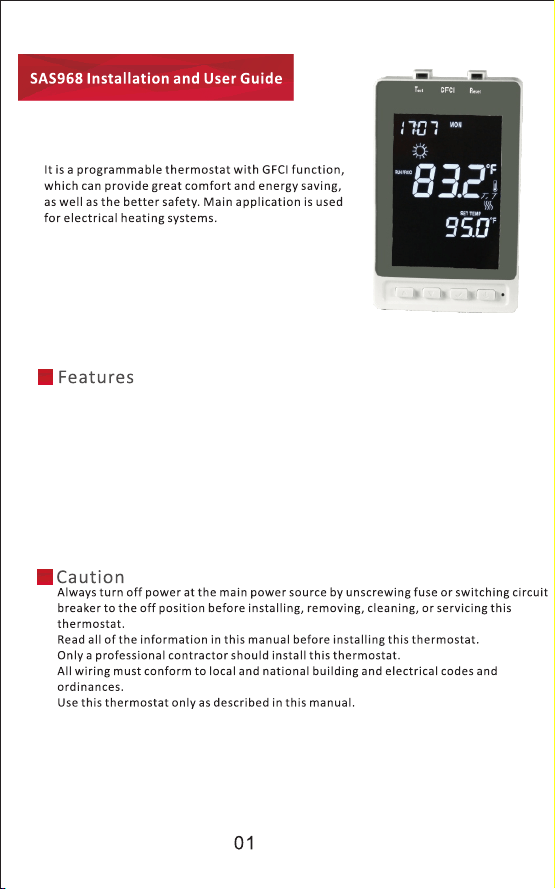
Large LC D display with white backlight, connuous backlight opon.
Build in G F CI (Class A or Class B standard)
Two relay for extra protecon against wiring error
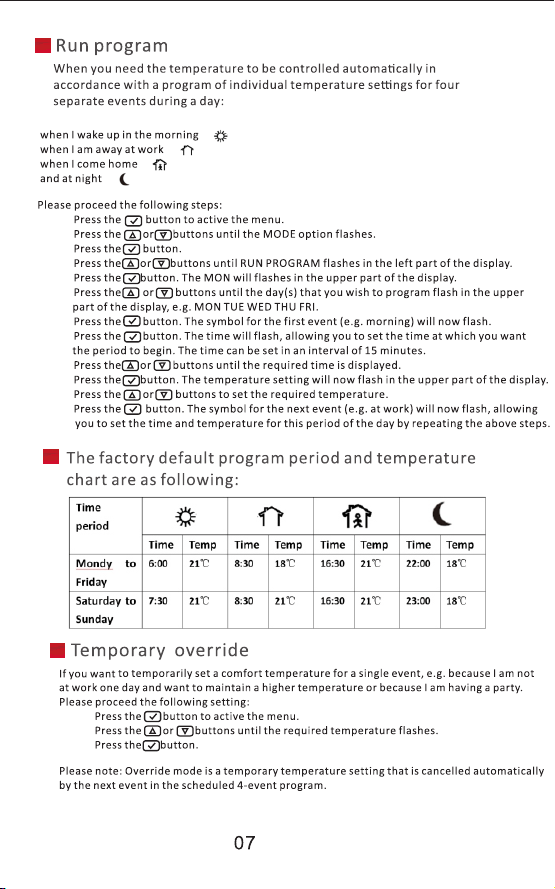
7-day programming with four separate me/temperature periods per day
Permanent user seng and program seng retenon during power loss
Oponal temperature display of Celsius or Fahrenheit scale
Oponal type of control for different heang applicaon including room sensor,
floor sensor or room sensor with floor limitaon.
Operaon voltage
120/240VAC 60HZ
Maximum Load
240VAC 16A
Room temperature limit
5℃(41℉) ~35℃(95℉)
Floor temperature limit
0℃(32℉) ~40℃(104℉)
Ambient temperature
-
operaon
0℃(32℉)~55℃(122℉)
Ambient temperature
-
storage
-10℃(14℉)~60℃(140℉)
Accuracy
±1℉ or ±0.5℃
Dimensions
120(L)x75(W)x54.2(H)(mm)
Color
White
IP class
IP20
First Time Power On
Large LC D display with white backlight, connuous backlight opon.
Build in G F CI (Class A or Class B standard)
Two relay for extra protecon against wiring error
7-day programming with four separate me/temperature periods per day
Permanent user seng and program seng retenon during power loss
Oponal temperature display of Celsius or Fahrenheit scale
Oponal type of control for different heang applicaon including room sensor,
floor sensor or room sensor with floor limitaon.
Operaon voltage
120/240VAC 60HZ
Maximum Load
240VAC 16A
Room temperature limit
5℃(41℉) ~35℃(95℉)
Floor temperature limit
0℃(32℉) ~40℃(104℉)
Ambient temperature
-
operaon
0℃(32℉)~55℃(122℉)
Ambient temperature
-
storage
-10℃(14℉)~60℃(140℉)
Accuracy
±1℉ or ±0.5℃
Dimensions
120(L)x75(W)x54.2(H)(mm)
Color
White
IP class
IP20
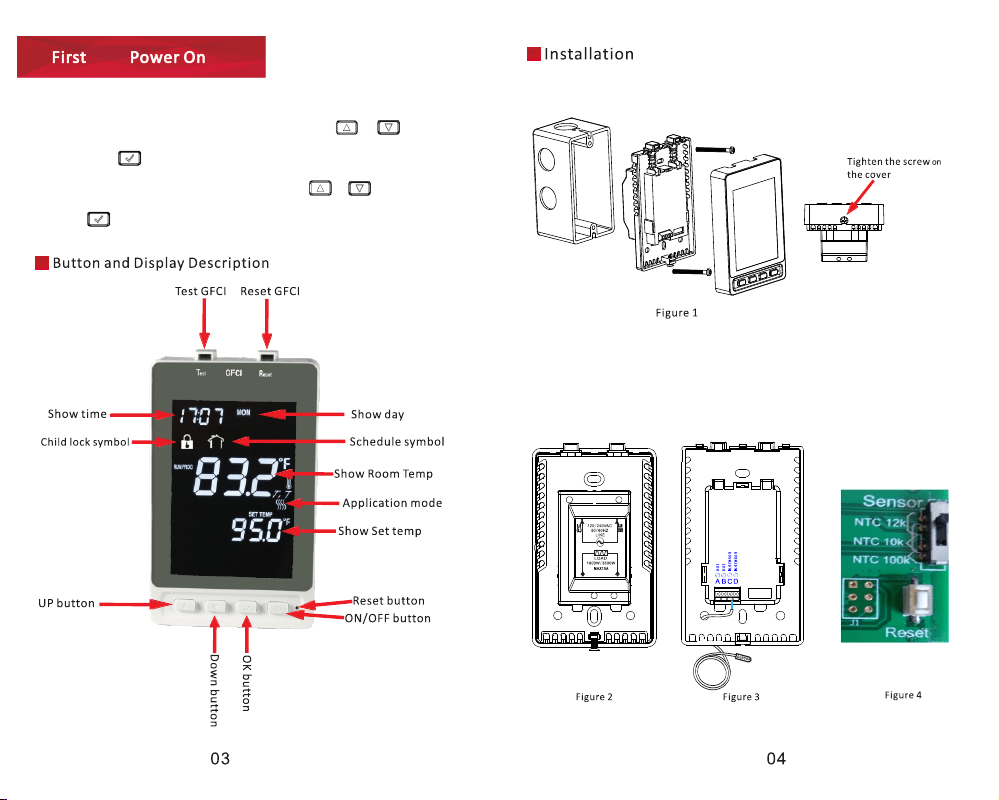
First Time Power On
Time
• Time and day:
The first me you turn on the thermostat, me and day must be set.
First t he me flashes. Set the current me using the
or
.
Then press the
to confirm the me. The day of the week
will then flash. Select the current day using the
or
.
Press the
to confirm.
Time
• Time and day:
The first me you turn on the thermostat, me and day must be set.
First t he me flashes. Set the current me using the
or
.
Then press the
to confirm the me. The day of the week
will then flash. Select the current day using the
or
.
Press the
to confirm.
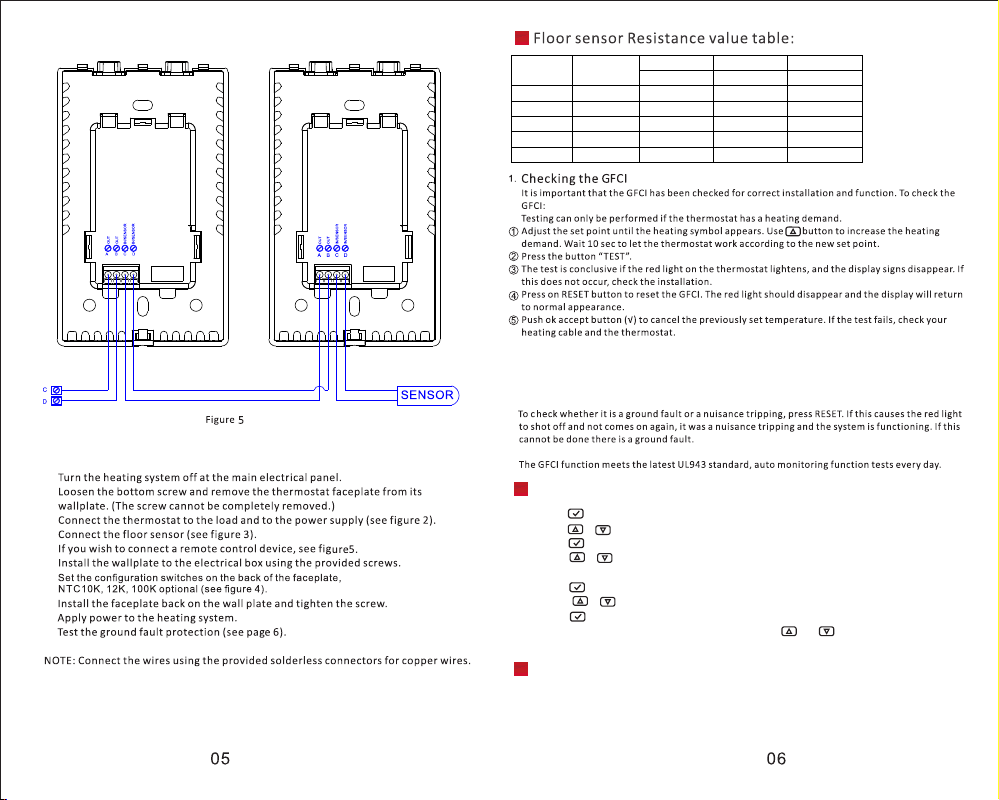
If the G FC I trips in normal operaon, without pressing the TEST buon,
there could be a ground fault!
Press the buon to acve the menu
Press the or buons unl the S ET TING S opon flashes,
Press the buon.
Press the or buons unl the C HIL DLOCK opon flashes. A padlock symbol will
appear in the menu area
Press the buon .OFF will flash in the lower part of the display
Press the or buons unl ON flashes
Press the buon back to previous menu。
To unlock the child Iock again, press and hold the and buons simultaneously
for three seconds.
Child Iock
Temp.(℃)
Temp.(℉)
SASWELL10K OJ12K SASWELL100K
Value(ohm)
Value(ohm) Value(ohm)
5
41
25530
28710 255300
15
59
15710
18290 157400
25
77
10000
12000 100000
35
95
6512
8048 64970
45
113
4345
5512 43200
Anti-freezing protection
An-freezing protecon will be acvated when you turn off the thermostat.
During an-freezing mode, if room temperature decrease to 5℃, the unit will acvate
the heang system ll room temperature reach to 8℃.
SAS 968F H L-7(C) dose not have this funcon
If the G FC I trips in normal operaon, without pressing the TEST buon,
there could be a ground fault!
Press the buon to acve the menu
Press the or buons unl the S ET TING S opon flashes,
Press the buon.
Press the or buons unl the C HIL DLOCK opon flashes. A padlock symbol will
appear in the menu area
Press the buon .OFF will flash in the lower part of the display
Press the or buons unl ON flashes
Press the buon back to previous menu。
To unlock the child Iock again, press and hold the and buons simultaneously
for three seconds.
Child Iock
Temp.(℃)
Temp.(℉)
SASWELL10K OJ12K SASWELL100K
Value(ohm)
Value(ohm) Value(ohm)
5
41
25530
28710 255300
15
59
15710
18290 157400
25
77
10000
12000 100000
35
95
6512
8048 64970
45
113
4345
5512 43200
Anti-freezing protection
An-freezing protecon will be acvated when you turn off the thermostat.
During an-freezing mode, if room temperature decrease to 5℃, the unit will acvate
the heang system ll room temperature reach to 8℃.
SAS 968F H L-7(C) dose not have this funcon
(the factory default is on)
(The factory default is 25℃/77℉ )
(The factory default is 0℃ )
Press the buon to acve the menu.
Press the or buons unl the SETTINGS opon flashes.
Press the buon.
Press the or buons unl ℃/℉ flashes in the menu area. The unit currently selected
will appear in the middle part of the display.
Press the buon.
Press the or buons unl the required unit ℃/℉ flashes.
Press the buon back to previous menu.
If you want to change the temperature unit (℃/℉) used in the display, please proceed the following
seng:(The factory default of SAS968F H L-7 is ℉,and SAS968F H L-7(C)is ℃ )
(the factory default is on)
(The factory default is 25℃/77℉ )
(The factory default is 0℃ )
Press the buon to acve the menu.
Press the or buons unl the SETTINGS opon flashes.
Press the buon.
Press the or buons unl ℃/℉ flashes in the menu area. The unit currently selected
will appear in the middle part of the display.
Press the buon.
Press the or buons unl the required unit ℃/℉ flashes.
Press the buon back to previous menu.
If you want to change the temperature unit (℃/℉) used in the display, please proceed the following
seng:(The factory default of SAS968F H L-7 is ℉,and SAS968F H L-7(C)is ℃ )
SAS968
SA S 968FH L -7
SAS968FHL-7(C)