Quick Guide
Read the following before using this printer.
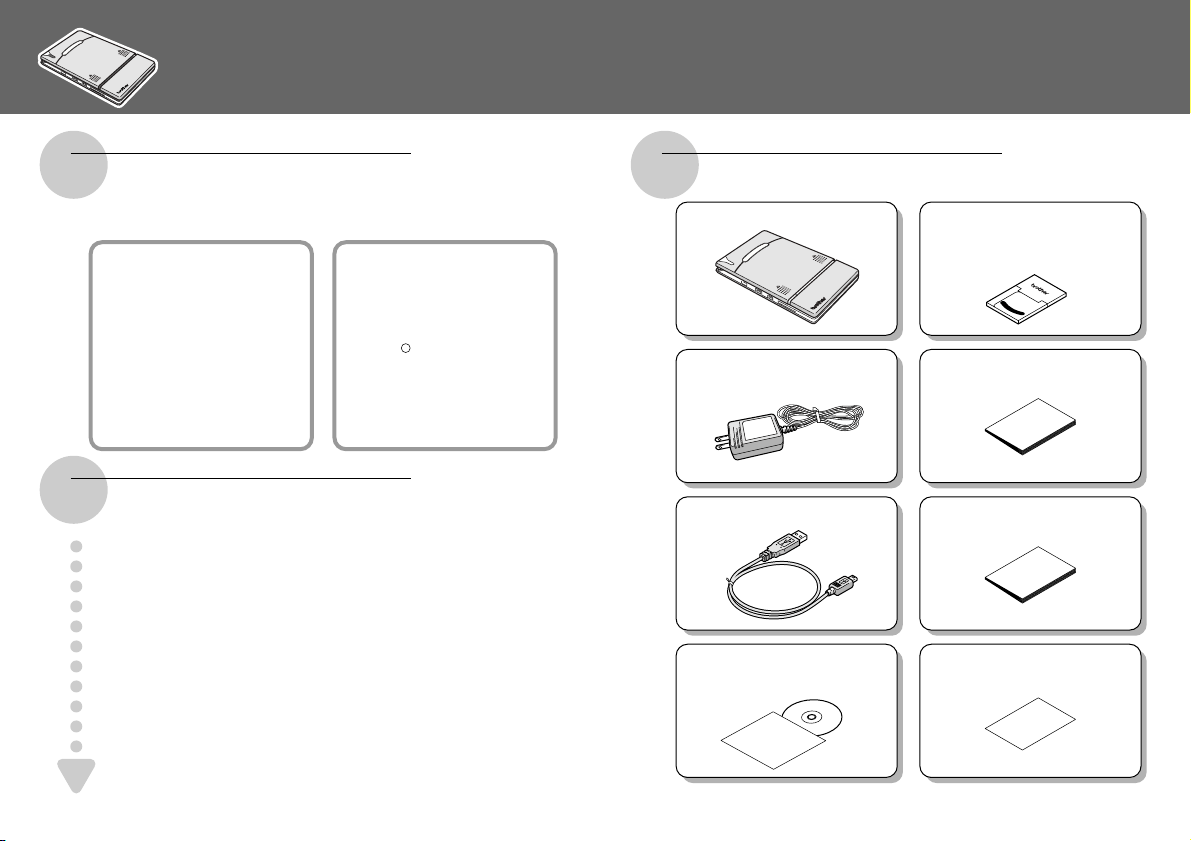
Manual structure Enclosed accessories
Printer operation
A User’s Guide and a Software Guide are included with
this printer.
User’s Guide
The User’s Guide
provides details on
setting up the printer and
precautions for using this
printer.
Software Guide
The Software Guide describes
the procedures for installing
and running the software on a
Windows based Tablet,
Notebook or PC; or on a
device running either Pocket
PC or Palm O/S.
Read the Quick Guide (this sheet) and check
that all accessories are enclosed.
Prepare the printer.
Refer to the User’s Guide.
Install the software for this printer.
Refer to the Software Guide.
Print!!
Refer to the Software Guide.
1
2
3
5
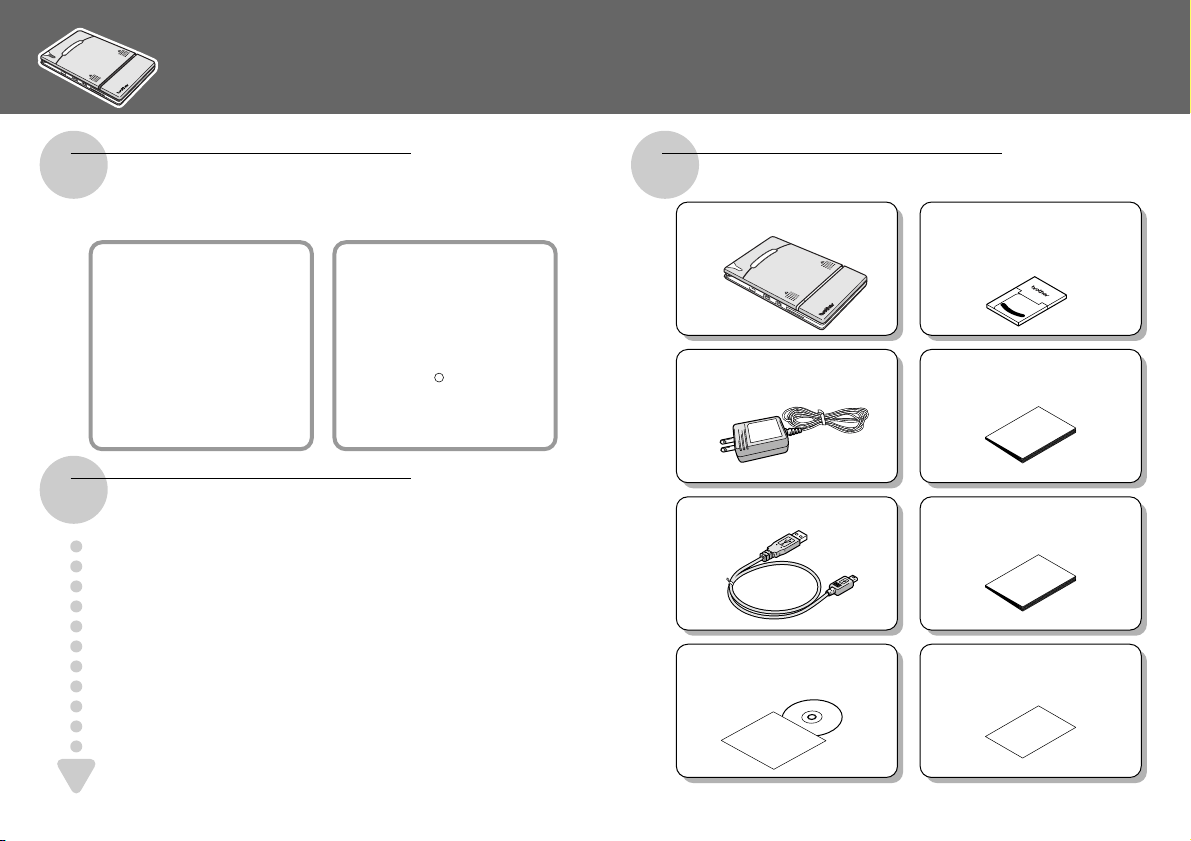
MW-100 mobile printer
Paper cassette
filled with C-11 thermal paper
(50 sheets).
Charger (AC adapter) User’s Guide
USB cable Software Guide
CD-ROM
(containing the software)
Quick Guide (this sheet)
Printed in Japan
Impreso en Japón
LB2213001
R
Register your printer online.
4
Guía rápida
Lea lo siguiente antes de usar esta impresora.
Estructura del manual Accesorios adjuntos
Manejo de la impresora
Esta impresora viene acompañada de una
“Guía de usuario” y de una “Guía del software”.
Guía del usuario
La Guía del usuario
incluye los detalles para la
configuración de la
impresora y precauciones
para la utilización de esta
impresora.
Guía del software
La Guía del software
describe los procedimientos
necesarios para instalar y
ejecutar el software en un
equipo Tablet, portátil o PC
con Windows ; o en un
equipo con sistema operativo
de Pocket PC o Palm.
Lea la “Guía rápida” (esta hoja) y compruebe
que no falta ningún accesorio.
Prepare la impresora.
Consulte la “Guía del usuario”.
Instale el software de esta impresora.
Consulte la “Guía del software”.
¡
Imprimir!
Consulte la “Guía del software”.
1
2
3
5
Impresora móvil
MW-100
Cassette de papel
contiene papel térmico
C-11 (50 hojas).
Cargador
(Adaptador de CA)
Guía del usuario
Cable USB Guía del software
CD-ROM
(contiene el software)
Guía rápida
(esta hoja)
4
R
Efectúe el registro en línea de su impresora.