RQ689N4WF1
RQ689N4WI1
15
16
D
17
18
20
2014/30/EU
1
2
50~70
100
100
125
125
1435
W
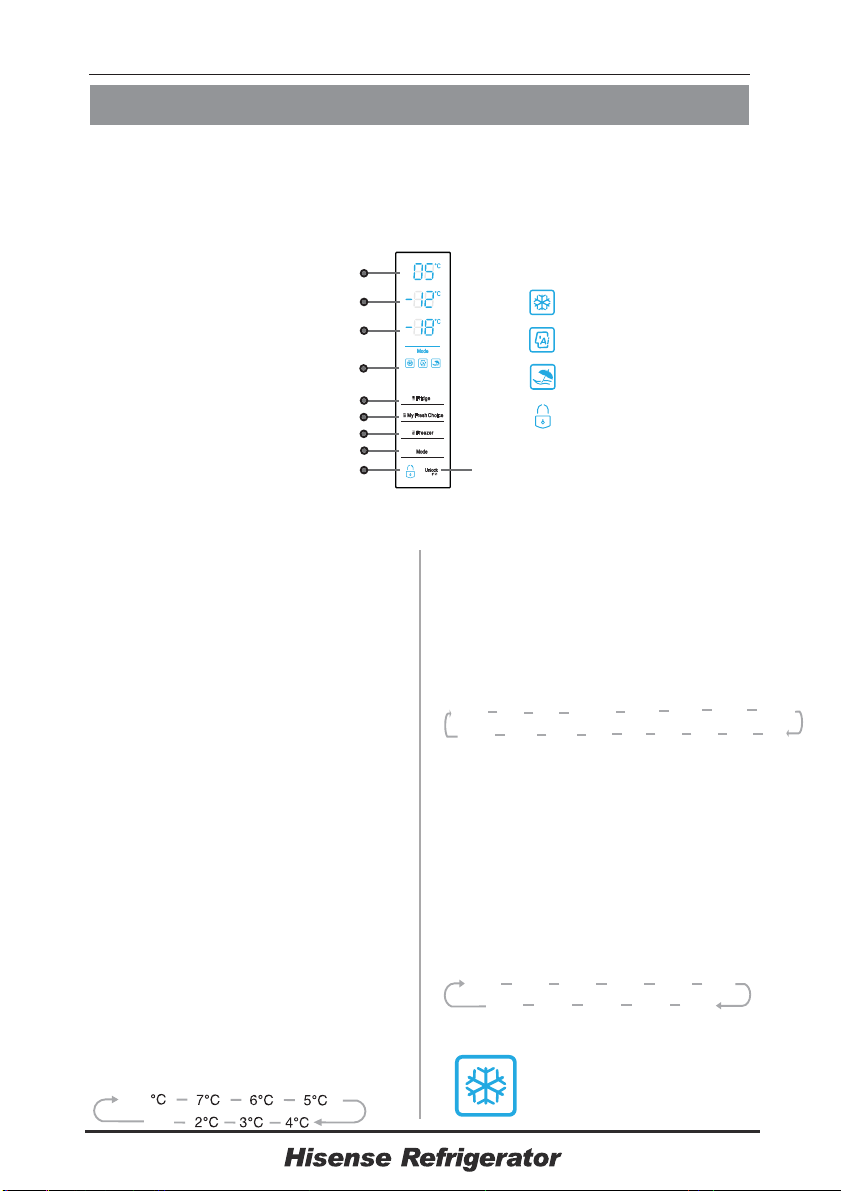
Display controls
Controlling the temperature
We recommend that when you start
your refrigerator for the first time, the
temperature for the refrigerator is set
to 5°C ,my fresh choice to -12 and
the freezer to -18°C.
Caution! When you set a temperature,
you set an average temperature for
the whole refrigerator cabinet.
Temperatures inside each
compartment may vary from the
temperature values displayed on the
panel, depending on how much food
you store and where you place them.
Ambient temperature may also affect
the actual temperature inside the
appliance.
°C
Use your appliance according to the following control regulations, your appliance
has the corresponding functions and modes as the control panels showed in the
pictures below. When the appliance is powered on for the first time, the
backlighting of the icons on display panel starts working. If no buttons have been
pressed and the doors are closed, the backlighting will turn off.
Lock
Artificial Intelligence
Holiday
Super Freeze
1. Fridge
Press "Fridge" button repeatedly to
set your desired fridge temperature
between 8 and 2 , the
temperature will decrease 1
with each press and the
fridge
temperature indicator will
display
corresponding value according
to
the following sequence.
°C °C
°C
8
3. Freezer
Press "Freezer" button to set the freezer
temperature between -15°C and -25°C to
suit your desired temperature, and the
freezer temperature indicator will display
corresponding value according to the
following sequence.
-20
°C
-21
°C
-22
°C
-23
°C
-24
°C
-25
°C
-19
°C
-17
°C
-16
°C
-15
°C
-
18°C
-5
°C ......
-17
°C
-18
°C
5
°C
4
°C
-4
°C
-2
°C
2
°C
3°C
-
3°C
-1
°C
0
°C
1
°C
2. My Fresh Choice
Press "My Fresh Choice" button to set this
temperature between 5°C and -20°C to suit your
desired temperature, and the temperature indicator
will display corresponding value according to the
following sequence.
10
4. Super Freeze
Super Freeze can rapidly
lower frozen temperature and
freeze you food substantially
faster than usual
Refrigerator unlock key
Fridge temperature display area
My Fresh Choice temperature display area
Freezer temperature display area
Run mode icon
Fridge temperature setting key
My Fresh Choice temperature setting key
Freezer temperature setting key
Run mode setting key
Refrigerator unlock icon
OF
Note: This compartment can be turned off
separately by set the temperature at “OF”.
Note: This compartment can be turned off
separately by set the temperature at “OF”.
-19
°C
-20
°C
OF
When certain temperature
is selected,the icon will flash for 10 seconds.
If you want to change the temperature,follow
the instructions below.
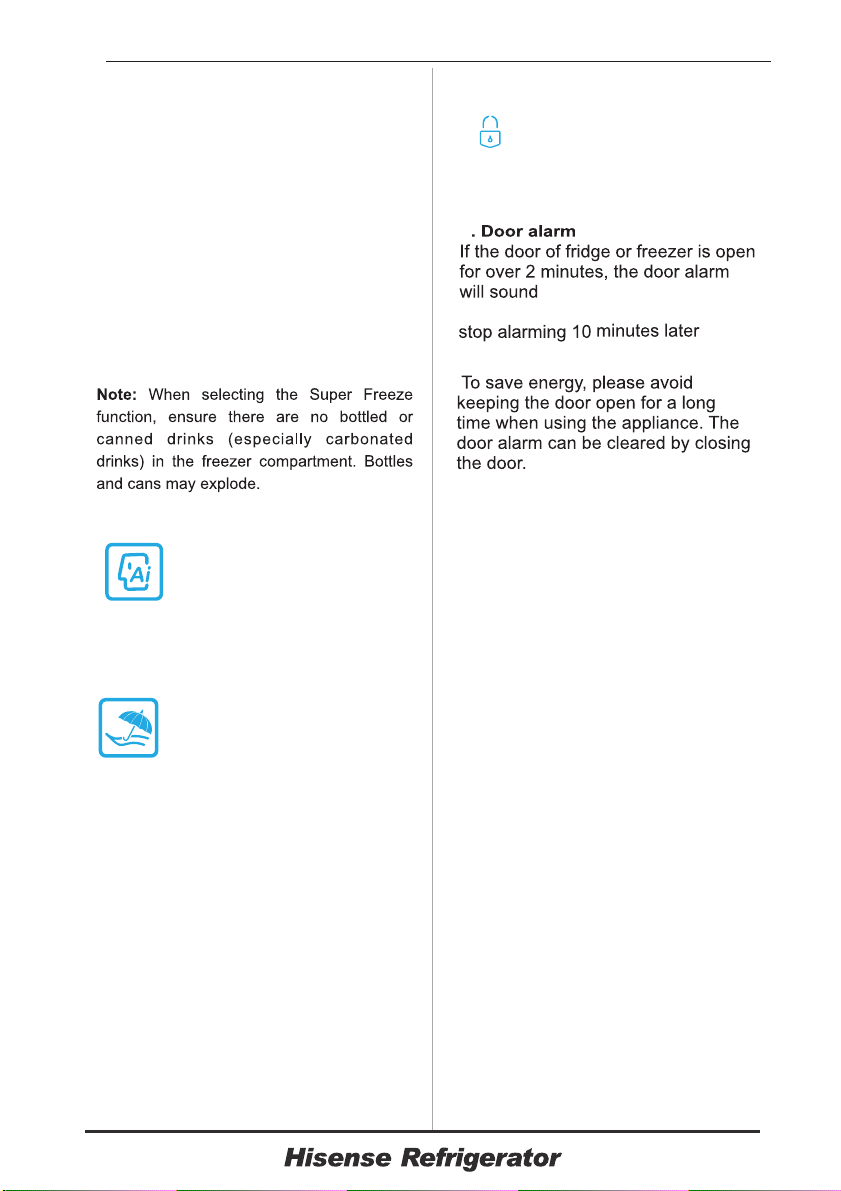
the fridge during this time.
When the holiday function is on, you
can switch it off by pressing any button
of "Mode",
Do not store any food in I
Important!
This feature also helps to keep
vitamins and nutrition of fresh food for
longer period.
Press "Mode" button to
activate the super freeze function. The
super freeze light will be illuminated
and the freezer temperature setting
will display -25
Super freeze automatically switches
off after 26 hours .
When super freeze function is on,
you can switch it off by pressing any
button of “Mode”,
°C
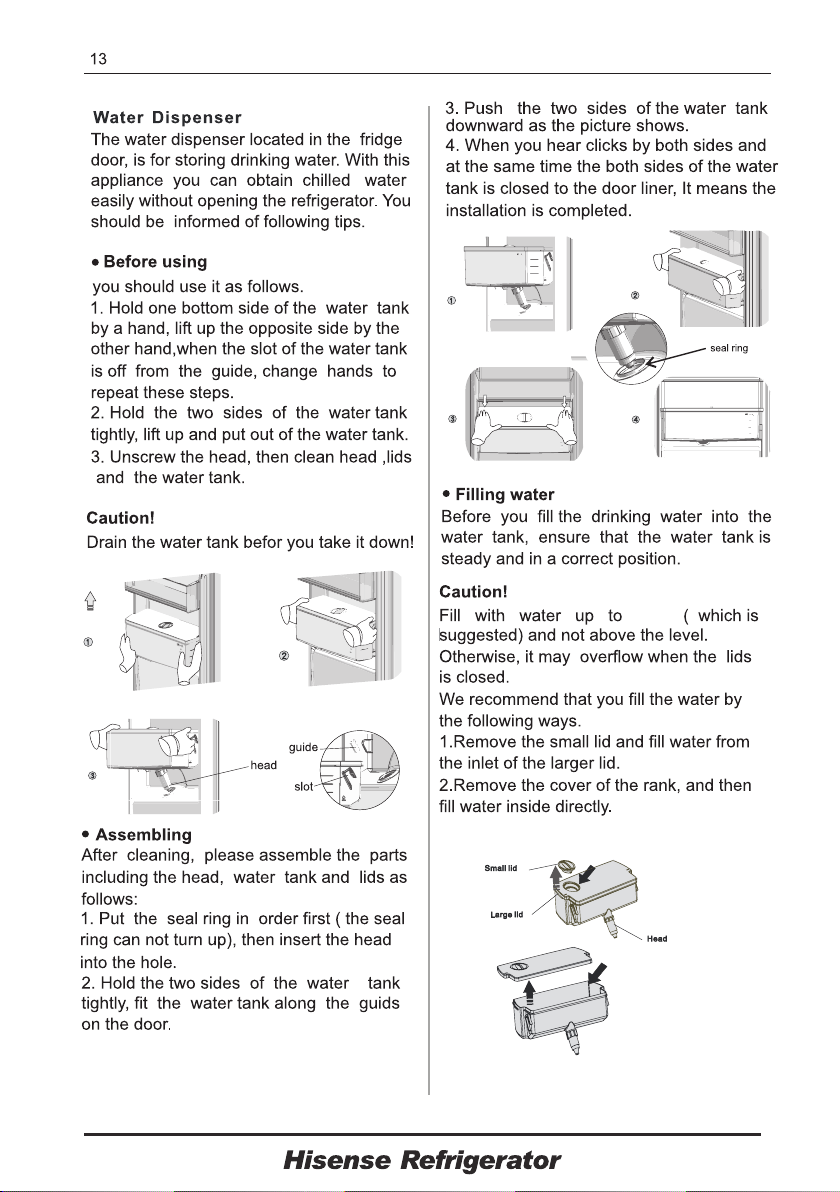
When the holiday function is
activated, the temperature of
the refrigerator is automatically
switched to °C to minimise
the energy consumption.
15
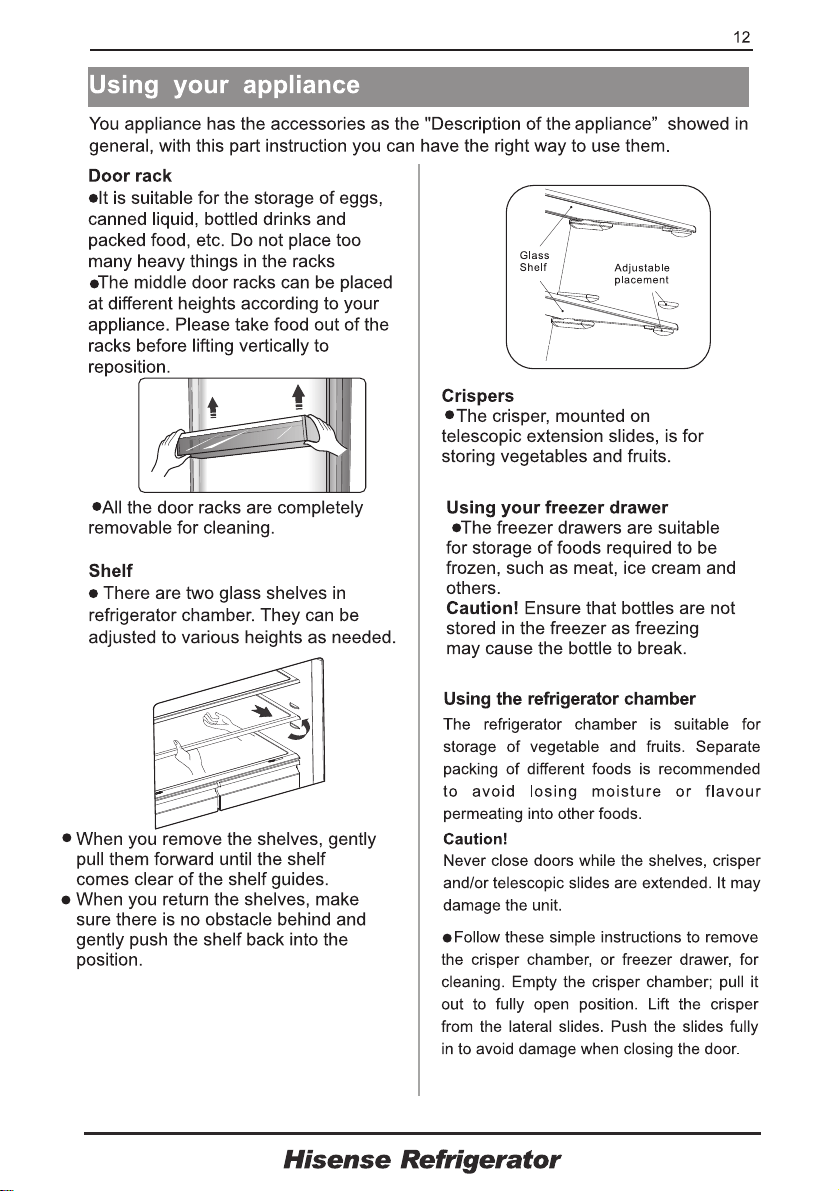
5. Artificial intelligence
When the function is
activated, the temperature of
the refrigerator is
automatically switched to
6. Holiday
The temperature of the freezer is
automatically switched to -18°C
7. Mode
●
●
5°C ,the temperature of freezer is
automatically switched to -18°C
●
All the buttons are locked if the icon
“ ” is illuminated, press the
“Unlock” button for 3
seconds to unlock them. And it will
be locked itself after20 seconds no
pressing any button.
11
8.
.
●
Unlock
In the unlock state, you can select
different modes by pressing the “Mode”
button. When certain mode is selected,
the icon will flash for 10 seconds.
9
"My Fresh Choice"
"Fridge" and "Freezer” button.
"Fridge" and "Freezer” button.
"My Fresh Choice"
and the backlighting will
turn on. The buzzer will automatically
and
the backlighting will keep lighting.
4
L
L

220-240V~, 50Hz, R600a ;
Service
: 0844 346 0087
Hise
ns
e
Help Line

Hise
nse UK Ltd
Unit 2 Meadow Court
Leeds
Millshaw Lane
LS11 8LZ