
L1 Pro Family
Firmware Update
English
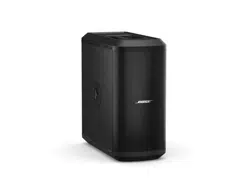
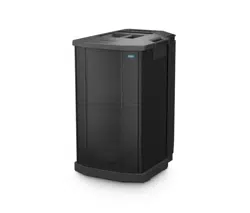
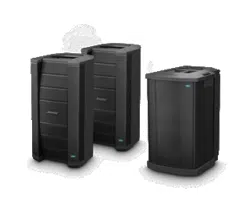
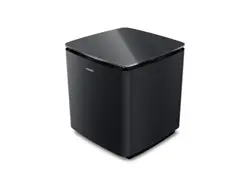
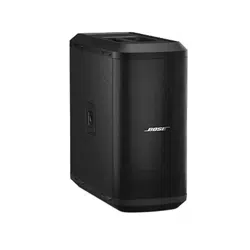
These instructions explain how to update the firmware of your L1 Pro8, L1 Pro16,
L1Pro32, Sub1, or Sub2.
Note: A USB-C cable is required (not included with your product). The L1 Pro family of
products is not compatible with Thunderbolt 3 cables.
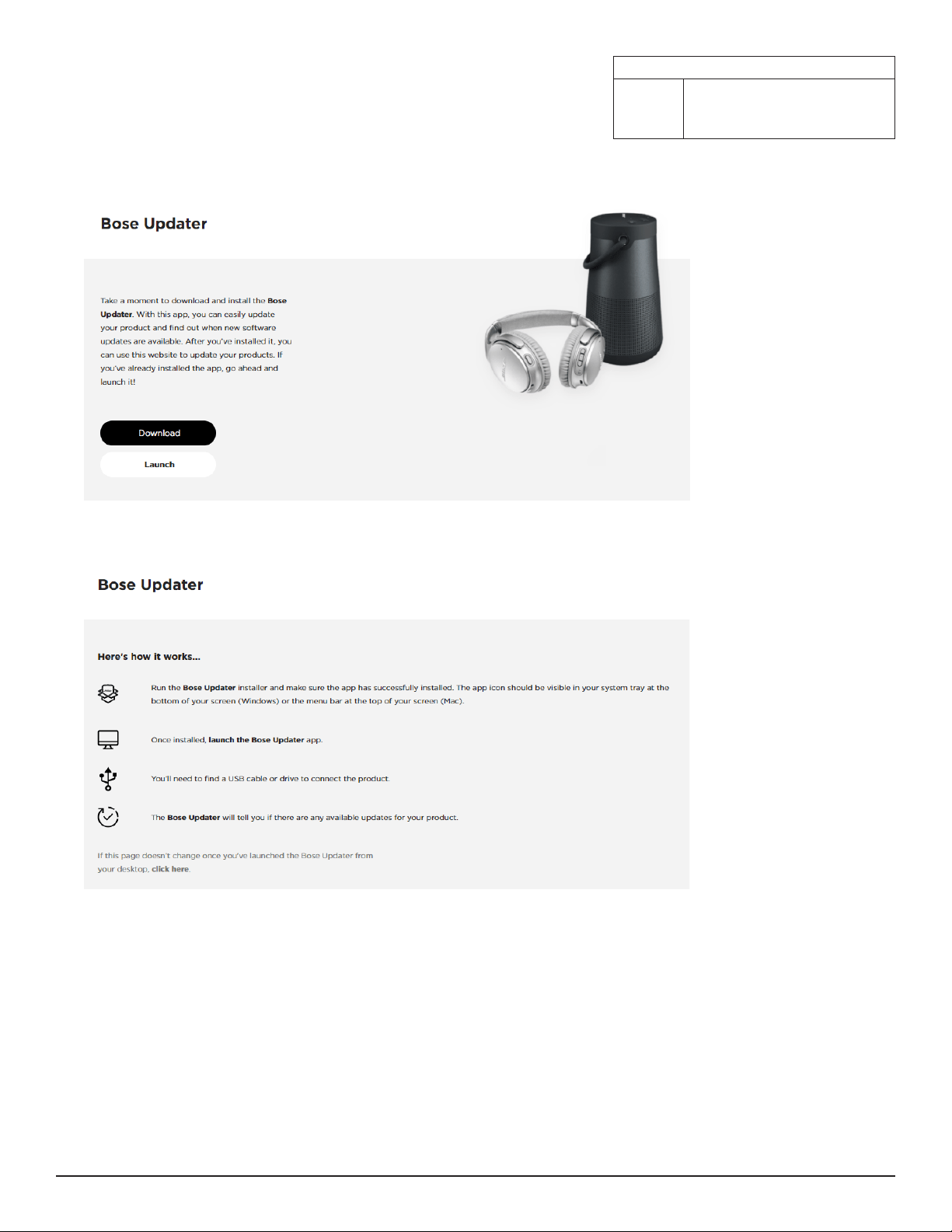
1. On a computer, open a web browser and go to btu.bose.com.
Note: Not compatible with Internet Explorer or Safari.
2. Click Download to download the Bose Updater.
3. View the End-User License Agreement, then click I Agree.
4. Install the Updater.
5. Once installed, open the Updater.
6. Plug your product into a power source.
7. Connect your product to your computer using a USB-C cable. The Updater will identify your product automatically.
Compatible Web Browsers
Windows Google Chrome, Mozilla Firefox,
Microsoft Edge
Mac Google Chrome, Mozilla Firefox
English • 2
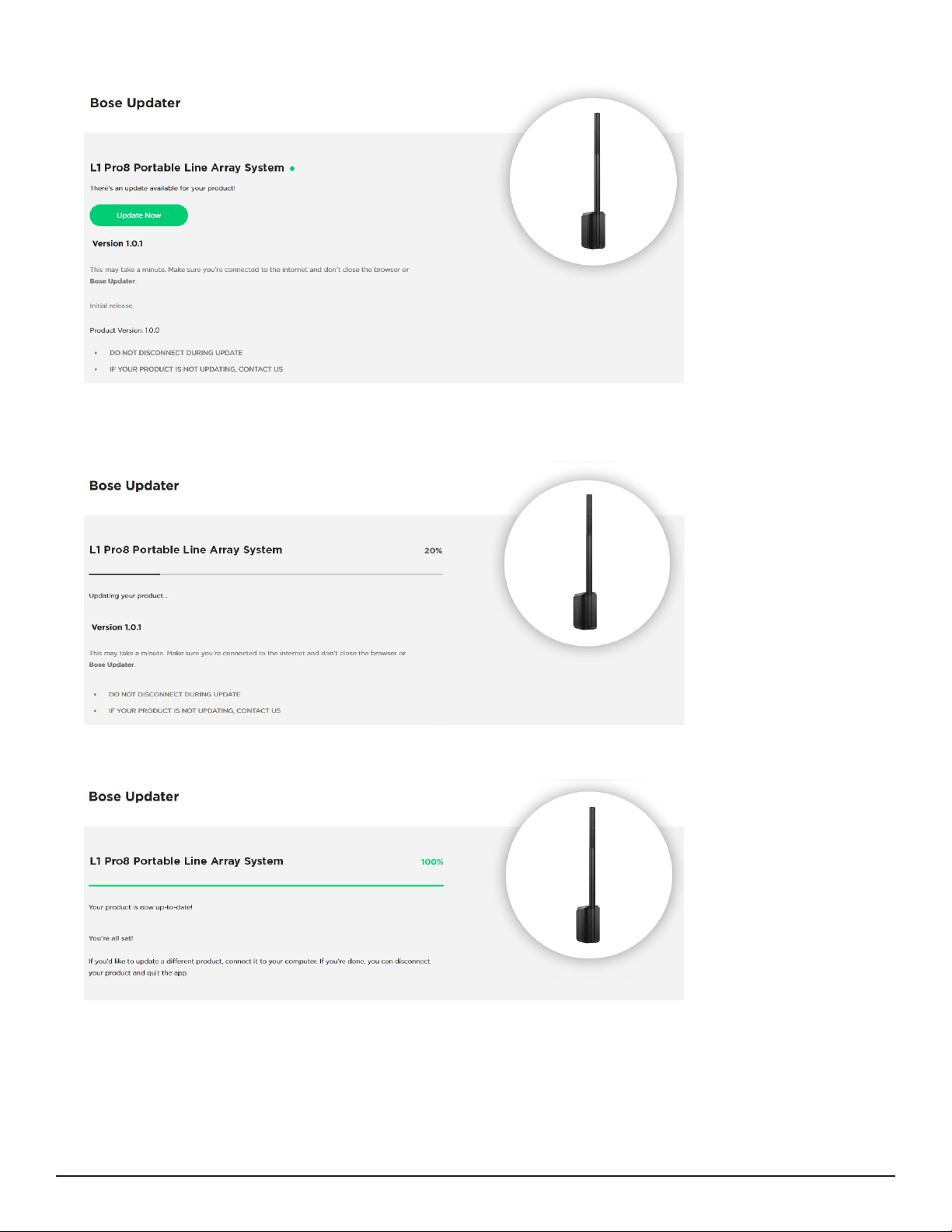
8. If your product needs a software update, your screen will read, There’s an update available for your product!
9. Click Update Now.
Note: Do not unplug or power o your product while the update is in progress.
10. Once the update is complete, your screen will read, Your product is now up-to-date!.
English • 3

©2020 Bose Corporation, All rights reserved.
Framingham, MA 01701-9168 USA
www.Bose.com
AM866459 Rev. 00
September 2020