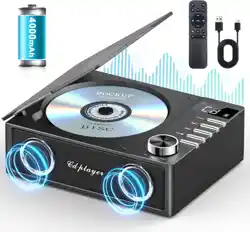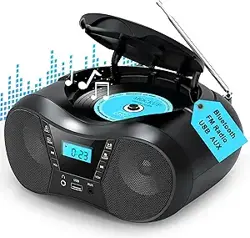
KC-806
EN
EN
Type-C Power cord x 1
Support scheduled shutdown
EN
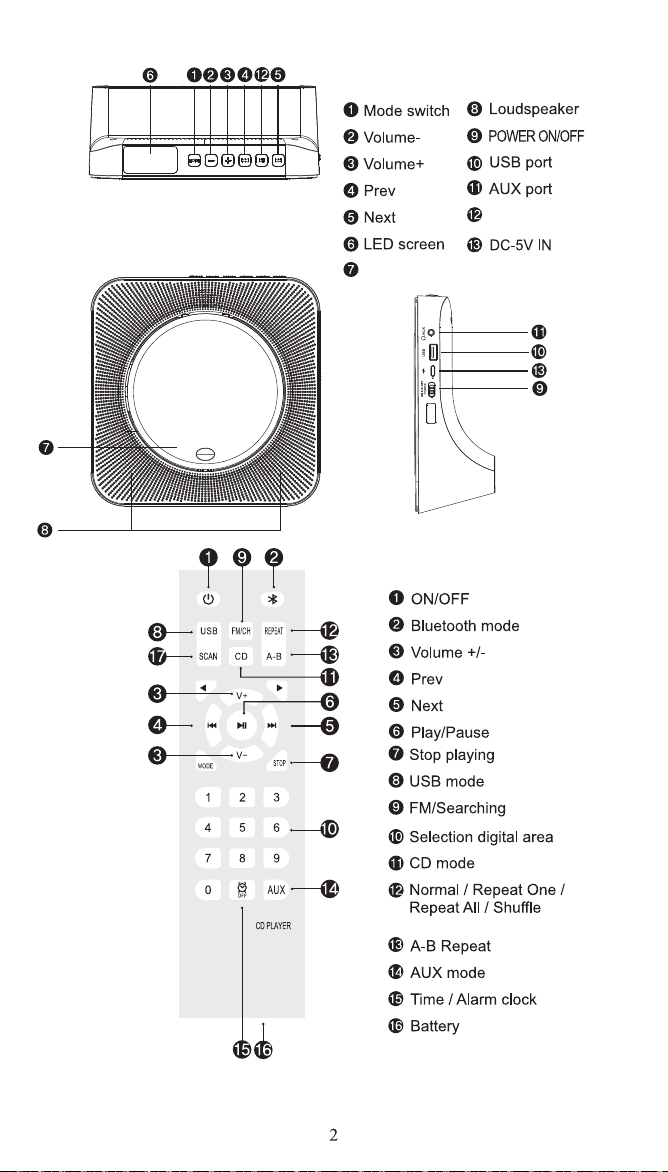
Play/Pause
CD lid
EN
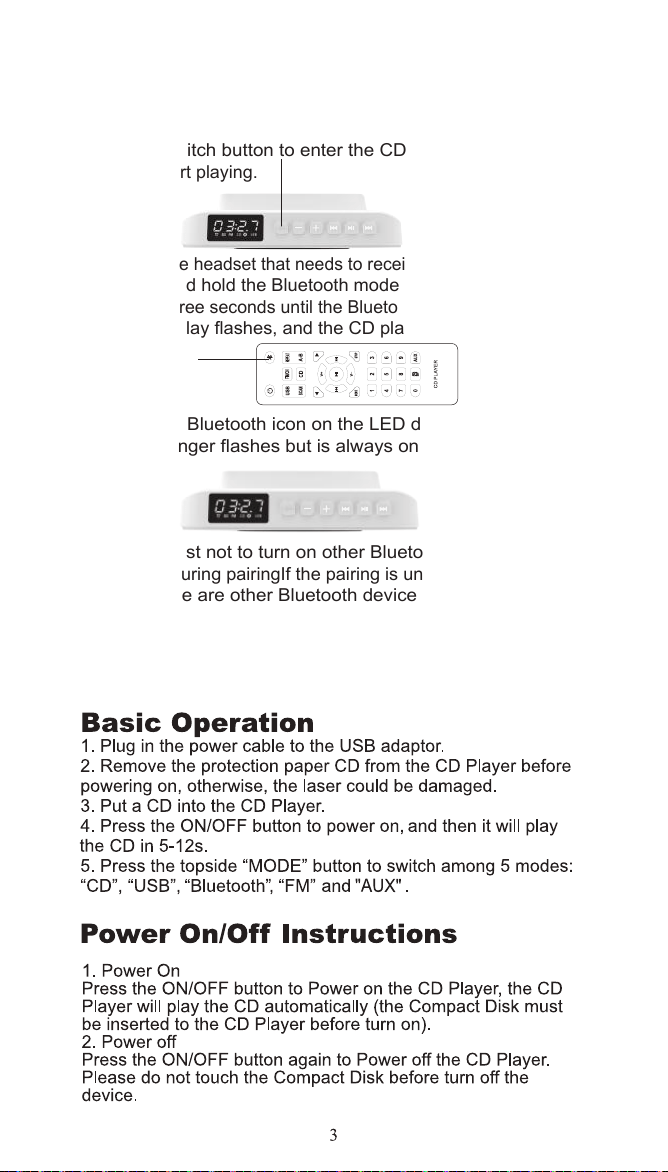
1. Insert a disc that conforms to the format and short press
the mode switch button to enter the CDMode (default is CD
mode) to start playing.
2. Turn on the headset that needs to receive Bluetooth signals,
and press and hold the Bluetooth mode button of the remote
control for three seconds until the Bluetooth icon player on the
CD LED display flashes, and the CD player enters Bluetooth
Transfer method.
3. When the Bluetooth icon on the LED display of the CD
player no longer flashes but is always onBluetooth pairing
succeeded.
Note: It is best not to turn on other Bluetooth devices within
ten meters during pairingIf the pairing is unsuccessful, please
check if there are other Bluetooth devices within ten meters
Open.
Bluetooth transmission
EN
MODE
MODE
CD PLAYER
EN
CD and USB mode.
EN
DE
DE
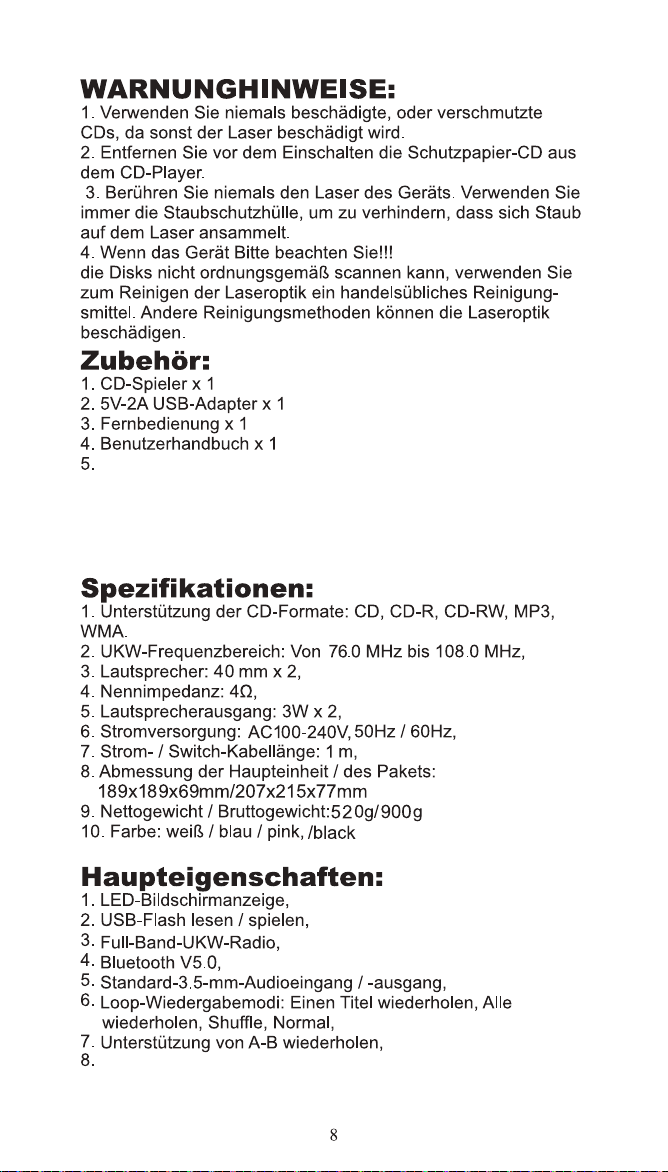
Typ-C-Netzkabel x 1
Geplantes Herunterfahren unterstützen
DE
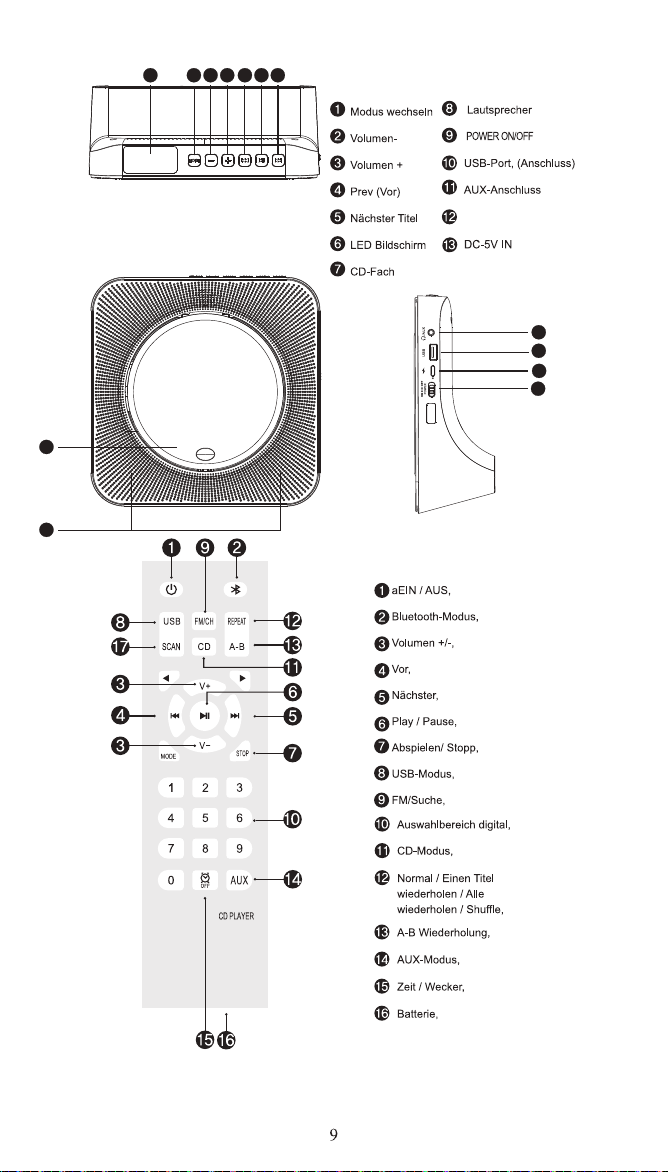
Spiel/pause
6 2 3 4 12
13
10
11
51
1
1
9
DE
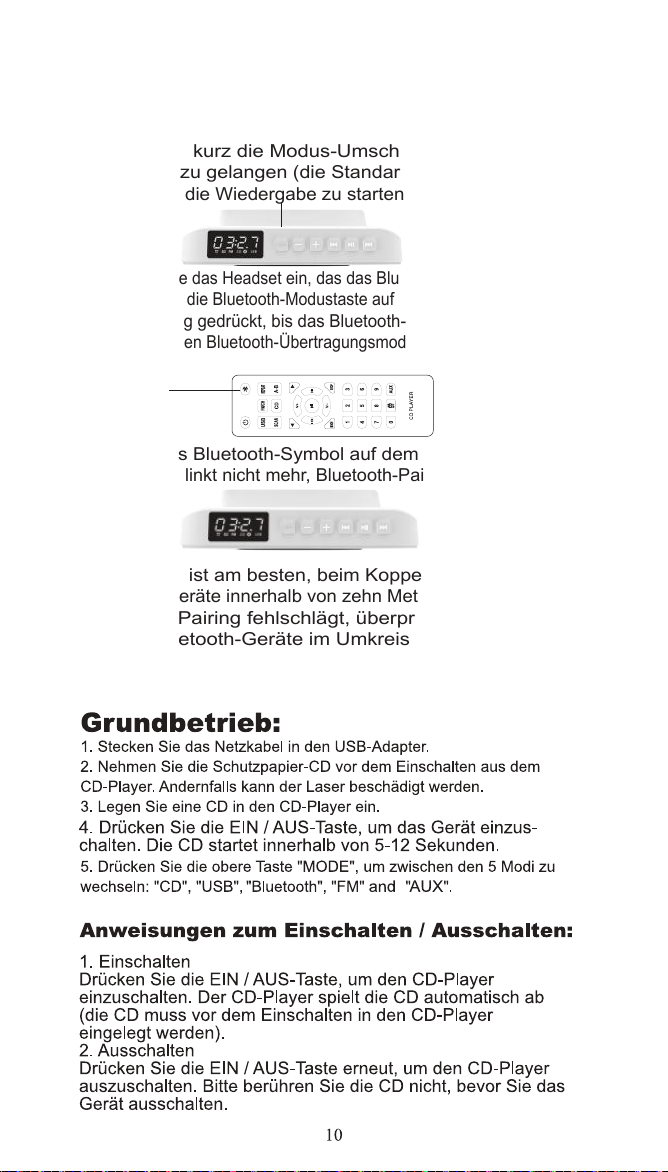
1. Legen Sie eine Disc ein, die dem Format entspricht,
drücken Sie kurz die Modus-Umschalttaste, um in den
CD-Modus zu gelangen (die Standardeinstellung ist CD
Modus), um die Wiedergabe zu starten.
2. Schalten Sie das Headset ein, das das Bluetooth-Signal empfängt,
und halten Sie die Bluetooth-Modustaste auf der Fernbedienung drei
Sekunden lang gedrückt, bis das Bluetooth-Symbol blinkt und der
CD-Player in den Bluetooth-Übertragungsmodus wechselt.
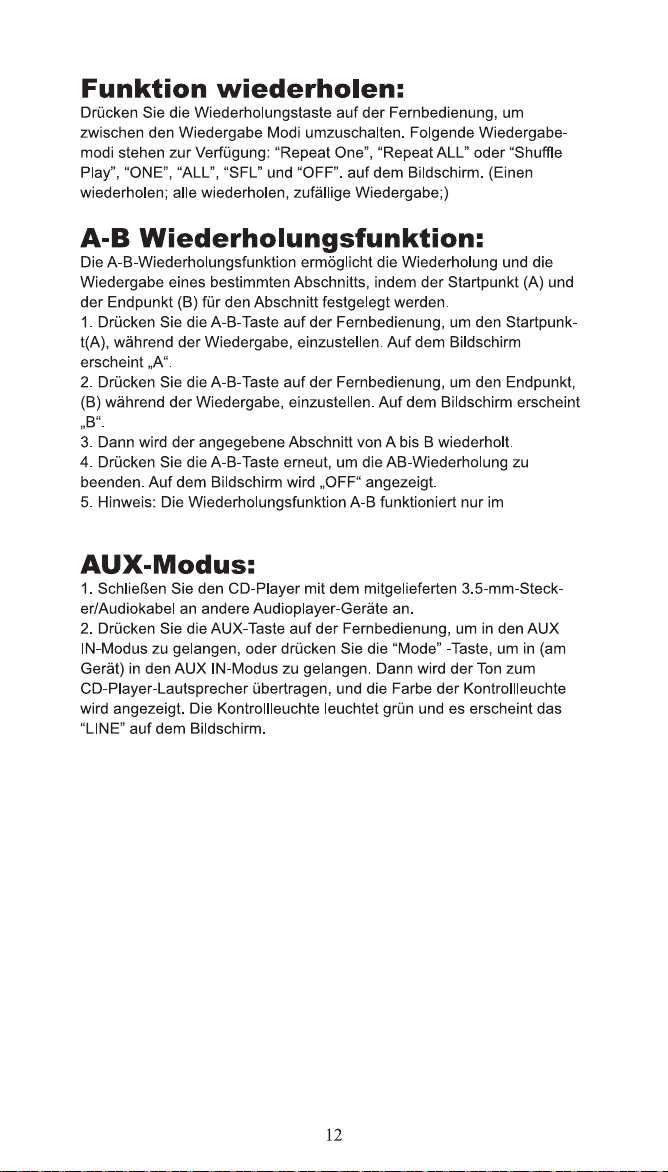
3. Wenn das Bluetooth-Symbol auf dem LED-Display des
CD-PlayersBlinkt nicht mehr, Bluetooth-Pairing ist erfolgreich
Hinweis: Es ist am besten, beim Koppeln keine anderen
Bluetooth-Geräte innerhalb von zehn Metern zu verwenden.
Wenn das Pairing fehlschlägt, überprüfen Sie bitte, ob
andere Bluetooth-Geräte im Umkreis von zehn Metern
eingeschaltet sind.
Bluetooth-Übertragung
DE
MODE
MODE
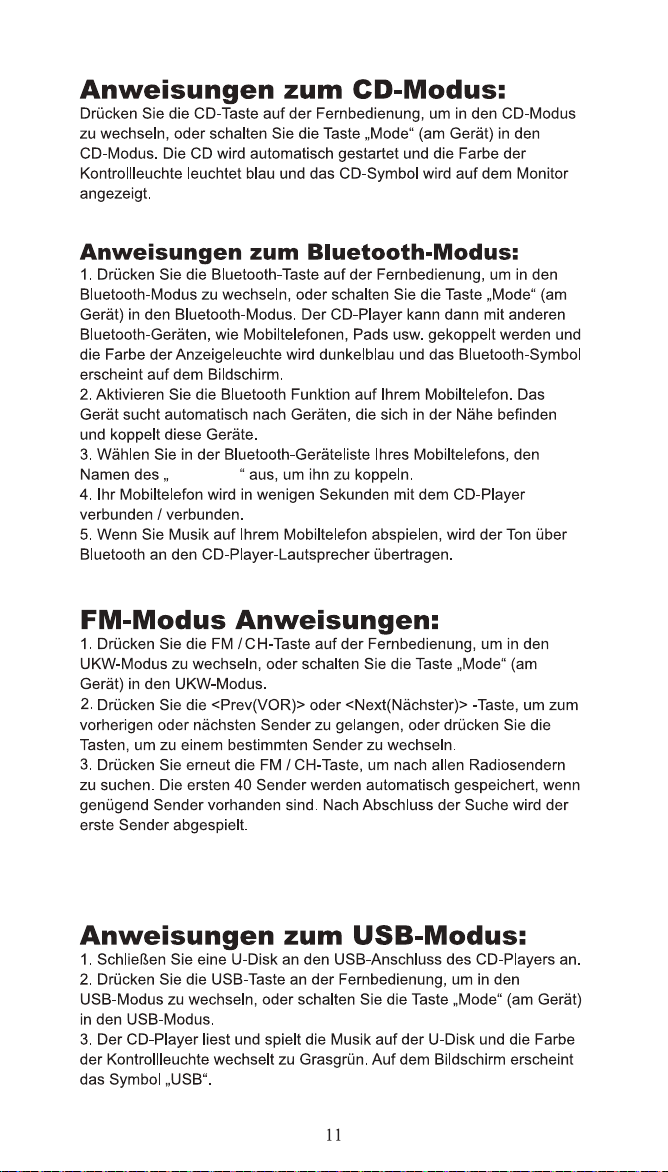
CD PLAYER
DE
CD-und USB-Modus.
DE
DE
FR
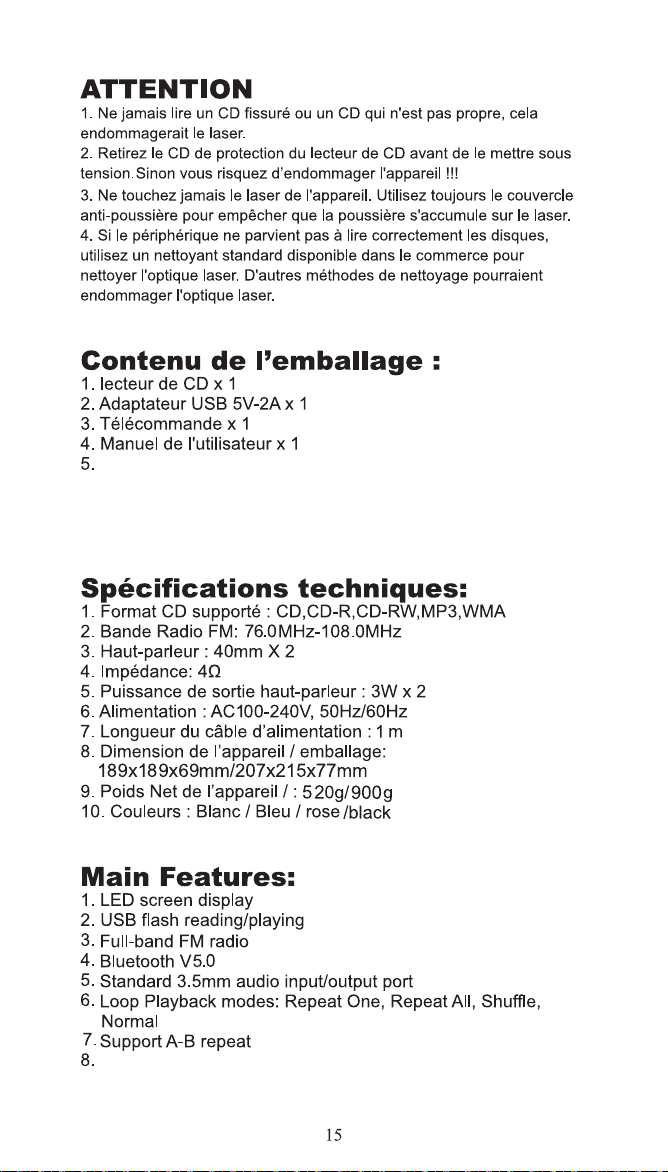
Cordon d'alimentation de type C x 1
Prise en charge de l'arrêt programmé
FR
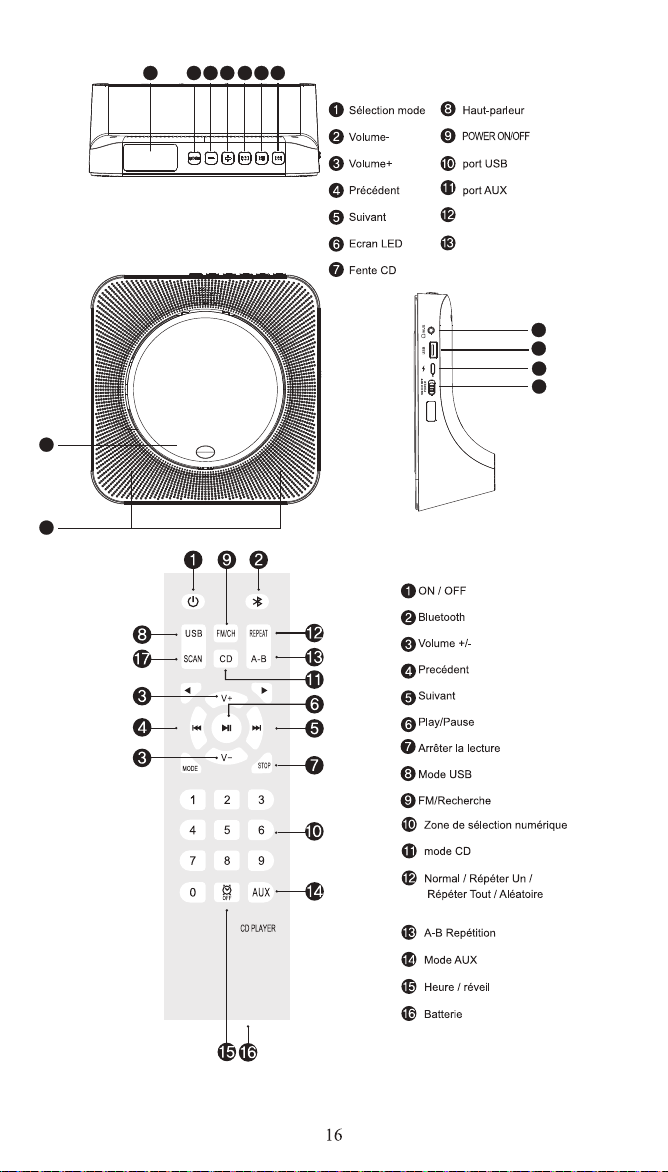
Jeu / pause
DC-5v dans
6 2 3 4 12
13
10
11
51
1
1
9
FR
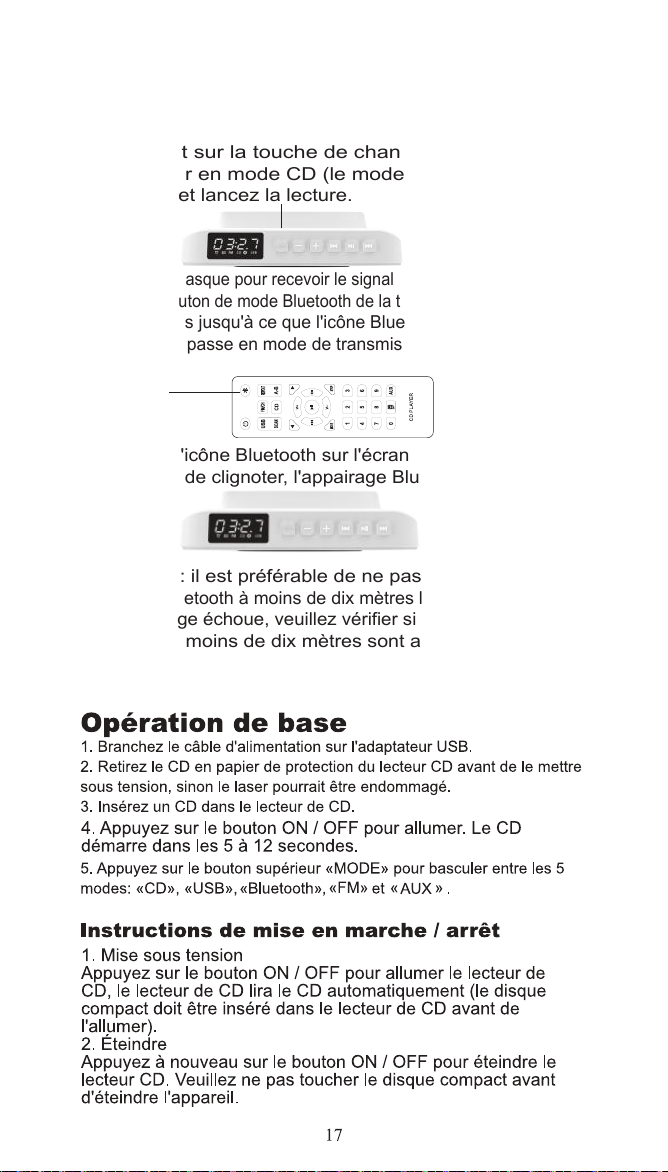
1. Insérez un disque conforme au format, appuyez
brièvement sur la touche de changement de mode
pour passer en mode CD (le mode par défaut est le
mode CD) et lancez la lecture.
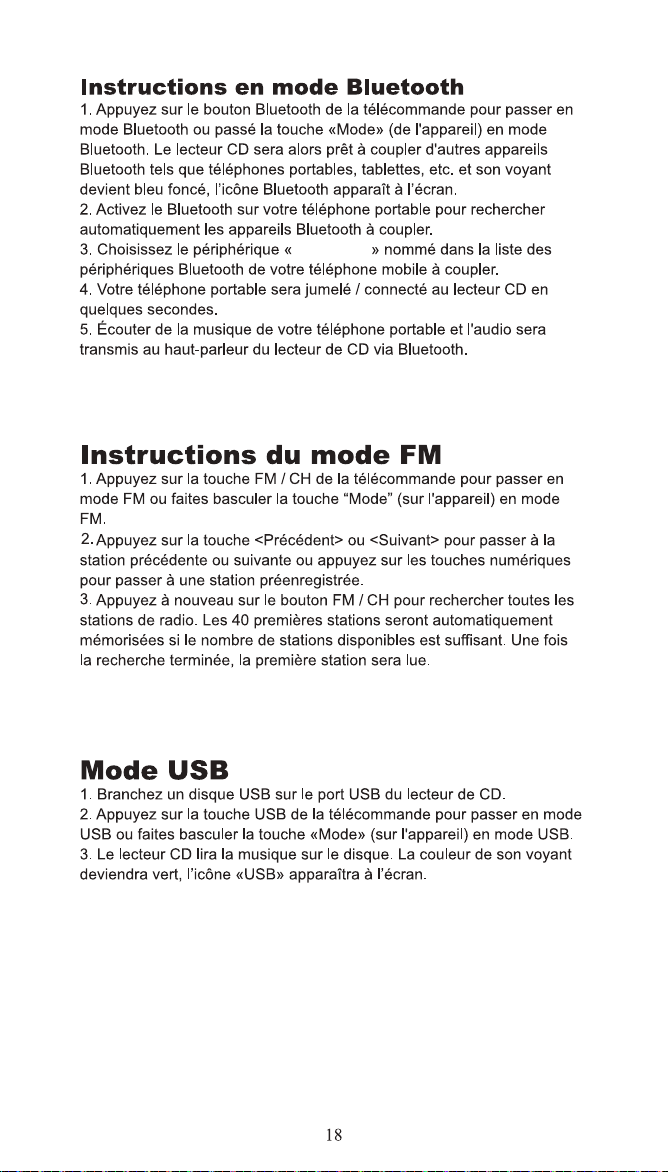
2. Allumez le casque pour recevoir le signal Bluetooth et maintenez
enfoncé le bouton de mode Bluetooth de la télécommande pendant
trois secondes jusqu'à ce que l'icône Bluetooth clignote et que
le lecteur CD passe en mode de transmission Bluetooth.
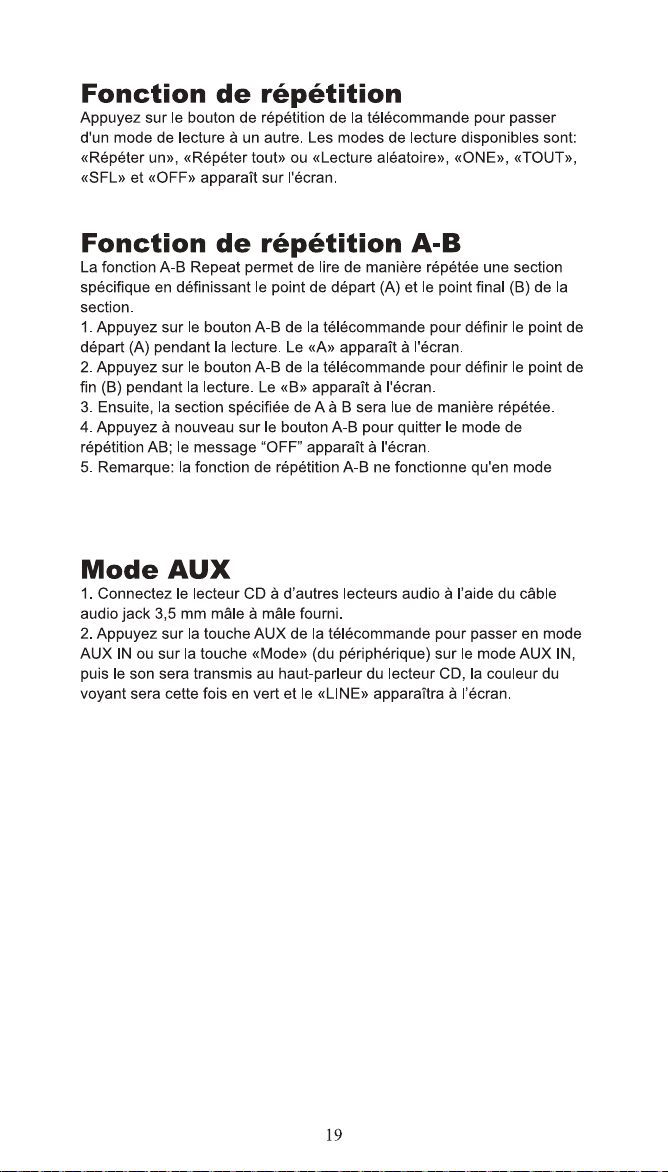
3. Lorsque l'icône Bluetooth sur l'écran LED et le lecteur
CD arrêtent de clignoter, l'appairage Bluetooth est réussi.
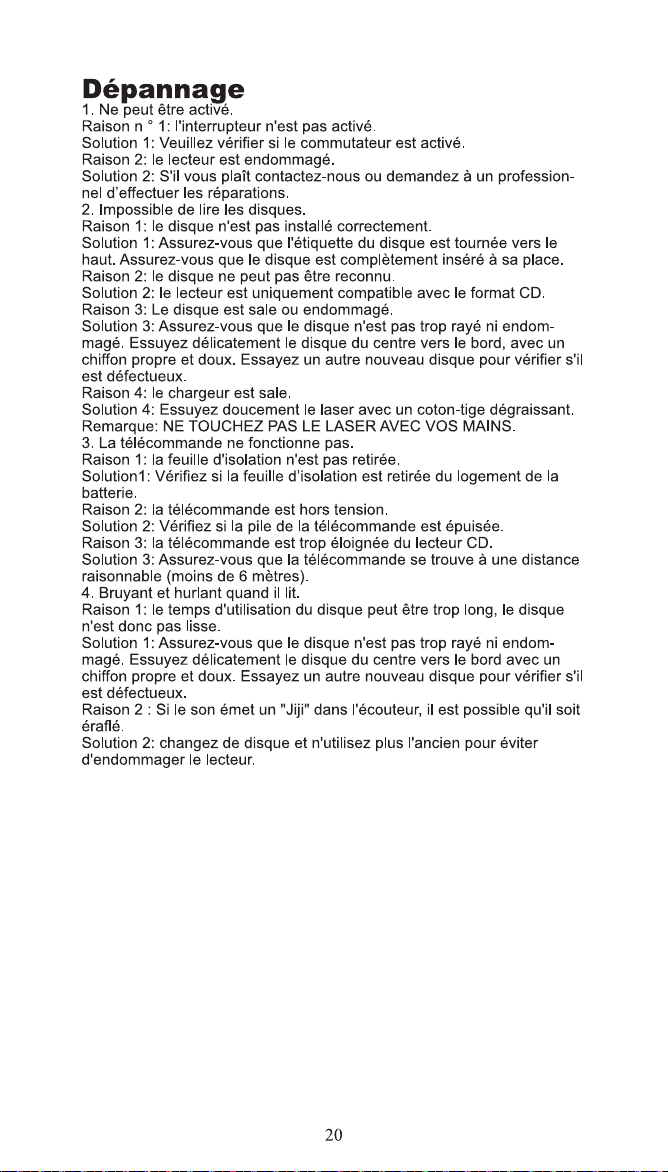
Remarque : il est préférable de ne pas utiliser d'autres
appareils Bluetooth à moins de dix mètres lors de l'appairage
.
Si l'appairage échoue, veuillez vérifier si d'autres appareils
Bluetooth à moins de dix mètres sont allumés.
Lancement Bluetooth
FR
MODE
MODE
CD PLAYER
FR
CD et USB.
FR
FR
IT
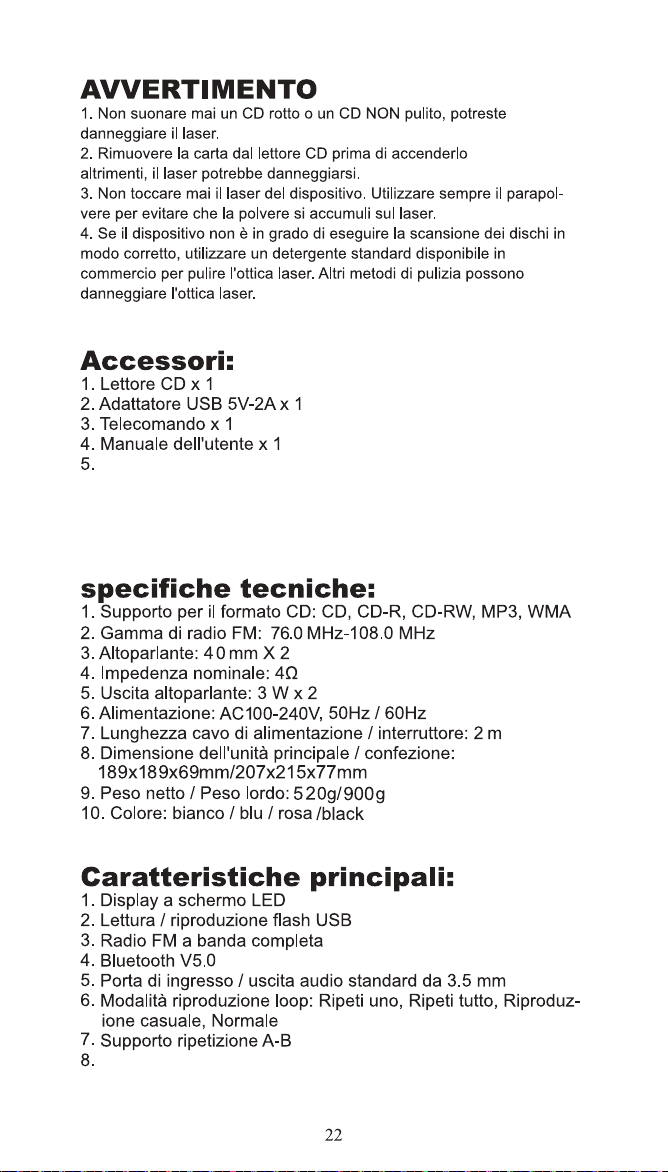
Cavo di alimentazione di tipo C x 1
Supporta l'arresto programmato
IT
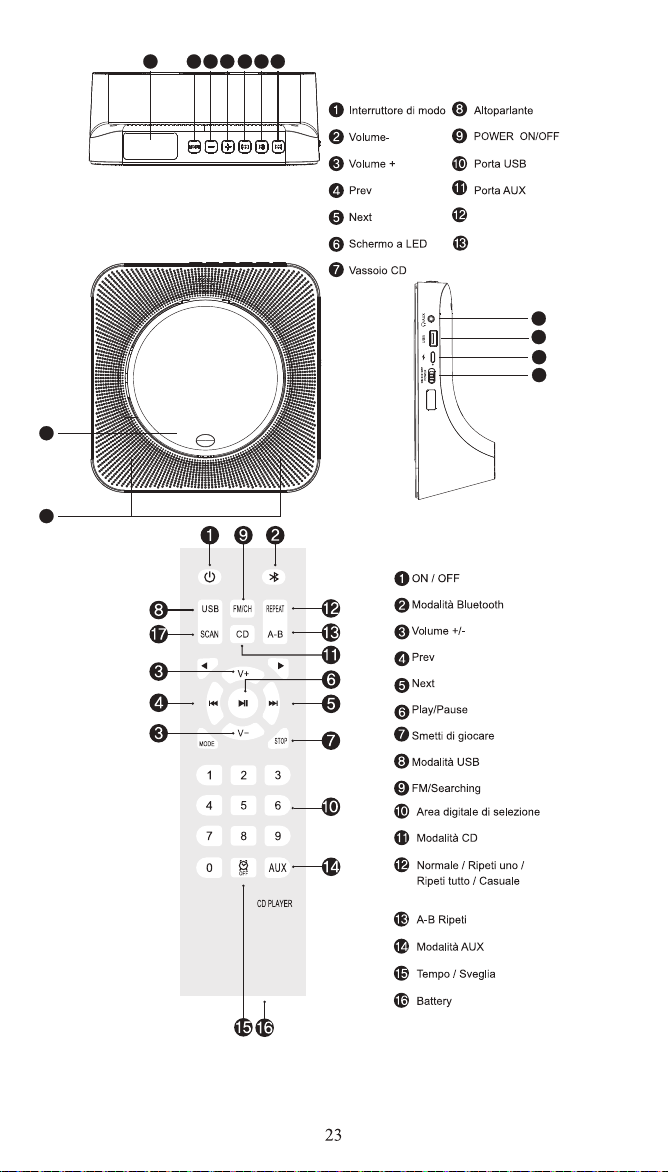
Gioco/pausa
DC-5v in
6 2 3 4 12
13
10
11
51
1
1
9
IT
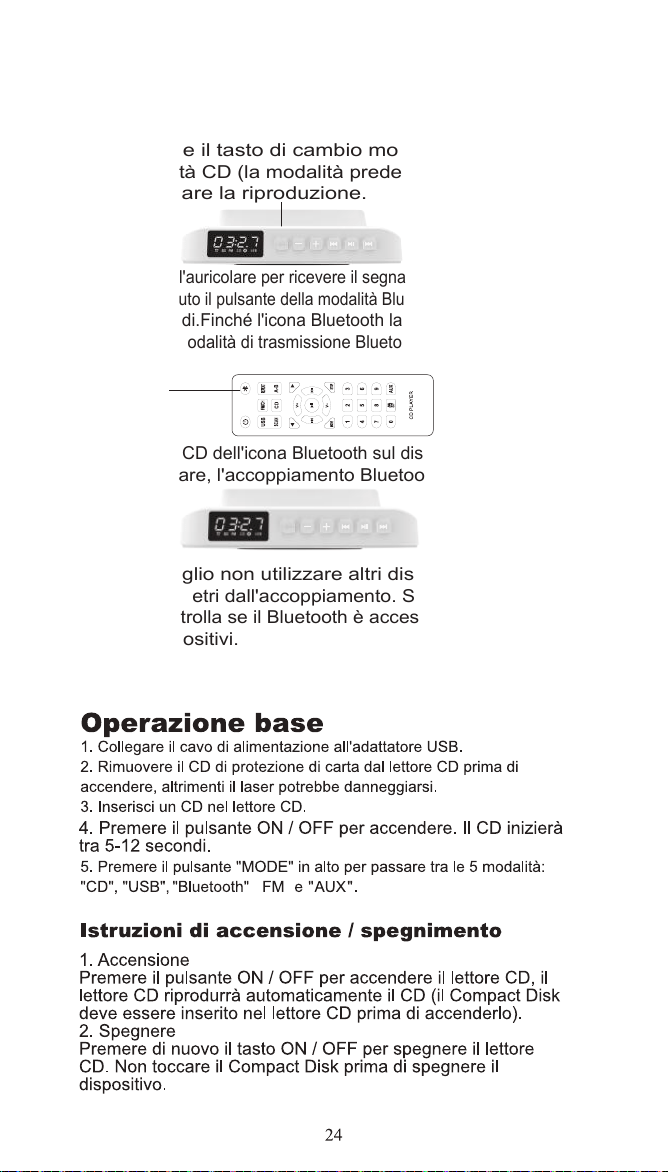
1. Inserire un disco conforme al formato, premere
brevemente il tasto di cambio modalità per passare
alla modalità CD (la modalità predefinita è la modalità
CD) e avviare la riproduzione.
2. Accendere l'auricolare per ricevere il segnale Bluetooth e premere
e tenere premuto il pulsante della modalità Bluetooth sul telecomando
per tre secondi.Finché l'icona Bluetooth lampeggia, il lettore CD
passerà alla modalità di trasmissione Bluetooth.
3. Quando il CD dell'icona Bluetooth sul display a LED smette
di lampeggiare, l'accoppiamento Bluetooth è riuscito.
Nota: è meglio non utilizzare altri dispositivi Bluetooth
entro dieci metri dall'accoppiamento. Se l'accoppiamento
fallisce, controlla se il Bluetooth è acceso entro dieci metri
da altri dispositivi.
Trasmissione Bluetooth
IT
MODE
MODE
CD PLAYER
IT
IT
JP
JP
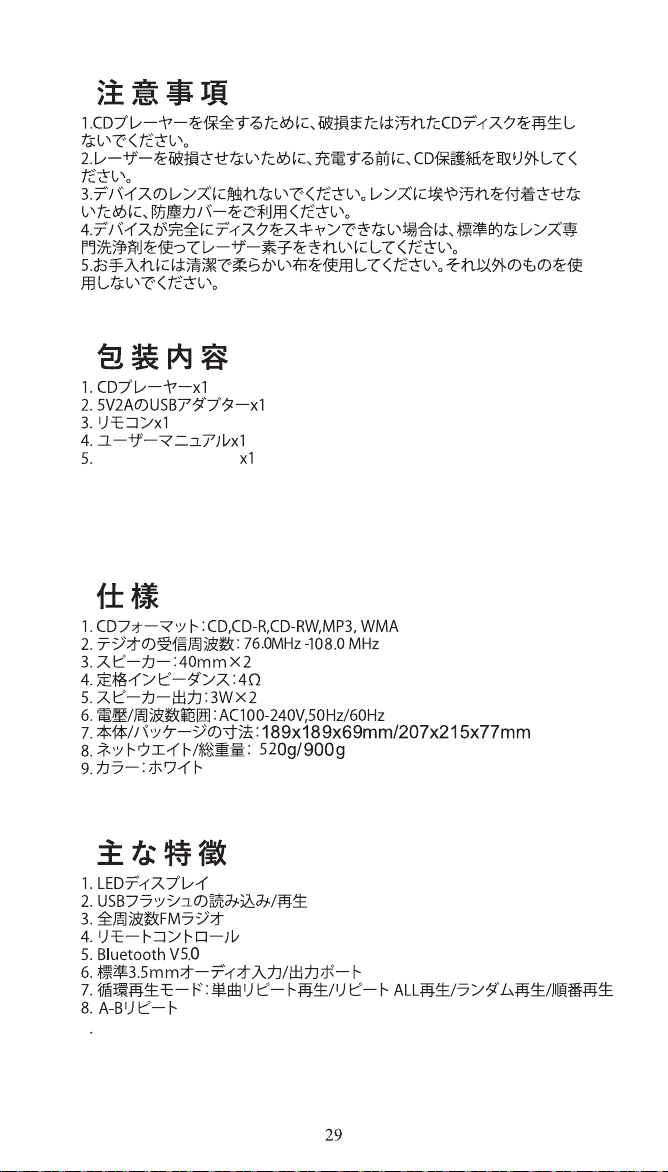
9
スケジュールされたシャットダウンをサポート
タイプc電源コード
JP
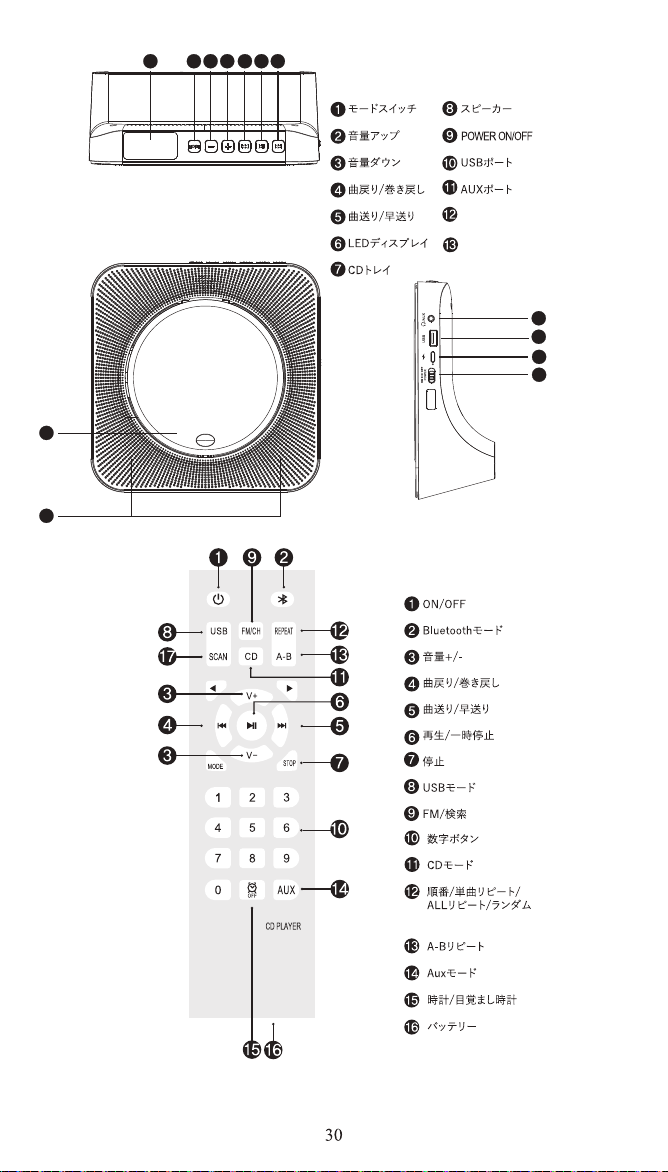
Gioco/pausa
DC-5vで
6 2 3 4 12
13
10
11
51
1
1
9
JP
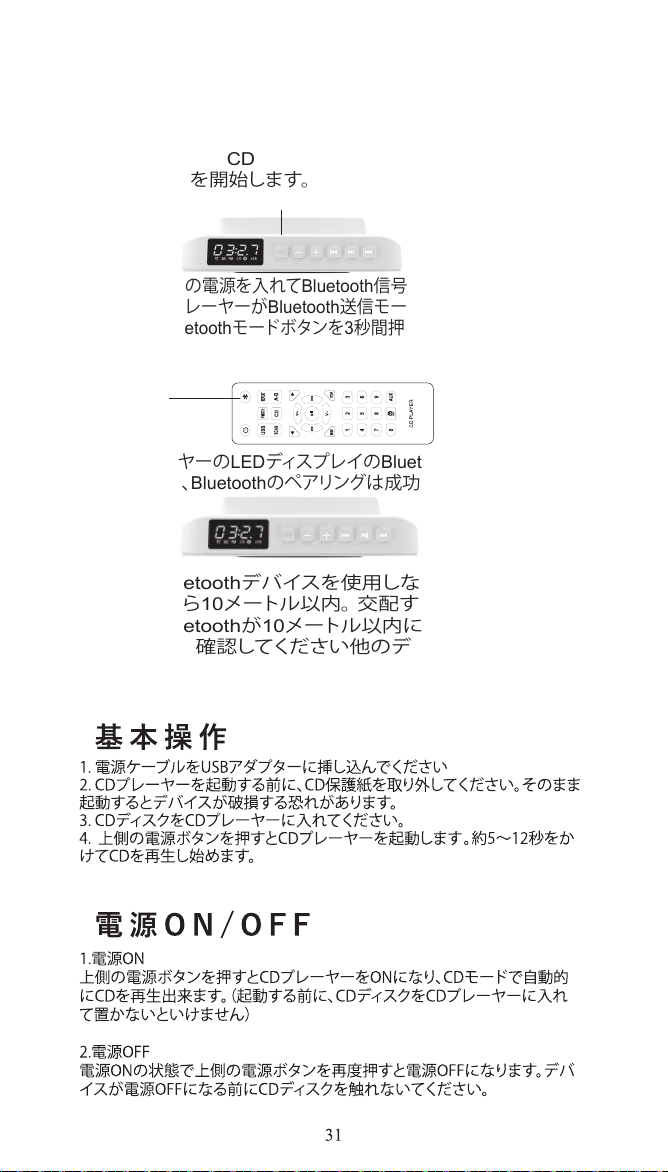
1.フォーマットに適合したディスクを挿入し、モード切り替
えボタンを押してCDモード(デフォルトモードはCD)に 切
り替えて再生を開始します。
2.ヘッドセットの電源を入れてBluetooth信号を受信し、アイコンが
点滅してCDプレーヤーがBluetooth送信モードに切り替わるまで、
リモコンのBluetoothモードボタンを3秒間押し続けます。
3. CDプレーヤーのLEDディスプレイのBluetoothアイコン の 点
滅が止まると、Bluetoothのペアリングは成功します。
注:他 の Bluetoothデバイスを使用しないことをお勧めし
ます交配から10メートル以内。 交配する場合失敗した
場合は、Bluetoothが10メートル以内にオンになってい
るかどうかを確認してください他のデバイスから。
Bluetoothエミッション
JP
MODE
MODE
JP
JP