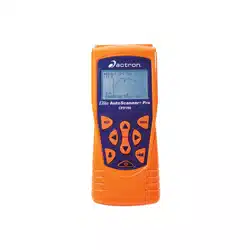
CP9185
CP9190
Elite AutoScanner
®
Elite AutoScanner
®
Pro
P/N 0002-001-2933

Copyright Information
Copyright © 2006-2007 SPX Corporation
All rights reserved.
The information, specifications and illustrations in this
guide are based on the latest information available at the
time of printing. SPX Corporation reserves the right to
make changes at any time without notice.
If you have questions or concerns Contact
Technical Support:
•Phone: 1-800-228-7667
•Website: www.actron.com
•Mail:SPX Service Solutions
• 15825 Industrial Parkway
• Cleveland, Ohio 44135
• Attn: Technical Support
Scan Tool Information
Complete the following list using
the function “Tool Information”.
Provide this information when
contacting customer support.
Serial No:
SW ID:
HW Ver:
Boot Ver:
Prod ID:
Board ID:
Burn Date:
Burn Loc:

ToC
i
Table of Contents
Safety Precautions
Important Safety Messages . . . . . . . . . . . . . . . . . . . . . . . . . . . . . . . Safety - iii
Section 1 – Using This Manual
Section 2 – Getting Started
Introduction . . . . . . . . . . . . . . . . . . . . . . . . . . . . . . . . . . . . . . . . . . . . . . . . . 2-1
Using the CD . . . . . . . . . . . . . . . . . . . . . . . . . . . . . . . . . . . . . . . . . . . . . . . . 2-2
Installing Applications On Included CD . . . . . . . . . . . . . . . . . . . . . . . . .. 2-3
Vehicle Service Information . . . . . . . . . . . . . . . . . . . . . . . . . . . . . . . . . . . . 2-4
Introduction to On-Board Diagnostics . . . . . . . . . . . . . . . . . . . . . . . . . . . . 2-6
SAE Publications . . . . . . . . . . . . . . . . . . . . . . . . . . . . . . . . . . . . . . . . . .. 2-7
Data Link Connector (DLC) . . . . . . . . . . . . . . . . . . . . . . . . . . . . . . . . . . . . . 2-9
OBD II (J1962) . . . . . . . . . . . . . . . . . . . . . . . . . . . . . . . . . . . . . . . . . . . .. 2-9
Ford Historic . . . . . . . . . . . . . . . . . . . . . . . . . . . . . . . . . . . . . . . . . . . .. 2-10
GM Historic . . . . . . . . . . . . . . . . . . . . . . . . . . . . . . . . . . . . . . . . . . . . .. 2-13
Chrysler Historic . . . . . . . . . . . . . . . . . . . . . . . . . . . . . . . . . . . . . . . . .. 2-14
OBD II Diagnostic Trouble Codes (DTCs) . . . . . . . . . . . . . . . . . . . . . . . . 2-15
Section 3– Using The Scan Tool
The Scan Tool . . . . . . . . . . . . . . . . . . . . . . . . . . . . . . . . . . . . . . . . . . . . . . . 3-1
Specifications . . . . . . . . . . . . . . . . . . . . . . . . . . . . . . . . . . . . . . . . . . . . . .3-2
Accessories for the Scan Tool . . . . . . . . . . . . . . . . . . . . . . . . . . . . . . . . .3-3
Display . . . . . . . . . . . . . . . . . . . . . . . . . . . . . . . . . . . . . . . . . . . . . . . . . . .3-4
Keypad . . . . . . . . . . . . . . . . . . . . . . . . . . . . . . . . . . . . . . . . . . . . . . . . . .3-4
Power . . . . . . . . . . . . . . . . . . . . . . . . . . . . . . . . . . . . . . . . . . . . . . . . . . .3-5
Scan Tool Power UP . . . . . . . . . . . . . . . . . . . . . . . . . . . . . . . . . . . . . . . . . . . 3-7
System Setup . . . . . . . . . . . . . . . . . . . . . . . . . . . . . . . . . . . . . . . . . . . . . . . . 3-7
Changing Measurement Units . . . . . . . . . . . . . . . . . . . . . . . . . . . . . . . . .3-8
Changing Display Contrast . . . . . . . . . . . . . . . . . . . . . . . . . . . . . . . . . . .3-9
Beeper . . . . . . . . . . . . . . . . . . . . . . . . . . . . . . . . . . . . . . . . . . . . . . . . . .3-10
Changing Auto-Power Off . . . . . . . . . . . . . . . . . . . . . . . . . . . . . . . . . . .3-11
View Tool Information . . . . . . . . . . . . . . . . . . . . . . . . . . . . . . . . . . . . . .3-12
Display Test . . . . . . . . . . . . . . . . . . . . . . . . . . . . . . . . . . . . . . . . . . . . . .3-13
Keyboard Test . . . . . . . . . . . . . . . . . . . . . . . . . . . . . . . . . . . . . . . . . . . .3-15
Memory Test. . . . . . . . . . . . . . . . . . . . . . . . . . . . . . . . . . . . . . . . . . . . . .3-15
Program Mode . . . . . . . . . . . . . . . . . . . . . . . . . . . . . . . . . . . . . . . . . . . .3-17
Connecting The Scan Tool. . . . . . . . . . . . . . . . . . . . . . . . . . . . . . . . . . . . . 3-17
Review Data . . . . . . . . . . . . . . . . . . . . . . . . . . . . . . . . . . . . . . . . . . . . . .3-18
Playback . . . . . . . . . . . . . . . . . . . . . . . . . . . . . . . . . . . . . . . . . . . . . . . . .3-19
Print Data . . . . . . . . . . . . . . . . . . . . . . . . . . . . . . . . . . . . . . . . . . . . . . . .3-21

ii
ToC
Code Lookup. . . . . . . . . . . . . . . . . . . . . . . . . . . . . . . . . . . . . . . . . . . . . 3-23
Setup User Key. . . . . . . . . . . . . . . . . . . . . . . . . . . . . . . . . . . . . . . . . . . 3-26
Vehicle Selection . . . . . . . . . . . . . . . . . . . . . . . . . . . . . . . . . . . . . . . . . 3-27
Section 4 – Global OBD II Diagnostics
Global OBD II Diagnostics . . . . . . . . . . . . . . . . . . . . . . . . . . . . . . . . . . . . . . 4-1
Global Function List . . . . . . . . . . . . . . . . . . . . . . . . . . . . . . . . . . . . . . . . . . . 4-2
Datastream Menu . . . . . . . . . . . . . . . . . . . . . . . . . . . . . . . . . . . . . . . . . . . . . 4-3
View Data . . . . . . . . . . . . . . . . . . . . . . . . . . . . . . . . . . . . . . . . . . . . . . . . 4-4
Record Data . . . . . . . . . . . . . . . . . . . . . . . . . . . . . . . . . . . . . . . . . . . . . . 4-9
Diagnostic Codes Menu . . . . . . . . . . . . . . . . . . . . . . . . . . . . . . . . . . . . . . . 4-12
Read Codes . . . . . . . . . . . . . . . . . . . . . . . . . . . . . . . . . . . . . . . . . . . . . 4-12
Pending Codes . . . . . . . . . . . . . . . . . . . . . . . . . . . . . . . . . . . . . . . . . . 4-14
Erase Codes . . . . . . . . . . . . . . . . . . . . . . . . . . . . . . . . . . . . . . . . . . . . 4-16
View Freeze Data . . . . . . . . . . . . . . . . . . . . . . . . . . . . . . . . . . . . . . . . 4-18
Special Tests Menu. . . . . . . . . . . . . . . . . . . . . . . . . . . . . . . . . . . . . . . . . . . 4-19
I/M Readiness . . . . . . . . . . . . . . . . . . . . . . . . . . . . . . . . . . . . . . . . . . . 4-20
Drive Cycle Monitor . . . . . . . . . . . . . . . . . . . . . . . . . . . . . . . . . . . . . . . 4-23
State OBD Check . . . . . . . . . . . . . . . . . . . . . . . . . . . . . . . . . . . . . . . . . 4-26
O2 Monitor Test . . . . . . . . . . . . . . . . . . . . . . . . . . . . . . . . . . . . . . . . . . 4-27
Diagnostic Monitor Tests . . . . . . . . . . . . . . . . . . . . . . . . . . . . . . . . . . . 4-30
On-Board Systems . . . . . . . . . . . . . . . . . . . . . . . . . . . . . . . . . . . . . . . . 4-33
Vehicle Info . . . . . . . . . . . . . . . . . . . . . . . . . . . . . . . . . . . . . . . . . . . . . 4-34
Modules Present . . . . . . . . . . . . . . . . . . . . . . . . . . . . . . . . . . . . . . . . . 4-37
Section 5 – GM Diagnostics
GM Historic (OBD I) Diagnostics . . . . . . . . . . . . . . . . . . . . . . . . . . . . . . . . . 5-1
GM Function List. . . . . . . . . . . . . . . . . . . . . . . . . . . . . . . . . . . . . . . . . . . 5-1
Datastream Menu . . . . . . . . . . . . . . . . . . . . . . . . . . . . . . . . . . . . . . . . . . . . . 5-2
View Data . . . . . . . . . . . . . . . . . . . . . . . . . . . . . . . . . . . . . . . . . . . . . . . . 5-3
Record Data . . . . . . . . . . . . . . . . . . . . . . . . . . . . . . . . . . . . . . . . . . . . . . 5-4
Diagnostic Codes Menu . . . . . . . . . . . . . . . . . . . . . . . . . . . . . . . . . . . . . . . . 5-6
Read Codes . . . . . . . . . . . . . . . . . . . . . . . . . . . . . . . . . . . . . . . . . . . . . . 5-7
Erase Codes . . . . . . . . . . . . . . . . . . . . . . . . . . . . . . . . . . . . . . . . . . . . . . 5-8
Special Tests Menu. . . . . . . . . . . . . . . . . . . . . . . . . . . . . . . . . . . . . . . . . . . 5-10
Field Service . . . . . . . . . . . . . . . . . . . . . . . . . . . . . . . . . . . . . . . . . . . . . 5-11
GM Enhanced (OBD II) Diagnostics. . . . . . . . . . . . . . . . . . . . . . . . . . . . . . 5-14
GM Function List for OBD II . . . . . . . . . . . . . . . . . . . . . . . . . . . . . . . . . 5-16
Diagnostic Codes Menu . . . . . . . . . . . . . . . . . . . . . . . . . . . . . . . . . . . . . . . 5-16
Read Codes . . . . . . . . . . . . . . . . . . . . . . . . . . . . . . . . . . . . . . . . . . . . . 5-16
Erase Codes . . . . . . . . . . . . . . . . . . . . . . . . . . . . . . . . . . . . . . . . . . . . . 5-18
Section 6 – Ford Diagnostics
Ford Historic (OBD I) Diagnostics . . . . . . . . . . . . . . . . . . . . . . . . . . . . . . . . 6-1
Ford Function List . . . . . . . . . . . . . . . . . . . . . . . . . . . . . . . . . . . . . . . . . . 6-1
Datastream Menu . . . . . . . . . . . . . . . . . . . . . . . . . . . . . . . . . . . . . . . . . . . . . 6-3
View Data . . . . . . . . . . . . . . . . . . . . . . . . . . . . . . . . . . . . . . . . . . . . . . . . 6-3
Record Data . . . . . . . . . . . . . . . . . . . . . . . . . . . . . . . . . . . . . . . . . . . . . . 6-4

ToC
iii
Diagnostic Codes Menu . . . . . . . . . . . . . . . . . . . . . . . . . . . . . . . . . . . . . . . . 6-6
Read KOEO Codes . . . . . . . . . . . . . . . . . . . . . . . . . . . . . . . . . . . . . . . . .6-7
Read KOER Codes . . . . . . . . . . . . . . . . . . . . . . . . . . . . . . . . . . . . . . . . .6-9
Erase Codes. . . . . . . . . . . . . . . . . . . . . . . . . . . . . . . . . . . . . . . . . . . . . .6-13
IVSC-Speed Ctrl (EEC_IV Vehicles) . . . . . . . . . . . . . . . . . . . . . . . . . . .6-16
On Demand Test Menu . . . . . . . . . . . . . . . . . . . . . . . . . . . . . . . . . . . . . . . . 6-19
Wiggle Test (EEC_IV Vehicles) . . . . . . . . . . . . . . . . . . . . . . . . . . . . . . .6-20
Output Switch Test (EEC_IV Vehicles) . . . . . . . . . . . . . . . . . . . . . . . . .6-22
Cylinder (Cyl) Balance Test (EEC_IV Vehicles) . . . . . . . . . . . . . . . . . . .6-24
STAR Test Mode (EEC_IV, MECS and MCU Vehicles). . . . . . . . . . . . .6-27
Ford Enhanced (OBD II) Diagnostics . . . . . . . . . . . . . . . . . . . . . . . . . . . . 6-29
Ford Function List. . . . . . . . . . . . . . . . . . . . . . . . . . . . . . . . . . . . . . . . . .6-29
Diagnostic Codes Menu . . . . . . . . . . . . . . . . . . . . . . . . . . . . . . . . . . . . . . . 6-31
Read Codes . . . . . . . . . . . . . . . . . . . . . . . . . . . . . . . . . . . . . . . . . . . . . .6-31
Section 7 – Chrysler Diagnostics
Chrysler Diagnostics . . . . . . . . . . . . . . . . . . . . . . . . . . . . . . . . . . . . . . . . . . 7-1
Chrysler Function List. . . . . . . . . . . . . . . . . . . . . . . . . . . . . . . . . . . . . . . .7-1
Datastream Menu . . . . . . . . . . . . . . . . . . . . . . . . . . . . . . . . . . . . . . . . . . . . . 7-4
View Data . . . . . . . . . . . . . . . . . . . . . . . . . . . . . . . . . . . . . . . . . . . . . . . .7-4
Record Data . . . . . . . . . . . . . . . . . . . . . . . . . . . . . . . . . . . . . . . . . . . . . . .7-6
Sensor Test . . . . . . . . . . . . . . . . . . . . . . . . . . . . . . . . . . . . . . . . . . . . . . .7-7
Diagnostic Codes Menu . . . . . . . . . . . . . . . . . . . . . . . . . . . . . . . . . . . . . . . . 7-8
Read Codes . . . . . . . . . . . . . . . . . . . . . . . . . . . . . . . . . . . . . . . . . . . . . . .7-8
Erase Codes. . . . . . . . . . . . . . . . . . . . . . . . . . . . . . . . . . . . . . . . . . . . . .7-10
Device Controls Menu . . . . . . . . . . . . . . . . . . . . . . . . . . . . . . . . . . . . . . . . 7-11
Switch Test . . . . . . . . . . . . . . . . . . . . . . . . . . . . . . . . . . . . . . . . . . . . . . .7-11
Actuator Test . . . . . . . . . . . . . . . . . . . . . . . . . . . . . . . . . . . . . . . . . . . . .7-12
Idle Speed Test . . . . . . . . . . . . . . . . . . . . . . . . . . . . . . . . . . . . . . . . . . .7-14
Section 8 – Import Diagnostics
Import (OBD II) Diagnostics. . . . . . . . . . . . . . . . . . . . . . . . . . . . . . . . . . . . . 8-1
Import Function List . . . . . . . . . . . . . . . . . . . . . . . . . . . . . . . . . . . . . . . . .8-1
Diagnostic Codes Menu . . . . . . . . . . . . . . . . . . . . . . . . . . . . . . . . . . . . . . . . 8-2
Read Codes . . . . . . . . . . . . . . . . . . . . . . . . . . . . . . . . . . . . . . . . . . . . . . .8-3
Section 9 – Troubleshooting
How to Use On-Line Help. . . . . . . . . . . . . . . . . . . . . . . . . . . . . . . . . . . . . . . 9-1
Error Messages. . . . . . . . . . . . . . . . . . . . . . . . . . . . . . . . . . . . . . . . . . . . . . . 9-2
Scan Tool Does Not Power Up . . . . . . . . . . . . . . . . . . . . . . . . . . . . . . . . . . 9-2
Vehicle Communication Fault . . . . . . . . . . . . . . . . . . . . . . . . . . . . . . . . . . . 9-3
Operating Error or Erroneous Data . . . . . . . . . . . . . . . . . . . . . . . . . . . . . . 9-4
Battery Replacement . . . . . . . . . . . . . . . . . . . . . . . . . . . . . . . . . . . . . . . . . . 9-5
Tool Self-Tests . . . . . . . . . . . . . . . . . . . . . . . . . . . . . . . . . . . . . . . . . . . . . . . 9-6
Technical Support. . . . . . . . . . . . . . . . . . . . . . . . . . . . . . . . . . . . . . . . . . . . . 9-6
Appendix A – PID Definitions
Appendix B – Data Link Connectors

iv
ToC
Appendix C – Glossary
• • • • • • • • • • • • • • • • • • • • • • • • • • • • • • • • • • • • • • • • • • • • • • • • • • • • • • Safety – i
!
Safety Precautions
For your safety, read this manual thoroughly before operating your
Scan Tool. Always refer to and follow safety messages and test
procedures provided by the manufacturer of the vehicle or equipment
being tested.
The safety messages presented below and throughout this user’s
manual are reminders to the operator to exercise extreme care when
using this test instrument.
Read All Instructions
Read, understand and follow all safety messages and instructions in
this manual and on the test equipment. Safety messages in this section
of the manual contain a signal word with a three-part message and, in
some instances, an icon.
Safety Messages
Safety messages are provided to help prevent personal injury and
equipment damage. All safety messages are introduced by a signal
word. The signal word indicates the level of the hazard in a situation.
The types of safety messages are.
Indicates a possible hazardous situation which, if not
avoided, will result in death or serious injury to
operator or bystanders.
Indicates a possible hazardous situation which, if not
avoided, could result in death or serious injury to
operator or bystanders.
Indicates a possible hazardous situation which, if not
avoided, may result in moderate or minor injury to
operator or bystanders.
Indicates a condition which, if not avoided, may result
in damage to test equipment or vehicle.
!
DANGER
!
WARNING
!
CAUTION
IMPORTANT
Safety Precautions
Safety – ii • • • • • • • • • • • • • • • • • • • • • • • • • • • • • • • • • • • • • • • • • • • • • • • • • • • • •
!
Type Styles Used:
Safety messages contain three different type styles.
• Normal type states the hazard.
• Bold type states how to avoid the hazard.
• Italic type states the possible consequences of not avoiding the
hazard.
Icons used:
An icon, when present, gives a graphical description of a potential
hazard.
Example:
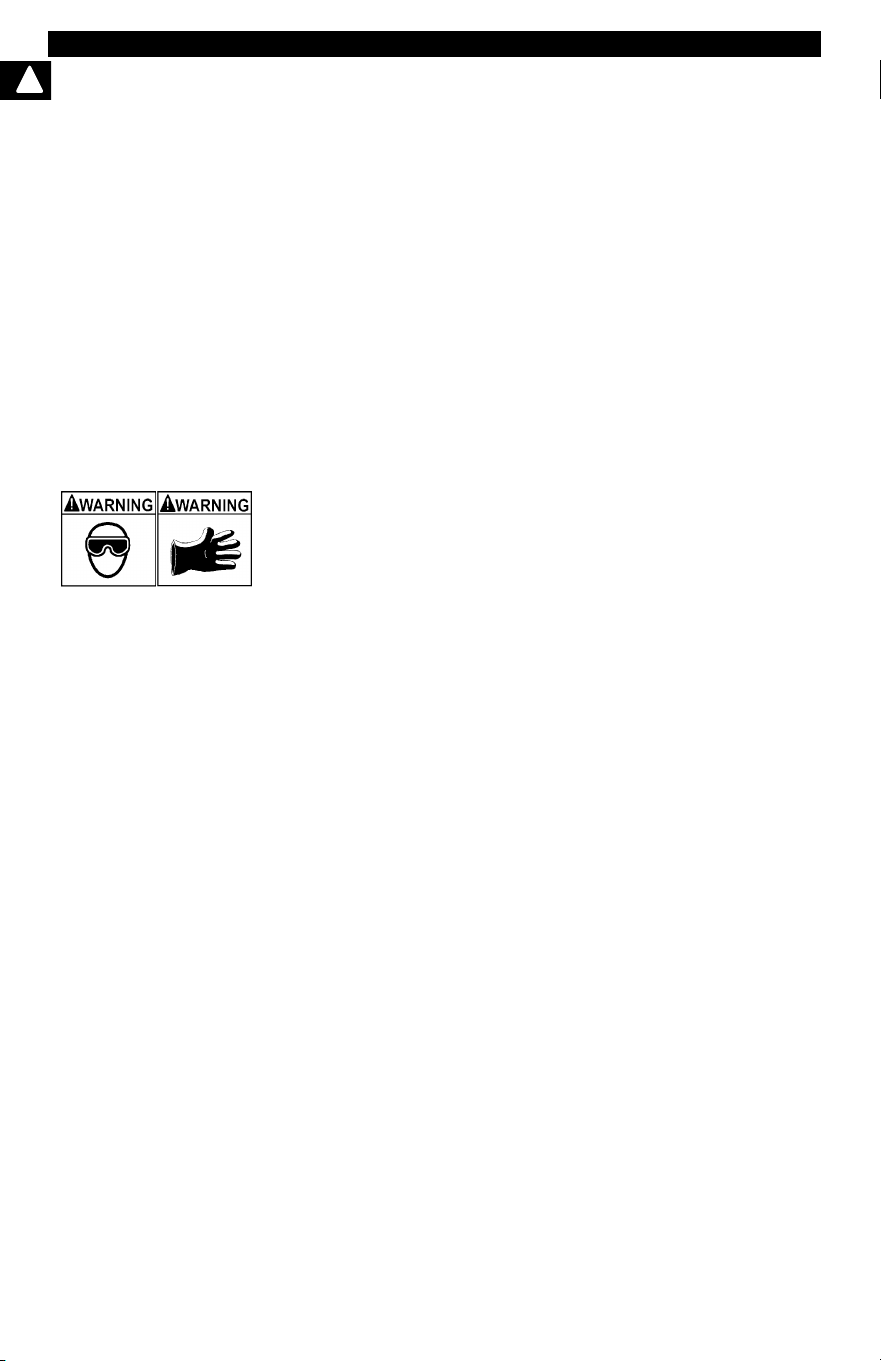
Engine systems can malfunction expelling fuel, oil
vapors, hot steam, hot toxic exhaust gases, acid,
refrigerant and other debris.
Safety goggles and protective gloves must be worn
by the operator and any bystanders. Even if everyday
eyeglasses have impact resistant lenses, they are
NOT safety glasses.
Engine systems that malfunction can cause injury.
• • • • • • • • • • • • • • • • • • • • • • • • • • • • • • • • • • • • • • • • • • • • • • • • • • • • • Safety – iii
Safety Precautions
!
Important Safety Messages
Risk of electric shock.
• Do not exceed voltage limits between inputs
indicated in the Specifications.
• Use extreme caution when working with circuits that
have voltage greater than 60 volts DC or 24 volts
AC.
Electric shock can cause injury.
Risk of explosion.
• Safety goggles and protective clothing must be
worn by the operator and any bystanders.
- Even if everyday glasses have impact resistant
lenses, they are NOT safety glasses, and may not
provide adequate protection.
• Do not use this scan tool in environments where
explosive vapors may collect. These areas include:
- below-ground pits.
- confined areas.
- areas that are less than 18 inches above floor.
• Use this Scan Tool in locations with mechanical
ventilation providing at least 4 air changes per hour.
• Flammable fuel and vapors can ignite.
• Do not smoke, strike a match, or cause a spark in
the vicinity of the battery. Battery gases can ignite.
!
WARNING
Safety Precautions
Safety – iv • • • • • • • • • • • • • • • • • • • • • • • • • • • • • • • • • • • • • • • • • • • • • • • • • • • •
!
• Avoid making an accidental connection between the
battery terminals. Do not place uninsulated metal
tools on the battery.
• When removing battery cables, remove the ground
cable first.
• Avoid sparks when connecting or disconnecting
power leads to the battery.
• Make sure ignition is off, headlights and other
accessories are off and vehicle doors are closed
before disconnecting the battery cables.
-
This also helps prevent damage to on-board computer sys-
tems.
• Always disconnect the battery ground connections
before servicing electrical system components.
Explosion can cause injury.
Risk of poisoning.
• Use this Scan Tool in locations with mechanical
ventilation providing at least 4 air changes per hour.
Engine exhaust contains odorless gas which can be
lethal.
• Route the exhaust outside while testing with the
engine running.
Poisoning can result in death or serious injury.
!
WARNING
• • • • • • • • • • • • • • • • • • • • • • • • • • • • • • • • • • • • • • • • • • • • • • • • • • • • • Safety – v
Safety Precautions
!
Battery acid is a highly corrosive sulfuric acid.
• Safety goggles and protective gloves must be worn
by the operator and any bystanders.
- Even if your everyday glasses have impact resistant
lenses, they are NOT safety glasses, and may not
provide adequate protection.
• Make sure someone can hear you or is close enough
to provide aid when working near a battery.
• Have plenty of fresh water and soap nearby.
- If battery acid contacts skin, clothing, or eyes, flush
exposed area with soap and water for 10 minutes.
Seek medical help.
• Do not touch eyes while working near battery.
Battery acid can burn eyes and skin.
!
WARNING
Safety Precautions
Safety – vi • • • • • • • • • • • • • • • • • • • • • • • • • • • • • • • • • • • • • • • • • • • • • • • • • • • •
!
Risk of fire.
• Safety goggles and protective clothing must be
worn by the operator and any bystanders.
- Even if your everyday glasses have impact resistant
lenses, they are NOT safety glasses, and may not
provide adequate protection.
• Do not position your head directly in front of or over
the throttle body.
• Do not pour gasoline down the throttle body when
cranking or running the engine, when working with
fuel delivery systems or any open fuel line.
- Engine backfire can occur when the air cleaner is out
of position.
• Do not use fuel injector cleaning solvents when
performing diagnostic testing.
• Keep cigarettes, sparks, open flame and other
sources of ignition away from vehicle.
• Keep a dry chemical (Class B) fire extinguisher rated
for gasoline, chemical and electrical fires in work
area.
Fire can cause death or serious injury.
Risk of flying particles.
• Safety goggles and protective gloves must be worn
by the operator and any bystanders while using
electrical equipment.
- Electrical equipment or rotating engine parts can
cause flying particles.
- Even if your everyday glasses have impact resistant
lenses, they are NOT safety glasses, and may not
provide adequate protection.
Flying particles can cause eye injury.
• • • • • • • • • • • • • • • • • • • • • • • • • • • • • • • • • • • • • • • • • • • • • • • • • • • • Safety – vii
Safety Precautions
!
Risk of burns.
• Batteries can produce a short-circuit current high
enough to weld jewelry to metal.
- Remove jewelry such as rings, bracelets and
watches before working near batteries.
Short circuits can cause injury.
Risk of burns.
• Do not remove radiator cap unless engine is cold.
- Pressurized engine coolant may be hot.
• Do not touch hot exhaust systems, manifolds,
engines, radiators, sample probe.
• Wear insulated gloves when handling hot engine
components.
• Tester leads can become hot after extended testing
in close proximity to manifolds.
Hot components can cause injury.
Risk of expelling fuel, oil vapors, hot steam, hot toxic
exhaust gases, acid, refrigerant and other debris.
• Safety goggles and protective clothing must be
worn by the operator and any bystanders.
- Even if your everyday glasses have impact resistant
lenses, they are NOT safety glasses, and may not
provide adequate protection.
• Engine systems can malfunction, expelling fuel, oil
vapors, hot steam, hot toxic exhaust gases, acid,
refrigerant and other debris.
Fuel, oil vapors, hot steam, hot toxic exhaust gases,
acid, refrigerant and other debris can cause serious
injury.
!
WARNING
Safety Precautions
Safety – viii• • • • • • • • • • • • • • • • • • • • • • • • • • • • • • • • • • • • • • • • • • • • • • • • • • • •
!
Engine compartment contains electrical connections and
hot or moving parts.
• Keep yourself, test leads, clothing and other objects
clear of electrical connections and hot or moving
engine parts.
• Do not wear watches, rings, or loose fitting clothing
when working in an engine compartment.
• Do not place tools or test equipment on fenders or
other places in engine compartment.
• Barriers are recommended to help identify danger
zones in test area.
• Prevent personnel from walking through test area.
Contacting electrical connections and hot or moving
parts can cause injury.
Risk of injury.
• The Scan Tool should be operated by qualified
personnel only.
• Use the scan tool only as described in the user’s
manual.
• Use only manufacturer’s recommended
attachments.
• Do not operate the Scan Tool with damaged cables.
• Do not operate the Scan Tool if it has been dropped
or damaged, until examined by a qualified service
representative.
Operation of the Scan Tool by anyone other than
qualified personnel may result in injury.
• • • • • • • • • • • • • • • • • • • • • • • • • • • • • • • • • • • • • • • • • • • • • • • • • • • • • Safety – ix
Safety Precautions
!
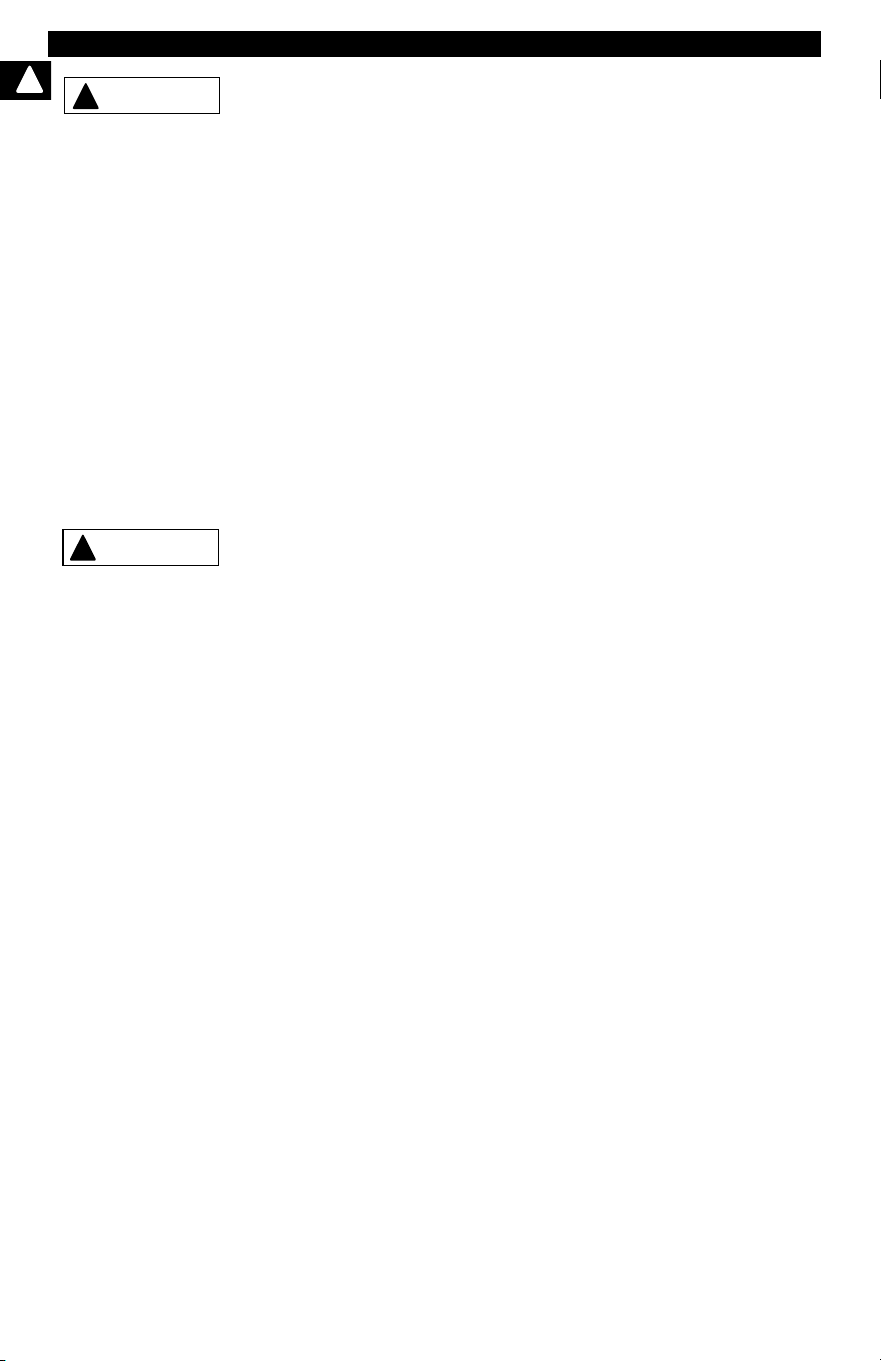
Risk of unexpected vehicle movement.
• Block drive wheels before performing a test with
engine running.
• Unless instructed otherwise:
- set parking brake
- put gear selector in neutral for manual transmissions
- put gear selector in park for automatic transmissions
- disconnect release mechanism on the automatic
parking brake release for testing and reconnect when
testing is completed.
• Do not leave a running engine unattended.
A moving vehicle can cause injury.
Risk of equipment or circuit damage.
• Unless specifically directed by manufacturer, make
sure ignition is off before connecting or
disconnecting connectors or any vehicle electrical
terminals.
• Do not create a short between battery terminals with
a jumper wire or tools.
Improper equipment use can cause equipment or circuit
damage.
PR NDL2
!
WARNING
!
CAUTION
Safety Precautions
Safety – x • • • • • • • • • • • • • • • • • • • • • • • • • • • • • • • • • • • • • • • • • • • • • • • • • • • • •
!
Misdiagnosis may lead to incorrect or improper repair
and/or adjustment.
• Do not rely on erratic, questionable, or obviously
erroneous test information or results.
- If test information or results are erratic, questionable,
or obviously erroneous, make sure all connections
and data entry information are correct and test
procedures were performed correctly.
- If test information or results are still suspicious, do
not use them for diagnosis.
Improper repair and/or adjustment may cause vehicle or
equipment damage or unsafe operation.
Some vehicles are equipped with air bags.
• Follow service manual warnings when working
around air bag components or wiring.
- If service manual instructions are not followed, an air
bag may deploy unexpectedly, resulting in injury.
- Note an air bag can still deploy several minutes after
ignition key is off (or even if vehicle battery is
disconnected) because of a special energy reserve
module.
An air bag opening can cause injury.
!
CAUTION
!
DANGER

• • • • • • • • • • • • • • • • • • • • • • • • • • • • • • • • • • • • • • • • • • • • • • • • • • • • • • • • • 1 – 1
1
Section 1 – Using This Manual
This manual contains instructions for the use and setup of your Scan Tool. A
table of contents and glossary are provided to make this manual easy to use.
Some of the information shown in text or illustrations is obtained using optional
equipment. A Sales Representative can determine option availability.
This section contains a list of conventions used.
Safety Messages
Refer to Safety Precautions on page Safety - i.
Check Note
A check note provides additional information about the subject in the preceding
paragraph.
Example:
✓ English is the default measurement unit.
Equipment Tips and Lists
Equipment tips and lists provide information that applies to specific equipment.
Each tip is introduced by this icon
r for easy identification.
Example:
❒ Observe all vehicle and/or equipment manufacturer’s cautions and
warnings when testing with the Scan Tool.
Equipment Damage
Situations arise during testing that could damage the vehicle or the test
equipment. The word IMPORTANT signals these situations.
Example:
Failure to follow these instructions could damage the Scan Tool.
IMPORTANT
Using This Manual
1 – 2 • • • • • • • • • • • • • • • • • • • • • • • • • • • • • • • • • • • • • • • • • • • • • • • • • • • • • • • •
1
Functions and Selections
Diagnostic and tool functions performed by the Scan Tool are highlighted in
bold.
Example:
The View Data function allows you to view the vehicle’s parameter identification
(PID) data in real time.
Menus
The menus on the Scan Tool display are referenced in the procedures and are
highlighted in bold-italic text.
Example:
When the OBDII Function List menu displays, the Scan Tool is ready for use.
Questions and Responses
Messages and user responses are CAPITALIZED.
Example:
The Scan Tool displays the pending DTCs or a message stating SYSTEM
PASS: NO FAULT DETECTED.
Manual References
Used to reference other sections of the manual. References include the Title
and page number (section-page).
Example:
For more information on DTCs, refer to “OBD II Diagnostic Trouble Codes
(DTCs)” on page 2-15
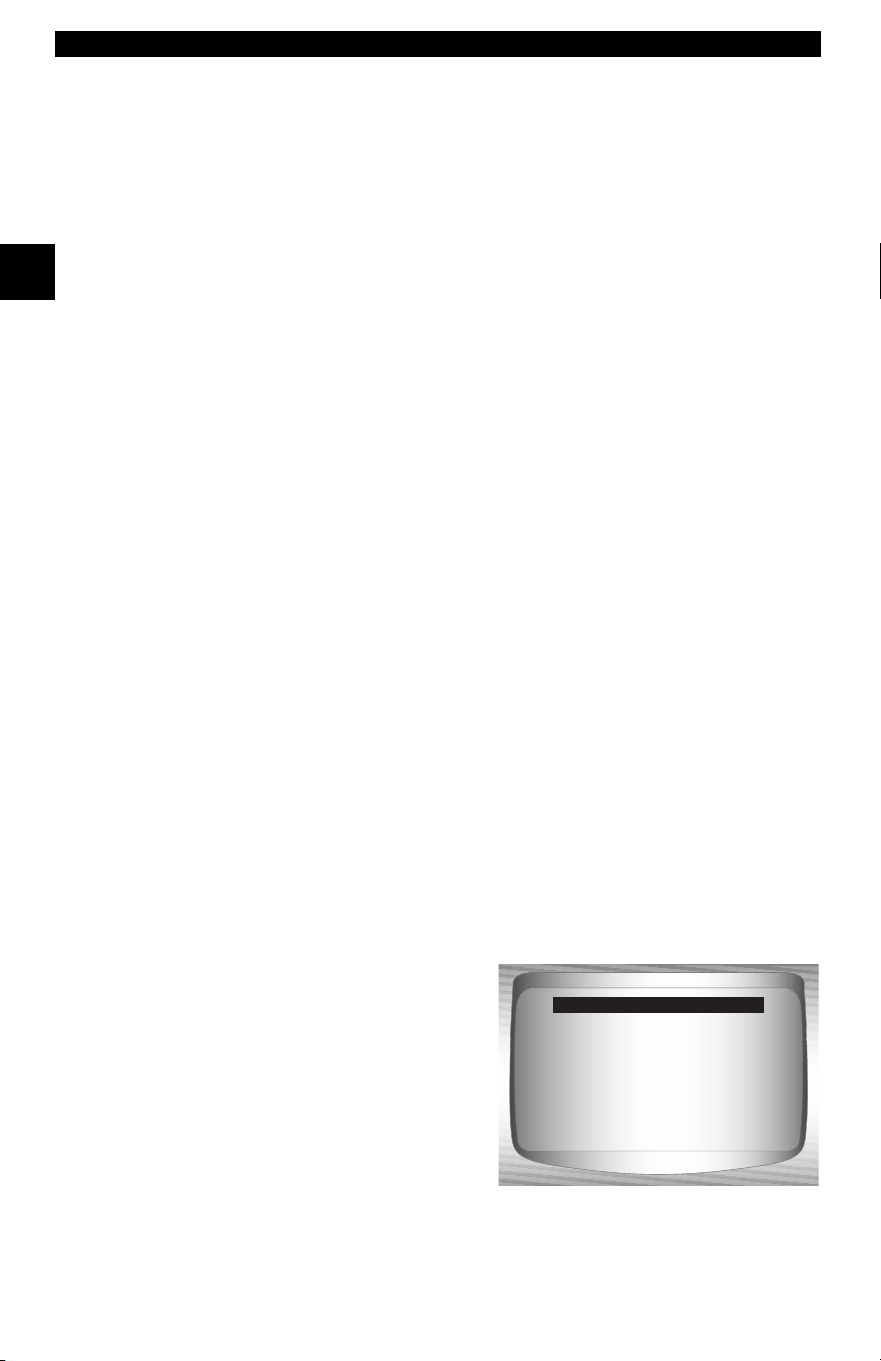
Screens
Certain help messages, information, and data that are displayed on the scan
tool are also shown in graphical text boxes. The screens are presented as
examples and may change as the software is updated.
Example:
Global OBD II
Domestic Vehicles
European Vehicles
Asian Vehicles
Review Data
Print Data
System Setup
Main Menu

• • • • • • • • • • • • • • • • • • • • • • • • • • • • • • • • • • • • • • • • • • • • • • • • • • • • • • • • • 2 – 1
2
Section 2 – Getting Started
Introduction
The Scan Tool was developed by experts in the automotive service
industry to help diagnose vehicles and assist in troubleshooting
procedures.
The Scan Tool monitors vehicle events and retrieves codes from the
vehicle’s control modules to help pinpoint problem areas.
All information, illustrations and specifications contained in this manual
are based on the latest information available from industry sources at
the time of publication.
No warranty (expressed or implied) can be made for its accuracy or
completeness, nor is any responsibility assumed by the manufacturer
or anyone connected with it for loss or damages suffered through
reliance on any information contained in this manual or misuse of

Getting Started
2 – 2 • • • • • • • • • • • • • • • • • • • • • • • • • • • • • • • • • • • • • • • • • • • • • • • • • • • • • • • •
2
accompanying product. The manufacturer reserves the right to make
changes at any time to this manual or accompanying product without
obligation to notify any person or organization of such changes.
Using the CD
✓ The included CD is NOT required to operate the Scan Tool
✓ Install the CD application prior to connecting the Scan Tool to the
PC.
✓ Some of the items included on the CD are:
❒ Manuals included with Scan Tool
❒ DTC lookup software
❒ Scan Tool update software
❒ Adobe Acrobat Reader Installer
❒ Print Capture
❒ Other product information
✓ To be able to use the included CD the PC must meet the following
minimum requirements:
❒ 486 PC
❒ 4 MB of RAM
❒ Microsoft Windows 98 SE, ME, 2000, and XP
❒ CD ROM Drive
❒ Adobe Acrobat Reader
• • • • • • • • • • • • • • • • • • • • • • • • • • • • • • • • • • • • • • • • • • • • • • • • • • • • • • • • • 2 – 3
Getting Started
2
❒ Internet Explorer 4.0 or newer
❒ Screen Resolution of 800 x 600
– If screen resolution is 800 x 600, in Display Properties, Settings
Tab, set Font Size to Small Fonts.
Installing Applications On Included CD
1. Close all programs on the computer.
2. Place the CD in CD-Drive.
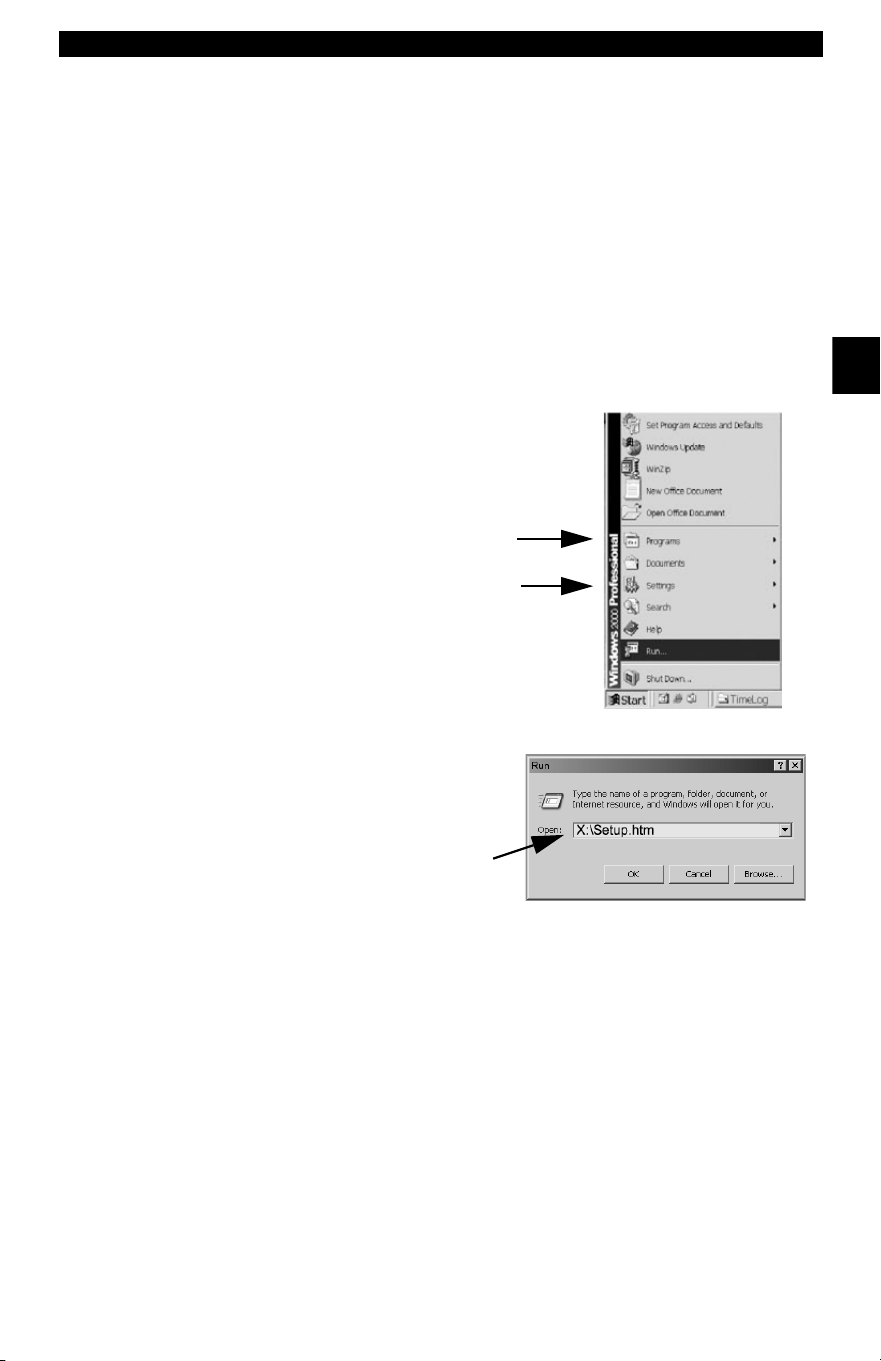
✓ If CD does not start automatically;
❒ Select the Start button.
❒ Select Run...
❒ Enter “X:\Setup.htm” in Open Box on
Computer and select OK.
❒ “X” is the CD-ROM
drive letter on the
computer.
3. Follow screen prompts on the computer to install the
applications.
Enter
Run
Start

Getting Started
2 – 4 • • • • • • • • • • • • • • • • • • • • • • • • • • • • • • • • • • • • • • • • • • • • • • • • • • • • • • • •
2
Vehicle Service Information
The following is a list of web sites and phone numbers where electronic
engine control (EEC) diagnostic information is available.
✓ Some manuals may be available at your local dealer, auto parts
stores or local public libraries.
Domestic Vehicles Web Site Phone Number
General Motors
Chevrolet www.chevrolet.com 1-800-551-4123
Pontiac www.pontiac.com 1-800-551-4123
Oldsmobile www.oldsmobile.com 1-800-551-4123
Buick www.buick.com 1-800-551-4123
Cadillac www.cadillac.com 1-800-333-4CAD
Saturn www.saturn.com 1-800-553-6000
Ford
Ford www.ford.com 1-800-392-3673
Lincoln www.lincoln.com 1-800-392-3673
Mercury www.mercury.com 1-800-392-3673
Chrysler
Chrysler www.chrysler.com 1-800-348-4696
Dodge www.dodge.com 1-800-348-4696
Plymouth Not Available 1-800-348-4696
Eagle Not Available 1-800-348-4696
European Vehicles
Audi www.audi.com 1-800-544-8021
Volkswagon www.vw.com 1-800-544-8021
BMW www.bmw.com 1-201-307-4000
MINI www.mini.com 1-201-307-4000
Jaguar www.jaguar.com 1-800-4-JAGUAR
Volvo www.volvo.com 1-800-458-1552
Mercedes-Benz www.mercedes-benz.com 1-800-367-6372
Land Rover www.landrover.com 1-800-637-6837
Porsche www.porsche.com 1-800-PORSCHE
Saab www.saab.com 1-800-955-9007
Asian Vehicles Web Site Phone Number
Acura www.acura.com 1-800-999-1009
Honda www.honda.com 1-800-999-1009
Lexus www.lexus.com 1-800-255-3987
Scion www.scion.com 1.866.70.SCION
Toyota www.toyota.com 1-800-GO-TOYOTA

• • • • • • • • • • • • • • • • • • • • • • • • • • • • • • • • • • • • • • • • • • • • • • • • • • • • • • • • • 2 – 5
Getting Started
2
Hyundai www.hyundai.com 1-800-633-5151
Infiniti www.infiniti.com 1-800-662-6200
Nissan www.nissanusa.com 1-800-nissan1
Kia www.kia.com 1-800-333-4542
Mazda www.mazda.com 1-800-222-5500
Daewoo www.daewoo.com 1-822-759-2114
Subaru www.subaru.com 1-800-SUBARU3
Isuzu www.isuzu.com 1-800-255-6727
Geo Not Available Not Available
Mitsubishi www.mitsubishi.com 1-888-MITSU2004
Suzuki www.suzukiauto.com 1-800-934-0934
Other Manuals
Chilton Book Company www.chiltonsonline.com 1-800-347-7707
Haynes Publications www.haynes.com 1-800-242-4637
Bentley Publishers www.bentleypublishers.com 1-800-423-4595
Repair Information Programs
Mitchell www.mitchell1.com 1-888-724-6742
ALLDATA www.alldata.com 1-800-697-2533
Suitable Manual Titles
Diagnostic Service Manuals
PowerTrain Codes and Oxygen Sensors
Automotive Emission Control Manual
Fuel Injection
Automotive Electrical Manual
Automotive Electrics and Electronics
Automotive Sensors
Electronic Transmission Control
Emission Control Technology
Engine Management
or similar titles...

Getting Started
2 – 6 • • • • • • • • • • • • • • • • • • • • • • • • • • • • • • • • • • • • • • • • • • • • • • • • • • • • • • • •
2
Introduction to On-Board Diagnostics
OBD I
The original on-board diagnostics (OBD I) lacked consistency in
communication and interface while allowing different interpretations
among vehicle manufacturers. Ford and Chrysler used different types
of engine control computers and data link connectors ( DLCs), and GM
varied the trouble codes and communication protocols from
year-to-year.
OBD II
On-board diagnostics version II (OBD II) is a system that the Society of
Automotive Engineers (SAE) developed to standardize automotive
electronic diagnosis.
Beginning in 1996, most new vehicles sold in the United States were
fully OBD II compliant.
✓ Technicians can now use the same tool to test any OBD II
compliant vehicle without special adapters. SAE established
guidelines that provide:
❒ A universal connector, called the DLC, with dedicated pin
assignments.
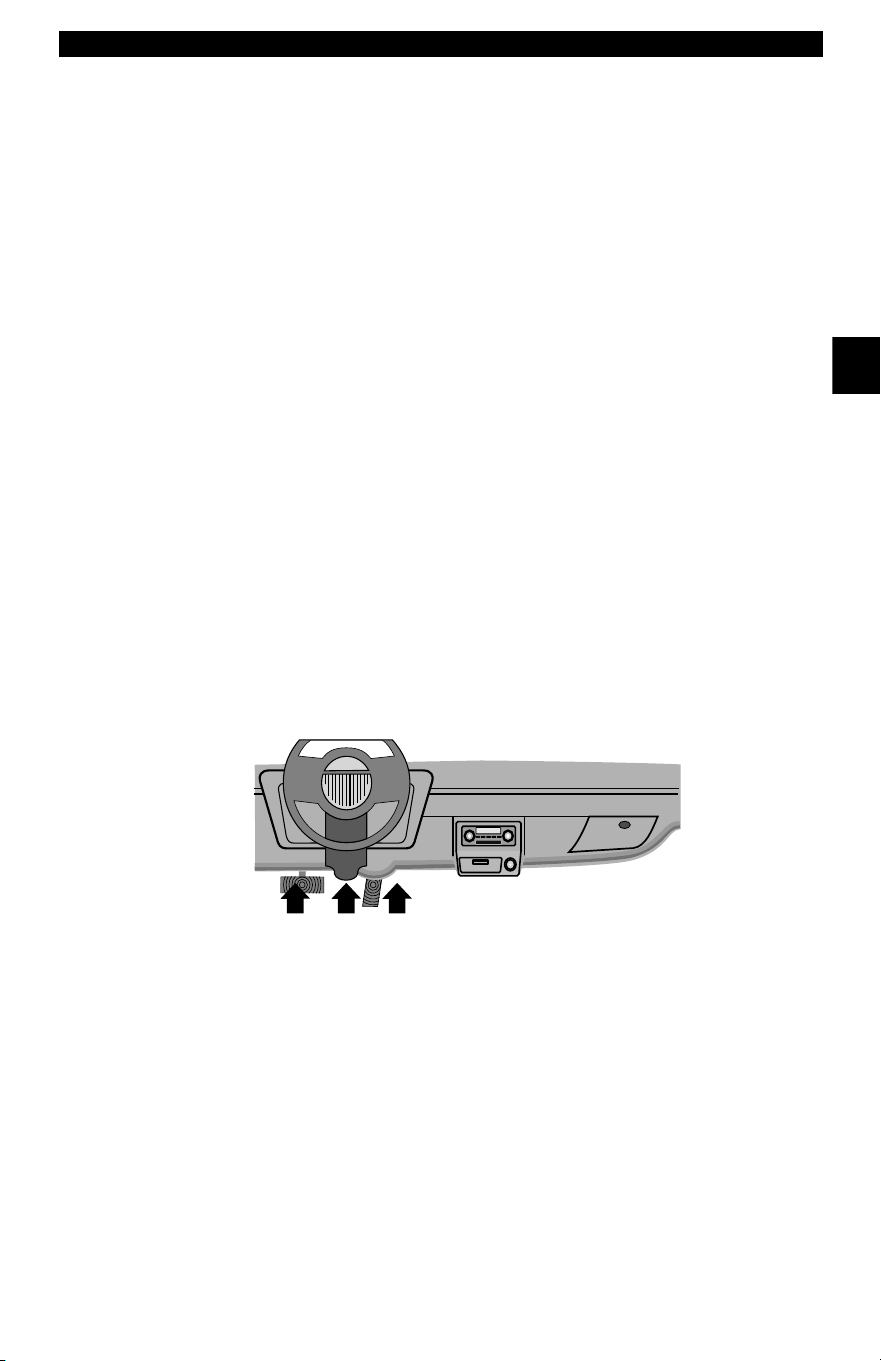
❒ A standard location for the DLC, visible under the dash on driver’s
side.
❒ A standard list of diagnostic trouble codes (DTCs) used by all
manufacturers.
❒ A standard list of parameter identification (PID) data used by all
manufacturers.
❒ Ability for vehicle systems to record operating conditions when a
fault occurs.
❒ Expanded diagnostic capabilities that records a code whenever a
condition occurs that affects vehicle emissions.
❒ Ability to clear stored codes from the vehicle’s memory with a
Scan Tool.

• • • • • • • • • • • • • • • • • • • • • • • • • • • • • • • • • • • • • • • • • • • • • • • • • • • • • • • • • 2 – 7
Getting Started
2
SAE Publications
SAE has published hundreds of pages of text defining a standard
communication protocol that establishes hardware, software, and
circuit parameters of OBD II systems. Unfortunately, vehicle
manufacturers have different interpretations of this standard
communications protocol. As a result, the generic OBD II
communications scheme varies, depending on the vehicle. SAE
publishes recommendations, not laws, but the Environmental
Protection Agency (EPA) and California Air Resources Board (CARB)
made many of SAE’s recommendations legal requirements that vehicle
manufacturers were required to phase in over a three-year period.
Beginning in 1994, vehicles with a new engine management computer
( about 10% of each manufacturers fleet ) were supposed to comply
with OBD II standards. For 1995, OBD II systems were to appear on
about 40% of the new vehicles sold in the United States. Some of the
1994-1995 OBD II systems were not fully compliant, so the Government
granted waivers to give manufacturers time to fine-tune their systems.
Beginning in 1996, most of the new vehicles sold in the United States
were fully OBD II compliant.
The tables below highlight changes for GM, Ford, and Chrysler. If this
seems confusing, don’t worry. The Scan Tool makes it easy. Based on
the vehicle identification (VIN) information selected during Scan Tool
setup, the vehicle is automatically recognized. All you have to do is
choose the correct adapter cable and jumper wires (if necessary).
Details on adapter cables and jumper wires may be found in Data LInk
Connector on page 2-9.
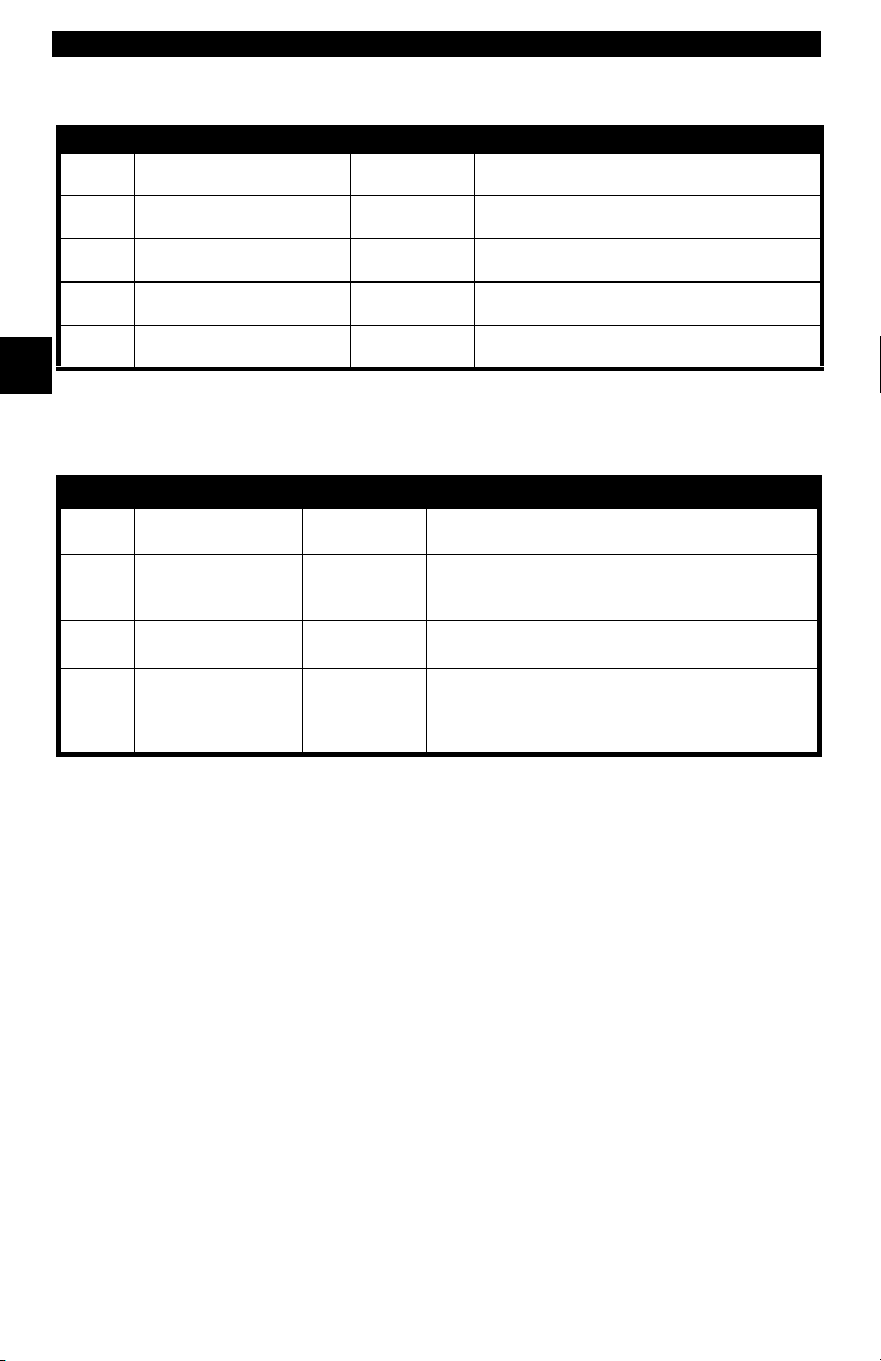
GM On-Board Diagnostics
System Years Description
OBD I Control Module
1981–1995
Most vehicles used the 12-pin ALDL (Assembly Line Data Link)
located under the dash on the driver side. Some 94-95 vehicles
used the 16-pin OBD II (J1962) data link connector (DLC), but
use the Historical application software. Refer to the vehicle’s
Vehicle Emission Control Information label.
OBD II Control Module
1994*-Present Complies with OBD II regulations and uses the J1962 DLC.
*
OBD II system is used on certain 1994-1995 vehicles equipped with a 2.2L, 2.3L, 3.8L, 4.3L or 5.7L
engines.
Getting Started
2 – 8 • • • • • • • • • • • • • • • • • • • • • • • • • • • • • • • • • • • • • • • • • • • • • • • • • • • • • • • •
2
Ford On-Board Diagnostics
System Long Name Years Description
MCU
Microprocessor Control Unit 1980 –1991
Used in police vehicles, containing carbureted
engines. Uses the MCU DLC.
EEC-IV
Electronic Engine Control,
Fourth generation
1984 –1995
Most Ford vehicles equipped with North
American engines. Uses the EEC-IV DLC.
MECS
Mazda Electronic Control
System
1988 –1995
Vehicles equipped with Mazda-sourced engines.
Uses MECS 6-pin and 17-pin DLCs.
EEC-V
Electronic Engine Control,
Fifth generation
1994* – present
Complies with OBD II regulations and uses the
OBD II J1962 DLC.
PTEC
Powertrain Electronic
Controller
2000 – present
Complies with OBD II regulations and uses the
OBD II J1962 DLC.
* EEC-V OBD II system used in 1994-1995 vehicles equipped with a 3.8L or 4.6L engine.
Chrysler On-Board Diagnostics
System Long Name Years Description
SMEC
Single Module Engine
Controller
1989–1990
Used a 6-pin Serial Communication Interface (SCI)
DLC and has bidirectional capability.
SBEC
Single Board Engine
Controller
1989*–1995
Used two types of DLCs: a 6-pin SCI and a 6-pin LH
series.
The first to allow a tool to reset the EMR light on trucks.
OBD II
PCM
OBD II Powertrain
Control Module
1995**– present
Complies with OBD II regulations and uses the OBD II
J1962 DLC.
JTEC
Jeep/Truck Engine
Controller
1996– present
Complies with OBD II regulations and uses the OBD II
J1962 DLC.
The JTEC system is used on light-duty trucks and
Jeeps
* In 1989, the SBEC system was installed in selected vehicles with 3.0L V6 engines.
** Some vehicles in 1995 were equipped with the OBD II PCM.
• • • • • • • • • • • • • • • • • • • • • • • • • • • • • • • • • • • • • • • • • • • • • • • • • • • • • • • • • 2 – 9
Getting Started
2
Data Link Connector (DLC)
The data link connector (DLC) allows the Scan Tool to communicate
with the vehicle’s computer(s). Before OBD II, manufacturers used
different DLC’s to communicate with the vehicle. use the proper DLC
adapter cable to connect the Scan Tool to the vehicle. Also, the vehicle’s
DLC may be found in several different places and have many different
configurations. The following describes the DLCs used by Ford, GM
and Chrysler. The DLC location and types for domestic vehicles can be
looked up in the charts in Appendix B - Data Link Connectors.
OBD II (J1962)
Beginning in 1996, vehicles sold in the United States use the J1962
(OBD II) DLC, a term taken from a physical and electrical specification
number assigned by the SAE (J1962). The DLC should be located
under the dashboard on the driver’s side of the vehicle. If the DLC is not
located under the dashboard as stated, a decal describing its location
should be attached to the dashboard in the area the DLC should have
been located.
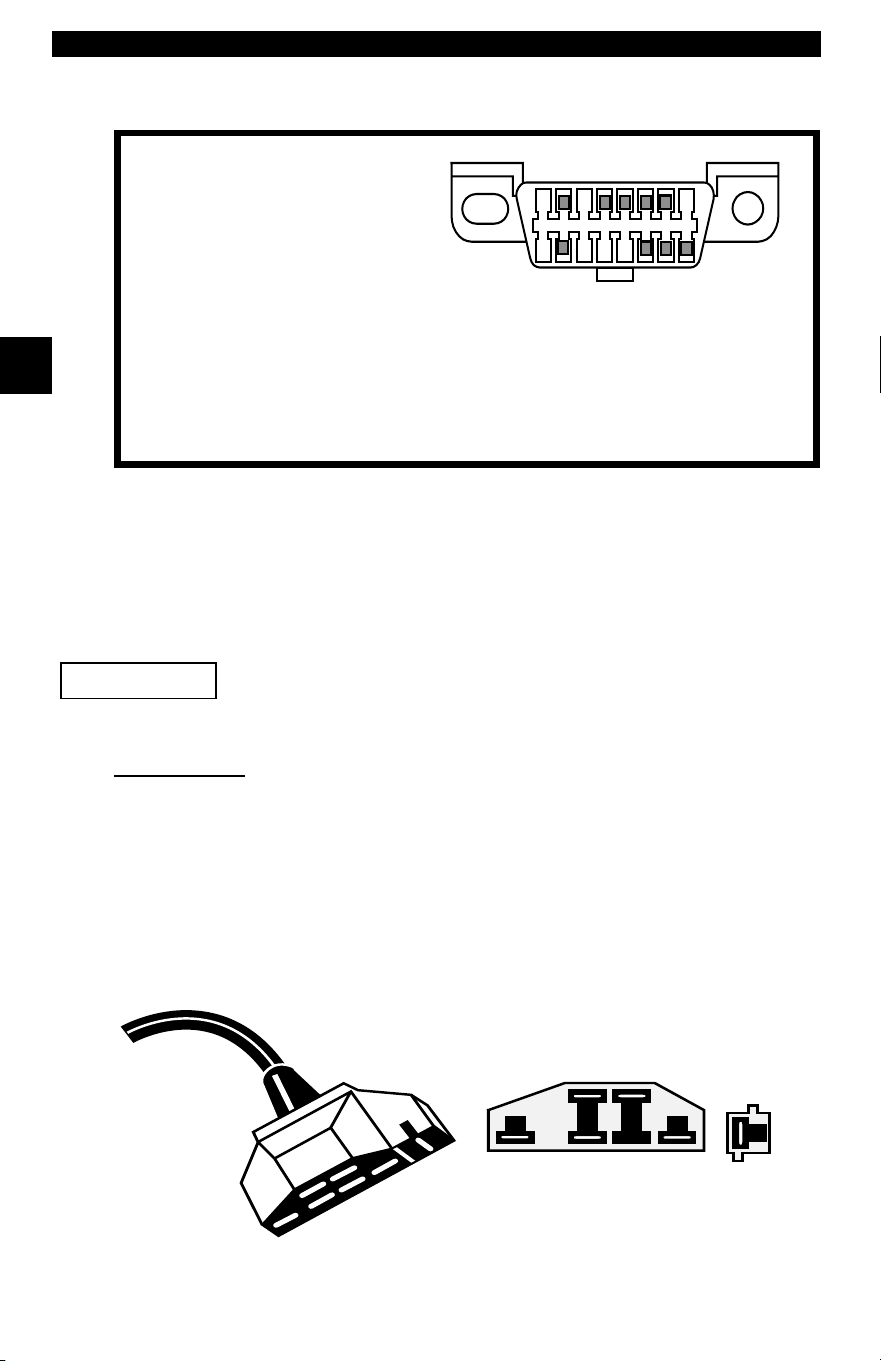
Because the OBD II J1962 connector has power and ground, you only
need a single cable connection to the tool for both power and tool
communications. Attach the OBD II adapter cable to the extender cable,
(both supplied with the tool) to connect the tool. Certain pins in the
connector are reserved.
.
Getting Started
2 – 10 • • • • • • • • • • • • • • • • • • • • • • • • • • • • • • • • • • • • • • • • • • • • • • • • • • • • • • •
2
Data Link Connector (DLC) Pins
Ford Historic
Ford used three types of DLCs with their OBD I systems. Refer to
Appendix B - Data Link Connectors for the adapter cable needed for
your vehicle.
Use the cigarette lighter cable to provide power to the
Scan Tool for all systems.
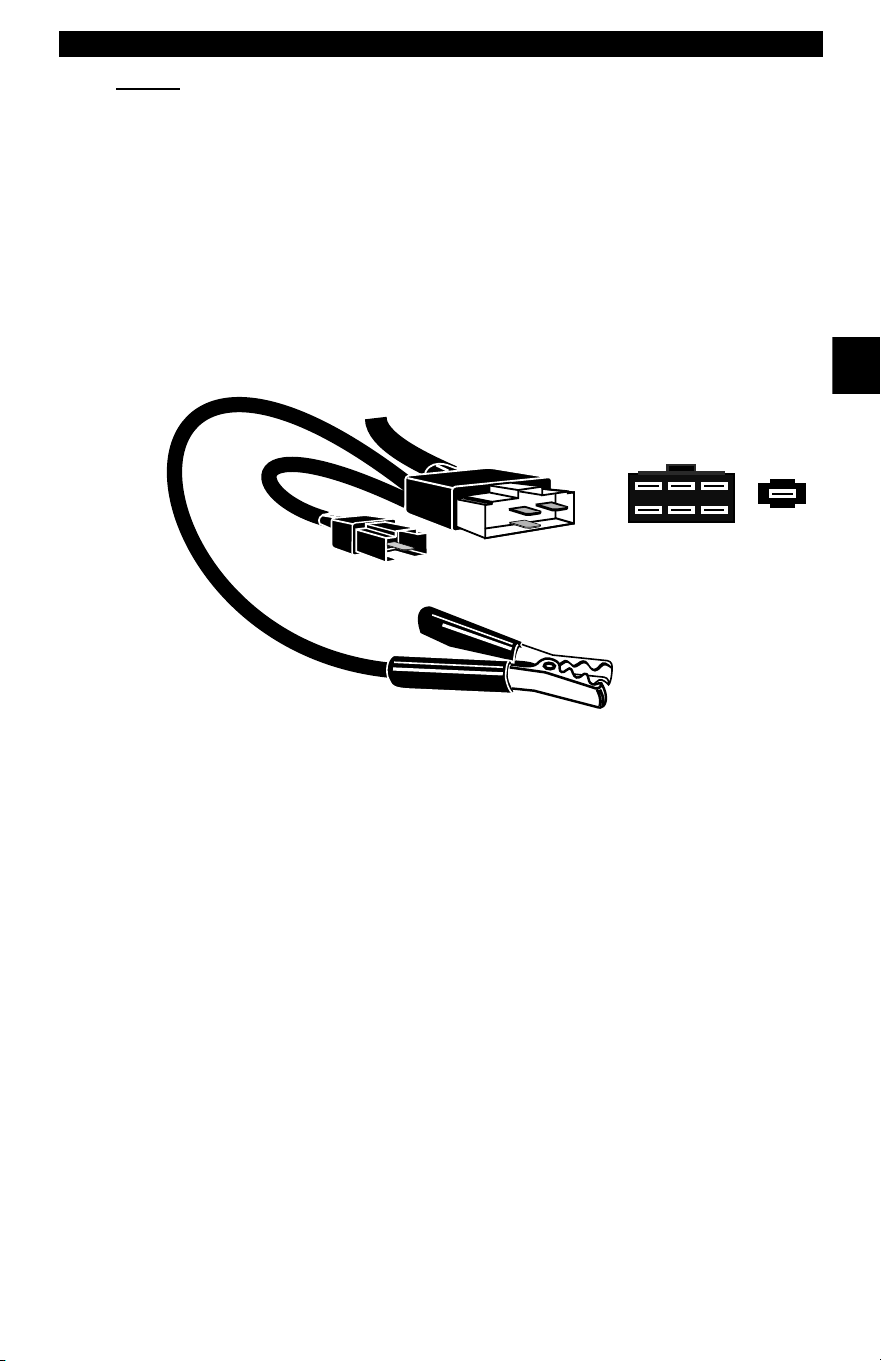
EEC-IV/MCU
The EEC-IV/MCU DLC is a large six-sided connector with a pigtail
connector. The pigtail connector is not used on MCU vehicles – leave
the pigtail unattached. The EEC-IV/MCU cable adapter is included with
the Scan Tool.
1 - Manufacturer Reserved
2 - J1850 Bus+
3 - Manufacturer Reserved
4 - Chassis Ground
5 - Signal Ground
6 - CAN High, J-2284
7 - K Line, ISO 9141-2 & ISO/DIS 14230-4
8 - Manufacturer Reserved
9 - Manufacturer Reserved
10 - J1850 Bus-
11 - Manufacturer Reserved
12 - Manufacturer Reserved
13 - Manufacturer Reserved
14 - CAN Low, J-2284
15 - L Line, ISO 9141-2 & ISO/DIS 14230-4
16 - Battery Power
1
9
8
16
IMPORTANT
Vehicle DLC
EEC-IV/MCU
Cable Adapter
EEC-IV/MCU
STI Pigtail
EEC-IV
only
To Scan
Tool
• • • • • • • • • • • • • • • • • • • • • • • • • • • • • • • • • • • • • • • • • • • • • • • • • • • • • • • • 2 – 11
Getting Started
2
MECS
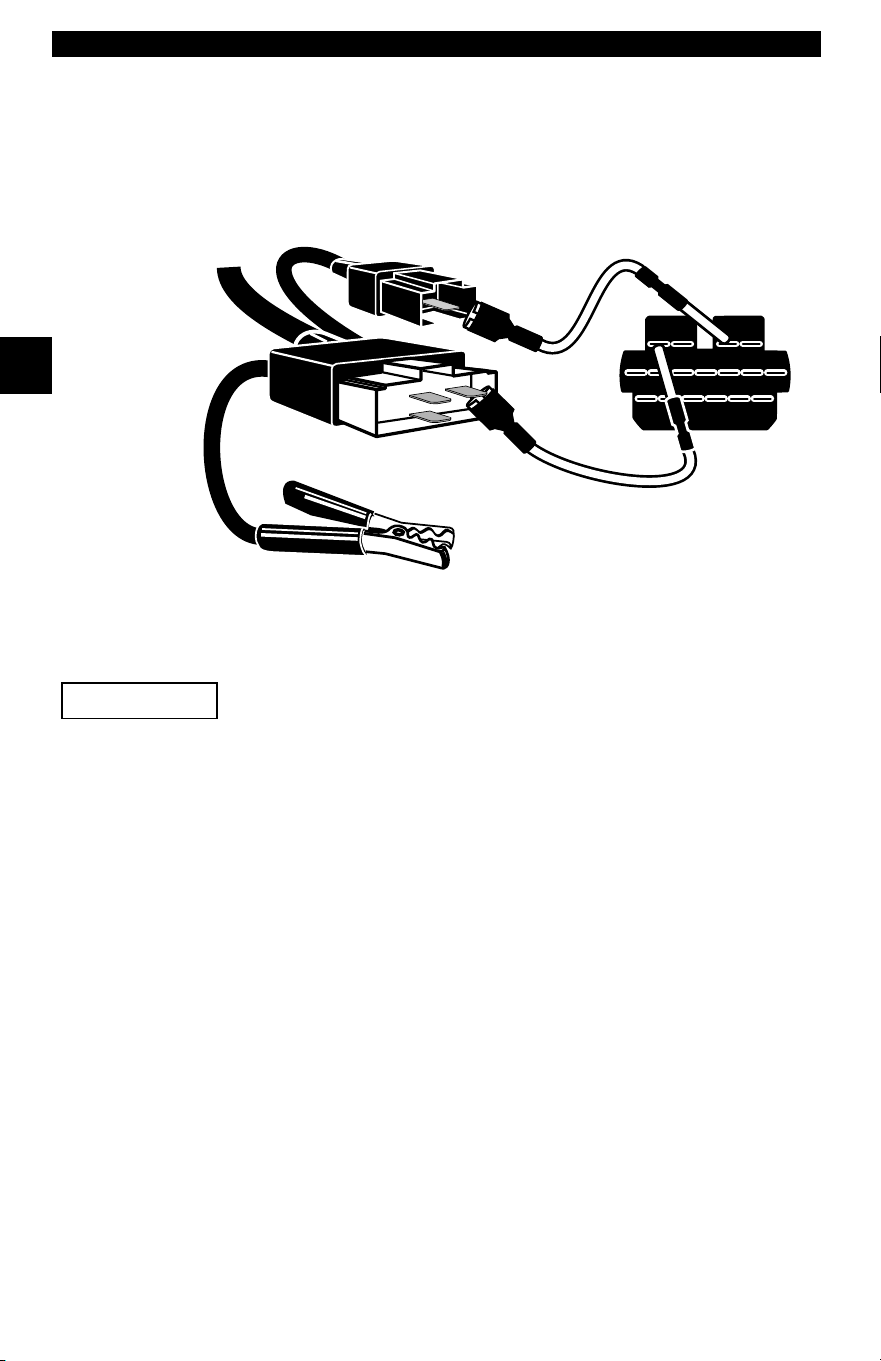
MECS vehicles (1988 –1995) use either a 6-pin (with pigtail) or a 17-pin
DLC. Use the MECS 6-pin adapter cable kit (CP9131) for both
configurations. The MECS adapter cable kit includes jumper wires to
connect to the MECS 17-pin DLC. The MECS adapter cable kit is
optional and must be purchased separately. Use the following diagrams
to connect the adapter cable.
6-Pin MECS
STI Pigtail
4
5
6
1
2
3
To Scan
Too l
6-Pin MECS
Clip to good
vehicle ground
Cable Adapter
Vehicle DLC
6-Pin MECS
Pigtail
P/N CP9131
Getting Started
2 – 12 • • • • • • • • • • • • • • • • • • • • • • • • • • • • • • • • • • • • • • • • • • • • • • • • • • • • • • •
2
17-Pin MECS
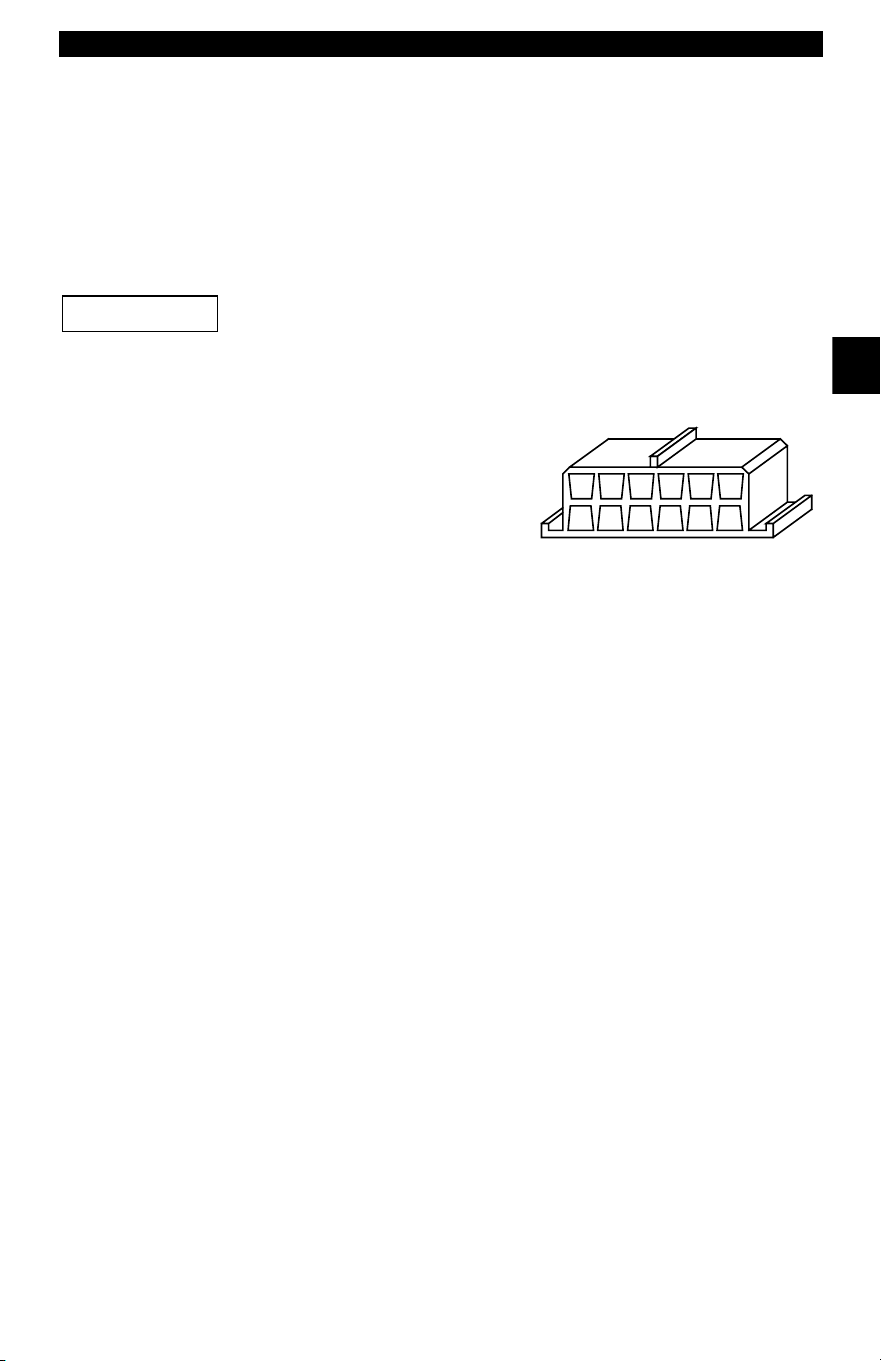
MECS Ford Probe
Certain Ford Probes have a WHITE TACH
CONNECTOR located very close to the 6-pin
self-test connector and bundled in the same wiring
harness. This is not the self-test input (STI) pigtail.
Connect the pigtail to the BLACK STI connector located farther back on
the wire harness. If the tool is connected to the WHITE tach connector,
serious damage may result and may void warranty. Refer to the
illustration.
STI Pigtail
6-Pin MECS
STO
4
5
6
1
2
3
Clip to good
vehicle ground
Adapter Cable
Vehicle DLC
17-Pin MECS
To
Scan Tool
P/N CP9131
IMPORTANT
• • • • • • • • • • • • • • • • • • • • • • • • • • • • • • • • • • • • • • • • • • • • • • • • • • • • • • • • 2 – 13
Getting Started
2
GM Historic
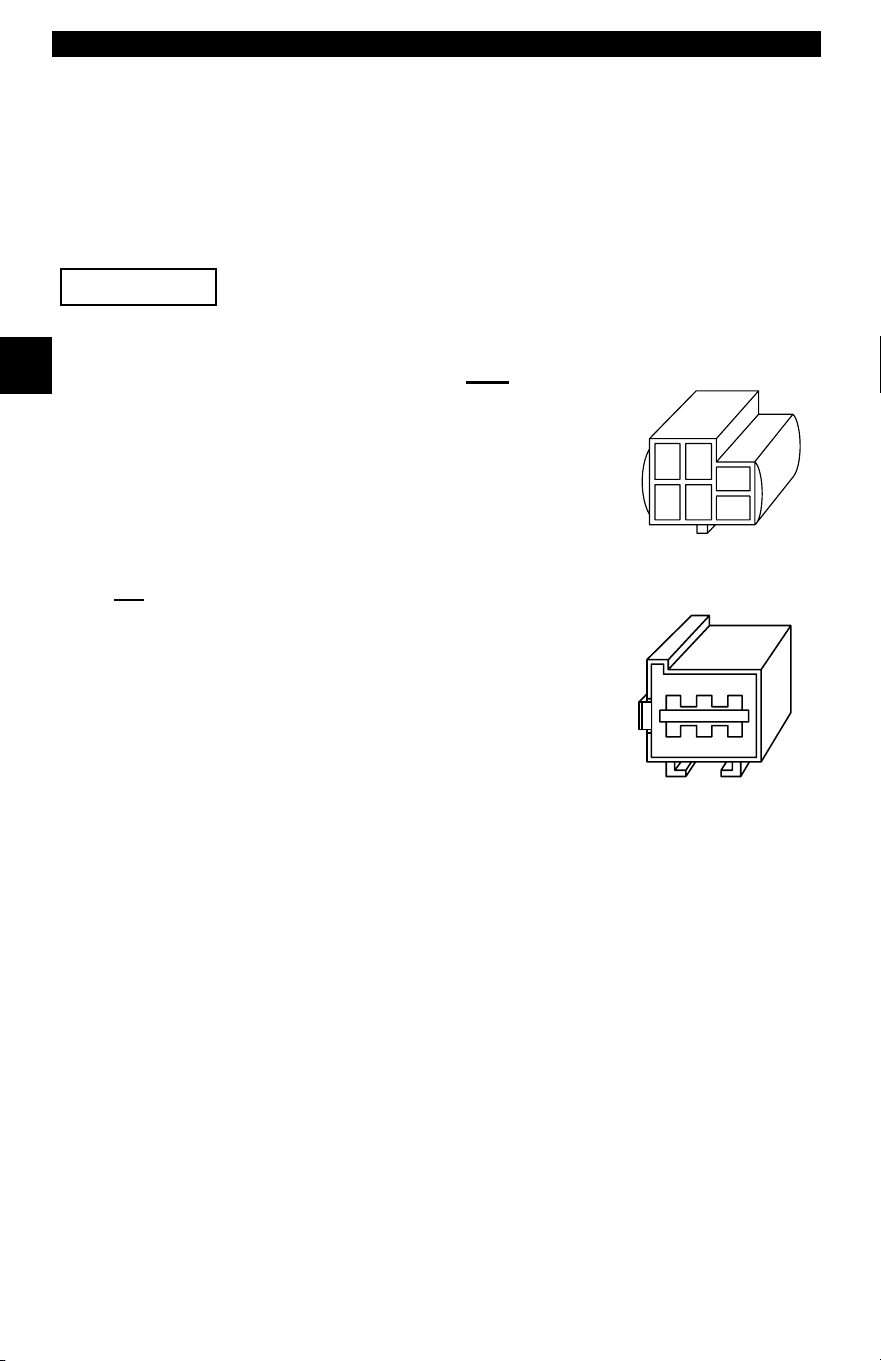
Prior to1996, most GM vehicles used the 12-pin Assembly Line
Diagnostic Link (ALDL) DLC. The GM ALDL cable kit includes the ALDL
adapter and cigarette lighter power cable. This adapter cable is
included with the Scan Tool. In 1994 and 1995, certain GM vehicles
used the J1962 (OBD II) DLC, but are not OBD II compliant. Refer to
Appendix B - Data Link Connectors.
Use the cigarette lighter cable to provide 12V to the
tool
.
The ALDL DLCs are usually located
under the dashboard on the driver’s
side.
On Corvettes and Fieros, the DLC may
be located in the center console behind
the ashtray. Refer to service manual
for exact location. It may be in full view,
or it may be recessed behind a panel. An opening in the panel should
allow access to the recessed connector.
IMPORTANT
F
G
E
H
D
J
C
K
B
L
A
M
ALDL
Getting Started
2 – 14 • • • • • • • • • • • • • • • • • • • • • • • • • • • • • • • • • • • • • • • • • • • • • • • • • • • • • • •
2
Chrysler Historic
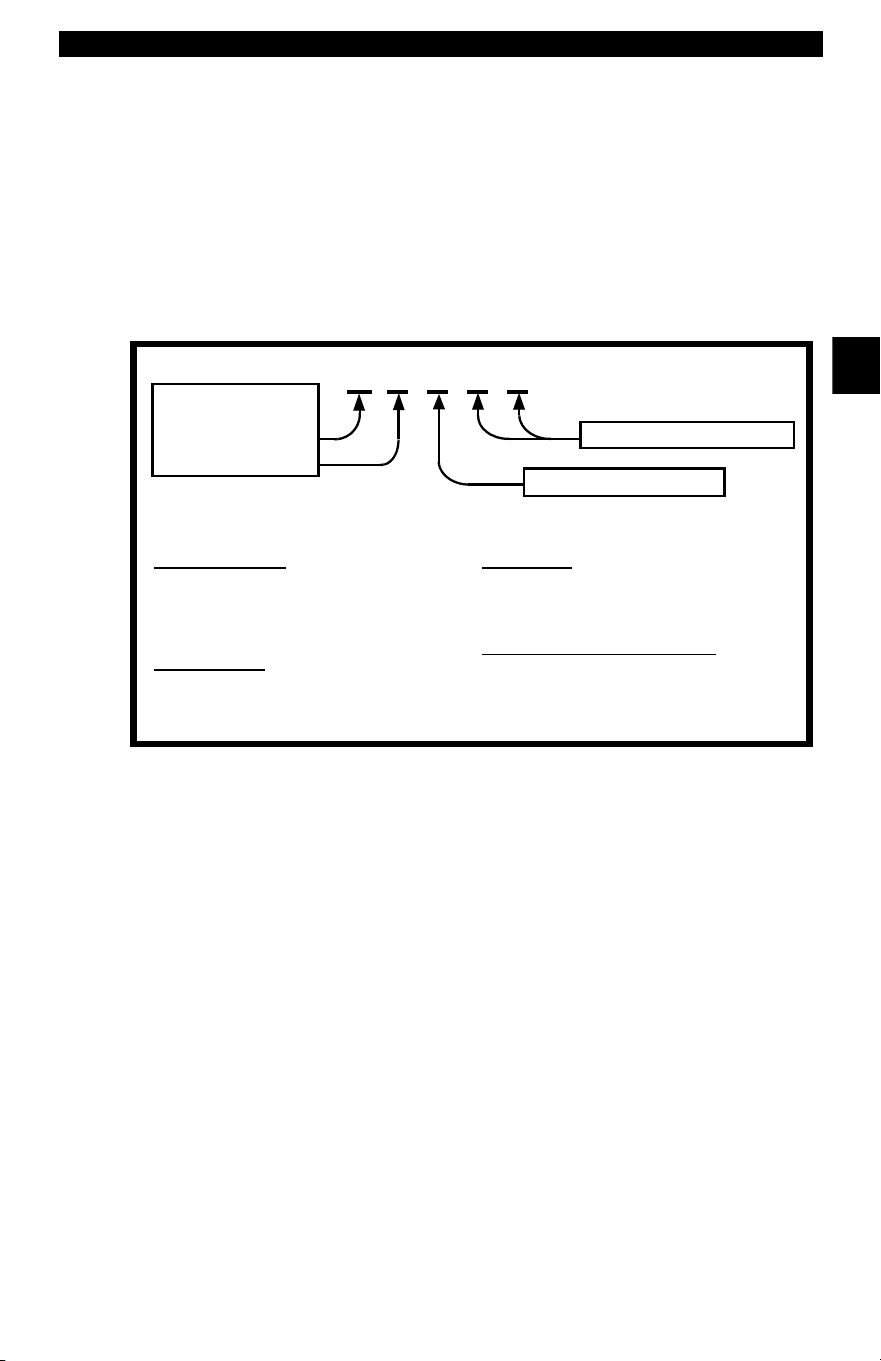
Prior to 1996, most Chrysler vehicles used either the serial
communications interface (SCI) or LH DLC. Refer to Appendix B -
Data Link Connectors for DLC type and location. The SCI adapter
cable is included with the Scan Tool. The LH adapter cable (CP9130)
can be purchased from your dealer.
Use the cigarette lighter cable to provide 12V to the tool
when using the SCI adapter cable.
Serial Communications Interface SCI
The SCI (serial communications interface) DLC
is a 6-pin connector located in the engine
compartment. The adapter cable to be used on
these vehicles is supplied with the tool. This
cable is labeled CHRY on the 15-pin DB style
connector and SCI on the vehicle end.
LH
This DLC is used on LH platform vehicles. The
LH style DLC is a small, blue, rectangular 6-pin
connector located in the passenger
compartment below the dashboard to the right of
the steering column.
The LH Adapter Cable (CP9130) is optional and
must be purchased separately.
IMPORTANT
SCI
LH (P/N CP9130)
• • • • • • • • • • • • • • • • • • • • • • • • • • • • • • • • • • • • • • • • • • • • • • • • • • • • • • • • 2 – 15
Getting Started
2
OBD II Diagnostic Trouble Codes
(DTCs)
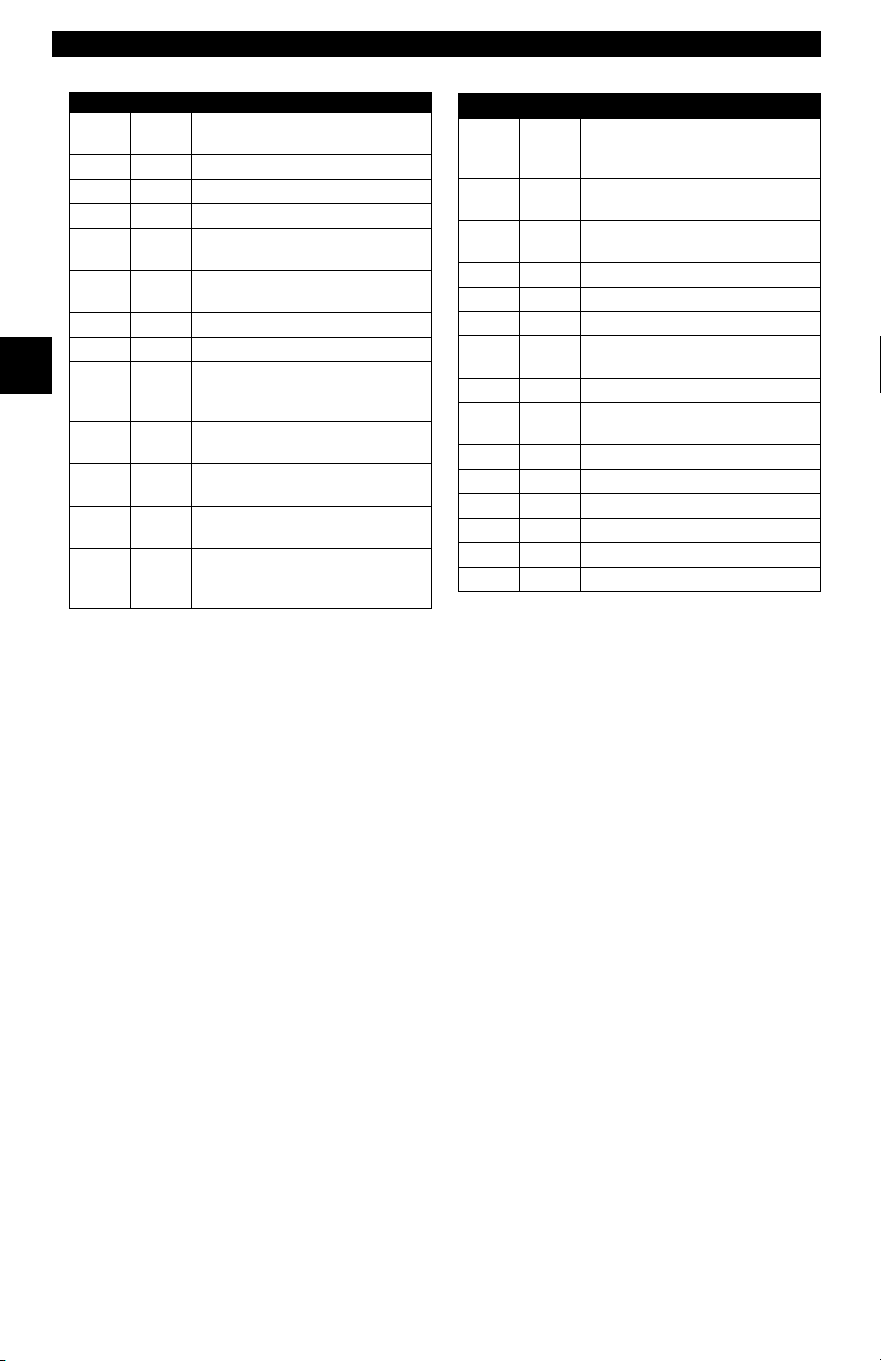
✓ DTCs are used to help determine the cause of a problem or
problems with a vehicle.
❒ DTCs consist of a five-digit alphanumeric code.
❒ The DTCs format and general code types are shown bel
Within each category (Powertrain, Chassis, Body and Network) of
DTCs there are assigned ranges for different vehicle systems.
Example:
P0101 - Mass or Volume Air Flow Circuit Range/Performance Problem
P 0 1 0 1
Vehicle Specific System
Powertrain Codes
P0xxx - Generic (SAE)
P1xxx - Manufacturer Specific
P2xxx - Generic (SAE)
P30xx-P33xx - Manufacturer Specific
P34xx-P39xx - Generic (SAE)
Chassis Codes
C0xxx - Generic (SAE)
C1xxx - Manufacturer Specific
C2xxx - Manufacturer Specific
C3xxx - Generic (SAE)
Body Codes
B0xxx - Generic (SAE)
B1xxx - Manufacturer Specific
B2xxx - Manufacturer Specific
B3xxx - Generic (SAE)
Network Communication Codes
U0xxx - Generic (SAE)
U1xxx - Manufacturer Specific
U2xxx - Manufacturer Specific
U3xxx - Generic (SAE)
Specific Fault Designation
Bx - Body
Cx - Chassis
Px - Powertrain
Ux - Network Comm.
x = 0, 1, 2 or 3
Getting Started
2 – 16 • • • • • • • • • • • • • • • • • • • • • • • • • • • • • • • • • • • • • • • • • • • • • • • • • • • • • • •
2
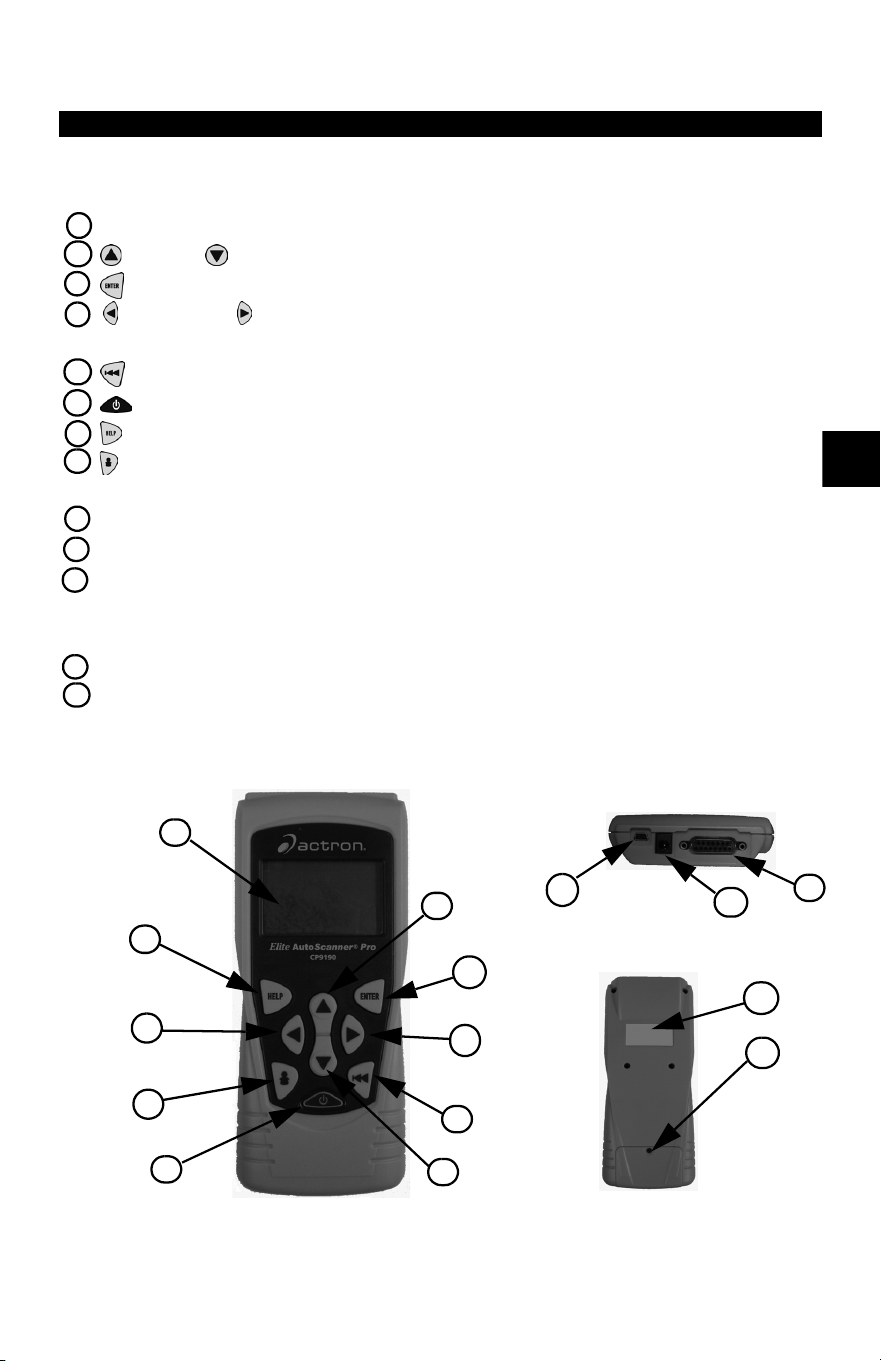
✓ J2012 and ISO 15031-6 are standards for all DTCs, established by
the SAE, International Organization for Standardization (ISO) and
other governing bodies.
❒ Codes and definitions assigned by these specifications are
known as Generic OBD II codes.
❒ OBD II requires compliance to these standards for all cars, light
trucks, APVs, MPVs, and SUVs sold in the United States.
❒ Codes not reserved by the SAE are reserved for the
manufacturer and referred to as Manufacturer Specific Codes.
L
ower
U
pper
A
ss
i
gne
d DTC S
ys
t
em
P0000 P00FF
Fuel Air Metering Auxiliary
Emission Controls
P0100 P02FF
Fuel Air Metering
P0300 P03FF
Ignition System or Misfire
P0400 P04FF
Auxiliary Emission Controls
P0500 P05FF
Vehicle Speed Idle Control
Auxiliary Inputs
P0600 P06FF
Computer and Auxiliary
Outputs
P0700 P09FF
Transmission
P0A00 P0AFF
Hybrid Propulsion
P1000 P10FF
Manufacturer Control Fuel &
Air Metering, Auxiliary
Emission Controls
P1100 P12FF
Manufacturer Control Fuel &
Air Metering
P1300 P13FF
Manufacturer Control Ignition
System or Misfire
P1400 P14FF
Manufacturer Control
Auxiliary emission Controls
P1500 P15FF
Manufacturer Cntrl Veh.Spd.
Idle Speed Control Auxiliary
Inputs
P1600 P16FF
Manufacturer Control
Auxiliary Inputs Auxiliary
Outputs
P1700 P19FF
Manufacturer Control
Transmission
P2000 P22FF
Fuel Air Metering Auxiliary
emission Controls
P2300 P23FF
Ignition System or Misfire
P2400 P24FF
Auxiliary Emission Controls
P2500 P25FF
Auxiliary Inputs
P2600 P26FF
Computer and Auxiliary
Outputs
P2700 P27FF
Transmission
P2900 P32FF
Fuel Air Metering Auxiliary
Emission Controls
P3300 P33FF
Ignition System
P3400 P34FF
Cylinder Deactivation
U0000 U00FF
Network Electrical
U0100 U02FF
Network Communication
U0300 U03FF
Network Software
U0400 U04FF
Network Data
Lower Upper Assigned DTC System
• • • • • • • • • • • • • • • • • • • • • • • • • • • • • • • • • • • • • • • • • • • • • • • • • • • • • • • • • 3 – 1
3
Section 3 – Using The Scan Tool
The Scan Tool
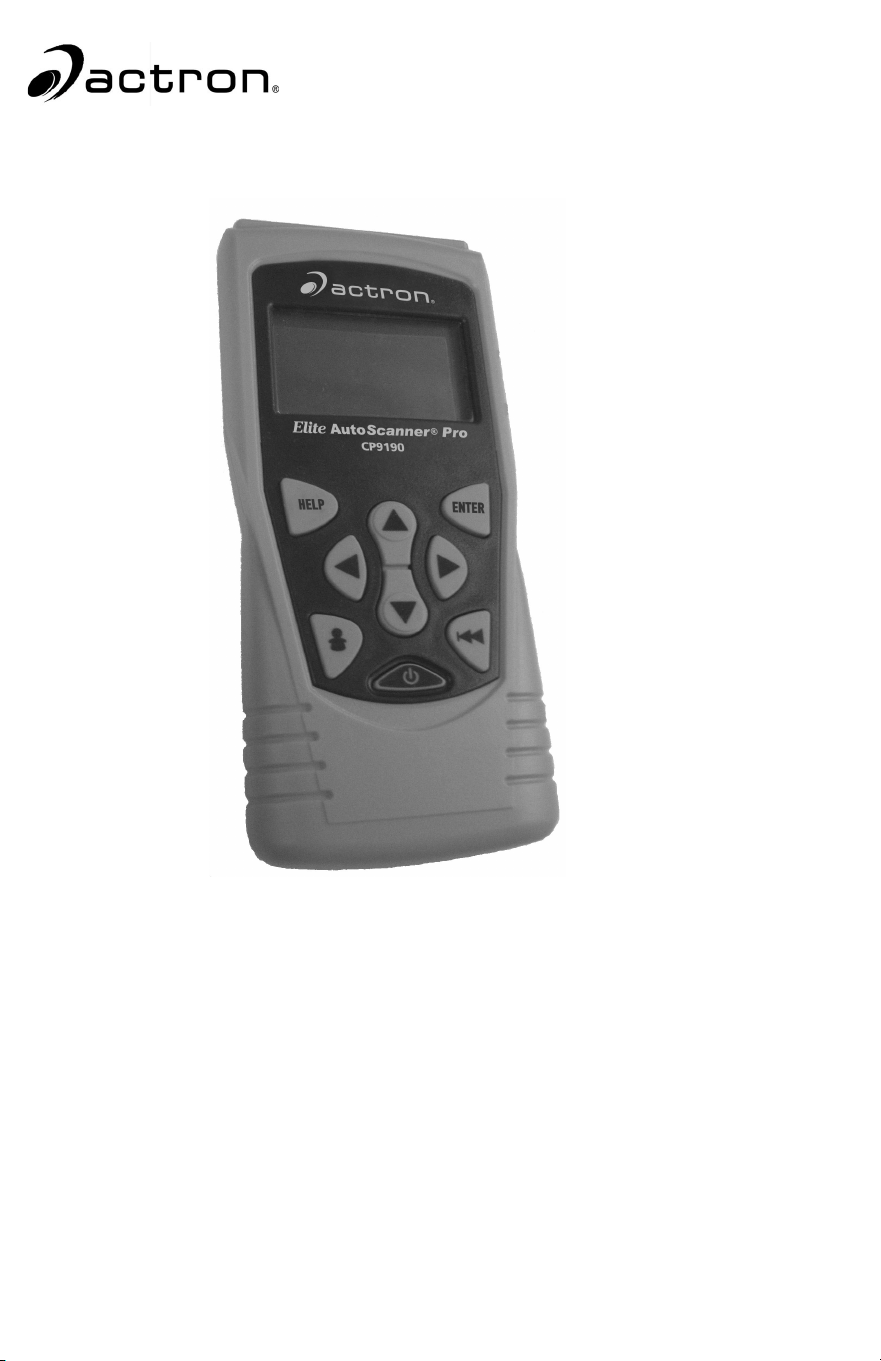
1 LCD Display – backlit, 128 x 64 pixel display with contrast adjustment.
2
UP
and
DOWN
arrow keys – moves selection UP or DOWN.
3 ENTER key – selects displayed items.
4 LEFT and RIGHT arrow keys – selects YES or NO, and selects data
parameters for custom data list.
5 BACK key – goes to the previous screen or level.
6
ON/OFF
key – turns power ON or OFF.
7
HELP
key – accesses the Help Function.
8 USER key - allows the operator to access a feature from the Diagnostic
Menu with a touch of a key.
9 DLC Cable – provides connection for vehicle interface.
10
USB Port – provides a USB connection for the computer.
11
12V Power Jack– provides power to the Scan Tool when reprogramming
from a personal computer, communicating with Ford, GM and Chrysler
Historic vehicles, or off-vehicle reviewing of codes and printing.
12
Serial Number Plate – provides serial number of Scan Tool.
13
Battery Compartment – provides power to the Scan Tool when
reprogramming from a personal computer or off-vehicle reviewing of codes
and printing.
1
3
4
5
6
7
4
8
2
2
9
10
11
Top of Scan Tool
Back of Scan Tool
13
12

Using The Scan Tool
3 – 2 • • • • • • • • • • • • • • • • • • • • • • • • • • • • • • • • • • • • • • • • • • • • • • • • • • • • • • • •
3
Specifications
Display: Backlit, 128 x 64 pixel display with contrast adjust
Operating Temperature: 0 to 50°C (32 to 122°F)
Storage Temperature: -20 to 70°C (-4 to 158°F)
Internal Power: 9V Battery
External Power: 7 to 16 Volts
✓ A minimum of 8.0 V is required for most control modules to operate
properly in a vehicle.
Power Dissipation: 5 Watts maximum.
Dimensions: Height
Width Length
1.25" 3.875" 9.125"
31.75 mm 98.4 mm 231.8 mm
• • • • • • • • • • • • • • • • • • • • • • • • • • • • • • • • • • • • • • • • • • • • • • • • • • • • • • • • • 3 – 3
Using The Scan Tool
3
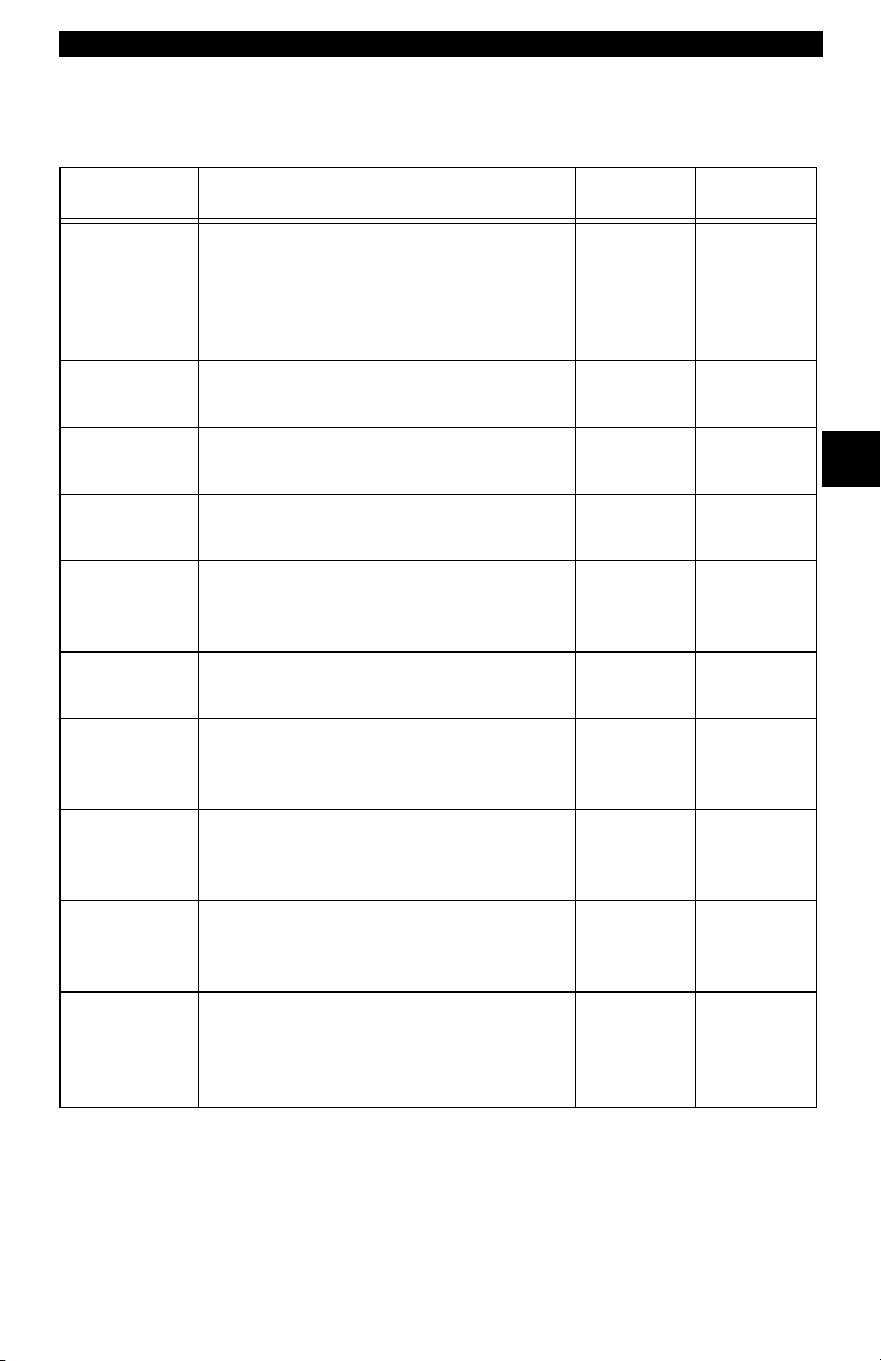
Accessories for the Scan Tool
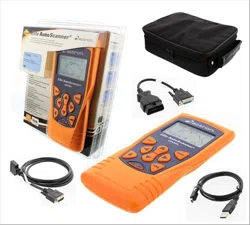
Table 1: Scan Tool Accessories
Part Part Description CP9185 CP9190
CD The CD contains the Manual in English,
French and Spanish. The CD also includes a
DTC lookup program for looking up DTCs,
and language applications for reprogram-
ming the Scan Tool in Spanish and French.
Included Included
USB Cable Used to print and upgrade software depend-
ing on tool.
Included Included
OBD II Cable Communicate between the vehicle and tool.
Also supplies power to the tool.
Included Included
Carry Case Place to store the Scan Tool when tool is
not in use.
Soft Case Hard Case
Warranty &
Registration
Card
Provides you with the ability to keep up to
date with the newest updates and technol-
ogy available.
Included Included
GM Historic
Cable
Used to communicate with all GM vehicles
using a 12-pin DLC.
Optional Included
Ford
EEC-IV/MC
U Cable
Used to communicate with all Ford vehicles
that use the large 6-sided connector.
Optional Included
Chrysler SCI
Cable
Used to communicate with all Chrysler
vehicles using the L-shaped 6-pin connec-
tor located in the engine compartment.
Optional Included
Extension
Cable
Used to attach the GM Historic cable, Ford
EEC- IV/MCU cable or Chrysler SCI cable
to the Scan Tool.
Included Included
Cigarette
Lighter Cable
Provides power to the Scan Tool for vehi-
cles that require the Ford EEC-IV/MCU
cable, GM Historic cable or Chrysler SCI
cable.
Optional Included
Using The Scan Tool
3 – 4 • • • • • • • • • • • • • • • • • • • • • • • • • • • • • • • • • • • • • • • • • • • • • • • • • • • • • • • •
3
✓ Replacement Parts are available from the manufacturer by
contacting customer service.
• Phone at 1-800-228-7667 (8:00 - 6:00 EST Monday - Friday).
Display
The display has a large viewing area displaying messages, instructions,
and diagnostic information.
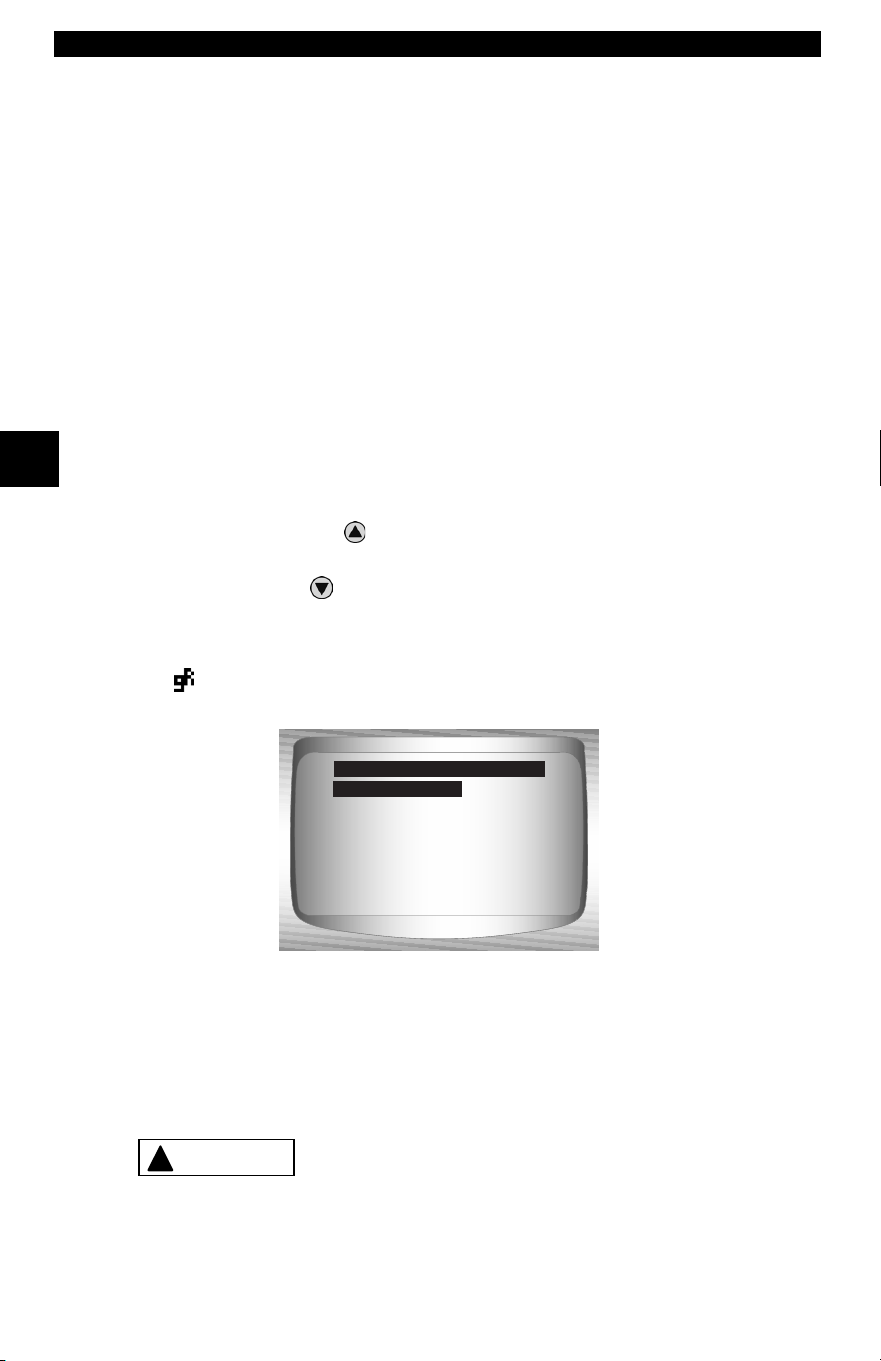
✓ The back-lit liquid crystal display (LCD) is a 128 x 64 pixel display.
❒ Characters used to help operate the Scan Tool are:
[
Indicates cursor location.
Indicates information is available for an item or multiple items.
Indicates when Help is available.
\ Indicates additional information is available on previous screen
by using the
UP
arrow key.
]
Indicates additional information is available on next screen by
using
the
DOWN
arrow key.
Indicates internal batteries need replaced or are not installed.
Indicates beeper is enabled.
Indicates graphical viewing available.
Keypad
The keypad is used to move through the different menus of the Scan
Tool. The Scan Tool’s software is designed for ease in operating and
navigating through menus.
Do not use solvents such as alcohol to clean keypad
or display. Use a mild nonabrasive detergent and a
soft cotton cloth.
Global OBD II
Domestic Vehicles
European Vehicles
Asian Vehicles
Review Data
Print Data
System Setup
Main Menu
Global OBD II
?
!
CAUTION
• • • • • • • • • • • • • • • • • • • • • • • • • • • • • • • • • • • • • • • • • • • • • • • • • • • • • • • • • 3 – 5
Using The Scan Tool
3
Do not soak keypad as water might find its way
inside the Scan Tool.
Power
✓ Refer to Scan Tool Does Not Power Up in section 9
Troubleshooting on page 9-2 if there are problems.
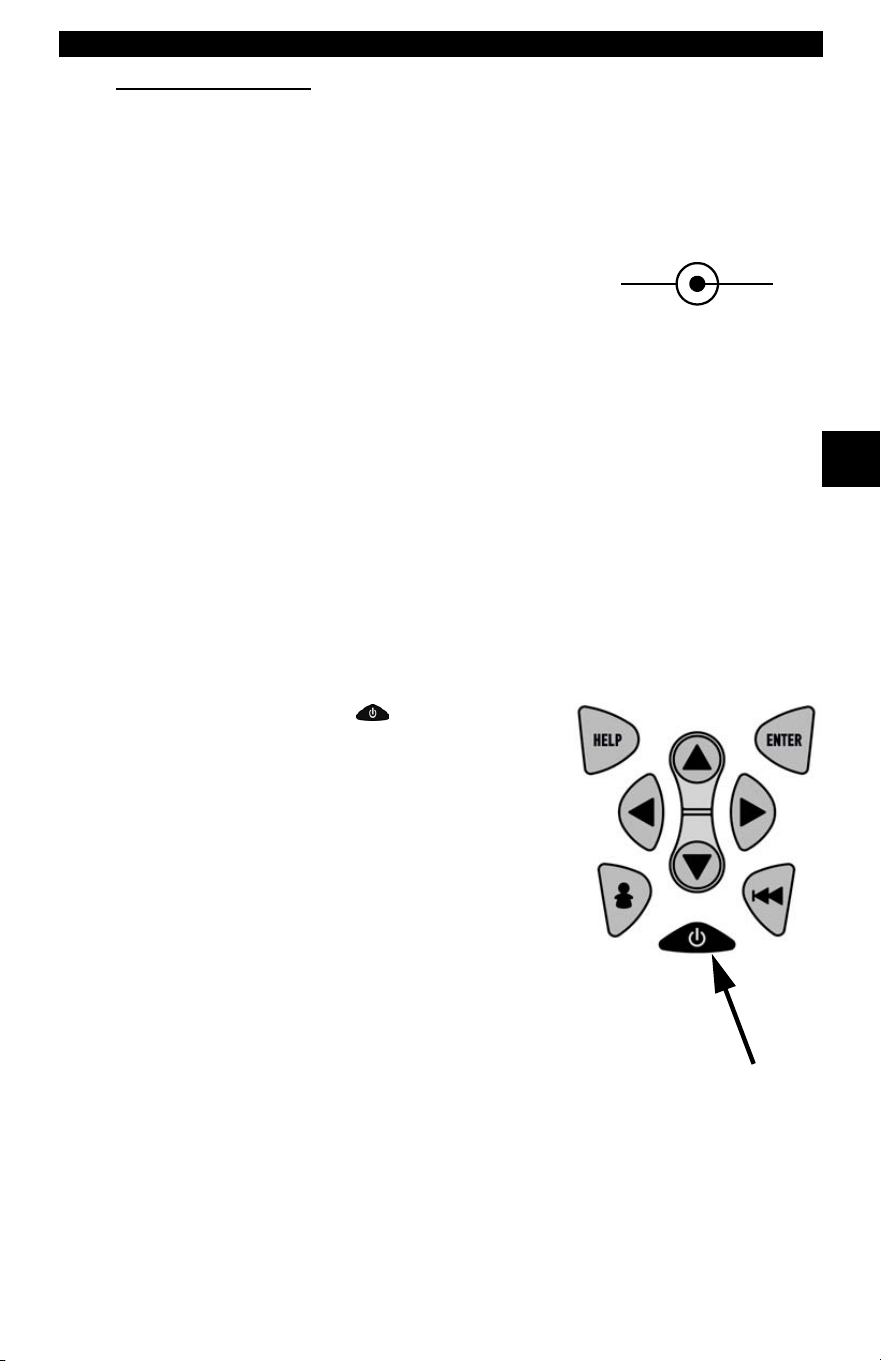
✓
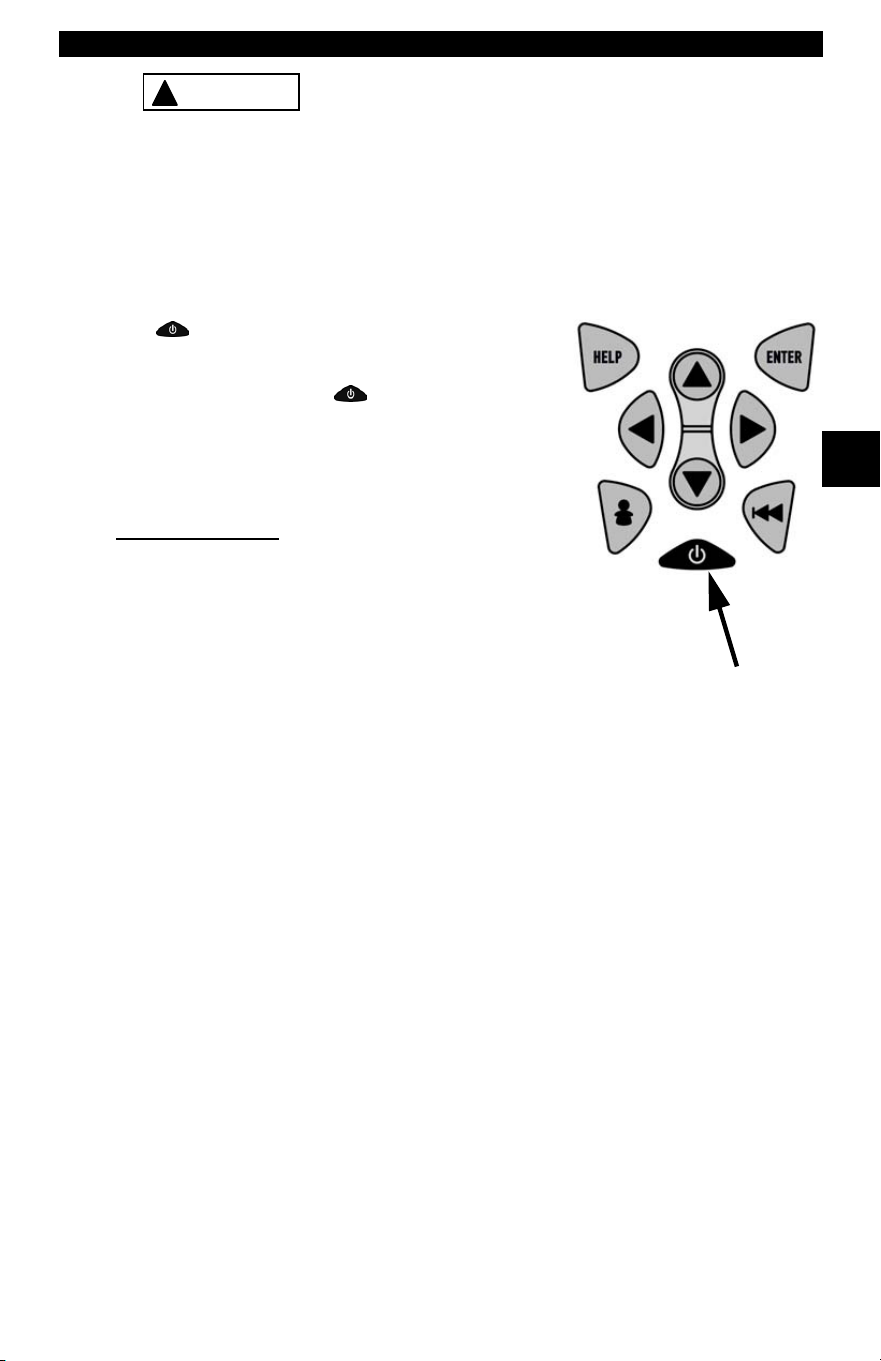
ON/OFF
button on Scan Tool turns tool
on and off.
❒ Press and hold
ON/OFF
key for at
least 1 second to turn on Scan Tool.
Internal Battery
✓ When powered from the internal battery,
the Scan Tool disables the display’s
backlighting and turns OFF after a period of inactivity.
!
CAUTION
Using The Scan Tool
3 – 6 • • • • • • • • • • • • • • • • • • • • • • • • • • • • • • • • • • • • • • • • • • • • • • • • • • • • • • • •
3
✓ Each time the Scan Tool is
powered up, voltage of the internal
battery is checked.
❒ If voltage is low, the Low
Battery Symbol ( ) displays
on screen.
❒ Replace the battery using
instructions provided in Battery
Replacement.
If the Scan Tool will not be used for an extended
period of time, remove the battery to prevent battery
leakage from damaging the battery compartment.
Vehicle Power
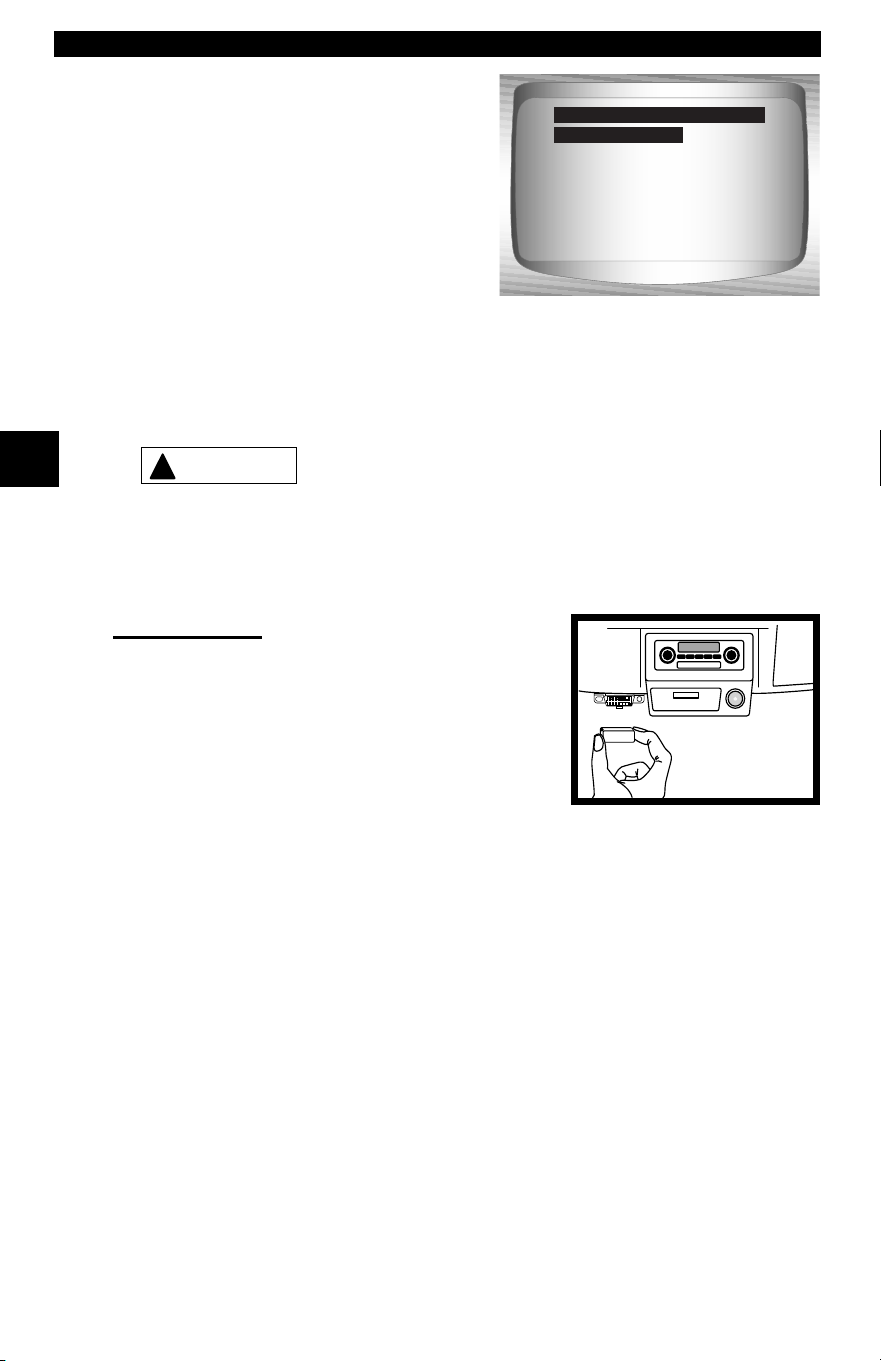
When using the OBD II Cable, the power to
the Scan Tool comes from the vehicle DLC.
Some vehicle cigarette lighters are not
powered when the ignition is in the OFF
position. Therefore, you may wish to use
battery clip adapters.
Global OBD II
Domestic Vehicles
European Vehicles
Asian Vehicles
Review Data
Print Data
System Setup
Main Menu
Global OBD II
!
CAUTION
Diagnostic
Co nnecto r
• • • • • • • • • • • • • • • • • • • • • • • • • • • • • • • • • • • • • • • • • • • • • • • • • • • • • • • • • 3 – 7
Using The Scan Tool
3
AC Power Adapter
An AC power adapter (not included) can be used to power the Scan Tool
when reprogramming from a personal computer or for off-vehicle
reviewing of codes and printing.12V AC-DC converters are available at
most PC and electronic stores.
✓ The Scan Tool is equipped to accept any
110 VAC - 12 VDC wall adapter with the
following specifications:
❒ 500 mA minimum current unregulated wall power adapter
❒ 5.5 mm outside diameter
❒ 2.5 mm inside diameter
❒ The inside tip is positive (+)
Scan Tool Power UP
1. Connect Power Source
•
Internal Battery
(9V Battery), or vehicle Power DLC
• AC Adapter, or cigarette lighter cable.
2. Press and Hold
ON/OFF
key
•
For 1 second until the Scan Tool turns on.
System Setup
✓ System Setup allows:
❒ Measurement units to be changed.
❒ Display contrast to be changed.
❒ Auto-Power off time to be changed.
❒ Scan Tool information to be viewed.
❒ Display to be checked.
❒ Operation of the keypad to be checked.
❒ Memory of the tool to be checked.
❒ Scan Tool to be upgraded, or programmed for a different
language.
12 VGND
Using The Scan Tool
3 – 8 • • • • • • • • • • • • • • • • • • • • • • • • • • • • • • • • • • • • • • • • • • • • • • • • • • • • • • • •
3
✓ System Setup settings remain until internal battery becomes
discharged or is removed.
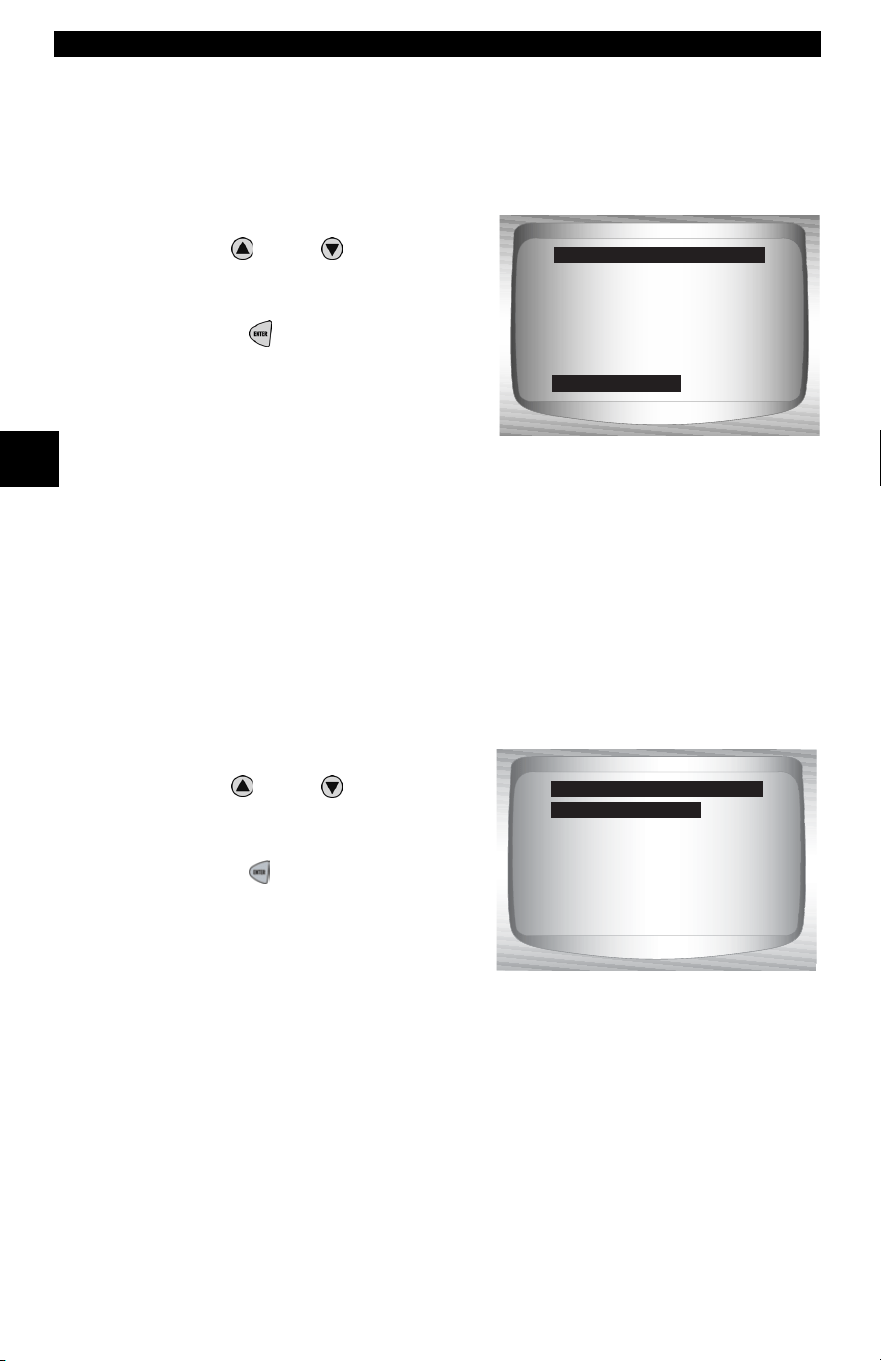
From Main Menu:
1.Select System Setup.
•Use
UP
or
DOWN
arrow
key until System Setup is
highlighted.
•Press
ENTER.
Changing Measurement Units
✓ English is the default measurement unit.
✓ Measurement units can be changed in View and Record Data.
From System Setup screen:
1.Select English/Metric.
•Use
UP
or
DOWN
arrow
key until English/Metric is
highlighted.
•Press
ENTER.
Global OBD II
Domestic Vehicles
European Vehicles
Asian Vehicles
Review Data
Print Data
System Setup
Main Menu
System Setup
?
English/Metric
Contrast Adjust
Be eper
Auto Power Off
Tool Information
Display Test
Keyboard Test
System Setup
English/Metric
• • • • • • • • • • • • • • • • • • • • • • • • • • • • • • • • • • • • • • • • • • • • • • • • • • • • • • • • • 3 – 9
Using The Scan Tool
3
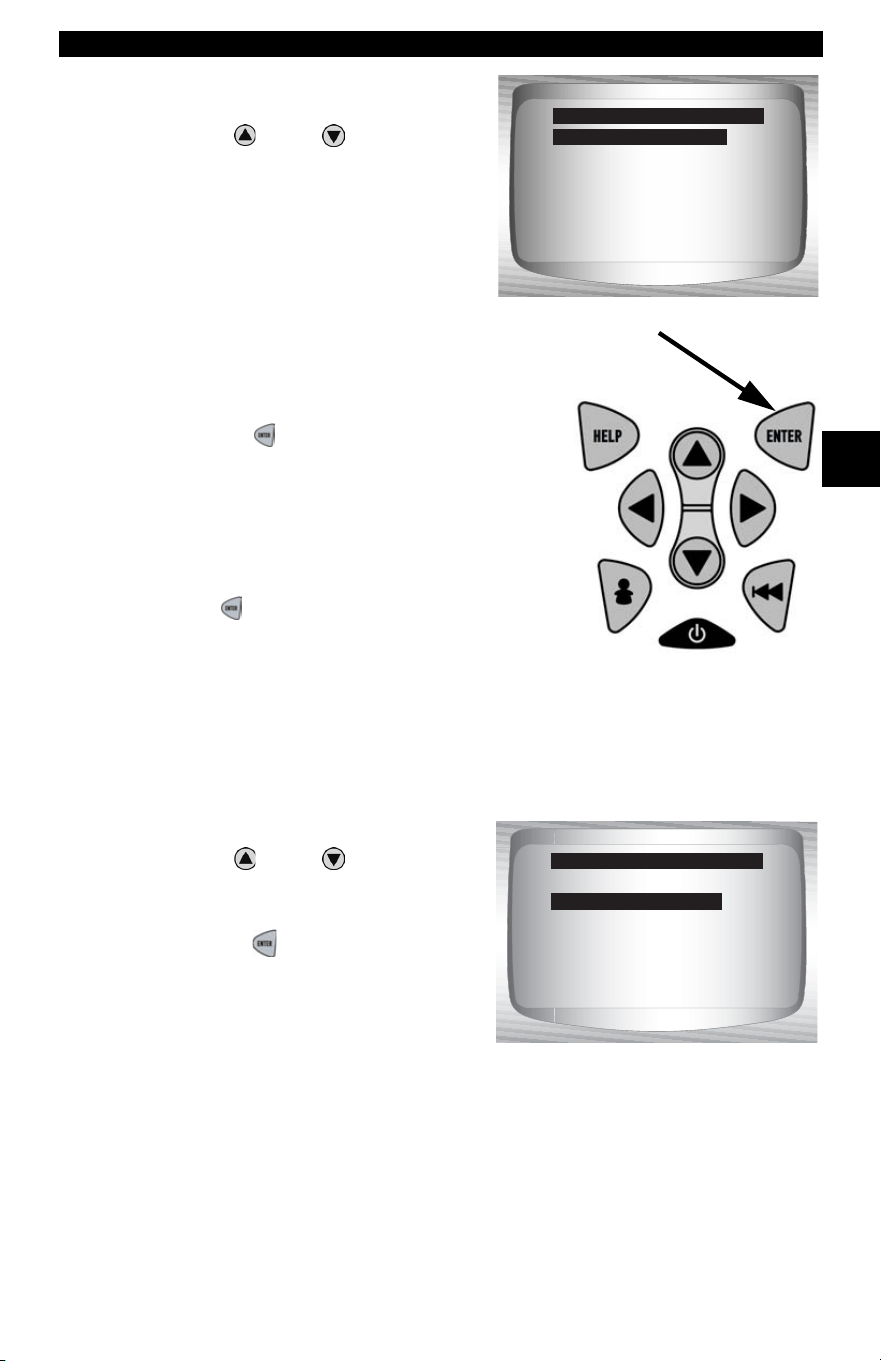
2.Select Desired
Measurement Unit.
•Use
UP
or
DOWN
arrow
key until desired unit is
highlighted.
3.Save Measurement Setting.
•Press
ENTER.
✓ Press ENTER again to return to the
System Setup menu.
Changing Display Contrast
From System Setup screen:
1.Select Contrast Adjust.
•Use
UP
or
DOWN
arrow
key until Display Contrast is
highlighted.
•Press
ENTER.
English/Metric
Metric
Measurement Units
English (Default)
English/Metric
Display Contrast
Be eper
Auto Power Off
Tool Information
Display Test
Keyboard Test
System Setup
Contrast Adjust
Using The Scan Tool
3 – 10 • • • • • • • • • • • • • • • • • • • • • • • • • • • • • • • • • • • • • • • • • • • • • • • • • • • • • • •
3
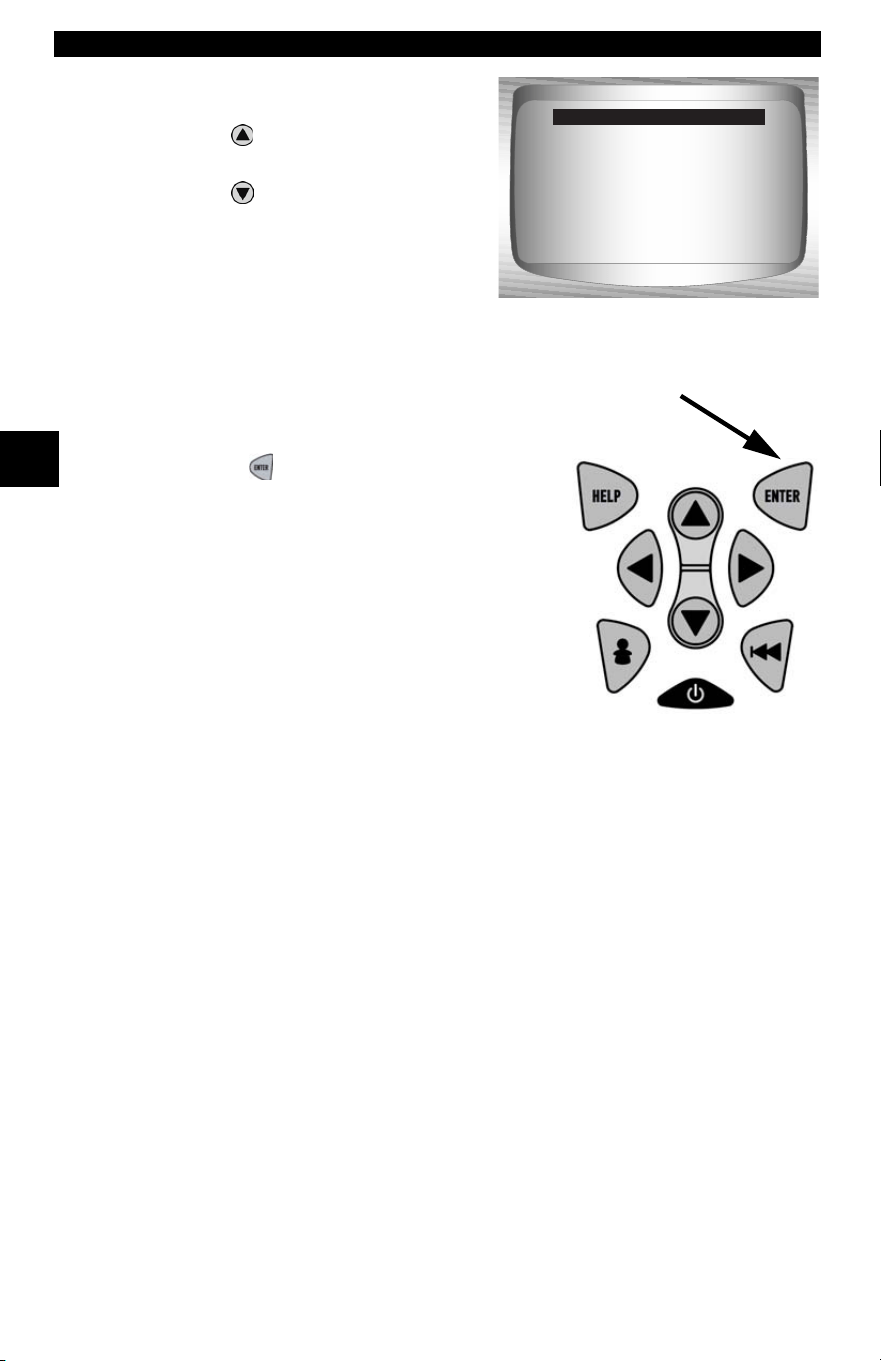
2.Increase or Decrease
Display Contrast.
•Use
UP
a
rrow key to
increase Contrast.
•Use
DOWN
arrow key to
decrease Contrast.
3.Save Contrast Setting
and return to the System
Setup menu.
•Press
ENTER.
Beeper
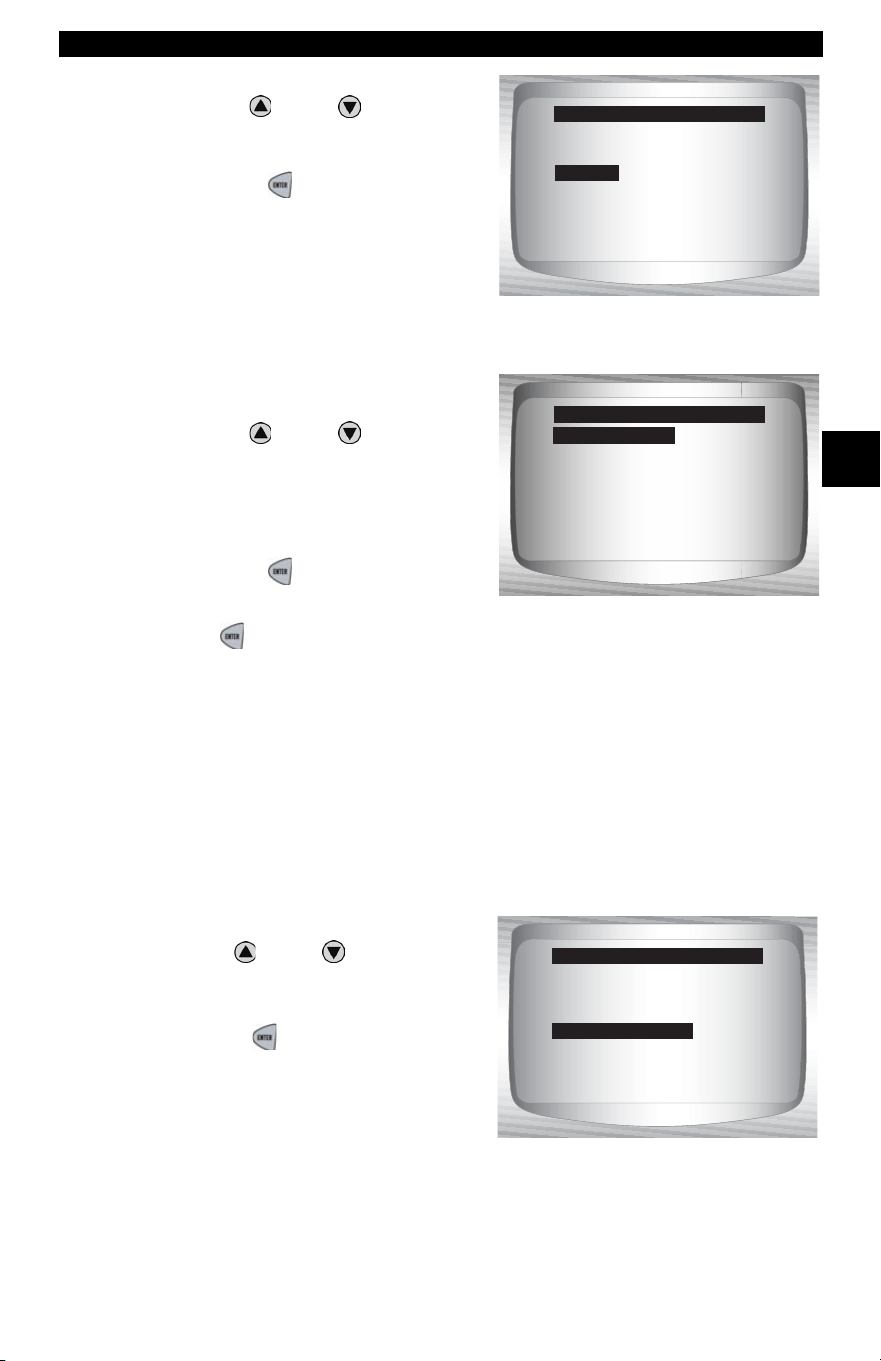
✓ Beeper selection allows the user to turn off the Scan Tool’s beeper.
The bell symbol
will not appear in the lower right hand corner of
the display when the beeper is off.
From System Setup menu:
Press ENTER
when done.
50%
Darken
Lighten
Adjust Contrast
• • • • • • • • • • • • • • • • • • • • • • • • • • • • • • • • • • • • • • • • • • • • • • • • • • • • • • • • 3 – 11
Using The Scan Tool
3
1.Select Beeper.
• Use
UP
or
DOWN
arrow
key until Beeper is high-
lighted.
• Press
ENTER.
2.Select desired Beeper sound
choice.
• Use
UP
or
DOWN
arrow
key until desired choice is
highlighted.
3.Save Beeper sound setting.
• Press
ENTER.
✓ Press ENTER again to return to the System Setup menu.
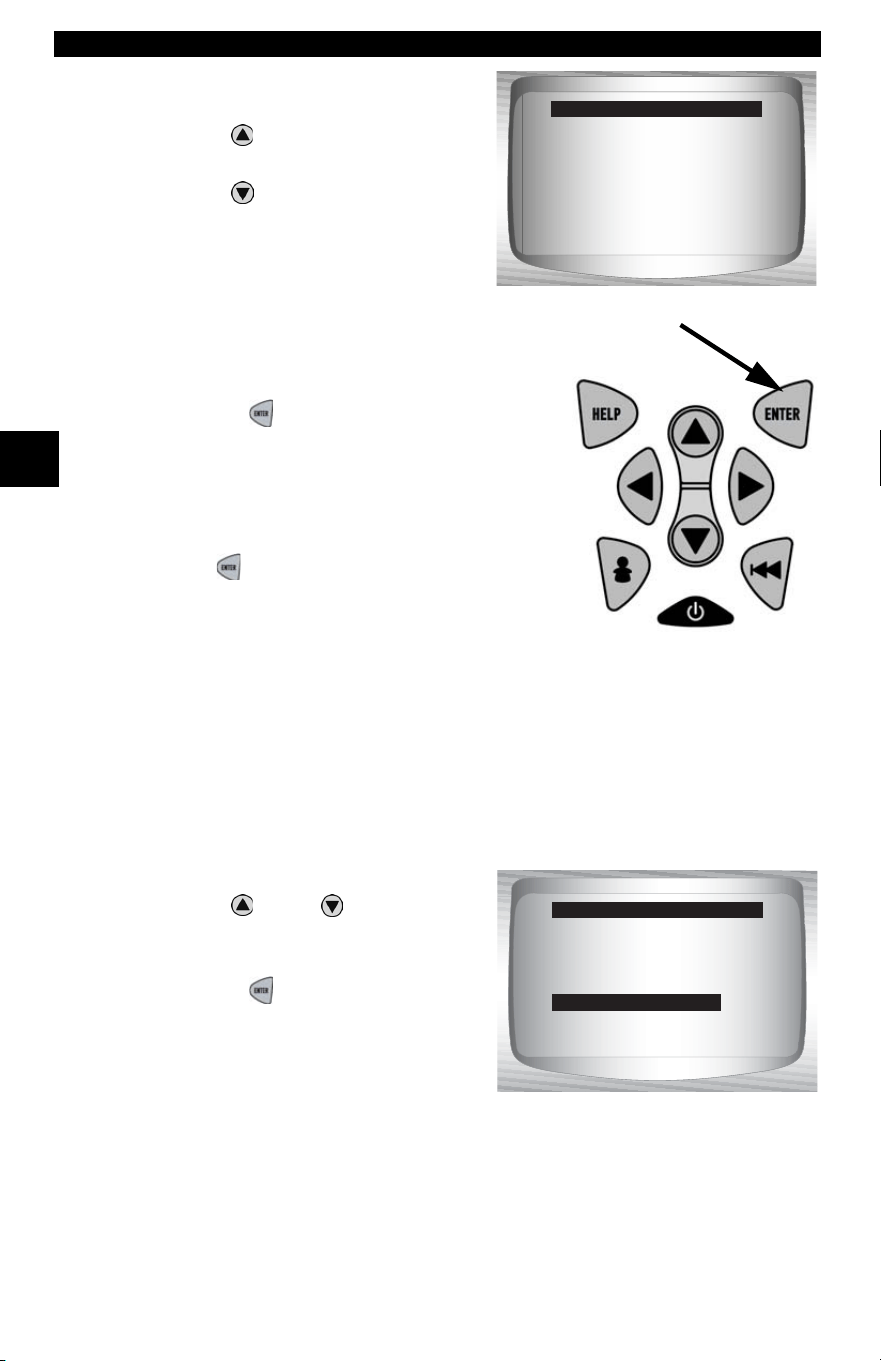
Changing Auto-Power Off
The Auto-Power Off feature allows the tool to turn off automatically after
a selected amount of time when tool is not being used.
From System Setup menu:
1.Select Auto Power Off.
•Use
UP
or
DOWN
arrow
key until Auto Power Off is
highlighted.
•Press
ENTER.
English/Metric ?
Contrast Adjust
Be eper
Auto Power Off
Tool Information
Display Test
Keyboard Test
System Setup
Be eper
English/Me
Off
Be eper Sound
On (Default)
English/Metric
Contrast Adjust
Be eper
Auto Power Off
Tool Information
Display Test
Keyboard Test
System Setup
Auto Power Off
Using The Scan Tool
3 – 12 • • • • • • • • • • • • • • • • • • • • • • • • • • • • • • • • • • • • • • • • • • • • • • • • • • • • • • •
3
2.Increase or Decrease Auto
Power Off Time.
•Use
UP
a
rrow key to
increase Time.
•Use
DOWN
arrow key to
decrease Time.
3.Save Auto Power Off Time.
•Press
ENTER.
✓ Press ENTER again to return to the
System Setup menu.
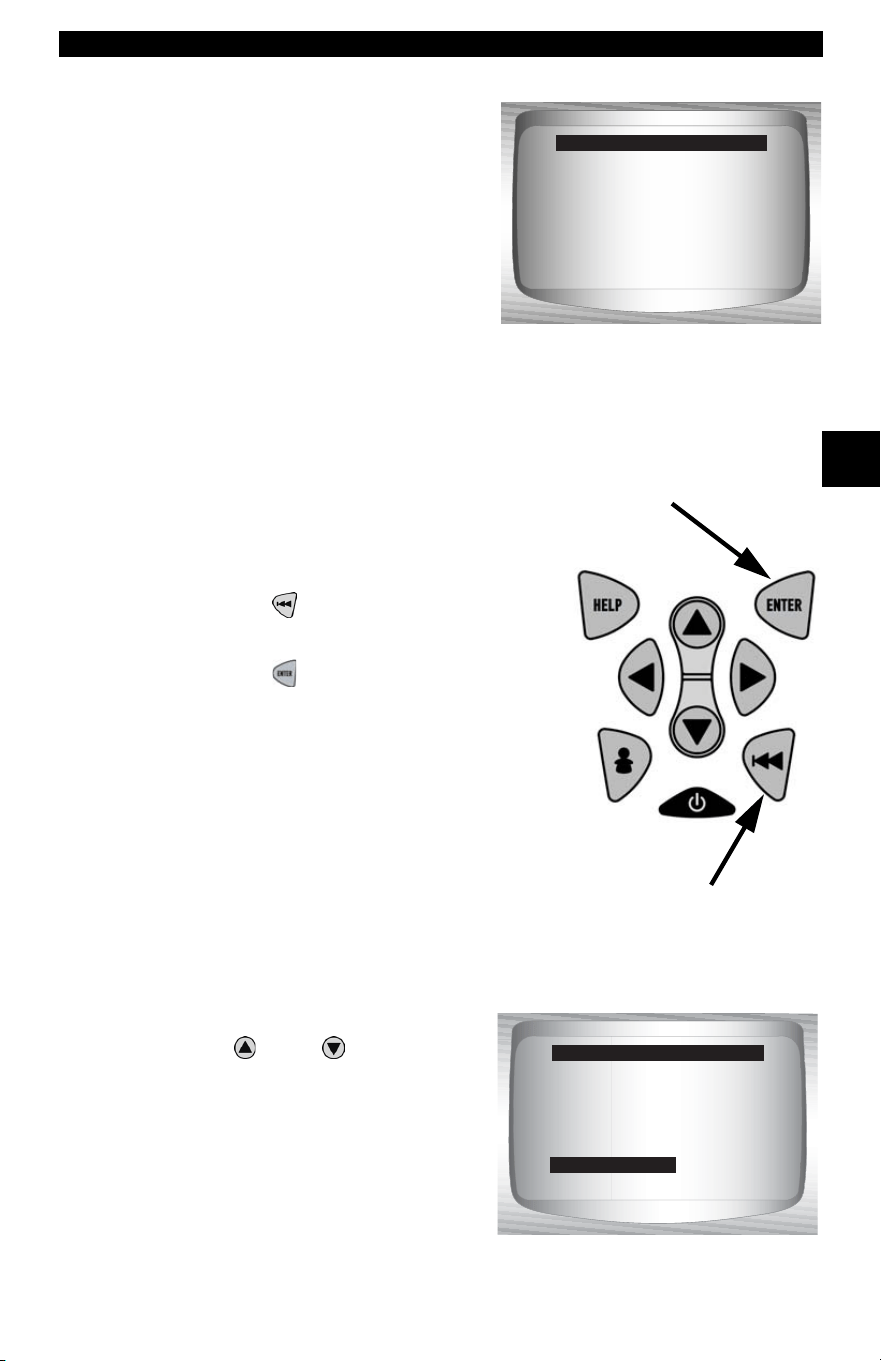
View Tool Information
✓ This function allows you to view specific tool information that may
be needed when contacting customer service.
From System Setup menu:
1.Select Tool Information.
•Use
UP
or
DOWN
arrow
key until Tool Information is
highlighted.
•Press
ENTER.
Press ENTER when done.
15
Minutes
Increase Time
Decrease Time
Auto Power Off
English/Metric
Contrast Adjust
Be eper
Auto Power Off
Tool Information
Display Test
Keyboard Test
System Setup
Tool Information
• • • • • • • • • • • • • • • • • • • • • • • • • • • • • • • • • • • • • • • • • • • • • • • • • • • • • • • • 3 – 13
Using The Scan Tool
3
2.View Information:
❒Serial Number (Serial No:)
❒Software ID (SW ID:)
❒Hardware Version
(HW Ver:)
❒Boot Version (Boot Ver:)
❒Product ID (Prod ID:)
❒Board ID (Board ID:)
❒Burn Date (Burn Date:)
❒Burn Location (Burn Loc:)
3.Write Down Scan Tool Information.
• Space is provided on inside front cover to record the Scan Tool
information.
4.Return to Setup Tool Menu.
•Use the
BACK key.
OR
•Use the
ENTER Key.
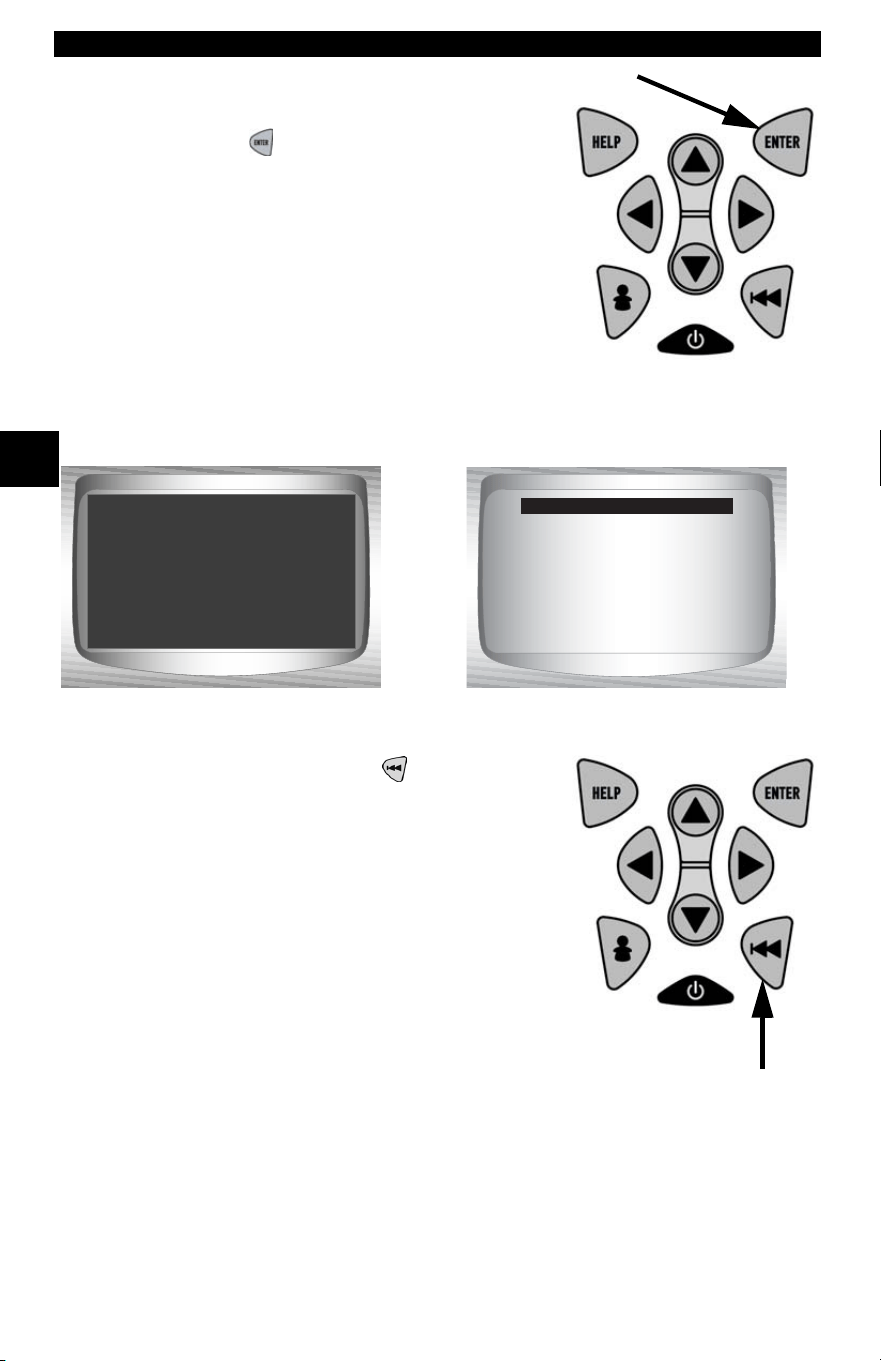
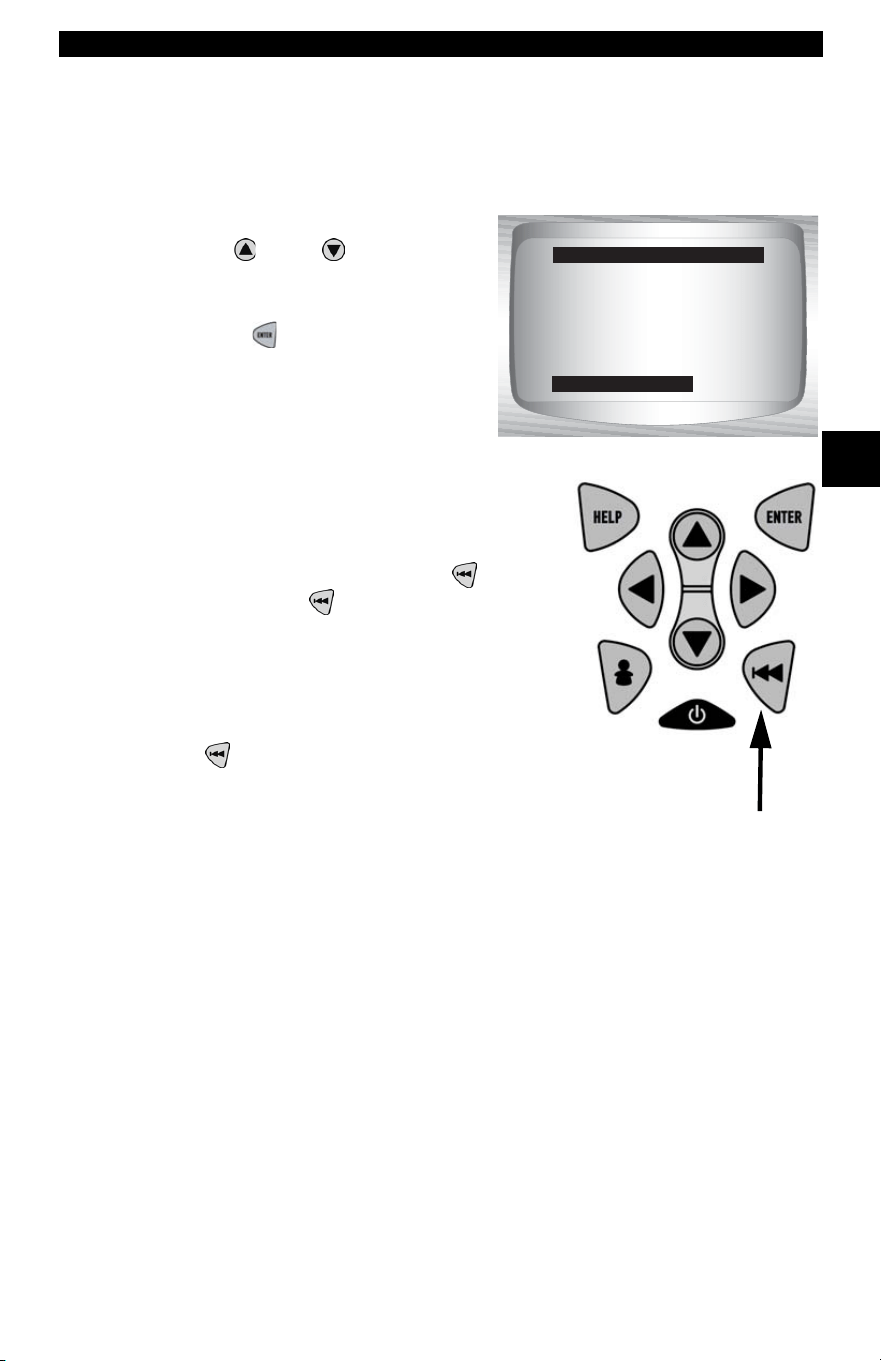
Display Test
The Display Test is used to check the display.
✓ The test fills every pixel of the display with a solid black character.
From System Setup menu:
1.Select Display Test.
•Use
UP
or
DOWN
arrow
key until Display Test is
highlighted.
Serial No: 10002076
SW ID: 0A46H
HW Ver: 1
Boot Ver: 1
Prod ID: 5
Board ID: 11
Burn Date: 04/25/04
Tool Information
English/Metric
Contrast Adjust
Be eper
Auto Power Off
Tool Information
Display Test
Keyboard Test
System Setup
Display Test
Using The Scan Tool
3 – 14 • • • • • • • • • • • • • • • • • • • • • • • • • • • • • • • • • • • • • • • • • • • • • • • • • • • • • • •
3
2. Start Display Test.
•Press
ENTER.
3. Look for Missing Spots.
• All characters display in solid black if
there are no concerns.
• Screen flips back and forth between
screens shown below.
4. When Done, Press
BACK Key.
Check for missing
spots in the display
Press Back
to Quit
Display Test
• • • • • • • • • • • • • • • • • • • • • • • • • • • • • • • • • • • • • • • • • • • • • • • • • • • • • • • • 3 – 15
Using The Scan Tool
3
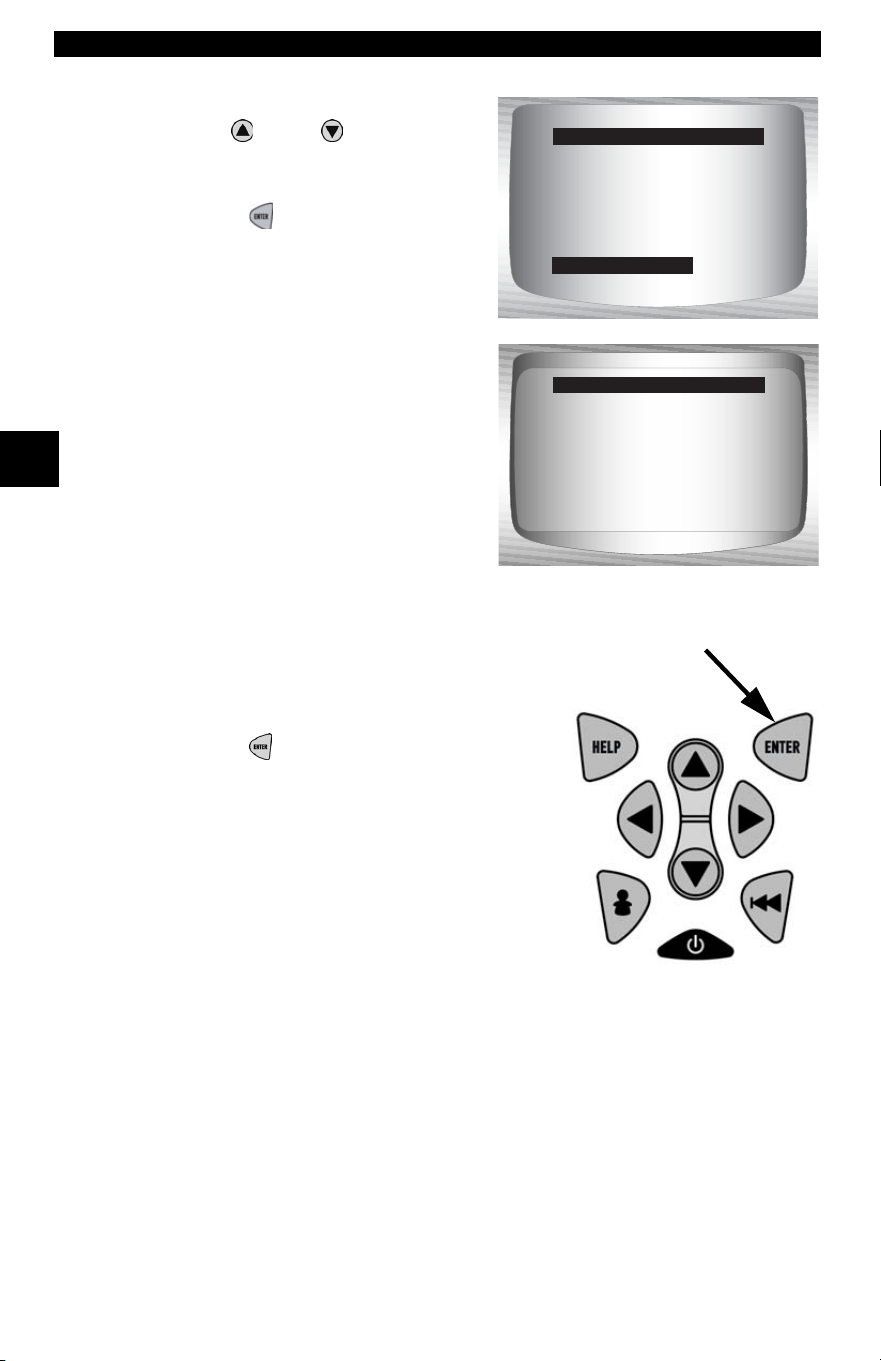
Keyboard Test
The Keyboard Test is used to verify keys are working correctly.
From System Setup menu:
1.Select Keyboard Test.
•Use
UP
or
DOWN
arrow
key until Keyboard Test is
highlighted.
•Press
ENTER.
2. Press a
KEY
.
• Key name or scroll direction should
inverse colors on display.
• The only exception is the
BACK
key. When
BACK key is pressed,
System Setup menu returns.
✓ If System Setup menu does not return,
then
BACK key is not working
correctly.
Memory Test
✓ The Memory Test will test RAM and Flash ROM.
✓ Run the Memory Test if the tool has trouble:
❒ Playing back recorded data.
❒ Displaying trouble code definitions.
❒ Doing any function that uses internal memory.
English/Metric
Contrast Adjust
Be eper
Auto Power Off
Tool Information
Display Test
Keyboard test
System Setup
Keyboard Test
Using The Scan Tool
3 – 16 • • • • • • • • • • • • • • • • • • • • • • • • • • • • • • • • • • • • • • • • • • • • • • • • • • • • • • •
3
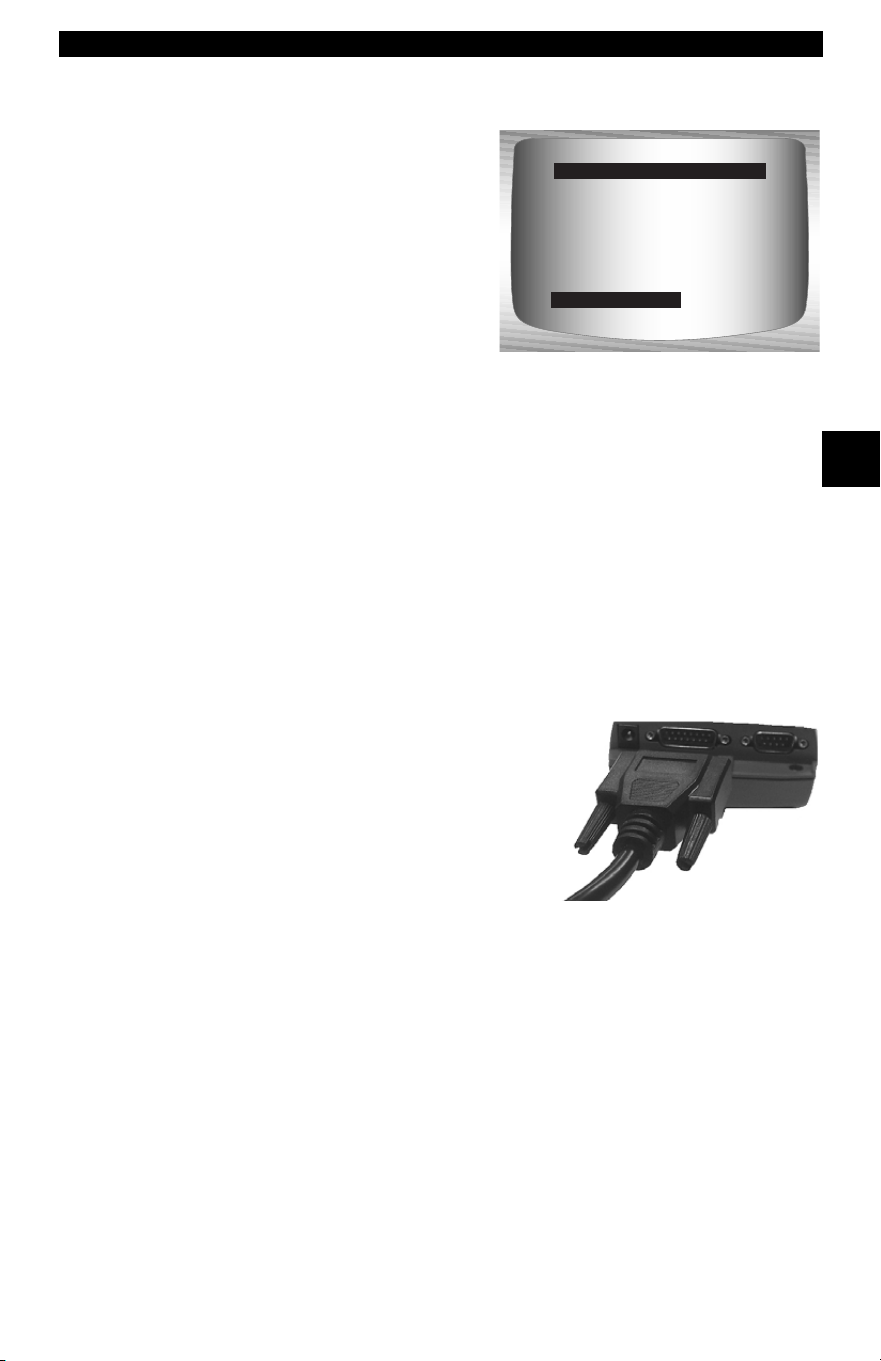
From System Setup menu:
1.Select Memory Test.
•Use
UP
or
DOWN
arrow
key until Memory Test is
highlighted.
•Press
ENTER.
✓ Dots along the bottom of the
screen show progress of the
Memory Test.
❒ Memory Test may take
several minutes to complete.
❒ Memory Test results display.
❒ If no problems were
detected, then PASS is dis-
played
❒ If RAM fails, an error message is shown.
❒ If ROM fails, a checksum is shown.
2. Return to System Setup menu.
•Press
ENTER.
Contrast Adjust
Be eper
Auto Power Off
Tool Information
Display Test
Keyboard Test
Memory Test
System Setup
Memory Test
RAM Pass
ROM FAIL 1234
............
Memory Test
• • • • • • • • • • • • • • • • • • • • • • • • • • • • • • • • • • • • • • • • • • • • • • • • • • • • • • • • 3 – 17
Using The Scan Tool
3
Program Mode
The Program Mode is used for
reprogramming the Scan Tool with
English, Spanish or French
languages. The Scan Tool is
programmed with English by
default.
The Program Mode is also used for
updating the Scan Tool. Instructions
are provided with upgrades.
Connecting The Scan Tool
To diagnose a vehicle, connect the DLC and power adapter (if
applicable) to the Scan Tool. Refer to “Data Link Connector (DLC)” on
page 2-9 of Getting Started.
If you just want to power up the tool to do self-tests, code lookup, review
or printing data from the last vehicle tested, then you do not need to
attach the cable to the DLC. The internal battery provides power for this
.
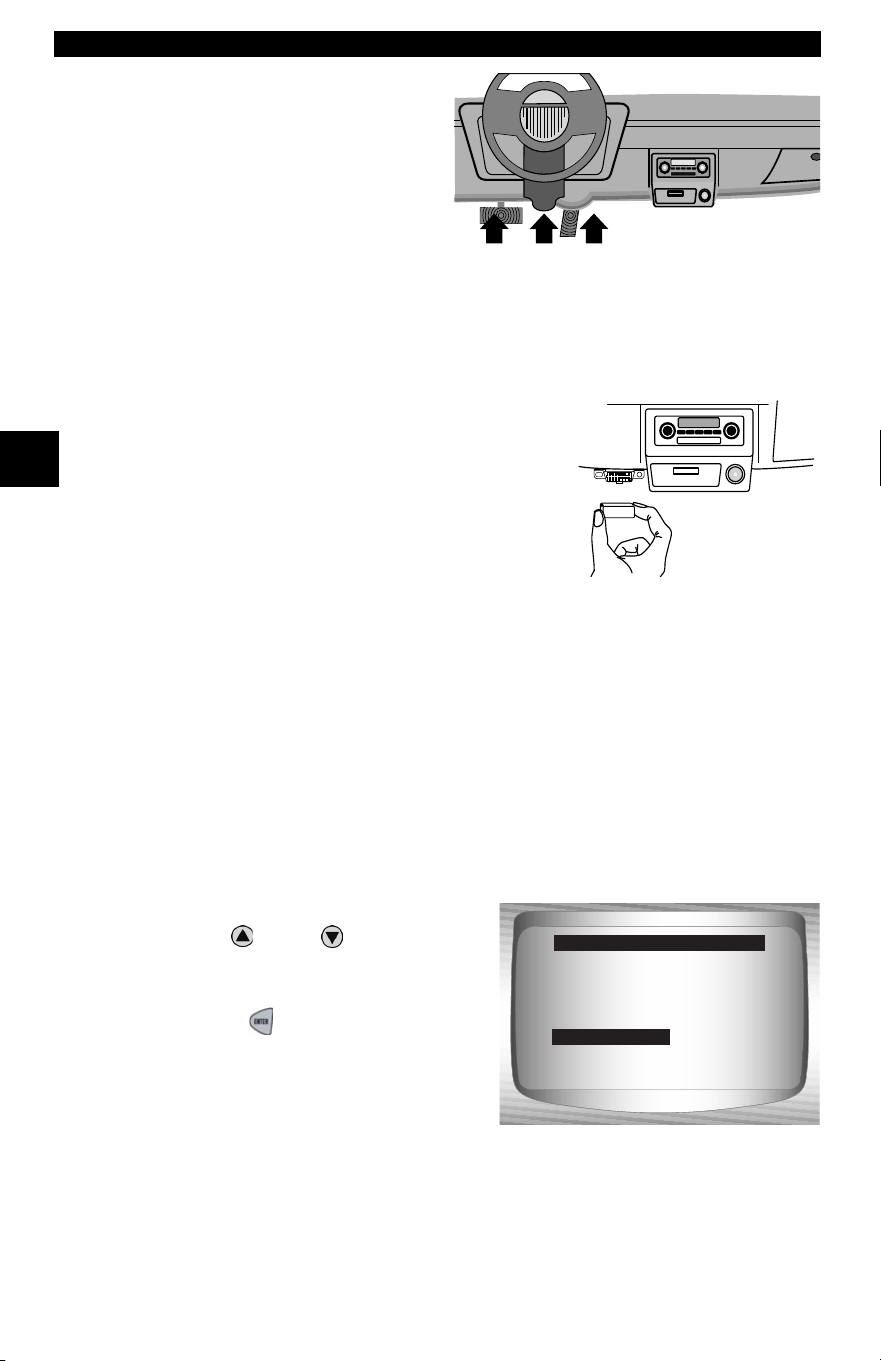
1.Connect appropriate cable to Scan
Tool
•Make sure pins are not bent.
✓ Depending on vehicle, either the OBD II
Cable or Extension Cable is required.
Be eper
Auto Power Off
Tool Information
Display Test
Keyboard Test
Memory Test
Program Mode
System Setup
Program Mode
Using The Scan Tool
3 – 18 • • • • • • • • • • • • • • • • • • • • • • • • • • • • • • • • • • • • • • • • • • • • • • • • • • • • • • •
3
2.Find DLC on vehicle.
•For OBD II vehicles, look
under the dashboard on the
driver’s side of the vehicle.
•If the DLC is not located
under the dashboard, a
label should be there telling
the location.
For GM, Ford, and Chrysler Historic vehicles refer to “
Appendix B - Data
Link Connectors
".
3.Remove DLC cover if required.
4.Connect cable to vehicle.
•Make sure pins are not bent.
✓ Use the appropriate vehicle cable for
vehicles that require the extension cable.
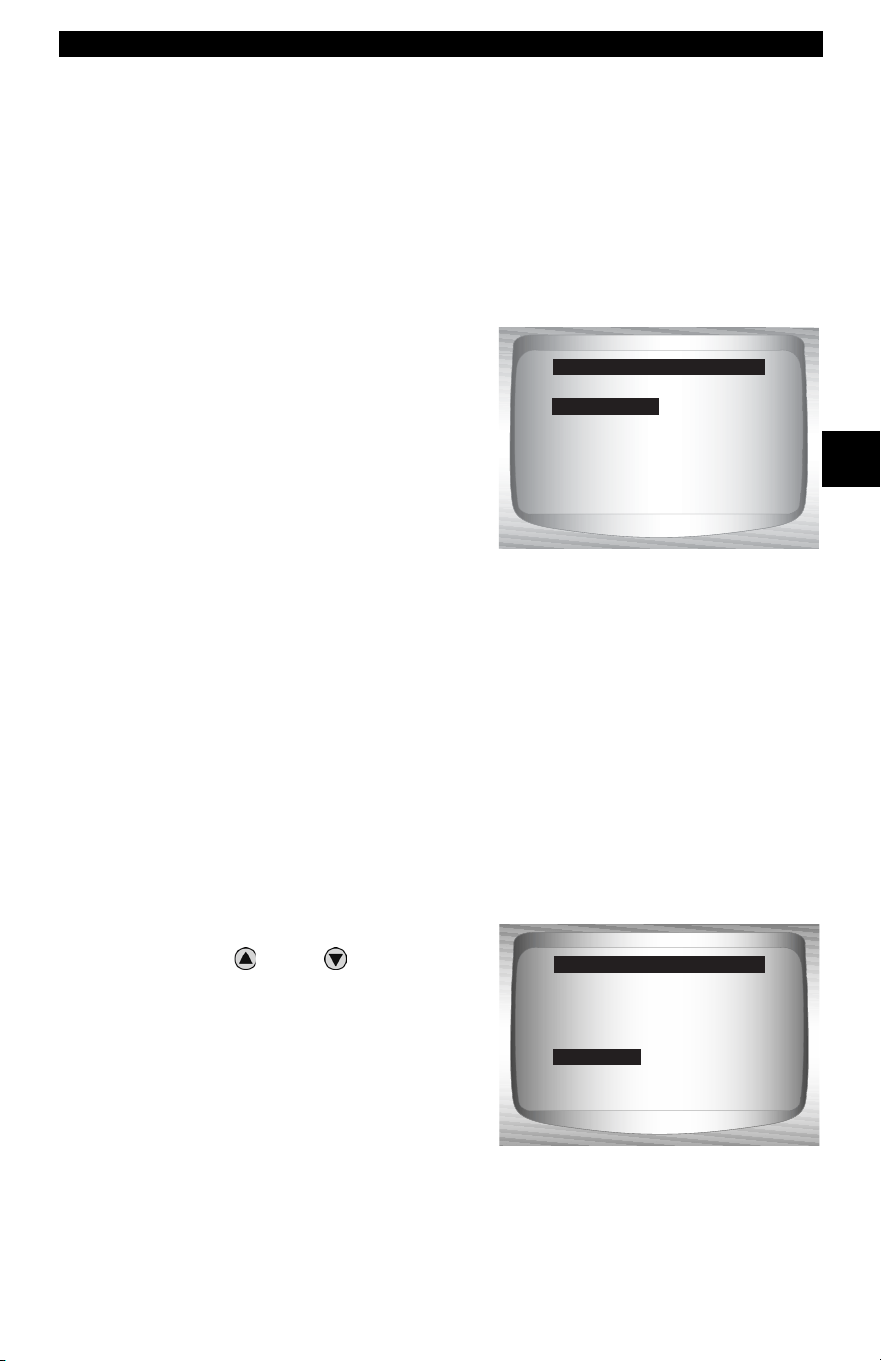
Review Data
✓ The Review Data function allows the user to view the information
from the previous vehicle tested.
✓ Scan Tool does not require power from the vehicle to use the
Review Data function.
1. Select Review Data.
•Use
UP
or
DOWN
arrow
key until Review Data is
highlighted.
•Press
ENTER.
Diagnostic
Co nnecto r
Global OBD II
Domestic Vehicles
European Vehicles
Asian Vehicles
Review Data
Print Data
System Setup
Main Menu
Review Data
• • • • • • • • • • • • • • • • • • • • • • • • • • • • • • • • • • • • • • • • • • • • • • • • • • • • • • • • 3 – 19
Using The Scan Tool
3
✓ Scan Tool Review Data function has different types of data to review
depending on vehicle selected.
Refer to appropriate section of this manual for what functions have data
for review.
2.Follow prompts and instructions provided by Scan Tool.
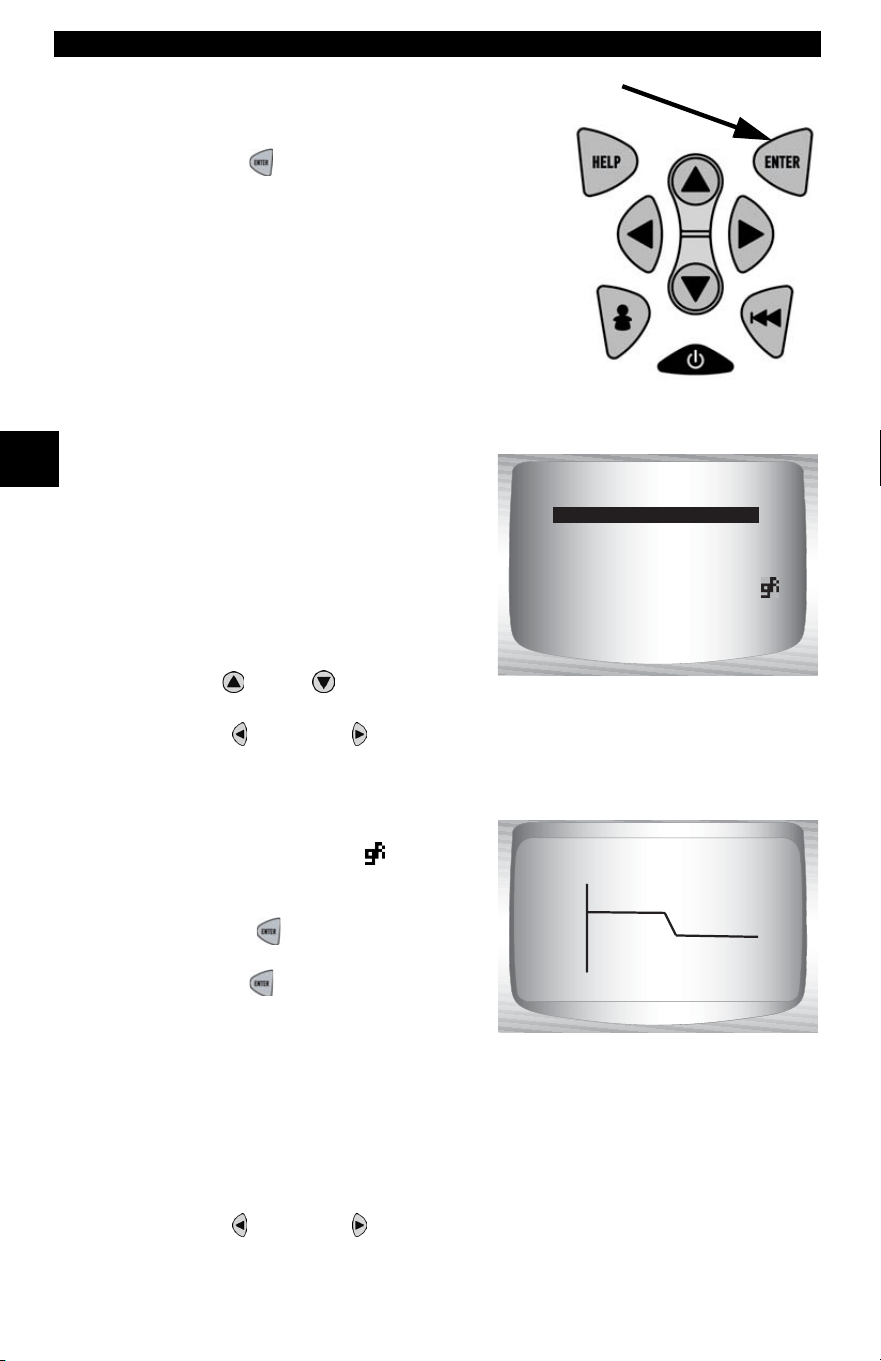
✓ The Review Data menu shows a
checkmark next to the item(s) that
has data.
✓ If data does not exist for function
selected to review, a message
informs the user to run a function
first.
✓ Only 1 function, Playback, needs detailed instructions.
Playback
The Playback function is used to playback a recording.
✓ This function is very similar to View Data. The only difference is that
View Data is real time viewing of PIDs, while Playback is a viewing
of previously recorded PIDs.
From the Review Data menu:
1.Select Playback.
•Use
UP
or
DOWN
arrow
key until Playback is
highlighted.
✓ Scan Tool displays a NO
RECORDING PRESENT
message if recording does not
exist.
I/M Readiness
Read Codes
Pending Codes
Fre eze Data
O2 Monitor Test
Diag Mon Test
Playback
Review Data
Read Codes
Fre eze Frame
State OBD Check
O2 Monitor Test
Diag Mon Tests
Playback
Vehicle Info
Modules Present
Review Data
Playback
Using The Scan Tool
3 – 20 • • • • • • • • • • • • • • • • • • • • • • • • • • • • • • • • • • • • • • • • • • • • • • • • • • • • • • •
3
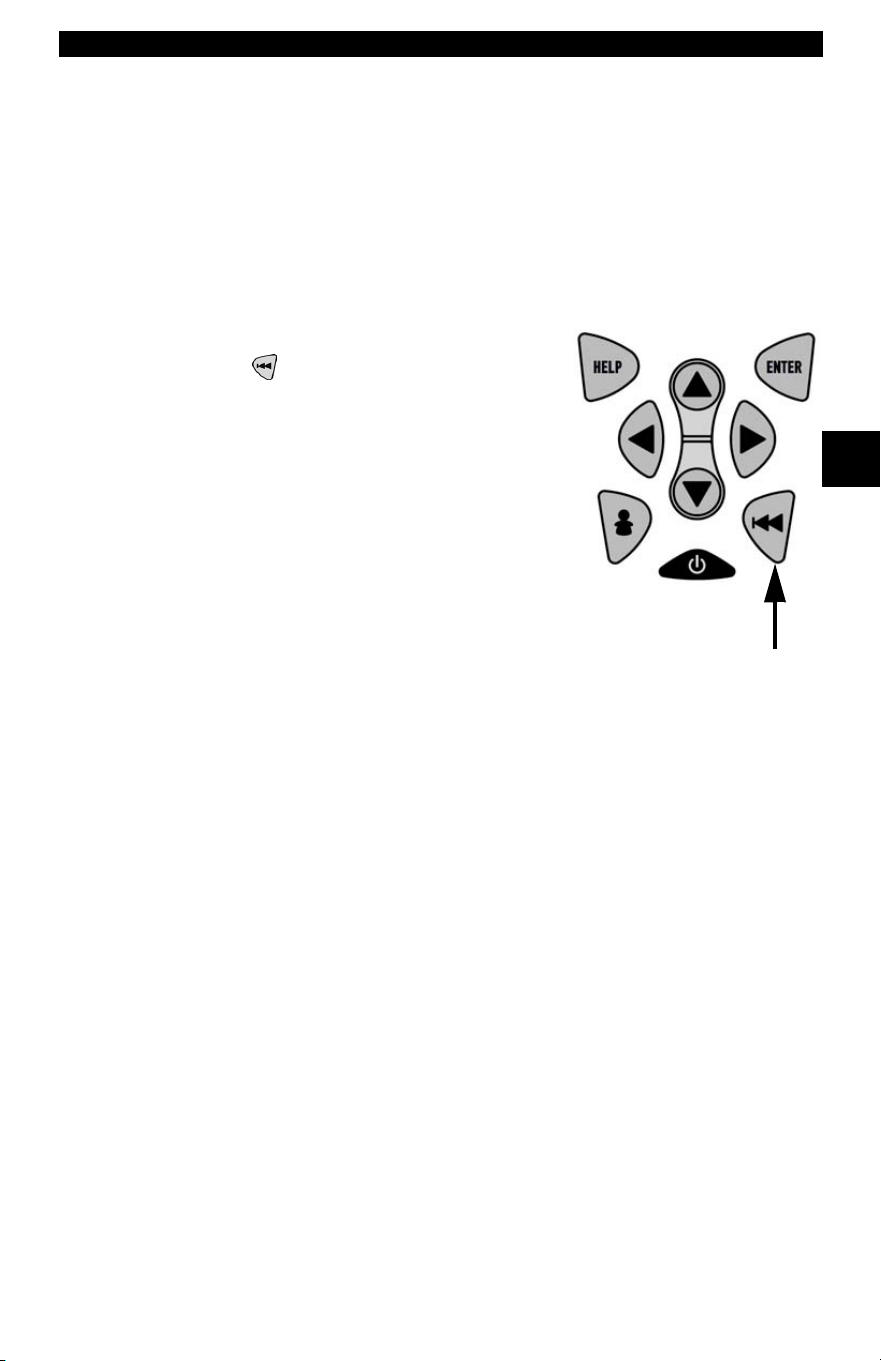
2. Play Back Recording.
•Press
ENTER.
✓ On GM Historic and Ford Historic
vehicles, you must select the data to
playback as an Entire Data List or
Custom Data List.
✓ The Playback has frame number
and timestamp (in seconds).
❒ Negative frames and
timestamps indicate data
recorded before trigger event.
❒ Positive frames and
timestamps indicate data
recorded after trigger event.
❒ Use
UP
or
DOWN
arrow
keys to view recorded PID data of each frame.
❒ Use LEFT or RIGHT arrow keys to scroll back and forth
through frames.
❒ If graphing is available for
selected PID, the “ ”, icon is
located on the side of the
screen.
– Press
ENTER to view
graph.
– Press ENTER again to return
to
Playback.
Note: Graphing is only available on 1996 and newer vehicles
equipped with an OBD II (J1962) connector.
✓ The triangle below the graph indicates the position of the frame in
the graph.
❒ Use LEFT or RIGHT arrow keys to scroll back and forth
through graph.
ON
MIL STATUS
ABS TPS(%) 100
ENGINE (RPM) 688
A/F RATIO 14:1
CALC LOAD 83.1
FRAME:0 TM 0.0
100+
ABS TPS (%) 59%
0 +
FRAME:0 TM 0.0
• • • • • • • • • • • • • • • • • • • • • • • • • • • • • • • • • • • • • • • • • • • • • • • • • • • • • • • • 3 – 21
Using The Scan Tool
3
✓ Different vehicles communicate at different speeds and support a
different number of PIDs. Therefore, the maximum number of frames
that can be recorded varies.
✓ Some vehicles wait a long period of time to store a DTC after a
driveability problem occurs. If the operator selected Trigger On Codes
when making a recording, the operator might not see any drastic
change in data parameters before and after trigger point.
3.Return to Review Data menu.
•Press
BACK.
Print Data
The Print Data function allows the printing of diagnostic information
stored in the Scan Tool.
✓ Scan Tool Print Data function has different types of data to print,
depending on vehicle selected. Refer to appropriate section of this
manual for what functions have data to print.
✓ The Scan Tool’s internal battery power can be used to print data.
✓ Make sure you have previously installed the PC software in Using the
CD.
✓ Launch Scanning Suite and then start printing application.
✓ Follow all instructions on PC.
Using The Scan Tool
3 – 22 • • • • • • • • • • • • • • • • • • • • • • • • • • • • • • • • • • • • • • • • • • • • • • • • • • • • • • •
3
From Special Tests menu:
1.Select Print Data.
•Use
UP
or
DOWN
arrow
key until Print Data is
highlighted.
•Press
ENTER.
✓ On the Print Menu, Print All prints all data collected by the Scan Tool.
✓ When printing playback data, Start Frame and End Frame need to be
defined.
2.Select Data To Be Printed.
•Use
UP
or
DOWN
arrow
key.
•Press
ENTER.
✓ The Print Menu shows a check
mark next to the item(s) that has
data.
Diag Mon Tests
On Board Systems
Vehicle Info
Modules Present
Review Data
Print Data
Special Test Menu
Print Data
Print All
I/M Readiness
Read Codes
Pending Codes
Fre eze Data
O2 Monitor Test
Diag Mon Tests
Print Menu
Print All
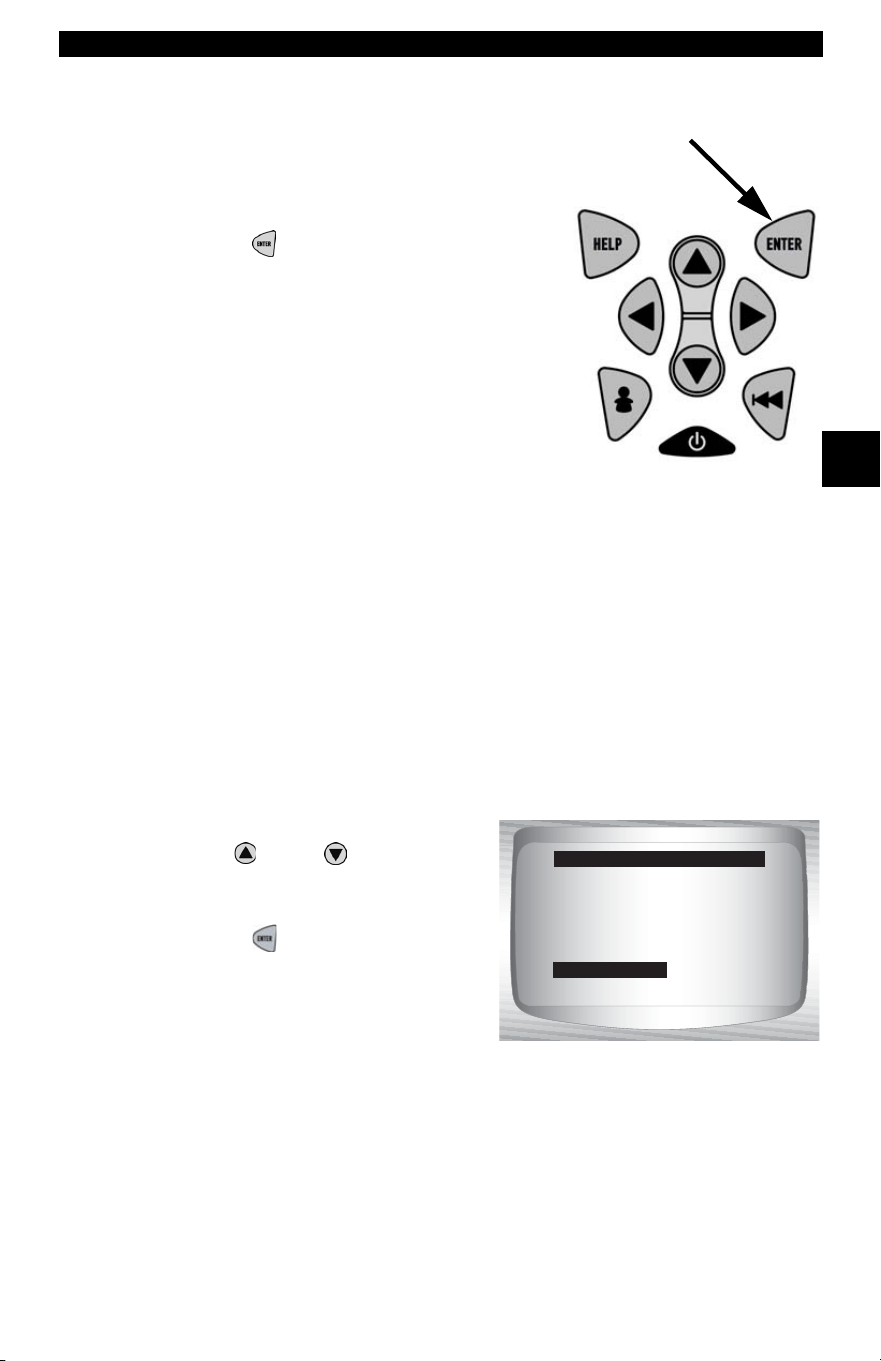
• • • • • • • • • • • • • • • • • • • • • • • • • • • • • • • • • • • • • • • • • • • • • • • • • • • • • • • • 3 – 23
Using The Scan Tool
3
✓ When selected data does not exist in the Scan Tool’s memory, a
message informs the user to run the function.
3.Return to Select Print Data screen.
•Press
ENTER.
Code Lookup
Code Lookup is used to look up definitions of DTCs stored in the Scan
Tool .
✓ The Scan Tool does not require power from the vehicle to perform this
function.
1.Select Code Lookup.
•Use
UP
or
DOWN
arrow
key until Code Lookup is
highlighted.
•Press
ENTER.
Datastream ?
Diagnostic Codes
Special Tests
Review Data
Print Data
Code Lookup
Tool Setup
Global Function List
Code Lookup
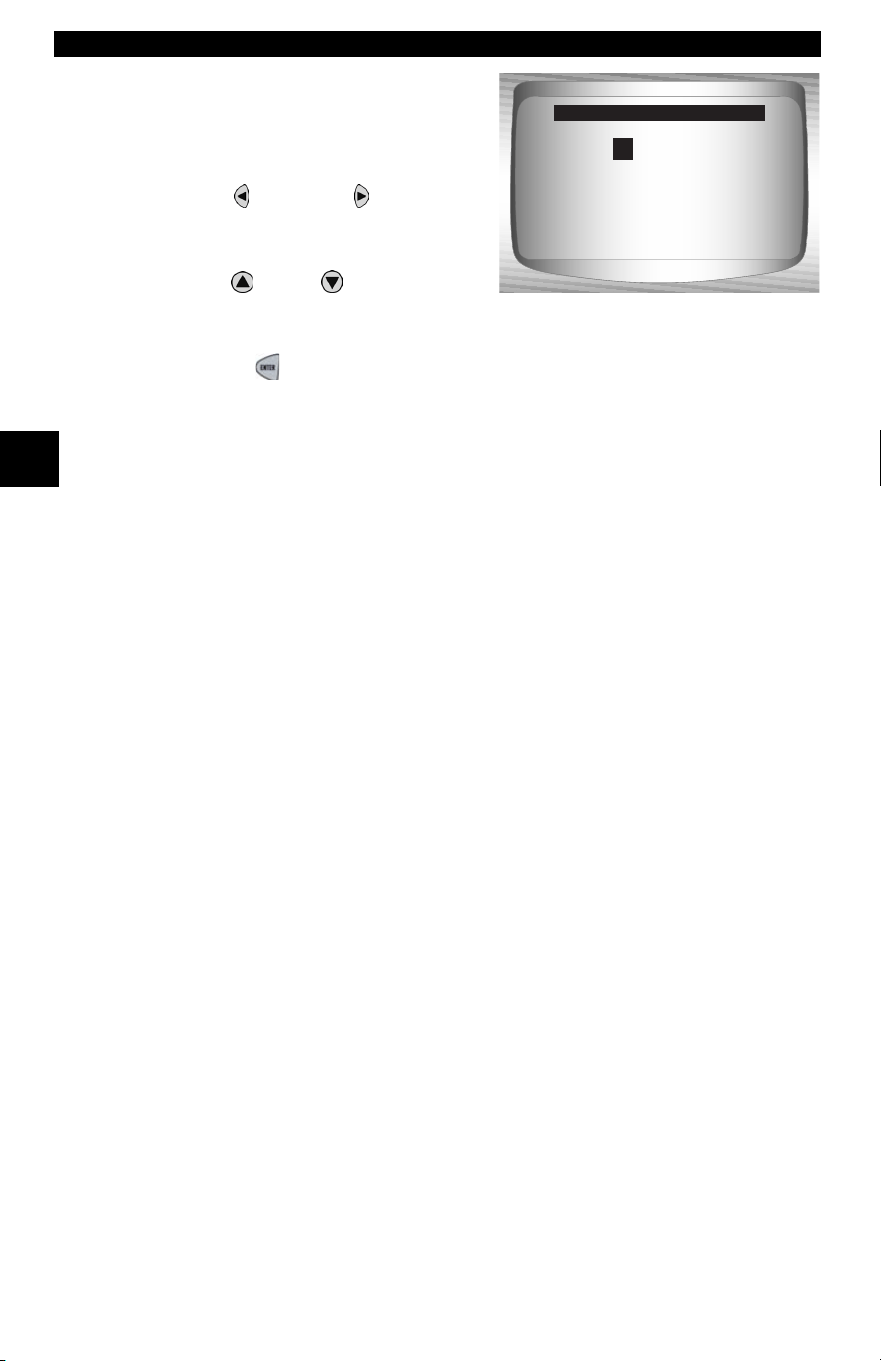
Using The Scan Tool
3 – 24 • • • • • • • • • • • • • • • • • • • • • • • • • • • • • • • • • • • • • • • • • • • • • • • • • • • • • • •
3
2.Enter code.
•All characters must be entered
•Only one character can be
changed at a time.
•Use
LEFT or RIGHT
arrow keys to scroll to desired
character.
•Use
UP
or
DOWN
arrow
keys to change selected
character.
• Press
ENTER.
✓ On GM Historic, Ford Historic and Chrysler vehicles the MIL (Blinky)
code may also be entered.
✓ Chrysler and GM vehicles may have an additional screen asking in
which system to look for a code.
✓ If definition could not be found (SAE or Enhanced), the Scan Tool
displays No DTC Definition Found. See Service Manual. If the DTC is
manufacturer specific the DTC is assigned to display. Refer to the
vehicle service manual for exact definition
.
P0001
Press & to
change selected digit
Press & to
select another digit
Press ENTER to view
Code Lookup
P
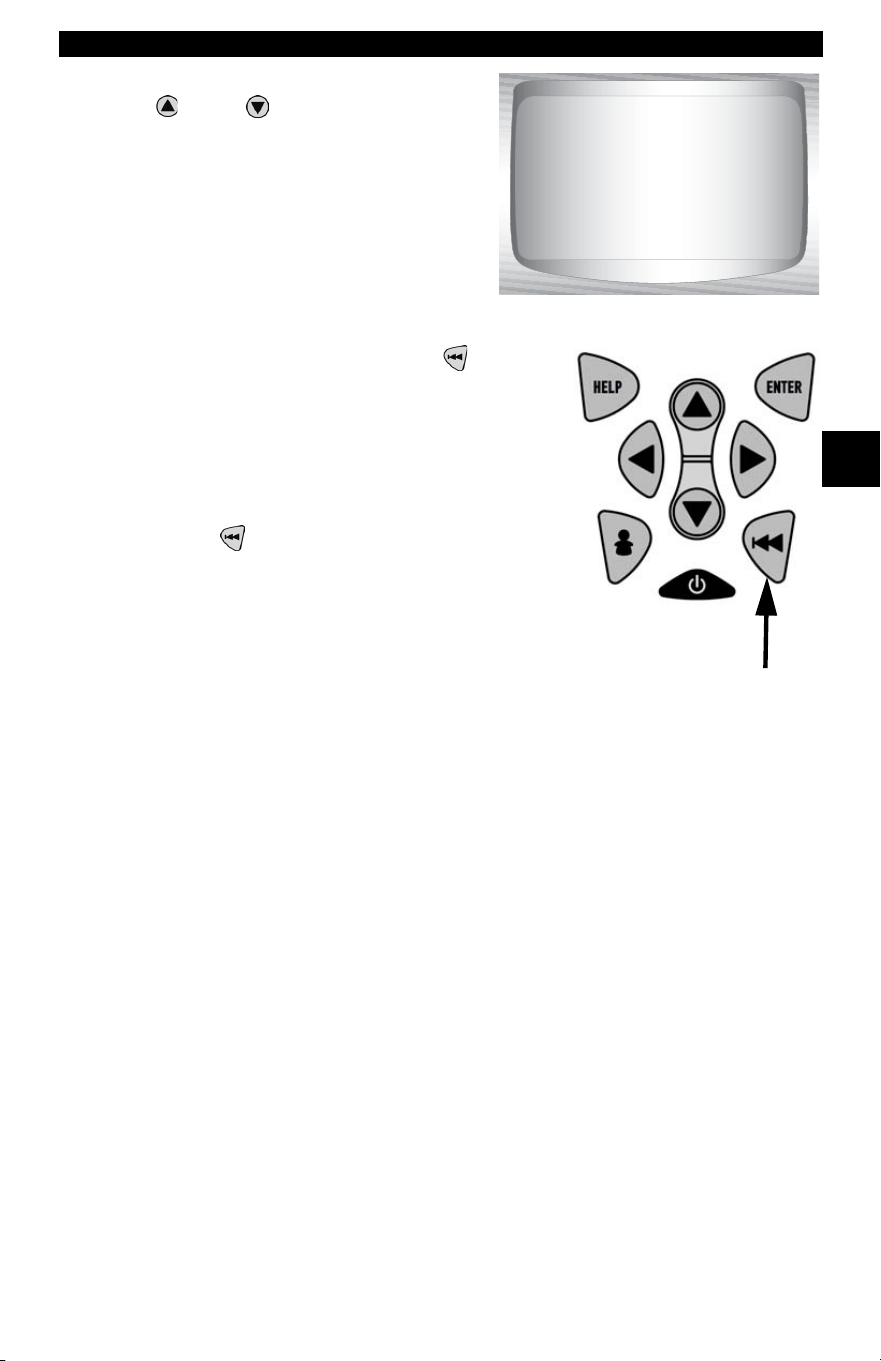
• • • • • • • • • • • • • • • • • • • • • • • • • • • • • • • • • • • • • • • • • • • • • • • • • • • • • • • • 3 – 25
Using The Scan Tool
3
✓ To View Previous or Next DTC use
UP
or
DOWN
arrow key.
✓ To enter another DTC, press BACK.
✓ Press BACK again to return to menu
from which Code Lookup was selected.
P1575
Warning Buzzer
Malfunction
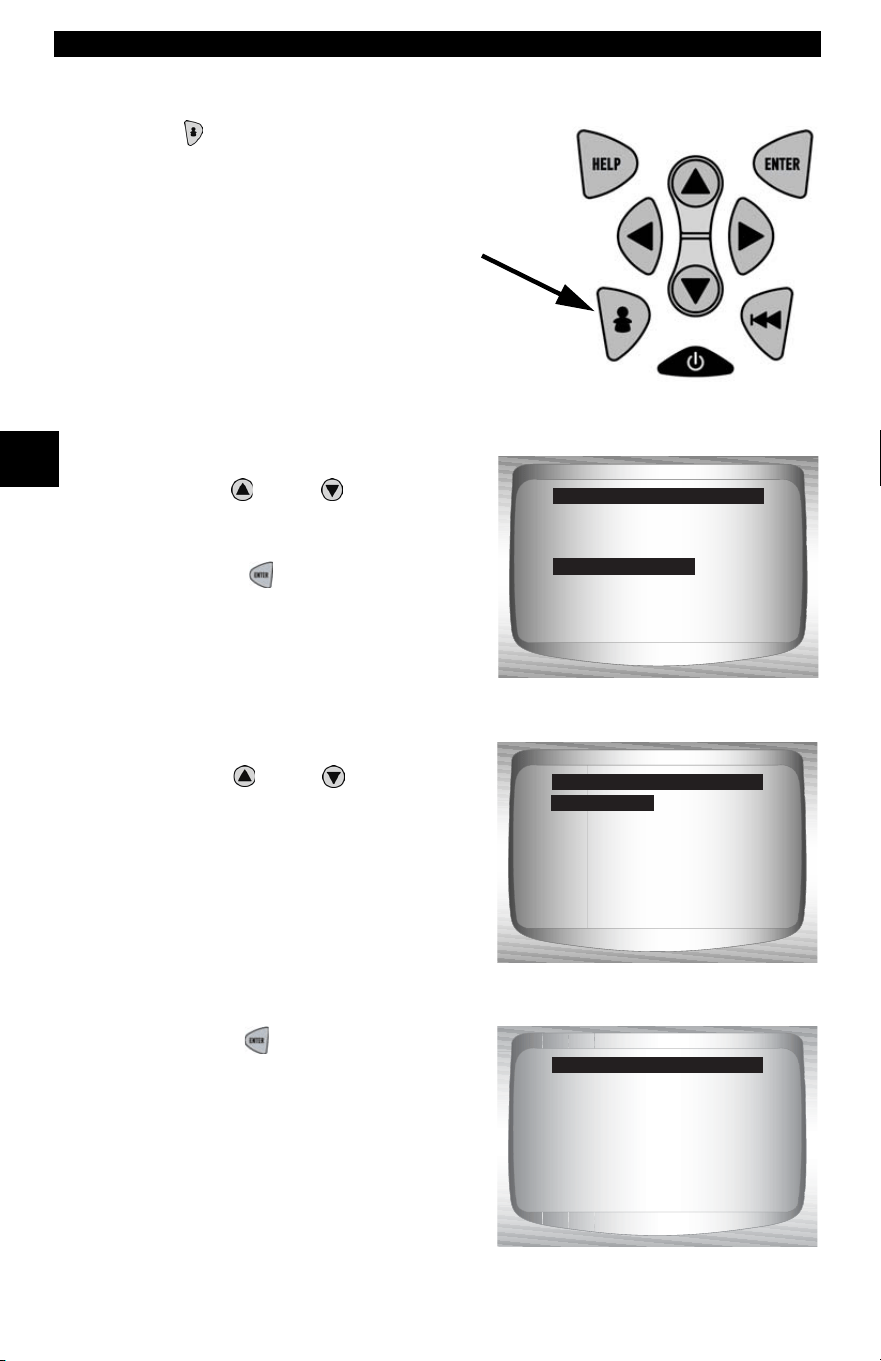
Using The Scan Tool
3 – 26 • • • • • • • • • • • • • • • • • • • • • • • • • • • • • • • • • • • • • • • • • • • • • • • • • • • • • • •
3
Setup User Key
The USER KEY allows the operator to
read or erase codes with the touch of a key.
✓ The User Key can only be used when the
Scan Tool is in a vehicle specific
Function List or a sub menu.
From Tool Setup Menu:
1.Select Setup User Key.
•Use
UP
or
DOWN
arrow
key until Setup User Key is
highlighted.
•Press
ENTER.
2.Choose desired setting(s).
•Use
UP
or
DOWN
arrow
keys
to move up and down list.
3.Press ENTER key to save
settings.
English/Metric
Contrast Adjust
Be eper
Setup User Key
Tool Setup Menu
Setup User Key
Read Codes
Erase Codes
User Key Setup
Read Codes
User key is set to
Read Codes.
Press ENTER
to continue.
User Key Setup
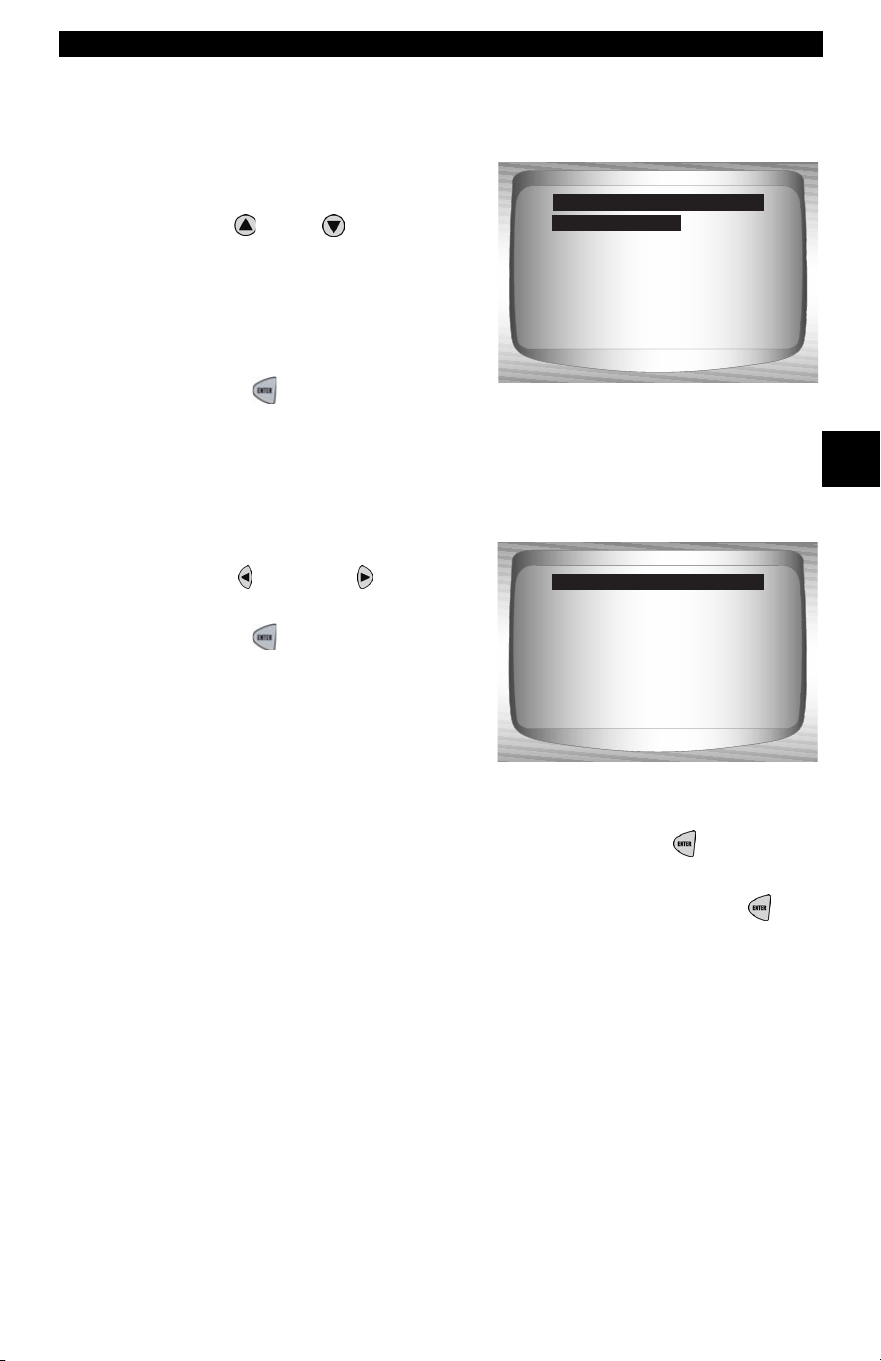
• • • • • • • • • • • • • • • • • • • • • • • • • • • • • • • • • • • • • • • • • • • • • • • • • • • • • • • • 3 – 27
Using The Scan Tool
3
Vehicle Selection
From Main Menu:
1.Select desired vehicle to
diagnose.
•Use
UP
or
DOWN
arrow
key to highlight:
❒Global OBD II
❒Domestic Vehicles
❒European Vehicles
❒Asian Vehicles
•Press ENTER.
✓ If vehicle displayed is not the vehicle being diagnosed select
CHANGE and go to step 3.
2.Confirm selection.
•Use
LEFT or RIGHT
arrow keys.
•Press
ENTER.
✓ If keeping the selected vehicle select KEEP and press ENTER. You
will then arrive at the appropriate function list for the selected vehicle.
✓ If changing the selected vehicle, select CHANGE and press
ENTER, then go to step 3.
Global OBD II
Domestic Vehicles
European Vehicles
Asian Vehicles
Review Data
Print Data
System Setup
Main Menu
Global OBD II
2002 Corvette
S=5.7L
<KEEP> CHANGE
Confirm Selection
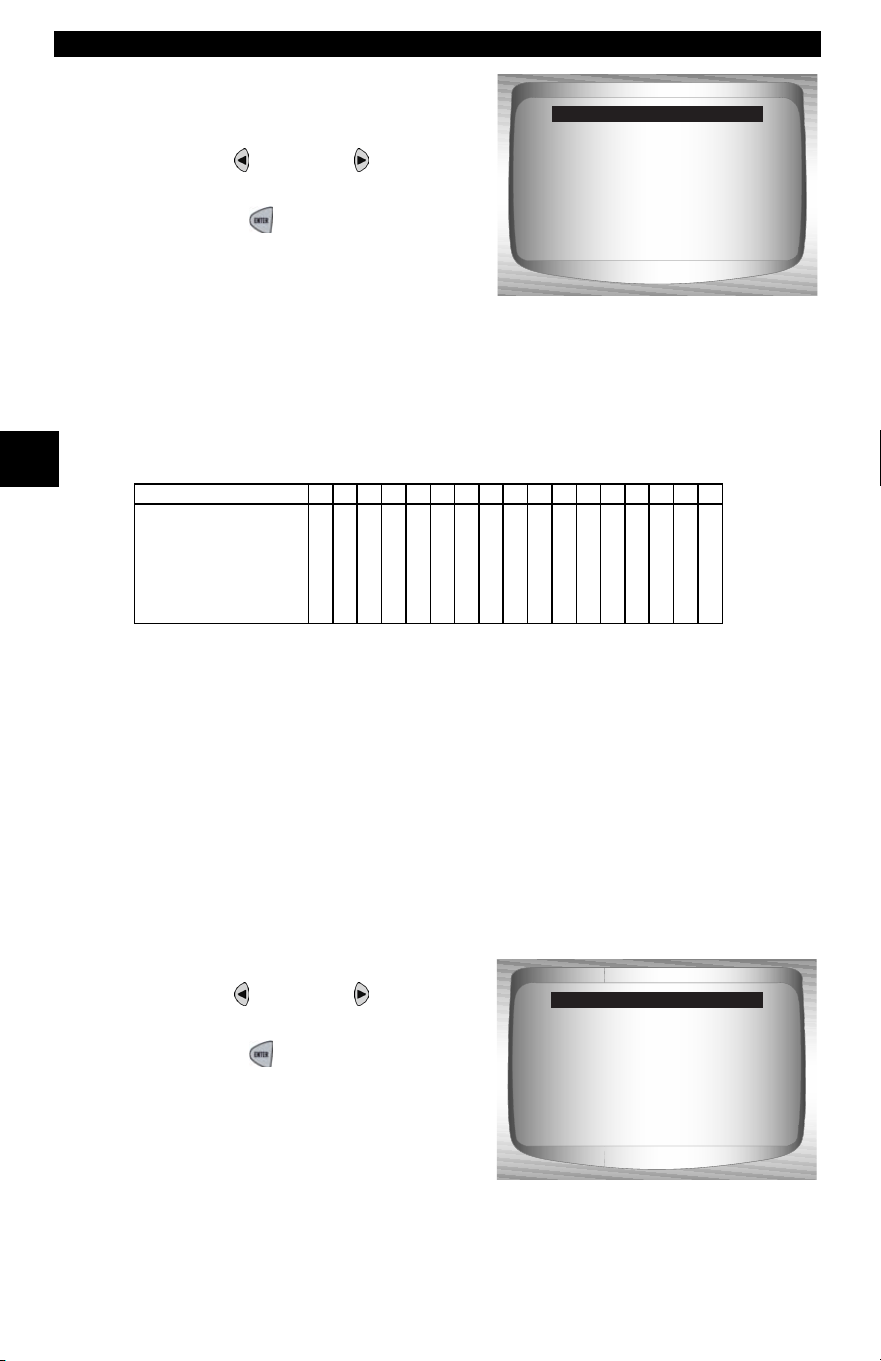
Using The Scan Tool
3 – 28 • • • • • • • • • • • • • • • • • • • • • • • • • • • • • • • • • • • • • • • • • • • • • • • • • • • • • • •
3
3. Select erase data stored in
the tool from the previous
vehicle tested or not.
•Use
LEFT or RIGHT
arrow key.
•Press
ENTER.
✓ On GM vehicles the tool may require you to look at the VIN to
determine the Series, Model, Engine Size and more.
❒ For example a GM Tahoe may be considered a K1500 series.
✓ If Domestic, Asian or European Vehicles is selected, the tool may
ask for the following information:
❒ Manufacturer
❒ Car/Truck
❒ Year
❒ Make
❒ Model
❒ Engine
❒ Special Information
4.Confirm selection.
•Use
LEFT or RIGHT
arrow key.
•Press
ENTER.
Selecting a new
vehicle erases data
from previous vehicles
Continue?
<YES> NO
Select New Vehicle
GM Typical VIN
1234567891011121314151617
Series
Line Chassis
Chassis Type
Engine Type
Model Year
VIN Position
Description of Number
2002 Corvette
S=5.7L
<KEEP> CHANGE
Confirm Selection
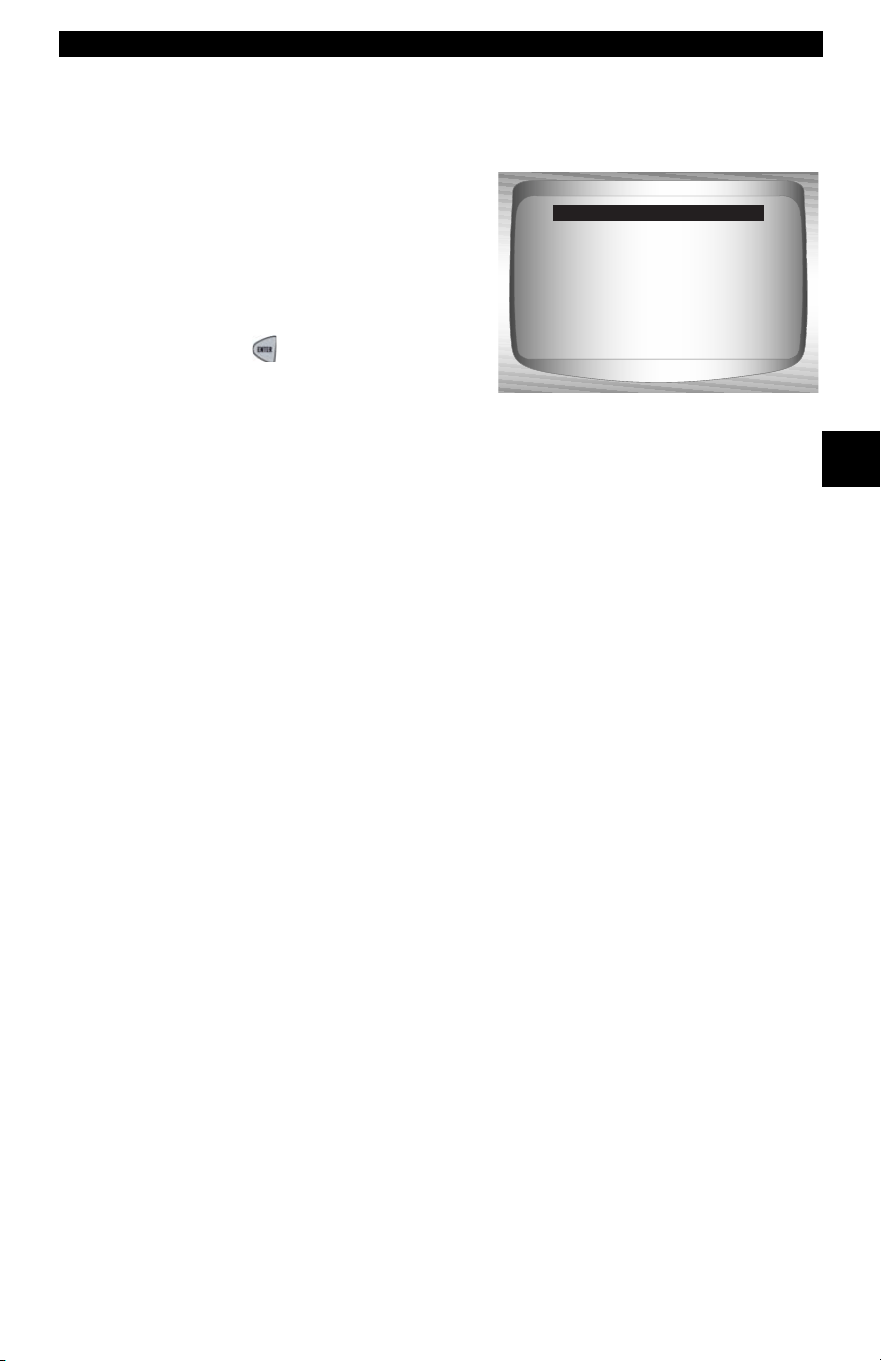
• • • • • • • • • • • • • • • • • • • • • • • • • • • • • • • • • • • • • • • • • • • • • • • • • • • • • • • • 3 – 29
Using The Scan Tool
3
✓ The following screen only displays when power comes from
vehicle.
5. Follow Instructions on the
display.
•Turn vehicle key off for 10
seconds.
•Turn vehicle key back to the on
position.
•Press
ENTER on the Scan
Tool.
Please turn the
key off for
10 seconds then
turn the key on.
Press ENTER
to continue.
Turn Key Off

Using The Scan Tool
3 – 30 • • • • • • • • • • • • • • • • • • • • • • • • • • • • • • • • • • • • • • • • • • • • • • • • • • • • • • •
3

• • • • • • • • • • • • • • • • • • • • • • • • • • • • • • • • • • • • • • • • • • • • • • • • • • • • • • • • • 4 – 1
4
Section 4 – Global OBD II Diagnostics
✓ The first time the scan tool links to the vehicle, the communication
protocol is automatically detected, and is used until the Scan Tool is
turned off or another vehicle is diagnosed.
✓ If an Error Message displays, make sure the OBDII connector is
attached, and the ignition key is on. Cycle ignition key to off for 10
seconds, then on. This may be required to reset computer. If required,
select yes to try again. If problem still exists, refer to“
Error Messages”
on page 9-2 of Troubleshooting.
✓ The Scan Tool keeps all data received from the last vehicle
selected until any of the following occurs:
❒ A new vehicle is selected.
❒ The internal 9V battery is discharged or has been removed.
❒ Scan Tool is flash programmed to update software, or to change
language.
❒ Data from last vehicle tested is erased.
✓ On initial link to vehicle, Scan Tool checks the status of I/M Monitors
no matter which function is selected.
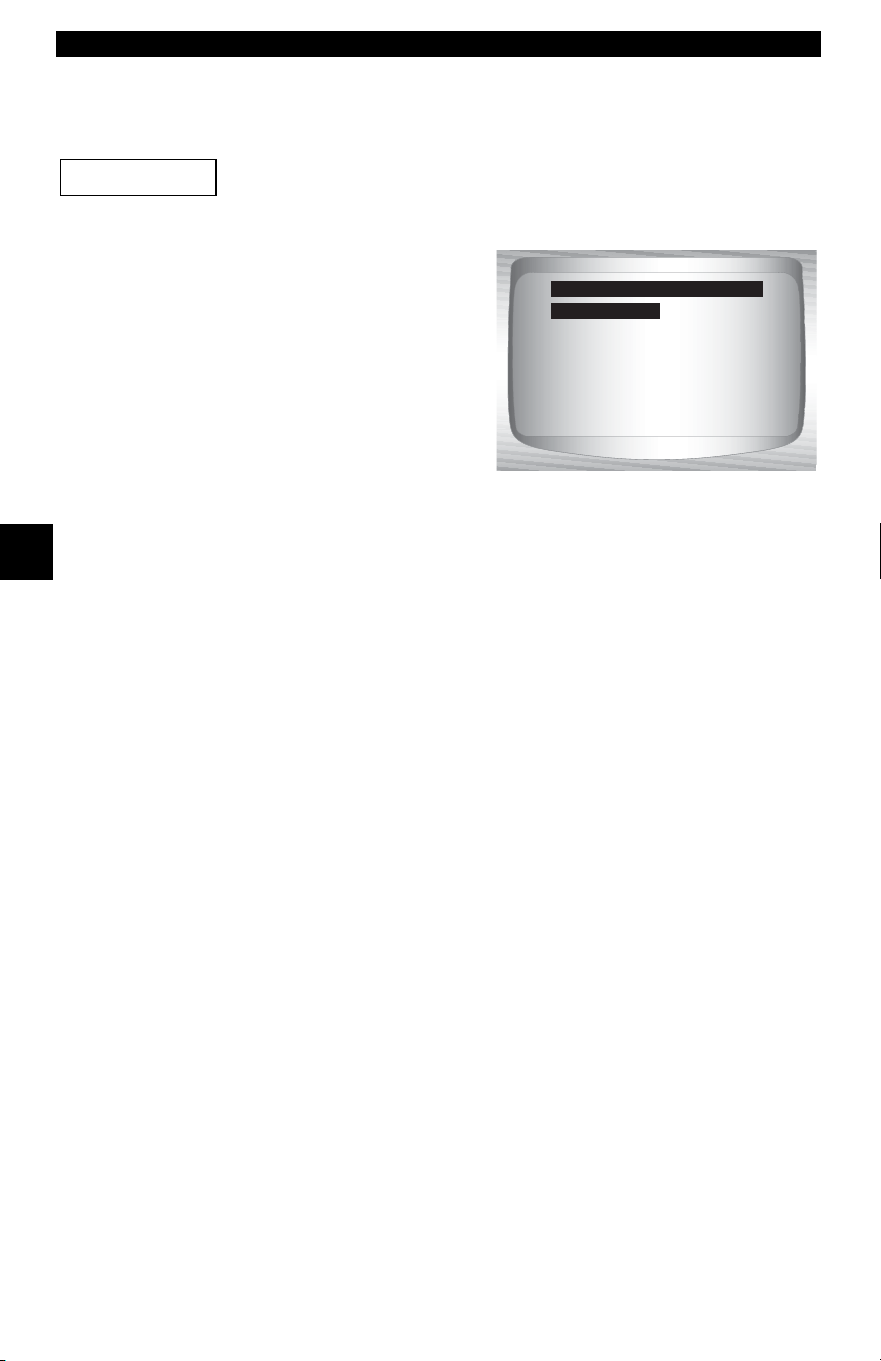
Global OBD II Diagnostics
4 – 2 • • • • • • • • • • • • • • • • • • • • • • • • • • • • • • • • • • • • • • • • • • • • • • • • • • • • • • • • •
4
4
Global Function List
Items marked with “-” are covered in section 3 of this
manual. These items are not covered in this section.
✓ The Global Function List is
broken down into the following
menus:
❒ Datastream Menu
❒ View Data
❒ Record Data
– Review Data
–Print Data
–Tool Setup
❒ Diagnostic Codes Menu
❒ Read Codes
❒ Pending Codes
❒ Erase Codes
❒ View Freeze Data
– Review Data
–Print Data
– Code Lookup
–Tool Setup
❒ Special Tests Menu
❒ I/M Readiness
❒ Drive Cycle Monitor
❒ State OBD Check
❒ O2 Monitor Test
❒ Diagnostic Monitor Test
❒ On-Board Systems
❒ Vehicle Information
❒ Modules Present
– Review Data
–Print Data
–Tool Setup
(List Continued)
IMPORTANT
Datastream
Diagnostic Codes
Special Tests
Review Data
Print Data
Code Lookup
Tool Setup
Global Function List
Datastream

• • • • • • • • • • • • • • • • • • • • • • • • • • • • • • • • • • • • • • • • • • • • • • • • • • • • • • • • • 4 – 3
Global OBD II Diagnostics
4
❒ Review Data
❒ Print Data
•I/M Readiness
•State OBD Check
•DTC (Codes)
•Pending Codes
•Freeze Frame
•O2 Monitor Test
•Diag Monitor Tests
•Playback
•Vehicle Info
•Modules Present
✓ For Global OBD II Diagnostics, The above functions have data to
review or print. For Print/Review instructions, refer to “Print Data” or
“Review Data” on page 3-21 of Using The Scan Tool.
– Code Lookup
– Tool Setup Menu
– English/Metric
– Contrast Adjust
– Beeper
– Setup User Key
Datastream Menu
Items marked with “-” are covered in section 3 of this
manual. These items are not covered in this section.
❒ Datastream Menu
❒ View Data
❒ Record Data
– Review Data
–Print Data
–Tool Setup
IMPORTANT
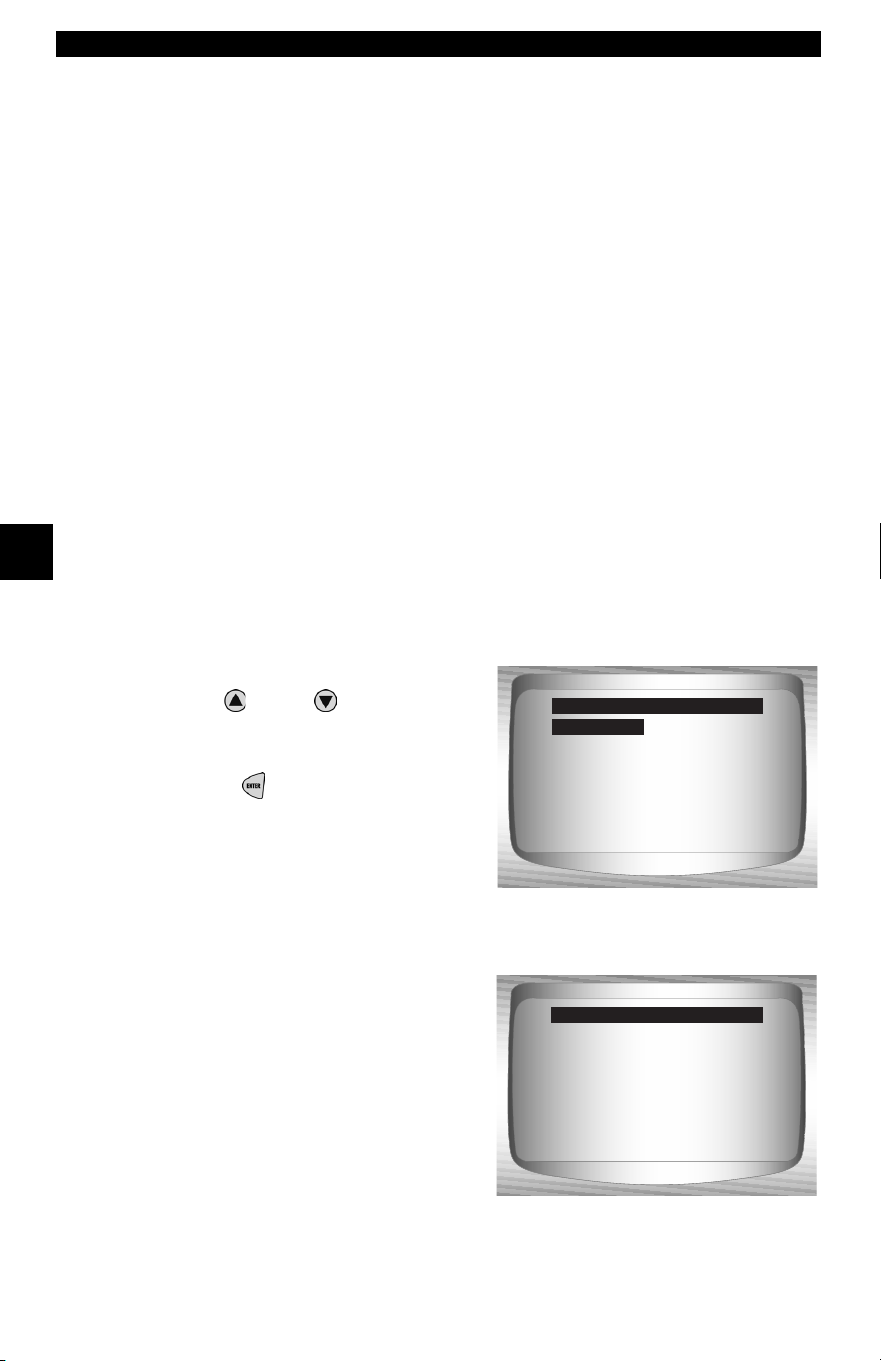
Global OBD II Diagnostics
4 – 4 • • • • • • • • • • • • • • • • • • • • • • • • • • • • • • • • • • • • • • • • • • • • • • • • • • • • • • • • •
4
4
View Data
The View Data function allows real time viewing of the vehicle’s
computer module’s PID data. As the computer monitors the vehicle,
information is simultaneously transmitted to scan tool.
✓ View data allows the following items to be viewed on the scan tool:
❒ Sensor data
❒ Operation of switches
❒ Operation of solenoids
❒ Operation of relays
✓ View data can be shown as:
❒ Entire Data List
❒ Custom Data List
✓ Apart from Read Codes, View Data is the most useful diagnostic
function for isolating the cause of a vehicle operation problem.
From Datastream Menu
:
1. Select View Data.
•Use
UP
or
DOWN
arrow
key until View Data is
highlighted.
•Press
ENTER
.
2. Observe while Scan Tool
validates PID MAP.
View Data
Record Data
Review Data
Print Data
Tool Setup
Datastream Menu
View Data ?
Validating PID list
PID xx of yy.
--- Please wait ---
Validating PID Map
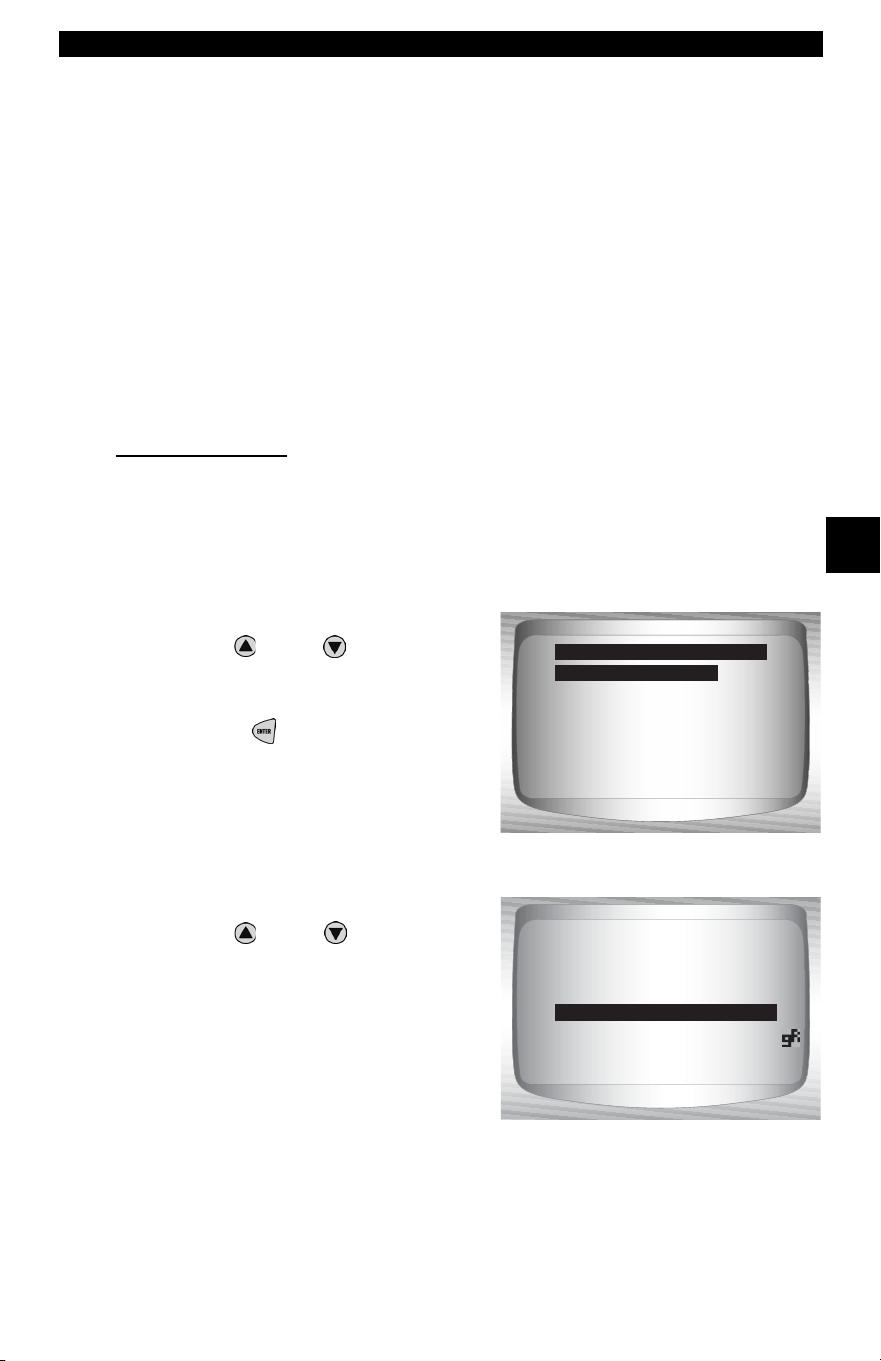
• • • • • • • • • • • • • • • • • • • • • • • • • • • • • • • • • • • • • • • • • • • • • • • • • • • • • • • • • 4 – 5
Global OBD II Diagnostics
4
✓ Multiple PIDs may be sent if vehicle is equipped with more than one
computer module (for example a powertrain control module [PCM]
and a transmission control module [TCM]). The Scan Tool identifies
them by their identification names (ID) assigned by manufacturer (i.e.
$10 or $1A).
✓ If one or more control module stops responding, the Scan Tool
displays a message.
❒ If continuing, dashes will replace data in right hand column.
❒ If no is selected, then the Scan Tool attempts to re-establish
communication with that module.
View Entire List.
✓ View Entire List shows all supported PID data for the vehicle being
tested.
From Select Data to View menu:
1.
Select Entire Data List.
•Use
UP
or
DOWN
arrow
key until Entire Data List is
highlighted.
•Press
ENTER
.
2. View PIDs on Scan Tool.
•Use
UP
or
DOWN
arrow
key.
Entire Data List
Custom Data List
Customize Lines
English / Metric
Select Data to View
Entire Data List
15.5
A/C PRESS (V) 3.00
A/F RATIO 14:1
BARO PRESS ("Hg) 29.9
ABSLT TPS (%) 12.2
ENGINE (RPM) 2352
CALC LOAD (%) 83.1
MAF (LB/M) 0.57
A/C PRESS (psi)
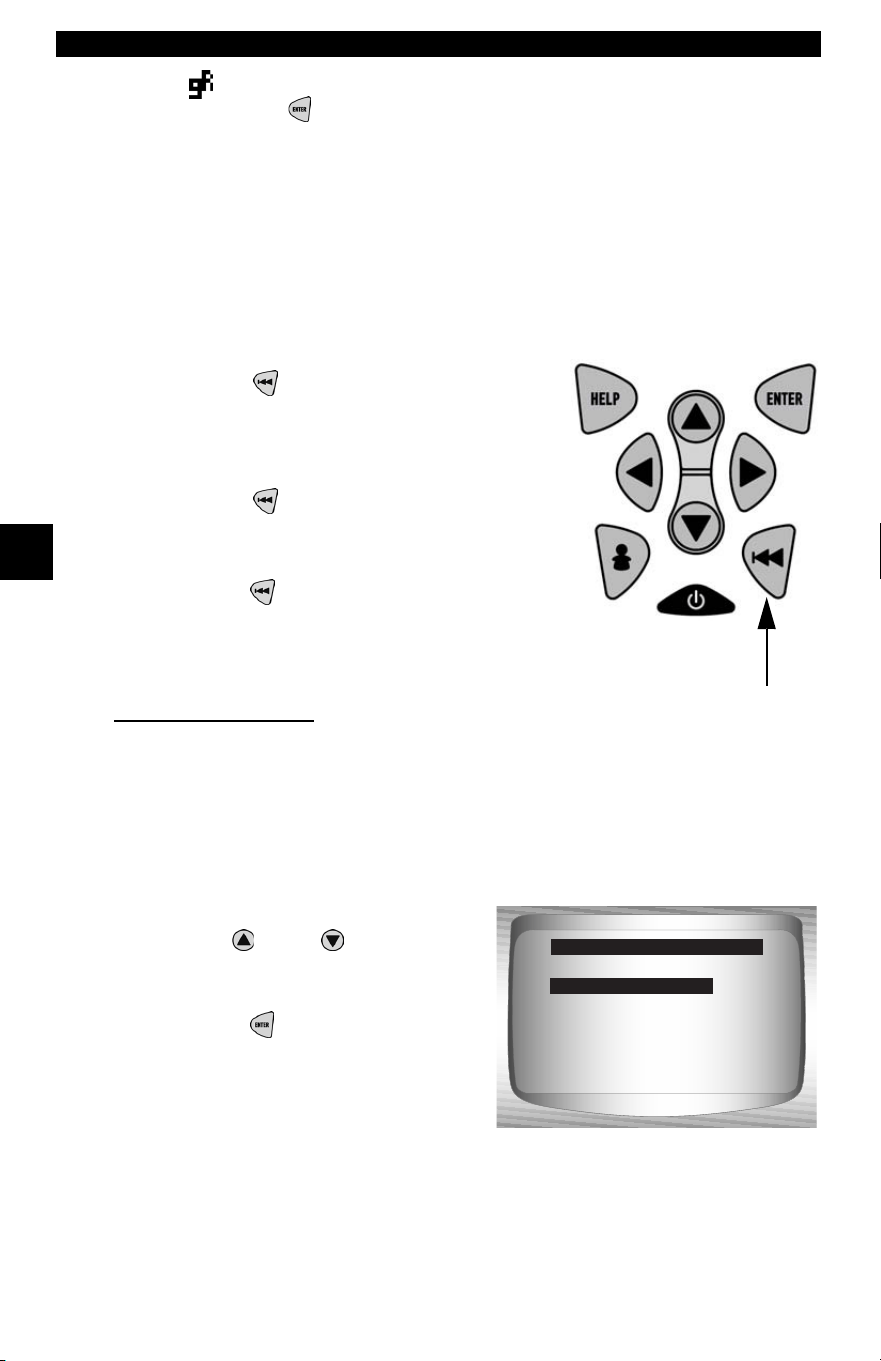
Global OBD II Diagnostics
4 – 6 • • • • • • • • • • • • • • • • • • • • • • • • • • • • • • • • • • • • • • • • • • • • • • • • • • • • • • • • •
4
4
If the icon displays while a PID is
selected press
ENTER
to view
graph.
✓ Graphing is only available on
1996 and newer vehicles using an
OBD II (J1962) DLC.
3. Return to PID Screen.
•Press
BACK.
4. Return to Select Data to View
Menu.
•Press
BACK.
5. Return to Datastream Menu.
•Press
BACK.
Custom List Select
✓ The Custom Data List allows certain PIDs from the View Entire Data
List, such as those PIDs that apply to a specific driveability symptom
or system, to be selected.
From Select Data to View menu:
1.
Select Custom List Select.
•Use
UP
or
DOWN
arrow
key until
Custom Data List
is
highlighted.
•Press
ENTER
.
Entire Data List
Custom Data List
Customize Lines
English / Metric
Select Data to View
Custom Data List
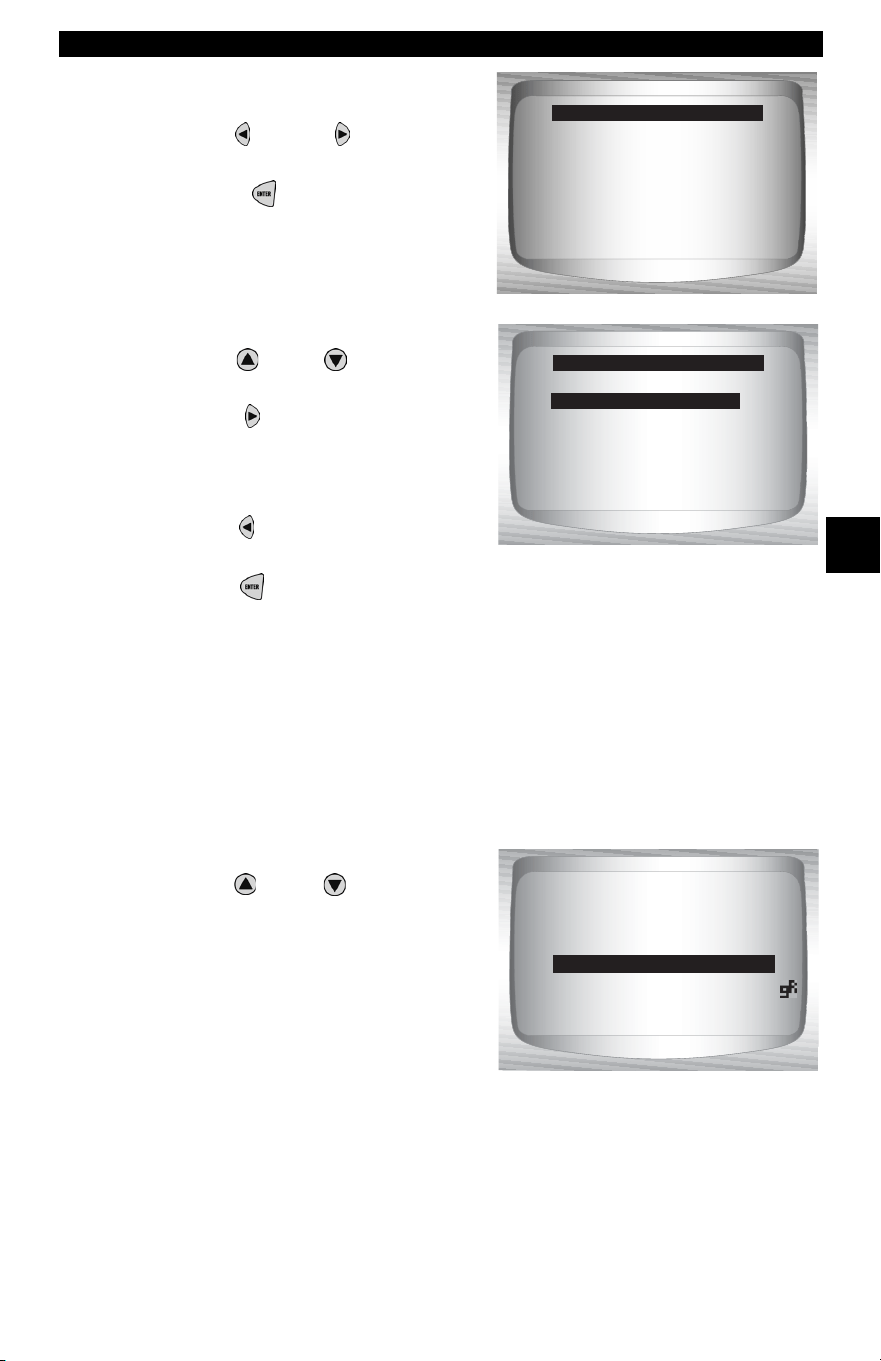
• • • • • • • • • • • • • • • • • • • • • • • • • • • • • • • • • • • • • • • • • • • • • • • • • • • • • • • • • 4 – 7
Global OBD II Diagnostics
4
2. Select View Instructions or
Not.
•Use
LEFT
or
RIGHT
arrow
key.
•Press
ENTER
.
3. Select PIDs to View.
•Use
UP
or
DOWN
arrow
keys
to move up and down list
• The
RIGHT
arrow selects
or deselects data parameter.
All selected data values are
marked with 3 symbol.
•The
LEFT
arrow deselects
all marked data parameters.
• The ENTER key starts recording data, or displaying selected
data parameters.
•The numbers to the right are the order that the PIDs were picked
and will be displayed. This feature is not available on GM and Ford
Historic vehicles.
✓ Selected PIDs are kept until:
❒ Another vehicle is selected.
❒ You erase data stored in the Scan Tool from the previous vehicle
tests.
4. View PIDs on Scan Tool.
•Use
UP
or
DOWN
arrow
key.
View instructions for
creating custom data
list?
<Yes> <No>
Custom Setup
MIL ($10) #3
MIL ($10)
TPS ($10)
TPS ($18)
ENGINE ($10) #1
ENGINE ($18) #2
CALC LOAD (%)
Custom Setup
MIL ($18)
15.5
A/C PRESS (V) 3.00
A/F RATIO 14:1
BARO PRESS ("Hg) 29.9
ABSLT TPS (%) 12.2
ENGINE (RPM) 2352
CALC LOAD (%) 83.1
MAF (LB/M) 0.57
A/C PRESS (psi)
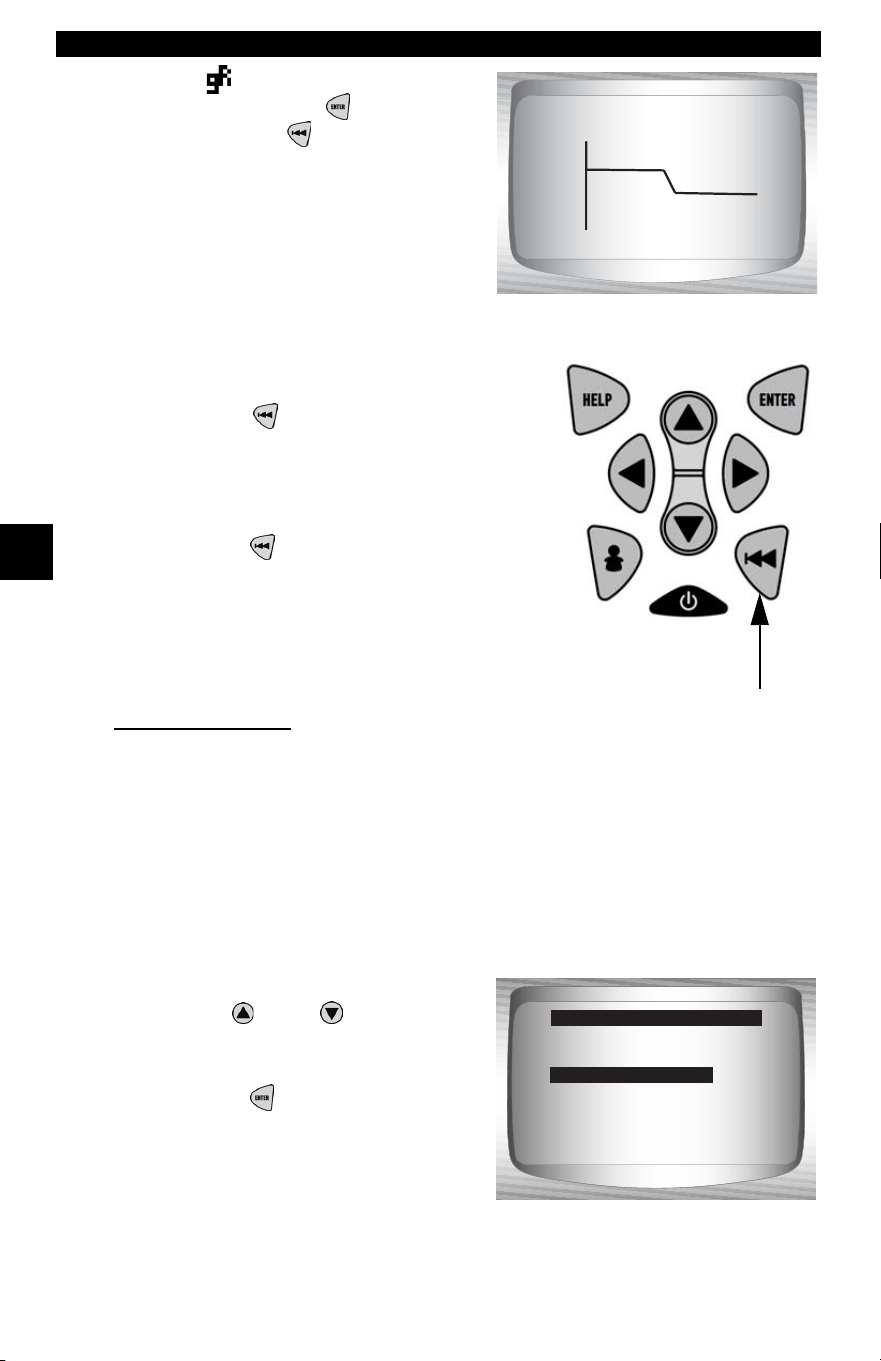
Global OBD II Diagnostics
4 – 8 • • • • • • • • • • • • • • • • • • • • • • • • • • • • • • • • • • • • • • • • • • • • • • • • • • • • • • • • •
4
4
✓ If the icon displays while a PID
is selected press to view
graph. Press
BACK key to
Return to PID Screen.
✓ Graphing is only available on
1996 and newer vehicles using an
OBD II (J1962) DLC.
5. Return to Select Data to View
Menu.
•Press
BACK.
6. Return to Datastream Menu.
•Press
BACK.
Customize Lines
✓ The Customize Lines allows the number of lines to be shown at one
time to be set from 1 to 8.
✓ Selecting fewer lines provides faster update speeds. The default is a
eight-line display.
From Select Data to View menu:
1.
Select Customize Lines.
•Use
UP
or
DOWN
arrow
key until Customize Lines is
highlighted.
•Press
ENTER
.
100+
ABS TPS (%) 59%
0 +
Entire Data List
Custom Data List
Customize Lines
English / Metric
Select Data to View
Customize Lines
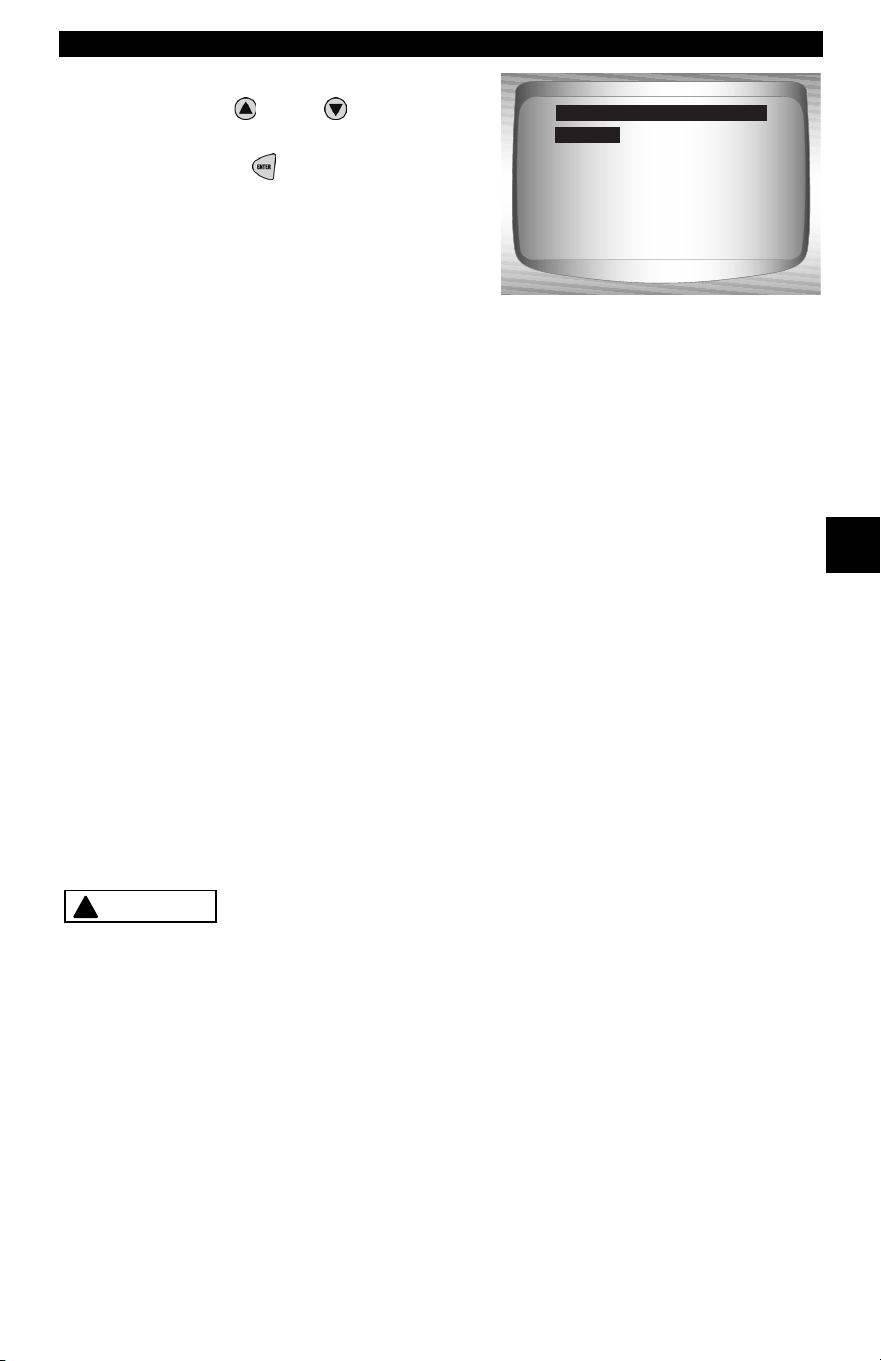
• • • • • • • • • • • • • • • • • • • • • • • • • • • • • • • • • • • • • • • • • • • • • • • • • • • • • • • • • 4 – 9
Global OBD II Diagnostics
4
2. Select Display Lines.
•Use
UP
or
DOWN
arrow
key.
•Press
ENTER
.
Note: To change the measurement
units, refer to “Changing
Measurement Units” on page 3-8 of
Using The Scan Tool.
Record Data
✓ The Record Data function records PIDs while vehicle is parked or
being driven.
✓ The Record Data function is mainly used for diagnosing intermittent
driveability problems that cannot be isolated by any other method.
✓ The recording time varies. A recording consists of frames of data prior
to the trigger and several frames after the trigger.
✓ Some vehicles wait a long period of time to store a trouble code after
a driveability problem occurs. If the operator selected Trigger On
Codes when making a recording, the operator might not see any
drastic change in the data parameters before and after trigger point.
Two people must be in vehicle when driving. One to
drive and the other to operate the Scan Tool.
1 Line
2 Lines
3 Lines
4 Lines
5 Lines
6 Lines
7 Lines
Select Display Lines
1 Line
!
CAUTION
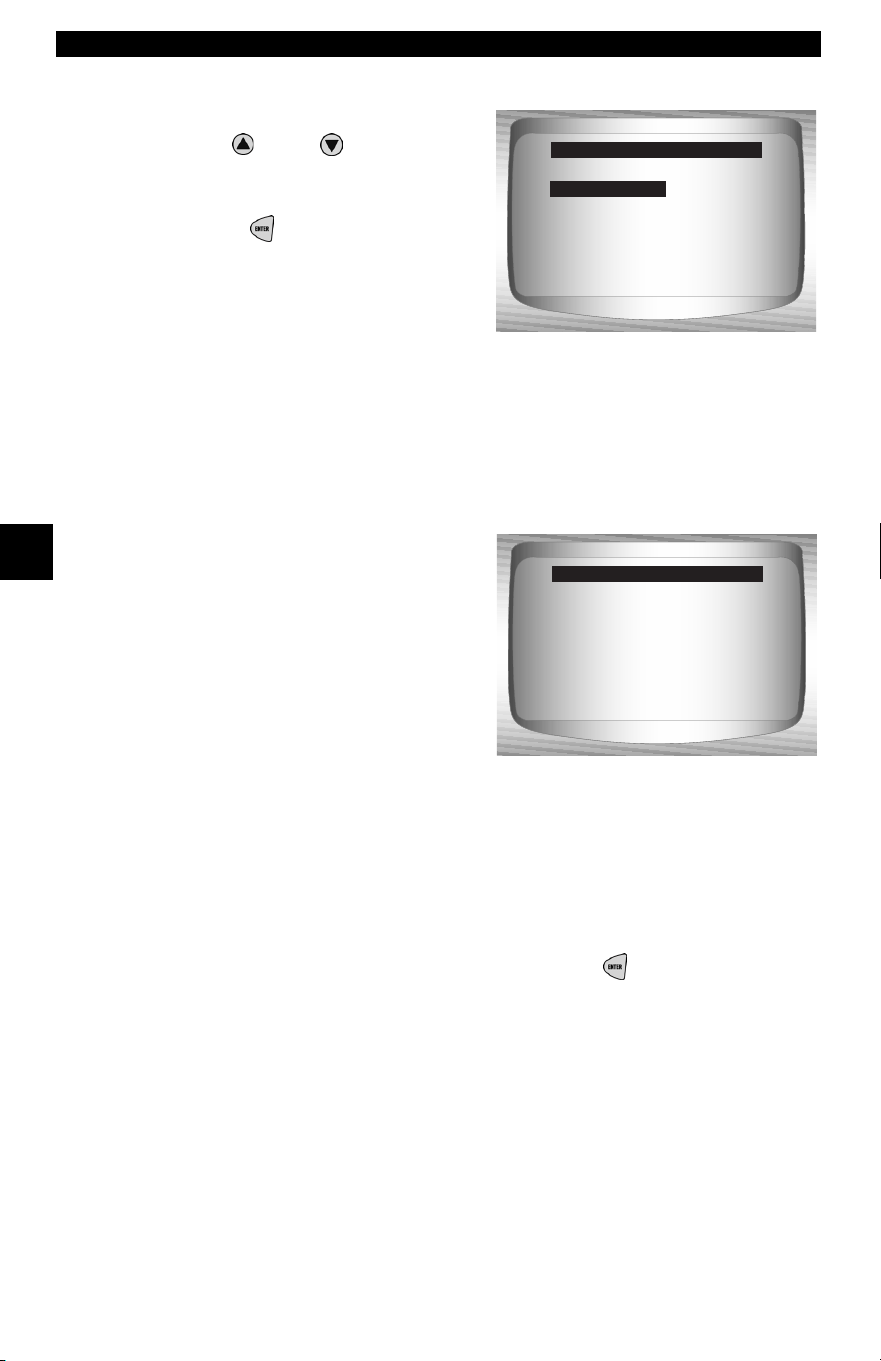
Global OBD II Diagnostics
4 – 10 • • • • • • • • • • • • • • • • • • • • • • • • • • • • • • • • • • • • • • • • • • • • • • • • • • • • • • • •
4
4
From Datastream Menu:
1. Select
Record Data.
•Use
UP
or
DOWN
arrow
key until Record Data is
highlighted.
•Press
ENTER
.
✓ Follow all instructions on display.
✓ The ScanTool can maintain only one recording. Make sure to
thoroughly review old recording before erasing.
✓ If a recording currently exists in
memory, a message prompting to
erase data is displayed.
✓ Scan Tool validates list of global PIDs from vehicle.
2. Refer to View Data to setup Custom List or View Entire List.
✓ There are 2 types of trigger methods used:
❒ Manual Trigger - allows operator to use the
ENTER
key to start
recording.
❒ Trigger On Codes - automatically triggers when a diagnostic
trouble code (DTC) is detected by vehicle.
✓ Trigger on Codes is not available on all vehicles.
View Data ?
Record Data
Review Data
Print Data
Datastream Menu
Record Data
A
Previous recording
in memory. Do you
want to erase it and
make a new one?
<Yes> <No>
Record Data
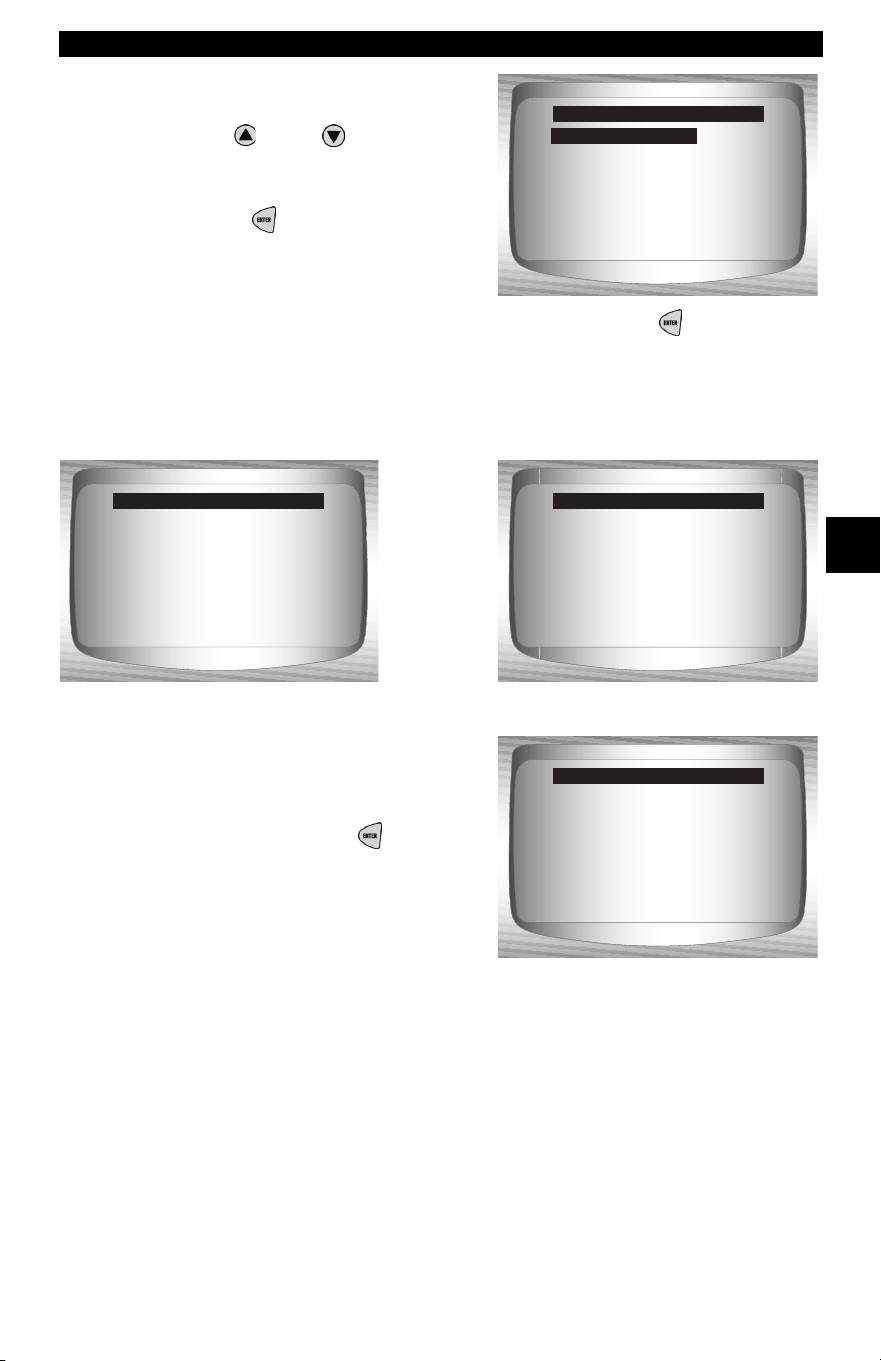
• • • • • • • • • • • • • • • • • • • • • • • • • • • • • • • • • • • • • • • • • • • • • • • • • • • • • • • • 4 – 11
Global OBD II Diagnostics
4
3. From the Pick Trigger
Method Screen.
•Use
UP
or
DOWN
arrow
key until desired trigger
method is highlighted.
•Press
ENTER
.
✓ When trigger event (either a DTC or a Press of the
ENTER
key)
occurs, time is recorded and data is saved.
✓ Data continues to be saved until
either:
❒ Record memory is full.
❒ Operator presses
ENTER
.
✓ Scan Tool recording times vary. A recording consists of frames of data
prior to trigger and several frames after trigger.
Manual Trigger
Trigger on Codes
Pick Trigger Method
Manual Trigger
Ready to record.
Press Enter
to start recording.
Press BACK
to exit.
Record Data
Waiting for trouble
code to trigger
start of recording.
Press BACK
to exit.
Record Data
**Recording Data**
Frame xx of yy.
Press ENTER
to stop.
Record Data
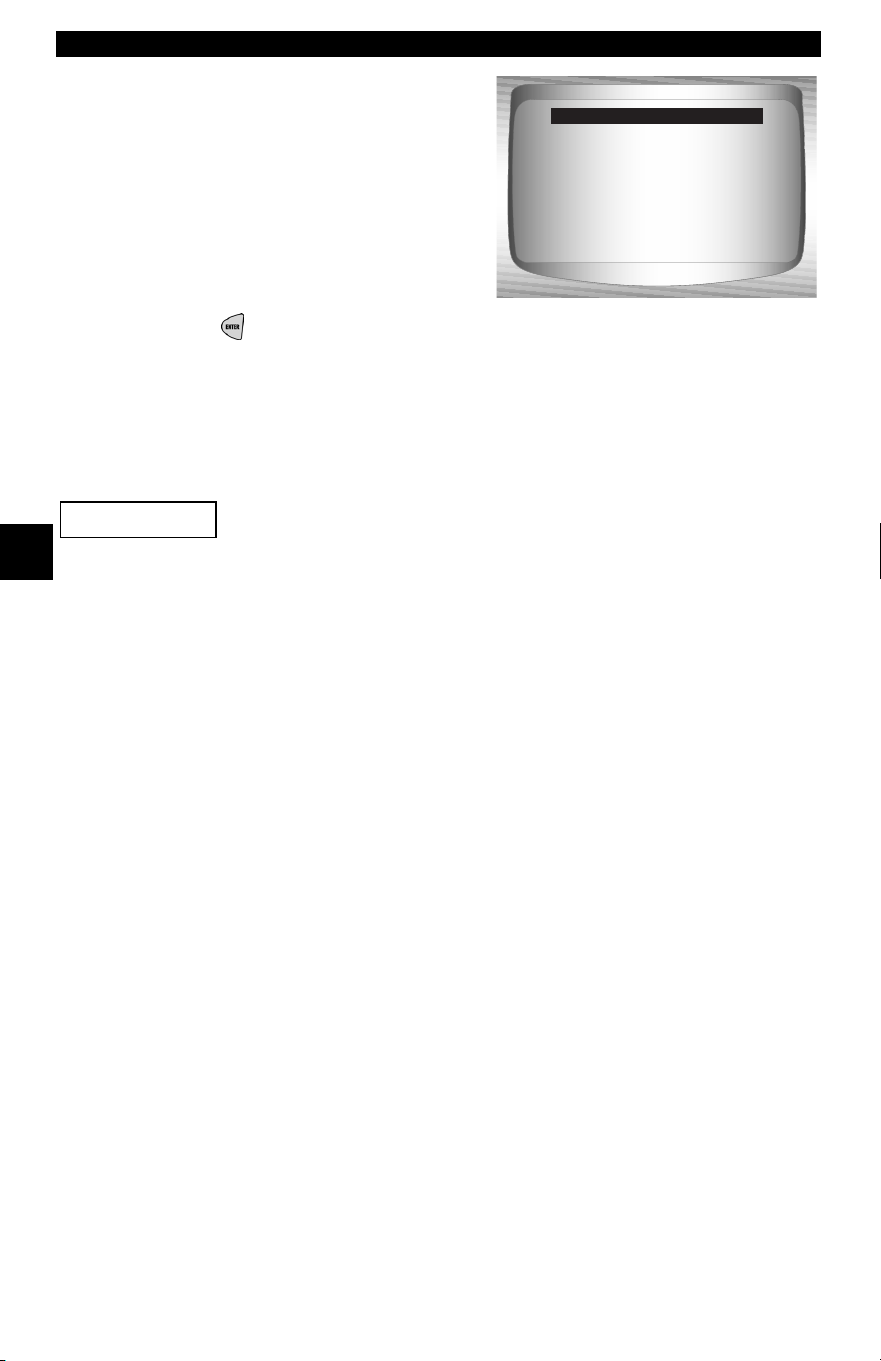
Global OBD II Diagnostics
4 – 12 • • • • • • • • • • • • • • • • • • • • • • • • • • • • • • • • • • • • • • • • • • • • • • • • • • • • • • • •
4
4
4. After recording, Scan Tool
displays a prompt to
Playback Data.
• Answer No to return to
Datastream Menu.
•Answer Yes to display
recorded data.
❒Refer to Playback from
Review Data and press
ENTER
.
Diagnostic Codes Menu
Items marked with “-” are covered in section 3 of this
manual. These items are not covered in this section.
❒ Diagnostic Codes Menu
❒ Read Codes
❒ Pending Codes
❒ Erase Codes
❒ View Freeze Data
– Review Data
–Print Data
– Code Lookup
–Tool Setup
Read Codes
✓ The Read Codes function allows the Scan Tool to read the DTCs from
the vehicle’s control modules. DTCs are used to help determine the
cause of a problem or problems with a vehicle. These codes cause the
control module to illuminate the malfunction indicator lamp (MIL)
when emission-related or driveability fault occurs. MIL is also known
as service engine soon or check engine lamp.
Playback Data?
<Yes> <No>
Record Data
IMPORTANT
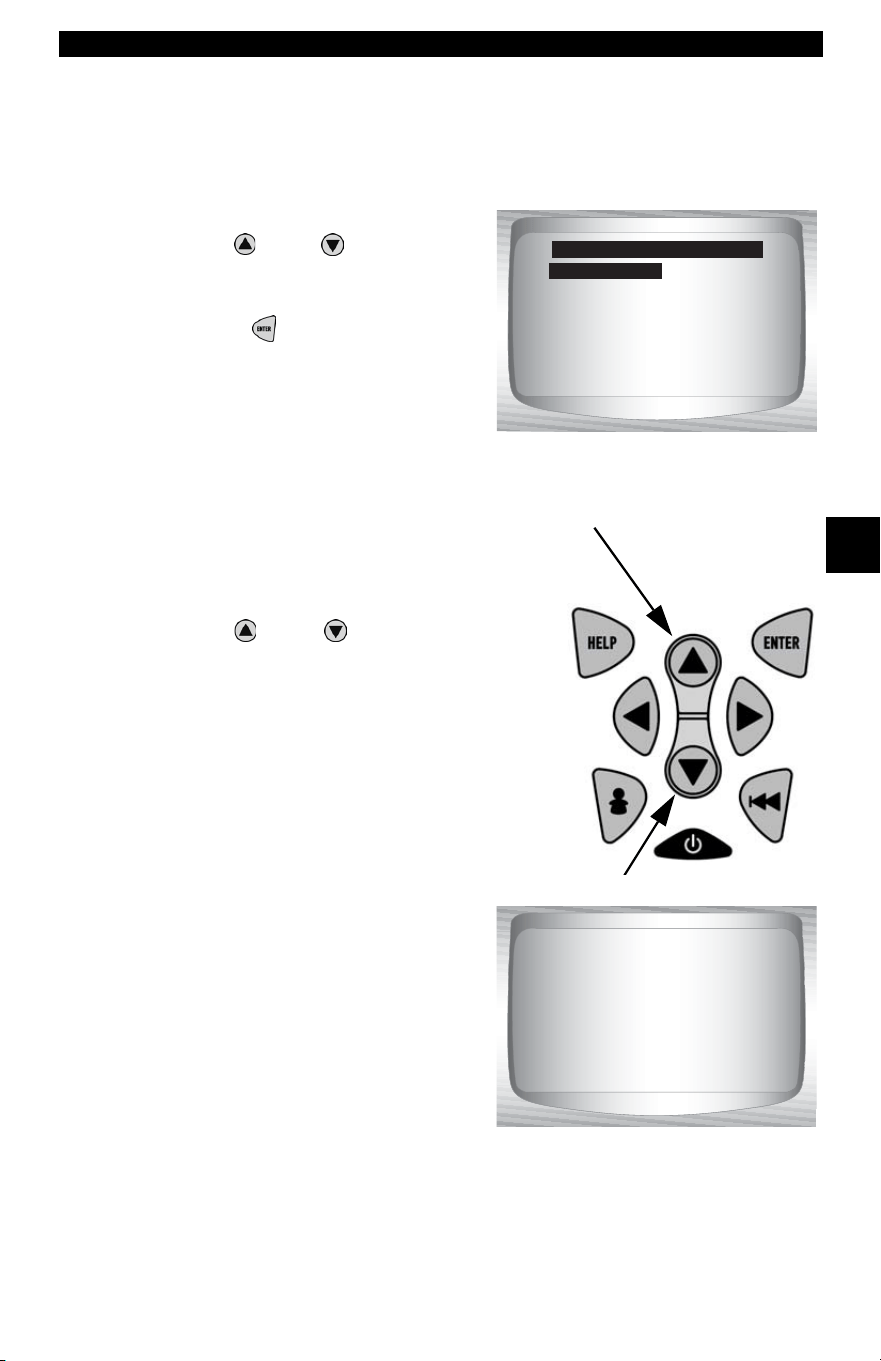
• • • • • • • • • • • • • • • • • • • • • • • • • • • • • • • • • • • • • • • • • • • • • • • • • • • • • • • • 4 – 13
Global OBD II Diagnostics
4
✓ Read Codes can be done with the key on engine off (KOEO) or with
the key on engine running (KOER).
From Diagnostic Codes Menu:
1. Select
Read Codes.
•Use
UP
or
DOWN
arrow
key until Read Codes is
highlighted.
•Press
ENTER
.
✓ If no DTCs are present a message stating System Pass: No Faults
Detected is displayed.
2. View and write down DTCs.
•Use
UP
or
DOWN
arrow key.
❒ In the example shown module
(MOD) $18 is reporting the
DTCs.
Read Codes
Pending Codes
Erase Codes
View Fre eze Data
Review Data
Print Data
Code Lookup
Diagnostic Codes Menu
Read Codes
1 of 3
MOD $18
IAT Sensor 1
Circuit High Input
P0113
Global OBD II Diagnostics
4 – 14 • • • • • • • • • • • • • • • • • • • • • • • • • • • • • • • • • • • • • • • • • • • • • • • • • • • • • • • •
4
4
3. Return to Diagnostic Codes Menu.
• Press
BACK.
Pending Codes
Pending Codes are also referred to as continuous monitor or maturing
codes. An intermittent fault causes the control module to store a code
in memory. If the fault does not occur within a certain number of
warm-up cycles (depending on vehicle), the code clears from memory.
If fault occurs a specific number of times, the code matures into a DTC
and the MIL illuminates or blinks. This function can be used with KOEO
or KOER
The Pending Codes function is used to read any pending codes which
may be currently set.
✓ Pending Codes may be set by emission related powertrain
components and systems.
✓ Pending Codes faults do not automatically indicate a faulty
component or system.
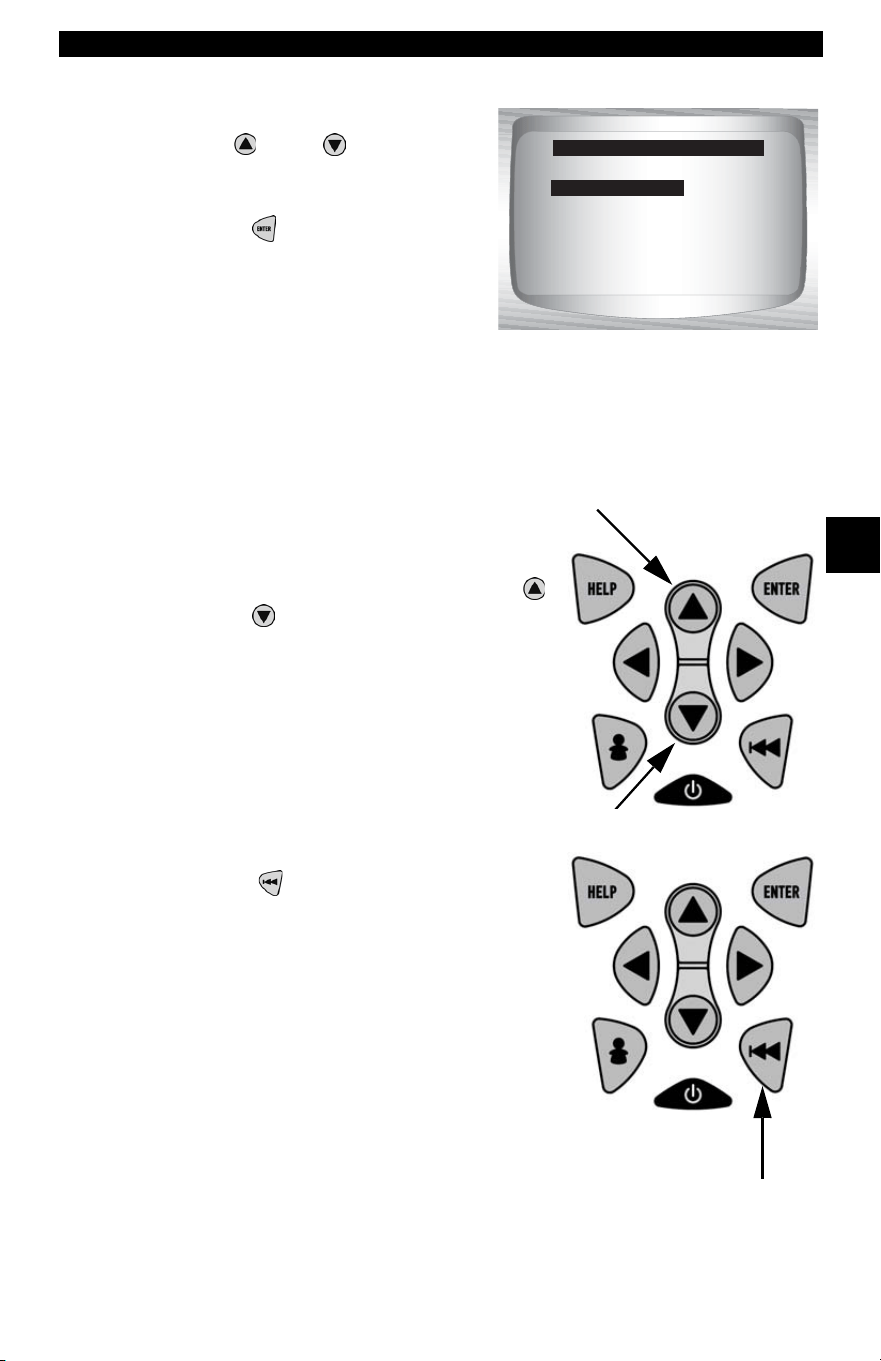
• • • • • • • • • • • • • • • • • • • • • • • • • • • • • • • • • • • • • • • • • • • • • • • • • • • • • • • • 4 – 15
Global OBD II Diagnostics
4
From the Diagnostic Codes Menu:
1. Select
Pending Codes
•Use
UP
or
DOWN
arrow
key until Pending Codes is
highlighted
•Press
ENTER
.
✓ If no Pending Codes are present a message stating System Pass:
No Faults Detected is displayed. (Do not mistake this message. It
refers only to Pending Codes and is not a warning of DTCs.)
2. If Pending Codes are Present.
•View and write down codes using
UP
or
DOWN
arrow key.
✓ See “Read Codes” on page 4-12 for
details of how DTCs are shown.
3. Return to Diagnostic Codes Menu.
• Press
BACK.
Read Codes
Pending Codes
Erase Codes
View Fre eze Data
Review Data
Print Data
Code Lookup
Diagnostic Codes Menu
Pending Codes
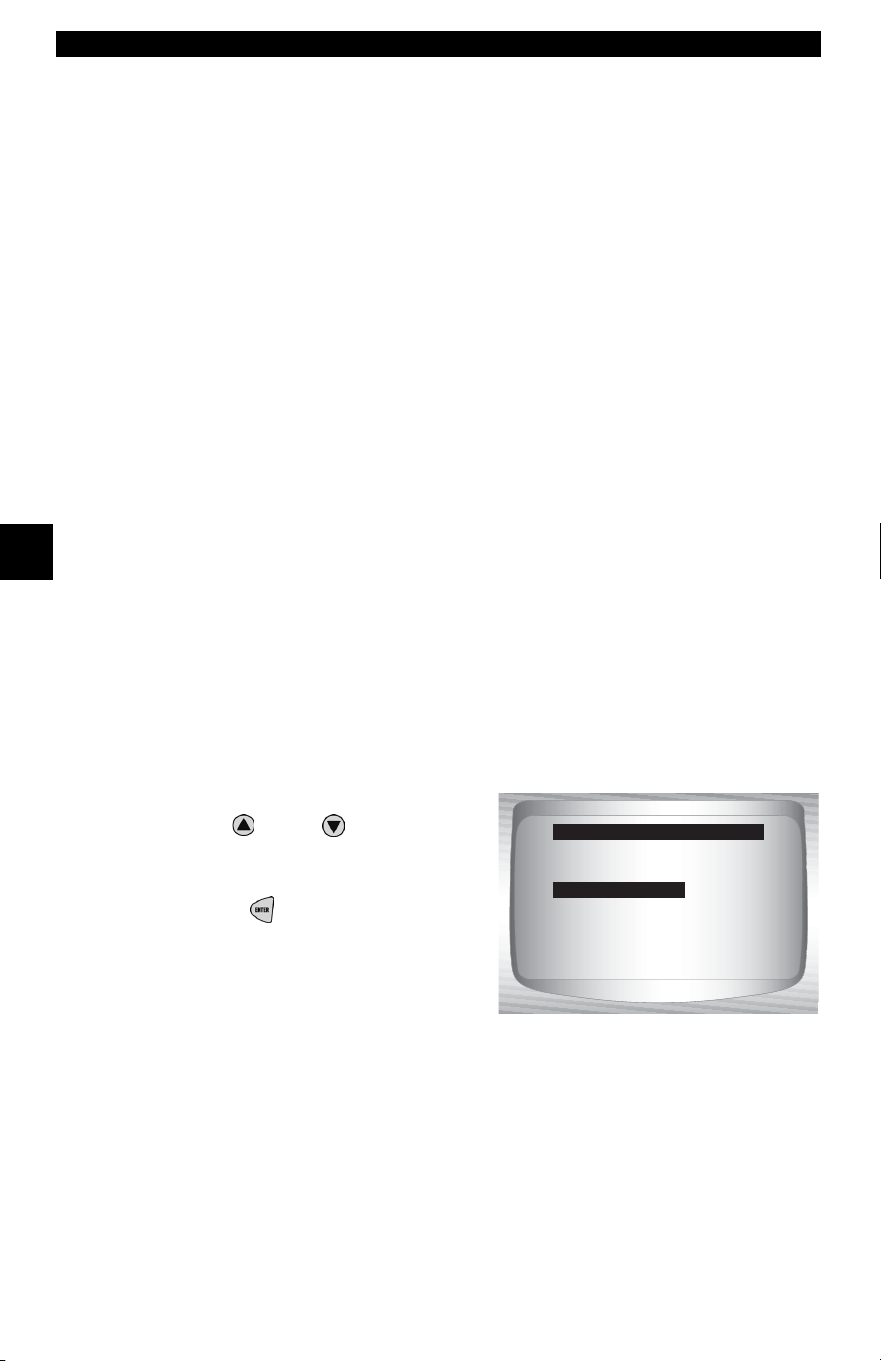
Global OBD II Diagnostics
4 – 16 • • • • • • • • • • • • • • • • • • • • • • • • • • • • • • • • • • • • • • • • • • • • • • • • • • • • • • • •
4
4
Erase Codes
The Erase Codes function deletes DTCs and I/M Readiness data from
vehicle’s control module(s). Perform this function with KOEO. Do not
start the engine.
✓ The Erase Codes function may also erase View Freeze Data, O2
Monitor Test, and Diagnostic Monitor Test results depending on
vehicle.
✓ The Erase Codes function sets monitors to inc.
✓ Perform Erase Codes function only after systems have been
checked completely and DTCs have been written down.
✓ After servicing the vehicle, erase stored DTCs and verify no codes
have been reset. If a DTC returns, problem has not been fixed or other
faults are present.
✓ Depending on which monitor sets a code the vehicle may need to be
driven and the monitor ran before concluding that the fault is repaired.
From Diagnostic Codes Menu:
1. Select
Erase Codes.
•Use
UP
or
DOWN
arrow
key until Erase Codes is
highlighted.
•Press
ENTER
.
Read Codes
Pending Codes
Erase Codes
View Fre eze Data
Review Data
Print Data
Code Lookup
Diagnostic Codes Menu
Erase Codes
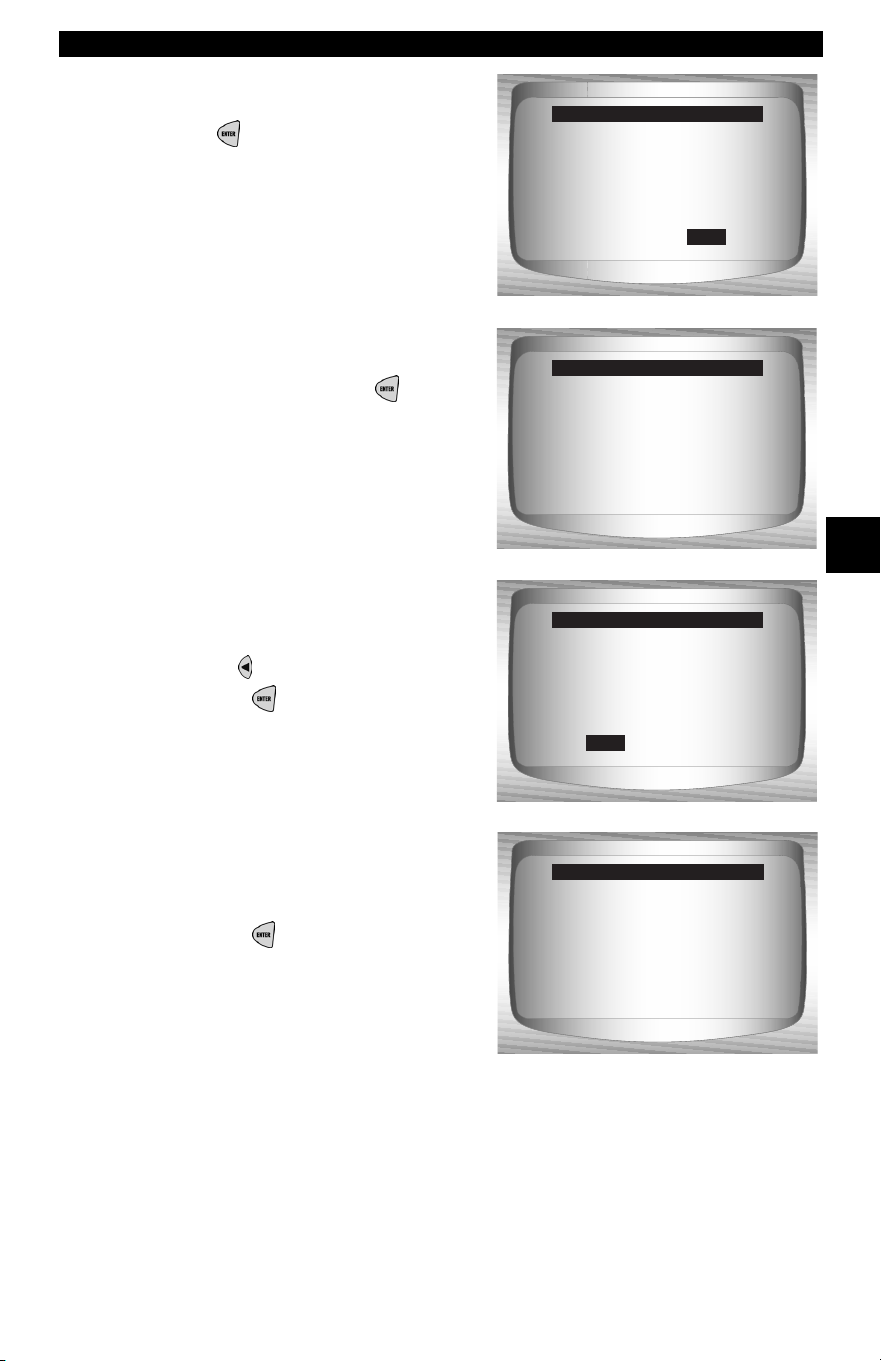
• • • • • • • • • • • • • • • • • • • • • • • • • • • • • • • • • • • • • • • • • • • • • • • • • • • • • • • • 4 – 17
Global OBD II Diagnostics
4
✓ If diagnostic results and codes are
not to be erased select No and
press
ENTER
.
•Selecting No displays a Com-
mand Cancelled message
prompting to press
ENTER
to return to Diagnostic
Codes Menu.
2. Select Yes to erase
diagnostic results and
codes.
•Use
LEFT
arrow key.
•Press
ENTER
.
3. Prepare Vehicle.
•Turn key on.
•Leave engine off.
•Press
ENTER
.
Yes
Are you sure you
want to erase
diagnostic results
and codes?
Erase Codes
No
Press ENTER
to continue.
Command
cancelled
Erase Codes
No
Are you sure you
want to erase
diagnostic results
and codes?
Erase Codes
Yes
Press ENTER
to continue.
Turn key on
with engine off.
Erase Codes
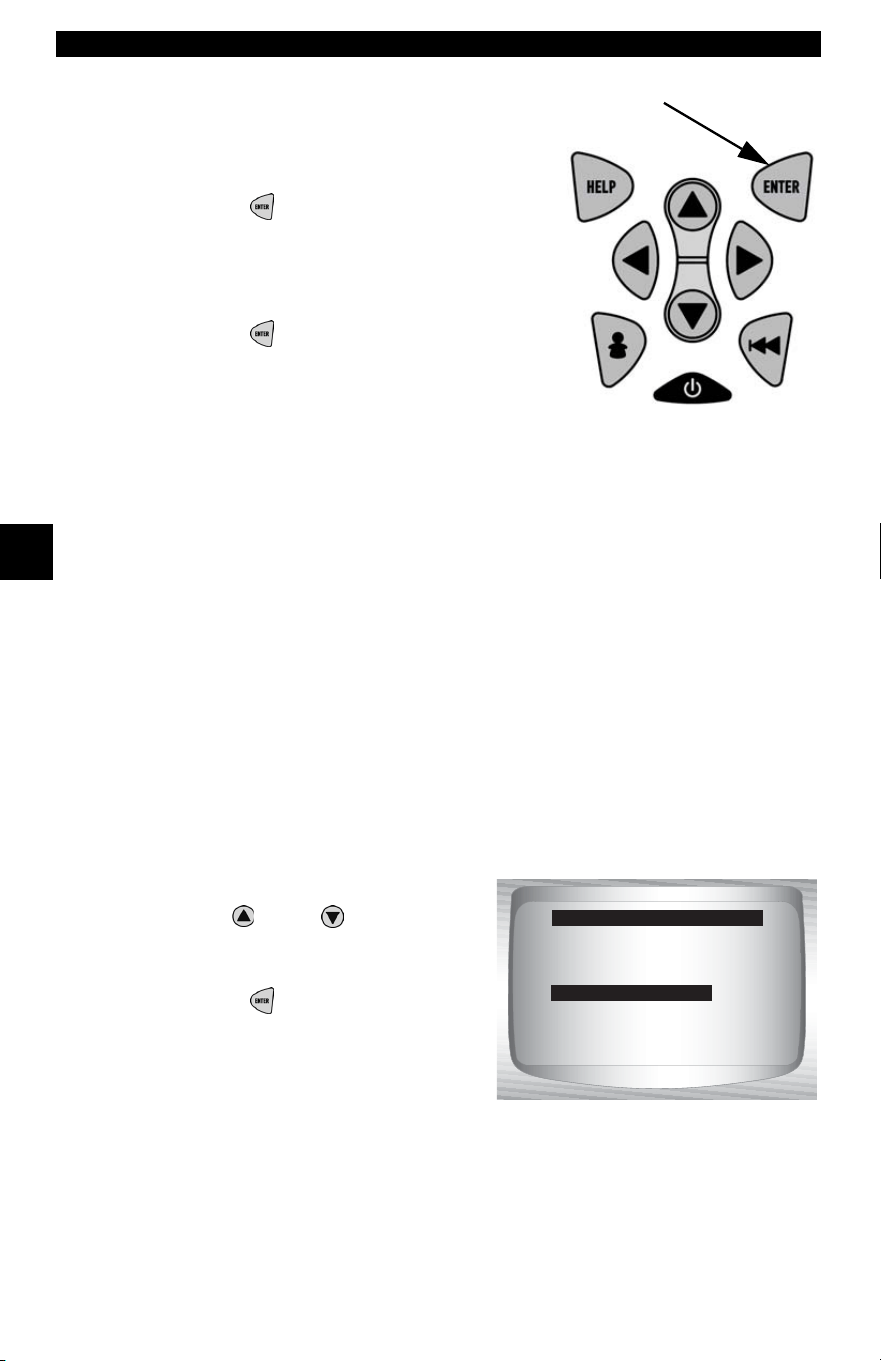
Global OBD II Diagnostics
4 – 18 • • • • • • • • • • • • • • • • • • • • • • • • • • • • • • • • • • • • • • • • • • • • • • • • • • • • • • • •
4
4
4. Observe Command Sent message
is displayed.
•Press
ENTER
.
5. Return to Diagnostic Codes Menu.
•Press
ENTER
.
View Freeze Data
When an emission-related fault occurs, certain vehicle conditions are
recorded by the on-board computer. This information is referred to as
freeze frame data. View Freeze Data is a snapshot of the operating
conditions at the time of an emission-related fault.
✓ View Freeze Data can be overwritten by faults with a higher priority.
✓ If codes were erased, View Freeze Data may not be stored in vehicle
memory depending on vehicle.
From the Diagnostic Codes Menu:
1. Select
View Freeze Data.
•Use
UP
or
DOWN
arrow
key until View Freeze Data is
highlighted.
•Press
ENTER
.
Read Codes
Pending Codes
Erase Codes
View Fre eze Data
Review Data
Print Data
Code Lookup
Diagnostic Codes Menu
View Fre eze Data
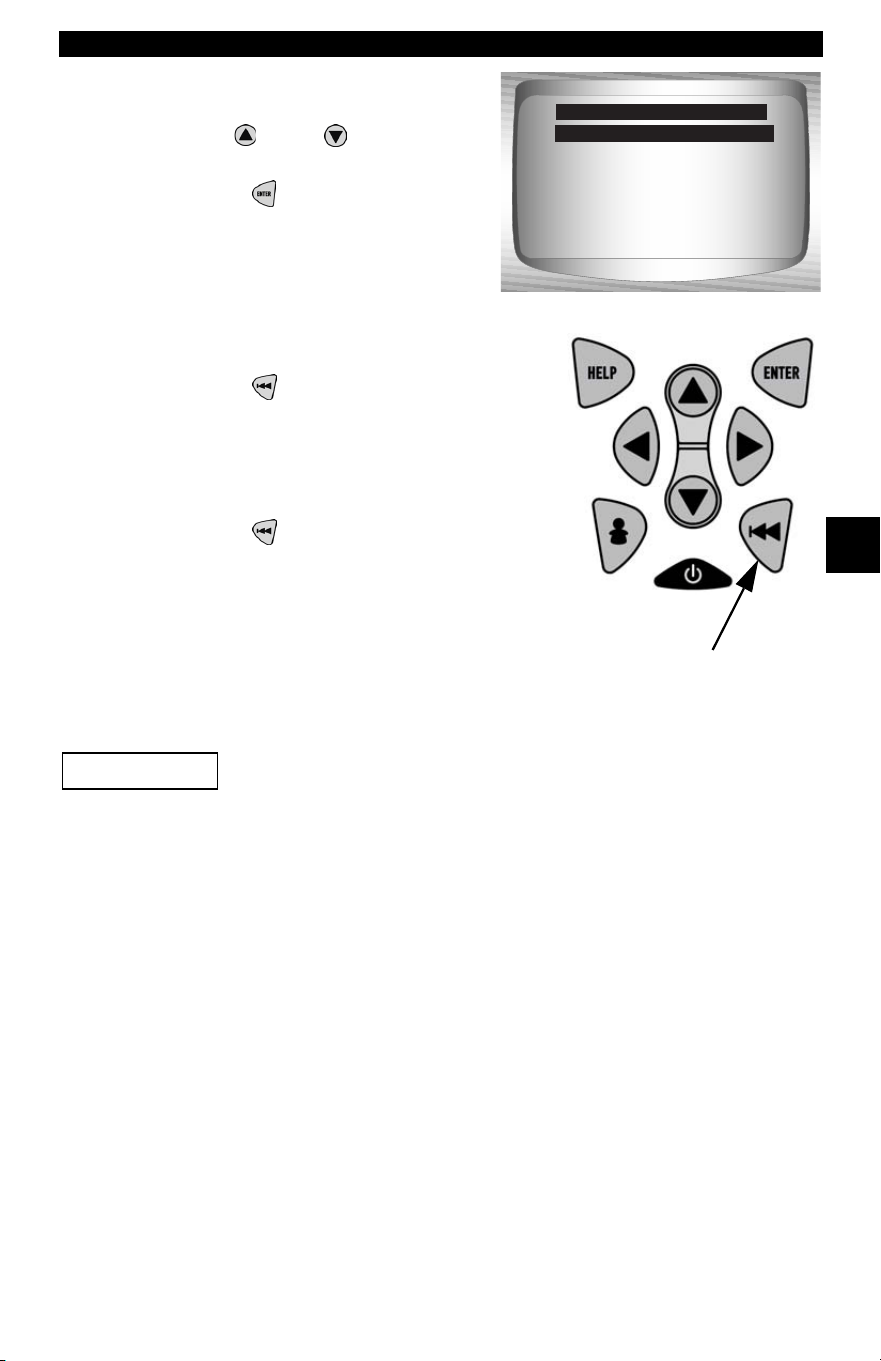
• • • • • • • • • • • • • • • • • • • • • • • • • • • • • • • • • • • • • • • • • • • • • • • • • • • • • • • • 4 – 19
Global OBD II Diagnostics
4
2. Select Frame (if more than 1
frame is present).
•Use
UP
or
DOWN
arrow
key.
•Press
ENTER
.
3. Select another frame to view (if
available)
•Press
BACK.
4. Return to Diagnostic Codes Menu
•Press
BACK.
Special Tests Menu
Items marked with “-” are covered in section 3 of this
manual. These items are not covered in this section.
❒ Special Tests Menu
❒ I/M Readiness
❒ Drive Cycle Monitor
❒ State OBD Check
❒ O2 Monitor Test
❒ Diagnostic Monitor Test
❒ On-Board Systems
❒ Vehicle Information
❒ Modules Present
– Review Data
–Print Data
–Tool Setup
Frame 1
Frame 2 Mod $1A
Select Fre eze Frame
Frame 1 Mod $10
IMPORTANT

Global OBD II Diagnostics
4 – 20 • • • • • • • • • • • • • • • • • • • • • • • • • • • • • • • • • • • • • • • • • • • • • • • • • • • • • • • •
4
4
I/M Readiness
The I/M Readiness (Inspection / Maintenance) function is used to view
a snapshot of the operations for the emission system on OBD II
vehicles.
✓ I/M Readiness is a very useful function. To guarantee no faults exist
make sure all monitors are ok or n/a and no DTC’s exist.
✓ Refer to the vehicles service manual for the drive cycle operation.
✓ During normal driving conditions, the vehicle’s computer scans the
emission system. After a specific amount of drive time (each monitor
has specific driving conditions and time required), the computer’s
monitors decide if the vehicles emission system is working correctly
or not as well as detecting out of range values. When the monitor’s
status is:
• ok - vehicle was driven enough to complete the monitor.
• inc (Incomplete) - vehicle was not driven enough to complete the
monitor.
• n/a (Not Applicable)- vehicle does not support that monitor.
✓ Depending on vehicle, disconnecting or a discharged battery may
erase DTCs and clear monitor status.
✓ Monitors may be cleared by:
❒ Erasing codes
❒ Vehicle control modules losing power
✓ I/M Readiness can be done with the KOER or KOEO.
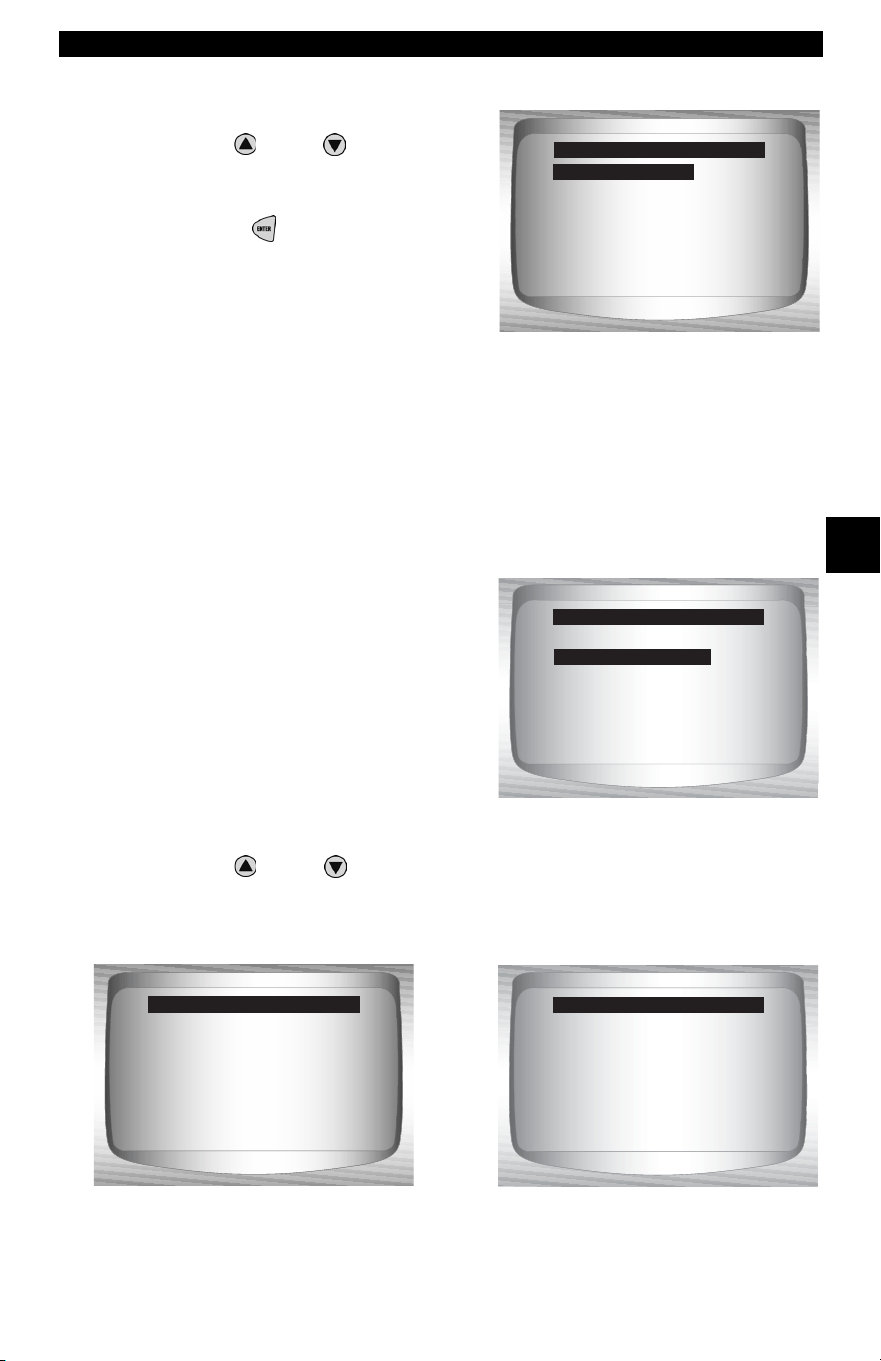
• • • • • • • • • • • • • • • • • • • • • • • • • • • • • • • • • • • • • • • • • • • • • • • • • • • • • • • • 4 – 21
Global OBD II Diagnostics
4
From the Special Tests Menu:
1. Select I/M Readiness.
•Use
UP
or
DOWN
arrow
key until I/M Readiness is
highlighted.
•Press
ENTER
.
Two types of I/M Readiness test are:
❒ Since DTCs Cleared - shows status of the monitors since the
DTCs were last erased.
❒ This Drive Cycle - shows status of monitors since the start of the
current drive cycle. Refer to the vehicle service manual for more
detailed information on emission-related monitors and their
status.
✓ Some vehicles do not support
This Drive Cycle. If vehicle
supports both types of monitors
the I/M Readiness Menu
displays.
2. View Summary of Monitor Status.
•Use
UP
or
DOWN
arrow key (if required).
✓ Depending on Readiness Test one of these 2 screens will be present
. OR
I/M Readiness ?
Drive Cycle Monitor
State OBD Check
O2 Monitor Test
Diag Mon Tests
On-Board Systems
Vehicle Info
Special Tests Menu
I/M Readiness
Since DTCs Cleared
This Drive Cycle
I/M Readiness Menu
This Drive Cycle
Misfire Monitor ok
Fuel System Mon ok
Comp Component ok
Catalyst Mon inc
Htd Catalyst n/a
Evap System Mon ok
Sec Air System ok
This Drive Cycle
Misfire Monitor ok
Fuel System Mon ok
Comp Component ok
Catalyst Mon inc
Htd Catalyst n/a
Evap System Mon ok
Sec Air System ok
Since DTCs Cleared
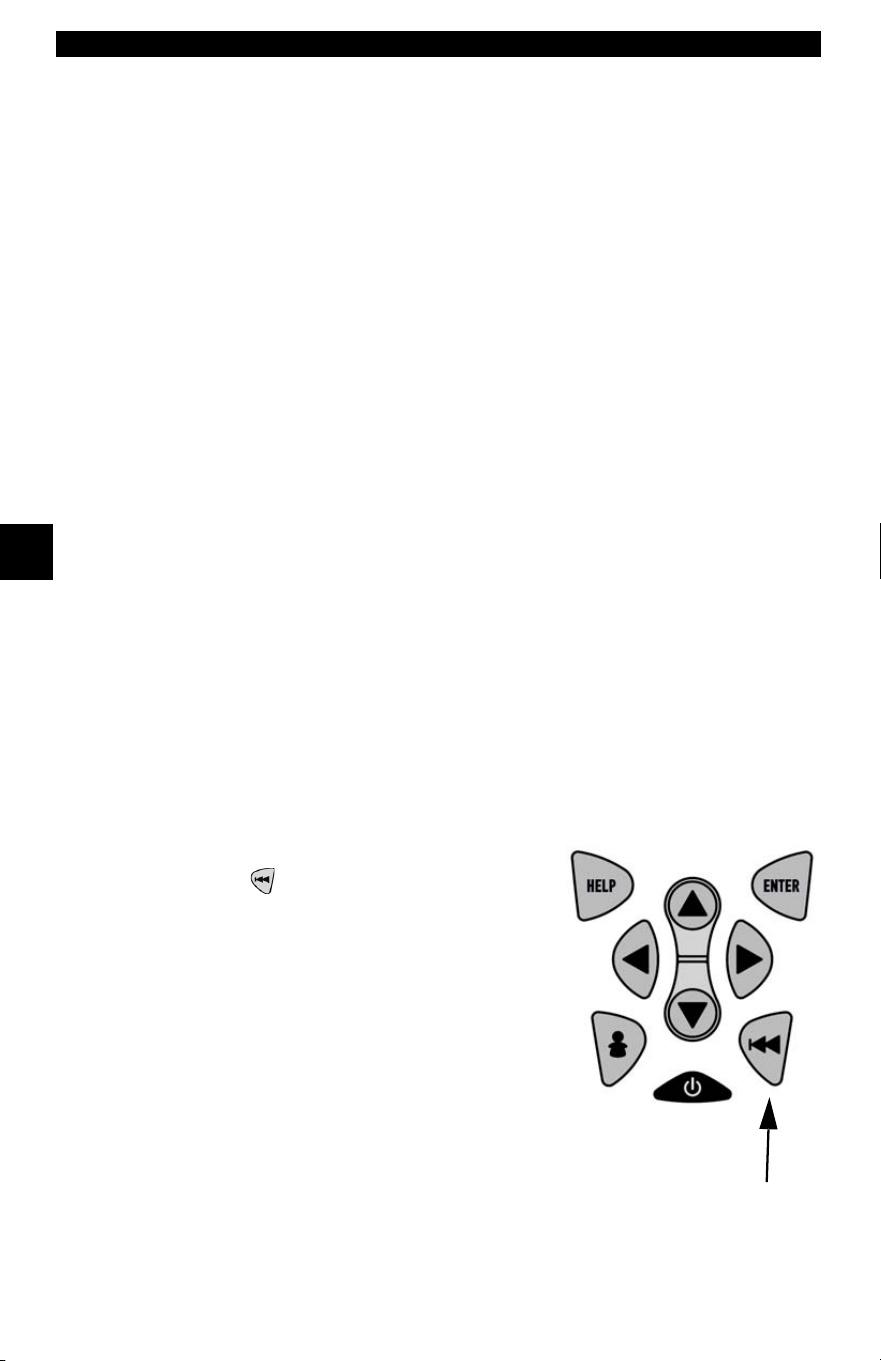
Global OBD II Diagnostics
4 – 22 • • • • • • • • • • • • • • • • • • • • • • • • • • • • • • • • • • • • • • • • • • • • • • • • • • • • • • • •
4
4
Abbreviations and names for OBD II Monitors supported by the Scan
Tool are shown below. They are required by the United States
Environmental Protection Agency (EPA). Not all monitors are supported
by all vehicles
.
•Abbreviated Name Expanded Name
- Misfire Monitor Misfire Monitor
- Fuel System Mon Fuel System Monitor
- Comp Component Comprehensive Components Monitor
- Catalyst Mon Catalyst Monitor
- Htd Catalyst Heated Catalyst Monitor
- Evap System Mon Evaporative System Monitor
- Sec Air System Secondary Air System Monitor
- A/C Refrig Mon Air Conditioning Refrigerant Monitor
- Oxygen Sens Mon Oxygen Sensor Monitor
- Oxygen Sens Htr Oxygen Sensor Heater Monitor
- EGR System Mon Exhaust Gas Recirculation System
Monitor
3. Return to Special Tests Menu.
•Press
BACK.

• • • • • • • • • • • • • • • • • • • • • • • • • • • • • • • • • • • • • • • • • • • • • • • • • • • • • • • • 4 – 23
Global OBD II Diagnostics
4
Drive Cycle Monitor
The Drive Cycle Monitor function is very similar to the I/M Monitors
though the Drive Cycle Monitor is used to view REAL TIME
operations
of the Emissions System on OBD II vehicles.
✓ Drive Cycle Monitor continuously updates as the vehicle reports
operations of the Emission System.
✓ Refer to the vehicle service manual for the drive cycle operation.
✓ During normal driving conditions, the vehicle computer scans the
emission system. After a specific amount of drive time (each monitor
has specific driving conditions and time requirements), the
computer’s monitors will decide if the vehicle emissions system is
working correctly or not as well as detecting out a range of values.
When the monitor’s status is:
• “ok” - vehicle has been driven enough for function.
• “inc” (Incomplete) - vehicle was not driven enough to complete all of
the monitors.
• “n/a” (Not Applicable) - vehicle does not support that monitor.
✓ Clear Monitors by:
❒ Erasing Codes.
❒ Vehicle Computer Module losing power (on some vehicles).
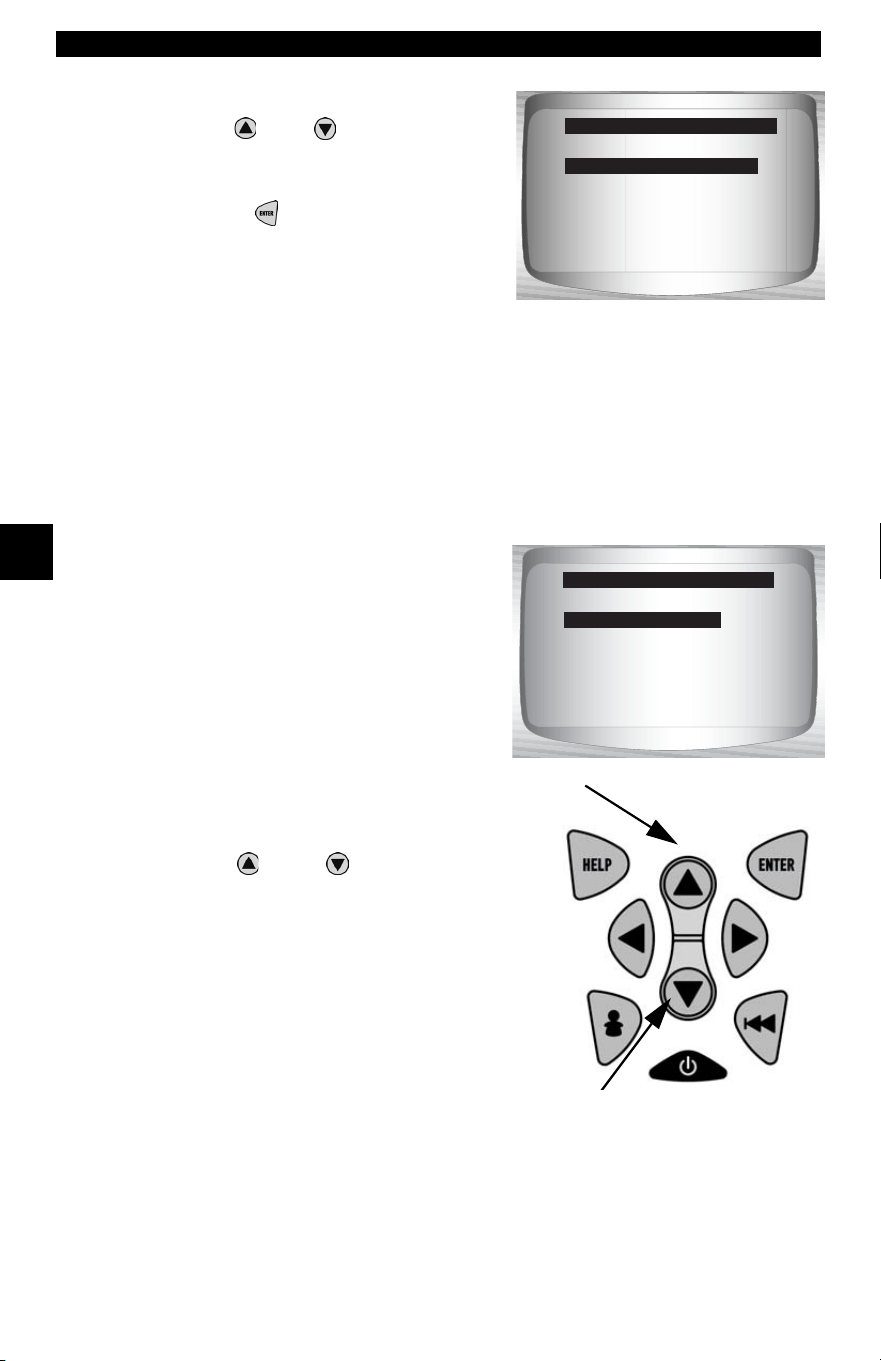
Global OBD II Diagnostics
4 – 24 • • • • • • • • • • • • • • • • • • • • • • • • • • • • • • • • • • • • • • • • • • • • • • • • • • • • • • • •
4
4
From the Special Tests Menu:
1.Select Drive Cycle Monitor.
•Use
UP
or
DOWN
arrow key
to highlight Drive Cycle
Monitors.
•Press
ENTER
.
✓ Two types of Drive Cycle Monitors
are:
❒ SINCE DTCs CLEARED shows status of the monitors since the
Diagnostic Trouble Codes were last erased.
❒
THIS DRIVE CYCLE
shows status of monitors since start of
current drive cycle. Refer to the vehicle service manual for more
detailed information on emission-related monitors and their status.
✓ Some vehicles DO NOT support
Drive Cycle Monitors. If vehicle
supports both types of Drive Cycle
Monitors the Menu will display.
2.View Summary of Monitor Status.
•Use
UP
or
DOWN
arrow key (if
required).
I/M Readiness
Drive Cycle Monitor
State OBD Check
O2 Monitor Test
Diag Mon Tests
On Board Systems
Vehicle Info
Special Tests Menu
Drive Cycle Monitor
?
Since DTCs Cleared
This Drive Cycle
Drive Cycle Monitor
This Drive Cycle
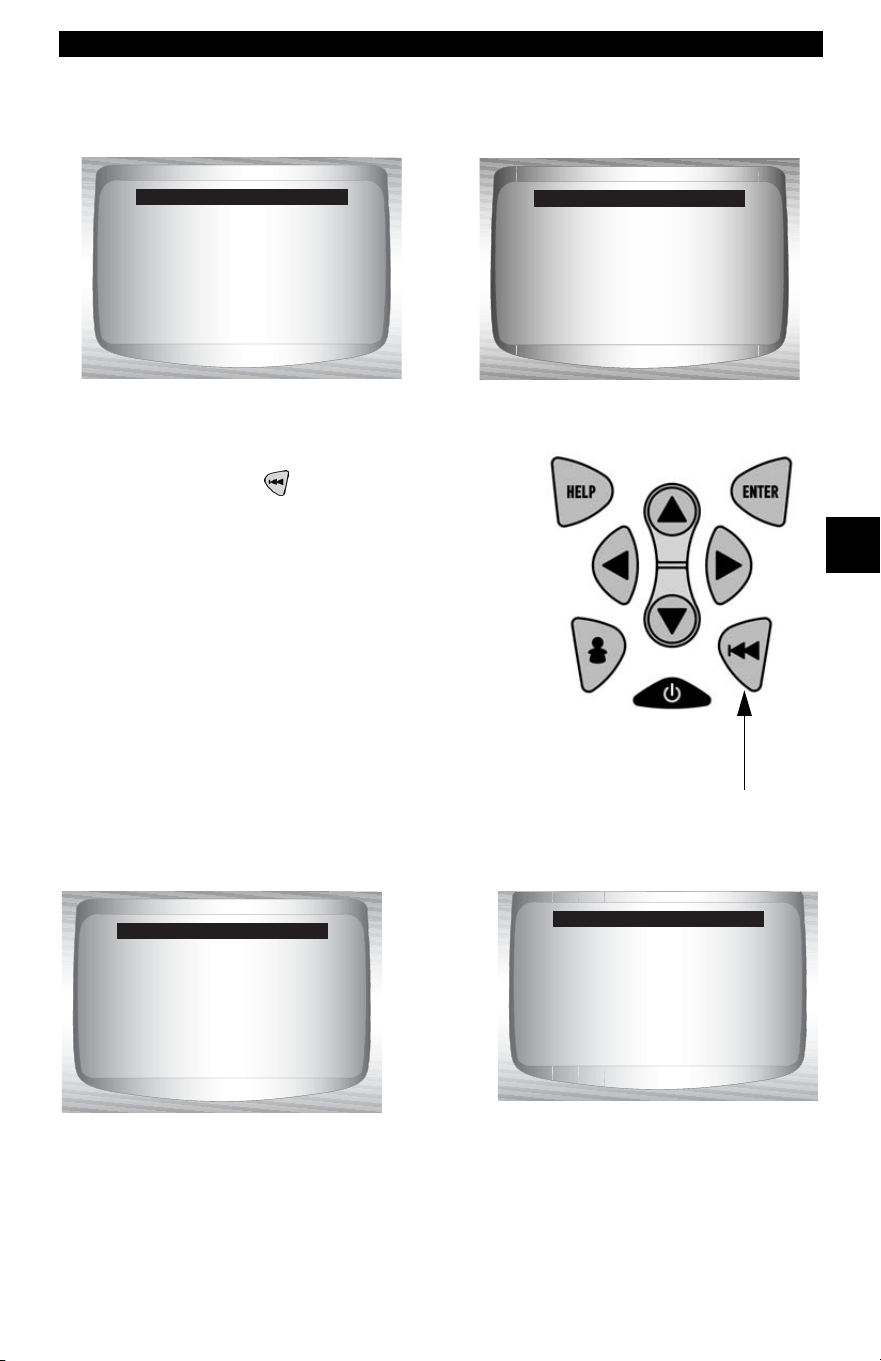
• • • • • • • • • • • • • • • • • • • • • • • • • • • • • • • • • • • • • • • • • • • • • • • • • • • • • • • • 4 – 25
Global OBD II Diagnostics
4
3.Depending on the Drive Cycle Monitors one of these 2 screens
will be present.
4.Return to Special Tests Menu.
• Press
BACK key.
✓ The Scan Tool display is
continuously updated. Monitors that
are “ok” will disappear and only the
“inc” monitors will remain displayed.
Monitors designated “n/a” are not
displayed.
✓ When all Monitors are “OK” the following Screen is shown.
Catalyst Mon inc
Htd Catalyst inc
Evap System Mon inc
Since DTCs Cleared
Catalyst Mon inc
Htd Catalyst inc
Evap System Mon inc
This Drive Cycle
OR
OR
All Monitors OK
This Drive Cycle
All Monitors OK
Since DTCs Cleared

Global OBD II Diagnostics
4 – 26 • • • • • • • • • • • • • • • • • • • • • • • • • • • • • • • • • • • • • • • • • • • • • • • • • • • • • • • •
4
4
State OBD Check
The State OBD Check function is used to display a basic status of the
vehicles OBD system.
❒ Malfunction Indicator Lamp (MIL) Status
❒ Codes Found
❒ I/M Readiness
Erase Codes deletes DTCs and clears I/M Monitors from vehicle’s
computer module(s).
✓ The State OBD Check function has the following areas:
❒ MIL STATUS ON or OFF
❒ Number of Codes Found
❒ Number of Monitors OK
❒ Number of Monitors Inc
❒ Number of Monitors N/A
✓ State OBD Check should be done with the key on engine running
(KOER) due to showing MIL status.
✓ The number of codes found are only Generic OBD II codes and not
Pending codes.
✓ The number of Monitors that are either OK, INC or NA are only Since
DTCs Cleared and not This Drive Cycle.
✓ Refer to Read Codes and I/M Monitors for more detailed information
about the results.
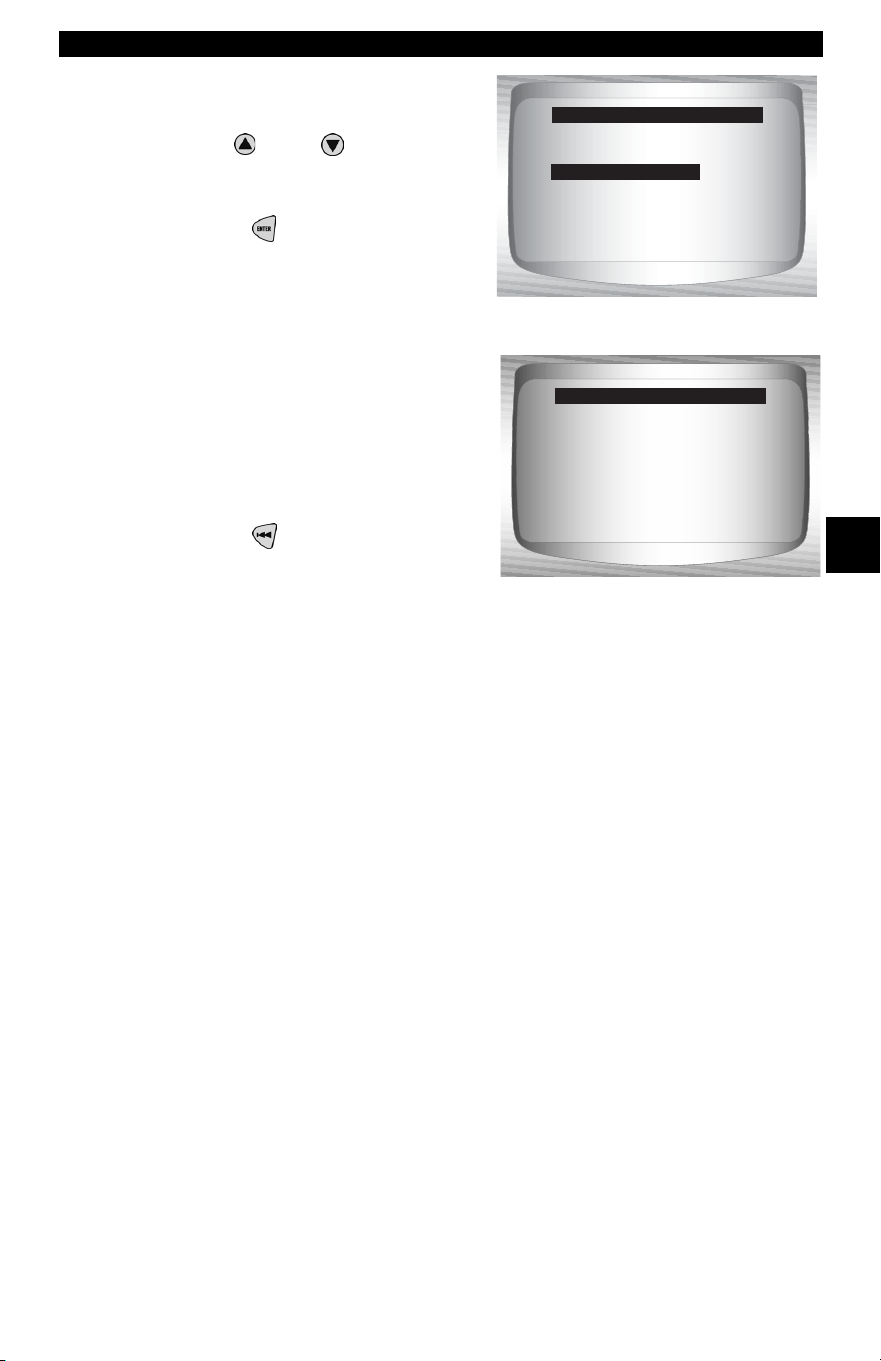
• • • • • • • • • • • • • • • • • • • • • • • • • • • • • • • • • • • • • • • • • • • • • • • • • • • • • • • • 4 – 27
Global OBD II Diagnostics
4
From the Special Tests Menu:
1. Select
State OBD Check
•Use
UP
or
DOWN
arrow
key until State OBD Check is
highlighted
•Press
ENTER
.
2. View State OBD Check
Display.
3. Return to Special Tests
Menu.
•Press
BACK
O2 Monitor Test
OBD II regulations require applicable vehicles monitor and test oxygen
(O2) sensors to determine problems related to fuel and emissions. The
O2 Monitor Test allows retrieval of completed O2 sensors monitor test
results.
✓ The O2 Monitor Test is not an on-demand test. O2 sensors are not
tested when selected via the menu. O2 sensors are tested when
engine operating conditions are within specified limits.
✓ If the vehicle communicates using a controller area network (CAN),
O2 monitor tests are not supported by vehicle. A message is
displayed. See “
Diagnostic Monitor Tests” on page 4-30 to see O2
monitor data.
I/M Readiness
Drive Cycle Monitor
State OBD Check
O2 Monitor Test
Diagnostic Monitor Test
On Board Systems
Vehicle Information
Special Tests Menu
O2 Monitor Test
MIL Status: ON
Codes Found: 2
Monitors OK: 3
Monitors Inc: 3
Monitors N/A: 5
State OBD Check
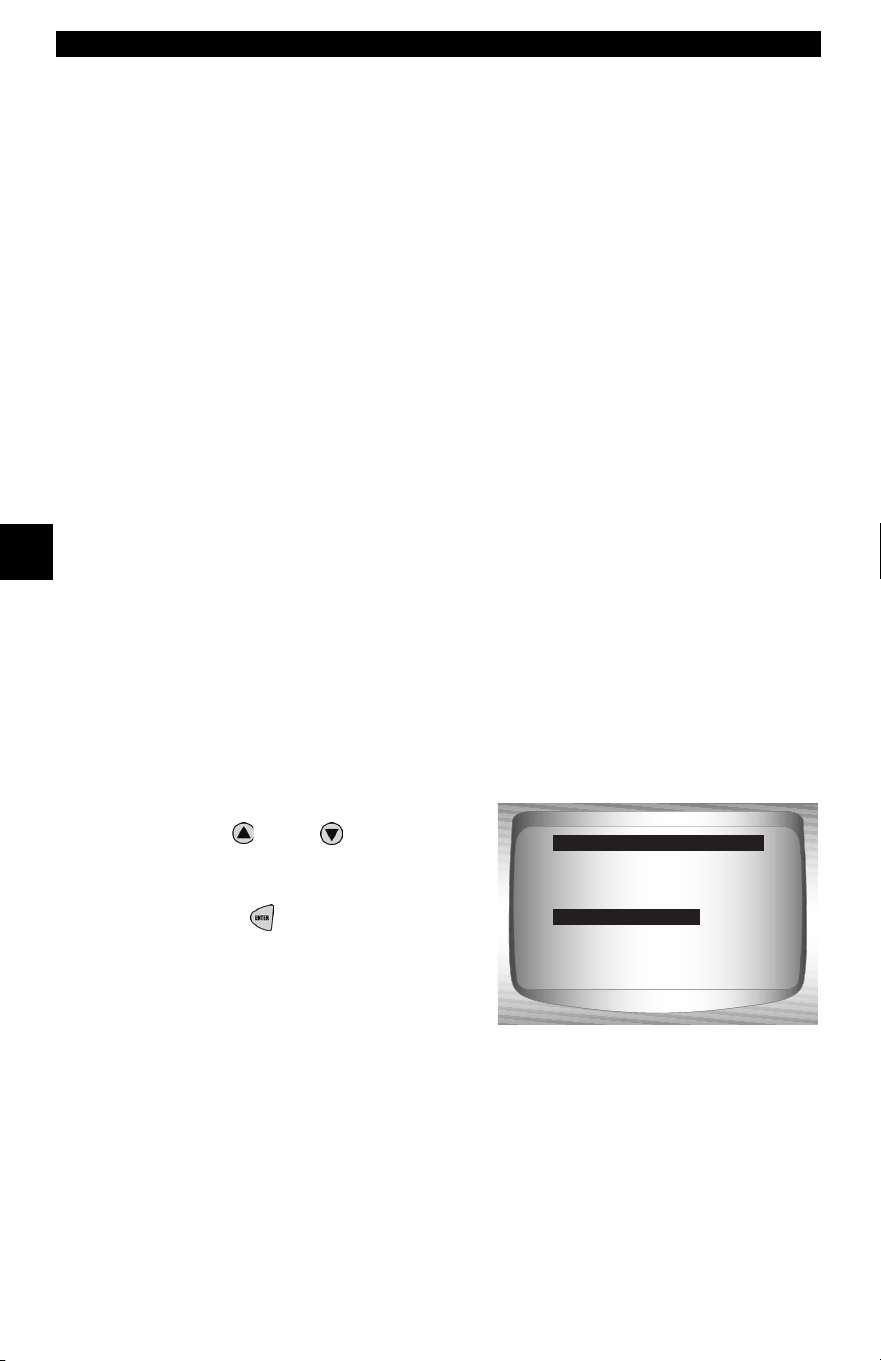
Global OBD II Diagnostics
4 – 28 • • • • • • • • • • • • • • • • • • • • • • • • • • • • • • • • • • • • • • • • • • • • • • • • • • • • • • • •
4
4
✓ O2 sensors are located before (upstream) and after (downstream)
catalyst(s). Sensors are named (xy) for their position to both cylinder
banks and catalysts.
❒ The O2 sensor for cylinder bank 1 has prefix 1y while O2 sensor
for cylinder bank 2 has prefix 2y.
❒ The O2 sensor upstream of catalyst (closest to engine) has suffix
x1 while O2 sensor downstream of catalyst has suffix x2. If
vehicle contains more catalysts, O2 sensor downstream of
second catalyst has suffix x3 and O2 sensor downstream of next
catalyst has suffix x4.
❒ For example, O2S21 is upstream O2 sensor for cylinder bank 2.
The following O2 Sensor Tests are available:
1) Rich-to-lean sensor threshold voltage
2) Lean-to-rich sensor threshold voltage
3) Low sensor voltage for switch time
4) High sensor voltage for switch time
5) Rich-to-lean sensor switch time
6) Lean-to-rich sensor switch time
7) Minimum sensor voltage test cycle
8) Maximum sensor voltage test cycle
9) Time between sensor transitions
10) Sensor period
11) Manufacturer specific tests
From the Special Tests Menu:
1.
Select
O2 Monitor Test.
•Use
UP
or
DOWN
arrow
key until O2 Monitor Test is
highlighted.
•Press
ENTER
.
I/M Readiness ?
Drive Cycle Monitor
State OBD Check
O2 Monitor Test
Diag Mon Tests
On-Board Systems
Vehicle Info
Special Tests Menu
O2 Monitor Test
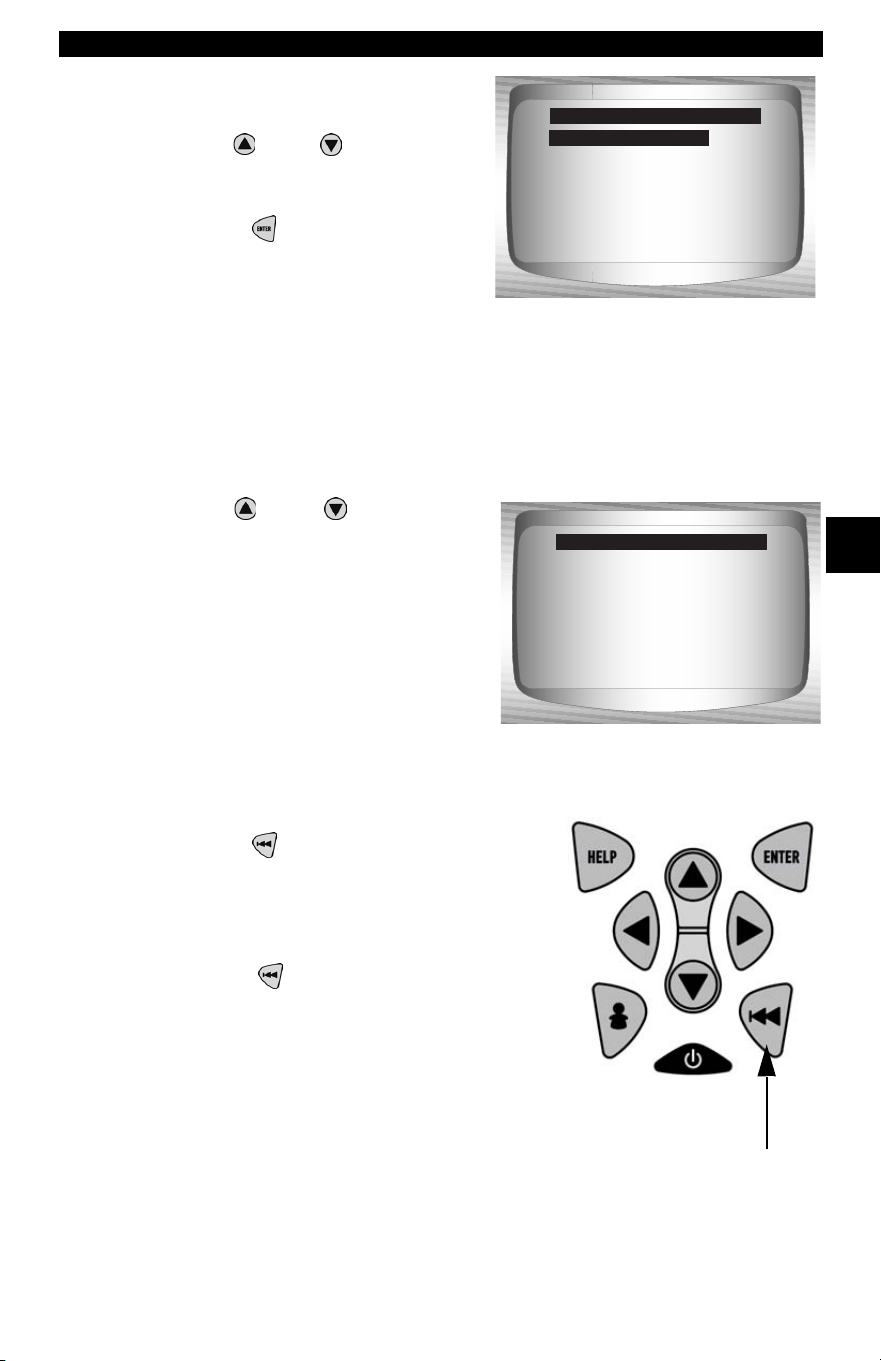
• • • • • • • • • • • • • • • • • • • • • • • • • • • • • • • • • • • • • • • • • • • • • • • • • • • • • • • • 4 – 29
Global OBD II Diagnostics
4
2. Select O2 Sensor.
•Use
UP
or
DOWN
arrow
key until desired O2 Sensor is
highlighted.
•Press
ENTER
.
✓ The O2 sensors located
upstream (before catalyst) may perform differently than ones located
downstream (after catalyst).
✓ Test IDs are shown for unknown O2 sensor tests.
3. View Results of Selection.
•Use
UP
or
DOWN
arrow
key.
4. Return to O2 Sensor Tests menu.
•Press
BACK.
5. Return to Special Tests Menu.
•Press
BACK.
O2 Bank1 Sensor1
O2 Bank1 Sensor2
O2 Bank2 Sensor1
O2 Bank2 Sensor2
Select O2 Sensor
O2 Bank1 Sensor1
RICH-LN Thresh
MAX: -----(V)
MEAS: 0.555(V)
MIN: -----(V)
MOD: $10
O2 Bank1 Sensor1
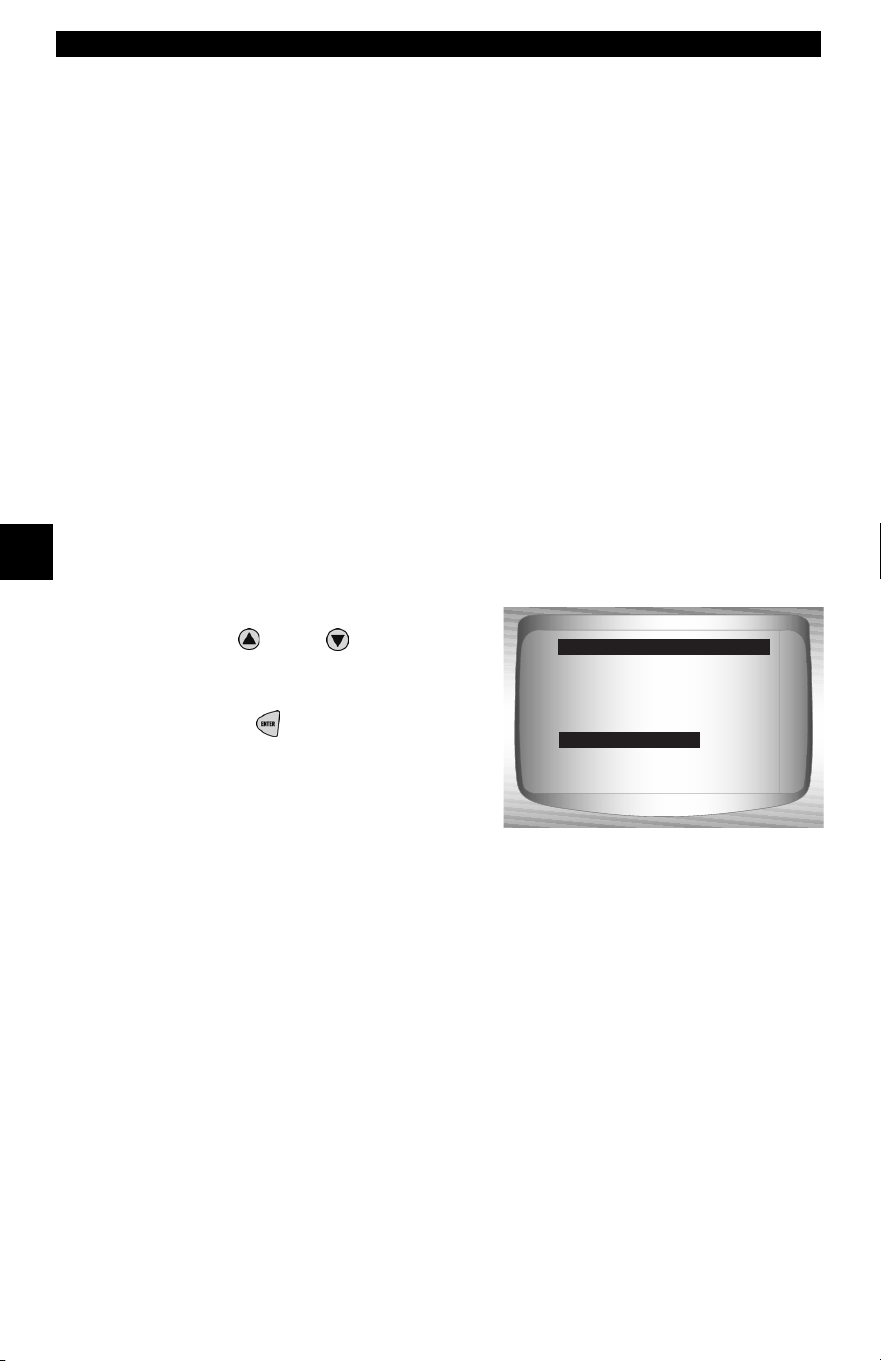
Global OBD II Diagnostics
4 – 30 • • • • • • • • • • • • • • • • • • • • • • • • • • • • • • • • • • • • • • • • • • • • • • • • • • • • • • • •
4
4
Diagnostic Monitor Tests
The Diagnostic Monitor Test function is useful after servicing or after
erasing a vehicle’s memory. Test results do not necessarily indicate a
faulty component or system.
✓ Non-CAN vehicles Diagnostic Monitor Test receives test results for
emission-related powertrain components and systems that are not
continuously monitored.
✓ CAN vehicles Diagnostic Monitor Test receives test results for
emission-related powertrain components and systems that are and
are not continuously monitored.
✓ Vehicle manufacturer is responsible for assigning test and component
IDs.
From the Special Tests Menu:
1. Select
Diag Mon Tests.
•Use
UP
or
DOWN
arrow
key until Diag Mon Tests is
highlighted.
•Press
ENTER
.
✓ Applicable Diagnostic Monitor Tests are displayed.
I/M Readiness ?
Drive Cycle Monitor
State OBD Check
O2 Monitor Test
Diag Mon Tests
On-Board Systems
Vehicle Info
Special Tests Menu
Diag Mon Tests
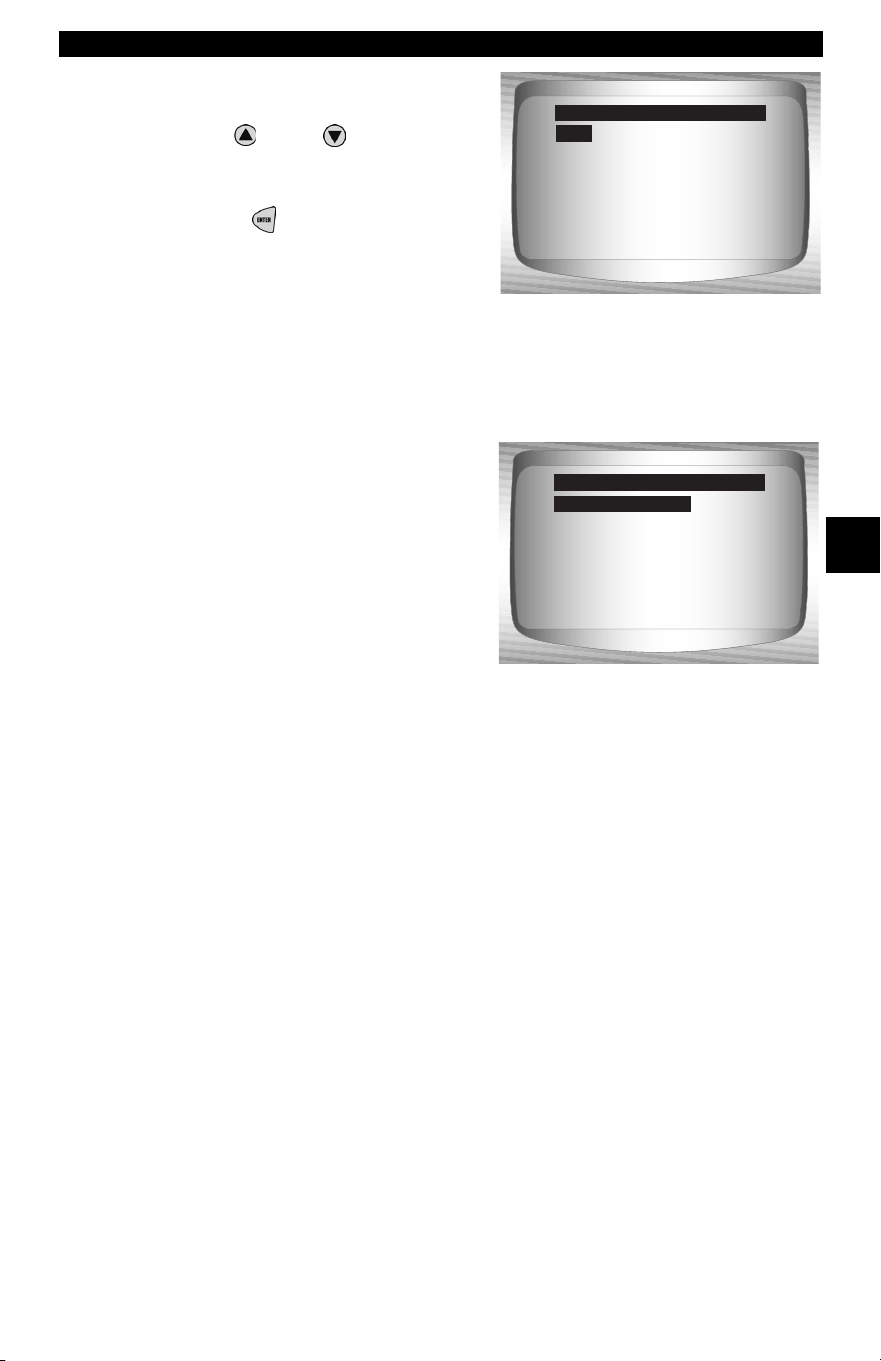
• • • • • • • • • • • • • • • • • • • • • • • • • • • • • • • • • • • • • • • • • • • • • • • • • • • • • • • • 4 – 31
Global OBD II Diagnostics
4
2. Review test results
displayed on Scan Tool.
•Use
UP
or
DOWN
arrow
key until desired test results is
highlighted.
•Press
ENTER
.
✓ Refer to appropriate vehicle
service manual for test IDs
and definitions.
$01
$03
$10
$21
$22
$25
$41
Select Diag Mon Test
$01
Non-CAN Vehicles
O2 Sensor B1S1
O2 Sensor B1S2
O2 Sensor B2S1
O2 Sensor B2S2
Catalyst B1
Catalyst B2
EVAP (0.040*)
Select Diag Mon Test
O2 Sensor B1S1
CAN Vehicles
OR
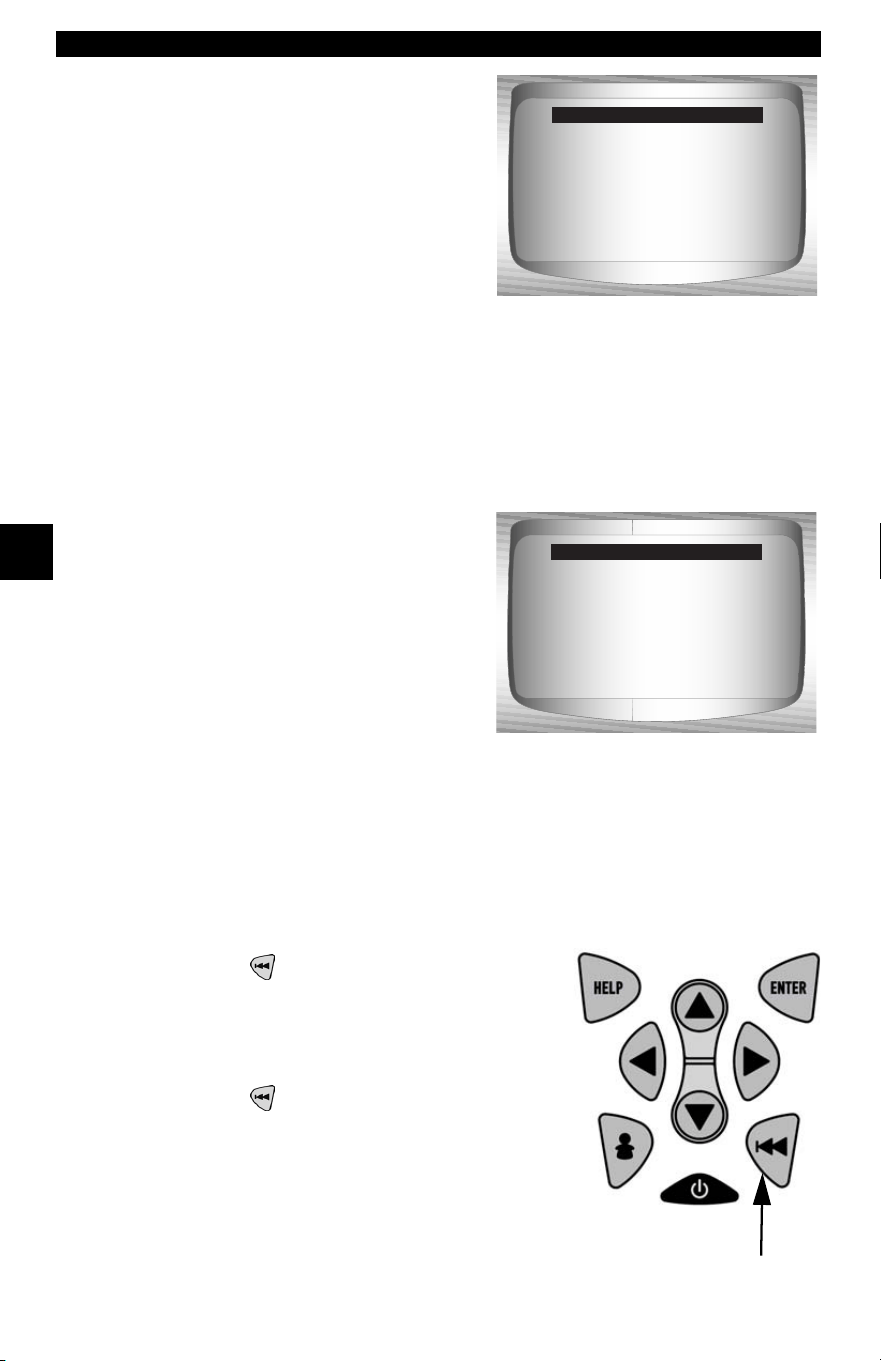
Global OBD II Diagnostics
4 – 32 • • • • • • • • • • • • • • • • • • • • • • • • • • • • • • • • • • • • • • • • • • • • • • • • • • • • • • • •
4
4
✓ On Non-CAN vehicles the Scan
Tool displays:
❒ Test data (test ID)
❒ Maximum value (MAX)
❒ Test measurements (MEAS)
❒ Minimum value (MIN)
❒ Status (STS)
❒ Measurements and
Specification values are
hexadecimal numbers (i.e.,
$1A, $FE, $11.)
❒ Module (MOD)
OR
✓ On CAN vehicles Scan Tool
displays:
❒ Test performed. The test
performed can be $## if test is
not defined. Refer to vehicle
service manual for details.
❒ Measured values and units of
measured (such as volts,
amps, and seconds).
❒ Status of monitor test data.
❒ Module ID where the monitor
test data came from.
3. Return to Select Test Menu.
•Press
BACK key.
4. Return to Special Tests Menu.
•Press
BACK key.
Non-CAN Vehicles
ID: 01
MAX: 0
MEAS: 0
MIN: ----
STS: OK
MOD: $10
Test $53 Data
CAN Vehicles
RICH-LN Thresh
Module $00
MAX: 0.6012 (V)
MEAS: 0.6012 (V)
MIN: 0.6012 (V)
Status: OK
O2 Sensor B2S2
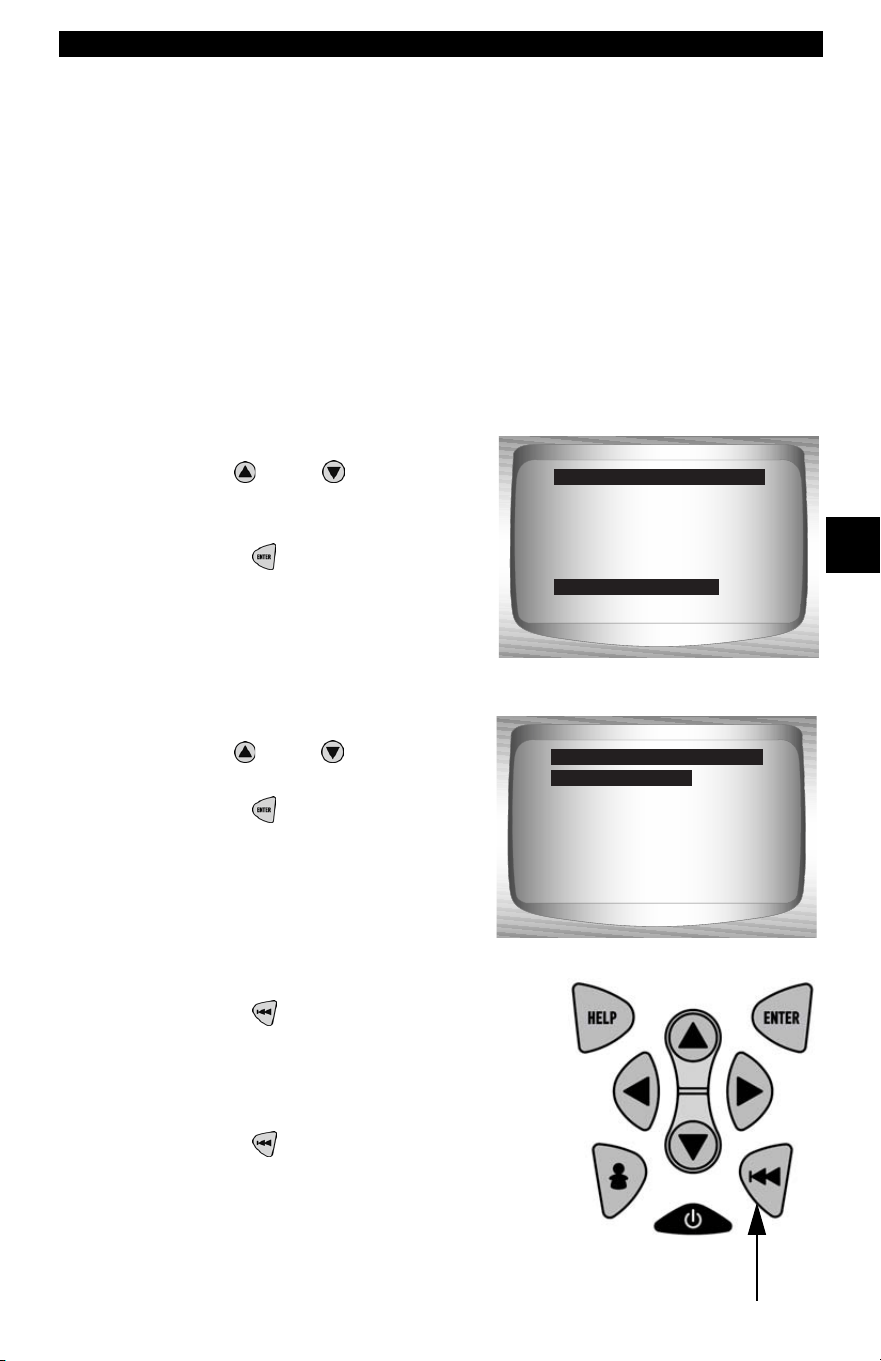
• • • • • • • • • • • • • • • • • • • • • • • • • • • • • • • • • • • • • • • • • • • • • • • • • • • • • • • • 4 – 33
Global OBD II Diagnostics
4
On-Board Systems
The On-Board Systems test allows the Scan Tool to control operation
of vehicle components, tests or systems.
✓ Some manufacturers do not allow tools to control vehicle systems. A
vehicle not supporting an on-board system is identified by a message
that is displayed when selected.
✓ Refer to the vehicle service manual for on-board systems instructions.
From the Special Tests Menu:
1. Select
On-Board Systems.
•Use
UP
or
DOWN
arrow
key until On-Board Systems
is highlighted.
•Press
ENTER
.
✓ A list of on-board systems and
components available for testing are shown on the display.
2. Select Test.
•Use
UP
or
DOWN
arrow
key.
•Press
ENTER
.
3. Return to On-Board Systems menu.
•Press
BACK key.
4. Return to Special Tests Menu.
•Press
BACK key.
I/M Readiness ?
Drive Cycle Monitor
State OBD Check
O2 Monitor Test
Diag Mon Tests
On-Board Systems
Vehicle Info
Special Tests Menu
On-Board Systems
Evap Leak Test
On-Board Systems
Evap Leak Test
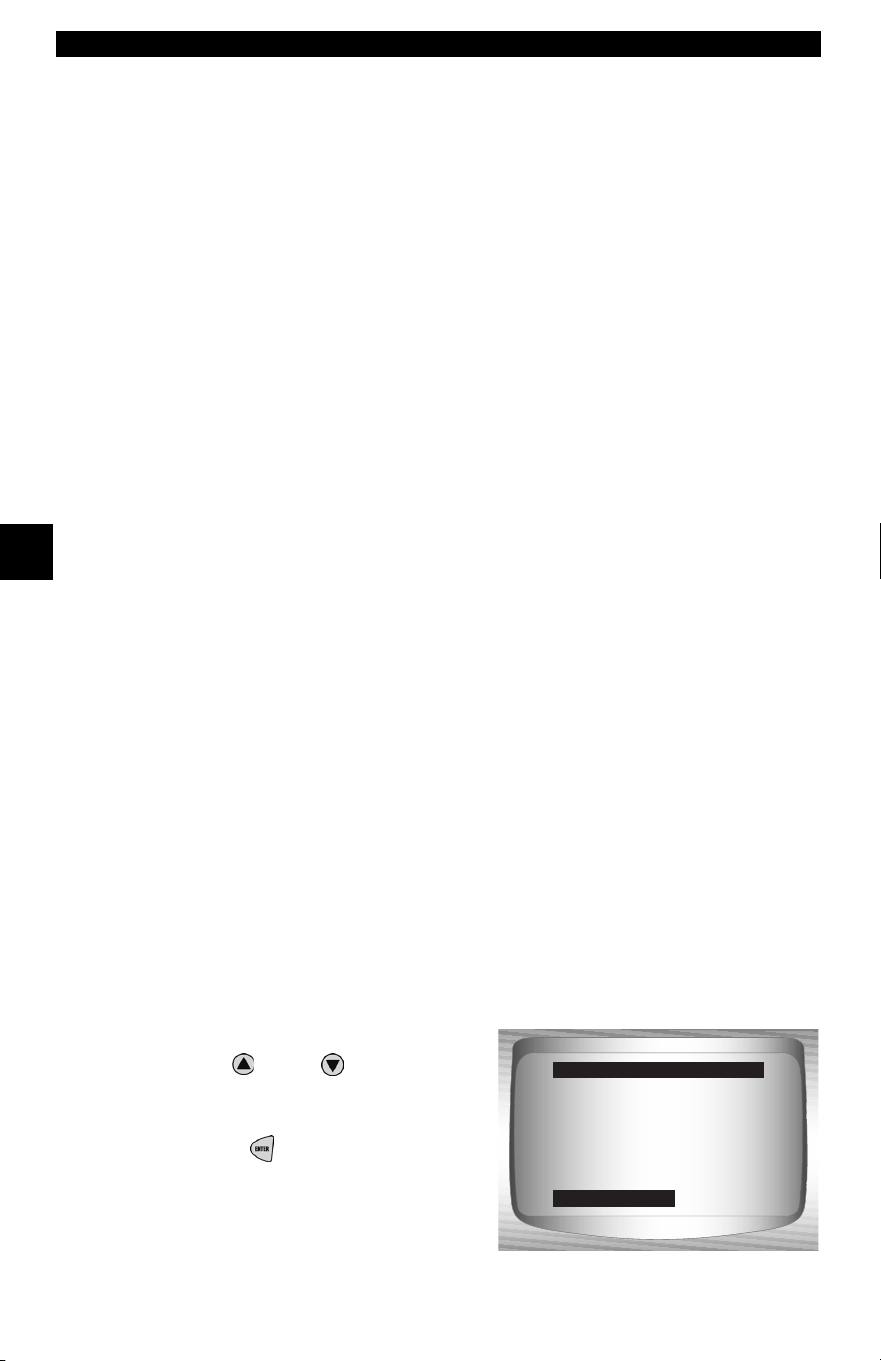
Global OBD II Diagnostics
4 – 34 • • • • • • • • • • • • • • • • • • • • • • • • • • • • • • • • • • • • • • • • • • • • • • • • • • • • • • • •
4
4
✓ The manufacturer is responsible for determining the criteria to
automatically stop test. Refer to appropriate vehicle service manual.
Vehicle Info
The Vehicle Info function allows the Scan Tool to request the vehicle’s
VIN number, calibration ID(s) which identifies software version in
vehicle control module(s), calibration verification numbers (CVN(s))
and in-use performance tracking.
✓ Vehicle Info function applies to model year 2000 and newer OBD II
compliant vehicles.
✓ The Scan Tool cannot verify if data is correct for scanned vehicles.
✓ CVNs are calculated values required by OBD II regulations.
✓ The CVN calculation may take several minutes.
✓ CVNs are reported to determine if emission-related calibrations have
been changed. Multiple CVNs may be reported for a control module.
✓ In-use performance tracking, tracks performance of key readiness
Monitors.
From the Special Tests Menu:
1. Select
Vehicle Info.
•Use
UP
or
DOWN
arrow
key until Vehicle Info is
highlighted.
•Press
ENTER
.
I/M Readiness ?
Drive Cycle Monitor
State OBD Check
O2 Monitor Test
Diag Mon Tests
On-Board Systems
Vehicle Info
Special Tests Menu
Vehicle Info
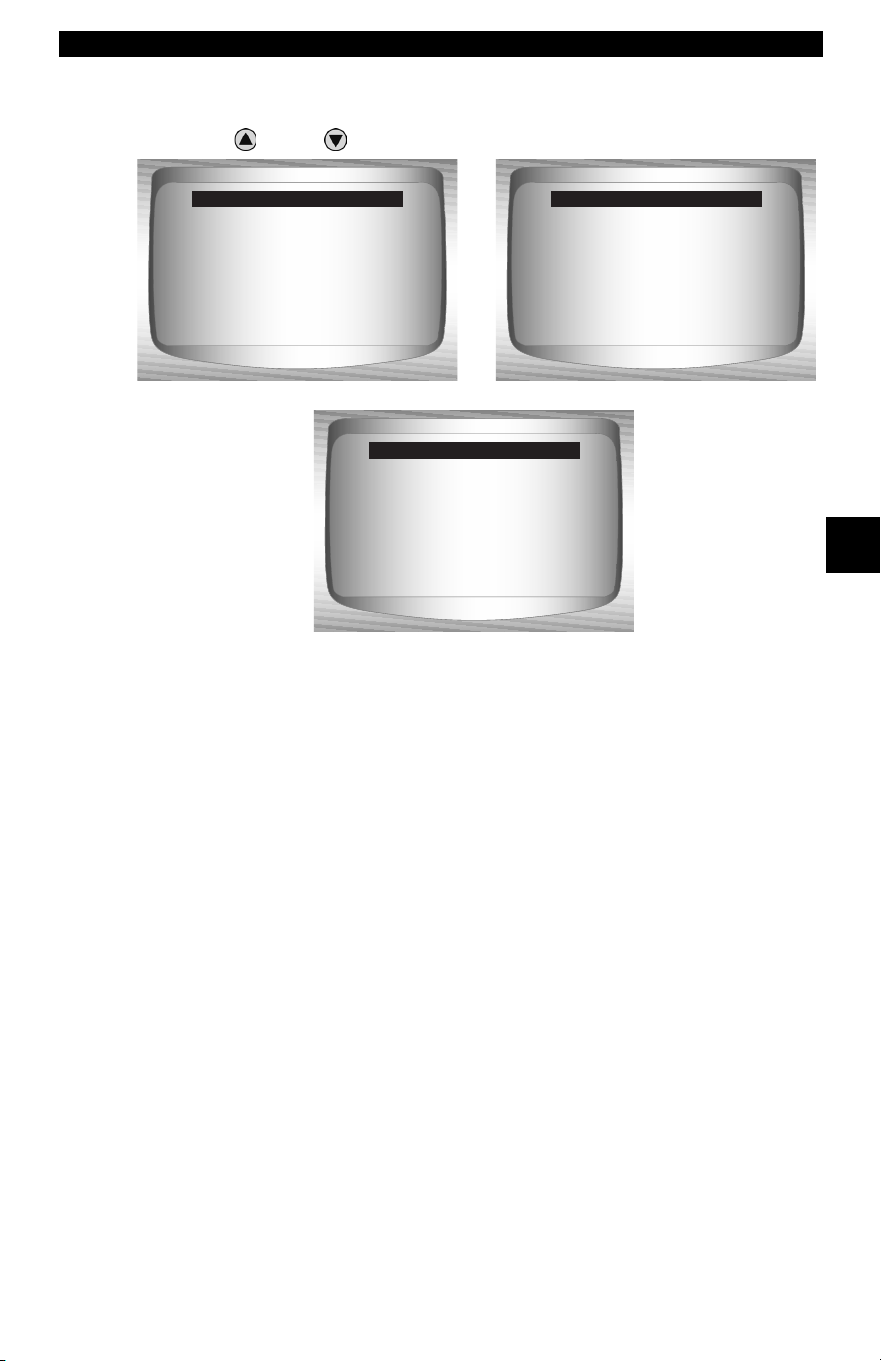
• • • • • • • • • • • • • • • • • • • • • • • • • • • • • • • • • • • • • • • • • • • • • • • • • • • • • • • • 4 – 35
Global OBD II Diagnostics
4
2. View Information Supported by Vehicle.
•Use
UP
or
DOWN
arrow key (if required).
✓ In the above examples, Module $10 and $18 returned data. Scroll
down to view information. CVNs are shown as hexadecimal numbers.
✓ Abbreviations and names for in-use performance tracking data
supported by Scan Tool are shown below. Not all data is supported by
all vehicles.
VIN
#1 Mod $10
ABCDEFGHIJ1234567
CAL ID
#1 Mod $10
0008
Vehicle Info
CVN
#1 Mod $10
00 08 AB CD
00 08 AB CD
#2 Mod $18
12 34 56 78
Vehicle Info
In-Use Perf Tracking
OBD Condition ($10)
1234 Cnts
OBD Cycle Cntr ($10)
9876 Cnts
Cat Complete ($10)
1111 Cnts
Vehicle Info
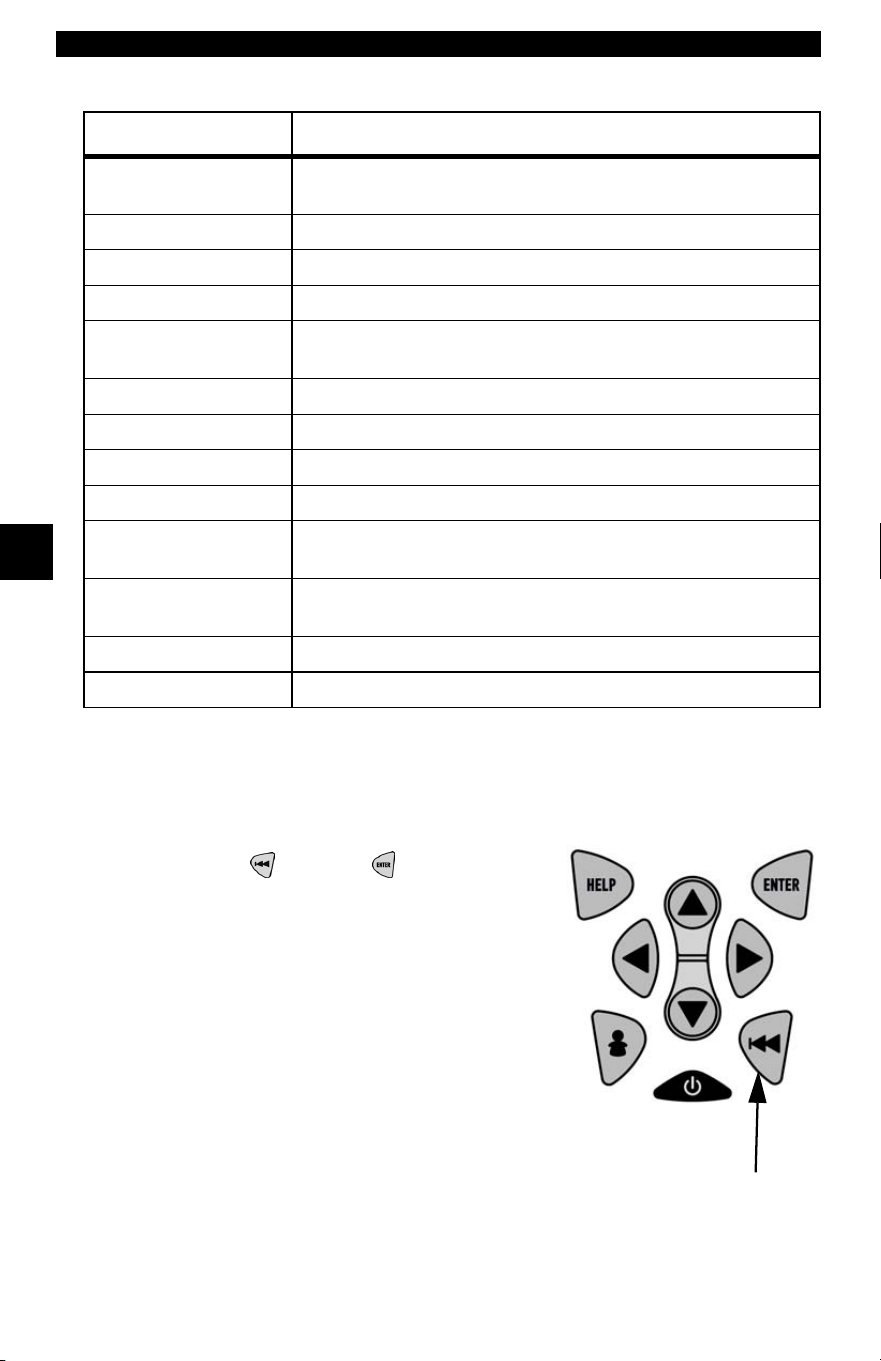
Global OBD II Diagnostics
4 – 36 • • • • • • • • • • • • • • • • • • • • • • • • • • • • • • • • • • • • • • • • • • • • • • • • • • • • • • • •
4
4
✓ If message INVALID displays on screen, then data returned from the
vehicle is incorrect, or is not formatted in accordance with OBD II
specification.
3. Return to Special Tests Menu:
•Press
BACK or ENTER key.
Abbreviated Name Expanded Name
In-Use Perf
Tracking
In-Use Performance Tracking
OBD Mon Cond OBD Monitoring Conditions Encountered Counts
Ignition Cycles Ignition Counter
Cat Comp Bank x Catalyst Monitor Completion Counts Bank x
Cat Cond Bank x Catalyst Monitor Conditions Encountered Counts
Bank x
O2 Comp Bank x O2 Sensor Monitor Completion Counts Bank x
O2 Cond Bank x O2 Sensor Conditions Encountered Counts Bank x
EGR Mon Comp EGR Monitor Completion Condition Counts
EGR Mon Cond EGR Monitor Conditions Encountered Counts
AIR Mon Comp AIR Monitor Completion Condition Counts
(Secondary Air)
AIR Mon Cond AIR Monitor Conditions Encountered Counts
(Secondary Air)
EVAP Mon Comp EVAP Monitor Completion Condition Counts
EVAP Mon Cond EVAP Monitor Conditions Encountered Counts
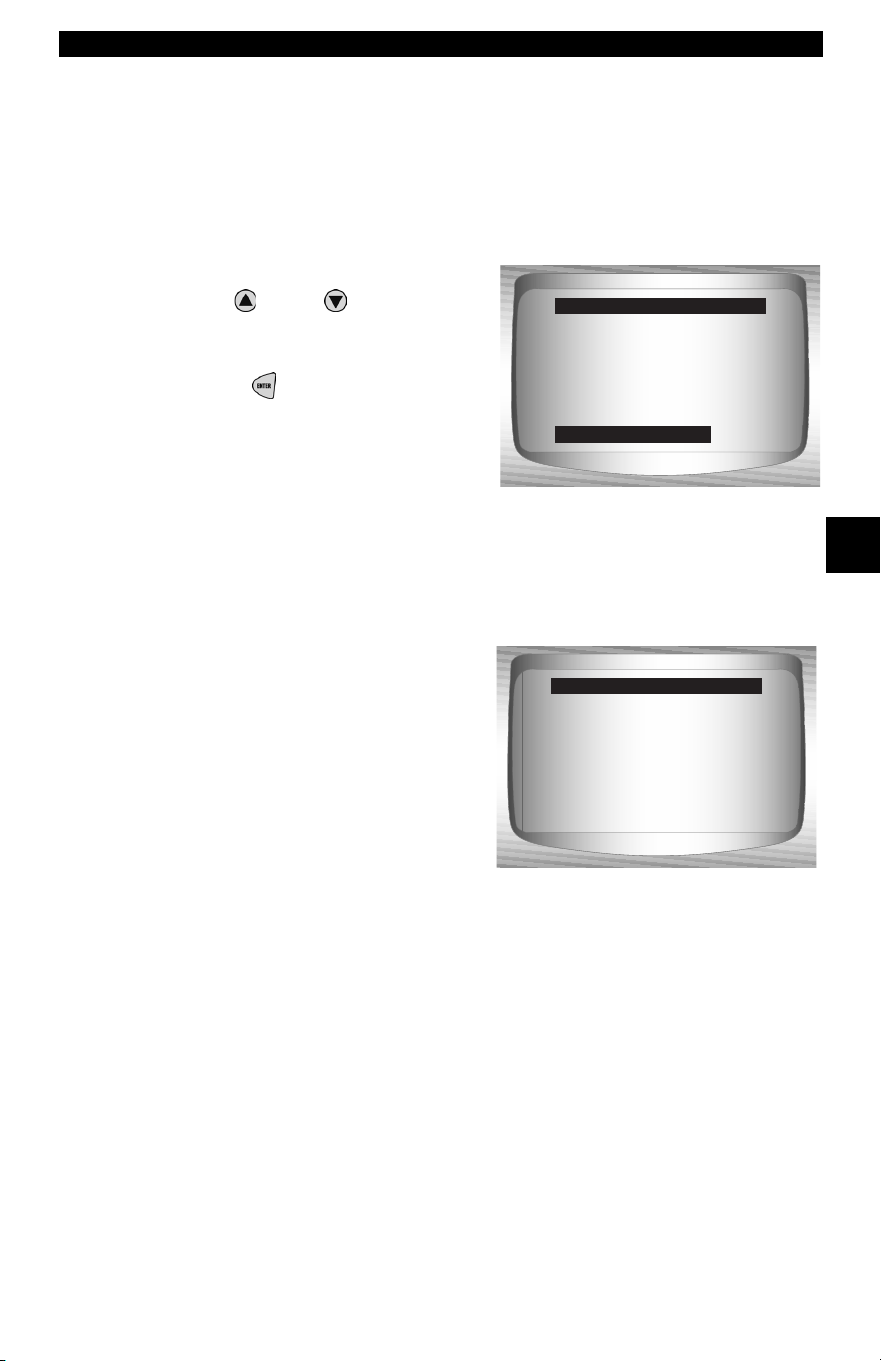
• • • • • • • • • • • • • • • • • • • • • • • • • • • • • • • • • • • • • • • • • • • • • • • • • • • • • • • • 4 – 37
Global OBD II Diagnostics
4
Modules Present
The Scan Tool identifies the module IDs and communication type
for OBD II modules in the vehicle.
From the Special Tests Menu:
1. Select
Modules Present.
•Use
UP
or
DOWN
arrow
key until Modules Present is
highlighted.
•Press
ENTER
.
✓ The types of protocols (communication types) supported by the Scan
Tool are:
❒ ISO 9141-2 protocol is shown as ISO.
Drive Cycle Monitor ?
State OBD Check
O2 Monitor Test
Diag Mon Tests
On-Board Systems
Vehicle Info
Special Tests Menu
Modules Present
ID Protocols
$10 ISO*
$1A ISO*
Modules Present
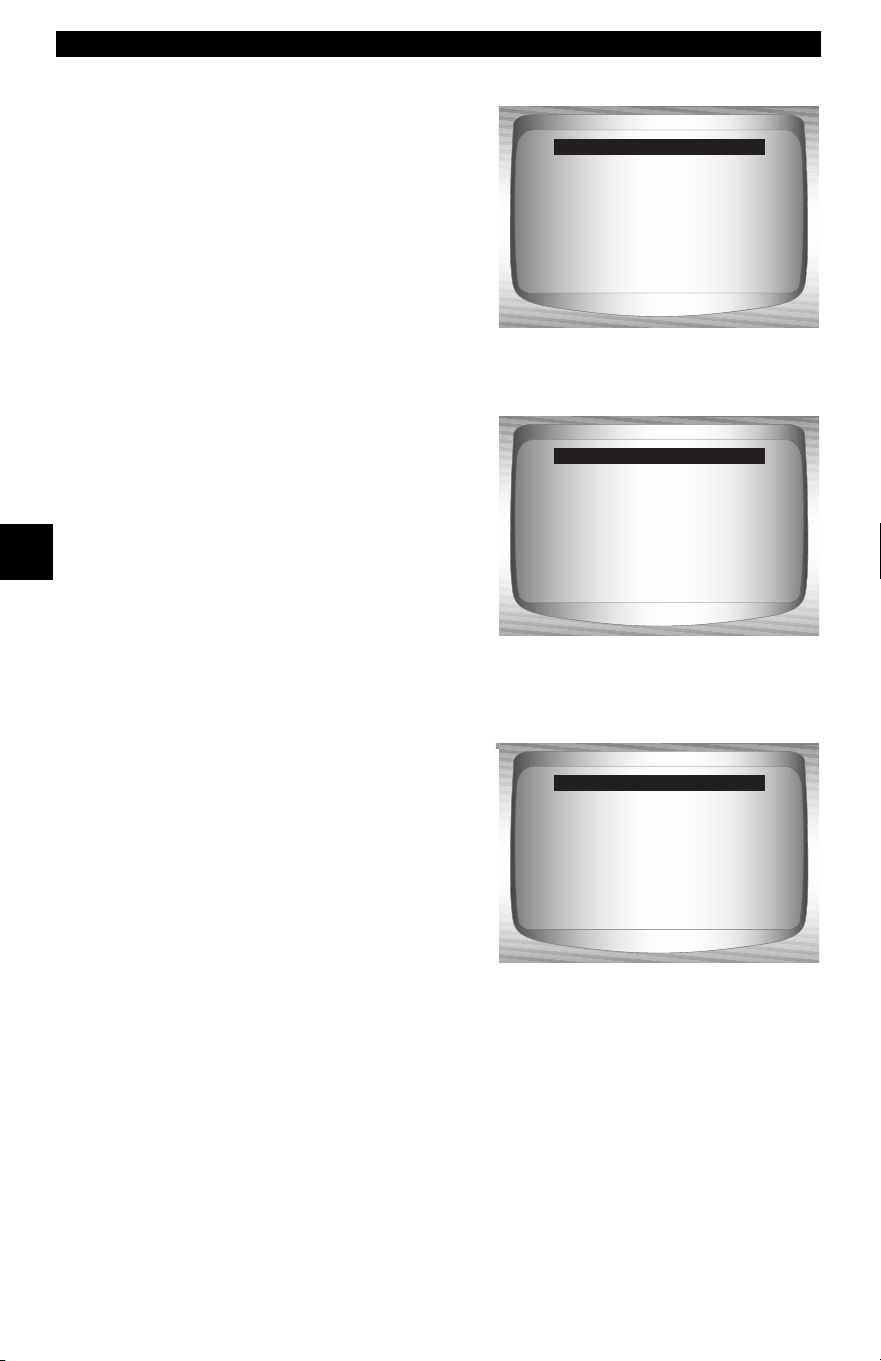
Global OBD II Diagnostics
4 – 38 • • • • • • • • • • • • • • • • • • • • • • • • • • • • • • • • • • • • • • • • • • • • • • • • • • • • • • • •
4
4
❒ SAE J1850 protocol is shown as VPWM or PWM.
OR
❒ ISO 15765-4 protocol is shown as CAN.
✓ Since CAN vehicles use module IDs larger than 2 digits, the Scan Tool
assigns a 2 digit module ID to be used in place of the actual CAN
module ID. The module ID assigned for the CAN module ID is used
in all functions of the Scan Tool.
ID Protocols
$10 VPWM*
$1A VPWM*
Modules Present
ID Protocols
$10 PWM*
$1A PWM*
Modules Present
ID Protocols
$01 CAN*7e9
$00 CAN*7e8
Modules Present
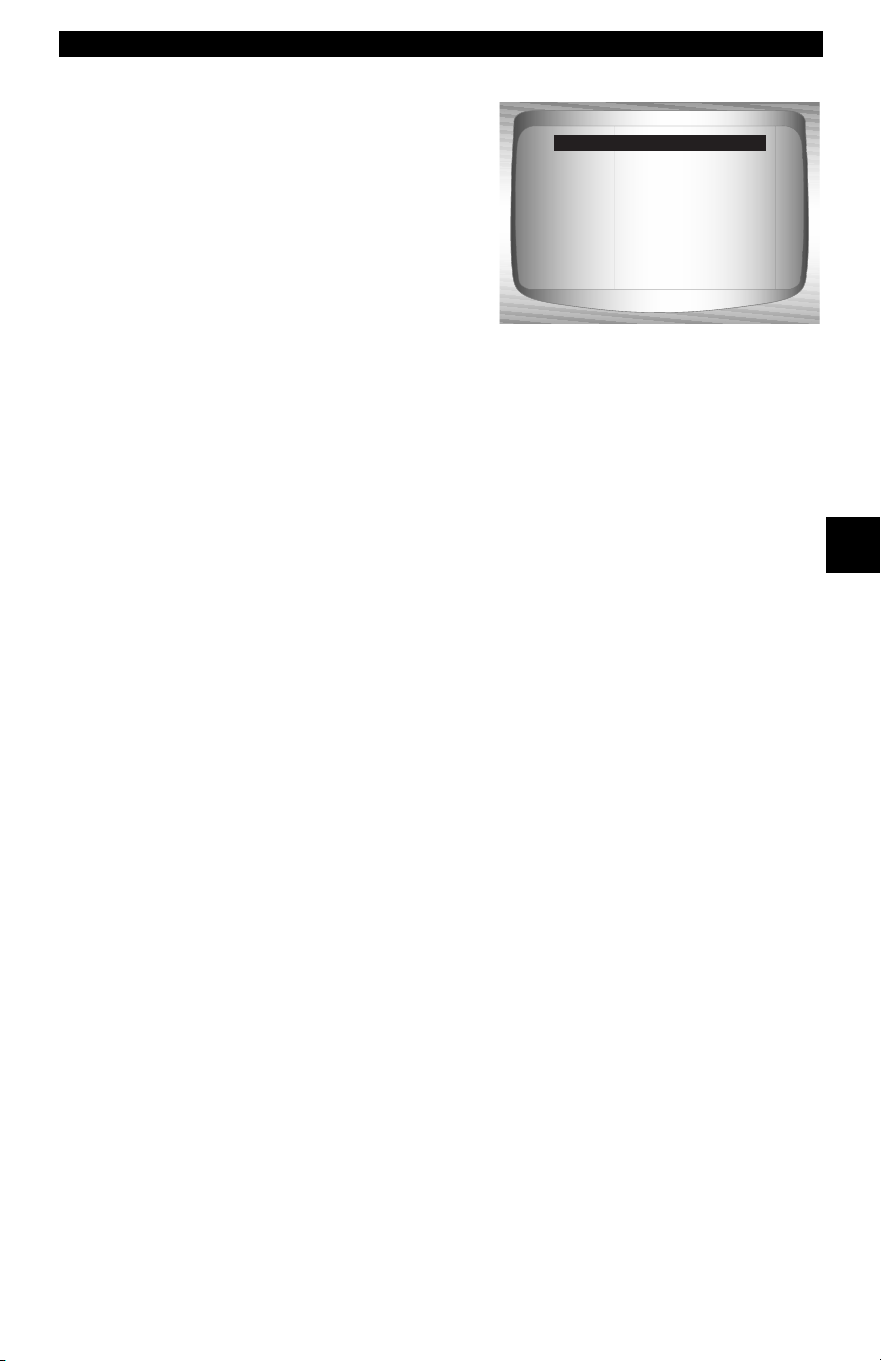
• • • • • • • • • • • • • • • • • • • • • • • • • • • • • • • • • • • • • • • • • • • • • • • • • • • • • • • • 4 – 39
Global OBD II Diagnostics
4
❒ ISO 14230-4 protocol is shown as K2K (Keyword 2000).
✓ In the above examples, the * indicates the protocol used to
communicate to the vehicle’s control module.
ID Protocols
$10 K2K*
$1A K2K*
Modules Present

Global OBD II Diagnostics
4 – 40 • • • • • • • • • • • • • • • • • • • • • • • • • • • • • • • • • • • • • • • • • • • • • • • • • • • • • • • •
4
4
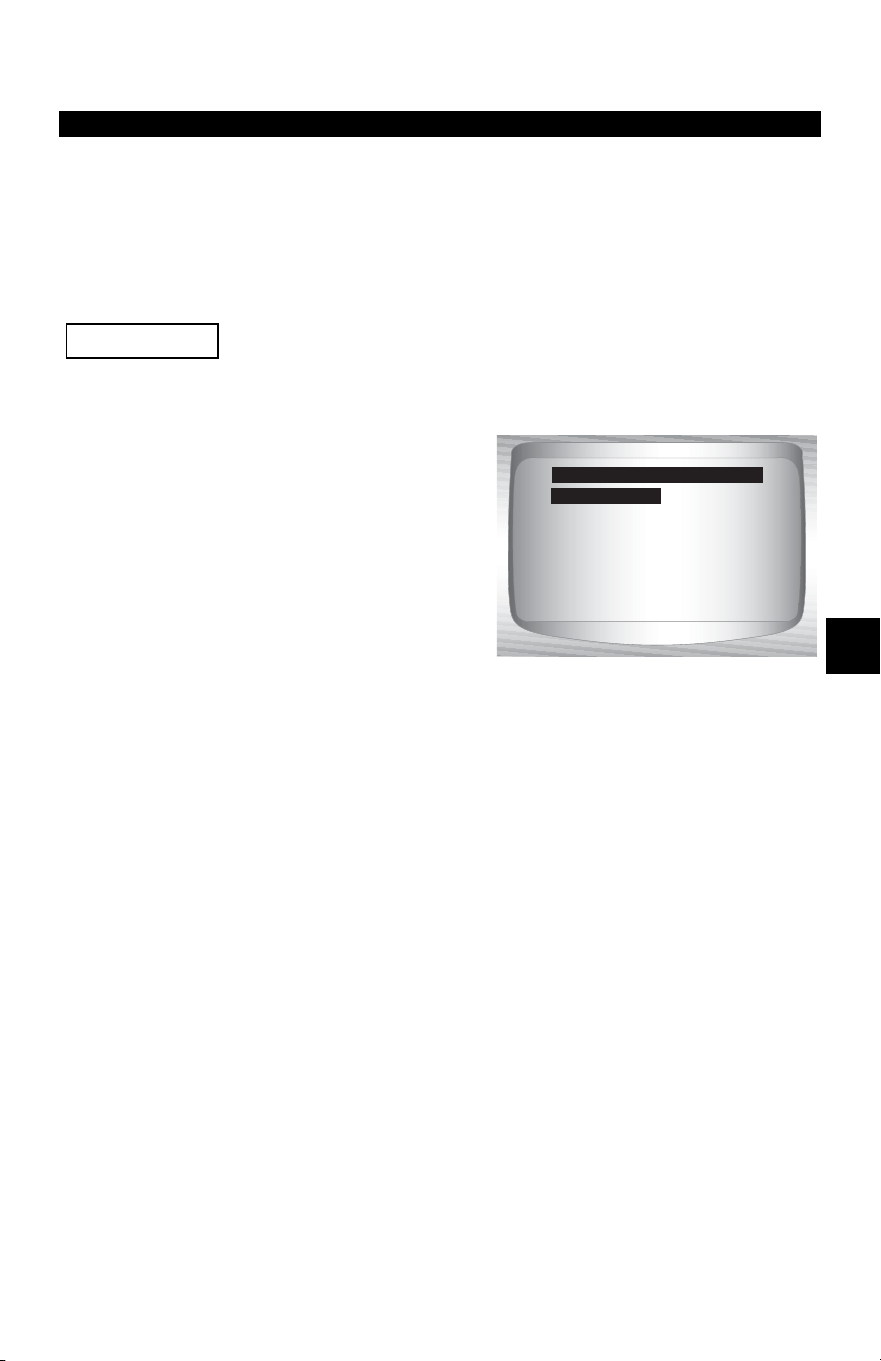
• • • • • • • • • • • • • • • • • • • • • • • • • • • • • • • • • • • • • • • • • • • • • • • • • • • • • • • • • 5 – 1
5
Section 5 – GM Diagnostics
GM HISTORIC (OBD I) DIAGNOSTICS
GM Function List
All items marked with “-” are covered either in section 3 or 4.
These items are not covered in this section.
✓ The GM Function List is broken
down into the following menus:
❒ Datastream Menu
❒ View Data
❒ Record Data
– Review Data
–Print Data
–Tool Setup
❒ Diagnostic Codes Menu
❒ Read Codes
❒ Erase Codes
– Review Data
–Print Data
– Code Lookup
–Tool Setup
❒ Special Tests Menu
❒ Field Service
– Review Data
–Print Data
–Tool Setup
(List Continued)
IMPORTANT
Datastream
Diagnostic Codes
Special Tests
Review Data
Print Data
Code Lookup
Tool Setup
GM Function List
Datastream
GM Historic (OBD I) Diagnostics
5 – 2 • • • • • • • • • • • • • • • • • • • • • • • • • • • • • • • • • • • • • • • • • • • • • • • • • • • • • • • •
5
❒ Review Data
❒ Print Data
•Read Codes
•Playback
✓ The above stored infromation can be reviewed for GM vehicles.
Refer to Review Data and Print Data in the Using the Scan Tool
section of this manual.
– Code Lookup
– Tool Setup menu
– English/Metric
– Contrast Adjust
– Beeper
– Setup User Key
✓ Some 1994 and 1995 vehicles use the 16-pin OBD II connector,
but are not OBD II compliant. They still use the OBD I application
software. Refer to Appendix B Data Link Connectors
.
✓ If the Scan Tool displays an Error Message, make sure the cables
and adapters are securely attached and the ignition key is on.
Cycle the ignition key to off for 10 seconds, then on. Attempt the
test selected again. If the problem remains, refer to Error
Messages on page 9-2.
Datastream Menu
All items marked with “-” are covered either in section 3 or 4.
These items are not covered in this section.
❒ Datastream Menu
❒ View Data
❒ Record Data
– Review Data
–Print Data
–Tool Setup
IMPORTANT
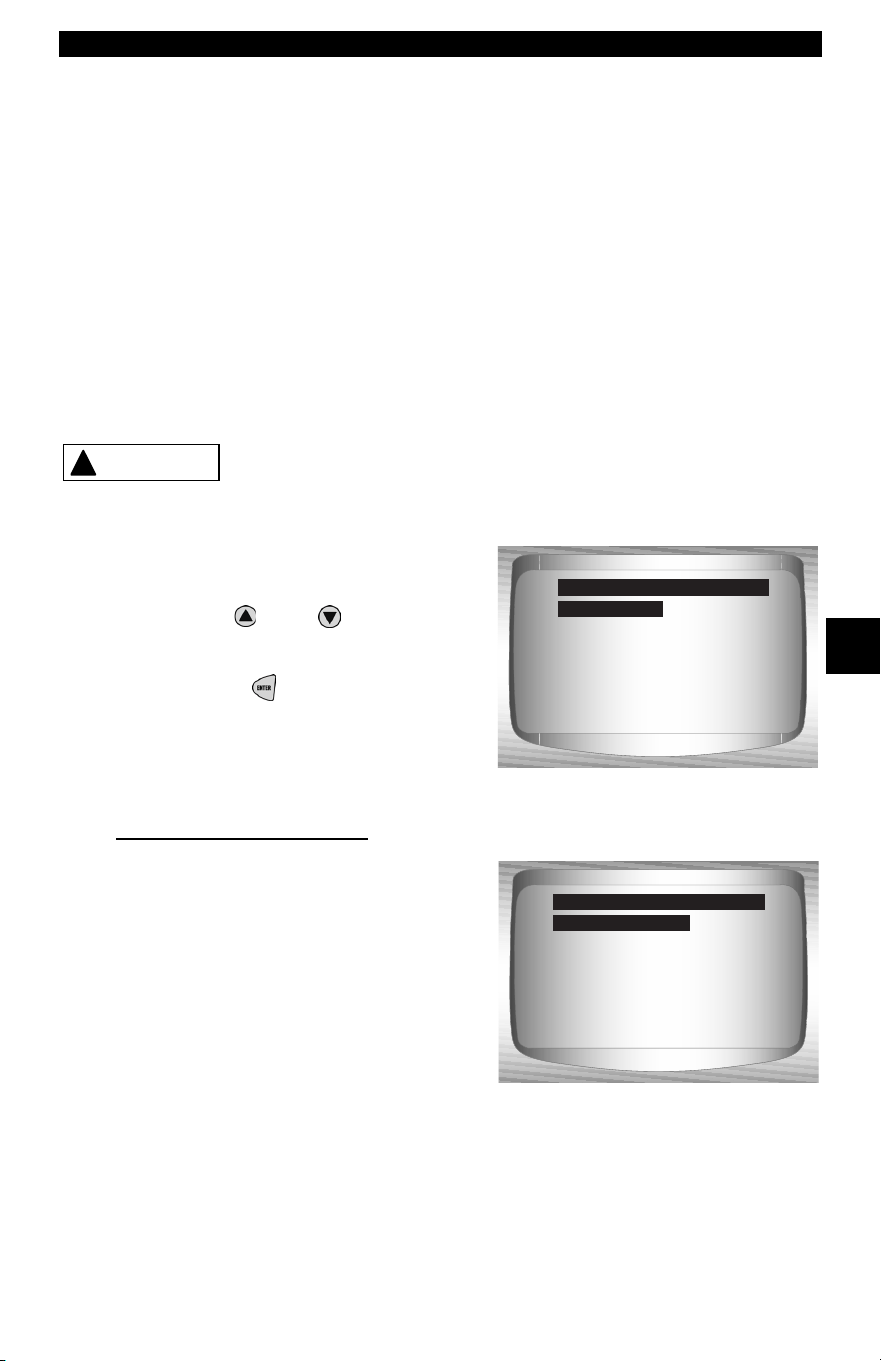
• • • • • • • • • • • • • • • • • • • • • • • • • • • • • • • • • • • • • • • • • • • • • • • • • • • • • • • • • 5 – 3
GM Historic (OBD I) Diagnostics
5
View Data
✓ The View Data function allows the user to view the vehicle
parameter identification (PID) data in real time. As the powertrain
control module (PCM) monitors PIDs, they are simultaneously
transmitted to the Scan Tool. The PIDs are continuously updated
at the PCM’s rate.
✓ In addition to reading codes, View Data is the most useful
diagnostic function for isolating the cause of a vehicle operation
problem. Viewing data is also used for observing sensor data and
the ON/OFF state of switches, solenoids, and relays.
✓ View Data can be performed with key on engine off (KOEO) or key
on engine running (KOER).
Never operate the Scan Tool while driving. Have
another person assist with the operation of the Scan
Tool.
From the Datastream Menu:
1.Select View Data.
•Use
UP
or
DOWN
arrow
key until View Data is
highlighted.
•Press ENTER.
✓ If a Select Group screen does
not appear, skip the Multiple
Group section and continue.
Multiple Group Vehicles
✓ Some vehicles display a Select
Group screen for viewing data. In
these cases, only one group of
data can be viewed at a time.
!
WARNING
View Data
Record Data
Review Data
Print Data
Tool Setup
Datastream Menu
View Data
Engine Group 1
Engine Group 2
Engine Group 3
Select Group
Engine Group 1
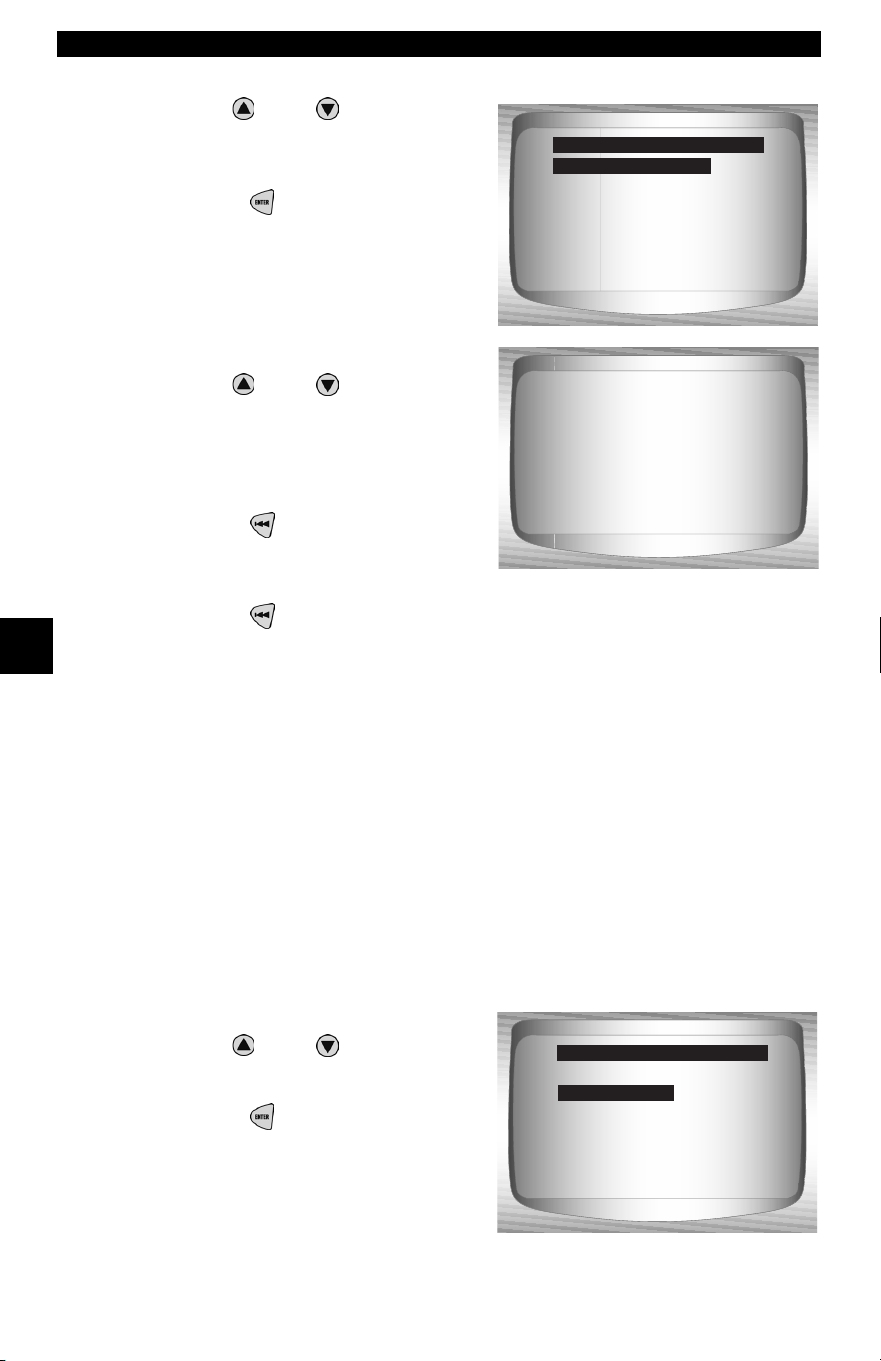
GM Historic (OBD I) Diagnostics
5 – 4 • • • • • • • • • • • • • • • • • • • • • • • • • • • • • • • • • • • • • • • • • • • • • • • • • • • • • • • •
5
2.Select the type of data to view.
•Use
UP
or
DOWN
arrow
key to highlight. Refer to View
Data on page 4-4 for Entire or
Custom Data Lists.
•Press ENTER to establish
a communication link.
3.View PIDs on Scan Tool.
•Use
UP
or
DOWN
arrow
keys to scroll through the PIDs.
4.Change Custom Data List
Parameters.
•Press BACK.
5.Return to Datastream Menu
•Press BACK.
Record Data
✓ The Record Data function records vehicle PIDs while the vehicle
is parked or being driven. This function is mainly used for
diagnosing intermittent driveability problems that cannot be
isolated by any other method. The Scan Tool records data based
on time (5 frames prior to the start of the recording, and for a
duration after). The time after depends on the vehicle data rate.
The Record Data function allows diagnosis of an intermittent
problem by analyzing data leading up to the problem, during the
problem, and possibly after the problem, depending on duration.
From the Datastream Menu:
1.Select Record Data.
•Use
UP
or
DOWN
arrow
key until Record Data is
highlight.
•Press ENTER.
Entire Data List
Custom Data List
Select Data to View
Entire Data List
Codes Present N/A
A/F RATIO 14:1
AC Clutch 13
AC Enabled ON
AC PRESS (psi) -5.63
AC PRESS (V) 0.14
AC Request OFF
BARO ("HG) 28.34
View Data
Record Data
Review Data
Print Data
Tool Setup
Datastream Menu
Record Data
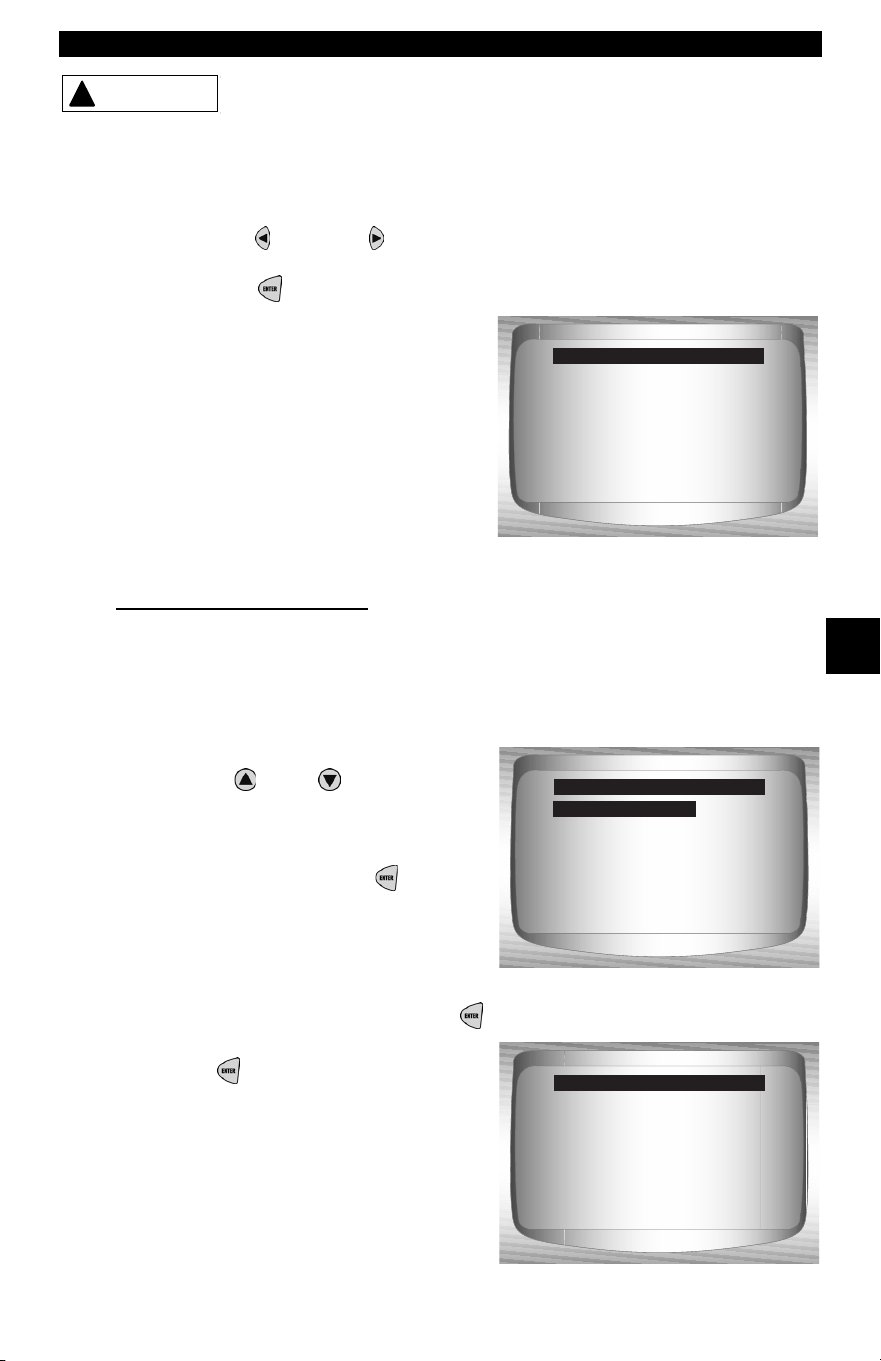
• • • • • • • • • • • • • • • • • • • • • • • • • • • • • • • • • • • • • • • • • • • • • • • • • • • • • • • • • 5 – 5
GM Historic (OBD I) Diagnostics
5
Never operate the tool while driving. Have another
person assist with the operation of the Scan Tool.
✓ This function can be performed with KOEO or KOER.
2.Confirm selection.
•Press LEFT or RIGHT
to move the brackets to the desired
response.
• Press ENTER.
✓ If a recording currently exists in
memory, a message to Erase Old
Recording is displayed. The Scan
Tool stores only one recording at a
time, so be sure to review it before
erasing it.
Multiple Group Vehicles
✓ Some vehicles display a Select Group screen for recording data.
In these cases, only one group of data can be recorded at a time.
Recording another group of data overwrites the present one.
3. Select Trigger Method.
•Use
UP
or
DOWN
arrow
key until desired trigger
method is highlighted.
•Manual Trigger begins
recording when the ENTER
key is pressed.
•Trigger on Codes begins
recording when a diagnostic
trouble code (DTC) is stored in
the PCM.
•Select a method and press ENTER.
✓ If Manual Trigger is selected,
press ENTER to begin
recording. Trigger on Codes will
not show this screen.
!
WARNING
!
WARNING
No
Previous recording
in memory. Do you
want to erase it and
make a new one?
Record Data
<Yes>
Manual Trigger
Trigger on Codes
Select Trig Method
Manual Trigger
Press BACK
to exit.
Ready to record
Press ENTER
to start recording.
Record Data
GM Historic (OBD I) Diagnostics
5 – 6 • • • • • • • • • • • • • • • • • • • • • • • • • • • • • • • • • • • • • • • • • • • • • • • • • • • • • • • •
5
✓ The function runs automatically and stops when the Scan Tool’s
memory is filled.
4.When done, the Scan Tool prompts you to Play the Recording?
Select Yes to review the data now or No to review it later using
Review Data.
5.Return to Datastream Menu.
•Press BACK.
Diagnostic Codes Menu
All items marked with “-” are covered either in section 3 or 4.
These items are not covered in this section.
❒ Diagnostic Codes Menu
❒ Read Codes
❒ Erase Codes
– Review Data
–Print Data
– Code Lookup
–Tool Setup
IMPORTANT
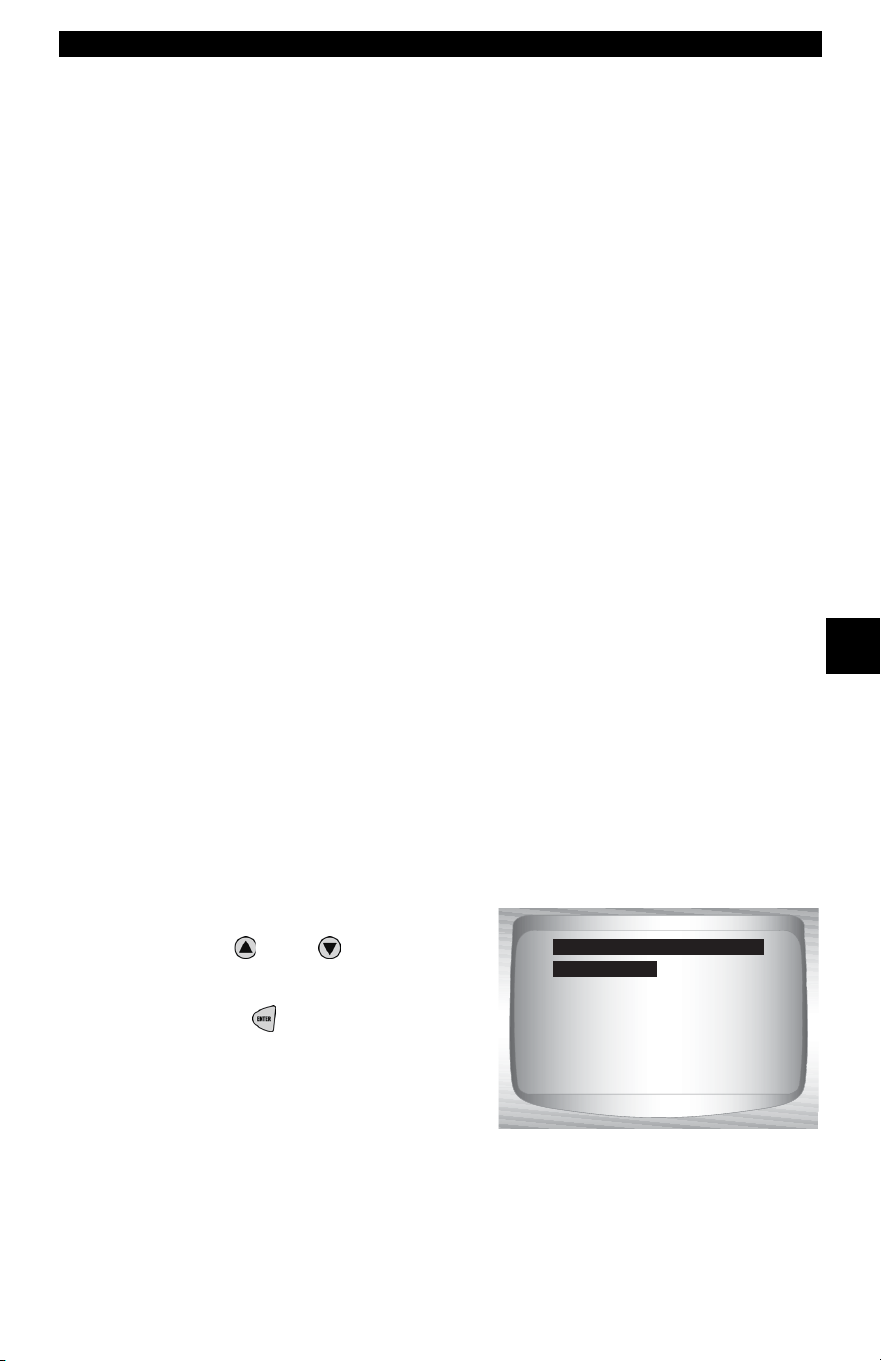
• • • • • • • • • • • • • • • • • • • • • • • • • • • • • • • • • • • • • • • • • • • • • • • • • • • • • • • • • 5 – 7
GM Historic (OBD I) Diagnostics
5
Read Codes
✓ The Read Codes function is used to retrieve all stored DTCs from
the control module(s). This can be performed with KOEO or
KOER. Two types of codes were used by GM in the Historic
System: Current codes and History codes. Prior to 1986, all codes
were referred to as Current Codes. From 1986 through 1995, both
codes were used because the PCM was able to differentiate
between them.
✓ The Scan Tool automatically displays the type of codes that pertain
to the vehicle under test. The DTC types are defined as follows:
❒ History Codes — intermittent codes placed in the vehicle’s
memory when the trouble originally occurred, and will remain
there even if the trouble has been corrected. If no trouble after 50
engine warm-up cycles, the DTC erases.
❒ Current Codes — codes transmitted through the PCMs data
stream when a trouble condition is active and cannot be erased.
The problem must be repaired to remove the DTC.
✓ On some vehicles, all codes are Current Codes, because the PCM
cannot distinguish Current Codes from History Codes. The only
way to determine this is to erase the code and then drive the
vehicle to see if the code returns.
✓ Perform the following:
1) Set parking brake.
2) KOEO or KOER.
3) Put transmission in park (P) or neutral (N).
From the Diagnostic Codes Menu:
1.Select Read Codes.
•Use
UP
or
DOWN
arrow
key until Read Codes is
highlighted.
•Press ENTER.
✓ The Scan Tool retrieves the DTCs.
Read Codes
Erase Codes
Review Data
Print Data
Code Lookup
Tool Setup
Diagnostic Codes Menu
Read Codes
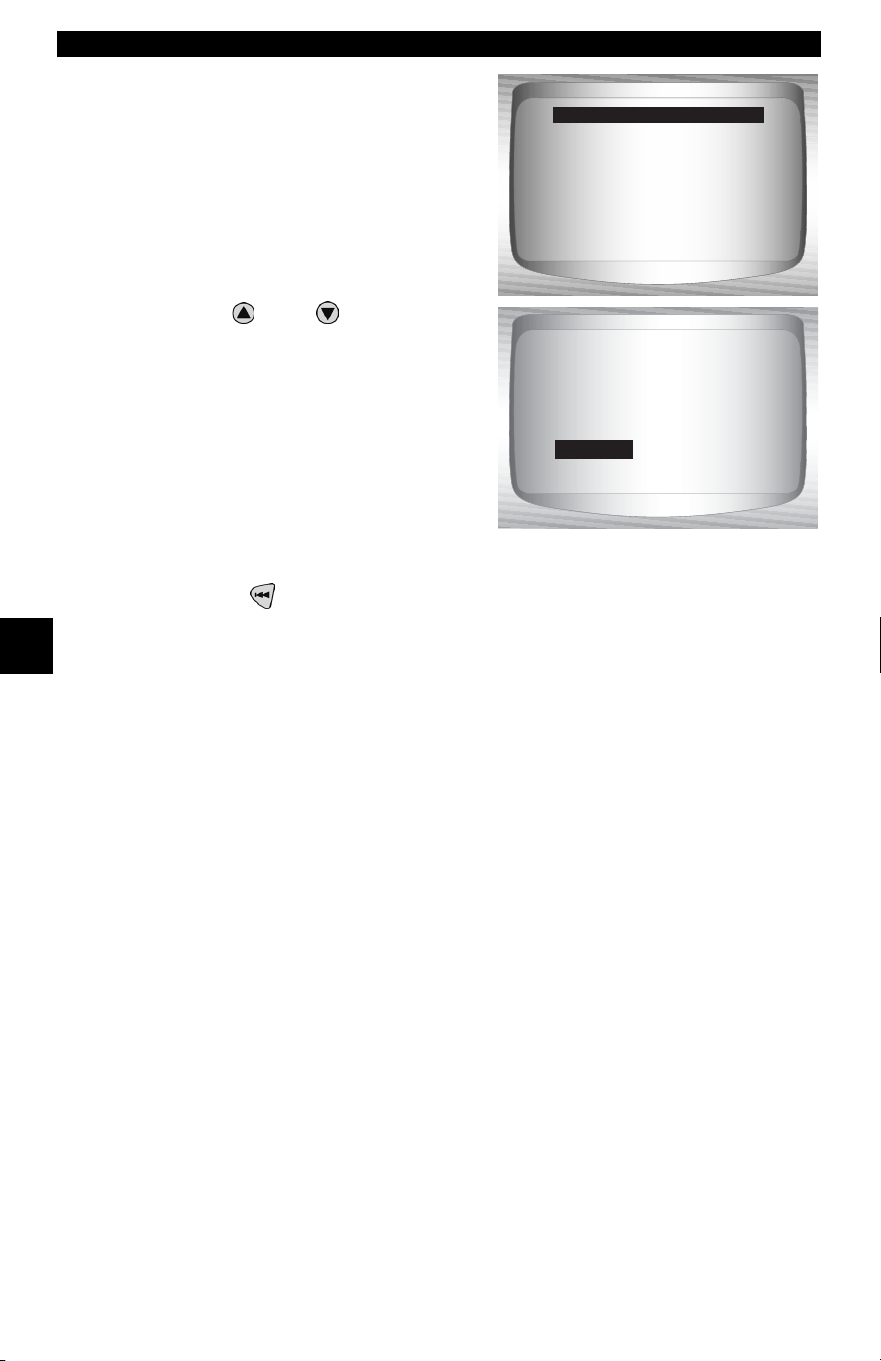
GM Historic (OBD I) Diagnostics
5 – 8 • • • • • • • • • • • • • • • • • • • • • • • • • • • • • • • • • • • • • • • • • • • • • • • • • • • • • • • •
5
✓ If no DTCs are present a message
stating System Pass: No faults
detected is displayed
.
2.View and write down DTCs.
•Use
UP
or
DOWN
arrow
keys.
3. Return to Diagnostic Codes
Menu.
•Press BACK.
Erase Codes
✓ The Erase Codes function deletes the DTCs from the vehicle’s
computer memory. Perform this function with KOEO or KOER.
This function should be performed only after the systems have
been checked completely and DTCs have been documented.
✓ After servicing the vehicle, erase the stored DTCs, perform a road
test, and then verify no new codes have been stored. If DTCs
return, the problem has not been corrected or other faults are
present.
✓ Some codes can only be removed by repairing the faults that
caused them. Therefore, these codes remain in the vehicle’s
memory until the condition is repaired.
✓ Not all trouble codes can be automatically erased using the Scan
Tool. Some vehicles require a manual erasing procedure. If
possible, the Scan Tool performs the appropriate Erase Codes
procedure for your vehicle.
System Pass
No faults detected.
Read Codes
1 of 1
ENG
Oxygen Sensor Rich
Exhauxst Indication
HISTORY
45
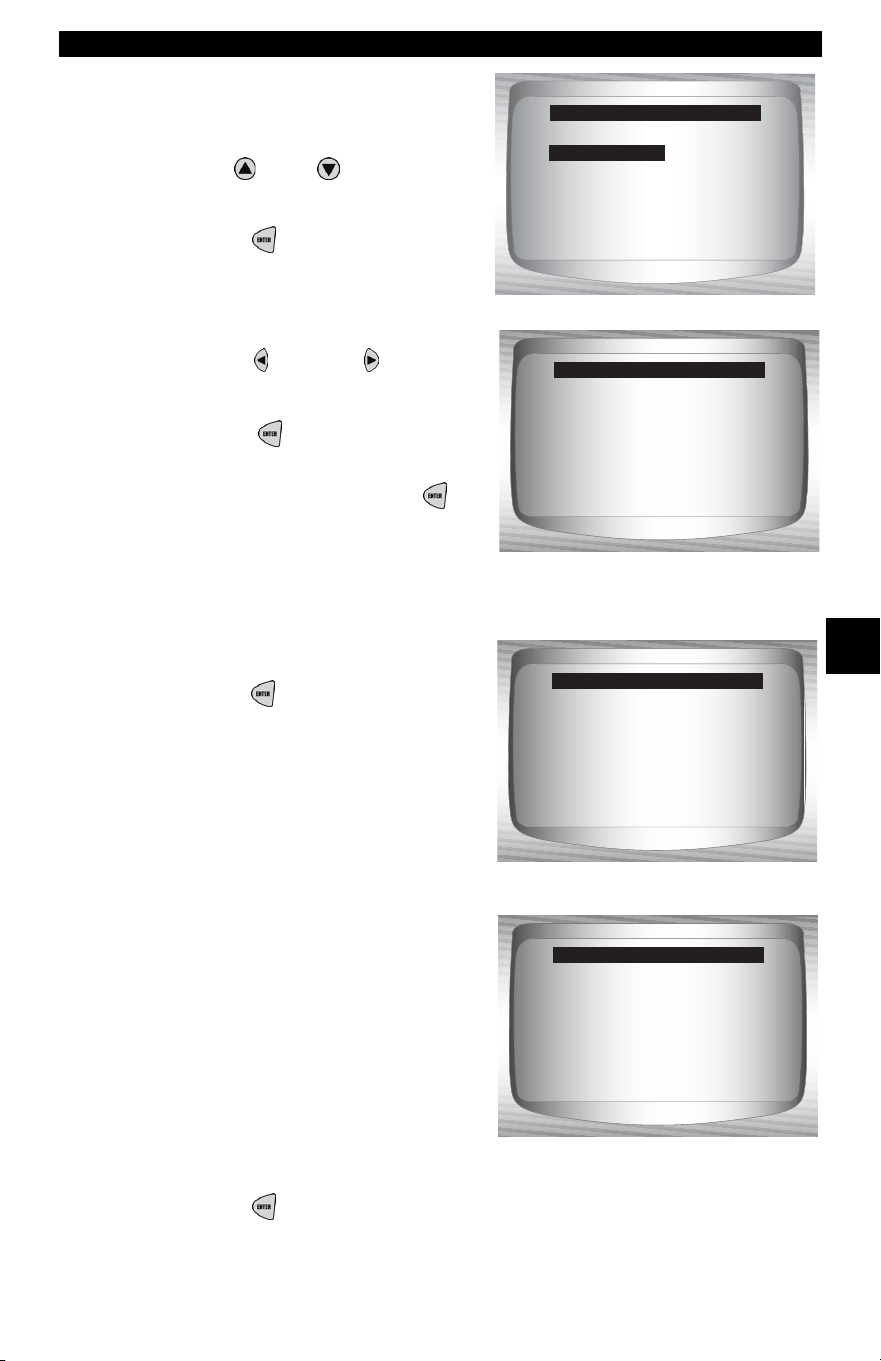
• • • • • • • • • • • • • • • • • • • • • • • • • • • • • • • • • • • • • • • • • • • • • • • • • • • • • • • • • 5 – 9
GM Historic (OBD I) Diagnostics
5
From the Diagnostic Codes
Menu:
1.Select Erase Codes.
•Use
UP
or
DOWN
arrow
key until Erase Codes is
highlighted.
•Press ENTER.
2.Confirm selection.
•Press LEFT or RIGHT
to
move the brackets to the
desired response.
• Press ENTER.
✓ Selecting No and pressing
ENTER returns you to the
Diagnostic Codes Menu.
✓ Selecting Yes displays a screen prompting you to turn ignition on.
•Turn ignition key on. Engine
can be off or running.
•Press ENTER to continue.
✓ A message confirming that the
Erase Codes command was
successful displays.
3.Return to Diagnostic Codes Menu.
•Press ENTER.
Read Codes
Erase Codes
Review Data
Print Data
Code Lookup
Tool Setup
Diagnostic Codes Manu
(No)
Are you sure you
want to erase
diagnostic codes?
Erase Codes
Yes
Press ENTER
to continue.
Turn ignition key
on. Engine can be
off or running.
Erase Codes
Press ENTER to cont.
Erase Codes command
sent. Perform Read
Codes function to
verify erase.
Erase Codes
GM Historic (OBD I) Diagnostics
5 – 10 • • • • • • • • • • • • • • • • • • • • • • • • • • • • • • • • • • • • • • • • • • • • • • • • • • • • • • •
5
Manual Erase Methods
Alternate Method 1:
1) Turn ignition key off.
2) Locate fuse box and remove ECM fuse.
3) Wait 20 seconds.
4) Replace the fuse.
Alternate Method 2:
1) Turn ignition key off.
2) Remove power from Scan Tool.
3) Disconnect Scan Tool from vehicle.
4) Disconnect negative (-) battery cable. Wait 30 seconds, then replace
the cable.
✓ The computer has a learning ability to compensate for minor
variations in engine operation. Whenever power is removed from
the PCM, the computer must relearn various functions. Vehicle
performance may be noticeably different until this is
accomplished. This is a temporary situation and is normal. The
learning process takes place during warm engine driving.
Special Tests Menu
All items marked with “-” are covered either in section 3 or 4.
These items are not covered in this section.
❒ Special Tests Menu
❒ Field Service
– Review Data
–Print Data
–Tool Setup
IMPORTANT
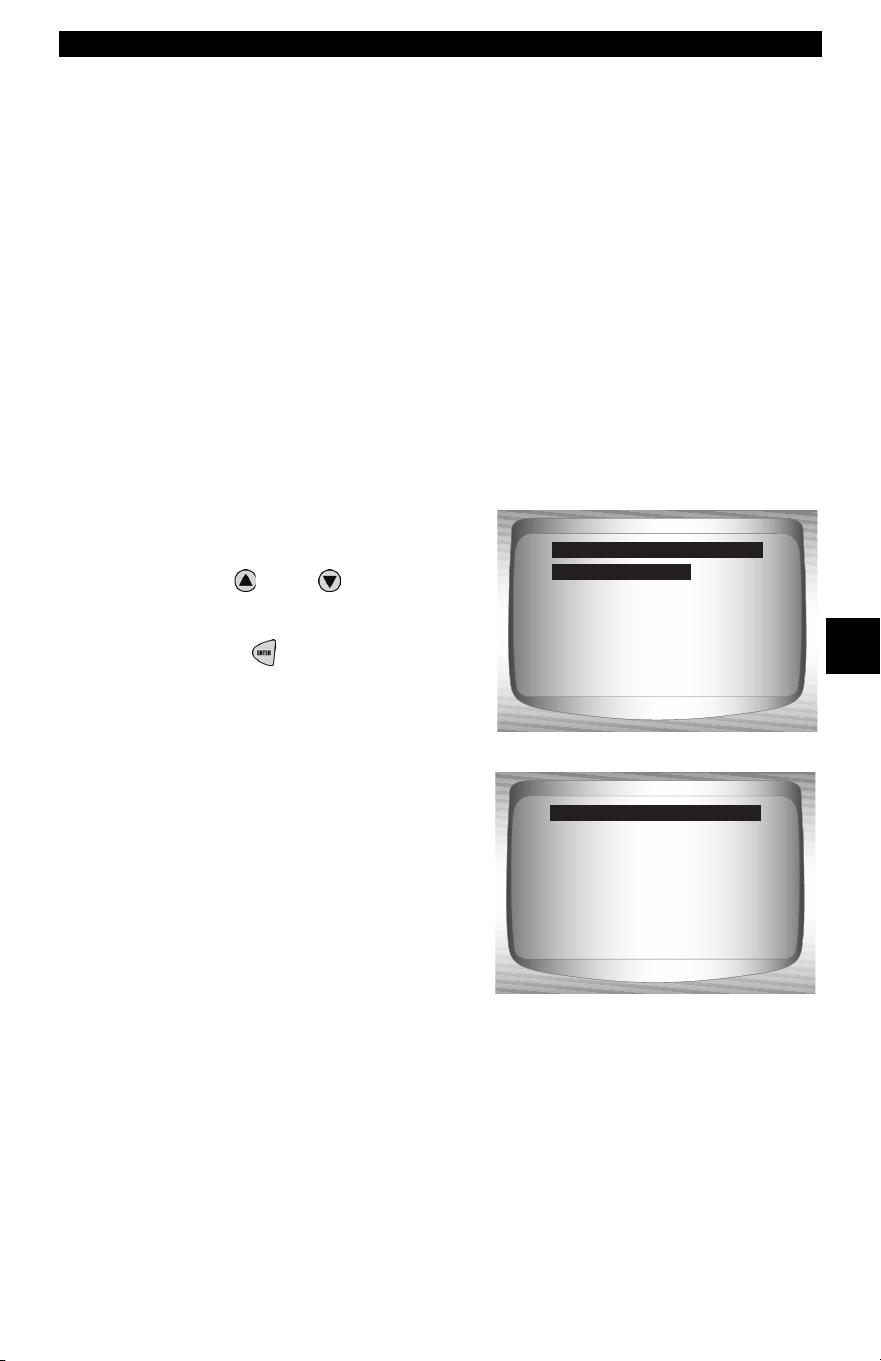
• • • • • • • • • • • • • • • • • • • • • • • • • • • • • • • • • • • • • • • • • • • • • • • • • • • • • • • • 5 – 11
GM Historic (OBD I) Diagnostics
5
Field Service
✓ Field Service is a special diagnostic mode to monitor fuel system
operation and read DTCs. Some GM service manuals may refer
to this mode as the Field Service Mode Check. This mode works
on vehicles equipped with a 12-pin ALDL connector with a wire
present in pin-B, Diagnostic or Test Enable. The Scan Tool enters
this mode by grounding pin-B: shorting pin-B to pin -A (ground).
✓ Field Service mode can be operated with KOEO or KOER.
✓ Vehicles equipped with climate control computers do not use Field
Service mode.
✓ Some 1994 and 1995 vehicles equipped with a 12-pin ALDL
connector with pins A and B shorted will not cause the CHECK
ENGINE light to flash codes.
From the Special Tests Menu:
1. Select Field Service.
•Use
UP
or
DOWN
arrow
key until Field Service is
highlighted.
•Press ENTER.
2. Check vehicle malfunction
indicator lamp (MIL).
•Turn ignition key on, but do
not start engine. The CHECK
ENGINE light should flash.
•Select YES to continue.
•If the light does not illuminate,
either the vehicle does not
support this test mode, the
lamp is burned-out or circuit
problems exist.
✓ It is difficult to know exactly which GM vehicles use the Field
Service mode. It is possible to have the Field Service mode
function on the Special Tests Menu, and it not be applicable.
Field Service
Review Data
Print Data
Tool Setup
Special Tests Menu
Does your CHECK
ENGINE light flash?
<Yes> No
Test Availability
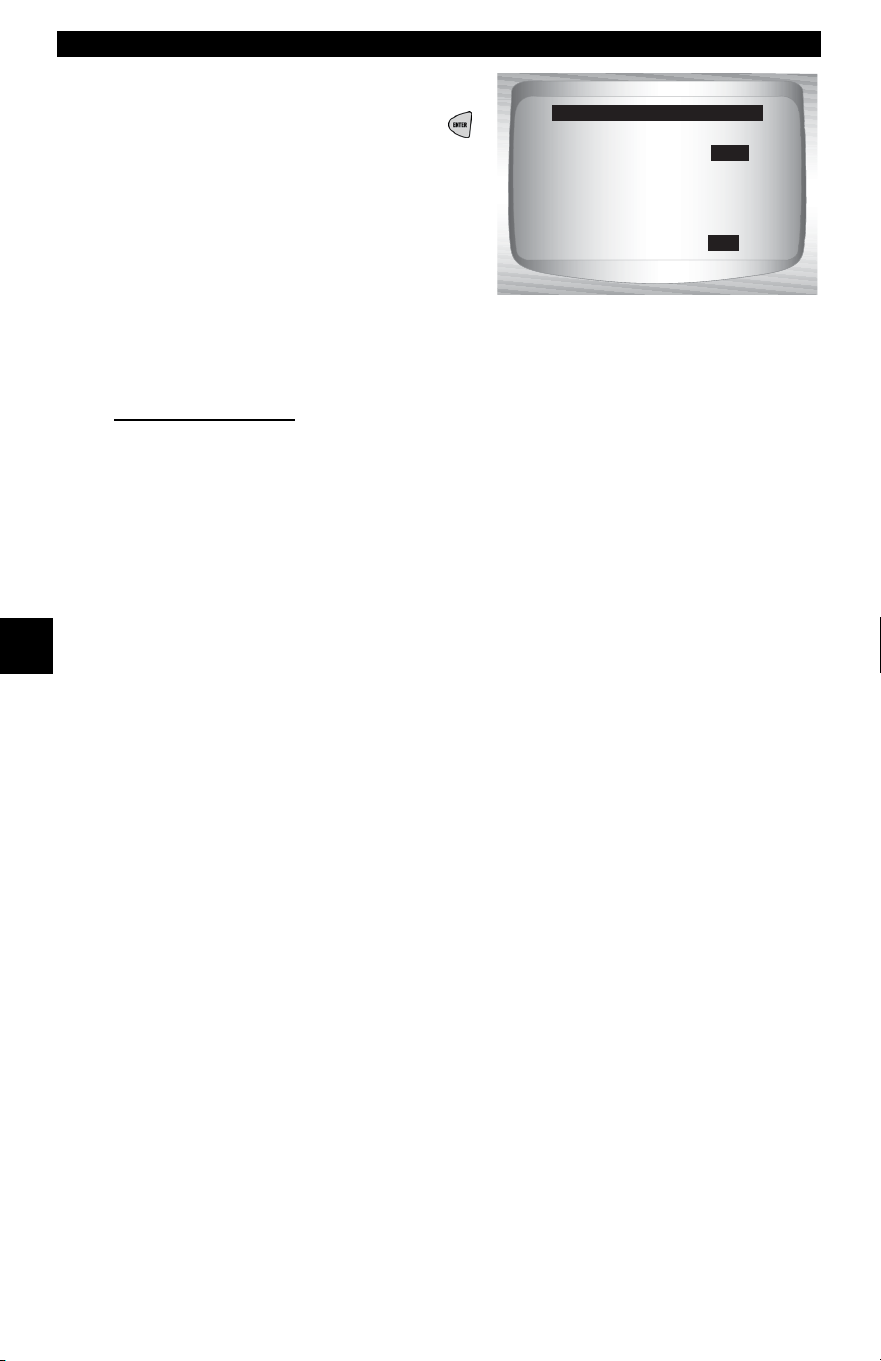
GM Historic (OBD I) Diagnostics
5 – 12 • • • • • • • • • • • • • • • • • • • • • • • • • • • • • • • • • • • • • • • • • • • • • • • • • • • • • • •
5
✓ If CHECK ENGINE light is
functional, the Field Service
screen is displayed. Pressing
ENTER will toggle the short to
Pins A and B On and Off.
✓ Continue with either the KOEO
procedure or KOER procedure.
✓ While in Field Service mode, no new DTCs are stored in the
vehicle’s memory.
KOEO Procedure
✓ In the KOEO Procedure, Field Service can check relays, solenoids
and the idle speed motor, and obtain DTCs using the CHECK
ENGINE light.
1) Turn ignition key on but do not start engine.
2) On Scan Tool, place Field Service On.
3) The CHECK ENGINE light begins to flash codes. Each DTC is
displayed three (3) times. The DTCs are displayed starting with
the lowest numbered one. After all DTCs are displayed, the
sequence keeps repeating until the ignition key or Field Service
mode is turned OFF.
❒ Count the number of times the CHECK ENGINE light flashes to
obtain DTCs. The first digit is sent first. A short pause sepa-
rates digits while a long pause separates each DTC. All codes
contain 2 digits.
❒ DTC 12 (No RPM reference pulse) should display first since
the engine is not running. If not, problems exist in the PCM or
CHECK ENGINE light circuitry.
Code 12 will look like:
FLASH-pause-FLASH-FLASH — long pause.
Code 23 will look like:
FLASH-FLASH-pause-FLASH-FLASH-FLASH — long pause.
Press ENTER to turn
Field Service On.
Field Service: Off
Field Service

• • • • • • • • • • • • • • • • • • • • • • • • • • • • • • • • • • • • • • • • • • • • • • • • • • • • • • • • 5 – 13
GM Historic (OBD I) Diagnostics
5
4) When Field Service mode is on, most computer controlled relays
and solenoids will be turned on, except for the fuel pump relay
and fuel injectors. Toggle the Field Service mode on and off.
❒ Use a voltmeter to measure relays and solenoids input voltage
to verify on/off conditions. An ohmmeter could be used to
check the continuity between the relay’s switch terminals.
❒ The idle air control (IAC) valve is fully seated to the zero posi-
tion by the PCM.
❒ The exhaust gas recirculation (EGR) solenoid is energized for
25 seconds.
KOER Procedure
✓ With the engine running, the Field Service mode can be used to
measure base timing, check open loop/closed loop operation, and
determine if the engine is running rich or lean.
1)Engage parking brake and block drive wheels.
2) Verify engine is cold. If engine is hot or warm, allow it to cool.
3) On Scan Tool, place Field Service on.
4) Start engine and place transmission in Park or Neutral. The CHECK
ENGINE light will flash once.
5) Warm the engine by idling for 2 minutes at 2000 RPM.
6) Observe CHECK ENGINE light.
•If CHECK ENGINE light flashes 2.5 times a second, the
on-board computer is operating in Open Loop.
•When the engine warms up to normal operating
temperature, the on-board computer is now operating in
Closed Loop. The CHECK ENGINE light should flash once
a second. The on-board computer is now operating in Closed
Loop.
•If CHECK ENGINE light:
❒ flashes equally on/off, then the fuel system is running
normally.
❒ is mostly on, then the fuel system is running rich.
❒ is mostly off, then the fuel system is running lean.
7) On some engines, the spark advance timing is fixed during Field
Service mode. This allows the technician to measure the engine
base timing.
3. Return to Special Tests Menu.
•Press BACK.
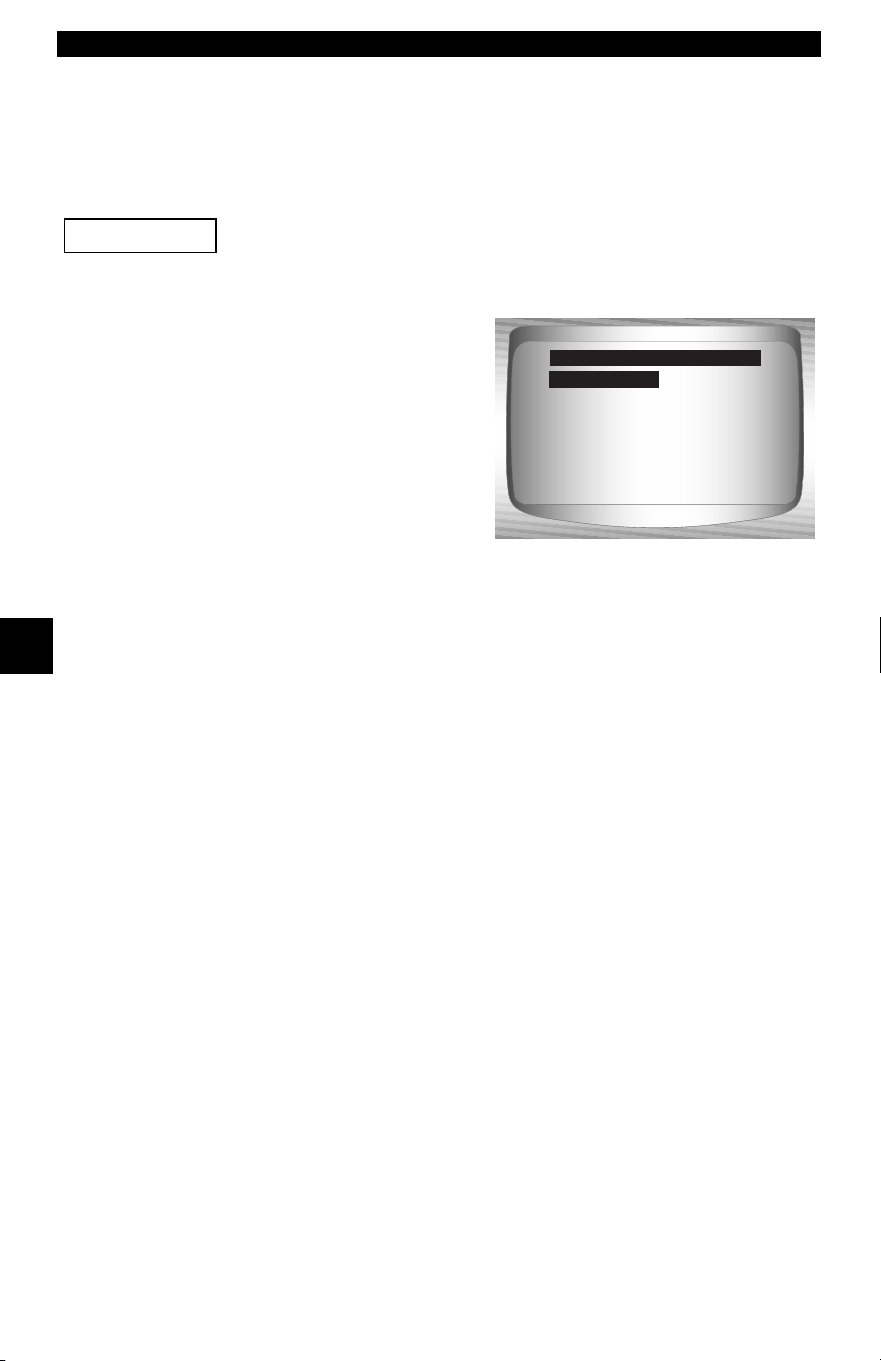
GM Enhanced (OBD II) Diagnostics
5 – 14 • • • • • • • • • • • • • • • • • • • • • • • • • • • • • • • • • • • • • • • • • • • • • • • • • • • • • • •
5
GM ENHANCED (OBD II) DIAGNOSTICS
GM Function List
All items marked with “-” are covered either in section 3 or 4.
These items are not covered in this section.
✓ The GM Function List is broken
down into the following menus:
❒ Datastream Menu
– View Data
– Record Data
– Review Data
–Print Data
–Tool Setup
❒ Diagnostic Codes Menu
❒ Read Codes
– Pending Codes
❒ Erase Codes
– View Freeze Data
– Review Data
–Print Data
– Code Lookup
–Tool Setup
– Special Tests Menu
– I/M Readiness
– Drive Cycle Monitor
– State OBD Check
–O2 Monitor Test
– Diagnostic Monitor Test
– On-Board Systems
– Vehicle Information
– Modules Present
– Review Data
–Print Data
–Tool Setup
(List Continued)
IMPORTANT
Datastream
Diagnostic Codes
Special Tests
Review Data
Print Data
Code Lookup
Tool Setup
GM Function List
Datastream
• • • • • • • • • • • • • • • • • • • • • • • • • • • • • • • • • • • • • • • • • • • • • • • • • • • • • • • • 5 – 15
GM Enhanced (OBD II) Diagnostics
5
❒ Review Data
❒ Print Data
•I/M Readiness
•DTC (Codes)
•Pending Codes
•Freeze Frame
•O2 Monitor Test
•Diagnostic Monitor Tests
•Vehicle Info
•Playback
•State OBD Check
•Modules Present
✓ The following stored infromation can be reviewed for GM vehi-
cles. Refer to Review Data and Print Data in the Using the Scan
Tool section of this manual.
– Code Lookup
– Tool Setup menu
– English/Metric
– Contrast Adjust
– Beeper
– Setup User Key
This system applies to GM vehicles manufactured from
1996 to present. Some GM vehicles in 1994 and 1995 were
equipped with this system. Refer to Appendix B - Data
Link Connectors.
IMPORTANT
GM Enhanced (OBD II) Diagnostics
5 – 16 • • • • • • • • • • • • • • • • • • • • • • • • • • • • • • • • • • • • • • • • • • • • • • • • • • • • • • •
5
✓ If an Error Message displays, make sure the OBD II connector is
securely attached, and the ignition key is on. Cycle the ignition key
to off for 10 seconds, then on. This may be required to reset the
computer. If required, select yes to try again. If the problem still
exists, refer to Error Messages on page 8-2.
Diagnostic Codes Menu
All items marked with “-” are covered either in section 3 or 4.
These items are not covered in this section.
❒ Diagnostic Codes Menu
❒ Read Codes
– Pending Codes
❒ Erase Codes
– View Freeze Data
– Review Data
–Print Data
– Code Lookup
–Tool Setup
Read Codes
✓ The Read Codes function retrieves DTCs from the vehicle’s
computer module(s). This function can be performed with the
KOEO or KOER. These codes cause the computer to illuminate
the malfunction indicator lamp (MIL) when an emission-related or
driveability fault occurs. The MIL is also known as the service
engine soon or check engine lamp.
✓ The GM Enhanced reads DTC’s from the engine or powertrain
module (ENG), transmission module (TRANS), or transfer case
module (XFER).
✓ Not all GM vehicles support DTC status. Some only use the Global
OBDII Read Codes command. For a description of these screens,
refer to the Global OBD II Diagnostics section of the manual.
• History Codes — Intermittent codes placed in the vehicle’s memory
when the trouble originally occurred, and will remain there even if
the trouble has been corrected. If no trouble after 50 engine
warm-up cycles, the DTC will be erased.
• Current Codes — Codes transmitted through the PCMs data
stream when a trouble condition is active and cannot be erased. The
problem must be repaired to remove the DTC.
• Intermittent Codes — Indicates the current code has been set at
least once but possibly not enough to cause a history code to be
stored.
IMPORTANT
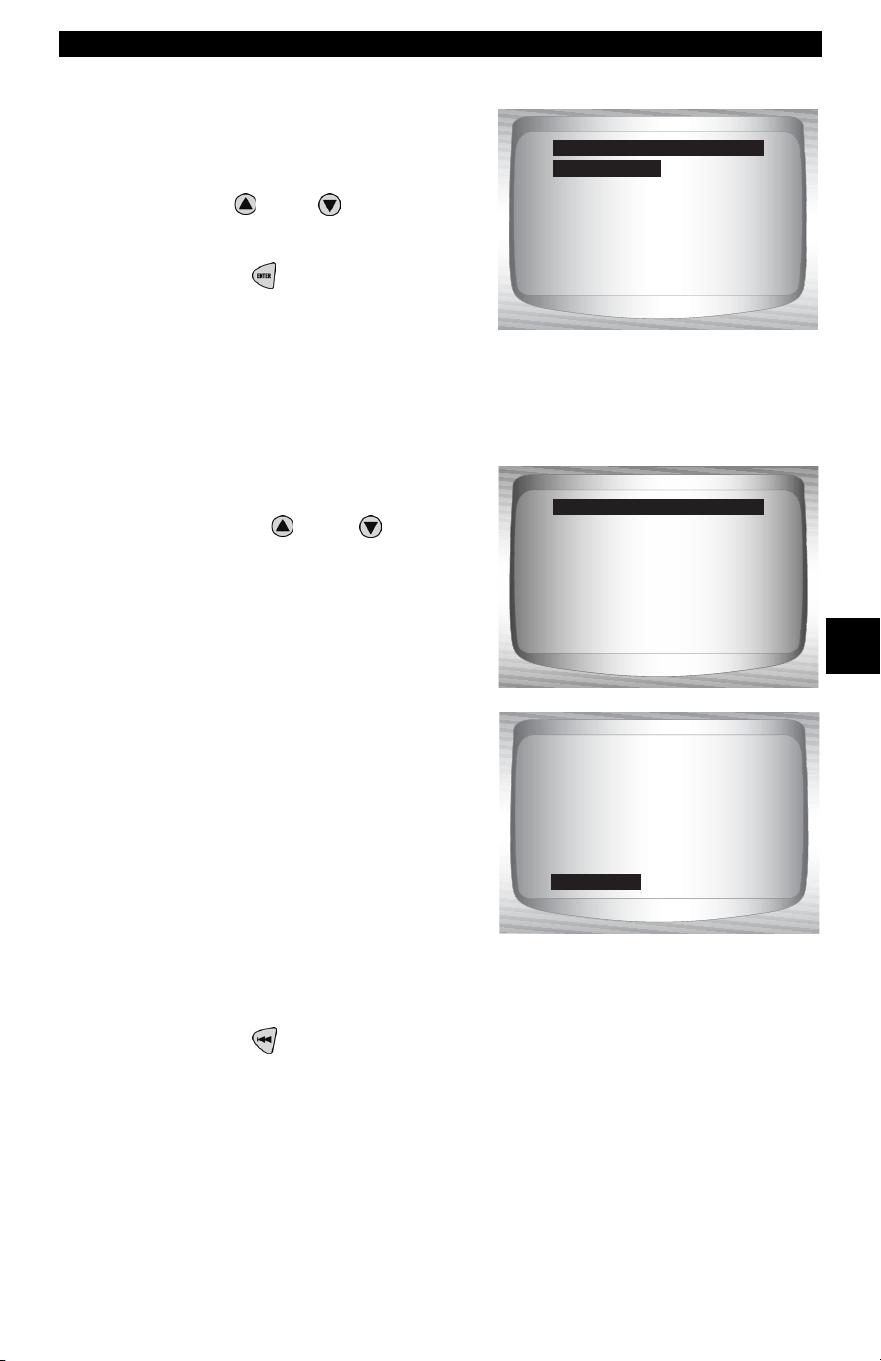
• • • • • • • • • • • • • • • • • • • • • • • • • • • • • • • • • • • • • • • • • • • • • • • • • • • • • • • • 5 – 17
GM Enhanced (OBD II) Diagnostics
5
From the Diagnostic Codes
Menu:
1.Select Read Codes.
•Use
UP
or
DOWN
arrow
key until Read Codes is
highlighted.
•Press ENTER.
✓ If no DTCs are present a message stating System Pass: No faults
detected is displayed
.
2.View and write down the
DTCs.
•Use the
UP
or
DOWN
arrow keys.
❒ On some GM vehicles the
Scan Tool shows current and
history DTC status. Some GM
vehicles also show intermittent
codes.
3.Return to Diagnostic Codes Menu.
•Press BACK.
Pending Codes
Erase Codes
View Fre eze Data
Review Data
Print Data
Code Lookup
Diagnostic Codes Menu
Read Codes
System Pass
No faults detected.
Read Codes
1 of 7
Reference Voltage
Low
P0113
HISTORY
ENG
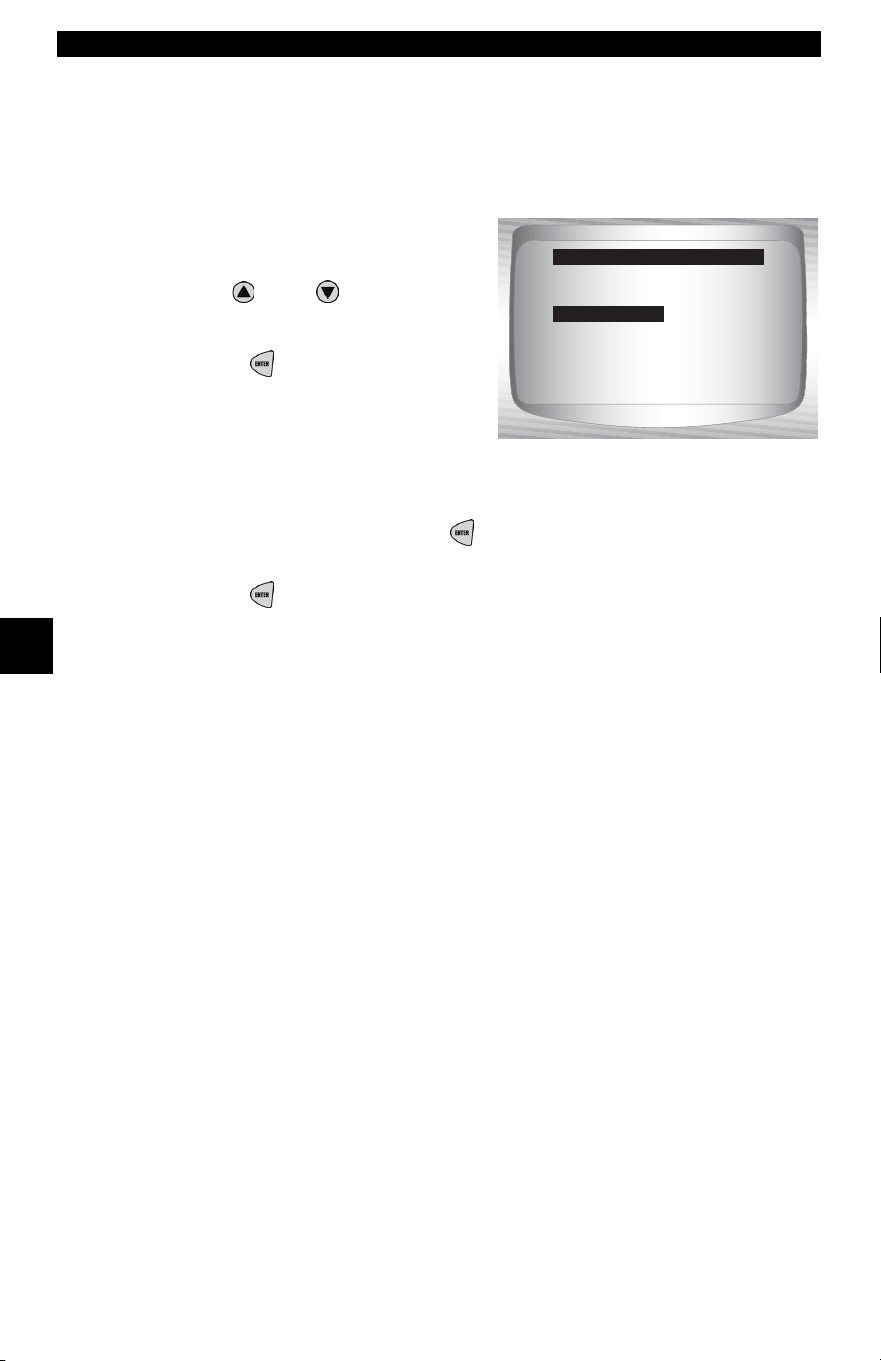
GM Enhanced (OBD II) Diagnostics
5 – 18 • • • • • • • • • • • • • • • • • • • • • • • • • • • • • • • • • • • • • • • • • • • • • • • • • • • • • • •
5
Erase Codes
✓ The Erase Codes menu has a menu asking what module to erase
codes for, if more than one module exists for this vehicle.
From the Diagnostic Codes Menu:
1. Select Erase Codes.
•Use
UP
or
DOWN
arrow
key until Erase Codes is
highlighted.
•Press ENTER.
✓ Select a subsystem from which
you would like to erase codes
from.
✓ Confirm your selection. Press ENTER to continue.
2.Return to Diagnostic Codes Menu.
•Press ENTER.
Read Codes
Pending Codes
Erase Codes
View Fre eze Data
Review Data
Print Data
Code Lookup
Diagnostic Codes Menu
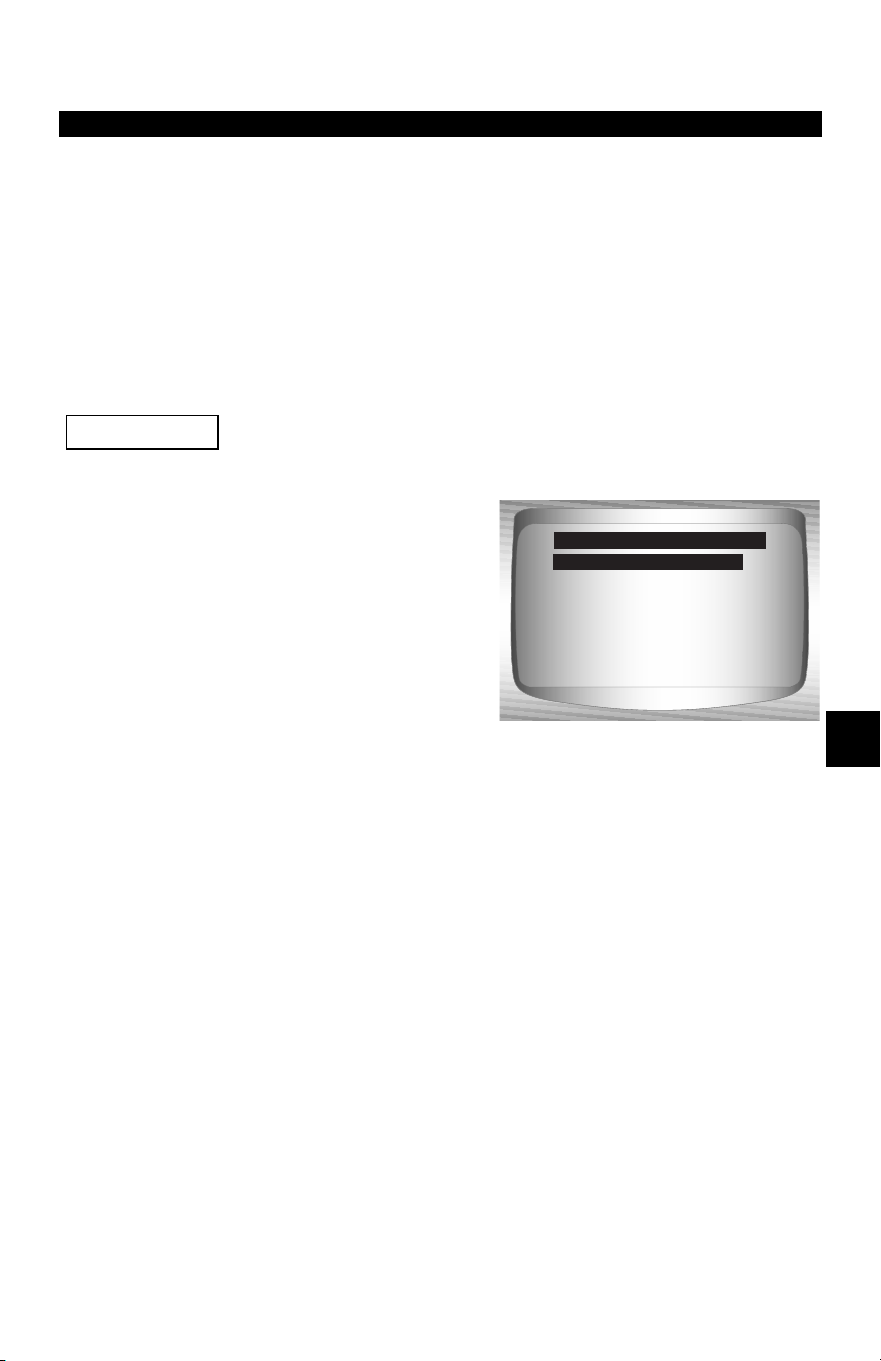
• • • • • • • • • • • • • • • • • • • • • • • • • • • • • • • • • • • • • • • • • • • • • • • • • • • • • • • • • 6 – 1
6
Section 6 – Ford Diagnostics
Ford Historic (OBD I) Diagnostics
✓ Due to different processor calibrations, all Ford Function Lists for
a particular vehicle may or may not appear as shown. Based on
the vehicle information entered at the Vehicle Selection menu,
the Scan Tool automatically recognizes the computer system
installed.
Ford Function List
All items marked with “-” are covered in section 3 or 4.
These items are not covered in this section.
✓ The Ford Function List is
broken down into the following
menus:
❒ Datastream Menu
❒ View Data
❒ Record Data
– Review Data
–Print Data
–Tool Setup
❒ Diagnostic Codes Menu
❒ Read KOEO Codes
❒ Read KOER Codes
❒ Erase Codes
❒ IVSC Speed Ctrl
– Review Data
–Print Data
– Code Lookup
–Tool Setup
❒ On Demand Test Menu
❒ Wiggle Test
❒ Output Switch Test
❒ Cyl Balance Test
❒ STAR Test Mode
– Review Data
–Print Data
–Tool Setup
(List Continued)
IMPORTANT
Dat ?
Diagnostic Codes
On Demand Tests
Review Data
Print Data
Code Lookup
Tool Setup
Ford Function List
Datastream
Ford Historic (OBD I) Diagnostics
6 – 2 • • • • • • • • • • • • • • • • • • • • • • • • • • • • • • • • • • • • • • • • • • • • • • • • • • • • • • • • •
6
❒ Review Data
❒ Print Data
•KOEO Codes
•KOER Codes
•IVSC KOEO Codes
•IVSC KOER Codes
•Playback
✓ For Ford Historic diagnostics, the above functions have data to
review or print. For Review/Print Data instructions, refer to
appropriate page in Using The Scan Tool.
– Code Lookup
– Tool Setup Menu
– English/Metric
– Contrast Adjust
– Beeper
– Setup User Key
If the function is not supported by the vehicle, then the Scan
Tool does not display it.
✓ Most Ford vehicles prior to 1996 use the EEC-IV system. Vehicles
with Mazda-sourced engines use the Mazda Electronic Control
System (MECS). Refer to “
Appendix B - Data Link Connectors".
✓ If the Scan Tool displays an Error Message, make sure the
adapter cable is securely attached and the ignition key is on. Cycle
the ignition key to off for 10 seconds, thenon. This may be required
because the Ford system allows only one Self-Test function to be
performed for each key on. Attempt the test selected again and if
the problem remains, refer to “Error Messages” on page 9-2.
IMPORTANT
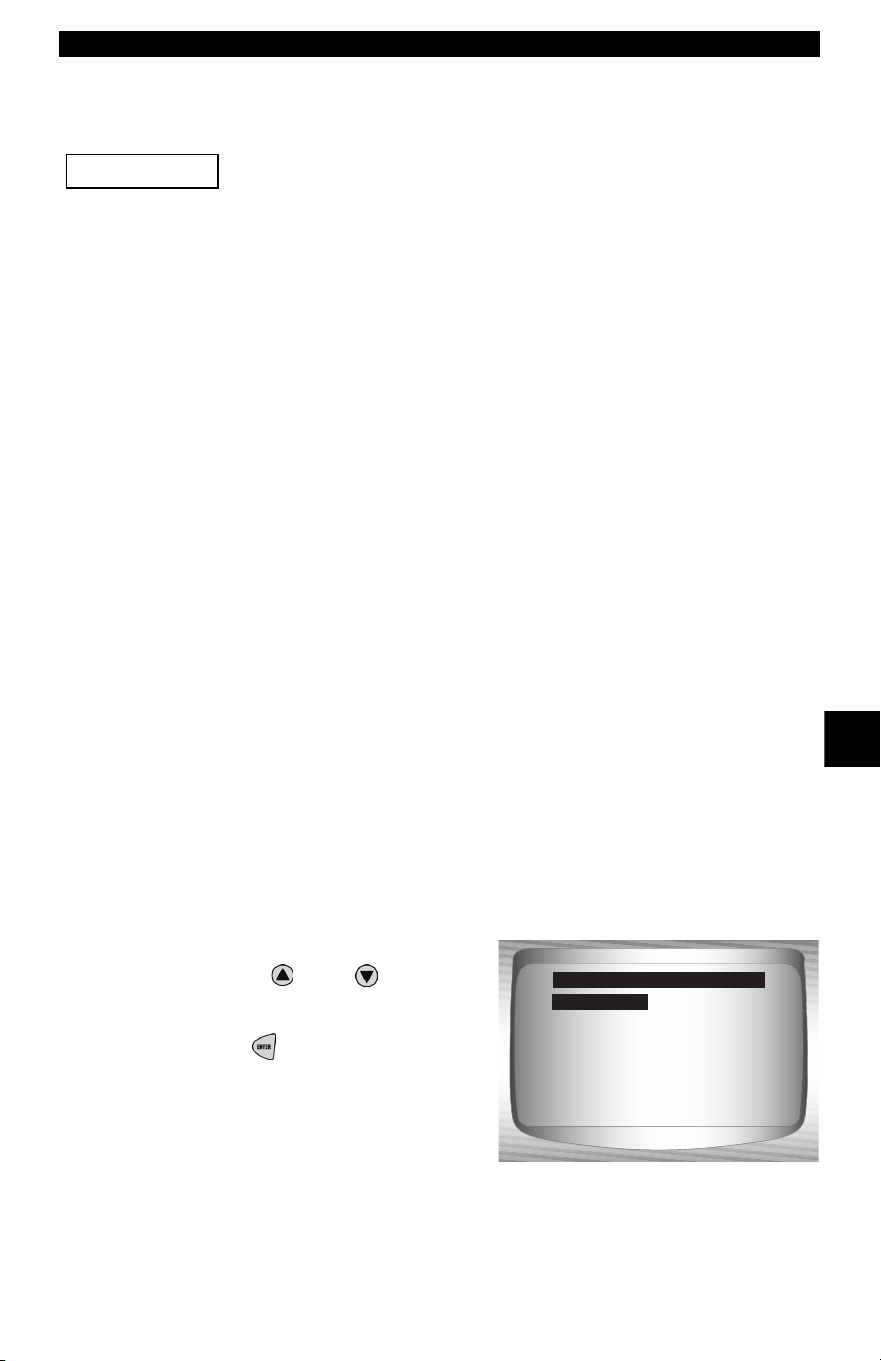
• • • • • • • • • • • • • • • • • • • • • • • • • • • • • • • • • • • • • • • • • • • • • • • • • • • • • • • • • 6 – 3
Ford Historic (OBD I) Diagnostics
6
Datastream Menu
All items marked with “-” are covered either in section 3 or 4.
These items are not covered in this section.
❒ Datastream Menu
❒ View Data
❒ Record Data
– Review Data
–Print Data
–Tool Setup
✓ Datastream Menu functions are used to view and record engine
data transmitted from the vehicle on EEC-IV vehicles beginning
in 1990. These functions allow viewing of data parameters in real
time to pinpoint problems when they occur. The Scan Tool also has
the ability to record these data parameters as the vehicle is
operated to locate intermittent problems.
View Data
✓ The View Data function allows the mechanic to view Parameter
Identification Numbers (PIDs) in real time. Simply stated, as the
powertrain control module (PCM) monitors the vehicle’s PIDs,
they are simultaneously transmitted to the Scan Tool. Viewing data
is also used for observing sensor data and the on/off state of
switches, solenoids, and relays.
From the Datastream Menu:
1. Select View Data.
•Use the
UP
or
DOWN
arrow keys until View Data is
highlighted.
•Press
ENTER.
IMPORTANT
View Data
Record Data
Review Data
Print Data
Tool Setup
Datastream Menu
View Data
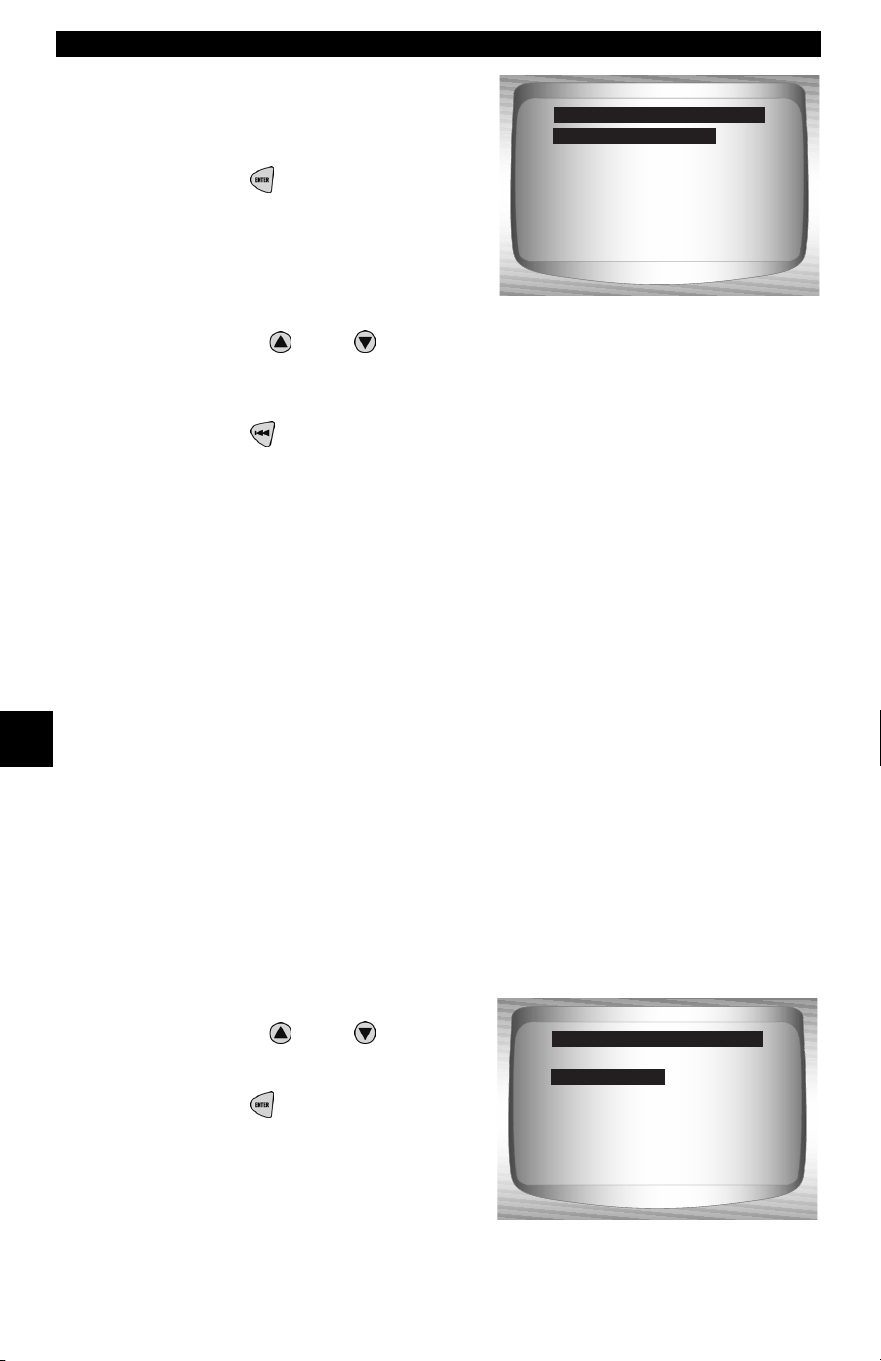
Ford Historic (OBD I) Diagnostics
6 – 4 • • • • • • • • • • • • • • • • • • • • • • • • • • • • • • • • • • • • • • • • • • • • • • • • • • • • • • • • •
6
2. Select data to view.
• See View Data on page 4-4 of
Global OBD II Diagnostics for
Entire or Custom Data Lists.
•Press
ENTER.
3. View PIDs on Scan Tool.
•Use the
UP
or
DOWN
arrow key.
4. Return to Datastream Menu.
•Press
BACK.
Record Data
✓ The Record Data function is used to record vehicle data
parameters over time. The Record Data function allows diagnosis
of an intermittent problem by analyzing data leading up to the
problem, during the problem, and possibly after the problem,
depending on duration. This function is used if no other diagnostic
method works.
✓ The Scan Tool records data based on time (5 frames prior to the
trigger point, and for a duration after). The time after depends on
the vehicle data rate.
From the Datastream Menu:
1. Select Record Data.
•Use the
UP
or
DOWN
arrow keys until Record Data
is highlighted.
•Press
ENTER.
Entire Data List
Custom Data List
Select Data to View
Entire Data List
View Data
Record Data
Review Data
Print Data
Tool Setup
Datastream Menu
Record Data
• • • • • • • • • • • • • • • • • • • • • • • • • • • • • • • • • • • • • • • • • • • • • • • • • • • • • • • • • 6 – 5
Ford Historic (OBD I) Diagnostics
6
✓ If a recording currently exists in
memory, a message to ERASE
OLD RECORDING displays.
✓ The Scan Tool maintains only one recording at a time, so be sure
to thoroughly review an old recording before erasing it. Power to
store recordings is provided by the Scan Tool’s internal battery,
thus, recordings are stored in memory only for the life of the
battery.
✓ Once the communication link has been established, you are ready
to record data.
Never operate the Scan Tool while driving. Have
another person assist with the operation of the
Scan Tool.
2. Start recording.
•Recording starts when the
ENTER key is pressed.
✓ The Scan Tool records for a
varying time duration. The
recording consists of 5 frames of
data prior to the trigger point, and
approximately 20 seconds after
the recording. All applicable data
parameters are recorded for the
vehicle.
No
Previous recording
in memory. Do you
want to erase it and
make a new one?
Record Data
<Yes>
!
CAUTION
Press ENTER any time
to start recording.
**Ready to Record**
Ford Historic (OBD I) Diagnostics
6 – 6 • • • • • • • • • • • • • • • • • • • • • • • • • • • • • • • • • • • • • • • • • • • • • • • • • • • • • • • • •
6
When the recording is in progress,
the screen to the right is displayed.
3. After recording, Scan Tool displays a prompt to Playback
Data.
• Answer NO to return to the Datastream Menu.
•Answer YES to display recorded data.
Refer to “Playback” on page 3-19 of Using The Scan Tool.
Diagnostic Codes Menu
All items marked with “-” are covered either in section 3 or 4.
These items are not covered in this section.
❒ Diagnostic Codes Menu
❒ Read KOEO Codes
❒ Read KOER Codes
❒ Erase Codes
❒ IVSC Speed Ctrl
– Review Data
–Print Data
– Code Lookup
–Tool Setup
Recording stops
automatically when
memory is full.
Record Data
IMPORTANT
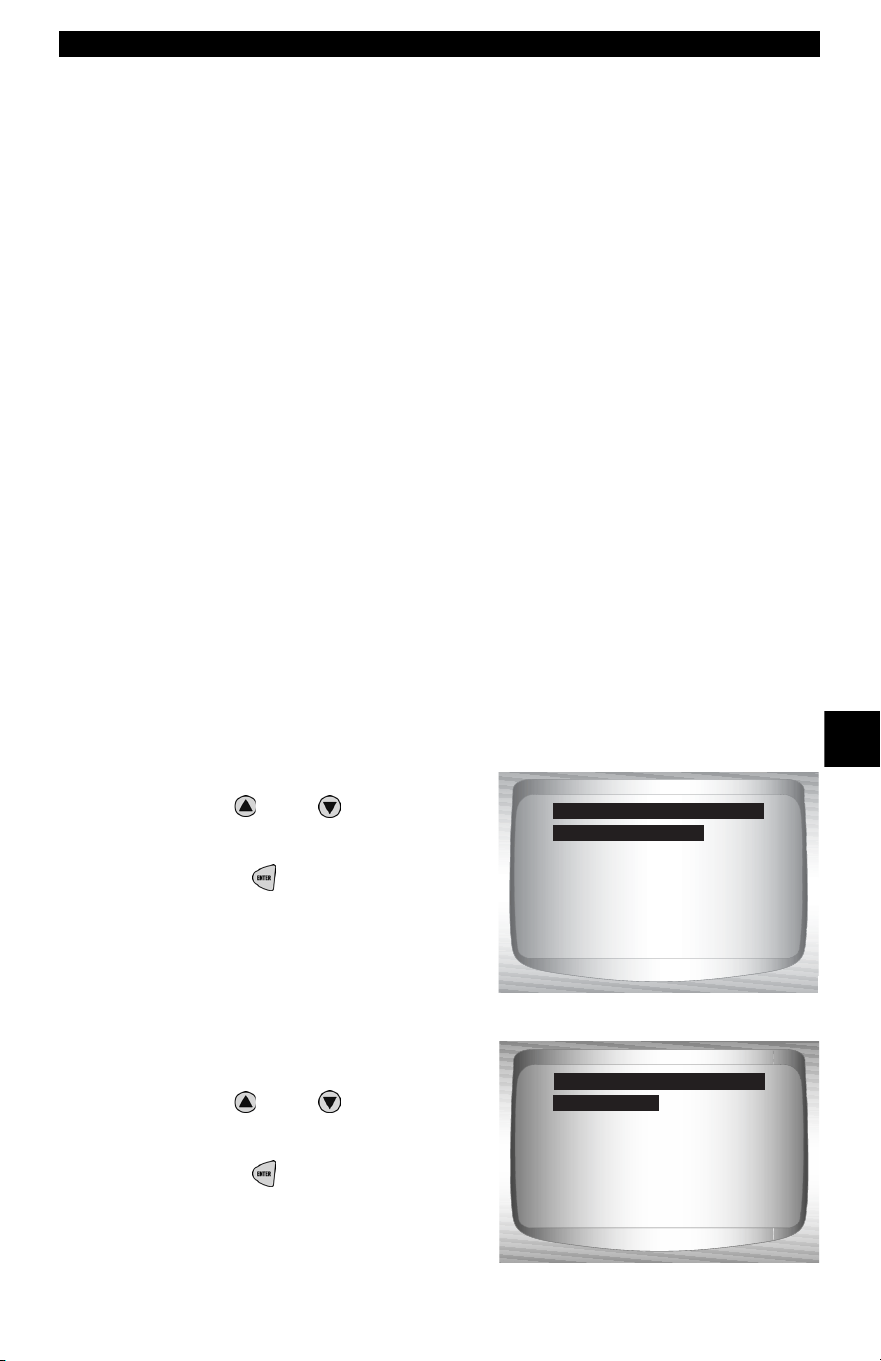
• • • • • • • • • • • • • • • • • • • • • • • • • • • • • • • • • • • • • • • • • • • • • • • • • • • • • • • • • 6 – 7
Ford Historic (OBD I) Diagnostics
6
Read KOEO Codes
✓ The Read KOEO Codes function activates the KOEO and
Continuous Memory self-tests which retrieve KOEO and
continuous memory diagnostic trouble codes (DTCs) from the
PCM.
• KOEO DTCs are transmitted through the PCM data link when a
trouble condition is active. KOEO codes remain until the trouble
condition becomes inactive – usually when the fault is repaired.
• Continuous Memory DTCs are stored in the vehicle’s memory at
the time of occurrence during continuous self-test monitoring. They
remain there until the problem does not reoccur within 40 warm-up
cycles, Fast KOEO codes have been read, or the Erase Codes
function has been run. Continuous memory codes follow the KOEO
codes in the datastream.
✓ The DTCs are transmitted in two formats; both transmit the same
information:
• Slow Codes are regular service codes that allow the user to identify
the faults with an analog voltmeter or the check engine light. Slow
Codes are transmitted within 3 minutes.
• Fast Codes are transmitted within seconds and must be read with
a diagnostic tool. Retrieving Fast Codes erases continuous memory
codes, Slow Codes does not. Fast Codes do not apply to MECS
vehicles.
From the Diagnostic Codes Menu:
1. Select Read KOEO Codes.
•Use
UP
or
DOWN
arrow
key until Read KOEO Codes
is highlighted.
•Press
ENTER.
2. Select Fast Codes or Slow
Codes.
•Use
UP
or
DOWN
arrow
key until selection is
highlighted.
•Press
ENTER.
Read KOEO Codes
Read KOER Codes
Erase Codes
IVSC Spe ed Ctrl
Review Data
Print Data
Code Lookup
Diagnostic Codes Menu
Read KOEO Codes
Fast Codes
Slow Codes
Select Code Type
Fast Codes
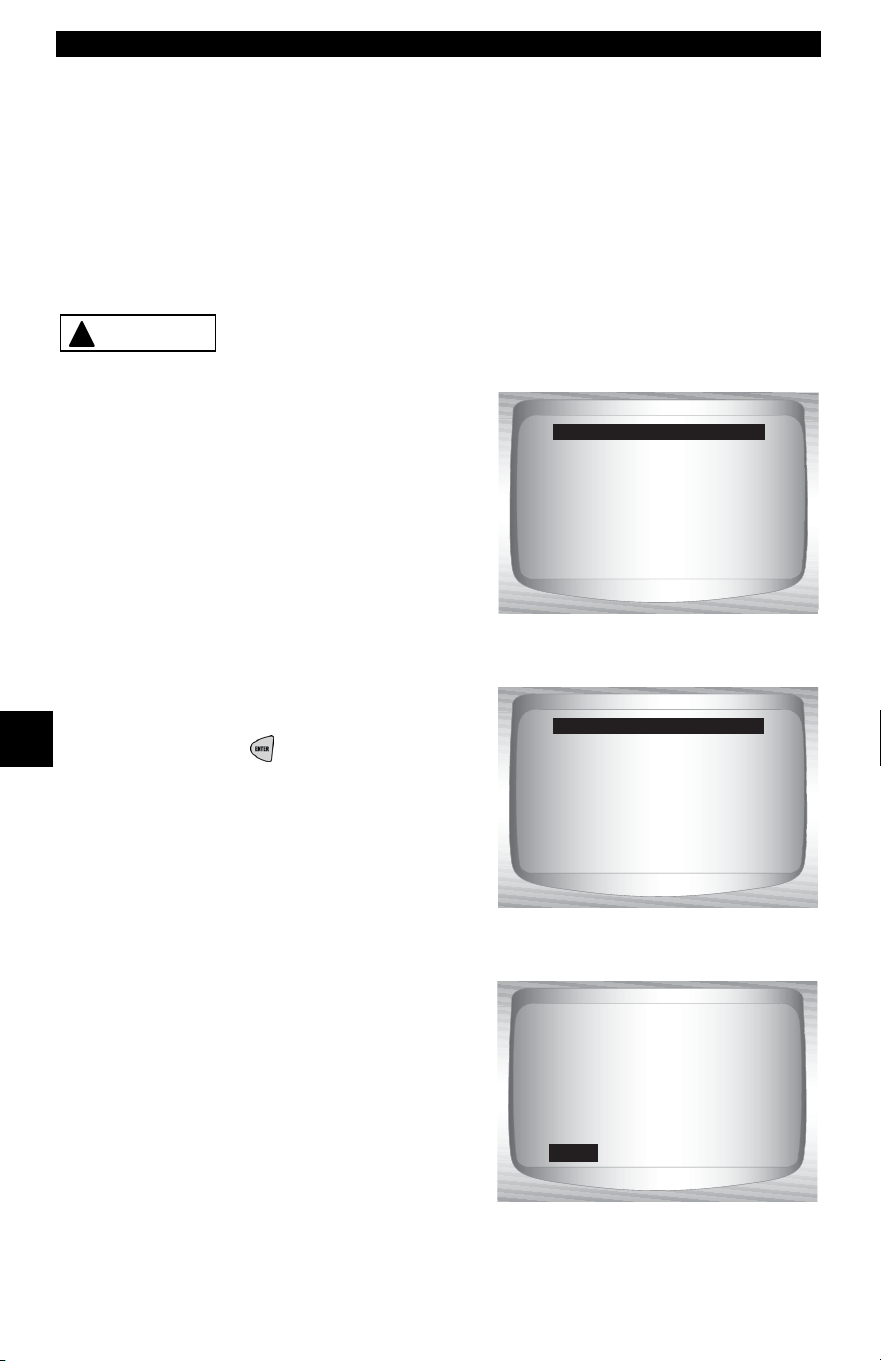
Ford Historic (OBD I) Diagnostics
6 – 8 • • • • • • • • • • • • • • • • • • • • • • • • • • • • • • • • • • • • • • • • • • • • • • • • • • • • • • • • •
6
✓ Follow the instructions step-by-step.
1) Set parking brake.
2) Transmission in park (P) or neutral (N).
3) Turn A/C off.
4) Start engine and let idle until hot.
5) Turn ignition key off.
6) Wait 10 seconds. Turn key on-engine off. Do not start engine.
Avoid cooling fan! It may turn on during test.
✓ While waiting for the codes to
transmit, the PCM cycles the
following system components on
and off:
• Electric radiator cooling fan
•Fuel pump
• Check engine light or malfunction
indicator light (MIL) – Slow Codes
only.
• Idle speed control solenoid
3. When the test is complete.
•Turn ignition key off.
•Press
ENTER.
✓ If no problems exist, Code 11 or
111 will be displayed.
!
CAUTION
Procedure runs less
than 3 minutes.
Working
Time Remaining: 2:35
Turn ignition
key off.
Press ENTER to cont.
Test Completed
1 of 1
ENG
Systen Pass Code.
No faults detected
during KOEO test.
KOEO
111
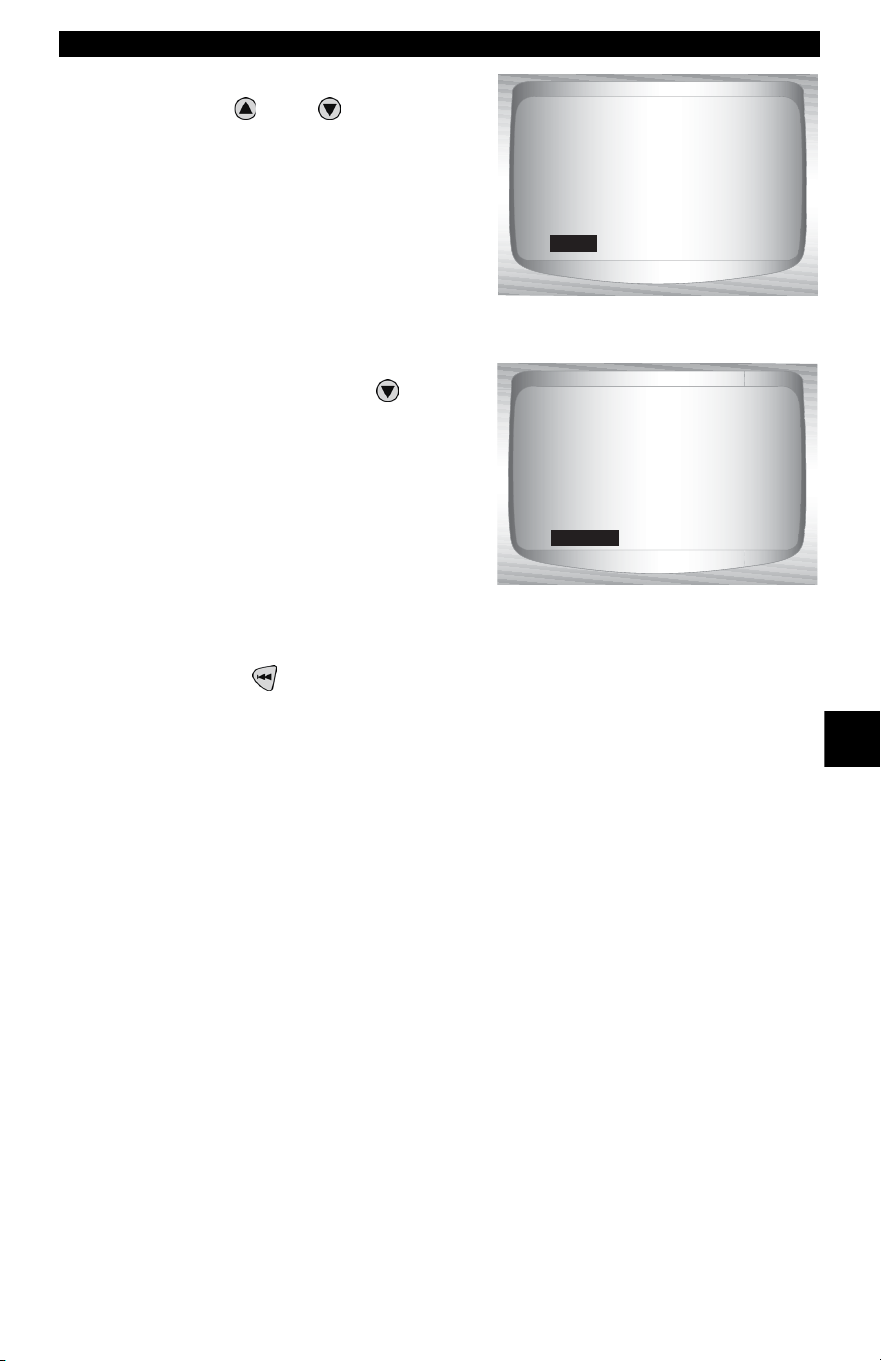
• • • • • • • • • • • • • • • • • • • • • • • • • • • • • • • • • • • • • • • • • • • • • • • • • • • • • • • • • 6 – 9
Ford Historic (OBD I) Diagnostics
6
4. View and write down DTCs.
•Use
UP
or
DOWN
arrow
key.
✓ ENG indicates that DTC is from
the engine or powertrain control
module.
✓ After viewing and noting the
KOEO codes, use the
DOWN
arrow key to view continuous
memory codes.
✓ Continuous memory codes
(codes set previously under
normal driving conditions) are
available after reading KOEO
codes. They are indicated as
Memory Codes by the Scan Tool.
5. Return to Diagnostic Codes Menu.
•Press
BACK.
Read KOER Codes
✓ The Read KOER Codes function activates the KOER self-test
which retrieves KOER DTCs that are present when the engine is
running.When the trouble condition is inactive, the KOER code is
no longer sent through the data stream. This function also
performs a Computed Timing Check for EEC-IV vehicles
manufactured from 1984 through 1991.
✓ The DTCs are transmitted in two formats which transmit the same
information:
• Slow Codes are regular service codes that allow the user to identify
the faults with an analog voltmeter or the check engine light. Slow
Codes are transmitted within 3 minutes.
• Fast Codes are transmitted within seconds and must be read with
a diagnostic tool. MECS vehicles do not support Fast Codes.
1 of 3
ENG
Excessive converter
clutch sli ppage.
KOEO
628
2 of 3
ENG
MAP sensor signal
voltage higher or
lower then expected.
MEMORY
126
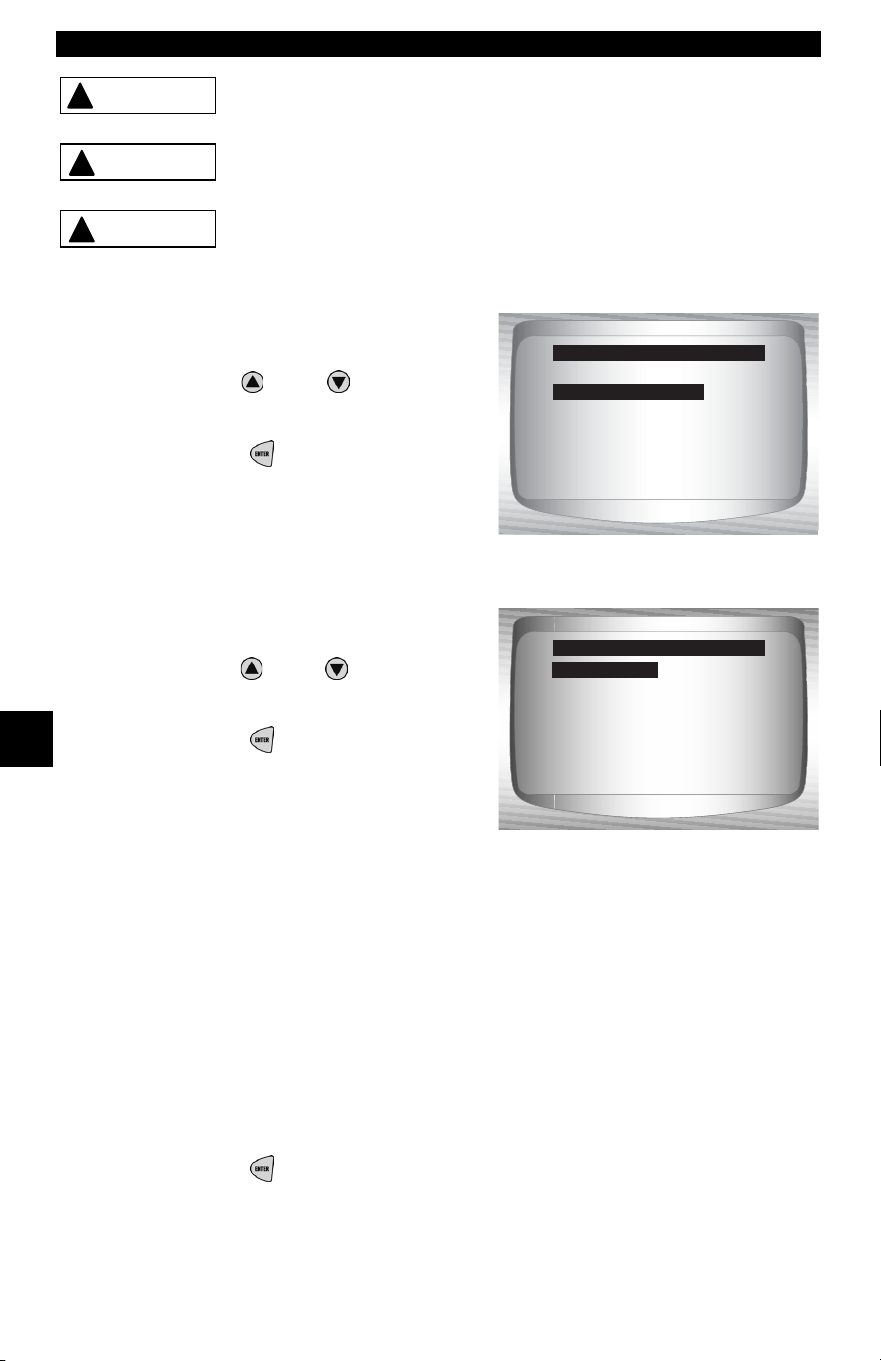
Ford Historic (OBD I) Diagnostics
6 – 10 • • • • • • • • • • • • • • • • • • • • • • • • • • • • • • • • • • • • • • • • • • • • • • • • • • • • • • • •
6
Exhaust gases are harmful or lethal. Always
operate vehicle in a well-ventilated area.
The KOER test is done with the engine running. Do
not over-rev engine. Observe all safety precautions.
Avoid cooling fan! It may turn on during test.
From the Diagnostic Codes Menu:
1. Select Read KOER Codes
• Use
UP
or
DOWN
arrow
key until Read KOER Codes is
highlighted.
•Press
ENTER.
2. Select Fast Codes, Slow
Codes or Computed Timing.
• Use
UP
or
DOWN
arrow
key until desired chioce is
highlighted.
•Press
ENTER.
✓ Follow the instructions
step-by-step. Failure to perform
these steps may set a false DTC in
the PCM — observe the display.
1) Set parking brake.
2) Transmission in park (P) or neutral (N).
3) Turn A/C off.
4) Start engine and let idle until hot.
5) Turn ignition key off.
6) Wait 10 seconds. Start engine and let idle.
7) If vehicle is equipped with a manual transmission, release clutch.
3. After performing steps.
•Press
ENTER to activate the self-test.
!
WARNING
!
CAUTION
!
CAUTION
Read KOEO Codes
Read KOER Codes
Erase Codes
IVSC Spe ed Ctrl
Review Data
Print Data
Code Lookup
Diagnostic Codes Menu
Read KOER Codes
Fast Codes
Slow Codes
Computed Timing
Select Code Type
Fast Codes
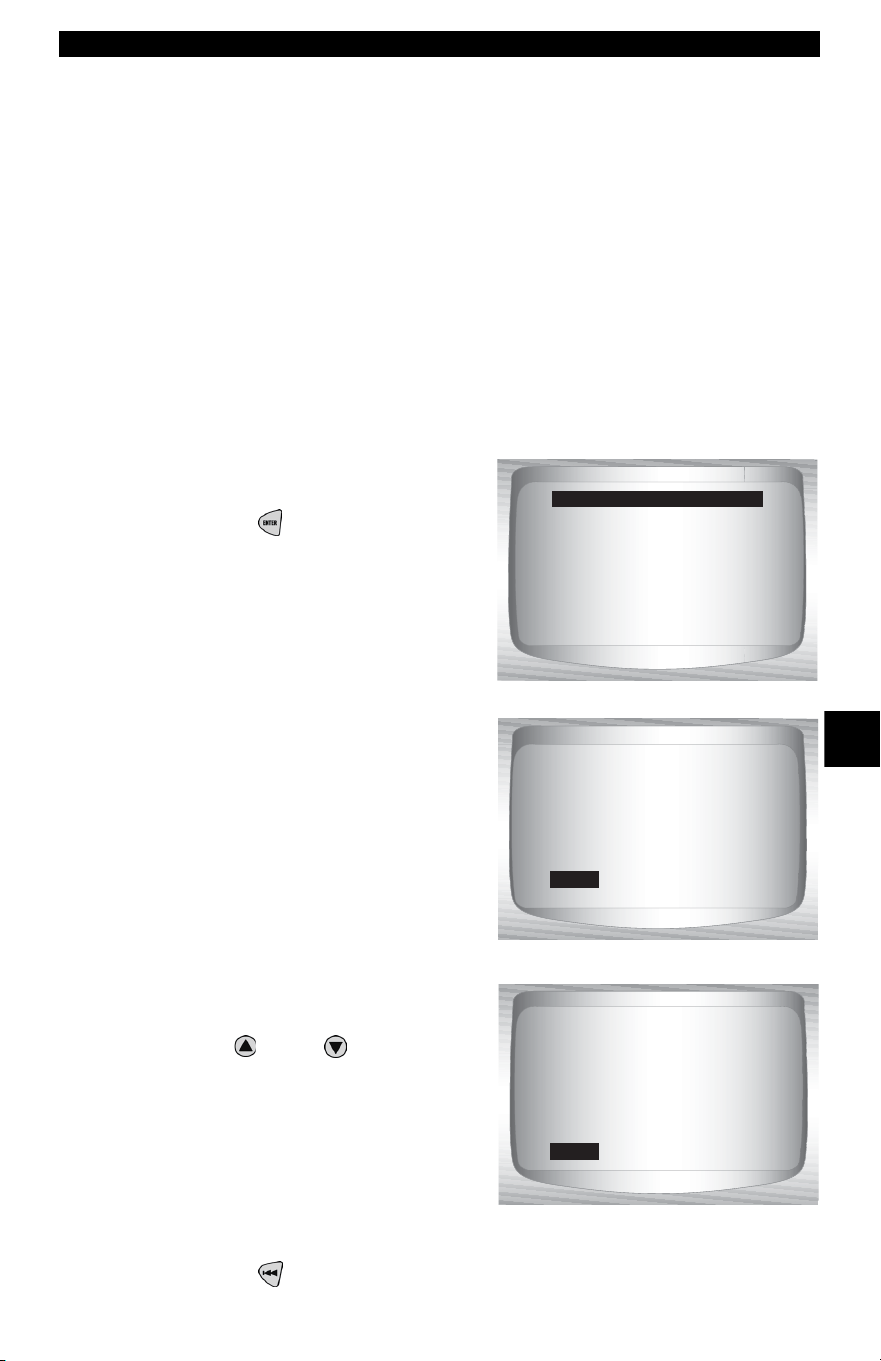
• • • • • • • • • • • • • • • • • • • • • • • • • • • • • • • • • • • • • • • • • • • • • • • • • • • • • • • • 6 – 11
Ford Historic (OBD I) Diagnostics
6
✓ The following actions do not apply to MECS vehicles.
❒ For a 7.3L Diesel, press the throttle until test is done.
❒ If applicable, set octane switch to premium.
✓ The Scan Tool prompt the user to:
❒ Work steering wheel
❒ Pump brake pedal & cycle overdrive (OD) cancel switch.
(Cycle overdrive only if a pushbutton is available.)
✓ Observe screen for the prompt to perform the next action.
❒ Quickly press and release the throttle. One time only!
4. When test completed.
•Turn ignition key off.
• Press
ENTER to continue.
✓ If no problems exist, Code 11 or
111 will be displayed.
5. View and write down
DTCs.
•Use
UP
or
DOWN
arrow
key to scroll to next DTC.
✓ ENG indicates that DTC is from the
engine or powertrain control
module.
6. Return to Diagnostic Codes Menu.
• Press
BACK.
Turn ignition
key off.
Press ENTER to cont.
Test Completed
1 of 1
ENG
Systen Pass Code.
No faults detected
during KOER test.
KOER
111
1 of 3
ENG
PFE/DPFE EGR sensor
below min. voltage.
KOER
326
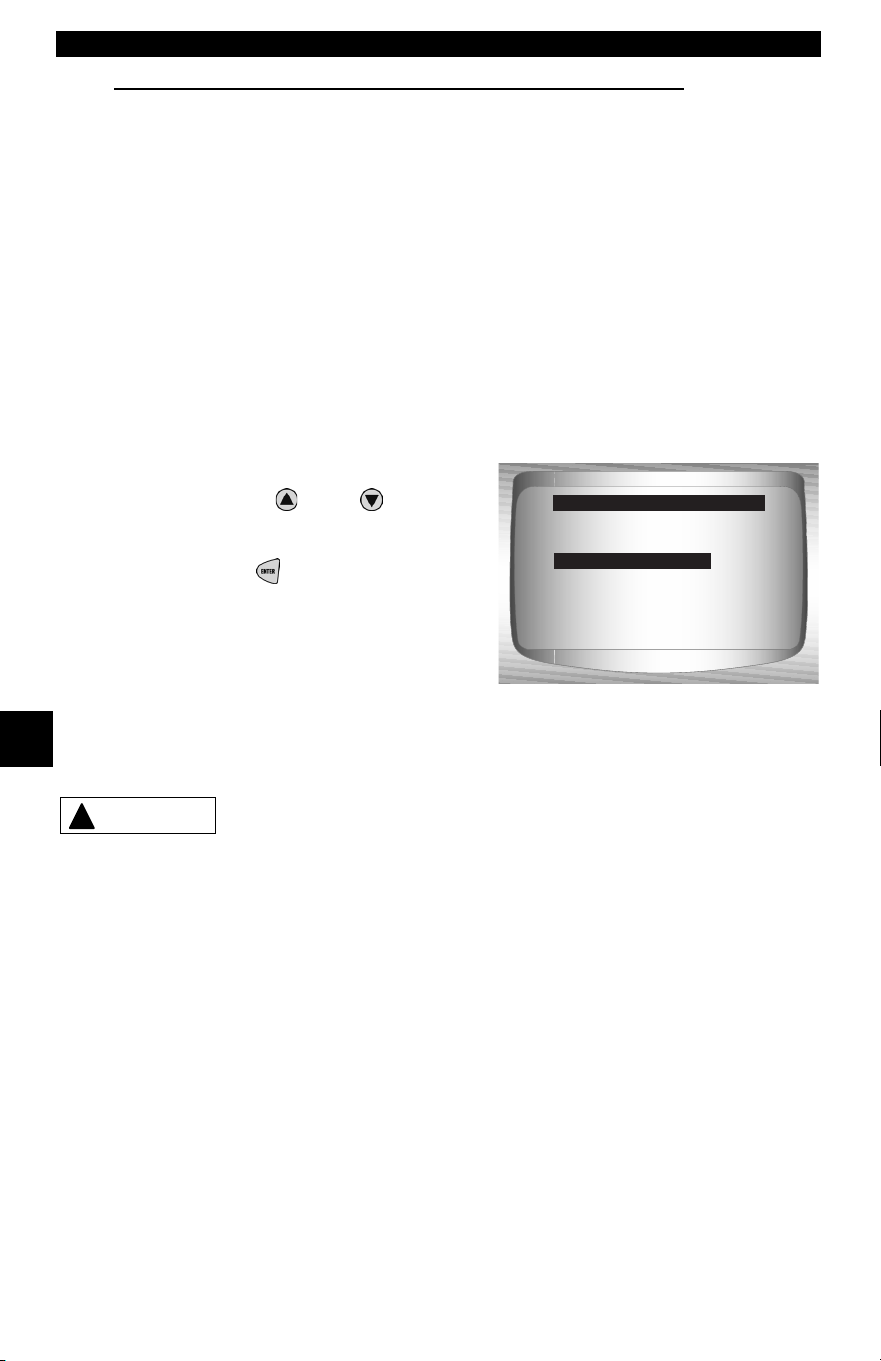
Ford Historic (OBD I) Diagnostics
6 – 12 • • • • • • • • • • • • • • • • • • • • • • • • • • • • • • • • • • • • • • • • • • • • • • • • • • • • • • • •
6
Computed Timing Check (1984-1991 EEC-IV Vehicles)
✓ This option of the KOER Read Codes function allows you to check
both the Base engine timing (no computer adjustment) and the
ability of the computer to control spark advance.
✓ This does not apply to 7.3L diesel vehicles.
✓ Connect a timing light to the vehicle in accordance with the
manufacturer’s instructions. (For 2.3L dual plug engines, use
exhaust side plug. Refer to ignition system section in the service
manual for specific instructions.)
From the Select Code Type menu:
1. Select Computed Timing.
• Use the
UP
or
DOWN
arrow keys until Computed
Timing is highlighted.
• Press
ENTER.
✓ Perform the following
step-by-step. Failure to perform
these steps may set a false DTC in
the PCM — observe the display.
Avoid cooling fan! It may turn on during test.
1) Set parking brake.
2) Transmission in park (P) or neutral (N).
3) Turn A/C off.
4) Start engine and let idle until hot.
5) Turn ignition key off.
6) Wait 10 seconds. start engine and let Idle.
7) If vehicle is equipped with manual transmission, release clutch.
Fast Codes
Slow Codes
Computed Timing
Select Code Type
Computed Timing
!
CAUTION
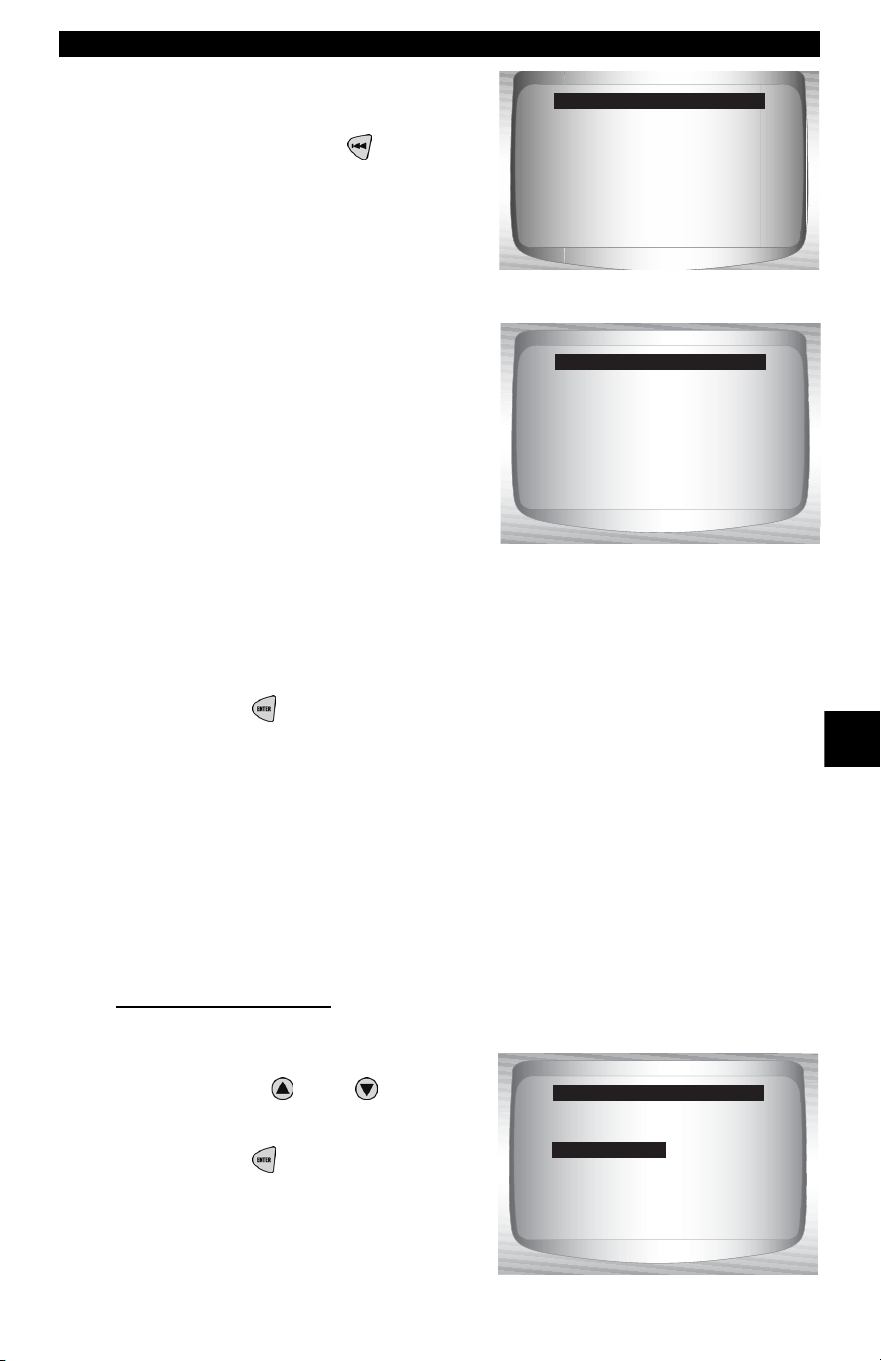
• • • • • • • • • • • • • • • • • • • • • • • • • • • • • • • • • • • • • • • • • • • • • • • • • • • • • • • • 6 – 13
Ford Historic (OBD I) Diagnostics
6
✓ If a KOER code of 98 or 998 is
detected, then the fault must be
fixed before performing this
function. Press the
BACK key
to return to the Diagnostic
Codes Menu.
✓ Otherwise, the timing remains
fixed for 90 seconds to allow you
to measure it with the timing light.
✓ Computed timing is equal to the
base timing plus 20 degrees
before top dead center (BTDC)
with 3 degrees tolerance. The
base timing value is printed on the
vehicle emission control
information (VECI) decal.
2. Return to Diagnostic Codes Menu.
•Press
ENTER .
Erase Codes
✓ The service manual may recommend erasing Continuous Memory
Codes from the vehicle’s memory, and then driving the vehicle to
duplicate the malfunction before beginning a diagnostic test. If
KOEO codes were read using Fast Codes, the memory codes
have already been erased.
EEC-IV Erase Codes
From the Diagnostic Codes Menu:
1. Select Erase Codes.
•Use the
UP
or
DOWN
arrow keys until Erase Codes
is highlighted.
•Press
ENTER.
Can't run timing
check. Code 98/998
detected. Fix fault
& redo timing check.
Press BACK to exit.
Computed Timing
Timing is now fixed
at base timing plus
20 degre es (+/- 3 deg).
Time remaining: 1:30
Computed Timing
Read KOEO Codes
Read KOER Codes
Erase Codes
IVSC Spe ed Ctrl
Review Data
Print Data
Code Lookup
Diagnostic Codes Menu
Erase Codes
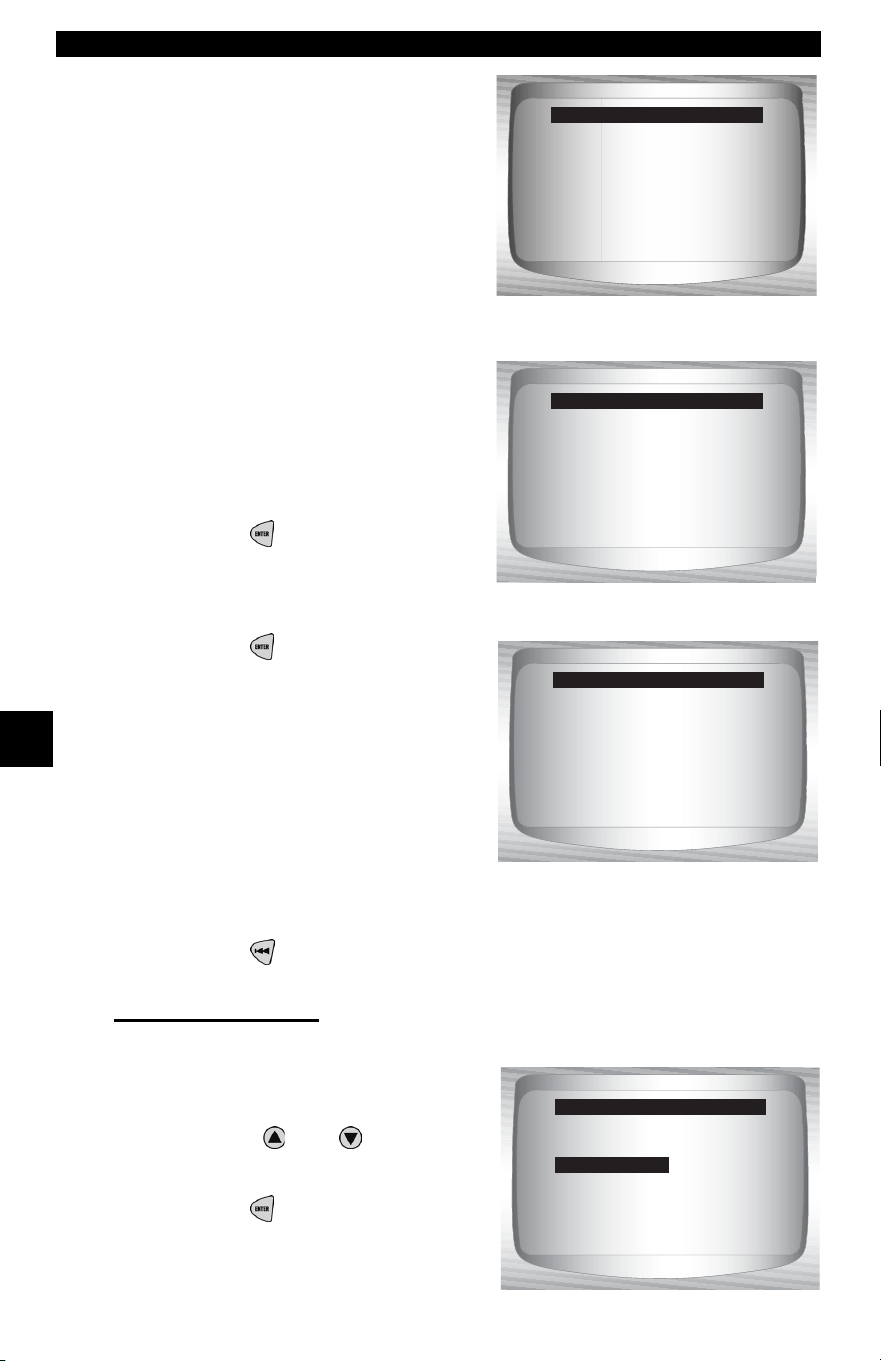
Ford Historic (OBD I) Diagnostics
6 – 14 • • • • • • • • • • • • • • • • • • • • • • • • • • • • • • • • • • • • • • • • • • • • • • • • • • • • • • • •
6
✓ Only continuous memory codes
can be erased from the vehicle
without repairing the fault. To
remove KOEO and KOER codes,
the fault must be repaired since
they only exist when a fault exists.
2. Perform the following:
1) Turn ignition key off.
2) Transmission in park (P)or
neutral (N).
3) Wait 10 seconds.
4) Turn ignition key on.
•Press
ENTER after each
message.
3. Erase Memory Codes.
•Press
ENTER to begin
erasing the codes.
•The procedure takes less 1
minute to run.
4. Return to the Diagnostic Codes Menu.
•Press
BACK.
MECS Erase Codes
From the Diagnostic Codes Menu:.
1. Select Erase Codes.
•Use the
UP
or
DOWN
arrow
keys until Erase Codes is
highlighted.
•Press
ENTER.
Only memory codes
are erasable!
Press ENTER to cont.
Erase Codes
To erase KOEO and
KOER codes, cause of
code must be fixed.
Press ENTER to cont.
Erase Codes
Precedure runs less
than 1 minute.
Time remaining: 0:41
** Erasing Codes **
Read KOEO Codes
Read KOER Codes
Erase Codes
IVSC Spe ed Ctrl
Review Data
Print Data
Code Lookup
Diagnostic Codes Menu
Erase Codes
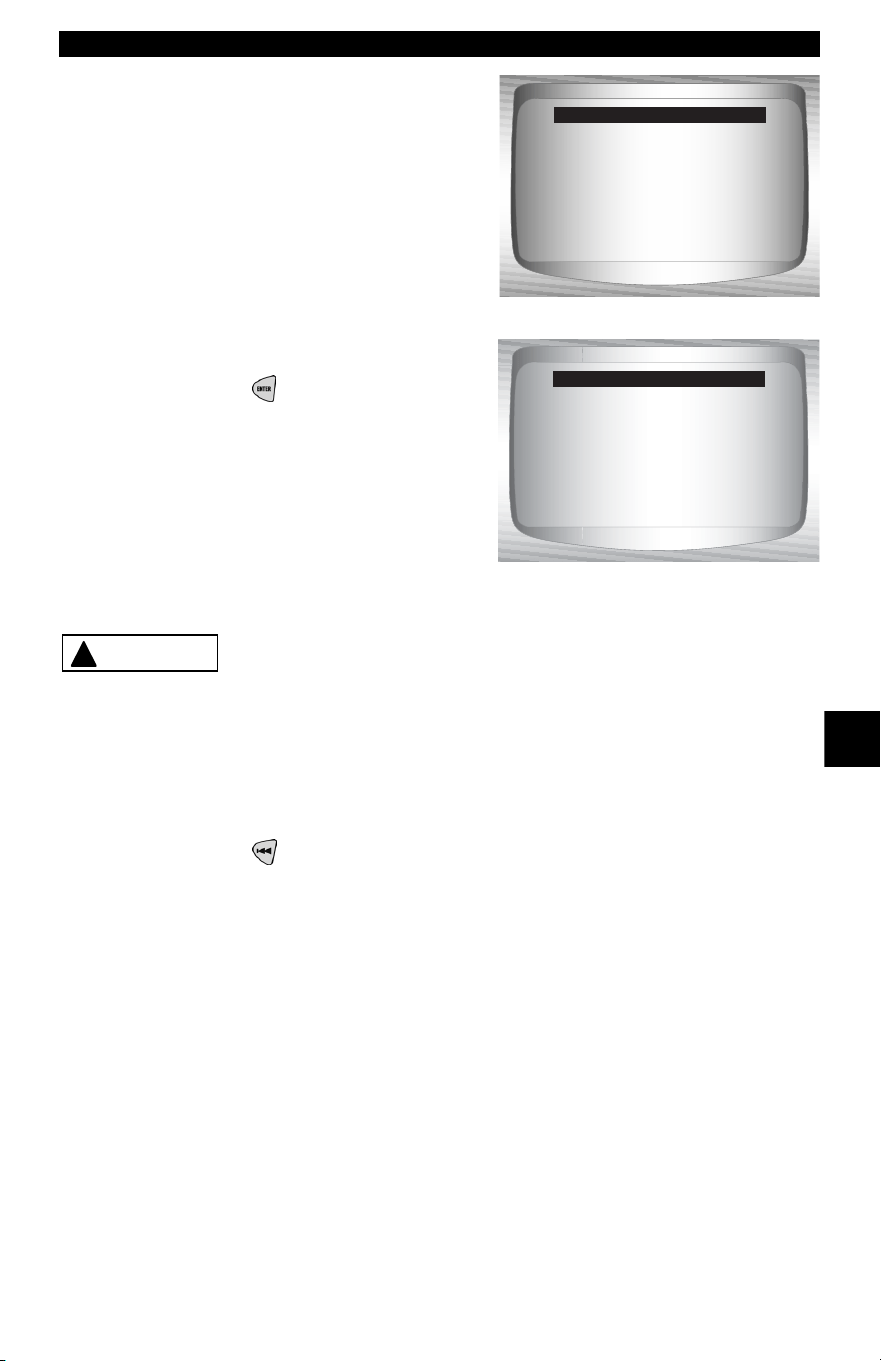
• • • • • • • • • • • • • • • • • • • • • • • • • • • • • • • • • • • • • • • • • • • • • • • • • • • • • • • • 6 – 15
Ford Historic (OBD I) Diagnostics
6
2. Follow all instructions on
the display.
1) Turn ignition key off.
2) Disconnect negative (–) battery
cable.
3) Hold down brake pedal for 10
seconds.
4) Connect negative (–) battery
cable.
•Press
ENTER after each
message.
Never lay tools on vehicle battery. Tools may create
shorts and cause harm to user and damage to
tools, battery and electrical system.
✓ All continuous memory codes should be erased.
3. Return to Diagnostic Codes Menu.
•Press
BACK.
Only memory codes
are erasable!
Press ENTER to cont.
Erase Codes
To erase KOEO and
KOER codes, cause of
code must be fixed.
Press ENTER to cont.
Erase Codes
!
CAUTION
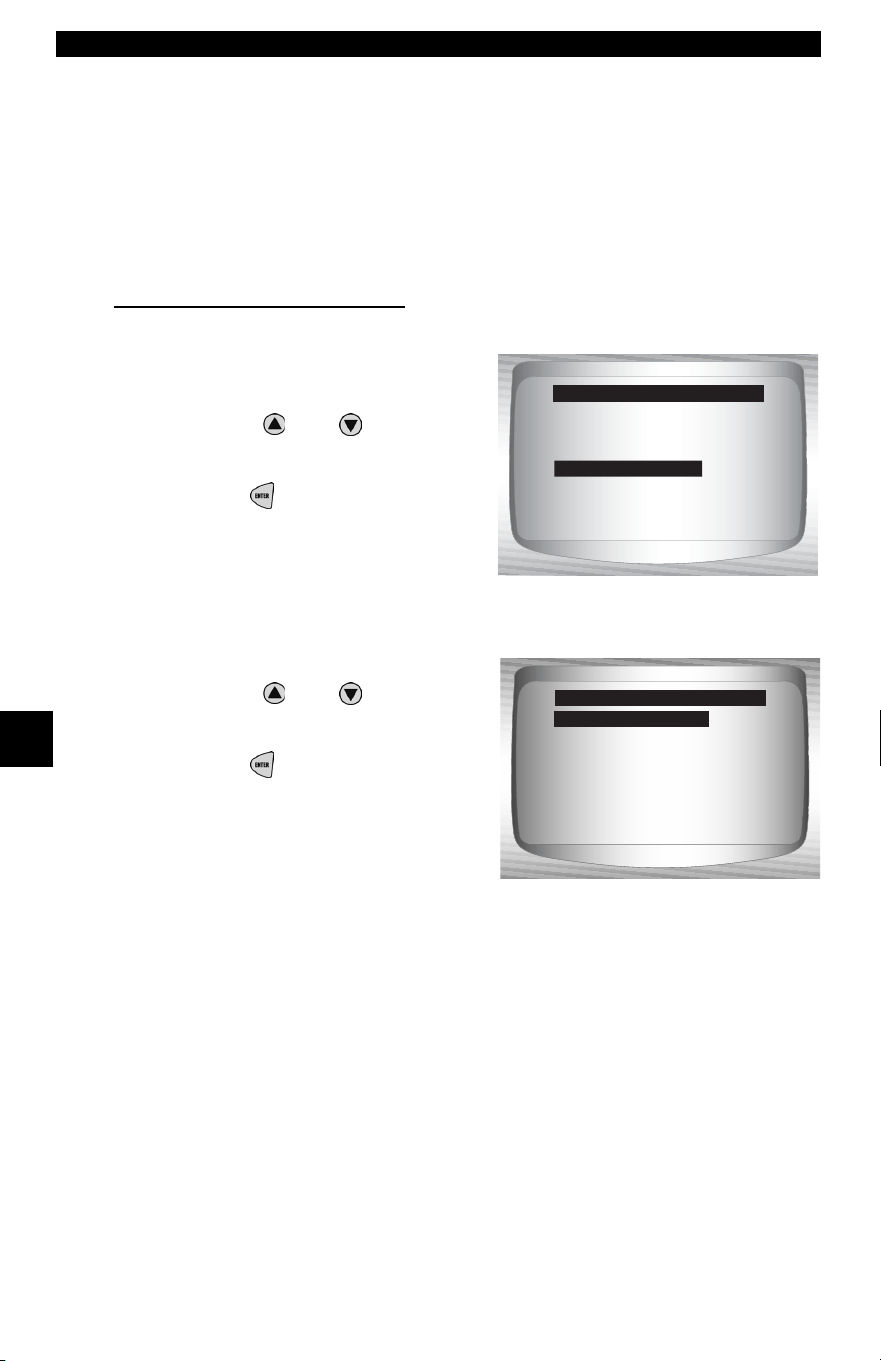
Ford Historic (OBD I) Diagnostics
6 – 16 • • • • • • • • • • • • • • • • • • • • • • • • • • • • • • • • • • • • • • • • • • • • • • • • • • • • • • • •
6
IVSC-Speed Ctrl (EEC-IV Vehicles)
✓ The IVSC-Speed Ctrl (Integrated Vehicle Speed Control) is Ford’s
computerized cruise control system on EEC-IV vehicles. It is
controlled by the PCM and contains a dedicated network of
sensors, switches, and actuators. Both KOEO and KOER Codes
exist for this test. The Scan Tool provides the ability to diagnose
problems by reading DTCs.
Reading IVSC KOEO Codes
From the Diagnostic Codes Menu:
1. Select IVSC Speed Ctrl.
•Use the
UP
or
DOWN
arrow
keys until IVSC Speed Ctrl is
highlighted.
•Press
ENTER.
2. Select Read KOEO Codes.
•Use the
UP
or
DOWN
arrow
keys until Read KOEO Codes
is highlighted.
•Press
ENTER.
3. Perform the following:
1)Set parking brake.
2) Transmission in park (P) or neutral (N).
3) Turn A/C off.
4) Start engine and let idle until hot.
5) Turn ignition key off.
6) Wait 10 seconds. Turn key on engine off. Do not start engine.
Read KOEO Codes
Read KOER Codes
Erase Codes
IVSC Spe ed Ctrl
Review Data
Print Data
Code Lookup
Diagnostic Codes Menu
IVSC Spe ed Ctrl
Read KOEO Codes
Read KOER Codes
Select IVSC Test
Read KOEO Codes
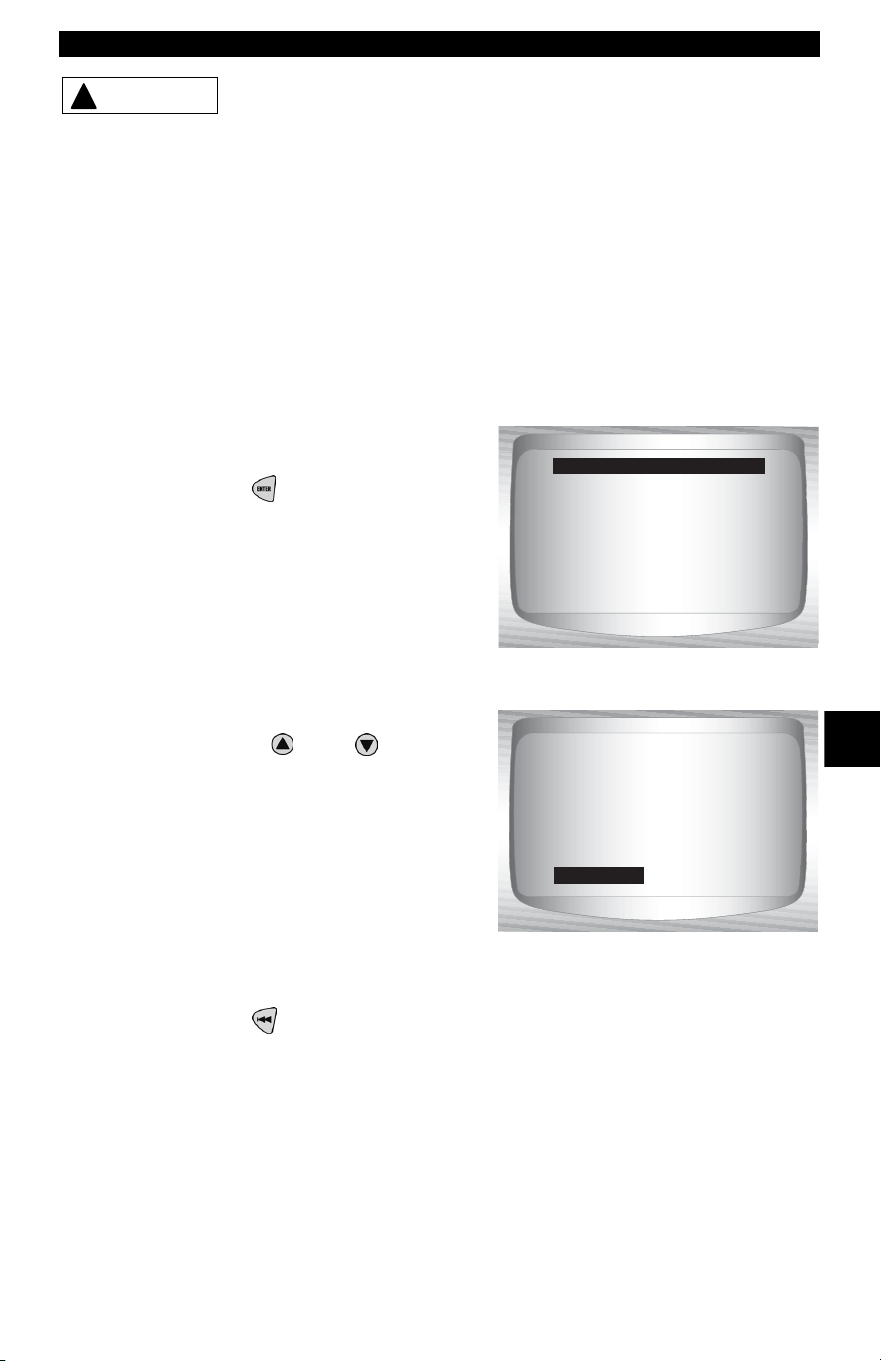
• • • • • • • • • • • • • • • • • • • • • • • • • • • • • • • • • • • • • • • • • • • • • • • • • • • • • • • • 6 – 17
Ford Historic (OBD I) Diagnostics
6
Avoid cooling fan! It may turn on during test.
✓ During testing, it is VERY IMPORTANT that each required step be
performed when prompted by the Scan Tool. Failure to perform
these steps may set DTC(s) in the PCM.
During this test, the Scan Tool prompts the user to perform the following
steps:
❒ Press speed control ON button.
❒ Press speed control OFF, RESUME, COAST, and ACCEL but-
tons.
❒ Tap brake and clutch pedals.
4. When test is completed.
•Turn the ignition key off.
•Press
ENTER to view the
KOEO failures.
5. View and write down DTCs.
•Use the
UP
or
DOWN
arrow keys.
✓ ENG indicates that DTC is from the
engine or powertrain computer.
6. Return to Diagnostic Codes Menu.
•Press
BACK.
!
CAUTION
KOEO codes read.
Turn ignition
key off.
Press ENTER to cont.
Test Completed
1 of 3
ENG
SCVAC Failure: Spe ed
Control Vacuum
Circuit Failure
IVSC KOEO
568
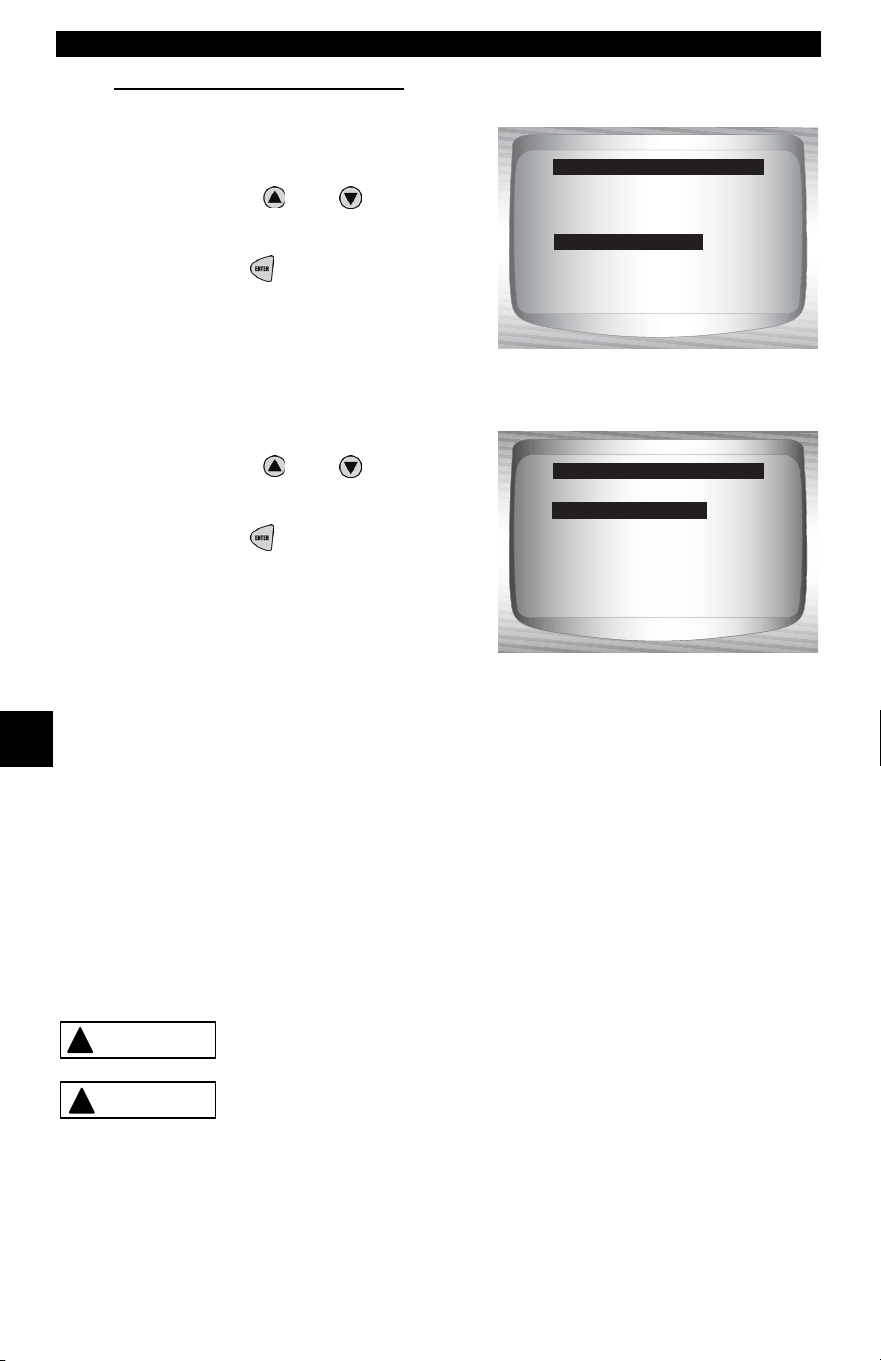
Ford Historic (OBD I) Diagnostics
6 – 18 • • • • • • • • • • • • • • • • • • • • • • • • • • • • • • • • • • • • • • • • • • • • • • • • • • • • • • • •
6
Reading IVSC KOER Codes
From the Diagnostic Codes Menu:
1. Select IVSC Speed Ctrl.
•Use the
UP
or
DOWN
arrow
keys until IVSC Speed Ctrl is
highlighted.
•Press
ENTER.
2. Select Read KOER Codes.
•Use the
UP
or
DOWN
arrow
keys until Read KOER Codes
is highlighted.
•Press
ENTER.
3. Perform the following:
1) Set parking brake.
2) Transmission in park (P) or neutral (N).
3) Turn A/C off.
4) Start engine and let idle until hot.
5) Turn ignition key off.
6) Wait 10 seconds. Start engine and let idle.
✓ During testing, the Scan Tool prompts the user to press the
vehicle’s speed control ON button.
Exhaust gases are harmful or lethal. Always
operate vehicle in a well-ventilated area.
The Read KOER test is done with the engine
running. Do not over-rev engine. Observe all safety
precautions.
Read KOEO Codes
Read KOER Codes
Erase Codes
IVSC Spe ed Ctrl
Review Data
Print Data
Code Lookup
Diagnostic Codes Menu
Read KOEO Codes
Read KOER Codes
Select IVSC Test
Read KOER Codes
!
WARNING
!
CAUTION
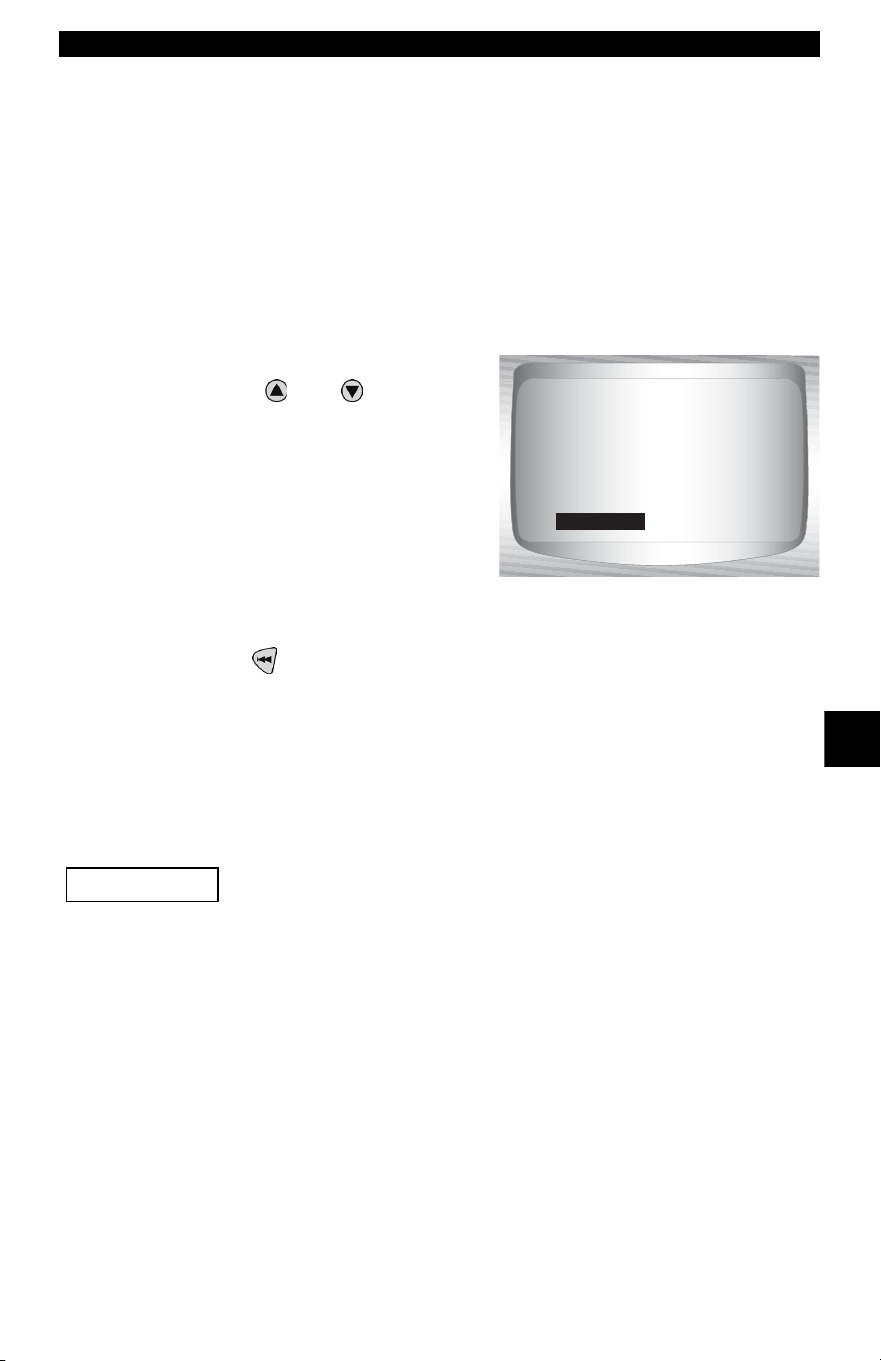
• • • • • • • • • • • • • • • • • • • • • • • • • • • • • • • • • • • • • • • • • • • • • • • • • • • • • • • • 6 – 19
Ford Historic (OBD I) Diagnostics
6
✓ During testing, it is VERY IMPORTANT that each required step be
performed when prompted by the Scan Tool. Failure to perform
these steps may set DTCs in the PCM. Be sure to observe the
Scan Tool display for indications to perform these steps.
✓ Do not touch the throttle pedal during testing. The user is reminded
of this by the Scan Tool.
✓ Once the codes have been read by the Scan Tool, it instructs the
user to turn the ignition key off:
4. View and write down DTCs.
•Use the
UP
or
DOWN
arrow
keys.
✓ ENG indicates that DTC is from the
engine or powertrain computer.
5. Return to Diagnostic Codes Menu.
•Press
BACK.
On Demand Test Menu
All items marked with “-” are covered either in section 3 or 4.
These items are not covered in this section.
❒ On Demand Test Menu
❒ Wiggle Test
❒ Output Switch Test
❒ Cyl Balance Test
❒ STAR Test Mode
– Review Data
–Print Data
–Tool Setup
1 of 3
ENG
SCVAC Failure: Spe ed
Control Vacuum
Circuit Failure
IVSC KOER
37
IMPORTANT
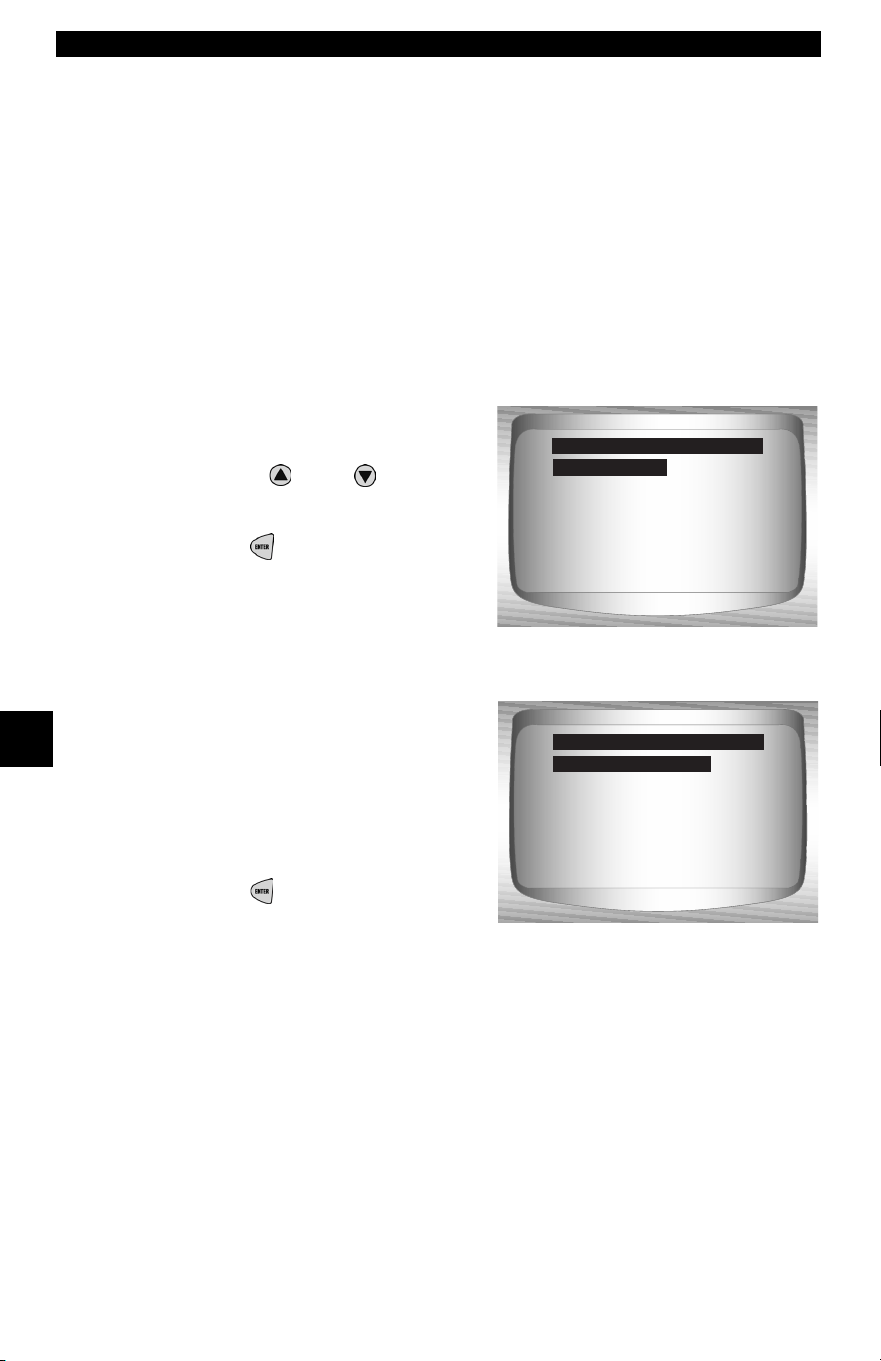
Ford Historic (OBD I) Diagnostics
6 – 20 • • • • • • • • • • • • • • • • • • • • • • • • • • • • • • • • • • • • • • • • • • • • • • • • • • • • • • • •
6
Wiggle Test (EEC-IV Vehicles)
✓ The Wiggle Test, often referred to as the Continuous Monitor Test,
is used to locate intermittent electrical faults on EEC-IV vehicles.
When the test is activated, the Scan Tool beeps and displays a
message when a fault is present. If the problem is fixed or goes
away, the tone and message goes away. Refer to the applicable
service manual for circuits that can be tested.
✓ If the Alert was turned off in the Tool Setup menu, it will be
automatically activated for the Wiggle Test. Once the Wiggle Test
is complete, the alert returns to its previous setting.
From the On Demand Test Menu:
1. Select Wiggle Test.
•Use the
UP
or
DOWN
arrow keys until Wiggle Test is
highlighted.
•Press
ENTER.
✓ Either a KOEO or KOER Wiggle
Test can be run. If the vehicle
problem occurs while driving, the
KOER Wiggle Test is
recommended.
2. After making a selection.
•Press
ENTER.
3. Perform the following:
1) Set parking brake.
2) Put Transmission in park (P) or neutral (N).
3) Turn A/C off.
4) Turn ignition key off. Wait 10 seconds.
5) KOEO: Turn key on engine off. Do not start engine.
6) KOER: Turn key on engine running and let Idle.
Wiggle Test
Output Sw Test
Cyl Balance Test
STAR Test Mode
Review Data
Print Data
Tool Setup
On Demand Test Menu
Wiggle Test
KOEO Wiggle Test
KOER Wiggle Test
Select Wiggle Test
KOEO Wiggle Test
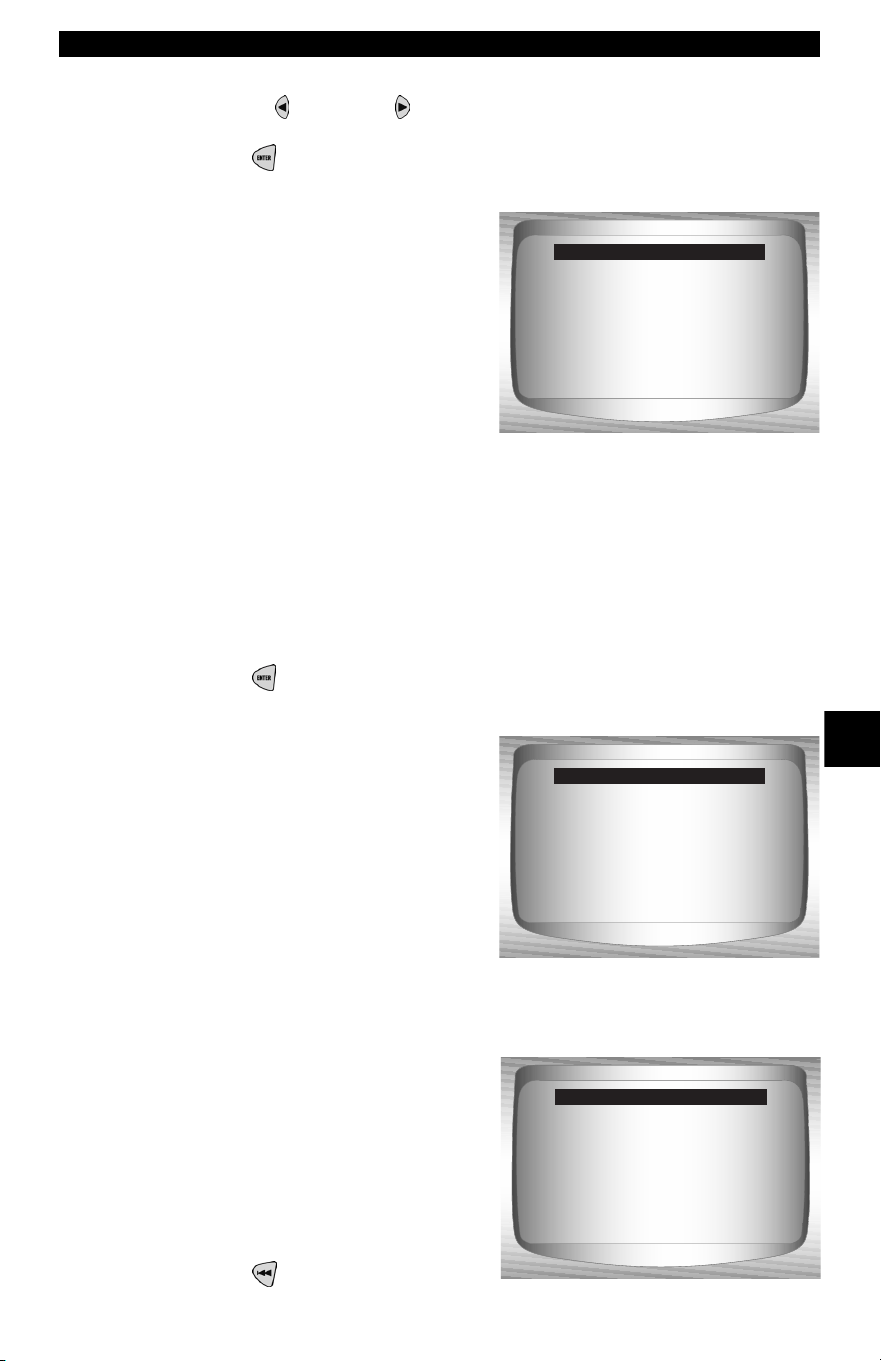
• • • • • • • • • • • • • • • • • • • • • • • • • • • • • • • • • • • • • • • • • • • • • • • • • • • • • • • • 6 – 21
Ford Historic (OBD I) Diagnostics
6
4. Wiggle Test instructions.
•Use the LEFT or RIGHT arrow key to view wiggle test
instructions or not.
•Press
ENTER to continue.
✓ Instructions are available for
viewing. The default is Yes. If No is
selected, the test begins to
initialize.
✓ If Yes is selected, the following instructions appear.
❒ Gently tap and shake the sensor.
❒ Wiggle the sensor connectors.
❒ Twist and shake the wiring between the sensor and the PCM.
5. Start KOEO/KOER Wiggle Test.
•Press
ENTER.
✓ After the 10-second initialization
period, the Scan Tool is ready for
the Wiggle Test. Locate the
suspect sensor or circuit
according to the above
instructions.
✓ If a fault is detected, the Scan Tool
beeps and displays a FAULT
PRESENT message. A DTC(s) is
stored in the PCM and the Scan
Tool .
6. Return to On Demand Test
Menu.
•Press
BACK.
View instructions
for wiggle test?
<Yes> No
KOEO Wiggle Test
Wiggle Test Running.
Status:
*** Circuit OK ***
KOEO Wiggle Test
Wiggle Test Running.
Status:
*** Fault Present ***
KOEO Wiggle Test
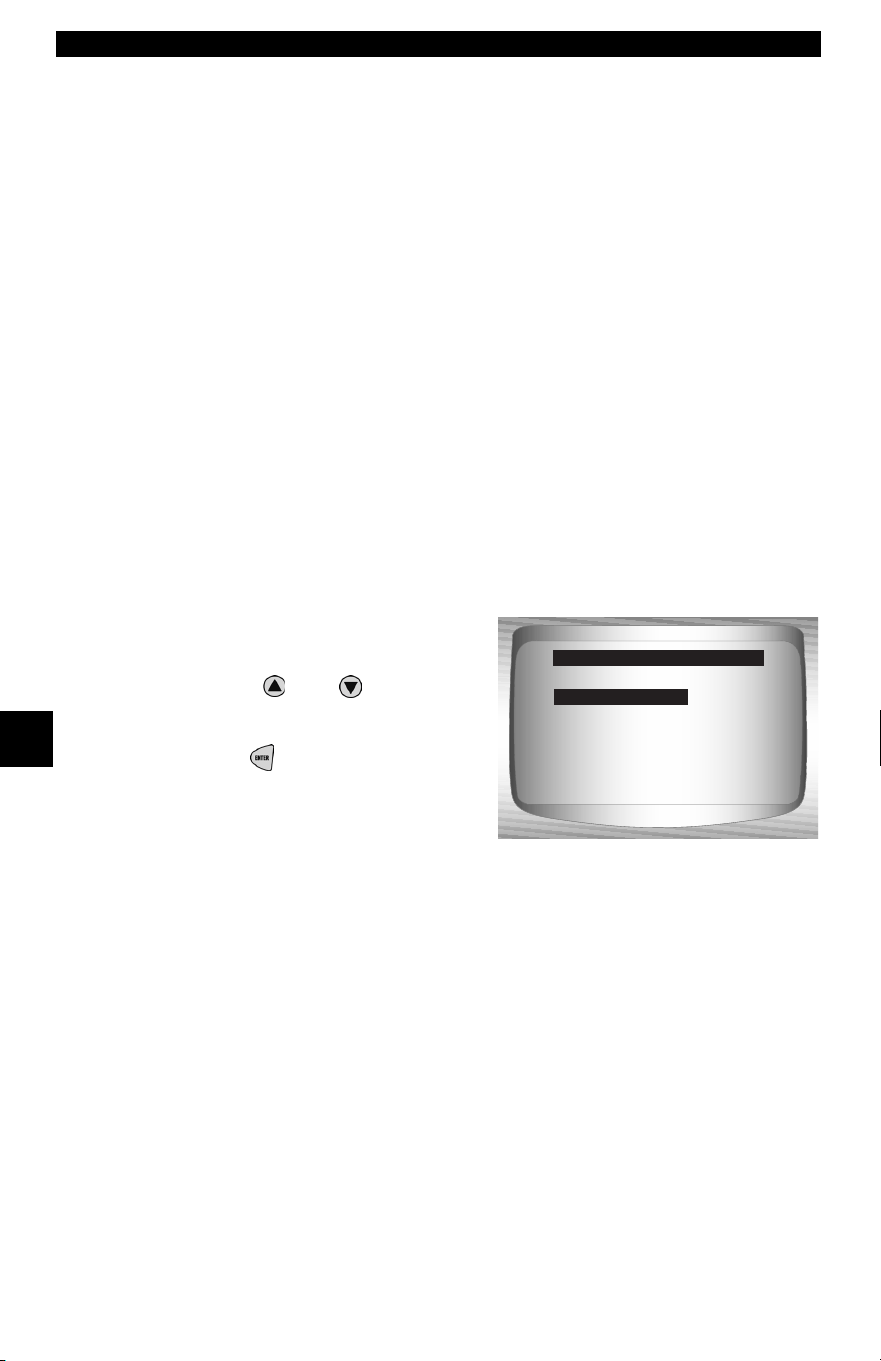
Ford Historic (OBD I) Diagnostics
6 – 22 • • • • • • • • • • • • • • • • • • • • • • • • • • • • • • • • • • • • • • • • • • • • • • • • • • • • • • • •
6
✓ Perform the “Read KOEO Codes” on page 6-7 to retrieve the
DTC(s) set during wiggle test.
✓ After making all repairs, perform “Erase Codes” on page 6-13 to
clear the memory.
Output Switch Test (EEC-IV Vehicles)
✓ The Output Sw (Switch) Test, also known as the Output State
Check, is used to check the operation of the computer-controlled
relays and solenoids on EEC-IV vehicles. The user can
troubleshoot circuits using a voltmeter to measure voltage at the
relays and solenoids in both energized and non-energized
conditions. Record all measurments for reference.
✓ Fuel injectors are NOT energized during this test.
✓ On vehicles equipped with Integrated vehicle speed control
(IVSC), failure to disconnect the vacuum supply hose from the
speed control servo energizes the speed control solenoids.
From the On Demand Test Menu:
1. Select Output Sw Test.
•Use the
UP
or
DOWN
arrow
keys until Output Sw Test is
highlighted.
•Press
ENTER.
Wiggle Test
Output Sw Test
Cyl Balance Test
STAR Test Mode
Review Data
Print Data
Tool Setup
On Demand Test Menu
Output Sw Test
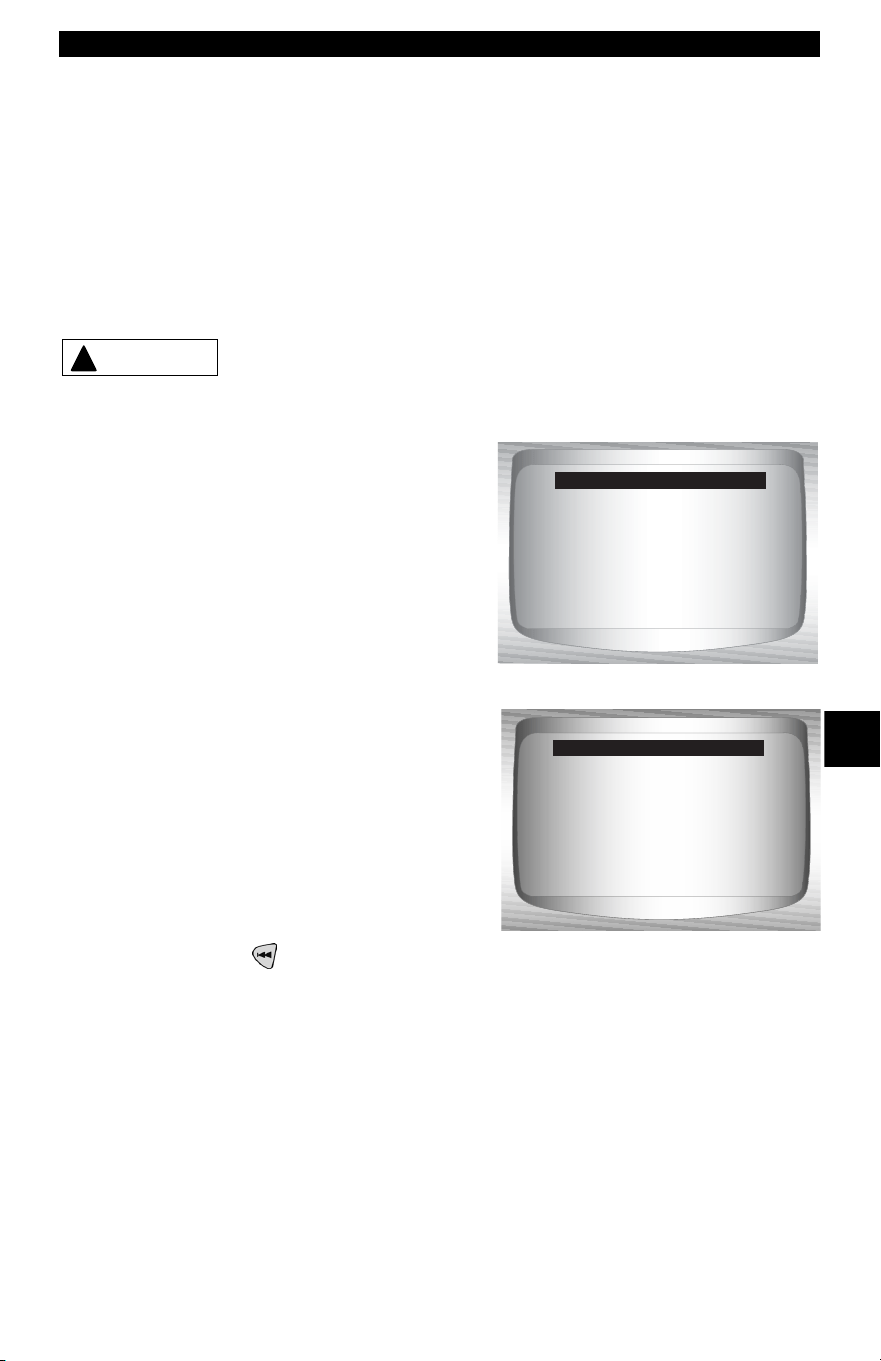
• • • • • • • • • • • • • • • • • • • • • • • • • • • • • • • • • • • • • • • • • • • • • • • • • • • • • • • • 6 – 23
Ford Historic (OBD I) Diagnostics
6
2. Perform the following:
1) Set parking brake.
2) Transmission in park (P) or neutral (N).
3) Turn A/C off.
4) Start engine and let idle until hot.
5) Turn ignition key off.
6) Wait 10 seconds.
7) Turn key on engine off. Do not start engine.
Avoid cooling fan! It may turn on during test.
✓ The test screen indicates the time
remaining. Do not touch vehicle or
tools during this time until the next
screen appears.
3. Toggle relays and solenoids.
✓ Press the accelerator pedal fully to
turn ON relays and solenoids. Do
the same to turn them off. This can
be repeated as many times as
required to locate the fault.
4. Return to On Demand Test
Menu.
•Turn the ignition key off.
•Press
BACK.
!
CAUTION
Time remaining: 2:35
Output Switch Test
Precedure runs less
than 3 minutes.
Relays & soleniods
are *Off*.
Depress release
throttle fully to
turn on.
Output Switch Test
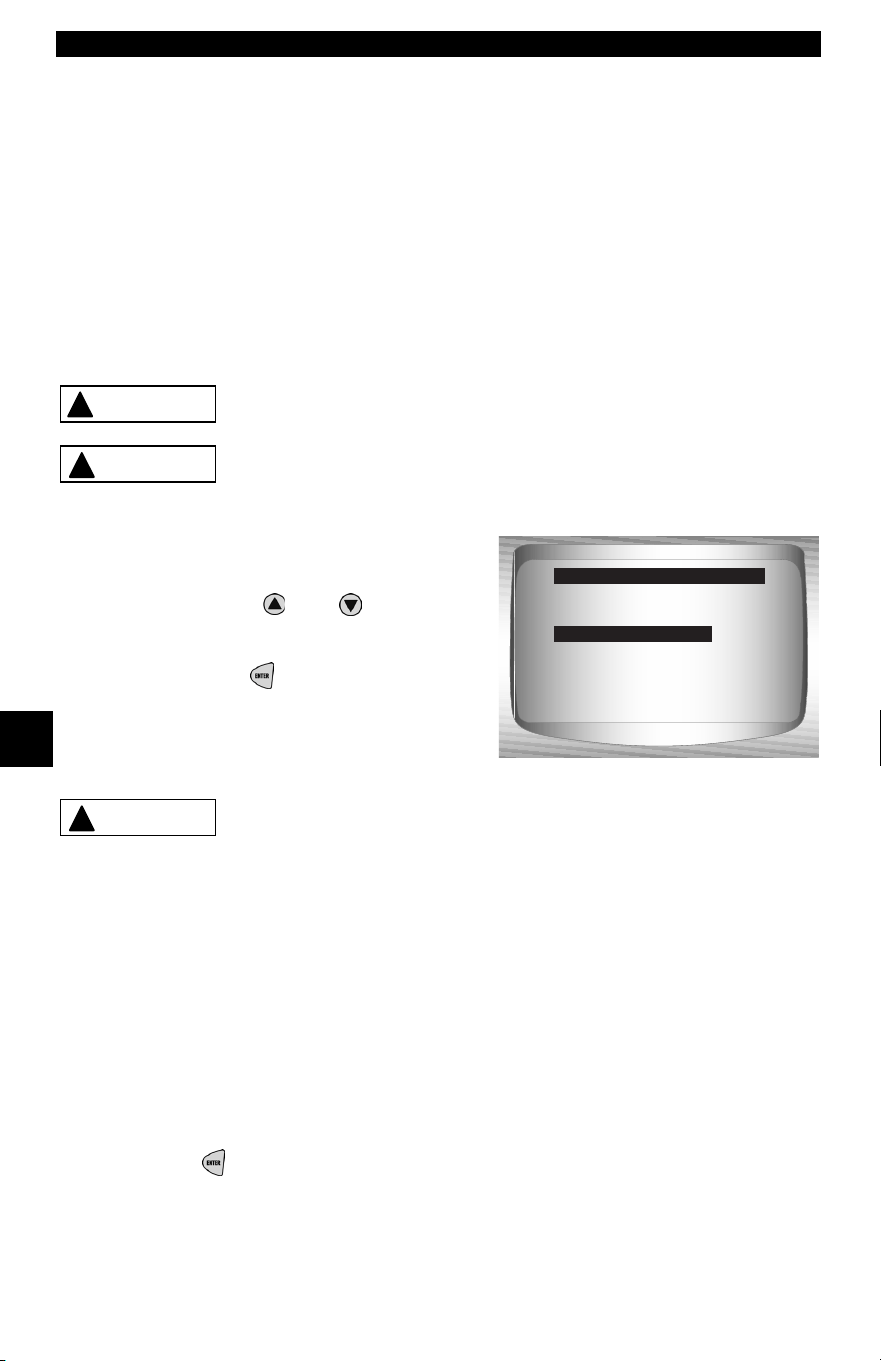
Ford Historic (OBD I) Diagnostics
6 – 24 • • • • • • • • • • • • • • • • • • • • • • • • • • • • • • • • • • • • • • • • • • • • • • • • • • • • • • • •
6
Cylinder (Cyl) Balance Test (EEC-IV Vehicles)
✓ The Cyl Balance Test is only applicable to engines equipped with
EEC-IV Sequential Electronic Fuel Injection (SEFI or SFI).
✓ The Cyl Balance Test identifies a weak cylinder(s) on EEC-IV
vehicles. A weak cylinder may be caused by low compression,
poor valve seating, fouled spark plugs, damaged fuel injectors,
and other cylinder faults. The PCM shuts off the fuel supply to each
cylinder and measures the RPM drop. The PCM then calculates
variations between cylinders thus identifying the weak ones.
Exhaust gases are harmful or lethal. Always
operate vehicle in a well-ventilated area.
The Cyl Balance Test is done with the engine
running. Do not over-rev engine. Observe all safety
precautions.
From the On Demand Test Menu:
1. Select Cyl Balance Test.
•Use the
UP
or
DOWN
arrow
keys until Cyl Balance Test is
highlighted.
•Press
ENTER.
Keep hands and tools away from fan and engine
during test.
2. Perform the following:
1) Set parking brake.
2) Transmission in park (P) or neutral (N).
3) Turn A/C off.
4) Start engine and let idle until hot.
5) Turn ignition key off.
6) Wait 10 seconds. Start engine and let idle.
7) If vehicle is equipped with a manual transmission, release clutch.
Press
ENTER to continue.
!
WARNING
!
CAUTION
Wiggle Test
Output Sw Test
Cyl Balance Test
STAR Test Mode
Review Data
Print Data
Tool Setup
On Demand Test Menu
Cyl Balance Test
!
CAUTION
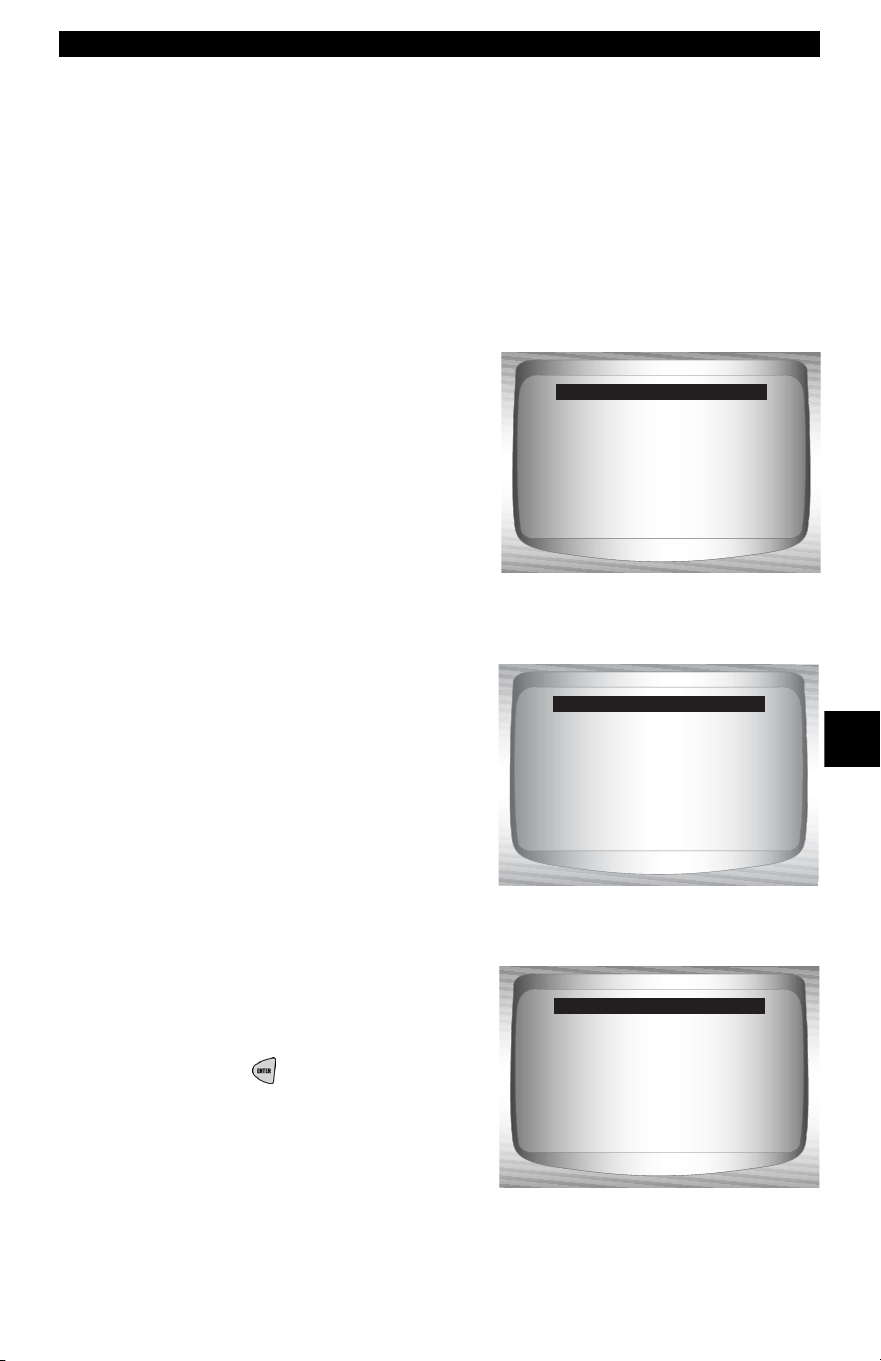
• • • • • • • • • • • • • • • • • • • • • • • • • • • • • • • • • • • • • • • • • • • • • • • • • • • • • • • • 6 – 25
Ford Historic (OBD I) Diagnostics
6
3. Wait for the Cylinder ID.
•Follow all user prompts:
❒ Work steering wheel
❒ Pump brake pedal and cycle overdrive (OD) cancel switch.
✓ Observe the screen for the prompt to perform the next action.
❒ Quickly press and release the throttle. One time only!
✓ If no DTC is present, continue with
the paragraph following the note
below. If any DTC(s) are present,
the Cyl Balance Test stops and
the Scan Tool displays the screen
to the right.
✓ Select YES to review the DTC(s),
then turn engine off. Record them
and make repairs before repeating
the Cyl Balance Test.
✓ In the next step, do not touch any
vehicle or Scan Tool keys while the
test is running. Allow engine to idle.
Engine speed may drop or become
uneven — this is normal.
4. Start Cyl Balance Test.
•Depress and release the
throttle halfway within the next
1.5 minutes.
•Press
ENTER to continue.
•Do not move the throttle.
Correct all faults
and rerun test.
View fault codes?
<YES> NO
Cyl Balance Test
Running test.
Don't move throttle.
Test under 5 min.
Cyl Balance Test
Time remaining 4:45
Fully depress and
release the trottle
once in next
1.5 min.
Press ENTER to cont.
Cyl Balance Test
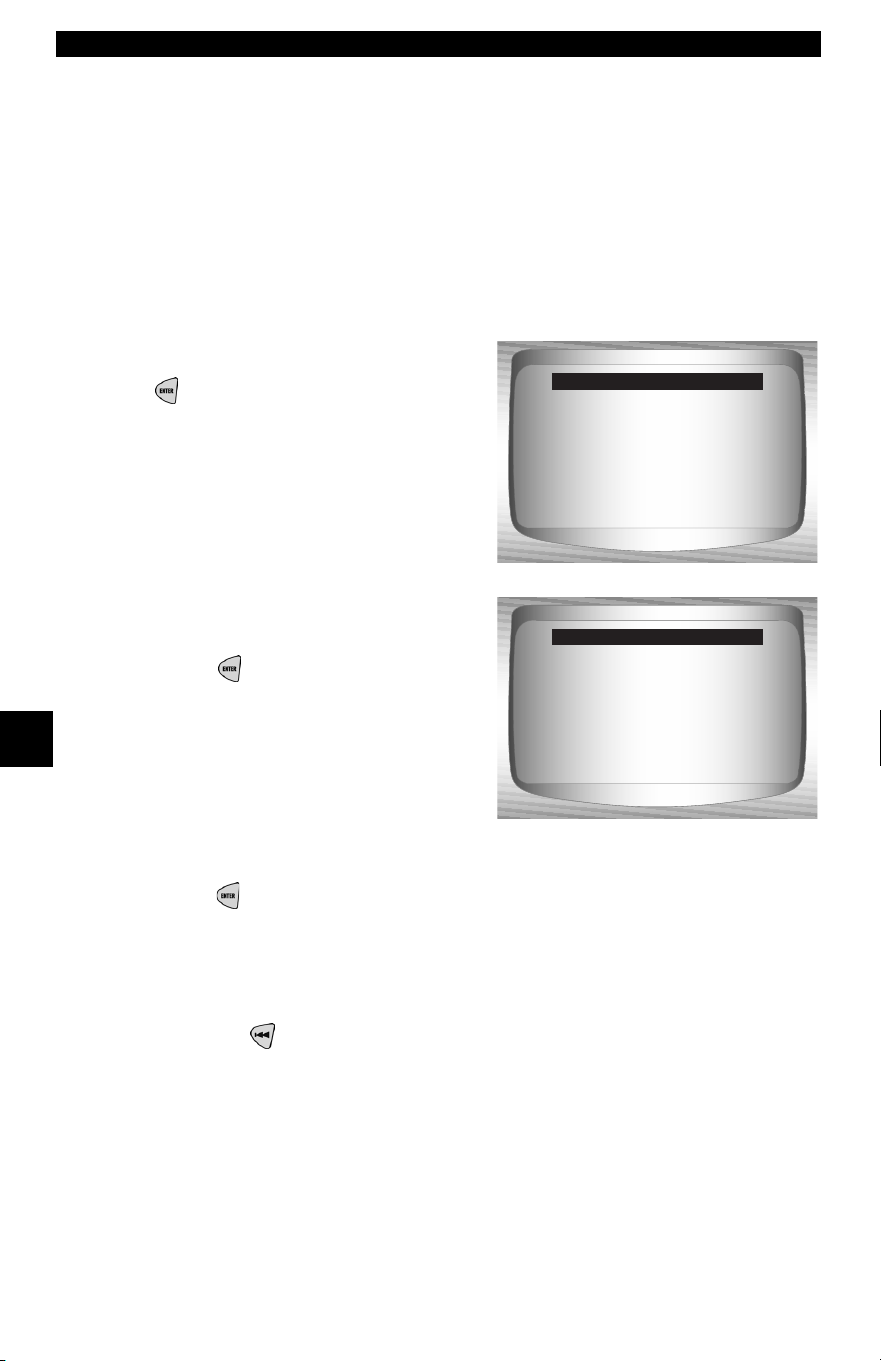
Ford Historic (OBD I) Diagnostics
6 – 26 • • • • • • • • • • • • • • • • • • • • • • • • • • • • • • • • • • • • • • • • • • • • • • • • • • • • • • • •
6
✓ If throttle is moved after pressing and releasing the Scan Tool
displays an error message indicating the test failed due to throttle
movement.
✓ Noise from the throttle position sensor (TPS) may cause the test
to abort even though the throttle was not moved.
5. View test results.
✓ If the engine operates properly, the
screen to the right displays. Press
ENTER to continue.
✓ If a problem exists with one or
more cylinders, the Scan Tool
displays a list of failed cylinder(s).
Press
ENTER to continue.
✓ Refer to the applicable service
manual for cylinder numbering
sequence. Cylinder failure may be
caused by faulty injectors, sparks
plugs, or wiring.
✓ Press ENTER to continue — the Scan Tool prompts the user to
retest (up to three times). If required, rerun the test to double check
the results, or to check for weaker or dead cylinders.
6. Return to On Demand Test Menu.
•Press
BACK.
Stage 1 completed.
Code 90: Cylinder
balance test passed.
Press ENTER to cont.
Cyl Balance Test
Stage 1 completed.
Failed cylinders:
1
Press ENTER to cont.
Cyl Balance Test
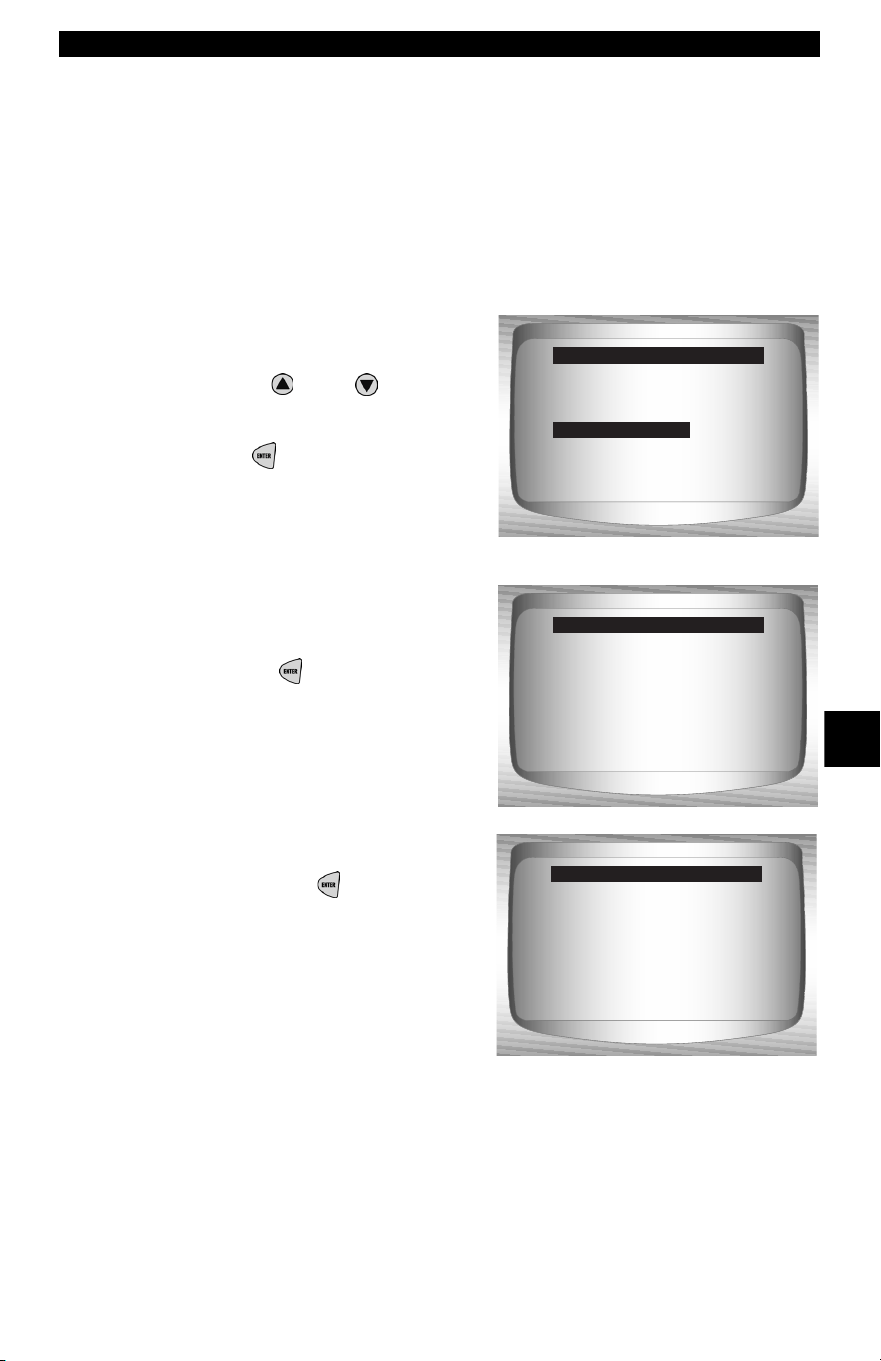
• • • • • • • • • • • • • • • • • • • • • • • • • • • • • • • • • • • • • • • • • • • • • • • • • • • • • • • • 6 – 27
Ford Historic (OBD I) Diagnostics
6
STAR Test Mode (EEC-IV, MECS and MCU Vehicles)
✓ The STAR Test Mode can be used to retrieve DTCs from the PCM
or other self-test automatic readout (STAR) compatible controllers
installed in the vehicle. STAR Test Mode functions largely the
same way and serves the same purpose as running KOEO and
KOER tests. It is generally used as a last resort to check for DTCs
in systems which may not be covered by KOEO and KOER testing
(i.e. - Computer Ride Control suspension systems).
From the On Demand Test Menu:
1. Select STAR Test Mode.
•Use the
UP
or
DOWN
arrow keys until STAR Test
Mode is highlighted.
•Press
ENTER.
2. Follow the instructions on
the Scan Tool screen to
access DTCs from the PCM.
•Pressing
ENTER begins test.
✓ The TEST/HOLD parameter
indicates the state of the self-test
input (STI). The
ENTER key
toggles this state from TEST to
HOLD.
Wiggle Test
Output Sw Test
Cyl Balance Test
STAR Test Mode
Review Data
Print Data
Tool Setup
On Demand Test Menu
STAR Test Mode
STO:
Test/Hold On: Hold
ENTER to test.
Star Mode
STO: Low
Test/Hold On: Test
ENTER to hold.
Star Mode
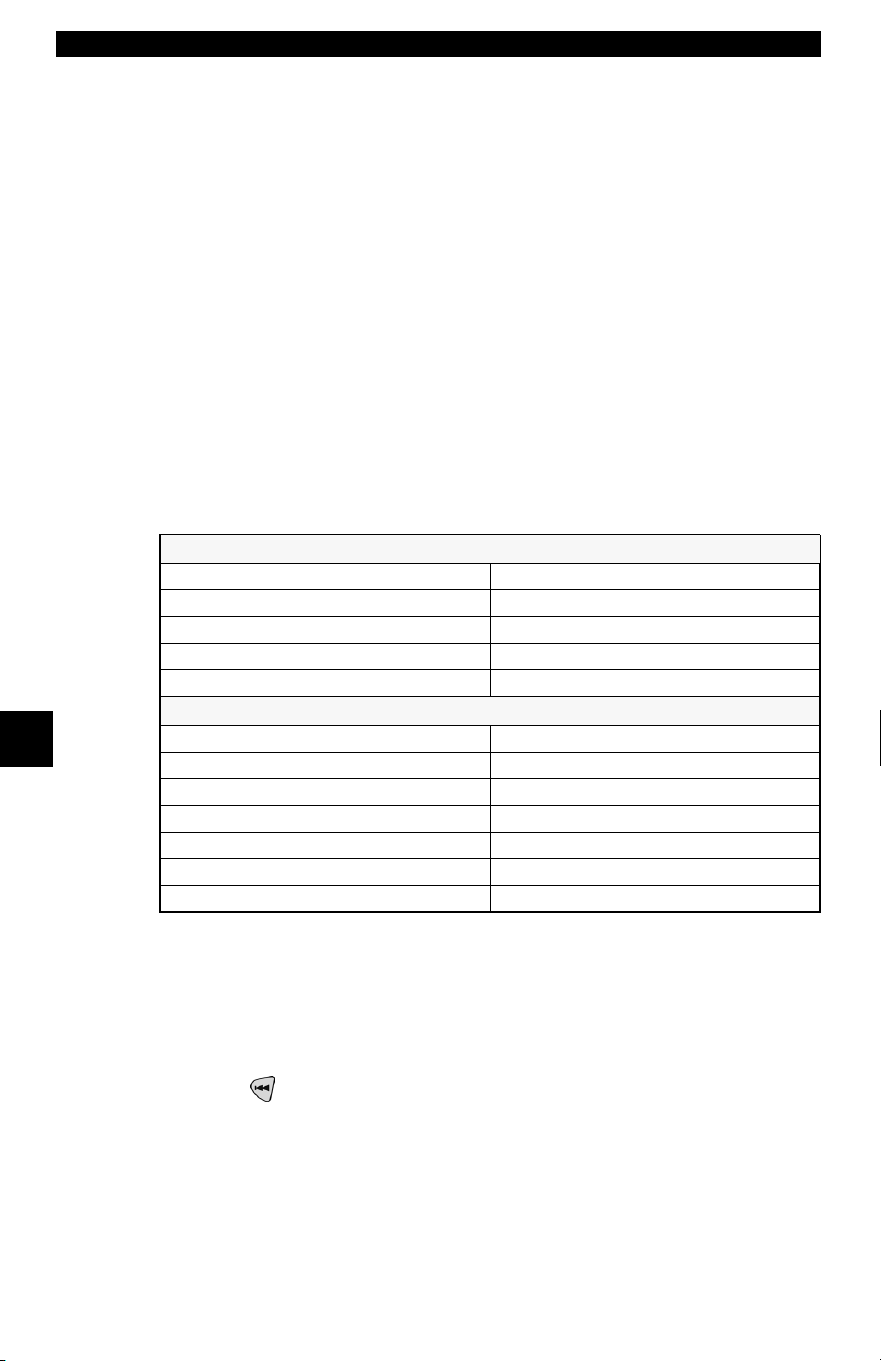
Ford Historic (OBD I) Diagnostics
6 – 28 • • • • • • • • • • • • • • • • • • • • • • • • • • • • • • • • • • • • • • • • • • • • • • • • • • • • • • • •
6
✓ With the STI in the TEST state, the self-test begins. The Self-Test
Output (STO) parameter flashes either a HIGH or LOW. A beep
accompanies each LOW flash. Write down the 2– digit or 3 – digit
code for reference.
✓ Disregard the blink which may occur when ignition key is turned
on. Depending on the vehicle being tested, determines if a three
digit or 2 digit code is used. If required, refer to the service manual
for applicable code structure.
❒ A digit consists of consecutive LOW flashes or beep — count
the number of LOWs for the digit
❒ A short HIGH (short pause) occurs between digits.
❒ A long HIGH (long pause) occurs between codes.
❒ There is no flash for the digit 0 (zero).
✓ After all codes are sent, the series repeats once and then stops.
An example is shown below
.
✓ If necessary, refer to an appropriate service manual for the
procedure on how to use STAR Test Mode for the specific vehicle
under test.
3. Return to the On Demand Test Menu.
•Press
BACK.
A Three-Digit DTC (214) will Flash as follows:
STO: LOW-LOW =2XX (Hundreds Place =2)
STO: HIGH Short Pause
STO: LOW =21X (Tens Place =1)
STO: HIGH Short Pause
STO: LOW-LOW-LOW-LOW =214 (Ones Place =4)
Two-Digit DTCs (12, 42) will Flash as follows:
STO: LOW =1X (Tens Place =1)
STO: HIGH Short Pause
STO: LOW-LOW =12 (One’s Place =2)
STO: HIGH Long Pause (Between DTCs)
STO: LOW-LOW-LOW-LOW =4X (Tens Place =4)
STO: HIGH Short Pause
STO: LOW-LOW =42 (Ones Place =2)
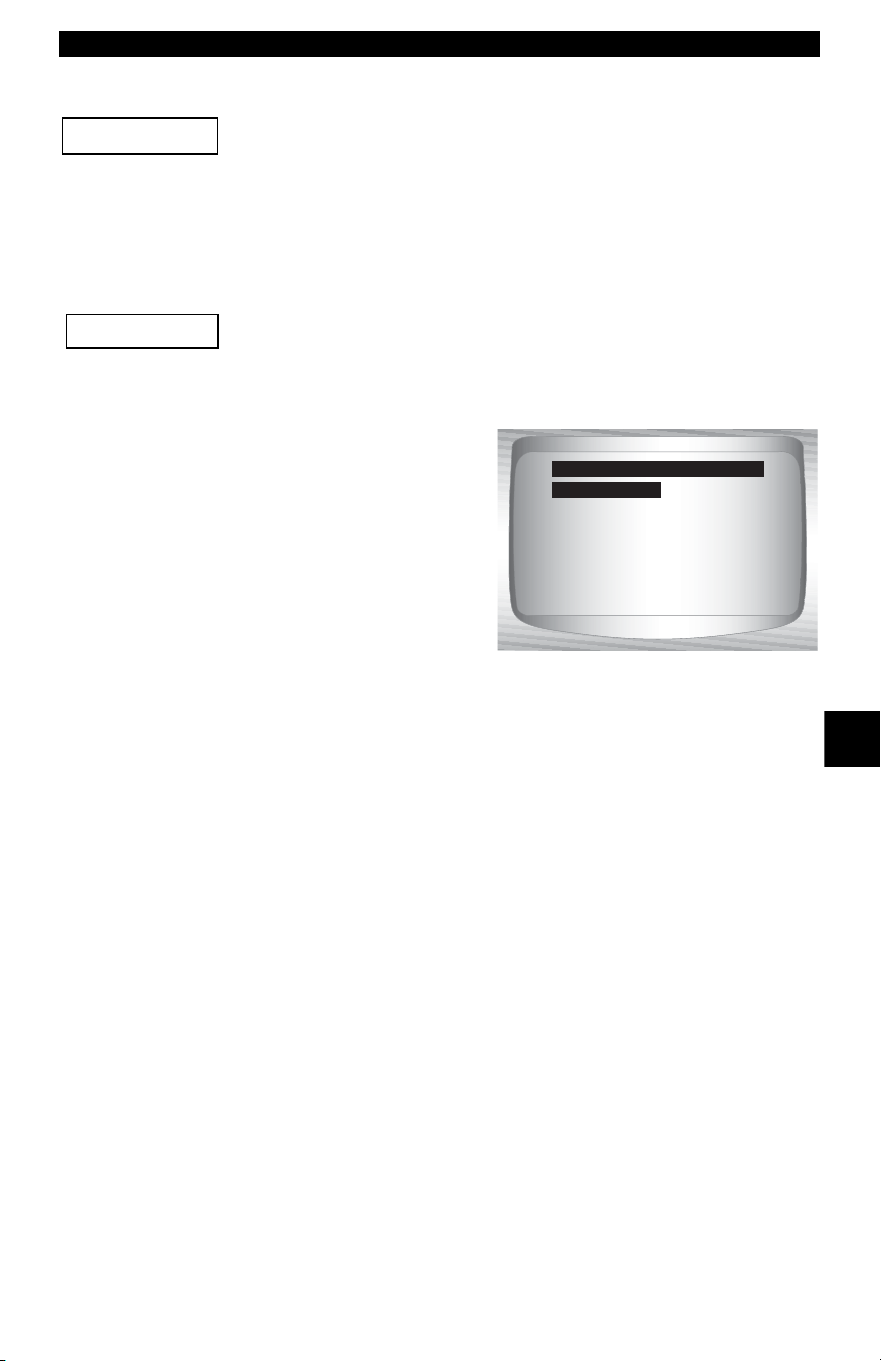
• • • • • • • • • • • • • • • • • • • • • • • • • • • • • • • • • • • • • • • • • • • • • • • • • • • • • • • • 6 – 29
Ford Enhanced (OBD II) Diagnostics
6
Ford Enhanced (OBD II) Diagnostics
This system applies to Ford vehicles manufactured from
1996 to present. Some vehicles in 1994 and 1995 were
equipped with the EEC-V system. Refer to “
Appendix B -
Data Link Connectors
"
Ford Function List
All items marked with “-” are covered in section 3 or 4.
These items are not covered in this section.
✓ The Ford Function List is broken
down into the following menus:
❒ Datastream Menu
– Review Data
–Print Data
–Tool Setup
❒ Diagnostic Codes Menu
❒ Read Codes
– Pending Codes
– Erase Codes
– View Freeze Data
– Review Data
–Print Data
– Code Lookup
–Tool Setup
(List Continued)
IMPORTANT
IMPORTANT
Datastream
Diagnostic Codes
Special Tests
Review Data
Print Data
Tool Setup
Ford Function List
Datastream

Ford Enhanced (OBD II) Diagnostics
6 – 30 • • • • • • • • • • • • • • • • • • • • • • • • • • • • • • • • • • • • • • • • • • • • • • • • • • • • • • • •
6
– Special Tests Menu
– I/M Readiness
– Drive Cycle Monitor
– State OBD Check
–O2 Monitor Test
– Diagnostic Monitor Test
– On-Board Systems
– Vehicle Information
– Modules Present
– Review Data
–Print Data
–Tool Setup
❒ Review Data
❒ Print Data
•I/M Readiness
•State OBD Check
•Read Codes
•Pending Codes
•Freeze Frame
•O2 Monitor Test
•Diagnistic Monitor Test
•Playback
•Vehicle Information
✓ For Ford Enhanced diagnostics, the above functions have data to
review or print. For Review/Print Data instructions, refer to the
appropriate page in Using The Scan Tool.
• • • • • • • • • • • • • • • • • • • • • • • • • • • • • • • • • • • • • • • • • • • • • • • • • • • • • • • • 6 – 31
Ford Enhanced (OBD II) Diagnostics
6
– Tool Setup Menu
– English/Metric
– Contrast Adjust
– Beeper
– Setup User Key
If the function is not supported by the vehicle, the Scan Tool
does not display it.
✓ If an Error Message displays, make sure the OBD II connector
is securely attached, and the ignition key is on. Cycle the ignition
key to off for 10 seconds, then on. This may be required to reset
the computer. If required, select yes to try again. If the problem still
exists, refer to Error Messages on page 9-2.
Diagnostic Codes Menu
All items marked with “-” are covered either in section 3 or
4. These items are not covered in this section.
❒ Diagnostic Codes Menu
– Read Codes
– Pending Codes
– Erase Codes
– View Freeze Data
– Review Data
–Print Data
– Code Lookup
–Tool Setup
Read Codes
✓ The Read Codes function retrieves DTCs from the vehicle’s
computer module(s). This function can be performed KOEO or
KOER. The Read Codes function retrieves all DTCs (MIL,
non-MIL and Pending) stored in the vehicle’s computer module(s).
IMPORTANT
IMPORTANT
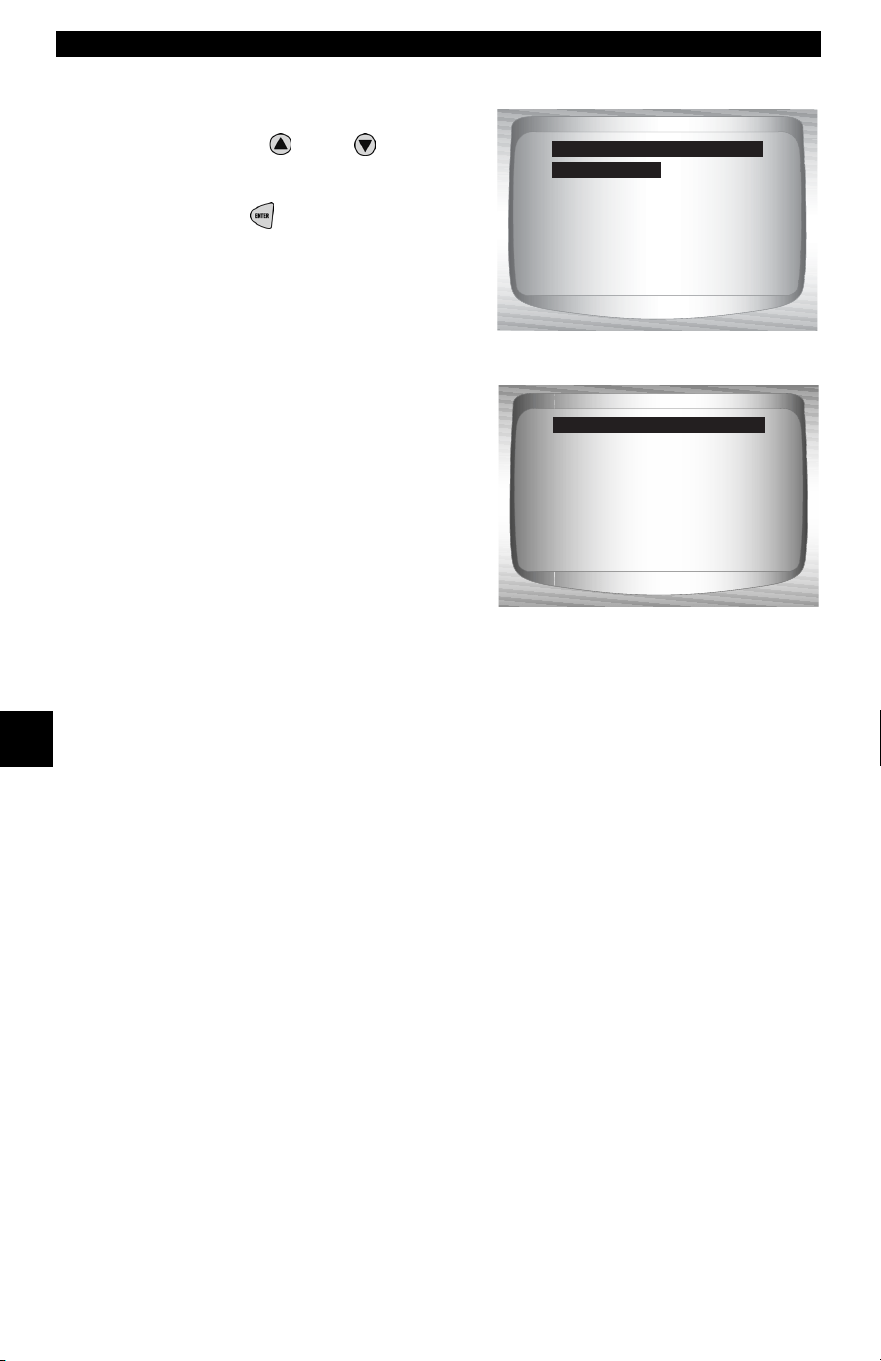
Ford Enhanced (OBD II) Diagnostics
6 – 32 • • • • • • • • • • • • • • • • • • • • • • • • • • • • • • • • • • • • • • • • • • • • • • • • • • • • • • • •
6
From the Diagnostic Codes Menu:
1. Select Read Codes.
•Use the
UP
or
DOWN
arrow keys until Read Codes
is highlighted.
•Press
ENTER.
✓ The Scan Tool retrieves the DTCs
stored in the vehicle’s computer
module(s).
✓ If no DTCs are present a message
stating System Pass: No faults
detected is displayed.
Datastream
Pending Codes
Erase Codes
View Fre eze Data
Review Data
Print Data
Code Lookup
Diagnostic Codes Menu
Read Codes
System Pass
No faults detected.
Read Codes
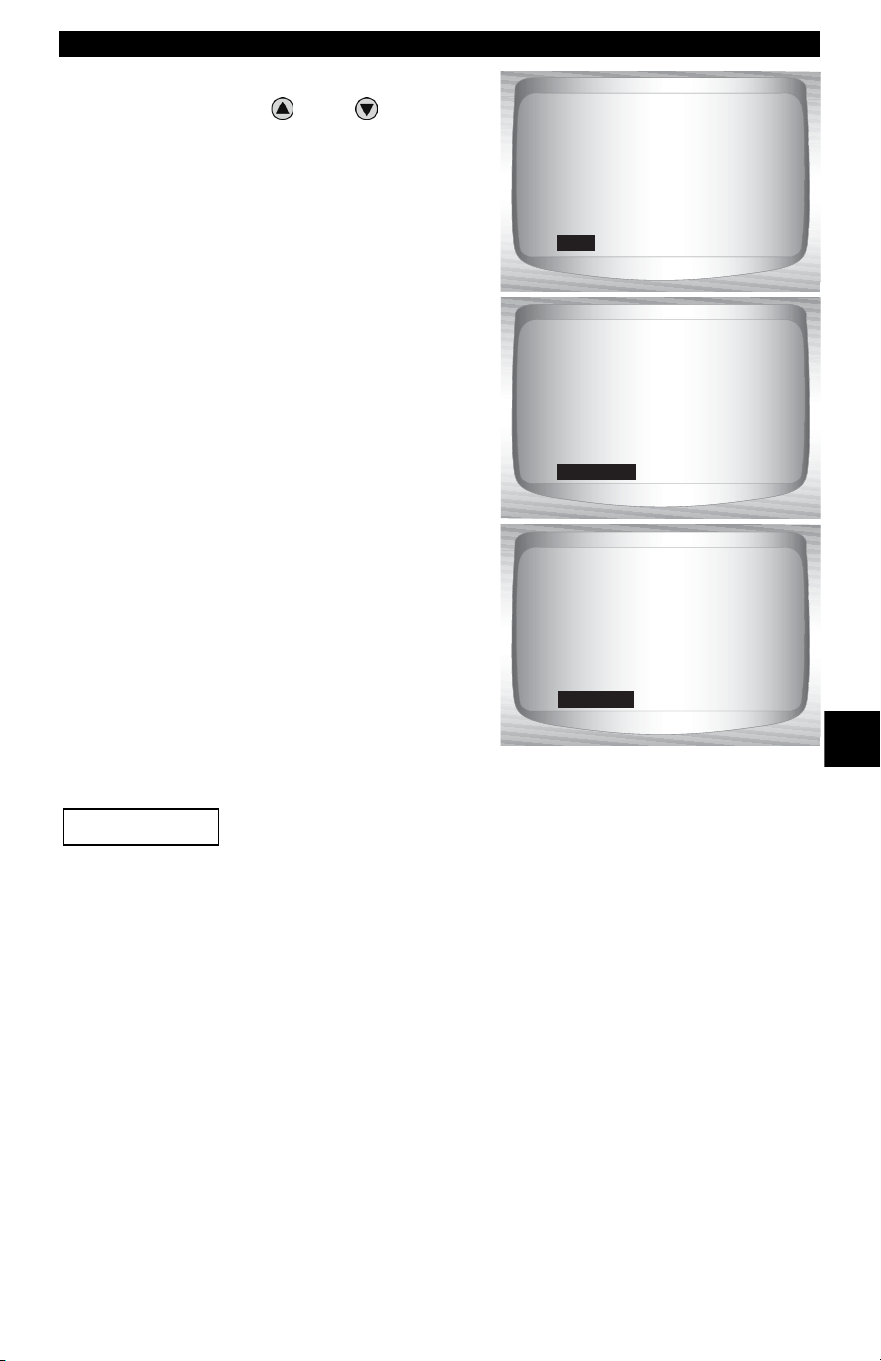
• • • • • • • • • • • • • • • • • • • • • • • • • • • • • • • • • • • • • • • • • • • • • • • • • • • • • • • • 6 – 33
Ford Enhanced (OBD II) Diagnostics
6
2. View and write down DTCs.
•Use the
UP
or
DOWN
arrow keys.
❒ In the examples shown:
❒ MIL indicates that this DTC has
turned on the MIL light.
❒ Pending Indicates a Global
OBD II pending code. Refer to
Pending Codes in Global OBD
II Diagnostics.
❒ Non-MIL is a DTC that is not
emission-related and did not
turn on the MIL light.
❒ ENG indicates the DTC is
stored in the engine or
powertrain computer.
❒ TRANS indicates that the DTC
is stored in the Transmission
computer.
Until all monitors have ran, the absence of a DTC does not mean the
fault has been fixed.
1 of 3
ENG
IAT Sensor 1
Circuit High Input
MIL
P0113
2 of 3
TRANS
Pending
Veh Spe ed Sensor
Out of range Self Test
PENDING
P1501
3 of 3
ENG
Immobilizer
Write Failure
NON-MIL
P1623
IMPORTANT

Ford Diagnostics
6 – 34 • • • • • • • • • • • • • • • • • • • • • • • • • • • • • • • • • • • • • • • • • • • • • • • • • • • • • • • •
6
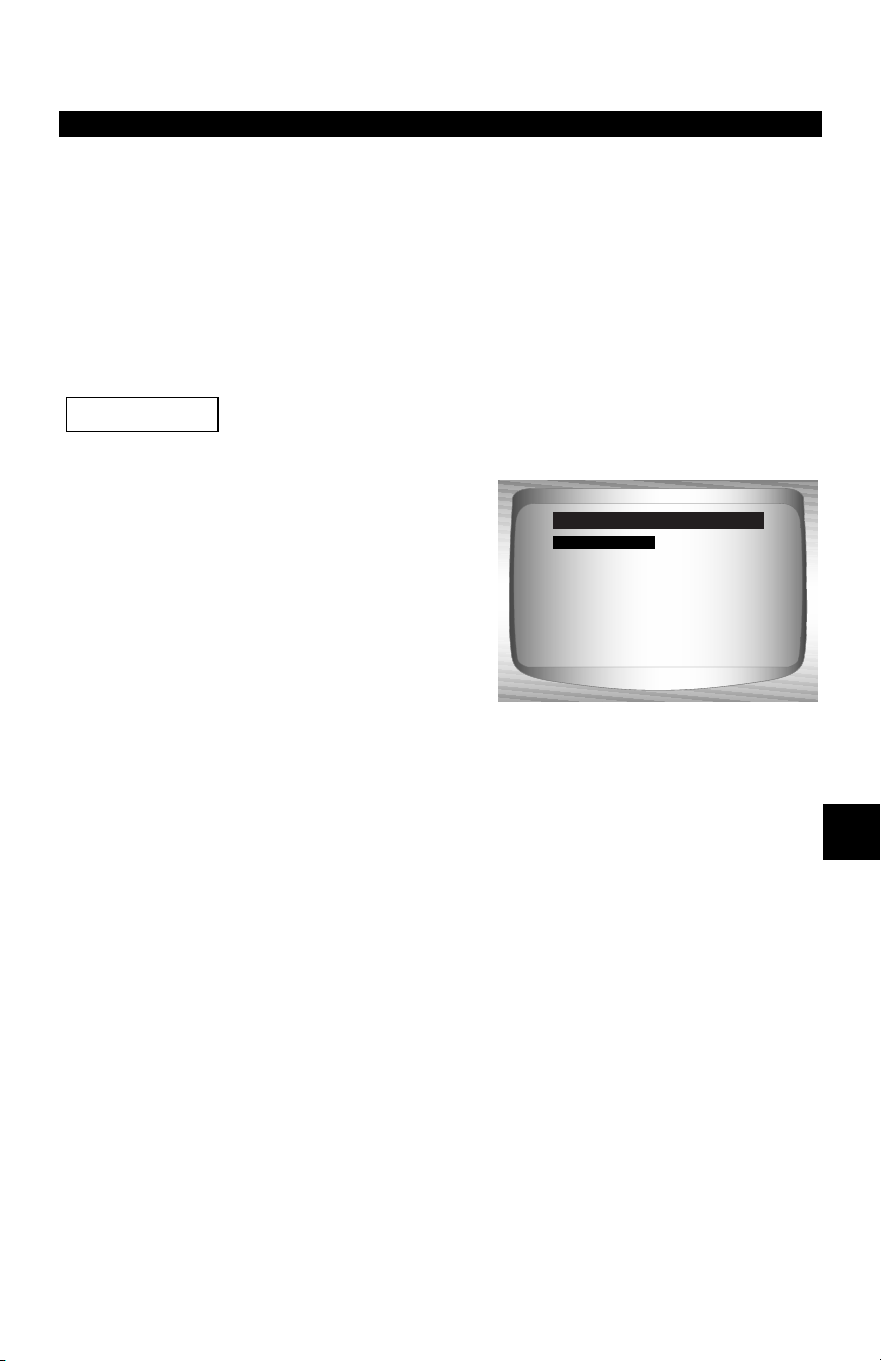
• • • • • • • • • • • • • • • • • • • • • • • • • • • • • • • • • • • • • • • • • • • • • • • • • • • • • • • • • 7 – 1
7
Section 7 – Chrysler Diagnostics
✓ Due to different processor calibrations used, all Chrysler functions
for a particular vehicle may or may not appear as shown. Based on
the vehicle information entered at the Vehicle Setup menu, the
Scan Tool recognizes the computer system installed.
Chrysler Function List
All items marked with “-” are covered in section 3 or 4.
These items are not covered in this section.
✓ The Chrysler Function List is
broken down into the following
menus:
❒ Datastream Menu
❒ View Data
❒ Record Data
❒ Sensor Test
– Review Data
–Print Data
–Tool Setup
❒ Diagnostic Codes Menu
❒ Read Codes
– Pending Codes
❒ Erase Codes
– View Freeze Data
– Review Data
–Print Data
– Code Lookup
–Tool Setup
(List Continued)
IMPORTANT
Datastream
Diagnostic Codes
Special Tests
Device Controls
Review Data
Print Data
Code Lookup
Chrysler Functions
Datastream
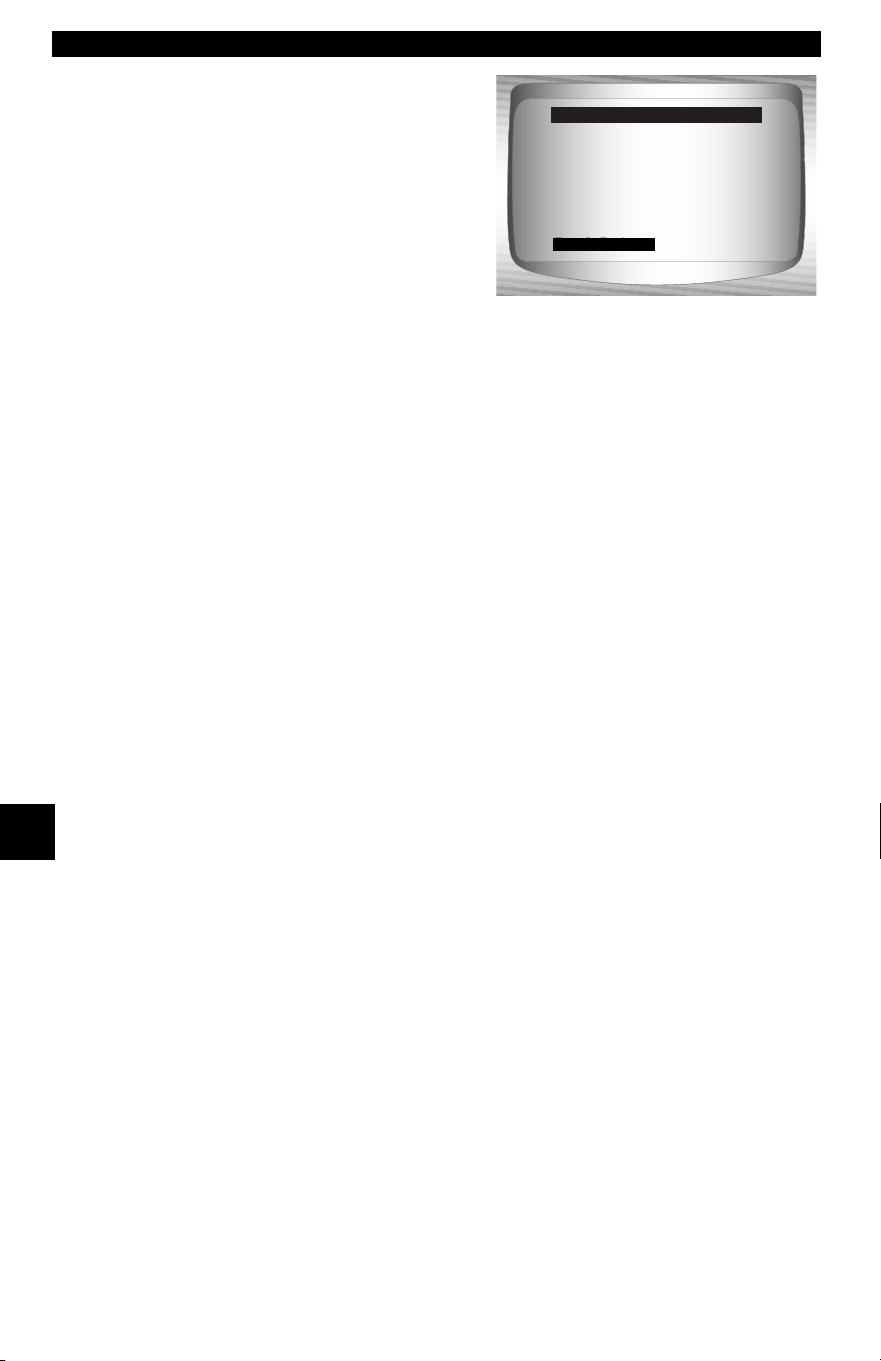
Chrysler Diagnostics
7 – 2 • • • • • • • • • • • • • • • • • • • • • • • • • • • • • • • • • • • • • • • • • • • • • • • • • • • • • • • •
7
❒ Special Tests Menu
– I/M Readiness
– Drive Cycle Monitor
– State OBD Check
– O2 Monitor Test
– Diagnostic Monitor Test
– On-Board Systems
– Vehicle Information
– Modules Present
– Review Data
–Print Data
–Tool Setup
❒ Device Controls Menu
❒ Switch Test
❒ Actuator Test
❒ Idle Speed Test
– Review Data
–Print Data
–Tool Setup
❒ Review Data
❒ Print Data
•I/M Readiness
•O2 Monitor Test
•Diagnostic Monitor Test
•Vehicle Information
•Modules Present
•Read Codes
•Pending Codes
•View Freeze Data
•Playback
•State OBD Check
(List Continued)
Diagnostic Codes
Special Tests
Device Controls
Review Data
Print Data
Code Lookup
Tool Setup
Chrysler Functions
Tool Setup

• • • • • • • • • • • • • • • • • • • • • • • • • • • • • • • • • • • • • • • • • • • • • • • • • • • • • • • • • 7 – 3
Chrysler Diagnostics
7
✓ The above stored infromation can be reviewed for Chrysler
vehicles. Refer to Review Data and Print Data in the Using the
Scan Tool section of this manual.
– Code Lookup
– Tool Setup Menu
– English/Metric
– Contrast Adjust
– Beeper
– Setup User Key
If the function is not supported by the vehicle, then the
Scan Tool does not display it.
✓ If an Error Message displays, make sure the adapter cable is
securely attached, and the ignition key is on. Cycle the ignition key
to off for 10 seconds, then on. This may be required to reset the
computer. If required, select yes to try again. If the problem still
exists, refer to “Error Messages” on page 9-2 of
Troubleshooting.
✓ Screens and functions may differ slightly for vehicle make and
year.
IMPORTANT
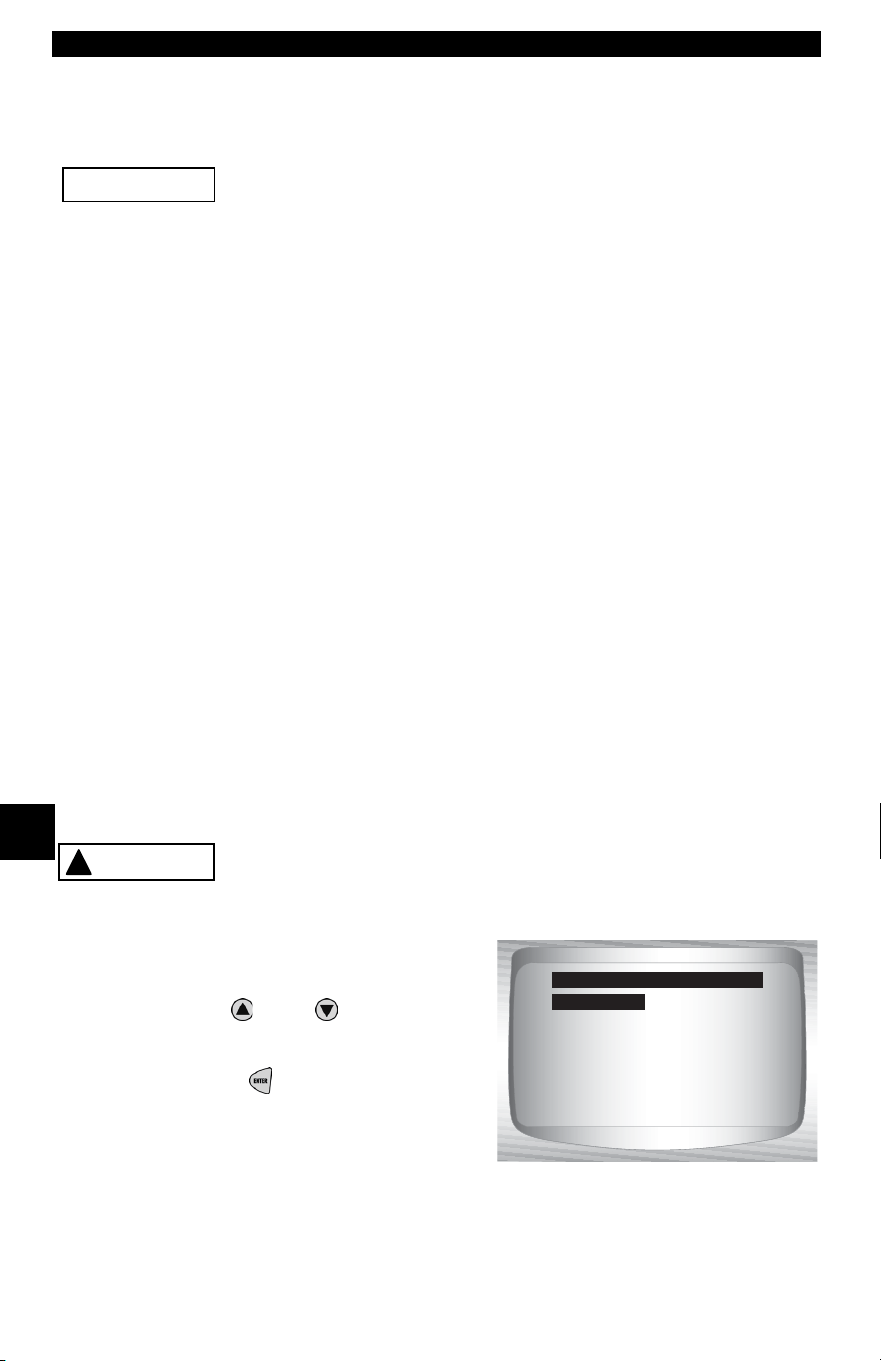
Chrysler Diagnostics
7 – 4 • • • • • • • • • • • • • • • • • • • • • • • • • • • • • • • • • • • • • • • • • • • • • • • • • • • • • • • •
7
Datastream Menu
All items marked with “-” are covered in section 3 or 4.
These items are not covered in this section.
❒ Datastream Menu
❒ View Data
❒ Record Data
❒ Sensor Test
– Review Data
–Print Data
–Tool Setup
View Data
✓ The View Data function allows the user to view the vehicle param-
eter identification (PID) data in real time. As the powertrain control
module (PCM) monitors PIDs, they are simultaneously transmitted
to the Scan Tool. The PIDs are continuously updated at the PCM’s
rate.
✓ In addition to reading codes, View Data is the most useful diag-
nostic function for isolating the cause of a vehicle operation prob-
lem. Viewing data is also used for observing sensor data and the
on/off state of switches, solenoids, and relays.
✓ View Data can be performed with the ignition key on-engine off
(KOEO) or key on engine running (KOER).
Never operate the Scan Tool while driving. Have another
person assist with the operation of the Scan Tool.
From the Datastream Menu:
1.Select View Data.
•Use
UP
or
DOWN
arrow
key until View Data is
highlighted.
•Press ENTER.
IMPORTANT
!
WARNING
View Data
Record Data
Sensor Test
Review Data
Print Data
Tool Setup
Datastream Menu
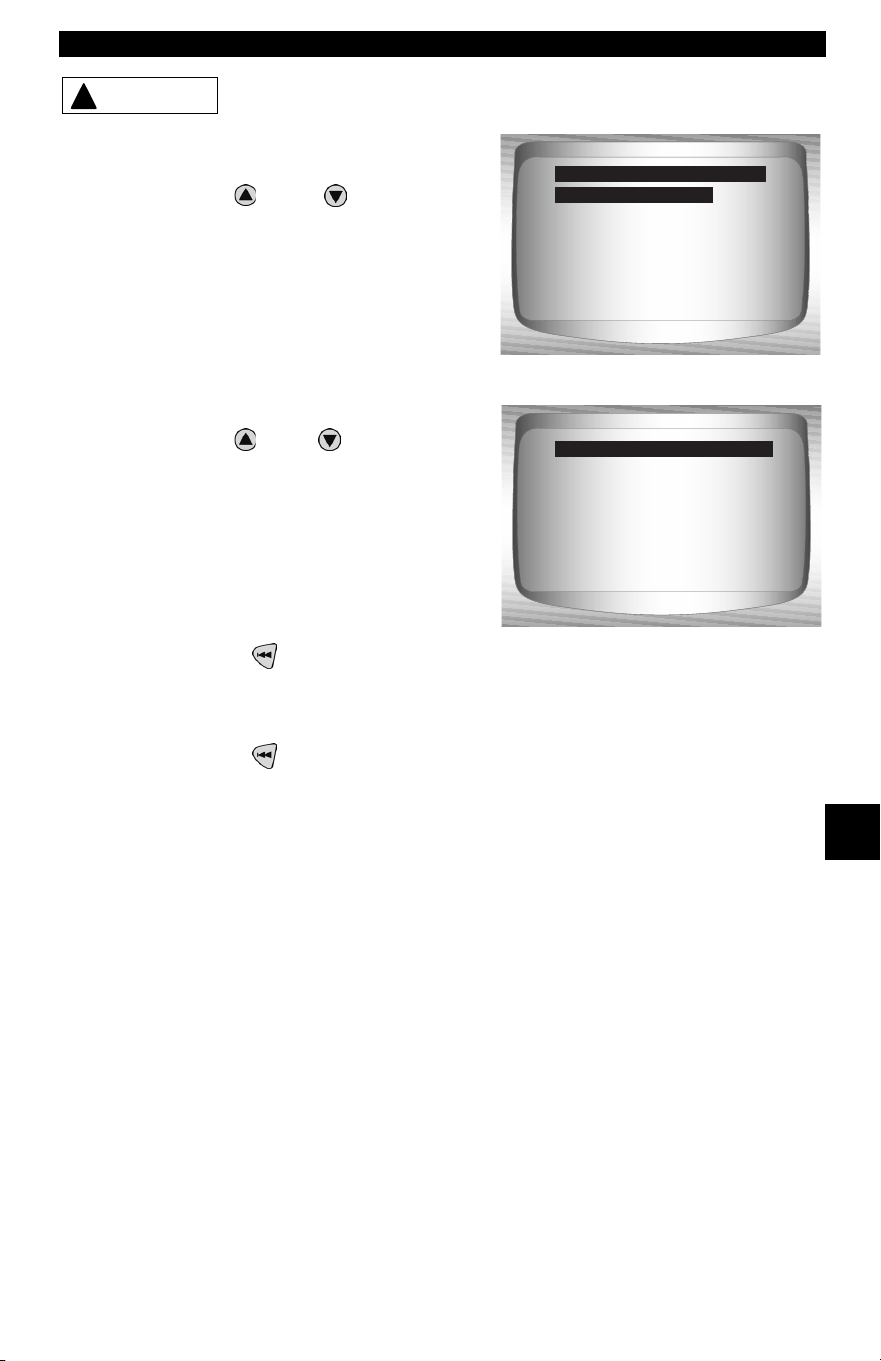
• • • • • • • • • • • • • • • • • • • • • • • • • • • • • • • • • • • • • • • • • • • • • • • • • • • • • • • • • 7 – 5
Chrysler Diagnostics
7
Keep hands and tools away from fan and engine
during test.
2. Select the type of data to
view.
•Use
UP
or
DOWN
arrow
key to highlight.
✓ For additional View Data informa-
tion, refer to “Section 4 - Global
OBD II Diagnostics"of this man-
ual.
3. View PIDs on Scan Tool.
•Use
UP
or
DOWN
arrow
keys.
✓ A n/a or - - - indicates the PID is not
used by the vehicle.
4. Change the selection of Cus-
tom Data List parameters.
•Press BACK.
5. Return to the Datastream Menu.
•Press BACK.
!
CAUTION
Entire Data List
Custom Data List
Customize Lines
English/Metric
Select Data to View
Entire Data List
15.5
A/C PRESS (V) 3.00
A/F RATIO 14:1
BARO PRESS ("Hg) 29.9
ABSLT TPS (%) 12.2
ENGINE (RPM) 2352
CALC LOAD (%) 83.1
MAF (LB/M) 0.57
A/C PRESS (psi)
A/C PRESS (psi) 15.5
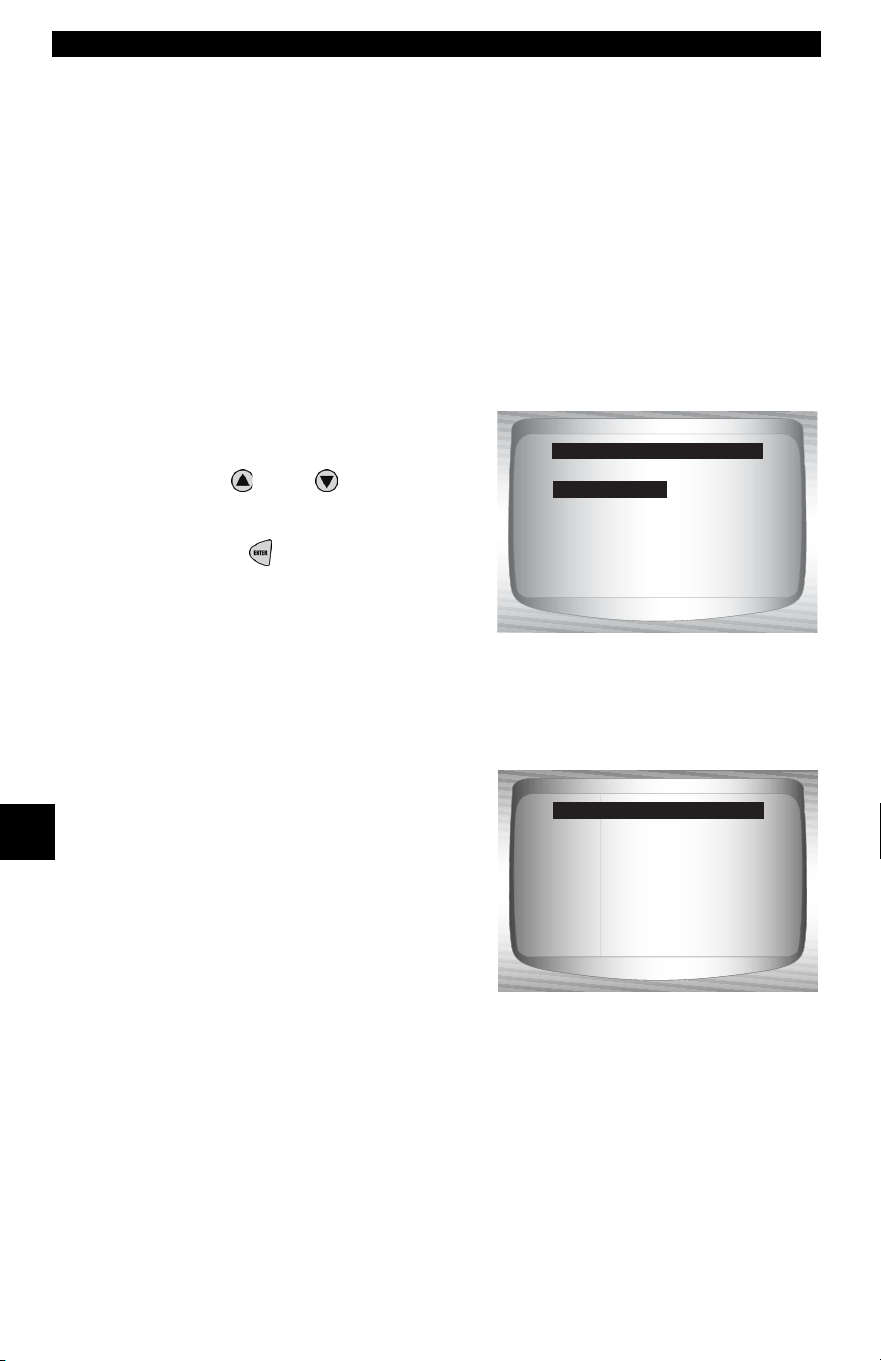
Chrysler Diagnostics
7 – 6 • • • • • • • • • • • • • • • • • • • • • • • • • • • • • • • • • • • • • • • • • • • • • • • • • • • • • • • •
7
Record Data
✓ The Record Data function records vehicle PID data while the vehi-
cle is parked or being driven. This function is mainly used for diag-
nosing intermittent driveability problems that cannot be isolated by
any other method.
✓ The Scan Tool records data based on time (5 frames prior to the
start of the recording, and for a duration after). The time after
depends on the vehicle data rate.
✓ The Record Data function allows diagnosis of an intermittent prob-
lem by analyzing data leading up to the problem, during the prob-
lem, and possibly after the problem, depending on duration.
From the Datastream Menu:
1.Select Record Data.
•Use
UP
or
DOWN
arrow
key until Record Data is
highlighted.
•Press ENTER.
✓ The Scan Tool can maintain only one recording at a time. Be sure
to thoroughly review the old recording before erasing it.
✓ If a recording currently exists in
memory, a message to Erase Old
Recording is displayed. The Scan
Tool stores only one recording at a
time, so be sure to review it before
erasing it.
•Next, turn the ignition key on. Engine can be off or running.
2. Refer to “Record Data” on page 4-9 of
Global OBD II Diagnostics.
View Data
Record Data
Sensor Test
Review Data
Print Data
Tool Setup
Datastream Menu
Previous recording
in memory. Do you
want to erase it and
make a new one?
<Yes> <No>
Record Data
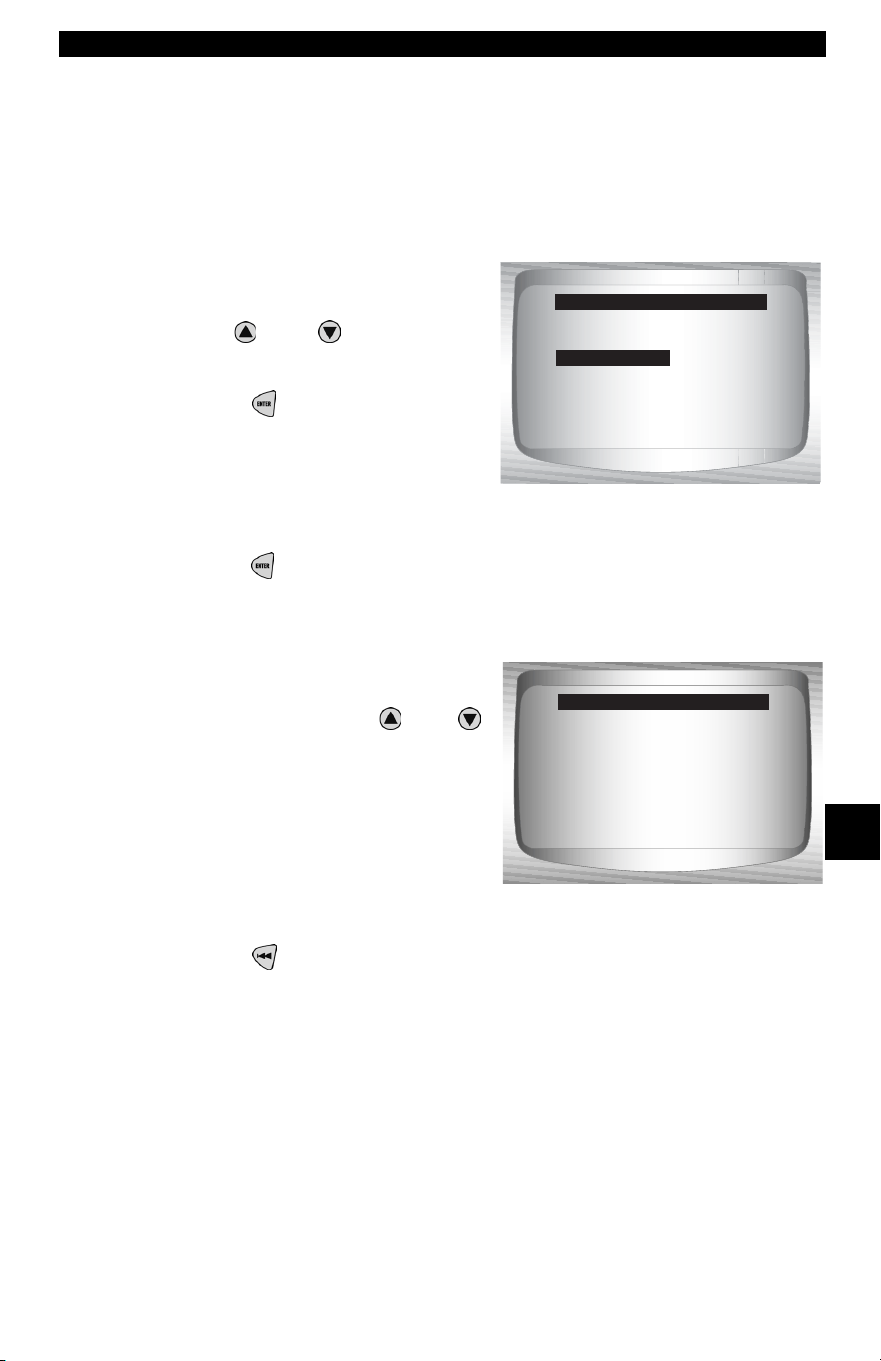
• • • • • • • • • • • • • • • • • • • • • • • • • • • • • • • • • • • • • • • • • • • • • • • • • • • • • • • • • 7 – 7
Chrysler Diagnostics
7
Sensor Test
✓ The Sensor Test is used to view the sensor outputs of some mon-
itored vehicle systems. The Sensor Test is similar to View Data,
as it allows the user to read the current output of various sensors
throughout the vehicle.
NOTE: Sensor Test is only available on 1989-1995 Chrysler vehicles.
From the Datastream Menu:
1.Select Sensor Test.
•Use
UP
or
DOWN
arrow
key until Sensor Test is
highlighted.
•Press ENTER.
2. Turn ignition key on — Engine can be off or running.
•Press ENTER and the Scan Tool will build a list of sensors and
display them.
3. View sensors on Scan Tool.
•One sensor will be displayed
per screen. Use the
UP
or
DOWN
arrow keys to scroll
through the supported
sensors. The Scan Tool
displays the status of the
sensor.
4. Return to the Datastream Menu.
•Press BACK.
View Data
Record Data
Sensor Test
Review Data
Print Data
Tool Setup
Datastream Menu
Viewing Sensor:
A/C PRES (PSI) 439.26
Sensor Test
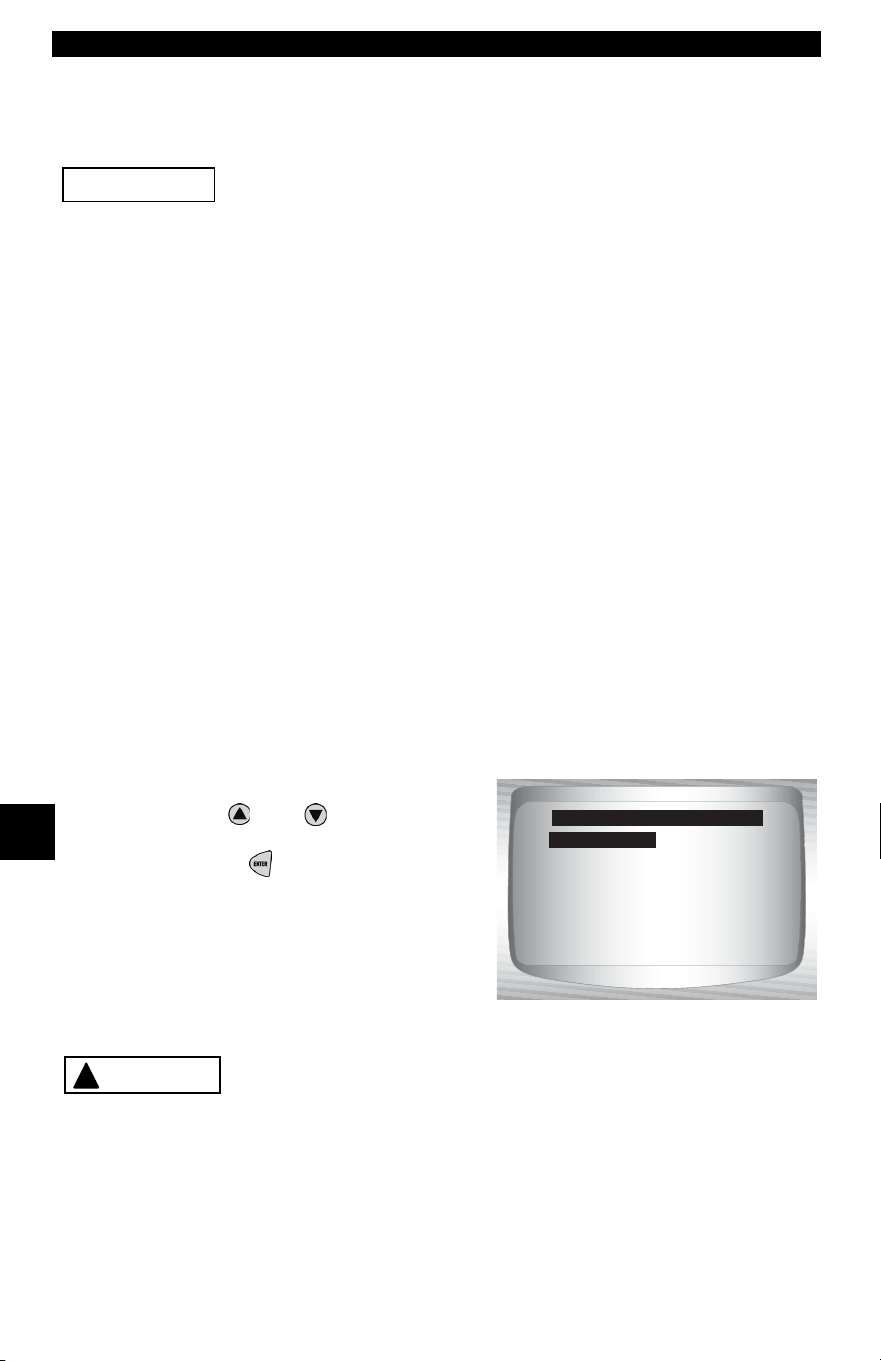
Chrysler Diagnostics
7 – 8 • • • • • • • • • • • • • • • • • • • • • • • • • • • • • • • • • • • • • • • • • • • • • • • • • • • • • • • •
7
Diagnostic Codes Menu
All items marked with “-” are covered in section 3 or 4.
These items are not covered in this section.
❒ Diagnostic Codes Menu
❒ Read Codes
– Pending Codes
❒ Erase Codes
– View Freeze Data
– Review Data
–Print Data
– Code Lookup
–Tool Setup
Read Codes
✓ The Read Codes function enables the Scan Tool to retrieve and dis-
play any specific emission-related diagnostic trouble codes (DTC)
stored in vehicle’s memory. This function can be performed with key
on engine off (KOEO) or key on engine running (KOER).
From the Diagnostic Codes Menu:
1.Select Read Codes.
•Use
UP
or
DOWN
arrow key
until Read Codes is highlighted.
•Press ENTER.
Keep hands and tools away from fan and engine
during test.
IMPORTANT
Read Codes
Pending Codes
Erase Codes
View Fre eze Data
Review Data
Print Data
Code Lookup
Diagnostic Codes Menu
Read Codes
!
CAUTION
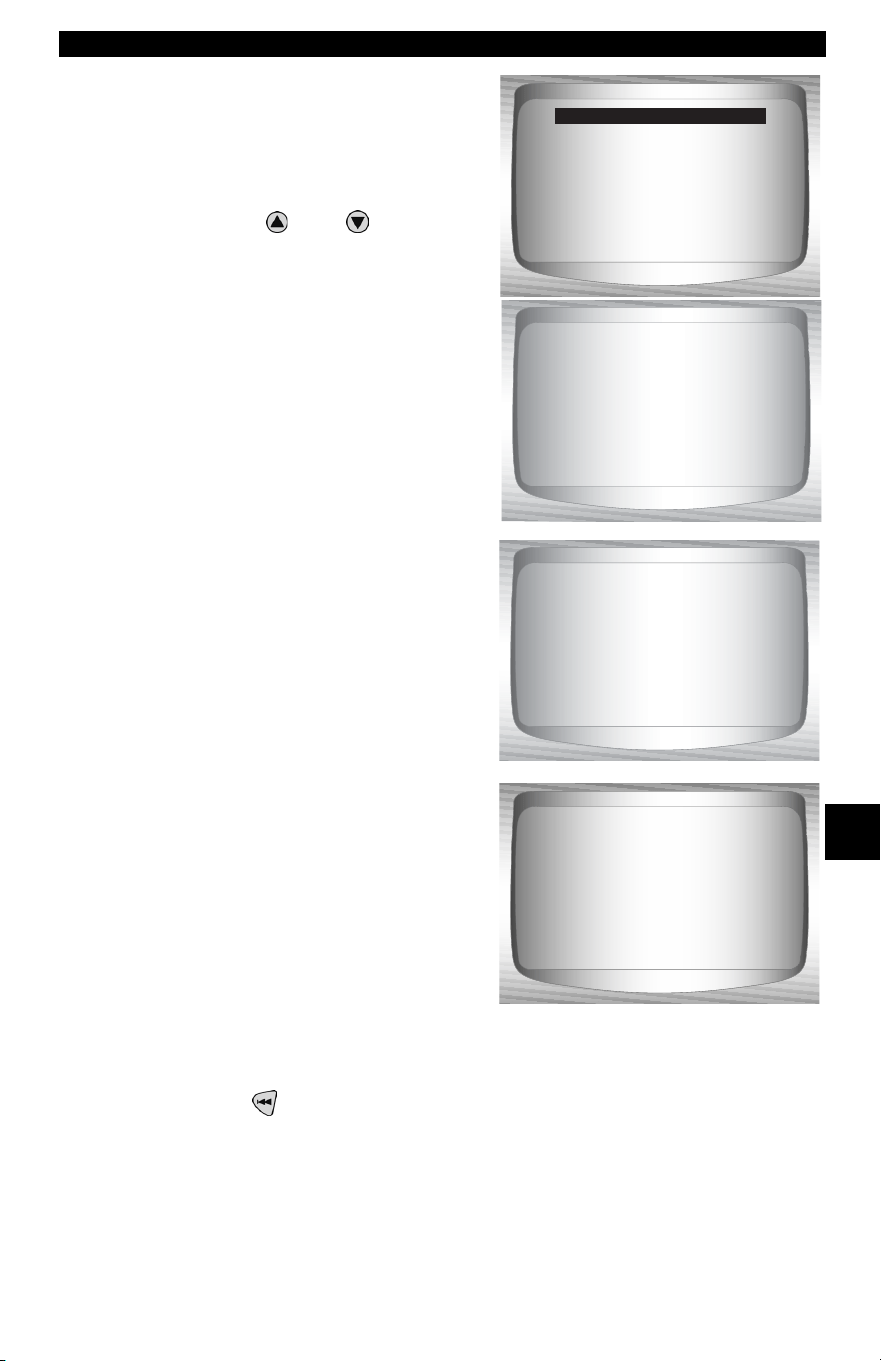
• • • • • • • • • • • • • • • • • • • • • • • • • • • • • • • • • • • • • • • • • • • • • • • • • • • • • • • • • 7 – 9
Chrysler Diagnostics
7
✓ If no DTCs have been stored in
vehicle’s memory, a System Pass
screen displays.
2. View and write down DTCs.
•Use the
UP
or
DOWN
arrow
keys to scroll through the DTCs.
✓ The DTCs are categorized by ENG
(engine) or TRANS (transmission).
The Chrysler MIL code (3-digit) and
SAE code (5-digit) follow.
✓ There may be times where only
one or both display. Dashes dis-
play if the DTC type does not
exist.
3. Return to Diagnostic Codes Menu.
•Press BACK.
System Pass
No faults detected.
Read Codes
1 of 3
ENG
EGR Position
HI
MIL Code 213
P0406
2 of 3
ENG
Shrt Run Value
Circuit
MIL Code 217
-----
3of3
ENG
Shrt Run Value
Circuit
MIL Code ---
P1288
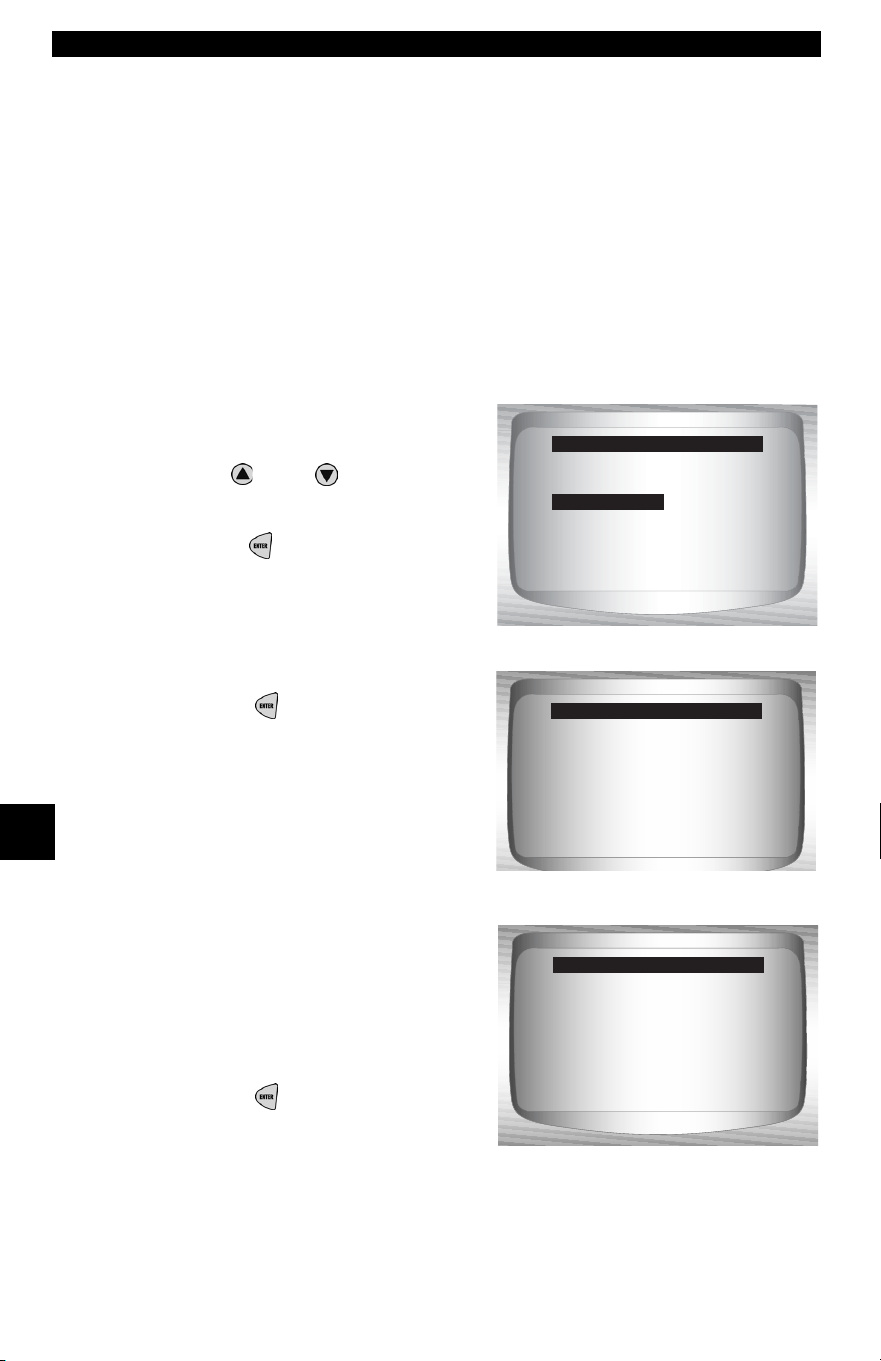
Chrysler Diagnostics
7 – 10 • • • • • • • • • • • • • • • • • • • • • • • • • • • • • • • • • • • • • • • • • • • • • • • • • • • • • • •
7
Erase Codes
✓ The Erase Codes function deletes the DTCs from the vehicle’s
computer memory. Perform this function only after the systems
have been checked completely and DTCs have been docu-
mented. This function should be performed KOEO. Do not start
engine.
✓ After servicing the vehicle, erase the stored DTCs, perform a road
test, and then verify no new codes have been stored. If DTCs
return, the problem has not been corrected or other faults are
present.
From the Diagnostic Codes Menu.
1.Select Erase Codes.
•Use
UP
or
DOWN
arrow
key until Erase Codes is
highlighted.
•Press ENTER.
2. Follow the instructions.
•Press ENTER.
✓ A message confirms the codes
are erased.
3. Return to Diagnostic Codes
Menu.
•Press ENTER.
Read Codes
Pending Codes
Erase Codes
View Fre eze Data
Review Data
Print Data
Code Lookup
Diagnostic Codes Menu
Turn ignition key on.
Engine must be off
to erase codes.
Press ENTER to cont.
Erase Codes
Codes Erased.
Erase Codes
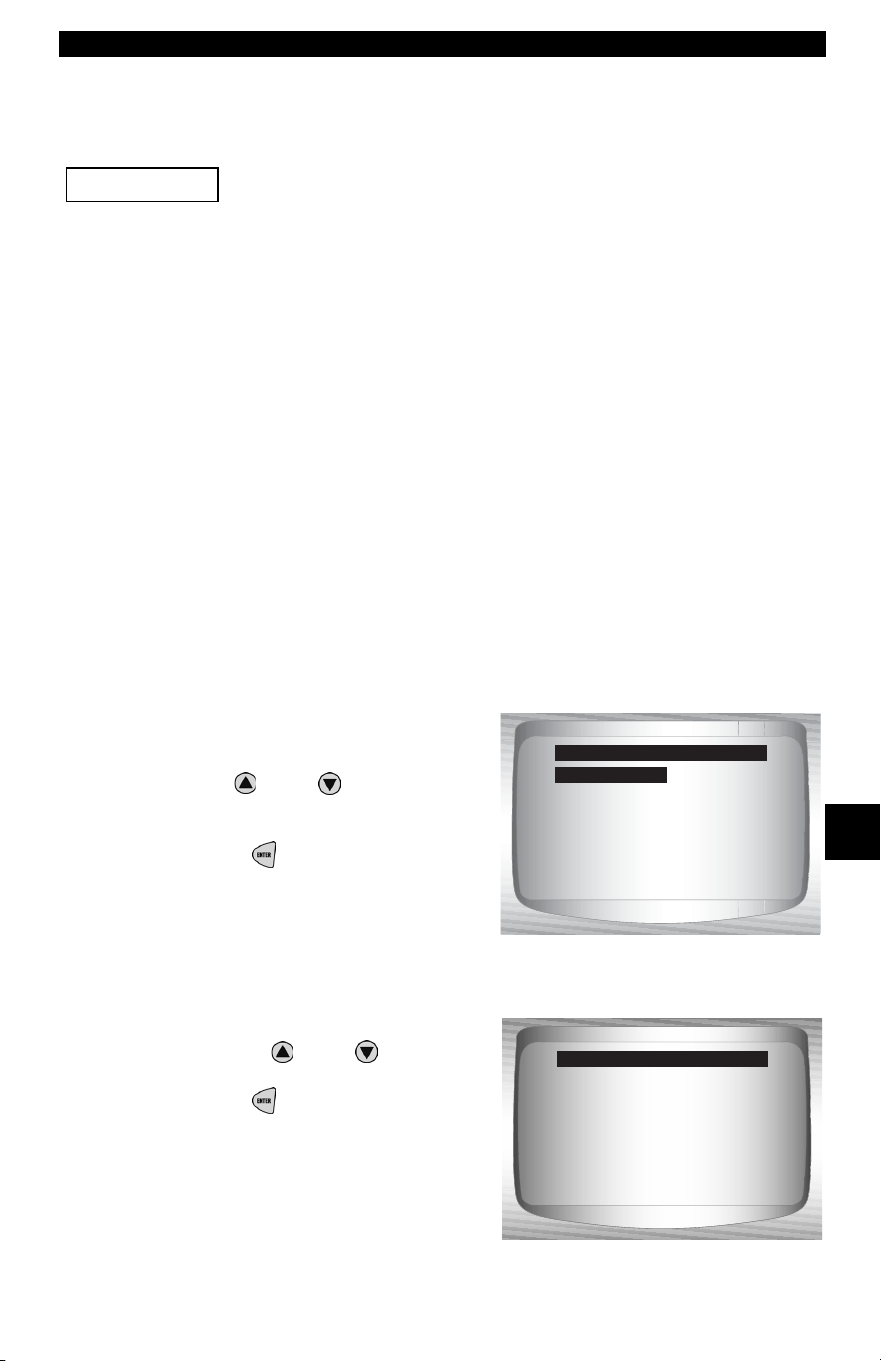
• • • • • • • • • • • • • • • • • • • • • • • • • • • • • • • • • • • • • • • • • • • • • • • • • • • • • • • • 7 – 11
Chrysler Diagnostics
7
Device Controls Menu
All items marked with “-” are covered in section 3 or 4.
These items are not covered in this section.
❒ Device Controls Menu
❒ Switch Test
❒ Actuator Test
❒ Idle Speed Test
– Review Data
–Print Data
–Tool Setup
Switch Test
✓ The Switch Test is used to test the operation of switches on var-
ious Chrysler vehicle systems. These systems may include cruise
control, A/C, braking, and the shift lever position.
✓ Because of differences in vehicle designs, the Switch Test may
not test the same switches in every car.
NOTE: Switch Test is only available on 1989-1995 Chrysler vehicles.
From the Device Controls Menu:
1.Select Switch Test.
•Use
UP
or
DOWN
arrow
key until Switch Test is
highlighted.
•Press ENTER.
2. Select switch to test.
•Use the
UP
or
DOWN
arrow key.
•Press ENTER.
✓ Switches for the engine and
transmission are combined into
one list when applicable.
IMPORTANT
Switch Test
Actuator Test
Idle Spe ed Test
Review Data
Print Data
Tool Setup
Device Controls Menu
A/C CLUTCH REL
A/C SWITCH SEN
A/C REQUEST
AIR SW SOL
ASD RELAY
BRAKE SWITCH
CHECK ENG LT
Select Sw to Test
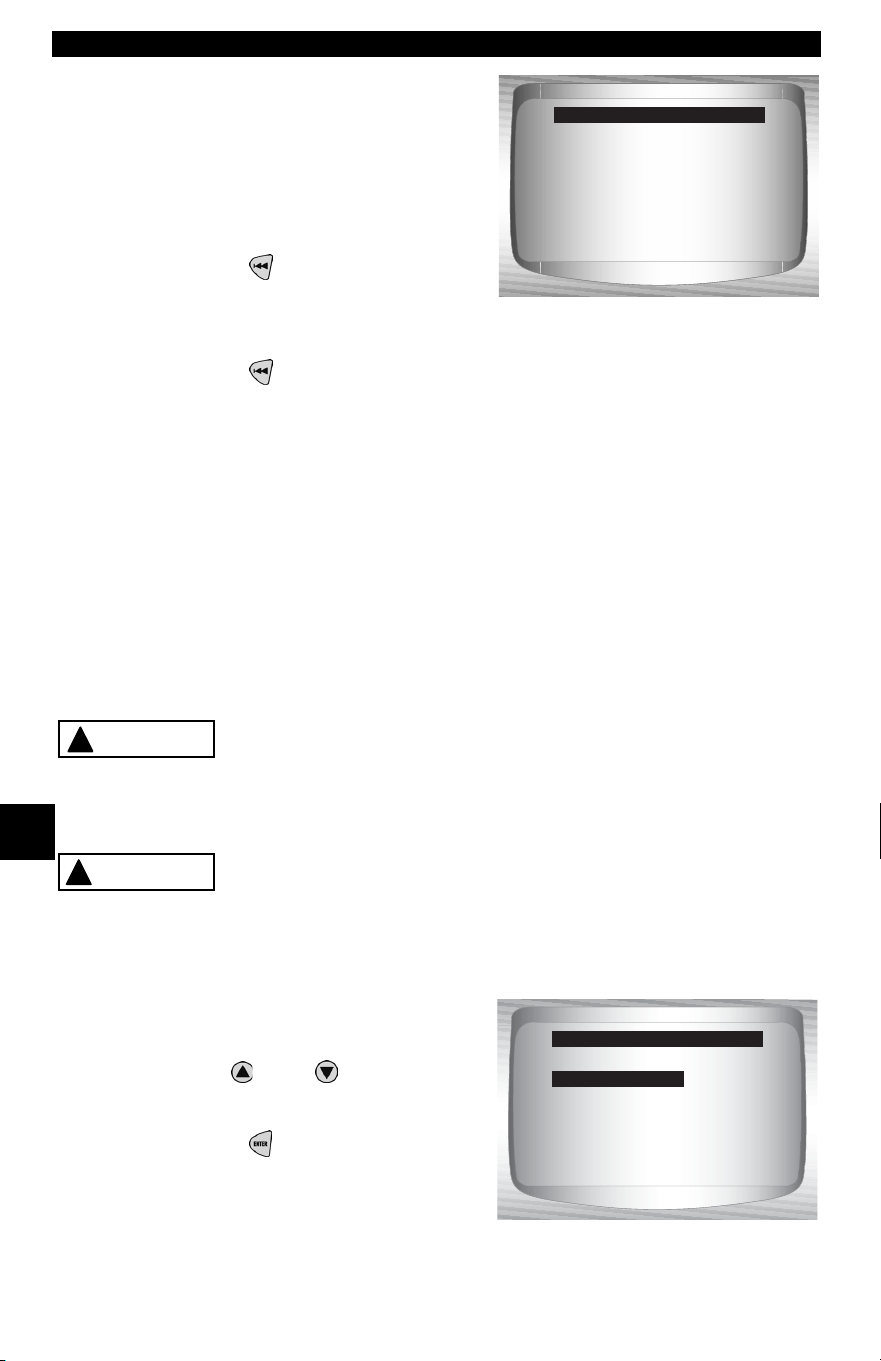
Chrysler Diagnostics
7 – 12 • • • • • • • • • • • • • • • • • • • • • • • • • • • • • • • • • • • • • • • • • • • • • • • • • • • • • • •
7
3. Operate selected switch.
•To test switch, press the
switch. The switch status on
the bottom should change if the
switch is working.
4. To test another switch.
•Press BACK.
5. Return to the Device
Controls Menu.
•Press BACK.
Actuator Test
✓ The Actuator Test is used to check the operation of many of the
computer-controlled relays and solenoids. This is also helpful for
checking voltages and output signals. Use a voltmeter to check the
output signals at each relay and solenoid to verify their operation.
To do this, take voltage readings at relays and solenoids before
beginning this test. Then activate the test to energize the relays
and solenoids. Check voltages again to determine if they are func-
tioning properly. Remember to write down readings for reference.
✓ Not all vehicles have the same actuators. The Scan Tool will not
allow the test of actuators not present on the vehicle.
Some Actuator Tests may activate the fuel pump.
Do not disconnect any fuel lines or remove fuel
injectors unless it is required by the service man-
ual. Be sure to reconnect all lines when testing is
complete.
Gasoline leaking onto hot engine and exhaust parts
can cause fire or other hazardous conditions.
NOTE: Actuator Test is only available on 1989-1995 Chrysler vehicles.
.
From the Device Controls Menu:
1.Select Actuator Test.
•Use
UP
or
DOWN
arrow
key until Actuator Test is
highlighted.
•Press ENTER.
✓ Follow all instructions on the Scan Tool screen. It will prompt the
user when to turn the ignition key on, do not start the engine.
Testing Switch:
AC CLUTCH RLY
Switch is Off
Switch Test
!
CAUTION
!
WARNING
Switch Test
Actuator Test
Idle Spe ed Test
Review Data
Print Data
Tool Setup
Device Controls Menu
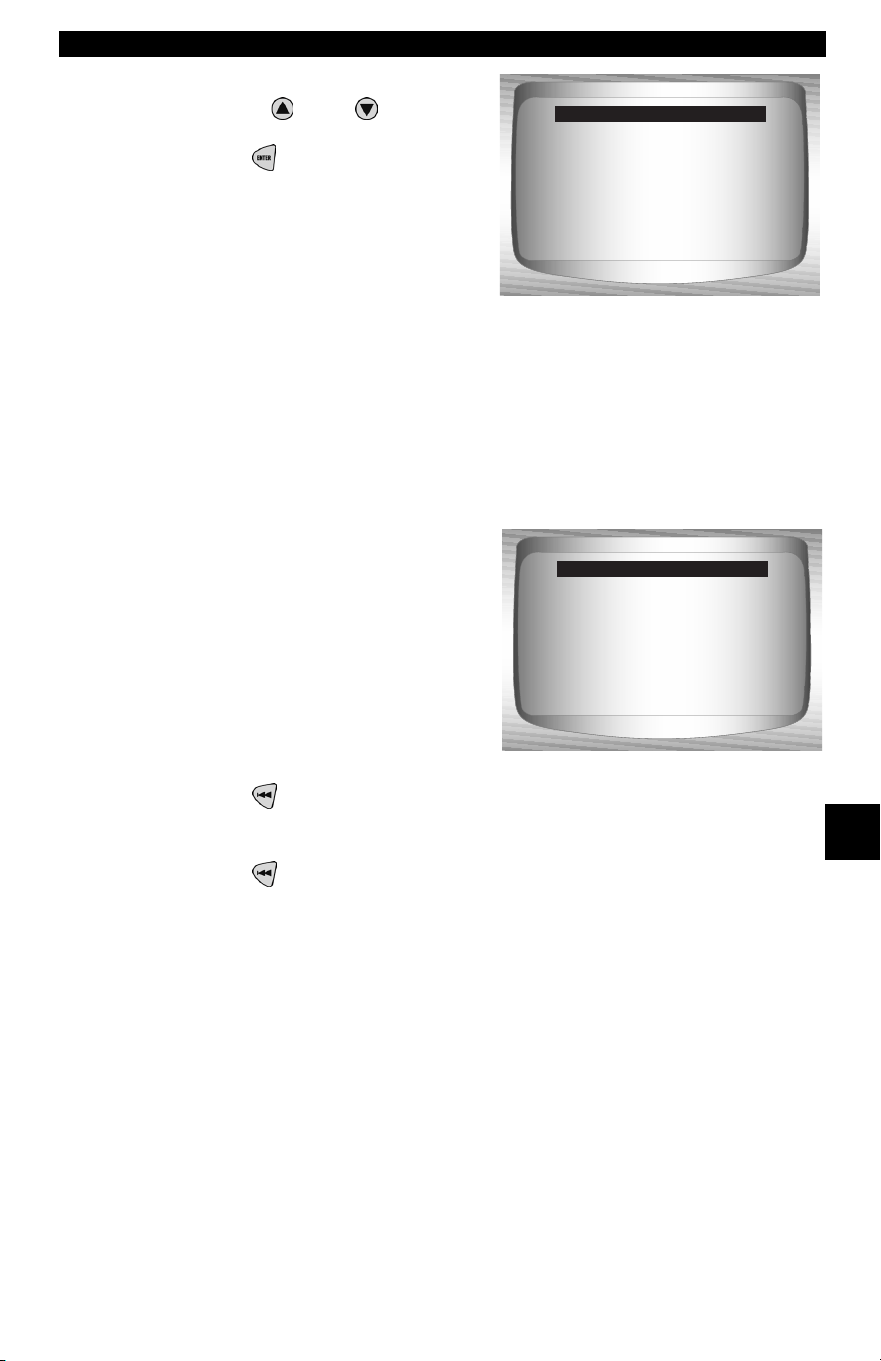
• • • • • • • • • • • • • • • • • • • • • • • • • • • • • • • • • • • • • • • • • • • • • • • • • • • • • • • • 7 – 13
Chrysler Diagnostics
7
2. Select Actuator to test.
•Use the
UP
or
DOWN
arrow key.
•Press ENTER.
✓ Actuators for the engine and transmission are combined into one
list when applicable.
✓ If the actuator selected is not available for the vehicle under test,
the Scan Tool will indicate so. If the actuator is available, the Scan
Tool will energize that actuator.
✓ Use a voltmeter to test the actua-
tor for correct operation.
3. To test another actuator.
•Press BACK.
4. Return to the Device Controls Menu.
•Press BACK.
2-3 GEAR LOCK
A/C CLUTCH REL
AIR SW SOL
AIS MOTOR O/C
ALL SOLS/RELS
ALT FIELD
O2 HTR DWNSTRM
Pick Actuator Test
Testing Actuator:
AIR SW SOL
BACK to select
different actuator
Actuator Test
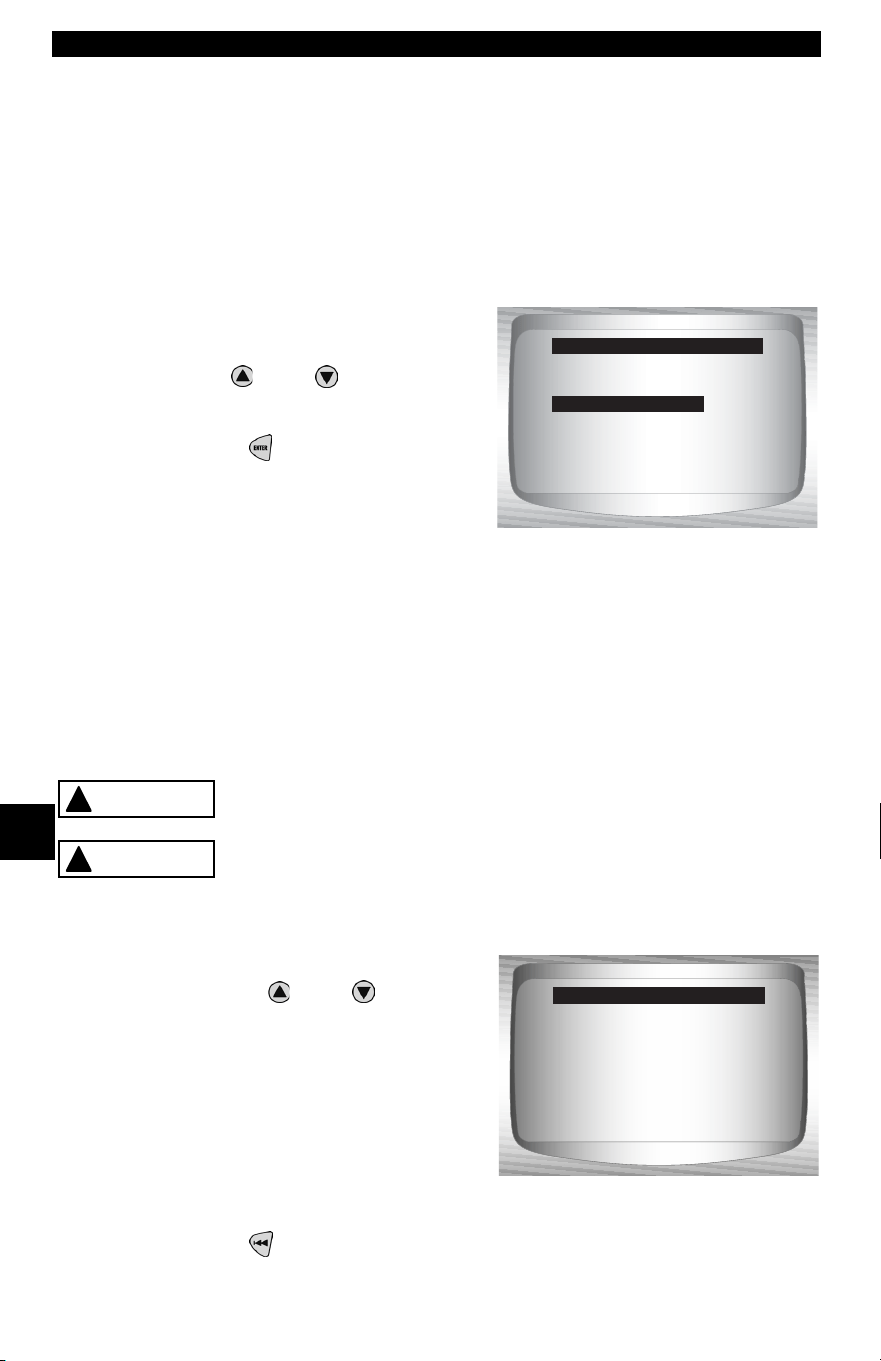
Chrysler Diagnostics
7 – 14 • • • • • • • • • • • • • • • • • • • • • • • • • • • • • • • • • • • • • • • • • • • • • • • • • • • • • • •
7
Idle Speed Test
✓ The Idle Speed Test is used to test the functionality of the vehicle
idle speed control system. The test allows the user to enter the
desired engine speed. The test vehicle should respond by match-
ing the speed commanded. If the vehicle matches the comanded
engine speed, the idle speed control system is functioning prop-
erly.
NOTE: Idle Speed Test is only available on 1989-1995 Chrysler vehicles.
From the Device Controls Menu:
1.Select Idle Speed Test.
•Use
UP
or
DOWN
arrow
key until Idle Speed Test is
highlighted.
•Press ENTER.
✓ The Scan Tool instructions may vary depending on the vehicle
information entered. However, in all cases it will instruct the user
to perform the following:
❒ Set the parking brake.
❒ Turn A/C off.
❒ Start engine and let idle.
Keep hands and tools away from fan and engine
during test.
Carbon monoxide (CO) and other vehicle emissions
are harmful or fatal to personnel. Always operate
vehicle in a well ventilated area.
2. Check engine idle speed.
•Use the
UP
or
DOWN
arrow keys to change the Ideal
RPM (engine speed). The
vehicle should respond by
matching the Ideal RPM.
3. Return to the Device Controls Menu.
•Press BACK.
Switch Test
Actuator Test
Idle Spe ed Test
Review Data
Print Data
Tool Setup
Device Controls Menu
!
WARNING
!
WARNING
Actual RPM 0
Ideal RPM 800
To Change RPM
Idle Spe ed Test
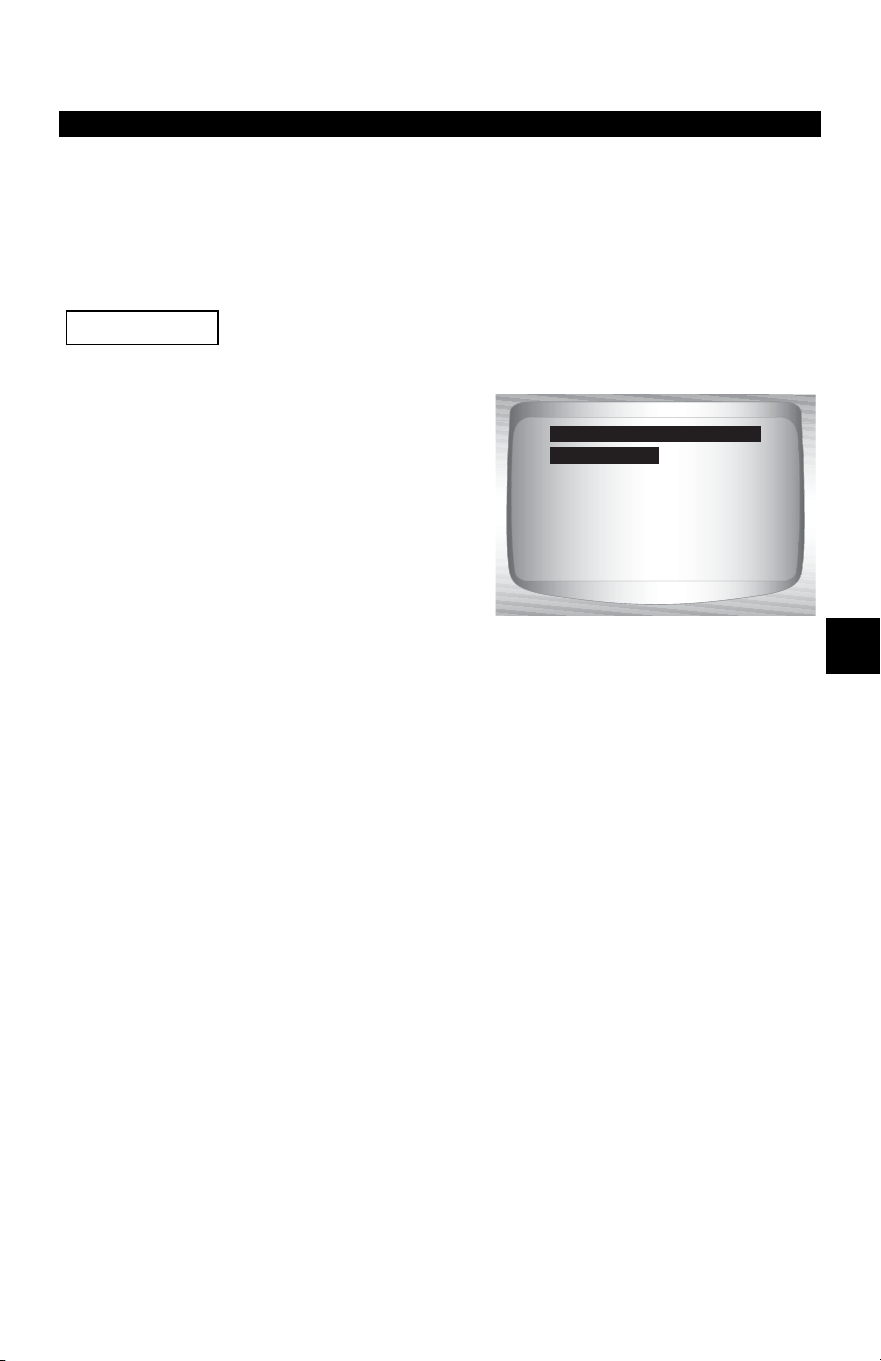
• • • • • • • • • • • • • • • • • • • • • • • • • • • • • • • • • • • • • • • • • • • • • • • • • • • • • • • • • 8 – 1
8
Section 8 – Import Diagnostics
IMPORT (OBD II) DIAGNOSTICS
IMPORT Function List
All items marked with “-” are covered either in section 3 or 4.
These items are not covered in this section.
✓ The IMPORT Function List is
broken down into the following
menus:
❒ Datastream Menu
– View Data
– Record Data
– Review Data
–Print Data
–Tool Setup
❒ Diagnostic Codes Menu
❒ Read Codes
– Pending Codes
– Erase Codes
– View Freeze Data
– Review Data
–Print Data
– Code Lookup
–Tool Setup
– Special Tests Menu
– I/M Readiness
– Drive Cycle Monitor
– State OBD Check
– O2 Monitor Test
– On-Board Systems
– Vehicle Information
– Modules Present
– Review Data
–Print Data
–Tool Setup
(List Continued)
IMPORTANT
Datastream
Diagnostic Codes
Special Tests
Review Data
Print Data
Code Lookup
Tool Setup
Import Function List
Datastream
IMPORT (OBD II) Diagnostics
8 – 2 • • • • • • • • • • • • • • • • • • • • • • • • • • • • • • • • • • • • • • • • • • • • • • • • • • • • • • • •
8
❒ Review Data
❒ Print Data
•I/M Readiness
•DTC (Codes)
•Pending Codes
•Freeze Frame
•O2 Monitor Test
•Diagnostic Monitor Tests
•Vehicle Info
•Playback
•State OBD Check
•Modules Present
✓ The following stored infromation can be reviewed for Import vehi-
cles. Refer to Review Data and Print Data in the Using the Scan
Tool section of this manual.
– Code Lookup
– Tool Setup menu
– English/Metric
– Display Contrast
– Beeper
– Setup User Key
✓ If an Error Message displays, make sure the OBD II connector is
securely attached, and the ignition key is on. Cycle the ignition key
to off for 10 seconds, then on. This may be required to reset the
computer. If required, select yes to try again. If the problem still
exists, refer to Error Messages on page 9-2.
Diagnostic Codes Menu
Items marked with “-” are covered in section 3 of this
manual. These items are not covered in this section.
❒ Diagnostic Codes Menu
❒ Read Codes
– Pending Codes
–Erase Codes
– View Freeze Data
– Code Lookup
– Review Data
–Print Data
–Tool Setup
IMPORTANT
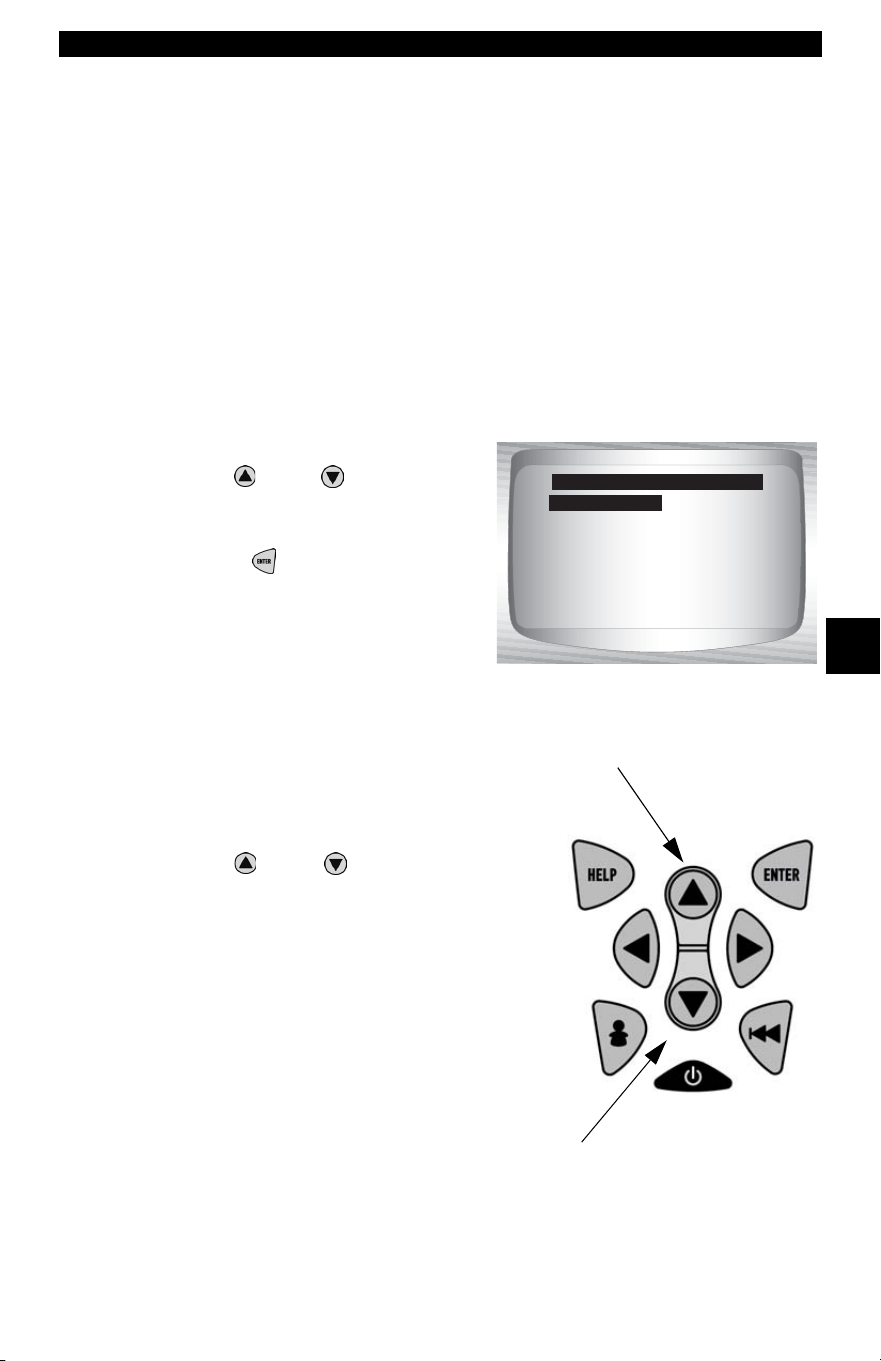
• • • • • • • • • • • • • • • • • • • • • • • • • • • • • • • • • • • • • • • • • • • • • • • • • • • • • • • • • 8 – 3
IMPORT (OBD II) Diagnostics
8
Read Codes
✓ The Read Codes function allows the Scan Tool to read the DTCs from
the vehicle’s control modules. DTCs are used to help determine the
cause of a problem or problems with a vehicle. These codes cause the
control module to illuminate the malfunction indicator lamp (MIL)
when emission-related or driveability fault occurs. MIL is also known
as service engine soon or check engine lamp.
From Diagnostic Codes Menu:
1. Select
Read Codes.
•Use
UP
or
DOWN
arrow
key until Read Codes is
highlighted.
•Press ENTER.
✓ If no DTCs are present a message stating System Pass: No Faults
Detected is displayed.
2. View and write down DTCs.
•Use
UP
or
DOWN
arrow key.
Read Codes
Pending Codes
Erase Codes
View Fre eze Data
Review Data
Print Data
Code Lookup
Diagnostic Codes Menu
Read Codes
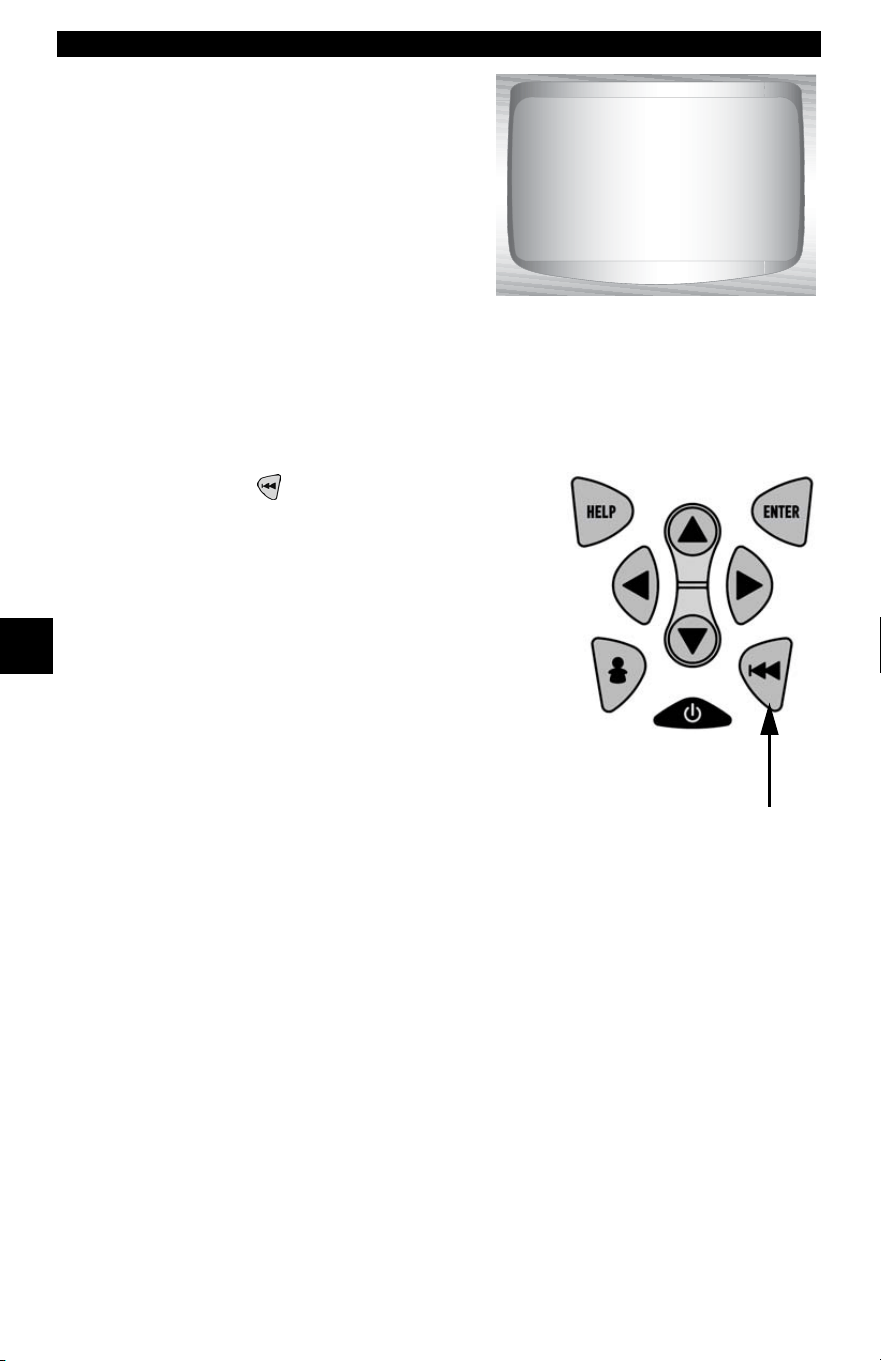
IMPORT (OBD II) Diagnostics
8 – 4 • • • • • • • • • • • • • • • • • • • • • • • • • • • • • • • • • • • • • • • • • • • • • • • • • • • • • • • •
8
❒ In the example shown module
(MOD) $18 is reporting the
DTCs.
✓ On some Toyota vehicles the tool will show current and history DTC status
information.
3. Return to Diagnostic Codes Menu.
• Press BACK key.
1 of 3
MOD $18
IAT Sensor 1
Circuit High Input
P0113
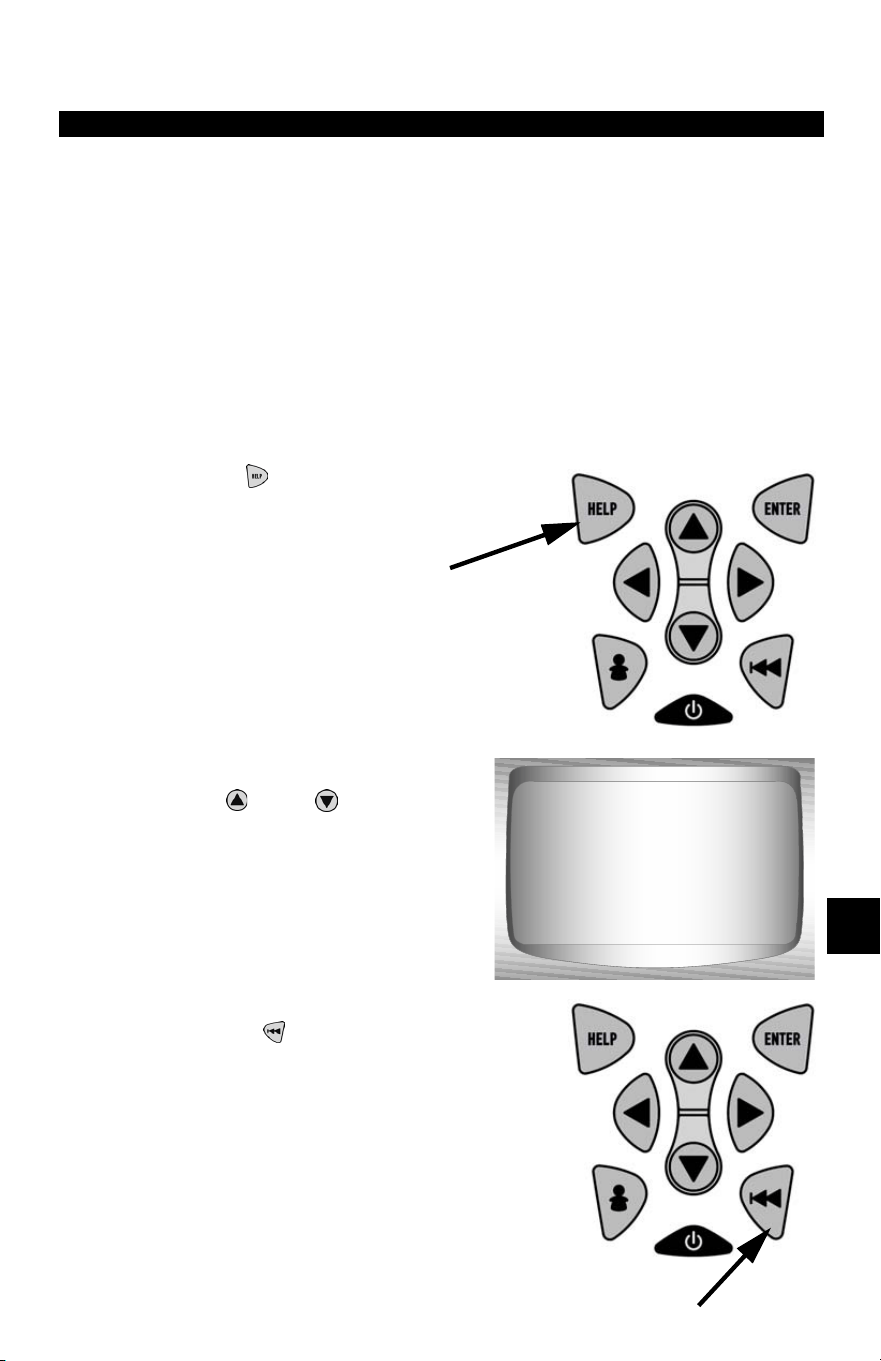
• • • • • • • • • • • • • • • • • • • • • • • • • • • • • • • • • • • • • • • • • • • • • • • • • • • • • • • • • 9 – 1
9
Section 9 – Troubleshooting
How to Use On-Line Help
Scan tool contains On-Line Help for specific Scan Tool screens,
functions, and error messages.
✓ When icon (
?
) appears on the top of the display, On-Line Help is
available.
To Use On-Line Help:
1.Press
HELP
Key.
✓ Notice Text:
❒ Use
UP
or
DOWN
arrow
key if required.
2. Return to original screen.
• Press
BACK key.
On bottom line of
display: Show
text "Above" scre en.
On bottom line of
display: Show
text "Below" scre en.

Troubleshooting
9 – 2 • • • • • • • • • • • • • • • • • • • • • • • • • • • • • • • • • • • • • • • • • • • • • • • • • • • • • • • • •
9
Error Messages
Check the following if an error message displays:
❒ Verify ignition key is in the ON and not in the ACCESSORIES
position.
❒ Make sure OBD II Cable is attached to vehicle’s data link
connector (DLC) and Scan Tool.
❒ Look at DLC and check for cracked or recessed pins, or for any
substance that could prevent a good electrical connection.
❒ Test for continuity between the DLC wiring and the computer. In
an extreme case, there may be a broken wire.
❒ Check for bent or broken pins.
❒ With the key on engine off (KOEO), check for blown fuses.
❒ Make sure the vehicle’s control module has a good ground. If the
computer case is grounded, then clean the connection and apply
a conductive (dielectric) grease to the mating surfaces.
❒ With the KOEO, verify battery voltage is at least 8.0V
❒ Verify the control module is not defective. Refer to the service
manual to diagnose the control module.
Scan Tool Does Not Power Up
✓ Review Safety Precautions before troubleshooting.
If Scan Tool will not power up, communicate with vehicle’s control
module, pass Scan Tool self-tests, or functions incorrectly in any other
way, do the following:
❒ Check and replace the 9V battery if needed.
❒ Clean the DLC pins.
❒ Disconnect and reconnect DLC making sure it is connected
correctly.
❒ Check vehicle battery to make sure at least 8.0 volts is present.
❒ Contact customer service.
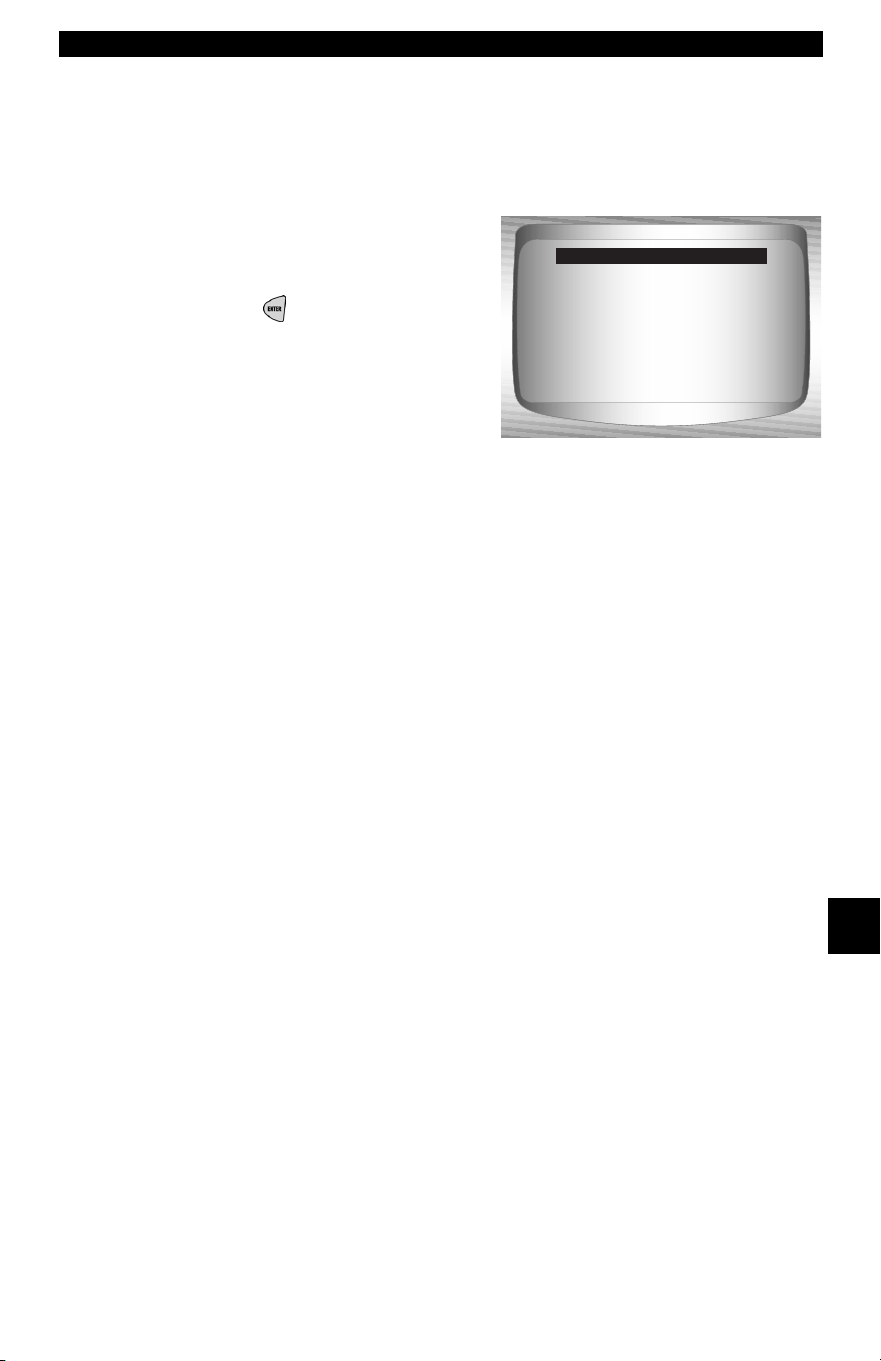
• • • • • • • • • • • • • • • • • • • • • • • • • • • • • • • • • • • • • • • • • • • • • • • • • • • • • • • • • 9 – 3
Troubleshooting
9
Vehicle Communication Fault
The vehicle’s control module(s) enters into an unrecoverable state.
1.Turn vehicle key to off
position.
• Wait 10 seconds.
• Press
ENTER.
Press ENTER
To Reset Tool.
Please Turn the
Key Off
For 10 Seconds
Vehicle Comm Fault
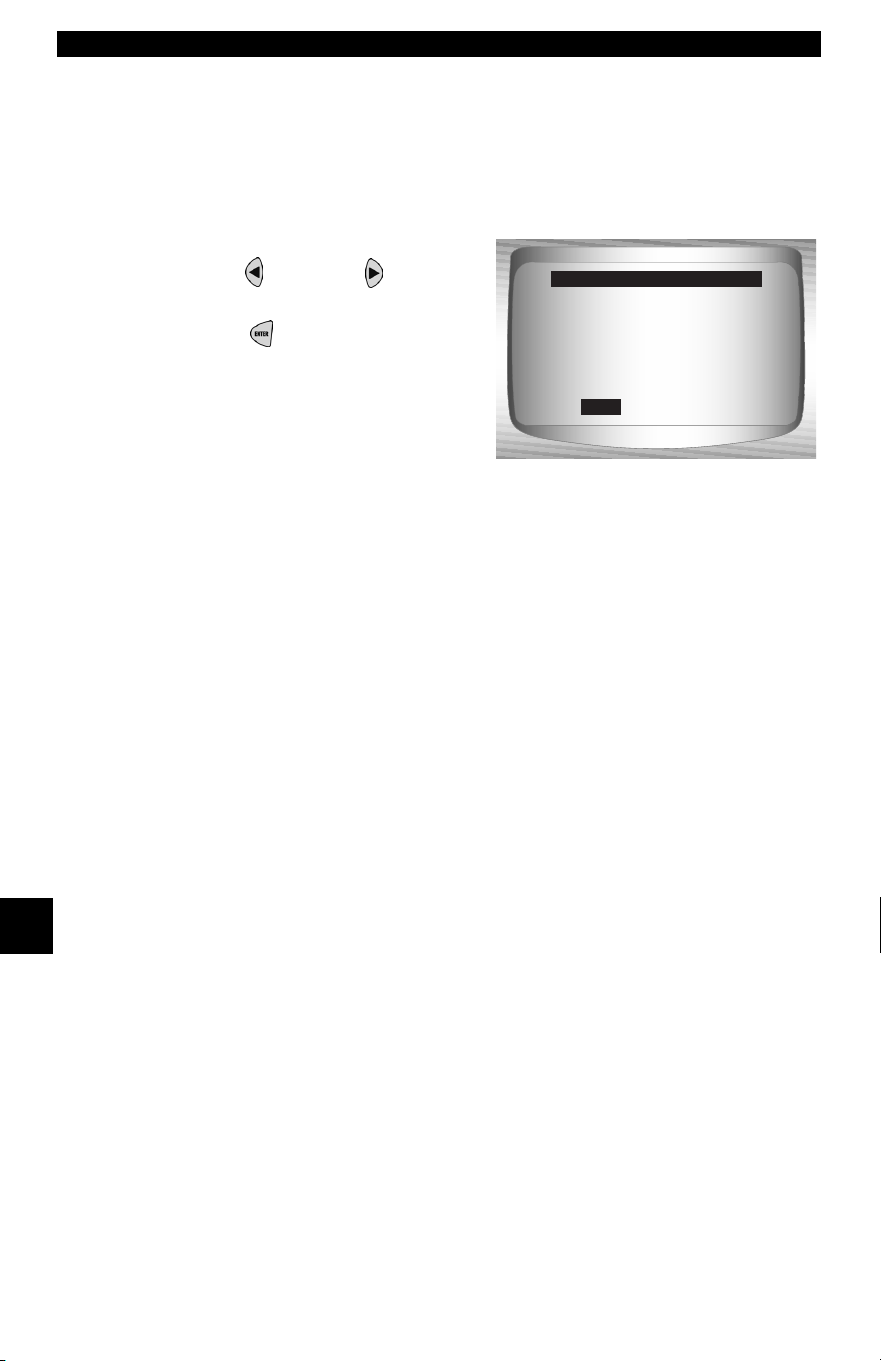
Troubleshooting
9 – 4 • • • • • • • • • • • • • • • • • • • • • • • • • • • • • • • • • • • • • • • • • • • • • • • • • • • • • • • • •
9
Operating Error or Erroneous Data.
An Operating Error or Erroneous Data occurs if vehicle’s computer(s)
stop(s) communicating with Scan Tool.
1.Make Selection
• Use LEFT or RIGHT
arrow key.
•Press
ENTER.
✓ See “Error Messages” on page 9-2 for possible causes.
Check Connections
Try Again?
Yes No
Operating Error
Yes
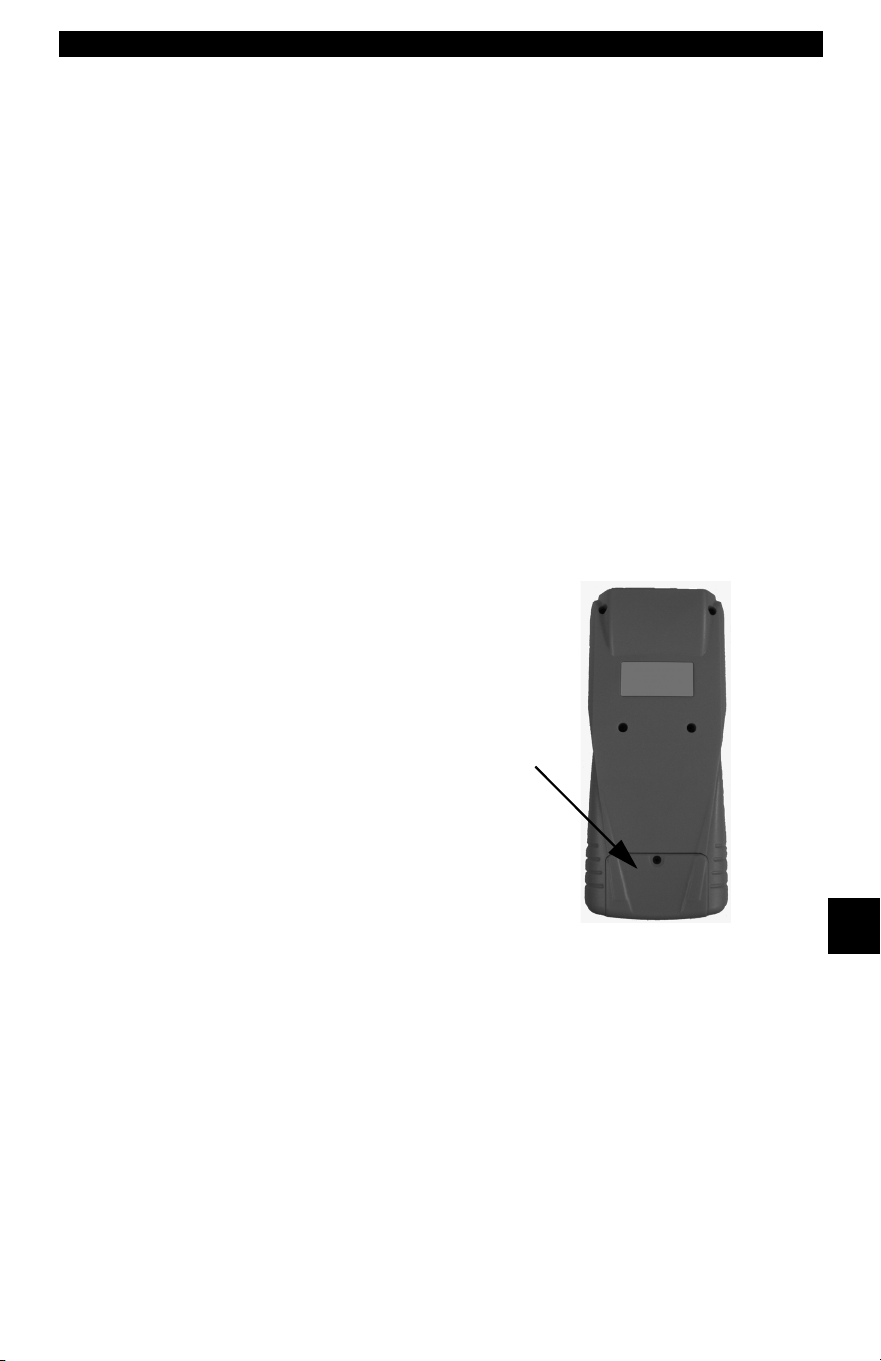
• • • • • • • • • • • • • • • • • • • • • • • • • • • • • • • • • • • • • • • • • • • • • • • • • • • • • • • • • 9 – 5
Troubleshooting
9
Battery Replacement
The Scan Tool requires 9V alkaline battery to operate without vehicle
power.
✓ When the battery needs to be replaced, the low-battery icon (?)
displays.
✓ Rechargeable batteries do not last as long as alkaline types and
are not recommended.
✓ Non-rechargeable Lithium (Li) battery can be used. Though
Lithium types last longer than the alkaline types, they are more
expensive.
1.Place Display Face Down.
• On non-abrasive surface.
2. Remove Battery Cover.
• Turning phillips screw
counterclockwise.
• Slide battery cover off.
3. Remove Battery and Properly
Discard.
4. Install New Battery.
• 9V Alkaline Battery.
5. Reinstall Battery Cover.
• Slide battery cover on.
• Install phillips screw turning it clockwise.
• Do not overtighten screw.

Troubleshooting
9 – 6 • • • • • • • • • • • • • • • • • • • • • • • • • • • • • • • • • • • • • • • • • • • • • • • • • • • • • • • • •
9
Tool Self-Tests
Tool Self-Tests check the display, keys, and internal memory.
✓ Refer to Using The Scan Tool section of the manual for the
operation procedures for Scan Tool self-tests.
Technical Support
• Toll-Free Number: 1-800-228-7667.
• Website: www.actron.com.

• • • • • • • • • • • • • • • • • • • • • • • • • • • • • • • • • • • • • • • • • • • • • • • • • • • • • • • • • A – 1
A
Appendix A – PID Definitions
All global parameter identification data (PID) listed was verified on actual vehicles to
guarantee accuracy. PID Definitions were obtained from reliable sources and are accu-
rate at time of printing. It is possible that some newer vehicles may contain data different
from that listed in Appendix A. Always refer to vehicle service manual for manufacturer
specific PIDs.
The PID list is organized in alphabetical order — the same way the scan tool does.
Remember, always refer to a vehicle service manual for detailed diagnostic procedures
when troubleshooting incorrect PID values.
Types of Data Parameters
INPUT:These data parameters are obtained from sensor circuit outputs.
Sensor circuit outputs are inputs to vehicle’s PCM. For example, if Oxy-
gen Sensor circuit was generating a 400mV signal, then scan tool would
read O2S (v) 0.40.
OUTPUT:These data parameters are outputs or commands that come di-
rectly from computer module(s). For example; the ignition spark advance
is controlled by PCM, on most vehicles, monitoring this PID shows spark
output from PCM. The scan tool would display IGN ADV(º) 10.
CALCULATED:These data parameters are calculated after analyzing
various inputs.
VALUE:the vehicle’s computer module(s). For example, the engine load.
The PCM calculates this from sensor inputs and displays it in a percent-
age.
PCM VALUE:Is information that is stored in the computer module(s)’
memory and determined to be useful to service technician. An example
of this is TROUBLE CODE value, the DTC that caused a freeze frame
capture.
✓ NOTE: Several different causes can have the same parameter indication.
For information on diagnostics consult vehicle service manuals.
DATA PARAMETER LIST
ABS FRP (0 - 65,5350 kPA) or (0 - 95050.5 psi)
Absolute Fuel Rail Pressure is the fuel pressure at the engine in respect to atmospheric
pressure.
ABS LOAD (0 - 100%)
Absolute Load Value is the normalized value of air mass per intake stroke in percentage.
ABSLT TPS (0 - 100%)
Absolute Throttle Position represents normalized distance the throttle is opened.
ACC POS D,E or F (0 - 100%)
Accelerator Pedal Position represents normalized distance the gas pedal is pressed.
BARO PRESS (0 - 255 kPA) or (0 - 36.9 psi)
Barometric Pressure is usually received from a dedicated barometer, manifold absolute
pressure sensor, and other inputs during certain modes of driving.
✓ The Baro Press may not exhibit the same value as weather services, which
measure barometric pressure at sea level.
CALC LOAD (0 - 100%)
Calculated LOAD Value indicates the normalized load value on the engine.

PID Definitions
A – 2 • • • • • • • • • • • • • • • • • • • • • • • • • • • • • • • • • • • • • • • • • • • • • • • • • • • • • • • •
A
CAT TEMPxy (- 40 – 6513.5ºC) or ( - 40
– 9999.9ºF)
Catalyst Temperature displays the cata-
lyst substrate temperature for a Bank x
catalyst (if used by control module strat-
egy for OBD monitoring) or displays the
Bank x Sensor y catalyst temperature
sensor.
CLR DST (0 – 65,535 km) or (0 – 40,722
miles)
Distance Since Cleared Diagnostic
Codes is the distance driven since diag-
nostic trouble codes were erased.
CLR TIM (0 – 65,535 min) or (0 – 1092.25
hours)
Time Since Cleared Diagnostic Code is
time since diagnostic trouble codes were
erased.
CMD EQ RATxy (0 – 1.99)
Commanded Equivalence Ratio is the
ratio of the air/fuel mixture.
• For systems that use conventional
oxygen sensors, the commanded
equivalence ratio displays in open
loop. In closed loop, the value is 1.0.
• Fuel systems using wide-range/lin-
ear oxygen sensors display com-
manded equivalence ratio in both
open and closed loop operation.
COOLANT (- 40 – 215ºC) or (- 40 –
419ºF)
Coolant displays engine coolant temper-
ature (ECT) from a ECT sensor or cylinder
head temperature sensor.
✓ Many diesel engines do not
use either sensor and may
substitute Engine Oil Temper-
ature instead.
EGR CMD (0 – 100%)
Commanded Exhaust Gas Recirculation
is the normalized percentage of exhaust
gas being recirculated.
EGR ERR (-100 – 99.22%)
Exhaust Gas Recirculation Error shows
the error from changing from one condi-
tion to another.
ENG RUN (0 – 65,535 sec.)
Time since Engine Start is the time the
engine is running.
✓ ENG RUN stops when engine
stalls or engine is turned off
for any reason.
ENGINE (0 – 16,383.75 RPM)
Engine is the speed engine is running in
revolutions per minute (RPM).
EQ RATxy
O2 Sensor Equivalence Ratio is used for
linear or wide-ratio oxygen sensors for
Bank x Sensor y.
EVAP REQ (0 – 100%)
Commanded Evaporative Purge is the
position evaporative purge control valve
is open in percentage.
EVAP VP (- 8192 – 8191 PA) or (-
32.8878 – 32.8838 H
20)
Evaporative E missions System Vapor
Pressure is pressure in the fuel tank
FUEL LVL (0 – 100%)
Fuel Level Input is the percentage of fuel
with 0% equaling tank is full and 100%
when tank is empty.
FUEL PRES (0 – 765 kPa) or (0 - 110 psi)
Fuel Rail Pressure is the fuel pressure at
the engine when reading in reference to
atmosphere pressure.
FUEL SYS (OPEN or CLSD)
Fuel System Status show loop status of
fuel system banks.
OPEN: Module is operating in
Open Loop control strate-
gy. The vehicle has not yet
satisfied conditions for
Module to go to closed
loop.
CLSD: PCM currently functioning
in Closed loop control strat-
egy, using O2 sensor(s) as
feedback for fuel control
OPEN1: Open Loop control strategy
is being used by the PCM
due to driving conditions.
Driving conditions that may
cause this to happen are
power enrichment and de-
celeration enrichment.
OPEN2:
The PCM is operating in
Open Loop control strategy
due to detected system
fault. Certain actuator or
sensor faults will cause
module to use an open loop
strategy.
CLSD1: Closed Loop control is cur-

• • • • • • • • • • • • • • • • • • • • • • • • • • • • • • • • • • • • • • • • • • • • • • • • • • • • • • • • • A – 3
• • • • • • • • • • • • • • • • • • • • • • • • • • • • • • • • • • • • • • • • • • • • • • • • • • • • • • • • PID Definitions
A
rent storage being used by
module, but a fault with at
least one O2 sensor has
been detected. The control
system may be using single
O2 for fuel control calcula-
tio
ns.
IAT TEMP (- 40 – 215ºC) or (- 40 – 419ºF)
Intake Air Temperature is a measure of
intake air temperature to determine cor-
rect air/fuel ratios and spark timing oper-
ations.
IGN ADV (- 64 – 63.5º)
Ignition Timing Advance for cylinder is a
signal of how much spark advance to add
to base engine timing (expressed in
crankshaft degrees).
LT FL FTRM (-100 – 99.22%)
Long Term Fuel Trim Bank is the fuel mix-
ture adjustment. The mixture can range,
with midpoint being 0.
✓ Positive reading indicates
module commanded a
long-term rich mixture correc-
tion in response to a lean
operating condition. A nega-
tive reading indicates module
has commanded a long-term
lean mixture in response to a
rich operating condition.
MAF (0 – 655.35 g/s) or (0 – 86.5 lb/min)
Mass Air Flow Rate indicates the mass of
air entering engine.
MAP (0 – 255 kPa) or (Hg)
Intake Manifold Absolute Pressure dis-
plays manifold pressure.
MIL DIST (0 – 65,535 km) or (0 – 40,722
miles)
Distance Traveled while Malfunction Indi-
cator Lamp is Active is a counter that dis-
plays distance traveled since the MIL “or
Check Engine or Service Engine Soon”
light came on.
MIL STAT (ON or OFF)
Monitor Status Data Trouble Code state
that module is commanding Malfunction
Indicator Lamp to be on if problem exists.
MIL TIME (0 – 65,535 min) or (0 –
1092.25Hrs)
Distance Since Monitor Status Data Trou-
ble Code is the distance traveled since the
MIL “or Check Engine or Service Engine
Soon” light came on.
O2Sxy (0 – 1.275V)
Oxygen Sensor Output Voltage is the volt-
age generated from the oxygen sensor to
increase and decrease the amount of
exhaust gas.
O2Sxy (- 128 – 127.996mA)
Oxygen Sensor Output Amp is used for
linear or wide ratio oxygen sensors to
increase and decrease the amount of
exhaust gas
OBD2 STAT (CA, OBDI, US, NONE, EU
and/or JA)
On Board Diagnostic shows what vehicle was
made for.
CA - Indicates test vehicle meets
California on board diag-
nostic ARB requirements
OBD I - Indicates test vehicle does
not meet OBDII require-
ments.
US - Indicates test vehicle meets
Federal EPA requirements.
NONE - Indicates test vehicle is not
on board diagnostic compli-
ant.
EU - Indicates test vehicle meets Eu-
ropean on board diagnostic
requirement.
JA - Indicates test vehicle meets
Japanese on board diag-
nostic requirement.
OUTSID AIR (- 40 – 215ºC) or (- 40 –
419ºF)
Outside Air Temperature gives tempera-
ture outside.
PTO STATUS (OFF or ON)
Power Take Off Status allows module to
keep track of Power at Take-Off.
REL FRP (0 – 5177.27 kPa) or (0 – 750.
psi)
Relative Fuel Rail Pressure (Vacuum) is
the fuel rail pressure at engine.
REL TPS (0 – 100%)
Relative Throttle Position is the normal-
ized relative throttle position.
SECOND AIR (AIR_STAT: UPS, DNS or
OFF)
Commanded Secondary Air Status is on
newer vehicles and actuators to control
pollution control.

PID Definitions
A – 4 • • • • • • • • • • • • • • • • • • • • • • • • • • • • • • • • • • • • • • • • • • • • • • • • • • • • • • • •
A
UPS - UP STREAM module is de-
manding that secondary air
be added at exhaust mani-
folds
DNS - DOWN STREAM module is
demanding secondary air be
added at catalytic converter
OFF - Module is demanding no sec-
ondary air to be added.
ST FTRMxy (- 100 – 99.22%)
Short-term Fuel Trim Bank calculated
value represents the short-term relation of
fuel metering on a fuel-injected engine.
✓ Short-term Fuel Trim calcu-
lated value that has a positive
percentage is a rich fuel trim
and if a negative percentage
is present the fuel trim is lean.
ST FLTRMx (- 100 – 99.2%)
Short-term Fuel Trim value represents the
short-term relation of fuel metering on a
fuel-injected engine.
✓ Short-term Fuel Trim value
with a positive percentage is
a rich fuel trim and if a nega-
tive percentage is present the
fuel trim is lean.
THR POS (0 – 100%)
Absolute Throttle Position is the position
the throttle is located. The more the throt-
tle is closed the less percent shown.
THROT CMD (0 – 100%)
Commanded Throttle Actuator Control is
the position of the throttle. If throttle is
closed the percent will be 0 and if wide
open 100%.
TRIPS SNC CLR (0 – 255)
Number of warm-ups since diagnostic
trouble codes cleared. Warm-up is when
temperature of coolant rises to at least
22ºC (40ºF) from engine starting and
reaching a minimum temperature of 70ºC
(160ºF). In a diesel engine, the minimum
temperature is 60ºC (140ºF.)
✓ If there is more than 255 that
the engine warms up the
TRIPS SNC CLR will remain
at 255.
TROUB CODE (0000 – FFFF)
Trouble Code Parameter will give the
diagnostic trouble code that caused a
freeze frame capture. This information is
helpful in diagnosing the cause of a drive-
ability. If no freeze frame data has been
captured, this PID will be zero.
VEH SPEED (0 – 255 K/h) or (0 – 158
mph)
Vehicle Speed shows the speed the vehi-
cle is going.
VPWR (0 - 65.535V)
Control Module Voltage is the power input
to the control module.
✓ Vehicles using a 42V battery
may utilize multiple voltages
of different systems. There-
fore, the VPWR value may be
significantly different than the
battery.

• • • • • • • • • • • • • • • • • • • • • • • • • • • • • • • • • • • • • • • • • • • • • • • • • • • • • • • • • A – 5
• • • • • • • • • • • • • • • • • • • • • • • • • • • • • • • • • • • • • • • • • • • • • • • • • • • • • • • • PID Definitions
A
PID List
All parameter identification
data (PID) listed was verified
on actual vehicles to
guarantee accuracy. PID
Definitions were obtained
from reliable sources and are
accurate at time of printing. It
is possible that some newer
vehicles may contain data
different from that listed.
Always refer to vehicle
service manual for
manufacturer specific PIDs.
The PID list is organized in
alphabetical order — the
same way the scan tool
does. Remember, always
refer to a vehicle service
manual for detailed
diagnostic procedures when
troubleshooting incorrect
PID values.
PID Extended Description
#MISF LST 200 Number of Misfire last 200 Revs (Weighted)
#TRPS SNC MISF Number of Trips Since the Time of Misfire
% GRADE Percent Grade
1/2 FUEL CUT 50% Fuel Cut OFF Module
1-2 DES WOT 1-2 Shift Desired WOT RPM
1-2 ERROR 1-2 Shift Time Error
1-2 SFT 1-2 Shift Time
1-2 SOL 1-2 Shift Solenoid
1-2 SOL OSG 1-2 Shift Solenoid Open/Short To Ground
1-2 SOL STP 1-2 Shift Solenoid Short To Volts
1-2 WOT APT 1-2 Shift WOT RPM Adapt
1-2APT HICEL 1-2 Adapt High Cell
1-2APT LOCEL 1-2 Adapt Low Cell
1-4 SFT SOL
1-4 Shift Solenoid
12V REF 12 Volt Reference Voltage
1ST GEAR SW 1st Gear Switch
2-1 SHIFT 2-1 Shift Time
2-3 ERROR 2-3 Shift Time Error
2-3 GEAR LOCK 2-3 Gear Lock
2-3 SFT 2-3 Shift Time
2-3 SHIFT 2-3 Shift Time
2-3 SOL 2-3 Shift Solenoid
2-3 SOL OSG 2-3 Shift Solenoid Open/Short To Ground
2-3 SOL STP 2-3 Shift Solenoid Short To Volts
2-3APT HICEL 2-3 Adapt High Cell
2-3APT LOCEL 2-3 Adapt Low Cell
2-4 SOL 2-4 Solenoid
2-4/LR PRES SW 2 - 4 2-4/LR Pressure Switch
2-4KICK-L/R CL 2 - 4 Kickdown or Low / Reverse - Reverse Clutch
2/4 CL VOL IND 2/4 Clutch Volume Index
24X SENSOR 24x Sensor RPM
24X CKP SEN 24 Times Crankshaft Sensor
2-5 LAST CODE ID 2-5 to Last Code Received
25 MPH REACHED 25 Miles Per Hour Reached
2C CL VOL IND 2C Clutch Volume Index
2C CLUTCH ST 2C Clutch State
2C PRESS SW 2C Pressure Switch
2C SOL 2C Solenoid
2GR START LMP 2 GR Start Lamp
2ND FUEL PUMP 2nd Fuel Pump Relay Control
2ND GEAR SW 2nd Gear Switch

PID Definitions
A – 6 • • • • • • • • • • • • • • • • • • • • • • • • • • • • • • • • • • • • • • • • • • • • • • • • • • • • • • • •
A
2ND TRIP FT 2nd Trip With Same Fuel Trim
2ND TRIP MISF 2nd Trip With Same Misfires
2WD HIGH LGHT 2 Wheel Drive High Indicator Light
3-2 SFT 3-2 Downshift
3-2 SFT ENABLE 3-2 Downshift Solenoid Enable
3-2 SHIFT 3-2 Shift Time
3-2 SOL PWM 3-2 Downshift Solenoid PWM
3-4 ERROR 3-4 Shift Time Error
3-4 SFT 3-4 Shift Time
3-4 SHIFT 3-4 Shift Time
3-4APT HICEL 3-4 Adapt High Cell
3-4APT LOCEL 3-4 Adapt Low Cell
3RD GEAR SW 3rd Gear Switch
3X ENG ACT 3x Engine Speed Activity
4-3 SHIFT 4-3 Shift Time
4C CLUTCH ST 4C Clutch State
4C PRESS SW 4C Pressure Switch
4C SOL 4C Solenoid
4TH GEAR SW 4th Gear Switch
4WD 4 Wheel Drive
4WD HIGH LIGHT 4 Wheel Drive High Indicator Light
4WD LOW Low Speed WD
4WD LOW LIGHT 4 Wheel Drive Low Indicator Light
4WD MODE 4-wheel Drive Mode Signal
4X BETWEEN CAM 4X Refrence Between Cam Counter
4X REF CNT 4X Reference Pulse Counter
4X4L Low Speed 4WD
5V REF A 5 Volts Reference A
5V REF B 5 Volts Reference B
5V REF AUX Auxillary 5 Volt Output
5V REF PRI Primary 5 Volt Output
A.I.R. PUMP Air Injection Reactor Pump Relay Control
A/C CLCH REL Air Conditioning Clutch Relay
A/C CLUTCH Air Conditioning Clutch
A/C CLUTCH RLY Air Conditioning Clutch Relay
A/C COMMAND Commanded A/C
A/C COMPRESSOR Air Conditioning Compressor
A/C CUTOUT RLY Air Conditioning Cutout Relay
A/C EVAP A/C Evaporative Temperature
A/C PRES A/C Pressure
A/C PRESS A/C Pressure A/D
A/C PSI DISAB A/C Psi Disable
A/C RELAY Air Conditioning Clutch Relay
A/C REQ A/C Requested
A/C REQUEST SW Air Conditioning Requested
A/C RLY COM Air Conditioning Relay Command
A/C RLY DR H Air Conditioning Relay Driver High
A/C RLY DR L Air Conditioning Relay Driver Low
A/C RLY OSG Air Conditioning Relay Circuit Open/Short To Ground
A/C RLY STP Air Conditioning Relay Circuit To Volts
A/C SELECT SW Air Conditioning Select Switch
A/C SLUGGING A/C Slugging
A/C STATUS A/C Status
A/D INPUT A/D Input
PID
Extended Description

• • • • • • • • • • • • • • • • • • • • • • • • • • • • • • • • • • • • • • • • • • • • • • • • • • • • • • • • • A – 7
• • • • • • • • • • • • • • • • • • • • • • • • • • • • • • • • • • • • • • • • • • • • • • • • • • • • • • • • PID Definitions
A
A/F DESIRED A/F Ratio
A/F RATIO Air Fuel Ratio
ABS EBTCM Anti Braking System Electronic Body Traction Control Module
ABS EN RELAY Anti Braking System Engage Relays
ABS FAIL LT Anti Braking System Fail Light
ABS FRP Absolute Fuel Rail pressure
ABS IGNITION Anti Braking System Ignition
ABS LOAD Absolute Load
ABS LT FLASH Anti Braking System Light Flashing
ABSLT TPS (%) Absolute Throttle Position Sensor
ABS MODE Anti Braking System Mode
ABS RELAY Anti Braking System Relay
ABS WARN LT Anti-Lock Braking System Warning Light
AC CLUTCH Air Conditioner Clutch Relay Control
AC ENABLED Air Conditioner Enabled
AC EVAP(°F)/(°C) Air Conditioner Evaporator Temperature
AC FAN REQST Air Conditioner Fan Request
AC HEAD PRES Air Conditioner Head Pressure
AC HI PRES SW A/C Hi Pressure Switch
AC HIGHSIDE A/C Highside Temperature
AC HIS PR Air Conditioning High Side Pressure
AC LOWSIDE A/C Lowside Temperature
AC PL/GUL Accumulated Time In Park Lock and Gradual Unlock
AC PR OUT RNG A/C Pressure Out of Range
AC PRES(PSI)/(KPA) Air Conditioner Refrigerant Pressure
AC PRES(V) Air Conditioner Refrigerant Pressure Sensor
AC PRESS SW Air Conditioner Refrigerant Pressure Switch
AC RELAY A/C Relay
AC REQUEST Air Conditioner Request Switch
ACC POS D Accelerator Pedal D
ACC POS E Accelerator Pedal E
ACC POS F Accelerator Pedal F
ACCS A/C Cyclic Switch
ACL SIGNAL ACL Signal
ACP A/C Pressure
ACPSW A/C Pressure Switch
ACT Air Charge Temperature
ACT A/D Air Charge Temperature Analog to Digital Reading
ACT AIS POS Actual AIS Motor Position
ACT GAS FLW Actual Gas Flow
ACTUAL TPS Actual Throttle Position
ACTUATOR TST Actuator Test
ADD ADPT FUEL Adaptive Adjustment of Fuel Injector
ADD APT FUEL2 Adaptive Adjustment of Fuel Injector Bank 2
ADD FUEL2 Adaptive Adjustment of Fuel Injector Bank 2
ADDED FUEL Adaptive Adjustment of Fuel Injector
ADPT FUEL (%) Adaptive Fuel Factor
ADPT FUEL1-2 (%) Adaptive Fuel Factor Bank 1-2
ADPT KNOCK Adaptable Knock Retard
ADPT SHIFT Adaptable Shift
AIR ASSIST SOL Air Assist Solenoid
AIR DIVRT SOL Air Divert Solenoid Control
AIR MOTOR O/C Air Motor O/C
AIS MTR POS Automatic Idle Speed Motor Position
PID
Extended Description

PID Definitions
A – 8 • • • • • • • • • • • • • • • • • • • • • • • • • • • • • • • • • • • • • • • • • • • • • • • • • • • • • • • •
A
AIR PUMP Air Pump
AIR PUMP RELAY Air Pump Relay
AIR PUMP SOL CMD Air Pump Solenoid Comand
AIR SOLENOID Air Solenoid
AIR STAT Air Status
AIR SWITCH Air Switch
AIR SW SOL Air Switch Solenoid Control
AIS POS REQ Automatic Idle Speed Position Request
AIS POSITION Automated Idle Speed Position
ALCH CTNT Fuel Alcohol Content
ALCOHOL(%) Alcohol Concentration In Fuel
ALL SOL/REL All Solenoids/Relays
ALL SOLS/RELS All Solenoids/Relays
Alt F-Term Alternator F-terminal A/D
ALT FIELD Alternator Field
AMB/BAT A/D Battery/Ambient Temperature Analog to Digital Reading
AMB/BAT S/N Ambient Battery Serial Number
AMB/BATSNS Ambient Battery Serial Numbers
AMB/BATT Ambient/Battery Temperature
AMB AIR TEMP(V) Ambient Air Temperature
APP 1 Accelerator Pedal Position Sensor 1
APP 2 Accelerator Pedal Position Sensor 2
APP 3 Accelerator Pedal Position Sensor 3
APP ANGLE Accelerator Pedal Position Angle
APP AVG Applied Pedal Position Average
APP IND Accelerator Pedal Indicated Angle
APP MY Application Model Year
ASD FUEL SYS Auto Shutdown Fuel System
ASD RELAY Auto Shutdown Relay
ASD RELAY SNS Auto Shutdown Relay Sense
ATC SLIP Auto Traction Control Slip Speed
AUTO 4WD LGHT Auto 4 Wheel Drive Indicator Light
AUTO LRN TMR Auto Learn Timer
AUTOSTK Autostick Vehicle
AUTOSTK DWNS Autostick Downshift
AUTOSTK GEAR Autostick Gear Position
AUTOSTK/OD LO Autostick / OverDrive Lock-Out
AUTOSTK UPS Autostick Upshift
AUX FAN Auxillary Fan
AVG BPW BK1 Average Bank Pulse Width Bank 1
AVG BPW BK2 Average Bank Pulse Width Bank 2
AWD ENBL All Wheel Drive Enabled
B1 CL1 O2FDB Bank 1 (Left) Closed Loop (Mode 1) Normal O2S Feedback
B1 CL2 O2SF Bank 1 (Left) Closed Loop (Mode 2), Fault with 1 O2S
B1 OL NC Bank 1 (Left) Open Loop Condition Not Yet Met
B1 OL2 DR Bank 1 (Left) Open Loop (Mode 2) Due To Driving Conditions
B1 OL3 FLT Bank 1 (Left) Open Loop (Mode 3) Due To System Fault
B2 CL1 O2FDB Bank 2 (Right) Closed Loop (Mode 1) Normal O2S Feedback
B2 CL2 O2SF Bank 2 (Right) Closed Loop (Mode 2) Fault with 1 O2S
B2 OL NC Bank 2 (Right) Open Loop Condition Not Yet Met
B2 OL2 DR Bank 2 (Right) Open Loop (Mode 2) Due To Driving Conditions
B2 OL3 FLT Bank 2 (Right) Open Loop (Mode 3) Due To System Fault
BAD CYL ID Bad Cylinder Identification
BAL BYPSS REL Ballast Bypass Relay
PID
Extended Description

• • • • • • • • • • • • • • • • • • • • • • • • • • • • • • • • • • • • • • • • • • • • • • • • • • • • • • • • • A – 9
• • • • • • • • • • • • • • • • • • • • • • • • • • • • • • • • • • • • • • • • • • • • • • • • • • • • • • • • PID Definitions
A
BARO Barometric Pressure
BARO PRESS Barometric Pressure
BARO(V)/("HG)/(KPA) Barometric Pressure
BARO PRS Barometric Pressure Sensor
BARO READ Barometric Pressure Reading
BARO READ SOL Barometric Pressure Solenoid
BARO SOL Barometric Pressure Solenoid
BARO UPDT Barometric Pressure Read Update
BAT TRM OFFSET Battery Transmission Offset
BATT ECM Battery Voltage measured by Engine Control Module (CM551)
BATT TCM Battery Voltage measured by Transmission Control Module
BATT TEMP(°F)/(°C) Battery Temperature
BATT TEMP(V) Battery Temperature Sensor
BATT VOLTS Battery Voltage
BATTERY (V) Battery Voltage
BLM (BLM L & R) See LT FUEL TRIM
BLM CELL See LT FUEL TRANSMISSION CL
BLM ENABLED See LT FUEL TRANSMISSION EN
BLM FINAL Block Learn Memory Final
BLST BP RLY Ballast Bypass Relay
BOO Brake On/Off
BOO-BRAKE SW Brake On/Off Switch
BOO/BPP Brake ON / OFF
BOOST (KPA)/(PSI) Boost Pressure
BOOST(%)/("HG)/(KPA) Turbocharger Boost Pressure
BOOST GOAL Boost Pressure Goal
BOOST PRES Boost Pressure
BOOST SOL Boost Solenoid Pulse Width Module
BRAKE F LVL Brake Fluid Level Switch
BRAKE FLUID Brake Fluid
BRAKE SW Brake Switch
BRAKE SW CKT Brake Switch Circuit
BRAKE SWITCH Brake Switch
BRAKE WARN LT Brake Warning Light
BRK BST VAC Brake Booster Vacuum
BRKBST VAC Brake Booster Vacuum
BRK OFF DELAY Brake Off Delay
BRK TELLTALE Brake Telltale
BRK TRQ TST Brake Torque Test
BRK WARN CKT Brake Warning Circuit
BST GOAL Turbocharger Boost Pressure Goal
BST PRES Turbocharger Boost Pressure
BST REQ("HG)/(KPA) Turbocharger Boost Pressure Requested
C1 PRES SW C1 Pressure Switch
C2 PRES SW C2 Pressure Switch
C3 C3
C3 PRES SW C3 Pressure Switch
C4 C4
C4 PRES SW C4 Pressure Switch
C5 PRES SW C5 Pressure Switch
CAL AC LD Calculated A/C Load
CAL POT ADJST Calibration Potentiometer Adjustment
CALC CNVRT Calculated Converter Temperature
CALC CONVERT Calculated Converter Temperature
PID
Extended Description

PID Definitions
A – 10 • • • • • • • • • • • • • • • • • • • • • • • • • • • • • • • • • • • • • • • • • • • • • • • • • • • • • • •
A
CALC ECT Calculated Engine Coolant Temperature
CALC FLOW Calculated Flow
CALC LOAD (%) Calculated Engine Load
CALC VAC Calculated Engine Vacuum
CALPOT MULTIPL Calibration Potentiometer Multiple
CAM DC Camshaft Position Commanded Duty Cycle
CAM EDGE CNT Camshaft Edge Counter
CAM EDGE CNTR Camshaft Edge Counter
CAM ENG SPD Cam Engine Speed Activity
CAM ERR Camshaft Position Error
CAM INPUT HI-LOW Cam Signal Input - High To Low
CAM INPUT LOW-HI Cam Signal Input - Low To High
CAM RE-SYNC Cam Re-syncs Counter
CAM RETARD Cam Retard
CAM SIG PRES Cam Signal Present
CAM SIG PRESENT Cam Signal Present
CANPRG DR H Canister Purge Driver High
CANPRG DR L Canister Purge Driver Low
CANST PURGE Canister Purge Solenoid Control
CAT Catalyst Temperature or Catalyst Temperature Sensor Voltage
CAT EWMA Catalyst Test Time Difference
CAT F THR Catalyst Test Fail Threshold
CAT MON Catalyst Monitor
CAT MON CT Catalyst Monitor EWMA Sample Counter Bank
CAT MON CT1 Catalyst Monitor EWMA Sample Counter Bank 1
CAT TEMP 11 Cataltic Converter Temperature Bank 1, Sensor 1
CAT TEMP 12 Cataltic Converter Temperature Bank 1, Sensor 2
CAT TEMP 21 Cataltic Converter Temperature Bank 2, Sensor 1
CAT TEMP 22 Cataltic Converter Temperature Bank 2, Sensor 2
CAT TEST B1 Number OfCatalyst Test - Bank 1
CAT1 CAL THRS Steady-state Catalyst Monitor Threshold, Bank1
CAT1 STDY ST Steady-state Catalyst Monitor, Bank1
CAT2 CAL THRS Steady-state Catalyst Monitor Threshold, Bank 2
CAT2 STDY ST Steady-state Catalyst Monitor, Bank 2
CAT1CAL THR Steady-state Catalyst Monitor Threshold, Bank1
CAT1STDY ST Steady-state Catalyst Monitor, Bank1
CAT2STDY ST Steady-state Catalyst Monitor, Bank2
CATALYST MON Catalyst Monitor Completed This Driving Cycle
CATLST PASSED/FAILED Catalyst Test Passed / Failed
CAT MON CT1 Catalyst Monitor EWMA Sample Counter Bank 1
CATMON AVG TWC Monitor Average Deviation Difference Failure Threshold
CATMON CPLT Number Of Catalyst Monitors Test Complete
CC HOLD Cruise Control Hold Mode
CC ON/OFF SW Cruise Control On/Off Switch
CC RES/ACC SW Cruise Control Resume/Accelerate Switch
CC SERVO(%) Cruise Control Servo Position
CC SET(MPH)/(KPH) Cruise Control Set Speed
CC SET/CST SW Cruise Control Set/Coast Switch
CC SRVO REQ(%) Cruise Control Servo Position Requested
CC VACUUM SOL Cruise Control Vacuum Solenoid Control
CC VENT SOL Cruise Control Vent Solenoid Control
CCC CCC
CCP DUTY(%) See EVAP DUTY
CCP SOL Carbon Canister Purge Solenoid PWM
PID
Extended Description

• • • • • • • • • • • • • • • • • • • • • • • • • • • • • • • • • • • • • • • • • • • • • • • • • • • • • • • • A – 11
• • • • • • • • • • • • • • • • • • • • • • • • • • • • • • • • • • • • • • • • • • • • • • • • • • • • • • • • PID Definitions
A
CCP SOLENOID See EVAP SOLENOID
CCS Coast Clutch Switch
CHARG GOAL (V) Charging System Goal
CHAS PITCH Powertrain Induced Chassis Pitch
CHK ENG LAMP See MIL
CHK ENG LIGHT See MIL
CHRG GOAL (V) Charging System Goal
CHRG TEMP(°F)/(°C) Compressed Natural Gas Temperature Sensor
CHRG TEMP(V) Compressed Natural Gas Temperature
CHT Cylinder Head Temperature
CKP Crankshaft Position Sensor Signal Detected
CKP ACT CNT Crankshaft Active Counter
CKP ENGINE Crankshaft Position Sensor Engine Speed
CKP LRES AG Crankshaft Position Sensor Low Resolution Angle
CL SNC RESTART Clear Since Restart
CLEAR FLOOD Clear Flood Function
CLNT STRT Coolant Start Temperature
CLR DST Distance Since Cleared
CLR TIM Minites Ran Since Erased
CLUTCH INT SW Clutch Interlock Switch
CLUTCH SW Clutch Pedal Switch
CLUTCH UPS SW Clutch Upstop Switch
CMD EQ RAT Commanded Equivalence Ratio
CMP Crankshaft Position Sensor Signal Detected
CMP/CKP RLTD ANG Camshaft To Crankshaft Relationship Angle
CMP/CKP SYNC Camshaft To Crankshaft Syncronization Detected
CMP ACT CNT Camshaft Active Counter
CNG PRES Compressed Natural Gas Pressure
CNG PRES Compressed Natural Gas Pressure
CNG PRESS (PSI) Compressed Natural Gas Pressure
CNG PRESS(V) Compressed Natural Gas Pressure Sensor
CNG TEMP(°F)/(°C) Compressed Natural Gas Temperature
CNG TEMP(V) Compressed Natural Gas Temperature Sensor
CODE1 ODO Odometer When 1st Code Set Since Cleared
COLD START Cold Start Up
COMMD FAN 1 Commanded Fan 1
COMMD FAN 2 Commanded Fan 2
COMP COMP MON Comprehensive Components Monitor Completed This Driving Cycle
COOLANT (°F)/(°C) Engine Coolant Temperature
COOLANT (V) Engine Coolant Temperature Sensor
COOLANT CALC Calculated Engine Coolant Temperature
COOLANT GAUGE Coolant Gauge
COOLANT LEVL Eng Coolant Level
COOLANT SW Coolant Switch
CORROSIVITY(V) Corrosivity
CPP/TCS Clutch Engaged / Overdrive Switch Pressed
CRANK EDGE CNT Crankshaft Edge Counter
CRANK EDGE CNTR Crankshaft Edge Counter
CRANK LRND Crankshaft Learnd
CRANK MISS Crank Ref Missed Diesel
CRANK REQ Crank Requested
CRANK SWITCH Crank Switch
CRANKING A/F Cranking Air/fuel Ratio
CRANKING(RPM) Cranking RPM
PID
Extended Description

PID Definitions
A – 12 • • • • • • • • • • • • • • • • • • • • • • • • • • • • • • • • • • • • • • • • • • • • • • • • • • • • • • •
A
CRUISE Cruise
CRUISE CANCEL SW Speed Control Cancel
CRUISE COAST SW Speed Control Coast
CRUISE DIF Delta From Speed That Cruise Control Is Set At
CRUISE ENGAG Cruise Engaged
CRUISE IND LAMP Cruise Control Engaged Lamp
CRUISE INHIB Cruise Inhibited
CRUISE ON/OFF SW Speed Control ON/OFF
CRUISE RESUME SW Speed Control Resume
CRUISE SET SW Speed Control Set
CRUISE SPD Speed Cruise Control Is Set At
CRUISE SW Cruise Control Switch A/D Voltage
CRUISESET (MPH)/(KPH) Cruise Control Set Speed
CRUZ DRV H Cruise Driver High
CRUZ DRV L Cruise Driver Low
CRZ CLUTCH CMND Cruise Clutch Command
CRZ OFF BRAKE Cruise Deactivated By Brake
CRZ REL STATE Cruise In Release State
CRZ RSM/ACCL Cruise Resume / Acceleration Switch
CRZ SET/COAST Cruise Set / Coast Switch
CRZ TRAC ACT Cruise Traction Control Active
CRZ VLTS OORNG Cruise Volts Out of Range
CUR APT CELL Current Adaptive Cell
CUR APT MEM Current Adaptive Memory
CUR IAC MEM Current Idle Air Control Memory
CUR IAC POS Current Idle Air Control Position
CUR MALFS Number of Current Malfunction
CUR THROT ANT Output Shaft Speed
CUR TRANS DTC Current Transmission Diagnostic Trouble Codes Are Set
CURRENT GEAR Current Gear
CYC MIS DATA Cycles of Misfire Data
CYL 1 MISF Cylinder 1 Misfire
CYL 2 MISF Cylinder 2 Misfire
CYL 3 MISF Cylinder 3 Misfire
CYL 4 MISF Cylinder 4 Misfire
CYL 5 MISF Cylinder 5 Misfire
CYL 6 MISF Cylinder 6 Misfire
CYL 7 MISF Cylinder 7 Misfire
CYL 8 MISF Cylinder 8 Misfire
CYL 9 MISF Cylinder 9 Misfire
CYL 10 MISF Cylinder 10 Misfire
CYL 1 MISF CNT Cylinder 1 Misfire Counter (Weighted)
CYL 2 MISF CNT Cylinder 2 Misfire Counter (Weighted)
CYL 3 MISF CNT Cylinder 3 Misfire Counter (Weighted)
CYL 4 MISF CNT Cylinder 4 Misfire Counter (Weighted)
CYL 5 MISF CNT Cylinder 5 Misfire Counter (Weighted)
CYL 6 MISF CNT Cylinder 6 Misfire Counter (Weighted)
CYL 7 MISF CNT Cylinder 7 Misfire Counter (Weighted)
CYL 8 MISF CNT Cylinder 8 Misfire Counter (Weighted)
CYL 9 MISF CNT Cylinder 9 Misfire Counter (Weighted)
CYL 10 MISF CNT Cylinder 10 Misfire Counter (Weighted)
CYL 1 MISFIRE Cylinder Misfire
CYL 2 MISFIRE Cylinder Misfire
CYL 3 MISFIRE Cylinder Misfire
PID
Extended Description

• • • • • • • • • • • • • • • • • • • • • • • • • • • • • • • • • • • • • • • • • • • • • • • • • • • • • • • • A – 13
• • • • • • • • • • • • • • • • • • • • • • • • • • • • • • • • • • • • • • • • • • • • • • • • • • • • • • • • PID Definitions
A
CYL 4 MISFIRE Cylinder Misfire
CYL 5 MISFIRE Cylinder Misfire
CYL 6 MISFIRE Cylinder Misfire
CYL 7 MISFIRE Cylinder Misfire
CYL 8 MISFIRE Cylinder Misfire
CYL ID Cylinder Identification
CYL KNKRET Cylinder Knock Retard
CYL MDE MIS Cylinder Mode Misfire Index
CYL MISFIRE Cylinder Misfire
CYLINDER AIR Cylinder Air
CYLS PASSED/FAILED Cylinders Failed Or Passed
DBL STRT OVRD Double Start Override
DCL FL MDE Decal Fuel Mode
DECAL EWMA Decal EWMA
DECEL FL MDE Decel Fuel Mode
DEFROST SW Defrost Switch
DES CYL AIR Desired Cylinder Air
DES EGR POS Desired Linear EGR Position
DES G FLOW Desired Gas Mass Flow
DES IAC Desired Intake Air Control
DES IDLE Desired Idle Speed
DES INJ TIM Desired Diesel Injection Pump Timing
DES L PRS Desired Lime Pressure
DES TORQUE Desired Torque Level
DIESLE EGR SYSTEM Diesle Exhaust Gas Recirculation System
DIS CYL EVENT Distributorless Ignition System Cycle Event
DIS CYC EVENT Distributorless Ignition System Cycle Event
DIS SEN STAT Distributorless Ignition System Sensor Status
DIS SIG STAT Distributorless Ignition System Signal Status
DLV ENG TR Delivered Engine Torque
DLV TR DR H Delivered Torque Driver High
DLV TR DR L Delivered Torque Driver Low
DPF EGR Delta Pressure Feedback EGR Pressure Sensor
DRIVER Driver 1
DS DESIRED Down Shift Desired
DS IN PROG Down Shift In Progress
DS REQ Down Shift Requested
DSL EGR SYS Diesle Exhaust Gas Recirculation System
DTC CNT Total Number of Fault Codes And Pending Codes
DTC THIS IGN DTC Set This Ignition
ECBM VOLTS Electronic Control Braking Module Voltage
ECL LOW LAMP Low Engine Coolant Level Lamp
ECT Ect Engine Coolant Temperature
ECT A/D Engine Coolant Temperature Sensor Analog To Digital Reading
ECT AT MISF Engine Coolant Temperature at Misfire
ECT GAUGE Engine Coolant Temperature Gauge
ECT SENSOR(V) Engine Coolant Temperature Sensor Voltage
ECT STARTUP Engine Coolant Temperature at Start Up
ECT STRTUP Engine Coolant Temperature at Start Up
ECT TCM Engine Coolant Temperature TCM
ECT TEMP (°F)/(°C) Engine Coolant Temperature
ECU RST INIT Electronic Control Unit Reset - Initialized
ECU RST-2X LOSS Electronic Control Unit Reset - 2X Buss Loss
ECU RST-BATT L Electronic Control Unit Battery Loss
PID
Extended Description

PID Definitions
A – 14 • • • • • • • • • • • • • • • • • • • • • • • • • • • • • • • • • • • • • • • • • • • • • • • • • • • • • • •
A
ECU RST-CLK L Electronic Control Unit Reset - Clock Loss
ECU RST-EXT External Electronic Control Unit Reset
ECU RST-INST Electronic Control Unit Reset Instructions
ECU RST-SRC UNK Electronic Control Unit Reset Source Unknown
ECU RST-WDOG Electronic Control Unit Reset Watchdog
EFE SOLENOID Early Fuel Evaporation Solenoid
EGR EGR Switch
EGR ACTUAL Actual Exhaust Gas Recirculation Position
EGR CL VLV F Exhaust Gas Recirculation Closed Valve Fault
EGR CLS POS Linear EGR Closed Valve Pintel Position
EGR CMD Commanded Exhaust Gas Recirculation
EGR COM POS Linear EGR Commanded Position
EGR COMMAND EGR Valve Solenoid Command
EGR DC EGR Duty Cycle
EGR DCL EWMA Exhaust Gas Recirculation Decal EWMA
EGR DIAG SW EGR Valve Diagnostic Flow Switch
EGR DLT MAP EGR Delta MAP Calculation
EGR DUTY(%) EGR Valve, Control Signal Duty Cycle
EGR ERR Exhasust Gas Recirculation Error
EGR FAIL MODE EGR System In Failure Mode
EGR FDBACK Linear EGR Feedback A/D
EGR LOOP Exhaust Gas Recirculation Loop Status
EGR MONITOR EGR Monitor Completed This Driving Cycle
EGR NORM Linear EGR Normalized
EGR OPN/SHRT Exhaust Gas Recirculation Open or Shorted
EGR P DLT Exhaust Gas Recirculation Pressure Delta
EGR PINT ERR EGR Pintel Position Error
EGR POS Exhaust Gas Recirculation Solenoid Position
EGR POS D Exhaust Gas Recirculation Delta
EGR POS FLT Exhaust Gas Recirculation Fault
EGR PWM STATE Exhaust Gas Recirculation PWM State
EGR REQ("HG)/(KPA) Requested Manifold Pressure For Desired EGR Flow
EGR REQ(%) EGR Valve, Requested Flow
EGR SOL 1 EGR Valve Solenoid Control
EGR SOL 2 EGR Valve Solenoid Control
EGR SOL 3 EGR Valve Solenoid Control
EGR SOLENOID Exhaust Gas Recirculation Solenoid
EGR STFT F Exhaust Gas Recirculation Short Term Fuel Trim Fail Threshold
EGR TEMP SW EGR Valve, Flow Temperature Switch
EGR TEMP(V) EGR Valve, Flow Temperature Voltage
EGR TEST CNT EGR Test Count
EGR TRIP SMP EGR Trip Samples
EGR VENT SOL Exhaust Gas Recirculation Vent Solenoid
EGR VLV POS EGR Valve Position
EGR VR DC EGR Duty Cycle To Electronic Vacuum Regulator
ENG CLNT TEMP Engine Coolant Temperature
ENG LOAD Engine Load
ENG OIL LEVL Eng Oil Level
ENG OIL LIFE Engine Oil Life
ENG OIL PRES Engine Oil Pressure
ENG RUN Engine Run Time
ENG SHTOFF Engine Shutoff Solenoid
ENG SPD OUT Engine Speed Output
ENG OIL TMP Engine Oil Temperature
PID
Extended Description

• • • • • • • • • • • • • • • • • • • • • • • • • • • • • • • • • • • • • • • • • • • • • • • • • • • • • • • • A – 15
• • • • • • • • • • • • • • • • • • • • • • • • • • • • • • • • • • • • • • • • • • • • • • • • • • • • • • • • PID Definitions
A
ENG TOR Engine Torque
ENGINE Engine Speed
ENGINE (RPM) Engine RPM
ENGINE OIL Engine Oil
ENGINE RPM Engine Speed
ENGINE RPM/MPH Engine RPM/MPH Ratio
ENGOILPRES Engine Oil Pressure
ENH EVAP FLT Enhanced Evaporative Fault History
EOP LOW LAMP Low Engine Oil Pressure Lamp
EPC Electronic Pressure Control
EPR SOL EPR Solenoid
EQ RAT Oxygen Sensor Equivalence Ratio (Bank X / Sensor Y)
ERR 1-2 SFT Shift Time Error For 1-2 Shift
ERR 2-3 SFT Shift Time Error For 2-3 Shift
ERR 3-4 SFT Shift Time For Error For 3-4 Shift
ERR LST SFT Shift Time Error For Latest Shift
ESC ACT CNT Electronic Spark Control Active Counter
ESC COUNTER See KS COUNTER
ESC FAILURE See KS FAILURE
ESC HI ADPT INT High ESC Adaptive Integer Term
ESC LOW ADPT INT Low ESC Adaptive Integer Term
ESC MID ADPT INT MID ESC Adaptive Integer Term
ESC MIN NSE ESC Minimum Learned Noise Voltage
ESC NOISE ESC Noise Channel
EST BYPASS See IC BYPASS
EST ENABLED See IC ENABLED
EST1 A/D AT FAIL Est1 A/D Volts at Fail
EST2 A/D AT FAIL Est2 A/D Volts at Fail
ETHANOL CONT Ethanol Content %
ETHROT PEDALPOS1 Electronic Throttle Control Pedal Position Sensor 1 Angle
ETHROT PEDALPOS2 Electronic Throttle Control Pedal Position Sensor 2 Angle
ETHROT PEDALPOS3 Electronic Throttle Control Pedal Position Sensor 3 Angle
ETHROT POS IN Electronic Throttle Control Indicated Throttle Position
ETHROT POS INDC Electronic Throttle Control Indicated Throttle Position
ETHROT THROTPOS1 Electronic Throttle Control Throttle Position Sensor 1 Angle
ETHROT THROTPOS2 Electronic Throttle Control Throttle Position Sensor 2 Angle
ETHRO THRPOS1 Electronic Throttle Control Throttle Position Sensor 1 Angle
ETHRO THRPOS2 Electronic Throttle Control Throttle Position Sensor 2 Angle
EVAP DC Evaporative Duty Cycle
EVAP DECAY SLOPE Evaporative Tank Vacuum Decay Slope
EVAP DUTY(%) Evaporative Emission Canister, Purge Solenoid Control Duty Cycle
EVAP FLOW Purge Flow Monitoring Sensor‘
EVAP PRESS SLOPE Evaporative Tank Vapor Pressure Slope
EVAP PRG FLOW Purge Flow Monitoring Sensor
EVAP PUR SOL Evaporative Purge Solenoid
EVAP PURGE SOL Evaporative Purge Solenoid
EVAP REQ Canister Purge Requested
EVAP REQUEST Canister Purge Requested
EVAP SYSTEM Evaporative System Completed This Driving Cycle
EVAP T VAC Evaporative Tank Vacuum Decay Slope
EVAP TANK Evaporative Tank Vacuum Filtered
EVAP VAC SW Evaporative Vacuum Switch
EVAP VMV Vmv Output State Monitor
EVAP VNT SOL Evaporative Canister Vent Solenoid
PID
Extended Description

PID Definitions
A – 16 • • • • • • • • • • • • • • • • • • • • • • • • • • • • • • • • • • • • • • • • • • • • • • • • • • • • • • •
A
EVAP VP Evaporative Vapor Pressure
EVAPPRG OSG Evaporative System Purge Circuit Open / Short To Ground
EVAPPRG STP Evaporative System Purge Circuit Short To Volts
EVAPVNT DR H Evaporative Vent Driver High
EVAPVNT DR L Evaporative Vent Driver Low
EVAPVNT OSG Evaporative Vent Circuit Open / Short To Ground
EVAPVNT STP Evaporative Vent Circuit Short To Volts
EVO ACTUATOR EGR Variable Orifice Actuator
EVO DUTY EGR Variable Orifice Duty
EVO DUTY CYCLE EGR Variable Orifice
EVO FDBACK EGR Variable Orifice Feedback Voltage
EVO FEEDBACK EGR Variable Orifice Feedback Voltage
EVO SOL CMD EGR Variable Orifice Solenoid Command
EVP EGR Valve Position
EVR EGR Vacuum Requlator
EVR MONITOR EGR Vacuum Regulator Output State Monitor
EVR-EGR(%) EGR Vacuum Regulator %
EXH BCKPRS Exhaust Back Pressure
EXT IDLE REQ SW Extended Idle Request Switch
EXHAUST O2 Exhaust Oxygen Status
EXHAUST O2 L Exhaust Oxygen Status
EXHAUST O2 R Exhaust Oxygen Status
EXT TRAV BRAKE Extended Travel Brake
F INJ TMNG+DLY Fuel Injection Pump Timing With Line Delay
F PRS SEN Fuel Pressure Sensor
F PSHAFT Front Prop Shaft Speed
F RAIL PRS Fuel Rail Pressure
F RAIL TMP Fuel Rail Temperature
F TEMP SEN Fuel Temperature Sensor
F.F. PRIORITY Freeze Frame Priority
FAIL CATMISF Number Of Failed Catalyst Tests
FAIL CATMISF16 Number Of Failed Catalyst Test Out Of Last 16 Since Code Clear
FAIL CNTR Fail Counts
FAIL COUNTER Fail Counts
FAIL EMISMIS16 Number of Feail Emission Misfire Tests Out Of Last 16
FAIL EMISMISCLR Max # Of Failed Emissions Tests Out Of Last 16 Since Code Clr
FAN CONTROL Fan Control
FAN DELAY See FC DELAY
FAN DUTY CYCL Cooling Fan Relay, Control Signal Duty Cycle
FAN ENABLED See FC ENABLED
FAN RELAY See FC RELAY
FAN RELAY 1 Fan Relay 1
FAN RELAY 2 Fan Relay 2
FAN RELAY 2&3 Fan Relay 2&3
FAN REQUEST See FC REQUESTED
FAN1 EN FREON See FC1 EN FREON
FAN1 EN OIL See FC1 EN OIL
FAN1 RELAY See FC1 RELAY
FAN1 REQUSTD See FC1 REQUESTED
FAN2 RELAY See FC2 RELAY
FAN2 REQUSTD See FC2 REQUESTED
FAST IDLE SET Fast Idle Setting
FAULT 1 KEY-ON Fault Key-on Information
FAULT 2 KEY-ON Fault Key-on Information
PID
Extended Description

• • • • • • • • • • • • • • • • • • • • • • • • • • • • • • • • • • • • • • • • • • • • • • • • • • • • • • • • A – 17
• • • • • • • • • • • • • • • • • • • • • • • • • • • • • • • • • • • • • • • • • • • • • • • • • • • • • • • • PID Definitions
A
FAULT 3 KEY-ON Fault Key-on Information
FAULT1 KEY-ON Fault Key-on Information
FAULT2 KEY-ON Fault Key-on Information
FAULT3 KEY-ON Fault Key-on Information
FC DELAY Fan Delay
FC ENABLED Cooling Fan Enabled
FC RELAY Cooling Fan Relay Control
FC REQUESTED Cooling Fan Operation Requested
FC1 EN FREON Fan #1 Enabled From High A/C Refrigerant Pressure Signal
FC1 EN OIL Fan #1 Enabled From High Oil Temperature Signal
FC1 RELAY Cooling Fan Relay Control
FC1 REQUESTED Cooling Fan Operation Requested
FC1 RLY COM Fan Control 1 Relay Command
FC1 RLY OSG Fan Control 1 Relay Circuit Open/Short To Ground
FC1 RLY STP Fan Control 1 Relay Circuit Short To Volts
FC2 RELAY Cooling Fan Relay Control
FC2 REQUESTED Cooling Fan Operation Requested
FC2 RLY OSG Fan Control 2 Relay Circuit Open/Short To Ground
FC2 RLY STP Fan Control 2 Relay Circuit Short To Volts
FDBCK 1/1 Feedback Factor 1/1
FDBK FAC1/1 Feedback Factor 1/1
FEATURE Feature Byte
FIRST FAIL Mileage Since First Failure
FL COMP S OT Fuel Compensation Sensor On Time
FL COMP SEN Fuel Compensation Sensor
FL LVL P Fuel Level (PZM TO PCM)
FL PMP RLY Fuel Pump Relay
FL TM INDEX Fuel Trim Index
FL TNK PRS Fuel Tank Pressure A/D
FL TNK VPS Fuel Tank Vapor Pressure Slope
FL TRIM CELL Fuel Trim Cell
FL TRIM(BLM)CELL Fuel Trim Cell
FL TRM LEARN Fuel Trim Learn
FL TRM UPDT Fuel Trim Update
FLEX FUEL (V) Flexible Fuel Vehicle Fuel Sensor
FLTNKPRS Fuel Tank Pressure Voltage
FP FEEDBACK Fuel Pump Voltage Feedback A/D
FPM/FUEL PUMP FPM / Fuel Pump
FRACT SPK DELAY Fractional Spark Delay
FRC MTR ACT Force Motor Actual Current
FRC MTR COM Force Motor Commanded Current
FRC MTR DC Force Motor Duty Cycle
FRCM CR ER Force Motor Current Error
FRCMTR ACT Force Motor Actual Current
FRCMTR COM Force Motor Commanded Current
FRON AXLE REQ Front Axle Request
FRONT AXLE SW Front Axle Switch
FRONT O2S Front Oxygen Sensor Volts
FRP Fuel Rail Pressure
FRZ FRM DTC DTC That Set Freeze Frame
FRZ FRM FC Freeze Frame Fail Counter
FRZ FRM NR Freeze Frame Not Run Counter
FRZ FRM PC Freeze Frame Pass Counter
FS/LR CLUTCH Fail Safe / Low / Reverse - Reverse Clutch
PID
Extended Description

PID Definitions
A – 18 • • • • • • • • • • • • • • • • • • • • • • • • • • • • • • • • • • • • • • • • • • • • • • • • • • • • • • •
A
FS/LR SOL Fail Safe / Low / Reverse Solenoid
FUEL/LEAN MON Fuel / Lean Monitor
FUEL/RICH MON Fuel / Rich Monitor
FUEL CELL ID Fuel Cell ID
FUEL CNTRLSTAT Fuel Control Status
FUEL CUTOFF Fuel Cutoff
FUEL FLO SIG Fuel Flow Signal
FUEL FLOW SIG Fuel Flow Signal
FUEL INJ 1 Fuel Injector #1
FUEL INJ 2 Fuel Injector #2
FUEL INJ 3 Fuel Injector #3
FUEL INJ 4 Fuel Injector #4
FUEL INJ 5 Fuel Injector #5
FUEL INJ 6 Fuel Injector #6
FUEL INJ 7 Fuel Injector #7
FUEL INJ 8 Fuel Injector #8
FUEL INJ 9 Fuel Injector #9
FUEL INJ 10 Fuel Injector #10
FUEL INJ (S) 1 Fuel Injector #1
FUEL INJ (S) 2 Fuel Injector #2
FUEL INJ (S) 3 Fuel Injector #3
FUEL INJ (S) 4 Fuel Injector #4
FUEL INJ (S) 5 Fuel Injector #5
FUEL INJ (S) 6 Fuel Injector #6
FUEL INJ (S) 7 Fuel Injector #7
FUEL INJ (S) 8 Fuel Injector #8
FUEL INJ (S) 9 Fuel Injector #9
FUEL INJ (S) 10 Fuel Injector #10
FUEL LEVEL Fuel Level Sensor
FUEL LVL Fuel Level
FUEL MON SIG Fuel Monitor Signal
FUEL MONITOR Fuel Monitor Completed This Driving Cycle
FUEL PMP SPD Fuel Pump Speed
FUEL PRES (PSIG)/(KPA) Fuel System Pressure
FUEL PUMP Fuel Pump
FUEL PUMP REL Fuel Pump Relay
FUEL PUMP RLY Fuel Pump Relay Control
FUEL PUMP(V) Fuel Pump Supply Voltage
FUEL PW1(MS) Fuel Injector Pulse Width Control
FUEL PW2(MS) Fuel Injector Pulse Width Control
FUEL PW B1 Fuel Injector Pulse Width (Left)
FUEL PW B2 Fuel Injector Pulse Width (Right)
FUEL RAIL PRS Fuel Rail Pressure
FUEL RATE Fuel Rate
FUEL SHUTSTAT Fuel Shutoff Valve Status
FUEL STATUS 1 Fuel System 1 Loop Status
FUEL STATUS 2 Fuel System 2 Loop Status
FUEL SYS Rich/lean Fuel System States
FUEL SYS 1 Fuel System 1 Loop Status
FUEL SYS 2 Fuel System 2 Loop Status
FUEL SYS BK1 Rich/lean Bank 1
FUEL SYS BK2 Rich/lean Bank 2
FUEL SYS TEST Fuel System Test
FUEL SYS TST Fuel System Test
PID
Extended Description

• • • • • • • • • • • • • • • • • • • • • • • • • • • • • • • • • • • • • • • • • • • • • • • • • • • • • • • • A – 19
• • • • • • • • • • • • • • • • • • • • • • • • • • • • • • • • • • • • • • • • • • • • • • • • • • • • • • • • PID Definitions
A
FUEL SYS1 Fuel System 1 Loop Status
FUEL SYS2 Fuel System 2 Loop Status
FUEL SYSTEM 1 Fuel System Bank 1 Loop Status
FUEL SYSTEM 2 Fuel System Bank 2 Loop Status
FUEL TANK PRESS Fuel Tank Pressure With Bias
FUEL TEMP Fuel Temperature
FUEL TMG REL Fuel Timing Relay
FUEL TMG SOL Fuel Timing Solenoid
FUEL TMNG SOL Fuel Timing Solenoid
FUEL VOLDES Volume Fuel Desired
FUELPW1 Fuel Injector Pulsewidth, Bank 1
FUELPW2 Fuel Injector Pulsewidth, Bank 2
GAR SFT APT Garage Shift Adapt
GAS FUEL R Gasoline Fuel Run Time Log
GAS MASS Gass Mass Sensor
GEAR BOX R Transmission Gear Ratio
GEAR BOX R Gear Box Ratio
GEAR BOX T Gear Box Torque
GEAR CMDED Commanded Gear For Transmission
GEAR COMMD Commanded Generator
GEAR CURRENT Current Gear
GEAR RATIO Current Transmission Calculated Gear Ratio
GEAR/TCC Transmission Shift Schedule 41TE / 42LE / 45RFE
GEN CMDED Commanded Generator
GEN FIELD Generator Field
GEN L TERM Generator L Terminal
GEN PWM Generator PWM
GENERATOR LMP Generator Lamp
GLOW PLUG Glow Plug Voltage
GLOW PLUG HTR Glow Plug Heater Relay
GLOWPLGLMP Glow Plug Lamp On Time
GLOWPLUGB1 Glow Plug Current Bank 1
GLOWPLUGB2 Glow Plug Current Bank 2
GOV PRES SOL Governor Pressure Solenoid
GOV PRES-A Actual Governor Pressure
GOV PRES-T Theoretical Governor Pressure
GOVPRESACT Actual Governor Pressure
GOVPRES SOL Governor Pressure Solenoid
GOVPRESTHE Theoretical Governor Prssure
GP REL FB Glow Plug Relay Feedback
GPLUG HTR REL Glow Plug Heater Relay
H2O IN FUEL LMP Water In Fuel Lamp
H2O IN FUEL Water In Fuel
HANDWHEEL POS Handwheel Position
HEATD W/S REQ Heated Windshield Request Switch
HEATD WNDSHLD Heated Windshield Relay Control
HFC High Speed Fan Control
HF RELAY Radiator Fan High Relay
HI ALTITUDE High Altitude Switch
HI ELEC LOAD High Electrical Load
HI MAP RATE Hight MAP RAT Fail Count
HI RES SIG High Resolution Signal
HI SPD FAN #2 High Speed Radiator Fan #2
HI SPD FAN #3 High Speed Radiator Fan #3
PID
Extended Description

PID Definitions
A – 20 • • • • • • • • • • • • • • • • • • • • • • • • • • • • • • • • • • • • • • • • • • • • • • • • • • • • • • •
A
HI SPK MODE High Spark Modifier
HICELL DLT High Cell Delta Pressure
HIGH BATTERY High Battery
HI-RPM FAN EN Fan Enabled For High RPM Conditions
HO2S Heated Oxygen Sensor 2
HO2S1-1AV BI Heated Oxygen Bank 1 Sensor 1 Average Bias Voltage
HO2S1-3AV BI Heated Oxygen Bank 1 Sensor 3 Average Bias Voltage
HO2S2-1AV BI Heated Oxygen Bank 2 Sensor 1 Average Bias Voltage
HO2S 1 Heated Oxygen Sensor 1
HO2S 1-1 Heated Oxygen Sensor Bank 1 Sensor 1
HO2S 1-2 Heated Oxygen Sensor Bank 1 Sensor 2
HO2S 1-3 Heated Oxygen Sensor Bank 1 Sensor 3
HO2S 1-A Heated Oxygen Sensor Bank 1 Sensor A
HO2S 2 Heated Oxygen Sensor 2
HO2S 2-1 Heated Oxygen Sensor Bank 2 Sensor 1
HO2S 2-2 Heated Oxygen Sensor Bank 2 Sensor 2
HO2S CNT B1 Bank 1 HO2s Crossover Counts
HO2S CNT B2 Bank 2 HO2s Crossover Counts
HO2S MONITOR HO2s Monitor Completed This Driving Cycle
HO2S HEATER CMD Heated Oxygen Heater Command
HO2S POST Heated Oxygen Post
HO2S PRE Pre Heated Oxygen
HO2S VAR B1S1 Heated Oxygen Varience Bank 1 Sensor 1
HO2S VAR B2S1 Heated Oxygen Varience Bank 2 Sensor 1
HOT LAMP Hot Lamp
HOT MODE Hot Mode
HOT OPN LP Hot Open Loop
HSPD FAN REL High Speed Radiator Fan Relay
HSPD2 FAN REL High Speed Radiator Fan Relay 2
HSPD3 FAN REL High Speed Radiator Fan Relay 3
IAC Idle Air Control Duty Cycle
IAC SHUT 1STP Idle Air Control Shut 1 Step
IAC DIRECTION Idle Air Control Actuator Direction
IAC MOTOR Idle Air Control Motor
IAC MTR CLOSE1 Idle Air Control Motor Shut 1 Step
IAC MTR OPEN1 Idle Air Control Motor Open 1 Step
IAC MTR POS Idle Air Control Motor Position
IAC OPEN 1STP Idle Air Control Motor Open 1 Step
IAC POS DESIRED Idle Air Control Desired Motor Position
IAC POS REQ Idle Air Control Actuator Position Required
IAC POS W AC Idle Air Control Motor Positon With Air Conditioning
IAC POS WO AC Idle Air Control Motor Positon With Out Air Conditioning
IAC POSITION Idle Air Control Actuator Position
IAC TRM Idle Air Control Airflow Trim 2
IAC TRM0 Idle Air Control Airflow Trim 0
IAC TRM1 Idle Air Control Airflow Trim 1
IAC TRM3 Idle Air Control Airflow Trim 3
IAT Inlet Air Temperature
IAT (V) Intake Air Temperature
IAT A/D Intake Air Temperature Analog To Digital Reading
IAT AT START Start Up Intake Air Temperature
IAT AT STRT Start Up Intake Air Temperature
IAT RAW Raw Inlet Air Temperature
IAT SENSOR Inlet Air Temperature Sensor
PID
Extended Description

• • • • • • • • • • • • • • • • • • • • • • • • • • • • • • • • • • • • • • • • • • • • • • • • • • • • • • • • A – 21
• • • • • • • • • • • • • • • • • • • • • • • • • • • • • • • • • • • • • • • • • • • • • • • • • • • • • • • • PID Definitions
A
IAT TEMP (°F)/(°C) Intake Air Temperature
IAT TEMP (C)/(F) Inlet Air Temperature
IAT UNDEF Undefaulted Intake Air Temperature
IC BYPASS Ignition Control Bypass
IC ENABLED Ignition Control Enabled
IDL DIA ERR Idle Diagnostic Filtered RPM Error
IDLE IDLE
IDLE REQ(RPM) Idle RPM Requested
IDLE RPM Engine Idle Speed
IDLE RPM DES Idle Speed Desired
IDLE SWITCH Idle Switch
ING 0 Ignition 0 Voltage
IGN 0 ECM Ignition 0 Voltage To ECM Side
IGN 1 Ignition 1 Voltage
IGN 3 Ignition 3 Voltage
IGN ADV Ignition Advance
IGN ADV CYL1 Ignition Timing Advance # 1 Cylinder
IGN BYPASS Ignition Bypass
IGN CYC CNT Ignition Cycle Counter
IGN COIL Ignition Coil
IGN COIL 1 Ignition Coil #1
IGN COIL 2 Ignition Coil #2
IGN COIL 3 Ignition Coil #3
IGN COIL 4 Ignition Coil #4
IGN COIL 5 Ignition Coil #5
IGN COIL 6 Ignition Coil #6
IGN COIL 7 Ignition Coil #7
IGN COIL 8 Ignition Coil #8
IGN COIL 9 Ignition Coil #9
IGN COIL 10 Ignition Coil #10
IGN EBTCM Ignition Electronic Body Traction Control Module
IGN OFF Ignition OFF
IGN SENSE Ignition Sense
IGN SNC 12V L Ignition Cycles Since 12 Volt Low
IGNADV CYL1 Ignition Timing Advance Cylinder 1
IGNITION Ignition Voltage
IGNITION MDE Ignition Mode
IGNITION SW Ignition Switch
ILC SOLENOID Idle Load Compensator Solenoid
IND TP ANG Throttle Position Indicated Angle
INGEAR TRIP In Gear Trip Flag
INJ 1 FAULT Injector 1 Fault
INJ 2 FAULT Injector 2 Fault
INJ 3 FAULT Injector 3 Fault
INJ 4 FAULT Injector 4 Fault
INJ 5 FAULT Injector 5 Fault
INJ 6 FAULT Injector 6 Fault
INJ 7 FAULT Injector 7 Fault
INJ 8 FAULT Injector 8 Fault
INJ 9 FAULT Injector 9 Fault
INJ 10 FAULT Injector 10 Fault
INJ A PW(MS) Fuel Injector Pulse Width Control - TBI
INJ B PW(MS) Fuel Injector Pulse Width Control - TBI
INJ CNTRLPRES Injector Control Pressure
PID
Extended Description

PID Definitions
A – 22 • • • • • • • • • • • • • • • • • • • • • • • • • • • • • • • • • • • • • • • • • • • • • • • • • • • • • • •
A
INJ FAULT Injector Fault
INJ L PW(MS) Fuel Injector Pulse Width Control - MPFI
INJ PULSE Injector Pulse Width
INJ PULSE 1 Injector Pulse Width Cylinder 1
INJ PULSE 2 Injector Pulse Width Cylinder 2
INJ PULSE 3 Injector Pulse Width Cylinder 3
INJ PULSE 4 Injector Pulse Width Cylinder 4
INJ PW LB Injection Pulse With Left Bank
INJ PW(MS) Fuel Injector Pulse Width Control
INJ PWM B 1 Injector PWM Bank 1
INJ PWN B 2 Injector PWM Bank 2
INJ PWRB Injection Pulse Width Rigth Bank
INJ R PW(MS) Fuel Injector Pulse Width Control - MPFI
INJ TEMP Fuel Injector Temperature
INJ TMEP SEN Fuel Injector Temperature Sensor
INJ1 (mS) Injector Pulse Width
INJ1 PW Injector 1 Pulse Width
INJ1 BPW Injector Base Pulse Width Module Cylinder 1
INJ2 (mS) Injector Pulse Width
INJ2 PW Injector 2 Pulse Width
INJ2 BPW Injector Base Pulse Width Module Cylinder 2
INJ3 BPW Injector Base Pulse Width Module Cylinder 3
INJ4 BPW Injector Base Pulse Width Module Cylinder 4
INJEC PUMP ANGLE Fuel Injection Pump Injection Angle Diesel
INJPMP SOL Diesel Fuel Injection Pump Solenoid Closure Time
INT MAN CTL1 Intake Manifold Runner Control Position Bank 1
INT MAN CTL2 Intake Manifold Runner Control Position Bank 2
INT MANIF CNTRL Intake Manifold Communication Control
INTAKE HTR 1 Intake Heater 1
INTAKE HTR 2 Intake Heater 2
INTAKE SW SOL Intake Switch Solenoid
INTEGRATOR See ST FUEL TRIM
INTEGRATOR L See ST FUEL TRIM L
INTEGRATOR R See ST FUEL TRIM R
IGT HTR 1 Intake Heater #1
IGT HTR 2 Intake Heater #2
IPC FUEL DIS Injection Pump Can Fuel Disabled
IPMP REF MIS Injection Pump Cam Ref Missed
ISC DIRECTION Idle Speed Control Direction
ISC MOTOR Idle Speed Control Motor
ISC NOSE SW Idle Speed Control Nose Switch
J2 J2
KEYON 2ND LAST Key ON’s Since 2nd Most Recent Fault
KEYON 3RD LAST Key ON’s Since 3rd Most Recent Fault
KEYON SNC LAST Key ON’s Since Most Recent Fault
KICKDOWN ENAB Kickdown Enabled
KNK RET CYL1 Cylinder 1 Knock Retard
KNK RET CYL2 Cylinder 2 Knock Retard
KNK RET CYL3 Cylinder 3 Knock Retard
KNK RET CYL4 Cylinder 4 Knock Retard
KNK RET TOT Overall Knock Retard
KNOCK CNTER Knock Sensor Counter
KNOCK COUNTER Knock Sensor Counter
KNOCK OA(°) Overall Knock Retard
PID
Extended Description

• • • • • • • • • • • • • • • • • • • • • • • • • • • • • • • • • • • • • • • • • • • • • • • • • • • • • • • • A – 23
• • • • • • • • • • • • • • • • • • • • • • • • • • • • • • • • • • • • • • • • • • • • • • • • • • • • • • • • PID Definitions
A
KNOCK RET Knock Retard
KNOCK RET1 (°) Cylinder Knock Retard
KNOCK RET2 (°) Cylinder Knock Retard
KNOCK RET3 (°) Cylinder Knock Retard
KNOCK RET4 (°) Cylinder Knock Retard
KNOCK RETARD Knock Retard
KNOCK RTRD Knock Retard
KNOCK SEN (V) Knock Sensor Signal
KNOCK SEN1 (V) Knock Sensor Signal
KNOCK SEN2 (V) Knock Sensor Signal
KNOCK SENS Knock Sensor
KNOCK SENSOR Knock Sensor
KS 2LONG Knock Too Long
KS1 Knock Sensor # 1
KS2 Knock Sensor # 2
KS ACTIVE Knock Sensor Active Counter
KS ACTIVITY Knock Signal Present
KS ADJUST Knock Signal Adjustment Factor
KS IDL NSE Knock Sensor Idle Noise
KS NOISE Knock Sensor Noise
KS NOISE CHNL Knock Sensor Noise Channel
KSB MTR CKT Knock Sensor Board Motor Circuit
KS COUNTER Knock Sensor Counter
KS FAILURE Knock Sensor Failure
L FL TM ACC Long Term Fuel Trim Accel
L FL TM AV1 Long Term Fuel Trim Average Bank 1
L FL TM AV2 Long Term Fuel Trim Average Bank 2
L FL TM CRS Long Term Fuel Trim Cruise
L FL TM DEC Long Term Fuel Trim Decal
L FL TM IDL Long Term Fuel Trim Idle
L PRES A/D Line Pressure A/D Input
L PRES DC Line Pressure Duty Cycle
L PRES SW Line Pressure Switch
L OCT SPK M Low Octane Spark Modifier
L/R AVG TIME Lean To Rich Average Time
L/R TRANS Lean To Rich Transitions
LAST FAIL Mileage Since Last Failure
LAST FAULT(V) Last Fault
LAST SHIFT Time of Latest Shift
LATEST CODE ID Of Most Recent Stored Fault
LDP SYSTEM Leak Detection Pump System Test
LFC Low Speed Fan Control
LF COMMAND Left Front Command
LF RELAY Low Speed Fan Relay
LF SENSED Left Front Sensed
LF SOL STATUS Left Front Solinoid Status
LF WHEEL SPD Left Front Wheel Speed
LF WHL STATUS Left Front Wheel Status
LIFT PUMP Lift Pump Voltage
LINE PRES Line Pressure
LK DETCT PUMP Leak Detection Pump
LK DETCT PMP Leak Detection Pump Solenoid
LK DETCT PMP SW Leak Detection Pump Switch
LK DETCT PMP SYS Leak Detection Pump System Test
PID
Extended Description

PID Definitions
A – 24 • • • • • • • • • • • • • • • • • • • • • • • • • • • • • • • • • • • • • • • • • • • • • • • • • • • • • • •
A
LO COOLANT LMP Low Coolant Lamp
LO FAN RELAY Radiator Low Fan Relay
LO RES REF Low Resolution Reference Pulses
LO SPK MOD Low Spark Modifier
LOAD AT MISF Engine Load At Misfire
LOOP STATUS Loop Status
LOSS OF MATCH Loss Of Match Counter
LOW COOLANT Low Coolant Warning
LOW OIL Low Oil Indicator
LOW OIL LMP Low Oil Lamp
LR CL VOL IND Low/Reverse Clutch Volume Index
LR PRESS SW Low/Reverse Pressure Switch
LR SOL Low/Reverse Solenoid
LR TCS SOL Left Rear Traction Control System Solenoid
LR TCS STATUS Left Rear Traction Control System Status
LR WHEEL SPD Left Rear Wheel Speed
LRCC CLUTCH ST Low/Reverse Clutch Control - Clutch State
LRCC PRES SW Low/Reverse Clutch Control Pressure Switch
LRCC SOL Low/Reverse Clutch Control Solenoid
L/R-LU CLUTCH Low / Reverse - Low Clutch or Lock-Up Clutch
LRCC CL VOL IND Low/Reverse Clutch Control Clutch Volume Index
LRND FVOL-4C Learned Fill Volume - -4C Clutch
LRND IAC W Learned IAC With Air Conditioning
LRND IAC WO Learned IAC With Out Air Conditioning
LSPD FAN REL Latest State Fan Relay Pending
LST 1-2 SFT Time of Latest 1-2 Shift
LST 2-3 SFT Time of Latest 2-3 Shift
LST 3-4 SFT Time of Latest 3-4 Shift
LST GEAR SHFT Latest Shift Code
LST SFT ERR Last Shift Time Error
LSTCODE/CL Odometer When Last Code Set Since Cleared
LT CORREC CELL Long Term Correction Cell
LT FT ACCL LRN Long Term Fuel Trim Acceleration Learned
LT FT B1 Bank 1 Long Term Air To Fuel Ratio Correction Factor
LT FT B2 Bank 2 Long Term Air To Fuel Ratio Correction Factor
LT FT CRZ LRN Long Term Fuel Trim Cruise Learned
LT FT DCL LRN Long Term Fuel Trim Decel Learn
LT FT IDL LRN Long Term Fuel Trim Idle Learn
LT FTRM AV1 Long Term Fuel Trim Average Bank 1
LT FTRM AV2 Long Term Fuel Trim Average Bank 2
LT FTRM1 Bank 1 Long Term Air To Fuel Ratio Correction Factor
LT FTRM2 Bank 2 Long Term Air To Fuel Ratio Correction Factor
L TCS COMMAND Left Traction Control System Command
L TCS SENSED Left Traction Control System Sensed
LT FL TRM 1 Long Term Fuel Trim Bank 1
LT FL TRM 2 Long Term Fuel Trim Bank 2
LT FL TRM AV1 Long Term Fuel Trim Average Bank 1
LT FL TRM AV2 Long Term Fuel Trim Average Bank 2
LT FUEL TR CL (Block Learn Cell) Long-term Fuel Trim Cell
LT FUEL TR EN (BLM ENABLED) Long-term Fuel Trim Enabled
LT FUEL TRIM Long Term Fuel Trim
LT FUEL TRM L Long Term Fuel Trim Left Bank
LT FUEL TRM R Long Term Fuel Trim Right Bank
LTST DTC INT Latest Fault Code Intermittent
PID
Extended Description

• • • • • • • • • • • • • • • • • • • • • • • • • • • • • • • • • • • • • • • • • • • • • • • • • • • • • • • • A – 25
• • • • • • • • • • • • • • • • • • • • • • • • • • • • • • • • • • • • • • • • • • • • • • • • • • • • • • • • PID Definitions
A
LTST DTC PEND Latest Diagnostic Trouble Code Is Pending Diagnostic Trouble Code
LTST TRAN DTC Latest Transmission Diagnostic Trouble Code Stored
M SNCDTCCL Mileage Since Diagnostic Trouble Codes Cleared
M/T CLUTCH DIS Manual Transmission Clutch Disengaged
MAF Mass Air Flow Sensor
MAF BURNOFF Mass Air Flow Burnoff
MAF FREQ Mass Air Flow Sensor Frequency
MAF IDLE FUL EGR MAF Idle Diagnosis Full EGR
MAF IDLE NO EGR MAF Idle Diagnosis No EGR
MAF RAW INP Mass Air Flow Raw Input Frequency
MAF SEN 1 Mass Air Flow Sensor 1
MAF(GM/SEC)/(LB/M) Mass Air Flow lb/m or gm/sec
MAF/EGR FLOW Desired MAF/EGR Flow
MAF/EGR FLOW DES Desired MAF/EGR Flow
MALF HISTORY Malfunction History Display
MANFLD TUNING Manifold Tuning
MANIFGAUGE Manifold Gauge Pressure
MAP Manifold Absolute Pressure
MAP A/D LRN Manifold Pressure Sensor Analog To Digital Reading Learned Value
MAP DIFRNTIAL Manifold Absolute Pressure Differential
MAP GAU Manifold Absolute Pressure Gauge
MAP GAUGE ("HG) Manifold Absolute Pressure Gauge Reading
MAP PASSES/FAILED Manifold Absolute Pressure Sensor Test Pass/fail
MAP TCM Manifold Absolute Pressure MAP-TCM
MAP TURBO Manifold Absolute Presssure Turbo
MASFUELDES Mass Fuel Desired
MAT (°C)/(°F) See IAT
MC DUTY CYC Mixture Control Solenoid Duty Cycle
MC DWL(°) Mixture Control Solenoid Dwell
MEA INJ TIM Measured Diesel Fuel Injection Pump Timing
MED RES ENG Medium Resolution Engine Speed Activity
MED RES REF Medium Resolution Reference Pulses
MED RE-SYNC Medium Resolution Re-syncs Counter
METHANOL (%) Methanol Fuel Content
MF F SNC 1F Total Misfire Failures Since First Fail
MF P SNC 1F Total Misfire Passes Since First Fail
MID SPK MOD Mid. Spark Modifier
MIL (CHK ENG LIGHT) Malfunction Indicator Lamp
MIL DIST Distance Since Malfunction Indicator Lamp Came On
MIL DRVR H Malfunction Indicator Lamp Driver High
MIL DRVR L Malfunction Indicator Lamp Driver Low
MIL STATUS MIL Light Status
MIL TIM Minutes Run By Malfunction Indicator Lamp Since Activated
MIL WAS ON Malfunction Indicator Lamp Was ON
MIL WAS ON/DTC Malfunction Indicator Lamp Was ON For This Fault
MIN AIRFLW Minimum Airflow
MIN AIS Minimum Automated Idle Speed Position
MIN IAT Minimum Intake Air Temperature
MIN THROT (V) Minimum Throttle Position Sensor - PCM Value
MIS CUR 1 Misfire Current Cyl #1
MIS CUR 2 Misfire Current Cyl #2
MIS CUR 3 Misfire Current Cyl #3
MIS CUR 4 Misfire Current Cyl #4
MIS CUR 5 Misfire Current Cyl #5
PID
Extended Description

PID Definitions
A – 26 • • • • • • • • • • • • • • • • • • • • • • • • • • • • • • • • • • • • • • • • • • • • • • • • • • • • • • •
A
MIS CUR 6 Misfire Current Cyl #6
MIS CUR 7 Misfire Current Cyl #7
MIS CUR 8 Misfire Current Cyl #8
MIS CYL P Misfire Cylinder Primary
MIS CYL S Misfire Cylinder Secondary
MIS CYL STAT Misfire Per Cylinder Status
MIS EGRDPFE EGR Delta Pressure Feedback Sensor Input At Time of Misfire
MIS HIST 1 Misfire History Cyl #1
MIS HIST 2 Misfire History Cyl #2
MIS HIST 3 Misfire History Cyl #3
MIS HIST 4 Misfire History Cyl #4
MIS HIST 5 Misfire History Cyl #5
MIS HIST 6 Misfire History Cyl #6
MIS HIST 7 Misfire History Cyl #7
MIS HIST 8 Misfire History Cyl #8
MIS HIST 9 Misfire History Cyl #9
MIS HIST 10 Misfire History Cyl #10
MIS PER TEST Total Misfires Per Test Special
MISF DELAY Misfire Display
MISF DIS Transmission Power Relay
MISF EGR DPFE EGR DPFE Sensor Input at the Time of Misfire
MIS ENBLD Misfire Detection Enabled
MISF ENGLOAD Engine Load at the Time of Misfire
MISF ENG LOAD Engine Load at the Time of Misfire
MISF IAT Intake Air Temperature at the Time of Misfire
MISF MON Misfire Monitor
MISF PNP In Drive During the Time of Misfire
MISF SOAK Engine-off Soak Time at the Time of Misfire
MISF TIME Engine Running Time At Time of Misfire
MISF TPS Throttle Position at the Time of Misfire
MISF TRIPS SNC Number Of Trips Since The Time Of Misfire
MISF VSS Vehicle Speed at the Time of Misfire
MISF WHL ACCL Misfire Wheel Acceleration
MISF WHL PROFL Misfire Wheel Profile Learned In Kam
MISFIR CYL Misfiring Cylinder
MISFIRE AT Engine Speed at Misfire
MISFIRE DETEC Currently Misfiring
MISFIRE MON Misfire Monitor Completed This Driving Cycle
MIX CTRL S Mixture Control Solenoid Command
MLP Manual Lever Position
MOD SPK ADV Module Spark Advance
MODE SW S Mode Switch Selected
MPG REQST SW Miles Per Gallon Request Switch
MPG RESET SW Miles Per Gallon Reset Switch
MTV SOLENOID Manifold Tuning Valve Solenoid
MU FUEL MDE Make-Up Fueling Mode
NEWEST FLT Newest Fault
NONDR WHEEL Non-driven Wheel Speed
NONVOLAT MEM Non Volatile Memory
NOSE SWITCH Nose Switch
NOT RUN CNT Not Run Counter
NOT RUN COUNT Not Run Counter
O2 #TRNS 1-1 Oxygen # of Rich/lean To Lean/rich Transitions Bank 1 Sensor 1
O2 1/1 STATE Oxygen Sensor State
PID
Extended Description

• • • • • • • • • • • • • • • • • • • • • • • • • • • • • • • • • • • • • • • • • • • • • • • • • • • • • • • • A – 27
• • • • • • • • • • • • • • • • • • • • • • • • • • • • • • • • • • • • • • • • • • • • • • • • • • • • • • • • PID Definitions
A
O2 1/1 STATE (V) Oxygen Sensor Signal
O2 1/2 STATE Oxygen Sensor State
O2 1/2 STATE (V) Oxygen Sensor Signal
O2 1/3 STATE Oxygen Sensor State
O2 1/3 STATE (V) Oxygen Sensor Signal
O2 2/1 STATE Oxygen Sensor State
O2 2/1 STATE (V) Oxygen Sensor Signal
O2 2/2 STATE Oxygen Sensor State
O2 2/2 STATE (V) Oxygen Sensor Signal
O2 AVG BIAS Oxygen Average Bias Voltage
O2 BNK1 #1 Oxygen Sensor Bank 1 Sensor 1
O2 HEATER TEST Oxygen Heater Test
O2 HTR 1 Oxygen Heater Time To Activity Sensor 1
O2 HTR 1-1 Oxygen Heater Time To Activity Bank 1 Sensor 1
O2 HTR 1-2 Oxygen Heater Time To Activity Bank 1 Sensor 2
O2 HTR 1-3 Oxygen Heater Time To Activity Bank 1 Sensor 3
O2 HTR 2 Oxygen Heater Time To Activity Sensor 2
O2 HTR 2-1 Oxygen Heater Time To Activity Bank 2 Sensor 1
O2 HTR 2-2 Oxygen Heater Time To Activity Bank 2 Sensor 2
O2 HTR 2-3 Oxygen Heater Time To Activity Bank 2 Sensor 3
O2 HTR CUR Oxygen Heater Current
O2 HTR DUTY CYC Oxygen Heater Duty Cycle
O2 HTR DWNSTRM Downstream Oxygen Heater
O2 HTR RELAY Oxygen Heater Relay
O2 HTR UPSTRM Upstream Oxygen Heater
O2 LN-RH 1-1 Oxygen Response Lean To Rich Switches Bank 1 Sensor 1
O2 LN-RH 1-2 Oxygen Response Lean To Rich Transition Time Bank 1 Sensor 2
O2 LN-RH 2-1 Oxygen Response Lean To Rich Transition Time Bank 2 Sensor 1
O2 LN-RH AV Oxygen Lean/rich Average Time
O2 LN-RH TNS Oxygen Lean/rich Transitions
O2 L-R SW 1-2 Oxygen Response Lean To Rich Switches Bank 1 Sensor 2
O2 L-R SW 2-1 Oxygen Response Lean To Rich Switches Bank 2 Sensor 1
O2 RH-LN 1-1 Oxygen Response Rich To Lean Transition Times Bank 1 Sensor 1
O2 RH-LN 1-2 Oxygen Response Rich To Lean Transition Time Bank 1 Sensor 2
O2 RH-LN 2-1 Oxygen Response Rich To Lean Transition Time Bank 2 Sensor 1
O2 RH-LN AV Oxygen Rich/lean Average Time
O2 RH-LN TNS Oxygen Rich/lean Transitions
O2 R-L SW1-1 Oxygen Response Rich To Lean Switches Bank 1 Sensor 1
O2 R-L SW2-1 Oxygen Response Rich To Lean Switches Bank 2 Sensor 1
O2 RSP R-L 1-1 Oxygen Response Rich To Lean Switches Bank 1 Sensor 1
O2 SEN 1 Oxygen Sensor 1 Volts
O2 SEN 1/1 Oxygen Sensor 1/1
O2 SEN 1/2 Oxygen Sensor 1/2
O2 SEN 1/3 Oxygen Sensor 1/3
O2 SEN 2 Oxygen Sensor 2 Volts
O2 SEN 2/1 Oxygen Sensor 2/1
O2 SEN 2/2 Oxygen Sensor 2/2
O2 SENSOR Oxygen Sensor
O2 SEN STATE Oxygen Sensor State
O2 SEN STATE (V) Oxygen Sensor Signal
O2 SEN STATE1 Oxygen Sensor State
O2 SEN STATE1 (V) Oxygen Sensor Signal
O2 SEN STATE2 Oxygen Sensor State
O2 SEN STATE2 (V) Oxygen Sensor Signal
PID
Extended Description

PID Definitions
A – 28 • • • • • • • • • • • • • • • • • • • • • • • • • • • • • • • • • • • • • • • • • • • • • • • • • • • • • • •
A
O2 SENSOR(V) Oxygen Sensor
O2 SENSOR1(V) Oxygen Sensor 1
O2 SENSOR2(V) Oxygen Sensor 2
O2 SENSOR BIAS Oxygen Sensor Bias
O2 SIGNAL Oxygen Sensor Signal
O2 STATE AVG Oxygen Sensor State Average
O2 VOLTS AVG Oxygen Sensor Voltage Average
O2CROSS B1 Oxygen Crosscounts Bank 1
O2CROSS B2 Oxygen Crosscounts Bank 2
O2CROSS CNT Oxygen Crossover Counts
O2HTR 1-1 ACT Actual Heater Status Is ON
O2HTR 1-1 CMD Heater Commanded ON
O2HTR 1-1 FL CNT Driver Failure Count
O2HTR 1-1 FLT Heater Output Driver Fault
O2HTR 1-1 Heater Time to Activity Bank 1 Sensor 1
O2HTR 1-2 ACT Actual Heater Status Is ON
O2HTR 1-2 CMD Heater Commanded ON
O2HTR 1-2 FL CNT Driver Failure Count
O2HTR 1-2 FLT Heater Output Driver Fault
O2HTR 1-2 Heater Time to Activity Bank 1 Sensor 2
O2HTR 1-3 Heater Time to Activity Bank 1 Sensor 3
O2HTR 2 Heater Time to Activity Sensor 2
O2HTR 2-1 ACT Actual Heater Status Is ON
O2HTR 2-1 CMD Heater Commanded ON
O2HTR 2-1 FL CNT Driver Failure Count
O2HTR 2-1 FLT Heater Output Driver Fault
O2HTR 2-1 Heater Time to Activity Bank 2 Sensor 1
O2HTR 2-2 ACT Actual Heater Status Is ON
O2HTR 2-2 CMD Heater Commanded ON
O2HTR 2-2 FL CNT Driver Failure Count
O2HTR 2-2 FLT Heater Output Driver Fault
O2HTR 2-2 HO2S11 Heater Time to Activity Bank 2 Sensor 2
O2HTR 2-3 Heater Time to Activity Bank 2 Sensor 3
O2HTR DR1 Oxygen Sensor Driver 1
O2HTR DR2 Oxygen Sensor Driver 2
O2HTR DR3 Oxygen Sensor Driver 3
O2HTR DR4 Oxygen Sensor Driver 4
O2HTR TEST Oxygen Sensor Heater Test
O2LN-RH TNS Lean / Rich Transitions
O2LN-RH1-1 Oxygen Response Lean To Rich Transition Bank 1 Sensor 1
O2LN-RH1-2 Oxygen Response Lean To Rich Transition Bank 1 Sensor 2
O2LN-RH2-1 Oxygen Response Lean To Rich Transition Bank 2 Sensor 1
O2LN-RHAV Oxygen Response Lean To Rich Average Time
O2L-R SW1-1 Oxygen Response Lean To Rich Switches Bank 1 Sensor 1
O2L-R SW1-2 Oxygen Response Lean To Rich Switches Bank 1 Sensor 2
O2L-R SW2-1 Oxygen Response Lean To Rich Switches Bank 2 Sensor 1
O2R FAIL LEFT Rear Oxygen Fail Time Left
O2R TIME TO ACTI Rear Oxygen Time To Activity
O2RH-LN TNS Oxygen Rich / Lean Transition
O2RH-LN1-1 Oxygen Rich / Lean Transition Times Bank 1 Sensor 1
O2RH-LN1-2 Oxygen Rich / Lean Transition Times Bank 1 Sensor 2
O2RH-LN2-1 Oxygen Rich / Lean Transition Times Bank 2 Sensor 1
O2RH-LNAV Oxygen Rich / Lean Transition Average Time
O2R-L SW1-1 Oxygen Rich / Lean Switches Bank 1 Sensor 1
PID
Extended Description

• • • • • • • • • • • • • • • • • • • • • • • • • • • • • • • • • • • • • • • • • • • • • • • • • • • • • • • • A – 29
• • • • • • • • • • • • • • • • • • • • • • • • • • • • • • • • • • • • • • • • • • • • • • • • • • • • • • • • PID Definitions
A
O2R-L SW1-2 Oxygen Rich / Lean Switches Bank 1 Sensor 2
O2R-L SW2-1 Oxygen Rich / Lean Switches Bank 2 Sensor 1
O2RSP R-L 1-1 Oxygen Response Rich / Lean Switches Bank 1 Sensor 1
O2S 1 RDY Oxygen Sensor 1 Ready
O2S 1-1 Oxygen Sensor Bank 1 Sensor 1
O2S 1-1 AV Oxygen Average Volts Bank 1 Sensor 1
O2S 1-2 Oxygen Sensor Bank 1 Sensor 2
O2S 1-2 AV Oxygen Average Volts Bank 1 Sensor 2
O2S 1-3 Oxygen Sensor Bank 1 Sensor 3
O2S 1-3 AV Oxygen Average Volts Bank 1 Sensor 3
O2S 1-4 Oxygen Sensor Bank 1 Sensor 4
O2S 2-1 Oxygen Sensor Bank 2 Sensor 1
O2S 2-1 AV Oxygen Average Volts Bank 2 Sensor 1
O2S 2-2 Oxygen Sensor Bank 2 Sensor 2
O2S 2-3 Oxygen Sensor Bank 2 Sensor 3
O2S 2-4 Oxygen Sensor Bank 2 Sensor 4
O2S BIAS Oxygen Sensor Bias
O2S CROSSCNTS Oxygen Sensor Crosscounts
O2S CRSCNTS L Oxygen Sensor Crosscounts Left Bank
O2S CRSCNTS R Oxygen Sensor Crosscounts Right Bank
O2S LEFT(MV) Oxygen Sensor Left Bank
O2S LOCA Oxygen Sensor Location
O2S RIGHT(MV) Oxygen Sensor Right Bank
O2S1-1 HTR RLY Pulse Width Modulated Oxygen Sensor Heater 1/1 Relay
O2S2-1 HTR RLY Pulse Width Modulated Oxygen Sensor Heater 2/1 Relay
O2S Oxygen Sensor
O2S(MV) Oxygen Sensor
O2S MON Oxygen Sensor Monitor
O2SEN 1 Oxygen Sensor 1 Volts
O2SEN 2 Oxygen Sensor 2 Volts
OBD2 FLAG2 On Board Diagnostics Flag 2
OBD CYCL CNT Number of Completed OBD II Drive Cycles
OBD TRIP CNT Number of Completed OBD II Trips
OBD2 STAT OBD II System Type
OBD2 STATUS OBD II System Status
OBD-II TRIP OBD II Drive Trip Completed
OCS-TRANS SW Oxygen Control Sensor Transmission Switch
OCT FUEL MOD Low Octane Fuel Spark Modifier
OCTADJ Octane Adjust
OCT LEVEL CUR Current Octane Level
OCTANE LEVEL CUR Current Octane Level
OD CANCEL Overdrive Cancel Switch
OD CLUTCH Overdrive Clutch
OD CLUTCH ST Overdrive Clutch State
OD CL VOL IND Overdrive Clutch Volume Index
OD LOCKOUT SW Overdrive Lockout Switch
OD OVERRIDE LMP Overdrive Override Lamp
OD PRESS SW Overdrive Pressure Switch
OD REQUEST-MT Overdrive Request-manual Transmission
OD SOL Overdrive Solenoid
OD SOLENOID Overdrive Solenoid
OD SWITCH-AT Overdrive Switch-automatic Transmission
OD OVRD LAMP Overdrive Override Lamp
OD OVRD SW Overdrive Override Switch
PID
Extended Description

PID Definitions
A – 30 • • • • • • • • • • • • • • • • • • • • • • • • • • • • • • • • • • • • • • • • • • • • • • • • • • • • • • •
A
OD SOL Overdrive Solenoid
ODM1 OVRTEMP Overdrive Module 1 Overtemp
ODM2 OVRVOLTS Overdrive Module 1 Over Voltage
ODO SNC CL Odometer Since Last Code Cleared
ODOMETER Odometer
OIL CHNG LMP Change Oil Lamp
OIL LIFE(%) Oil Life %
OIL PRES(PSI)/(KPA) Oil Pressure
OIL PRES GAUGE Oil Pressure Gauge
OIL PRES SW Oil Pressure Switch
OIL PRS GAUGE Oil Pressure Gauge
OIL TEMP(°F)/(°C) Oil Temperature
OLDEST FLT Oldest Fault Since Reset
OND DTC CNT Total Number of On-demand Codes
OPEN LOOP Open Loop
OSS Output Shaft Speed
OTPT SHFT Output Shaft Speed
OUT TOOTH CNT Output Tooth Counter - MSW of Dbl Word
OUTPUT SFT Output Shaft Speed
OUTSID AIR Outside Air Temperature
OUTSIDE AIR Outside Air Temperature
OVERDRIVE EN Overdrive Engaged
OVERDRIVE SOL Overdrive Solenoid
PARK/NEUTRAL SW Park / Neutral Switch
PASS CNTR Pass Counts
PASS COUNTER Pass Counts
PASS KEY FL Pass Key Fuel
PASS MIS FAIL Misfire Test Passes Since 1st Fail
PASSKEY Passkey II Input Time Period
PASSKEY INPUT Pass Key Input
PASSKEY STARTER Pass Key Starter
PC ENABLED PC Solenoid Enabled
PC REF PC Reference Current Force Motor
PCS CUR ER PC Solenoid Current Error
PCS DES PC Solenoid Desired Current
PCS DUTY CYCLE PC Solenoid Duty Cycle
PCS REF Transmission Pressure Control Solenoid Reference Current
PCM ACTUAL Transmission Pressure Control Solenoid/Actual Value
PCM RESET PCM Reset
PCV SOLENOID Positive Crankcase Ventilation Solenoid
PEDAL ROTAT Percent Pedal Rotation
PEDAL ROTATION Percent Pedal Rotation
PFE PFE
PIDS SUPPOR PTO Supported
P/N SWITCH Park Neutral Position Switch
PNP Park Neutral Pressure Switch
PNP SWITCH Park Neutral Position Switch
PORT THRO REQ Port Throttle Request
PORT THROTS Port Throttles
PORT VAC(V) Port Vacuum Voltage
PRES CTRL Pressure Control Actual Current
PRES GEAR Present Gear Ratio
PRES SW ERR CTR Pressure Switch Error Counter
PRES TOR SIG Pressure Torque Signal
PID
Extended Description

• • • • • • • • • • • • • • • • • • • • • • • • • • • • • • • • • • • • • • • • • • • • • • • • • • • • • • • • A – 31
• • • • • • • • • • • • • • • • • • • • • • • • • • • • • • • • • • • • • • • • • • • • • • • • • • • • • • • • PID Definitions
A
PRES TORQ Pressure Torque Signal
PRESENT GEAR Present Gear Ratio
PRESSURE(V)/(PSI)/(KPA) Pressure
PRNDL Park, Reverse, Neutral, Drive, Low Lever (Gearshift Lever Position)
PRNDL SWITCH Park, Reverse, Neutral, Drive, Low Switch
PROD MY Production Model Year
PRO STEER MTR Pro Steering Motor
PROM ID Programmable Read-Only Memory Identification
PS LOAD SW Power Stearing Load Switch
PS PRESS SW Power Steering Pressure Switch
PS PRESS(V)/(PSI)/(KPA) Power Steering Pressure
PSP Power Steering Load Present
PSPS Power Steering Pressure Switch
PTO STATUS Power Take Off Status
PTU SOLENOID Power Take Up Solenoid
PURGE A/D Purge Adaptive
PURGE DC Purge Solenoid Duty Cycle (non-linear)
PURGE FDB Purge Current Feedback
PURGE LEARN Purge Learned Memory
PURGE LRN B1 Purge Learn Memory Bank 1
PURGE LRN B2 Purge Learn Memory Bank 2
PURGE MON Purge Monitor
PURGE SOL Purge Solenoid
PWM O2S HTR Pulse Width Modulated Oxygen Sensor Heater
PWR DWN Power Down Timer
PWR ENRICH Power Enrich
QUAD DRIVER 1 Quad Driver Status
QUAD DRIVER 2 Quad Driver Status
QUAD DRIVER 3 Quad Driver Status
QUAD DRIVER 4 Quad Driver Status
R PSHAFT Rear Propshaft Speed
R/L AVG TIME Rich To Lean Average Time
R/L L/R RT Rich/Lean To Lean/Rich Ratio
R/L TRANS Rich/Lean Transitions
R-L FLAG Rich - Lean Flag
R-L STAT B1S1 Rich To Lean Status Bank 1 Sensor 1
R-L STAT B1S2 Rich To Lean Status Bank 1 Sensor 2
R-L STAT B1S3 Rich To Lean Status Bank 1 Sensor 3
R-L STAT B2S1 Rich To Lean Status Bank 2 Sensor 1
R-L BNK 1 Rich / Lean Bank 1
R-L BNK 2 Rich / Lean Bank 2
RAD FAN RELAY Radiator Fan Control Relay
RAD FAN RLY Radiator Fan Control Relay
RAD TEMP Radiator Output Temperature
REAR COMMAND Rear Command
REAR O2S Rear Oxygen Sensor Volts
REAR SENSED Rear Sensed
REAR SLIP Rear Slippage
REDUCED ENG PWR Reduce Engine Power
REF HIGH Reference High Voltage
REF LOW Reference Low Voltage
REF PULSE Reference Pulse
REL FRP Relative Fuel Rail Pressure
REL TPS Relative Throttle Position
PID
Extended Description

PID Definitions
A – 32 • • • • • • • • • • • • • • • • • • • • • • • • • • • • • • • • • • • • • • • • • • • • • • • • • • • • • • •
A
REV INHIBIT Reverse Inhibit
REV LCKOUT SOL Reverse Gear Lockout Solenoid
REV LOCKOUT SOL Reverse Gear Lockout Solenoid
REV MISF Revolutions With Misfire
RF COMMAND Right Front Command
RF SENSED Right Front Sensed
RF SOL STATUS Right Front Solinoid Status
RF WHEEL SPD Right Front Wheel Speed
RF WHL STATUS Right Front Wheel Status
RIDE CTRL PCM Ride Control
RIDECTL DR H Ride Control Driver High
RIDECTL DR L Ride Control Driver Low
RO2 CROS CNT Right Oxygen Crossover Counts
RPM DIFRNTIAL RPM Differential
RPM PASSES/FAILED RPM Test Pass/fail
RR TCS SOL Right Rear Traction Control System Solinoid
RR TCS STATUS Right Rear Traction Control System Status
RR WHEEL SPD Right Rear Wheel Speed
R TCS COMMAND Right Traction Control System Command
R TCS SENSED Right Traction Control System Sensed
RSET TMR Reset Timer
RUN FL MODE Run Fuel Mode
RUN SPK MDE Run Spark Mode
RUN TIME Run Time Minutes:Seconds
S FL TM AV1 Short Term Fuel Truim Average Bank 1
S FL TM AV2 Short Term Fuel Truim Average Bank 2
S RUN TUNE VLV S Run Time Valve
S/C A2D SW Speed Control Switch Input
S/C POWER Cruise, Speed Control Power
S/C PWR RELAY Cruise, Speed Control Power Relay
S/C SERV SOLS Cruise, Speed Control Servo Solenoids
S/C SERVO SOL Cruise, Speed Control Servo Solenoid
S/C TGT Cruise, Speed Control Target
S/C VAC SOL Cruise, Speed Control Vacuum Solenoid
S/C VENT SOL Cruise, Speed Control Vent Solenoid
S/C VNT SOL Cruise, Speed Control Vent Solenoid
SC BOOST Supercharger Boost Solenoid
SC BOOST SOL Supercharger Boost Solenoid
SCI DTC1 KEY ON SCI DTC 1 Key-on Information
SCI DTC2 KEY ON SCI DTC 2 Key-on Information
SCI DTC3 KEY ON SCI DTC 3 Key-on Information
SD-S APT 2ND Steady State Adapt - 2nd Gear
SD-S APT REV Steady State Adapt Reverse
SEC AIR MON Secondary Air Monitor
SEC AIR SOL Secondary Air Solenoid
SECOND AIR Secondary Air Pump Status
SECOND AIR SOL Secondary Air Solenoid
SECONDARY AIR Secondary Air Monitor Completed This Driving Cycle
SEEDKEY COM INV Seed Key Communication Invalid
SEEDKEY COMM Seed Key Communication Valid
SEQ FIRE MDE Sequential Firing Mode
SER SPK RET Service Spark Retard
SERVC NOW LT Service Engine Now Light
SET SYNC MD Set Zyncronization Mode
PID
Extended Description

• • • • • • • • • • • • • • • • • • • • • • • • • • • • • • • • • • • • • • • • • • • • • • • • • • • • • • • • A – 33
• • • • • • • • • • • • • • • • • • • • • • • • • • • • • • • • • • • • • • • • • • • • • • • • • • • • • • • • PID Definitions
A
SET SYNC MODE Set Zyncronization Mode
SF APT-D HI Garage Shift Adapt-drive High
SF APT-D LO Garage Shift Adapt-drive Low
SF APT-R HI Garage Shift Adapt-reverse High
SF APT-R LO Garage Shift Adapt-reverse Low
SF TM PRES Shift Time Pressure Error
SHFT ADAP Shaft Adapt Pressure
SHFT DELY Shift Delay
SHFT MODE SW Shift Mode Switch
SHIFT IND LAMP Shift Indicator Lamp
SHFT MODE SW Shift Mode Switch
SHIFT ADAPT Shift Adapt Pressure
SHIFT DELAY Shift Delay
SHIFT PRES Shift Pressure
SHIFT PRES ERROR Shift Time Pressure Error
SHIFT RPM Shift RPM
SHIFT SOL 1 Shift Solenoid 1
SHIFT SOL 2 Shift Solenoid 2
SHIFT SOL 3 Shift Solenoid 3
SHIFT SOL 4 Shift Solenoid 4
SHIFT SOL A Shift Solenoid A
SHIFT SOL B Shift Solenoid B
SHIFT SOL C Shift Solenoid C
SHIFT TOR Shift Torque
SINGLE FIRE Single Fire Mode
SKIP SHIFT Skip Shift
SKIPSHFT CNTL Skipshift Control
SKIPSHFT ENA Skipshift Enabled
SLIP APT PWM Slip Adapt PWM
SNC CODE CL Mileage Since Last Code Clear
SNC ENG START Time Since Engine Start
SNC START Time Since Engine Start
SOFT ID Software Version #
SPARK Spark Advance
SPARK ADV Spark Advance
SPARK RETARD Spark Retard
SPARK TOTAL(°) Total Spark Advance
SPARKTOTAL Total Spark Advance
SPD CNTL PWR Speed Control Power
SPD CTRL Speed Control
SPD CTRL VAC Speed Control Vacuum Solenoid
SPD CTRL VACSOL Speed Control Vacuum Solenoid
SPD CTRL VENT Speed Control Vent Solenoid
SPD CTRL VNTSOL Speed Control Vent Solenoid
SPD RAT ERR CNT Speed/Ratio Error Counter
SPCTL STAT Speed Control Status
SPCTL TGT Speed Control Target Speed
SPDCTRL SW Speed Control Switch
SPDCTRL TRGT Speed Control Target Speed
SPEED RATIO Speed Ratio
SPK ADV OFF Spark Advance Offset
SPKADV CYL1 Spark Avance Cylinder 1
SPKADV CYL2 Spark Avance Cylinder 2
SPKADV CYL3 Spark Avance Cylinder 3
PID
Extended Description

PID Definitions
A – 34 • • • • • • • • • • • • • • • • • • • • • • • • • • • • • • • • • • • • • • • • • • • • • • • • • • • • • • •
A
SPKADV CYL4 Spark Avance Cylinder 4
SRI LAMP Since Reset Indicator Lamp
SRV SOL SRV Solenoid
SRV THROT Service Throttle Soon Lamp
SS CTCH SLP Transmission Steady State Clutch Slip Speed
SS1 Shift Solenoid 1
SS2 Shift Solenoid 2
SS3 Shift Solenoid 3
SS1 DRVR H Shift Solenoid 1 Driver High
SS1 DRVR L Shift Solenoid 1 Driver Low
SS2 DRVR H Shift Solenoid 2 Driver High
SS2 DRVR L Shift Solenoid 2 Driver Low
SS SLIP Steady State Slip
SS SLIP S Transmission Steady State Clutch Slip Speed
ST FTRM Bank, Short Term Air To Fuel Ratio Correction Factor
ST FTRM1 Bank 1 Short Term Air To Fuel Ratio Correction Factor
ST FTRM2 Bank 2 Short Term Air To Fuel Ratio Correction Factor
ST FTRM AV1 Short Term Fuel Trim Average Bank 1
ST FTRM AV2 Short Term Fuel Trim Average Bank 2
ST FL TRM 1 Short Term Fuel Trim Bank 1
ST FL TRM 2 Short Term Fuel Trim Bank 2
ST FL TRM AV1 Short Term Fuel Trim Average Bank 1
ST FL TRM AV2 Short Term Fuel Trim Average Bank 2
ST FT B1 Short Term Fuel Trim Bank 1
ST FL B2 Short Term Fuel Trim Bank 2
ST FUEL TRIM Short-term Fuel Trim
ST FUEL TRM L Short-term Fuel Trim Left
ST FUEL TRM R Short-term Fuel Trim Right
STARTER COMDED Command Starter
STARTER RELAY Starter Relay Status
STARTS SNC 2ND F # Of Starts since 2nd To Last Fault
STARTS SNC 3RD F # Of Starts since 3rd To Last Fault
STARTS SNC LST F # Of Starts since Last Fault
STD ST ACCUM Steady State Accumulator
STD ST ADAPT Steady State Adapt Pressure
STDY ST MODE Steady State Mode
STDY ST TAP Steady State Transmission Adaptive Pressure
STOP TESTS Stop All Tests
SURGE VLV SOL Surge Valve Solenoid
SWCHD BATT+ Switched Battery
SYNC SIG(°) Synchronization Signal Phasing - PCM
T/BODY TEMP Throttle Body Temperature Sensor
TAC MOD CAL ID TAC Module Calibrated Identification
TAC MOD S/2 LEV Tac Module S/2 Level
TACH DRVR H Tachometer Driver High
TACH DRVR L Tachometer Driver Low
TACH OUTPUT Tachometer Output
TACHOMETER Tachometer Output
TCC Torque Converter Clutch
TCC APPLIED Torque Converter Clutch Applied
TCC APPLY Torque Converter Clutch Apply Time
TCC BRAKE SW Torque Converter Clutch Brake Switch
TCC BRK-IN Torque Converter Clutch Break-In Complete
TCC COMMAN Torque Converter Clutch Commanded
PID
Extended Description

• • • • • • • • • • • • • • • • • • • • • • • • • • • • • • • • • • • • • • • • • • • • • • • • • • • • • • • • A – 35
• • • • • • • • • • • • • • • • • • • • • • • • • • • • • • • • • • • • • • • • • • • • • • • • • • • • • • • • PID Definitions
A
TCC COMMAND Commanded Torque Converter Clutch
TCC CONTROL Torque Converter Clutch Control
TCC DELAY Torque Converter Clutch Delay
TCC DRVR H Torque Converter Clutch Solenoid Driver High
TCC DRVR L Torque Converter Clutch Solenoid Driver Low
TCC DTY CYCL Torque Converter Clutch Duty Cycle
TCC DUTY CYC Torque Converter Clutch Duty Cycle
TCC DTCY OSG Torque Converter Clutch Duty Cycle Open / Short To Ground
TCC DTCY STP Torque Converter Clutch Duty Cycle Short To Volts
TCC ENABLE Torque Converter Clutch Enable
TCC ENGAGED Torque Converter Clutch Engaged
TCC FULL LOCK Torque Converter Clutch - Fully Locked-Up
TCC LOCKUP Torque Converter Clutch Lockup
TCC DTCY OSG Torque Converter Clutch Duty Cycle Open / Short To Ground
TCC MODE Torque Converter Clutch Mode
TCC PWM Torque Converter Clutch PWM Duty Cycle
TCC RAMP Torque Converter Clutch Ramp
TCC REL PRES Torque Converter Clutch Release Pressure
TCC REL SW Torque Converter Clutch Release Switch
TCC SLIP Torque Converter Clutch Slip Speed
TCC SLIP DES Desired Slip Across Torque Converter
TCC SOL Torque Converter Clutch Solenoid
TCC SOLENOID Torque Converter Solenoid
TCC SPD RAT Speed Ratio Across Torque Converter
TCC STR TMP Torque Converter Clutch Stator Temperature
TCC1 Torque Converter Clutch 1
TCC2 Torque Converter Clutch 2
TCCSLIPDES Desired Slip Across Torque Converter
TCIL Transmission Control Indicator Lamp
TCM CAL ID Transmission Control Module Calibration Identification
TCM DTC Electronic Automatic Transaxle Diagnostic Trouble Code Is Present
TCM IGN 1 Transmission Control Module Ignition 1
TCM REQ MIL ON Electronic Auto Transaxle Requesting Malfunction Indicator Lamp ON
TCM SOFTW ID TCM Software Identification
TCS Transmission Control Switch
TCS COMMAND Traction Control System Command
TCS DEL TOR Traction Control Delivered Torque
TCS EBTCM Traction Control System Electronic Body Traction Control Module
TCS EN RELAY Traction Control System Engage Relay
TCS MODE Traction Control System Mode
TCS LT FLASH Traction Control System Light Flash
TCS PWM INP Traction Control System PWM Input
TCS SENSED Traction Control System Sensed
TCS SPK RTRD Tcs Spark Retard
TCS STATE Traction Control System State
TCS WARN LT Traction Control System Warning Light
TDC OFFSET Tdc Offset
TELLTALE CKT Telltale Circuit
TFP SWITCH A Transmission Fluid Pressure Switch A
TFP SWITCH B Transmission Fluid Pressure Switch B
TFP SWITCH C Transmission Fluid Pressure Switch C
TFT Transmission Fluid Temperature
THEFT ALARM Theft Alarm
THR POS B Throttle Position B
PID
Extended Description

PID Definitions
A – 36 • • • • • • • • • • • • • • • • • • • • • • • • • • • • • • • • • • • • • • • • • • • • • • • • • • • • • • •
A
THR POS C Throttle Position C
THROT AT IDLE Throttle at Idle
THROT BODY Throttle Body
THROT CMD Commanded Throttle Actuator Control
THROT KICKER Throttle Kicker
THROT OPEN (%) Relative Throttle Position
THROTTLE POS DES Percent Desired Throttle Position
THROTTLE(%) Throttle %
THRT/BODY (°F)/(°C) Throttle Body Temperature
THRT/BODY(V) Throttle Body Temperature Sensor
THS 3-2 THS 3-2
THS 3-4 THS 3-2
TOR SPK RET Torque Management Spark Retard
TORQ DLVRED Torque Output
TORQ REDCT LNK Torque Reduction Link
TORQUE CNV +SLIP Positive Slip Across Torque Converter
TORQUE DELIVERED Delivered Torque Engine To Transmission Input
TORQUE DES BRAKE Desired Torque Brake To PCM
TORQUE REQ Torque Requested
TOT (C or F) Transmission Oil Temperature
TOT (V) Thermister Voltage
TOT KNOCK RET Transmission Oil Temperature Knock Retard
TOT SLIP Total Slippage
TOTAL MISF Total Misfire
TOTAL SLIP Total Slippage
TOT-TR OIL (°F)/(°C) Transmission Oil Temperature
TOW/HAUL MODE Tow Haul Mode
TP ANGLE Throttle Position Angle
TP CLS POS Closed Throttle Position
TP CLSD POS Closed Throttle Position
TP DELTA Throttle Position Delta
TP LRN CUR Throttle Position Learn This Ignition Cycle
TP LRND LST Throttle Position Learn Last Ignition Cycle
TP MAX ANG Maximum Throttle Angle
TP MIN ANG Minimum Throttle Angle
TP MODE Throttle Position Mode
TP RANGE Throttle Position Range
TPCT Throttle Position Closed Throttle
TPS Throttle Position Sensor
TPS (V) Throttle Position Sensor Voltage
TPS 1 Throttle Position Sensor 1
TPS 2 Throttle Position Sensor 2
TPS A/D Throttle Position Sensor A/D
TPS AT SHIFT Throttle Angle at Shift
TPS CORR Throttle Position Correction
TPS DES Throttle Position Desired Angle
TPS LEARNED Throttle Position Sensor Learned Correction Factor
TPS MIN (V) Minimum Throttle Position Sensor Voltage
TPS NORM Throttle Position Sensor Normalized
TPS SENSOR(V) Throttle Position Sensor Voltage V
TR Transmission Range Prndl Position
TR FRC MT Throttle Position Force Motor Pressure
TR SWITCH A Transmission Switch A
TR SWITCH B Transmission Switch B
PID
Extended Description

• • • • • • • • • • • • • • • • • • • • • • • • • • • • • • • • • • • • • • • • • • • • • • • • • • • • • • • • A – 37
• • • • • • • • • • • • • • • • • • • • • • • • • • • • • • • • • • • • • • • • • • • • • • • • • • • • • • • • PID Definitions
A
TR SWITCH C Transmission Switch C
TR SWITCH P Transmission Switch P
TRAC CNTRL Traction Control
TRANF CS RAT Transfer Case Ratio
TRANS CASE LOCK Transfer Case Lock
TRANS FAN RELAY Transmission Fan Relay
TRANS ISS Transmission Input Speed Sensor
TRANS OSS Transmission Output Speed Sensor
TRANS PRESS Transmission Pressure
TRANS PWR RELAY Transmission Power Relay
TRANS RELAY TEST Transmission Relay Test
TRANS RELAY TST Transmission Relay Test
TRANS TEMP (°F)/(°C) Transmission Temperature
TRANS TEMP(V) Transmission Temperature Sensor
TRANS TMP HOT Transmission Temperature Hot
TRBN SPD Turbine Speed
TRIPS SNC CLR Warmups Since Erased
TRIP SNC MIL Trip Counter Since MIL Fault
TRN FRC MTR Transmission Force Motor Pressure
TRN INP SPD Transmission Input Speed
TRN OUT SPD Transmission Output Speed
TRNS DIA CODE Transmission Diagnostic Code Set
TRNS HOT MDE Transmission Hot Mode
TRNS OIL LF Transmission Oil Life
TRNS OIL LIFE Transmission Oil Life
TRNS OVRTMP LMP Transmission Overtemp Lamp
TRNS TEMP ST Transmission Temperature State - Cold
TROUB CODE DTC That Set Freeze Frame
TROUBLE CODE DTC That Set Freeze Frame
TRQ MNGT FLT Torque Management Fault Counter
TRQ MNGT FS Torque Management Failsafe Timer
TSS Turbine Shaft Transmission Speed
TTL KNOCK Total Knock Retard
TTL SLIP Total Slippage
TURBINE SPD Turbine Speed
TURBINE(RPM) Turbine RPM
TURBO BOOST Turbo Boost Pressure
TWC PROTEC Three Way Catalyst Protection
UD CLUTCH Underdrive Clutch
UD CLUTCH ST Underdrive Clutch State
UD CL VOL IND Underdrive Clutch Volume Index
UD PRESS SW Underdrive Pressure Switch
UD SOL Underdrive Solenoid
UPSFT DES Upshift Desired
UPSFT REQ Upshift Requested
UPSHIFT Upshift
VAC BREAK SOL Vacuum Break Solenoid
VACBOOST ("HG)/(KPA) Vacuum/boost Pressure
VACUUM ("HG)/(KPA) Manifold Absolute Pressure
VACUUM CAL Calculated Vacuum
VALET MDE ACT Valet Mode Active
VALET MDE REQ Valet Mode Requested
VATS STATUS Vehicle Anti-theft System Status
VEH PWR(V) Vehicle Power
PID
Extended Description

PID Definitions
A – 38 • • • • • • • • • • • • • • • • • • • • • • • • • • • • • • • • • • • • • • • • • • • • • • • • • • • • • • •
A
VEH SPEED Vehicle Speed Sensor
VEH VELOCITY Vehicle Speed Sensor
VEHSPEED Vehicle Speed
VFS FDBCK VFS Feedback Input
VH SPEED Vehicle Speed Sensor
VNT #3 SOL Vent #3 Solenoid
VOTE Vote Counting System
VPP44 FL SHUTOFF VP 44 Fuel Shutoff
VPWR Vehicle Power Battery Voltage
VREF Vehicle Reference Voltage
VSS Vehicle Speed Sensor
VSS DELTA Vehicle Speed Sensor Delta
VTD FL DISAB VTD Fuel Disable
VTD FL ENA PCM PCM/TCM in VTD Fail Enable
VTD PASSWORD Vehicle Theft Deterrent Password
WAC-A/C OFF Wide-open A/C Cutoff
WAIT TO STRT LMP Wait To Start Lamp
WASTEGATE (%) Wastegate Solenoid Duty Cycle
WASTEGATE SOL Waste Gate Solenoid
WASTEGATE(%) Wastegate %
WATER INJECT Water Injection
WATER/FUEL (V) Water-in-fuel Sensor Signal
WOT Wide-open Throttle
WOT A/C OFF A/C Off For Wide Open Throttle
WOT SWITCH Wide-open Throttle Switch
WSTGATE BYPSS Wastegate Bypass
WSGATE SOL Wastegate Solenoid
WSGATE SOL 2 Wastegate Solenoid # 2
WU CYCLE COMP Warm Up Cycle Counter
WU HO2S 1-2 Heated Oxygen Warm Up Bank 1 Sensor 2
WU WO EMIS FLT Warm Up Cycles Without Emission Faults
WU WO N-EMIS FLT Warm Up Cycles Without Non-emission Faults
PID
Extended Description
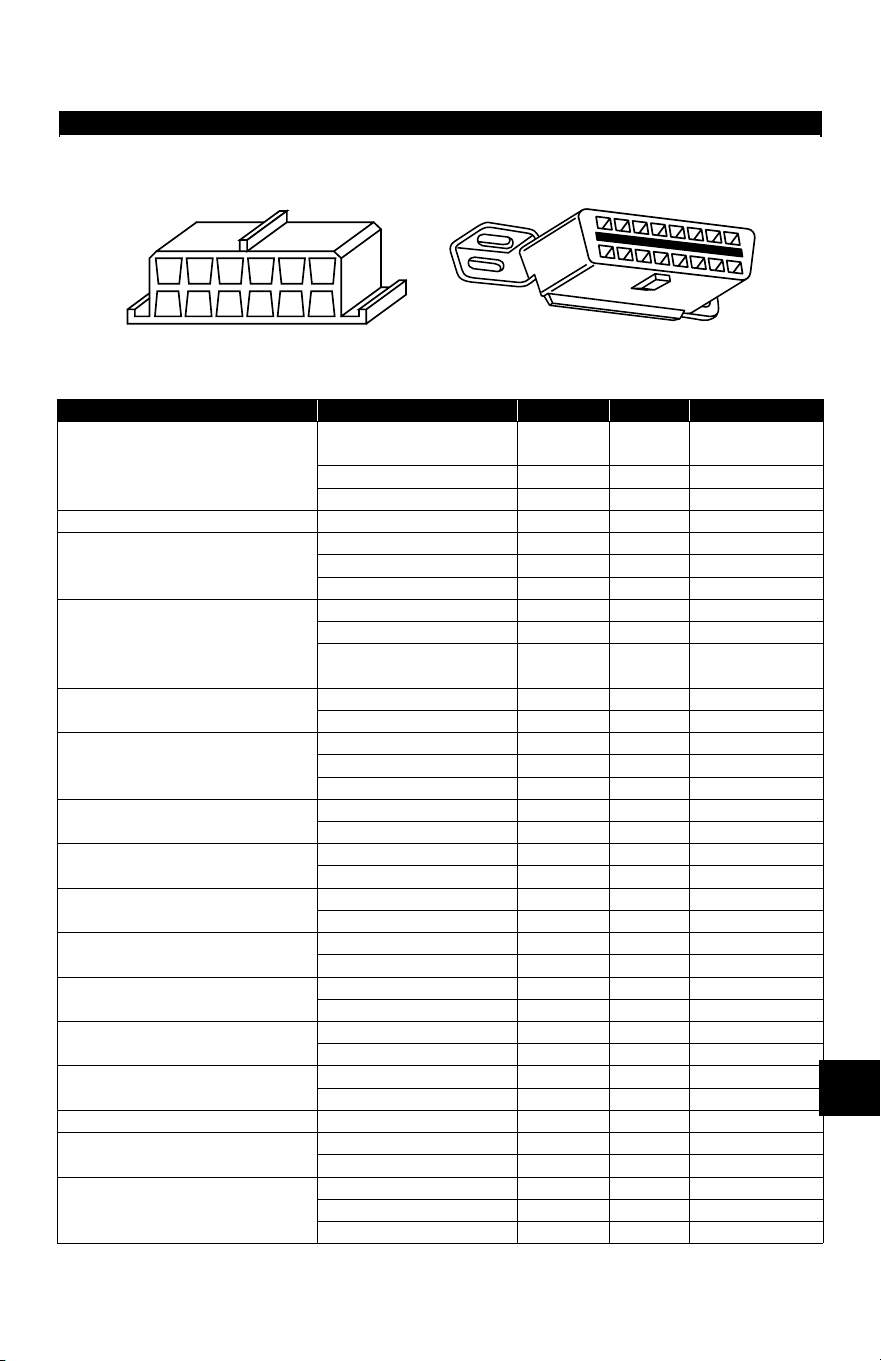
• • • • • • • • • • • • • • • • • • • • • • • • • • • • • • • • • • • • • • • • • • • • • • • • • • • • • • • • • B – 1
B
Appendix B –
Data Link Connectors
GM Cars, Light Trucks & Vans
94-95 GM Cars, Light Trucks & Vans
Model Engine VIN Year DLC Adapter
Achieva
2.3L DOHC PFI
A, D
D
94
95
ALDL
OBD II
2.3L SOHC PFI 3 94 ALDL
3.1L SFI M 94-95 ALDL
Aurora 4.0L SFI C 95 OBD II
Beretta/Corsica
2.2L TBI 4 94-95 ALDL
2.3L DOHC A 94 ALDL
3.1L PFI M 94-95 ALDL
Camaro, Firebird, Trans Am
3.4L PFI OHV S 94-95 ALDL
3.8L SFI K 95 OBD II
5.7L PFI P
94
95
ALDL
ALDL/OBD II
Caprice / Impala
5.7L TBI, MFI P 94, 95 ALDL, OBD II
4.3L V-8 MFI W 94-95 ALDL
Cavalier
2.2L TBI, SFI 4 94, 95 ALDL, OBD II
2.3L DOHC D 95 OBD II
3.1L SFI T 95 ALDL
Century
2.2L 4 95 ALDL
3.1L M 94-95 ALDL
Concours
4.6L OHC Y, 9 94-95 ALDL
4.9L SFI B 94 ALDL
Corvette
5.7L OHC (ZR-1) J 94-95 OBD II
5.7L PFI, SFI P 94-95 OBD II
Cutlass Ciera
2.2L PFI 4 94-95 ALDL
3.1L SFI M 94-95 ALDL
Cutlass Supreme
3.1L MFI, SFI M 94-95 ALDL
3.4L OHC SFI X 94-95 ALDL
DeVille
4.6L OHC Y, 9 94-95 ALDL
4.9L PFI B 94-95 ALDL
Eighty-Eight, Ninety-Eight, Park
Avenue, Bonneville
3.8L SFI L, K 94-95 OBD II
3.8L SFI SC 1 95 OBD II
Eldorado, Seville 4.6L OHC Y, 9 94-95 ALDL
Fleetwood
4.6L OHC Y, 9 94-95 ALDL
5.7L TBI, SFI P 94-95 ALDL
Grand Am
2.3L PFI DOHC A, D 94-95 ALDL
2.3L PFI SOHC 3 94 ALDL
3.1L SFI M 94-95 ALDL
Note: Data link connectors (DLC) are located under the dash, near the steering wheel.
OBD II (J1962) DLC
ALDL
DLC
F
G
E
H
D
J
C
K
B
L
A
M
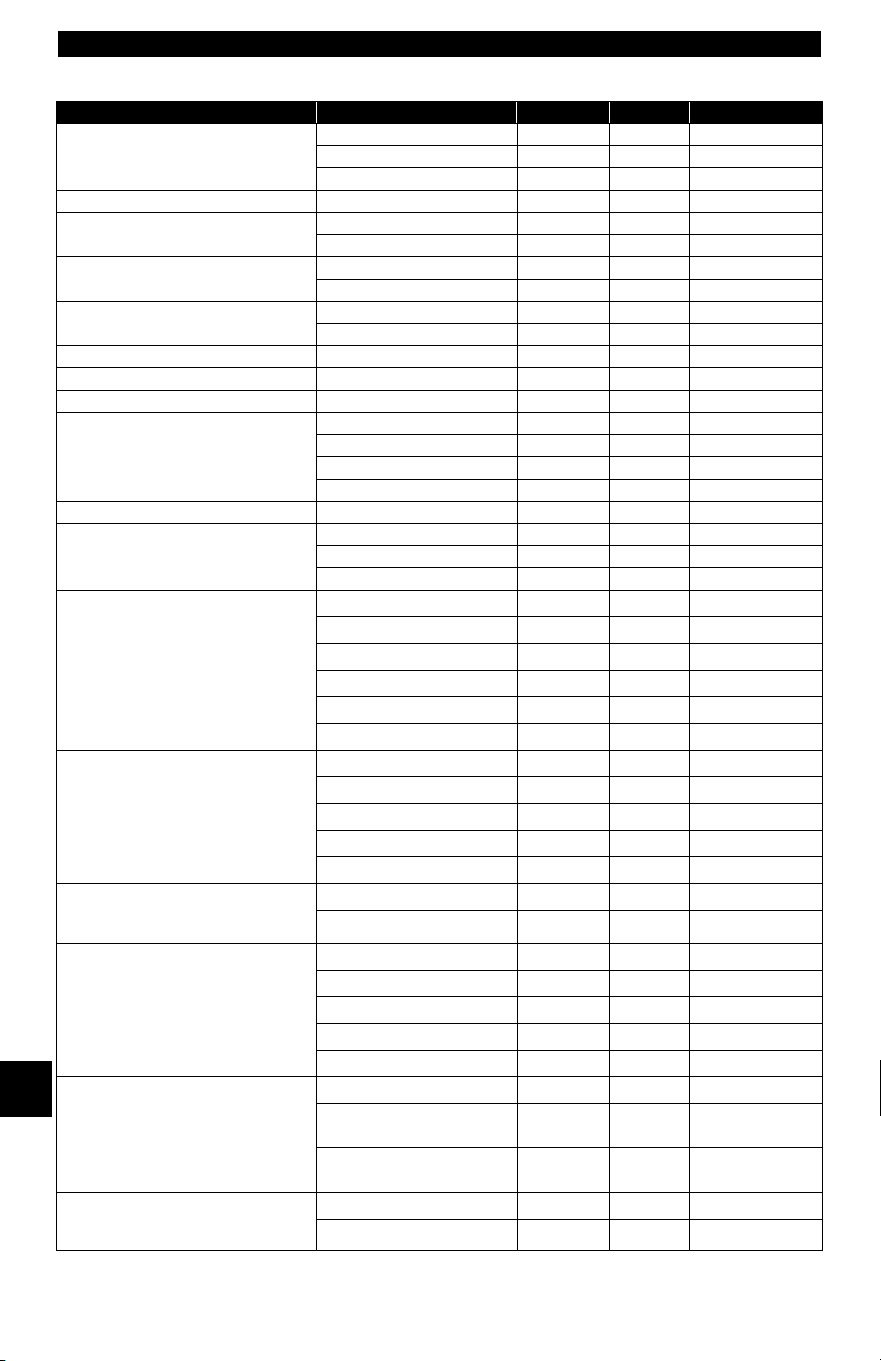
Data Link Connectors
B – 2• • • • • • • • • • • • • • • • • • • • • • • • • • • • • • • • • • • • • • • • • • • • • • • • • • • • • • • • •
B
Grand Prix
2.3L DOHC D 94-95 OBD II
3.1L MFI M 94-95 ALDL
3.4L PFI OHC X 94-95 ALDL
LeSabre 3.8L MFI L 94-95 OBD II
Lumina, Monte Carlo
3.1L PFI, SFI M, T 94-95 ALDL
3.4L MFI OHC X 94-95 ALDL
Regal
3.1L MFI M 94-95 ALDL
3.8L SFI, MFI L 94-95 ALDL
Riviera
3.8L MFI K 95 OBD II
3.8L SFI SC 1 95 OBD II
Roadmaster 5.7L P 94-95 ALDL
Saturn SC1, SL, SL1, SW1 1.9L SOHC 8 94-95 ALDL
Saturn SC2, SL, SL2, SW2 1.9L DOHC 7 94-95 ALDL
Skylark
2.3L DOHC D 95 ALDL
2.3L SOHC 3 94 ALDL
3.1L M, T 94-95 ALDL
3.8L MFI K 95 OBD II
Sunbird 3.1L PFI T 94 ALDL
Sunfire
2.0L TBI OHV H 94 ALDL
2.2L MFI 4 95 OBD II
2.3L PFI DOHC D 95 OBD II
C Series 4x2 &
K series 4x4
Conventional Cab
Pickup, Sierra, Blazer, Suburban,
Yukon & Tahoe
4.3L TBI Z 94-95 ALDL
5.0L TBI H 94-95 ALDL
5.7L TBI K 94-95 ALDL
6.5L Diesel P 94-95 ALDL
6.5L Turbo diesel F 94-95 ALDL
7.4L TBI N 94-95 ALDL
G series 4x2
Van (full size)
Chevy van, Sport van, GMC
Vandura and Rally
4.3L TBI Z 94-95 ALDL
5.0L TBI H 94-95 ALDL
5.7L TBI K 94-95 ALDL
6.5L Diesel P, Y 94-95 ALDL
7.4L TBI N 94-95 ALDL
M series 4x2 &
L series 4x4, Small Van,
Astro, Safari
4.3L CPI W 94-95 ALDL
4.3L TBI Z 94 ALDL
P series 4x2
Forward Control
Parcel/Delivery commercial vans,
Motorhomes
4.3L TBI Z 94-95 ALDL
5.7L TBI K 94-95 ALDL
6.5L Diesel Y 94 ALDL
6.5L Turbo Diesel F 94-95 ALDL
7.4L TBI N 94-95 ALDL
S series 4x2 &
T series 4x4
Small Conventional Cab,
Blazer, Bravada, Jimmy, Pickup &
Sonoma
2.2L MFI 4 94-95 OBD II
4.3L CPI W
94
95
ALDL
OBD II
4.3L TBI Z
94
95
ALDL
OBD II
U & X series 4x2
All Purpose Vehicle, Lumina
APV, Silhouette, Trans Sport
3.1L TBI D 94-95 ALDL
3.8L PFI L 94-95 ALDL
94-95 GM Cars, Light Trucks & Vans
Model Engine VIN Year DLC Adapter
Note: Data link connectors (DLC) are located under the dash, near the steering wheel.
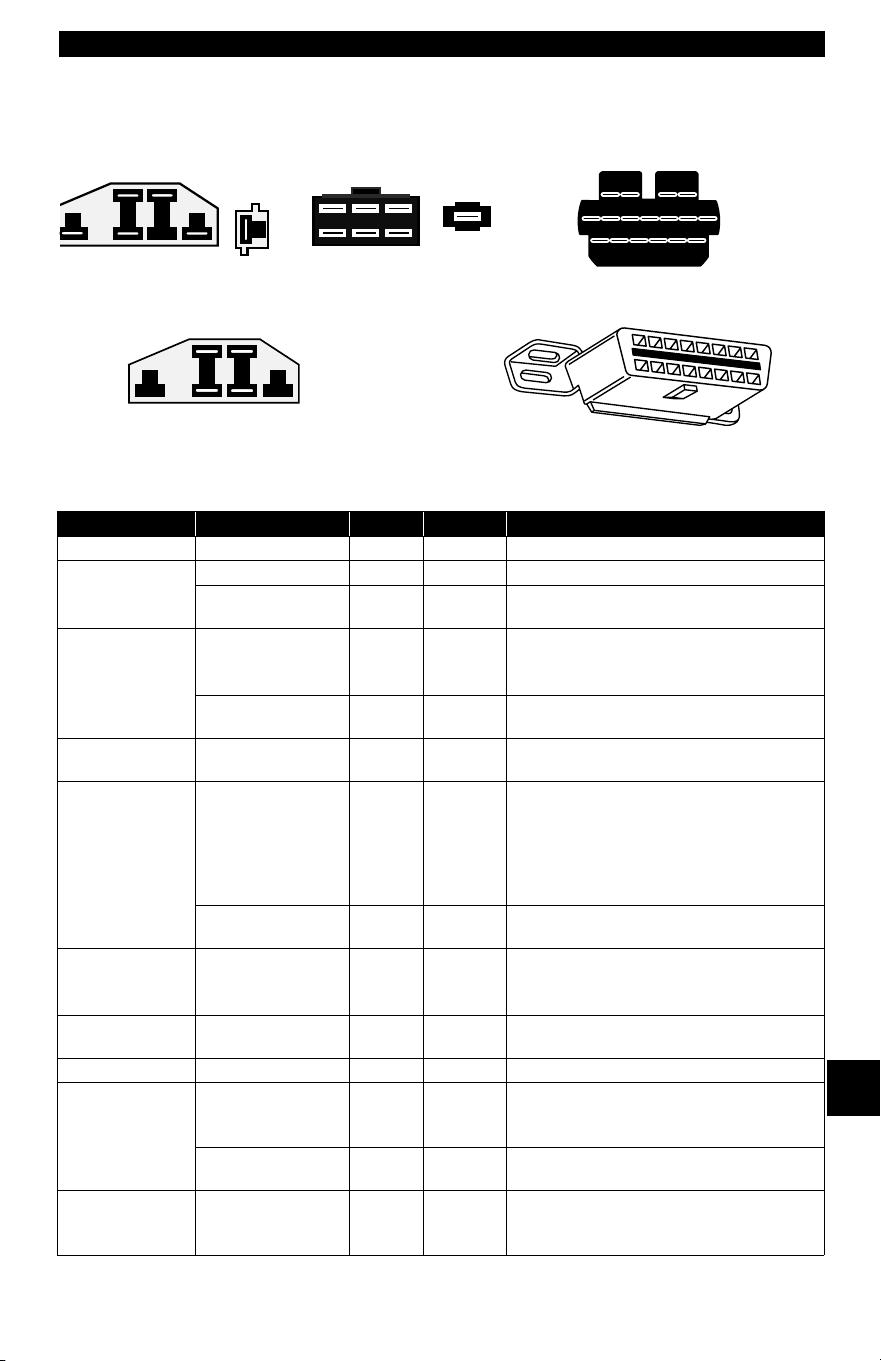
• • • • • • • • • • • • • • • • • • • • • • • • • • • • • • • • • • • • • • • • • • • • • • • • • • • • • • • • • B – 3
Data Link Connectors
B
Ford, Lincoln & Mercury Cars, Light Trucks & Vans
Ford, Lincoln & Mercury Cars, Light Trucks & Vans
Model Engines Year DLC DLC Location
Aspire 1.3L 94-95 MECS 17 Engine compartment, left rear corner
Capri 1.6L, 1.6L T 91-94 MECS 6 Engine compartment, right rear corner.
2.3L, 2.3L T, 3.8L,
5.0L, 5.0LHO
84-86 EEC-IV Engine compartment, left rear corner.
Continental 3.8L, 4.6L, 5.0L 88
89-94
EEC-IV Engine compartment, right corner near
firewall.
Right rear of engine compartment.
4.6L 95 OBD II Below instrument panel right of steer-
ing wheel.
Contour 2.0L, 2.5L 95 EEC-IV Engine compartment, left side by
shock tower.
Cougar 2.3L, 2.3L T, 3.8L,
5.0L, 5.0LHO
84-85
86-90
91-95
EEC-IV Right inner fender of engine compart-
ment
Engine compartment, in front of left
shock tower.
Engine compartment, in front of right
shock tower.
4.6L 94-95 OBD II Below instrument panel to right of
steering wheel.
Escort /Lynx/
EXP
1.6L, 1.6L Turbo,
1.9L
84-90
91-95
EEC-IV*
EEC-IV
Right fender apron near firewall and
shock tower.
Engine compartment, left rear corner.
Escort 1.8L 91-95 MECS 17 Engine compartment, left rear corner
near firewall.
Festiva 1.3L 90-93 MECS 6 Engine compartment, left rear corner.
Grand Marquis,
Crown Victoria,
Colony Park,
Country Squire
4.6L, 5.0L 84
85-94
EEC-IV* Above right wheel well.
Front Left fender apron above wheel-
well.
4.6L 95 OBD II Below instrument panel to right of
steering wheel.
Grand Marquis/
Crown Victoria
(Police)
5.8L 84
85-91
MCU Above right wheel well.
Front of left fender apron above wheel-
well.
* Early models are equipped with the EEC III diagnostic system which is not supported by this
tool.
MECS 17-Pin DLC
OBD II (J1962) DLC
MCU DLC
EEC-IV DLC
MECS 6-Pin DLC
Optional P/N 9603
Available from Dealership
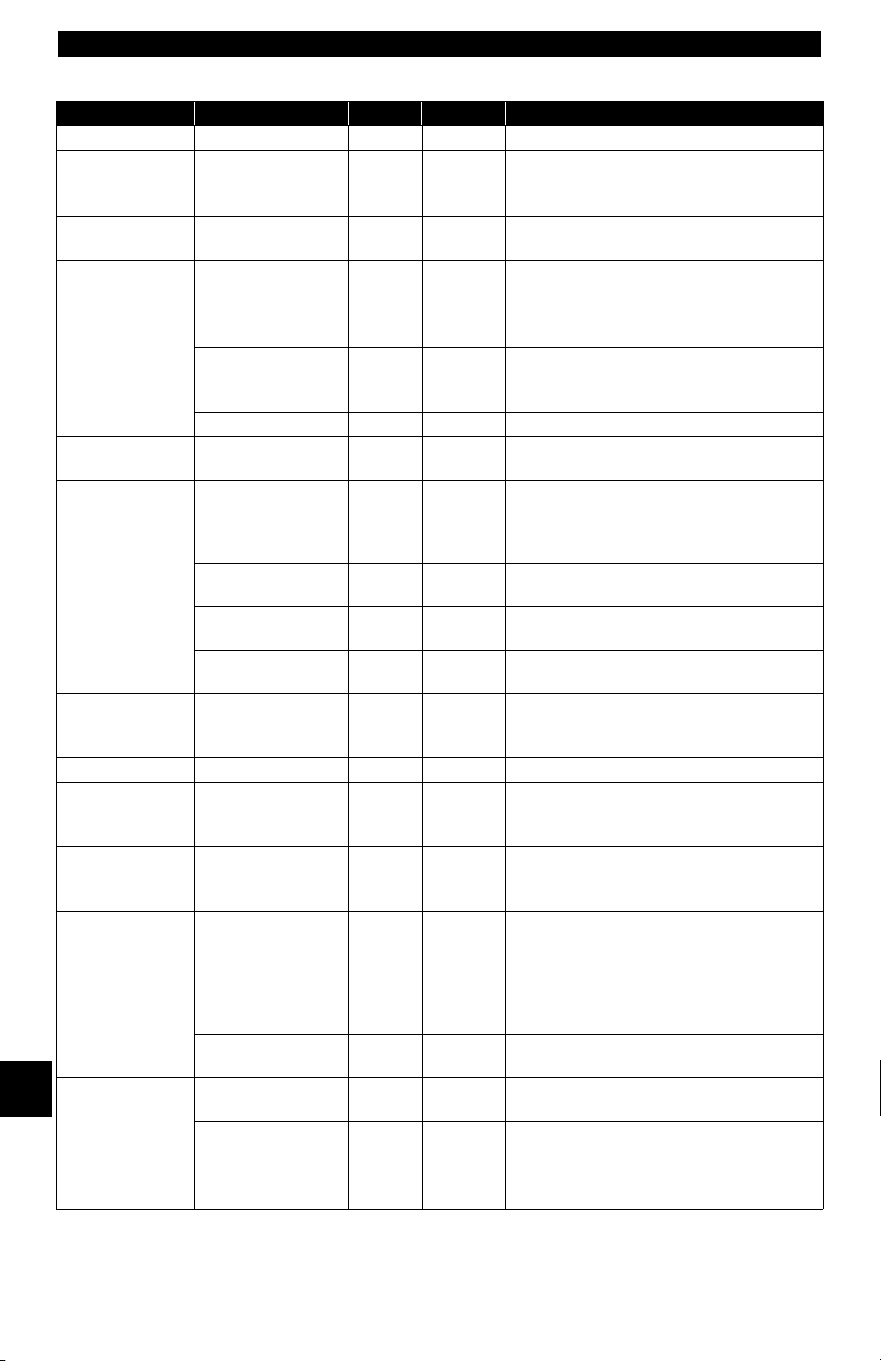
Data Link Connectors
B – 4• • • • • • • • • • • • • • • • • • • • • • • • • • • • • • • • • • • • • • • • • • • • • • • • • • • • • • • • •
B
Marquis/LTD 2.3L, 3.8L 84-86 EEC-IV Engine compartment, left rear corner.
Mark VII 5.0L, 5.0L HO 84-89
90-92
EEC-IV* Engine compartment, right corner near
firewall
Front of right fender apron.
Mark VIII 4.6L 93-95 EEC-IV Engine compartment on top of left
wheel well.
Mustang 2.3L,2.3L Turbo,
5.0L, 5.0L HO,
5.0L SHP
84-85
86-93
94-95
EEC-IV Center of left fender apron.
Left rear corner of engine compartment
on shock tower.
Rear of right shock tower.
3.8L 84-85
86-93
EEC-IV Center of left fender apron.
Left rear corner of engine compartment
on shock tower.
3.8L 94-95 OBD II Below left side of glove compartment.
Mystique 2.0L, 2.5L 95 EEC-IV Left side of engine compartment near
shock tower.
Probe 2.0L
(A/T only in 93)
93
93-95
MECS 17
EEC-IV
Left rear of engine compartment near
strut tower.
Left rear of engine compartment near
strut tower.
2.2L, 2.2L Turbo 89-92 MECS 6 Left rear of engine compartment near
strut tower.
2.5L 93-95 MECS 17 Left front of engine compartment near
battery.
3.0L 91-92 EEC-IV Left rear of engine compartment near
strut tower.
Sable 3.0L, 3.8L 86-87
88-95
EEC-IV Engine compartment near alternator.
Right rear corner of engine compart-
ment.
Scorpio 2.9L 87-89 EEC-IV Engine compartment, right rear corner.
Taurus 2.5L, 3.0L FF,
3.0L, 3.0L SHO,
3.2L, 3.8L
86-87
88-95
EEC-IV Engine compartment near alternator.
Right rear corner of engine compart-
ment.
Tempo / Topaz 2.3L HSC,
2.3L HSO, 3.0L
84-92
93-94
EEC-IV Right rear corner of engine compart-
ment.
Left strut tower.
Thunderbird 2.3L, 2.3L T, 3.8L,
3.8L SC, 5.0L,
5.0L HO
84-85
86-90
91-95
EEC-IV Right inner fender of engine compart-
ment
Engine compartment, in front of left
shock tower.
Engine compartment, in front of right
shock tower.
4.6L 94-95 OBD II Below instrument panel to right of
steering wheel.
Town Car 4.6L 95 OBD II Below instrument panel right of steer-
ing wheel.
4.6L, 5.0L 84
85-90
91-94
EEC-IV* Above right wheel well.
Left fender apron, near or above
wheelwell.
Above left wheel well.
Ford, Lincoln & Mercury Cars, Light Trucks & Vans
Model Engines Year DLC DLC Location
* Early models are equipped with the EEC III diagnostic system which is not supported by this
tool.
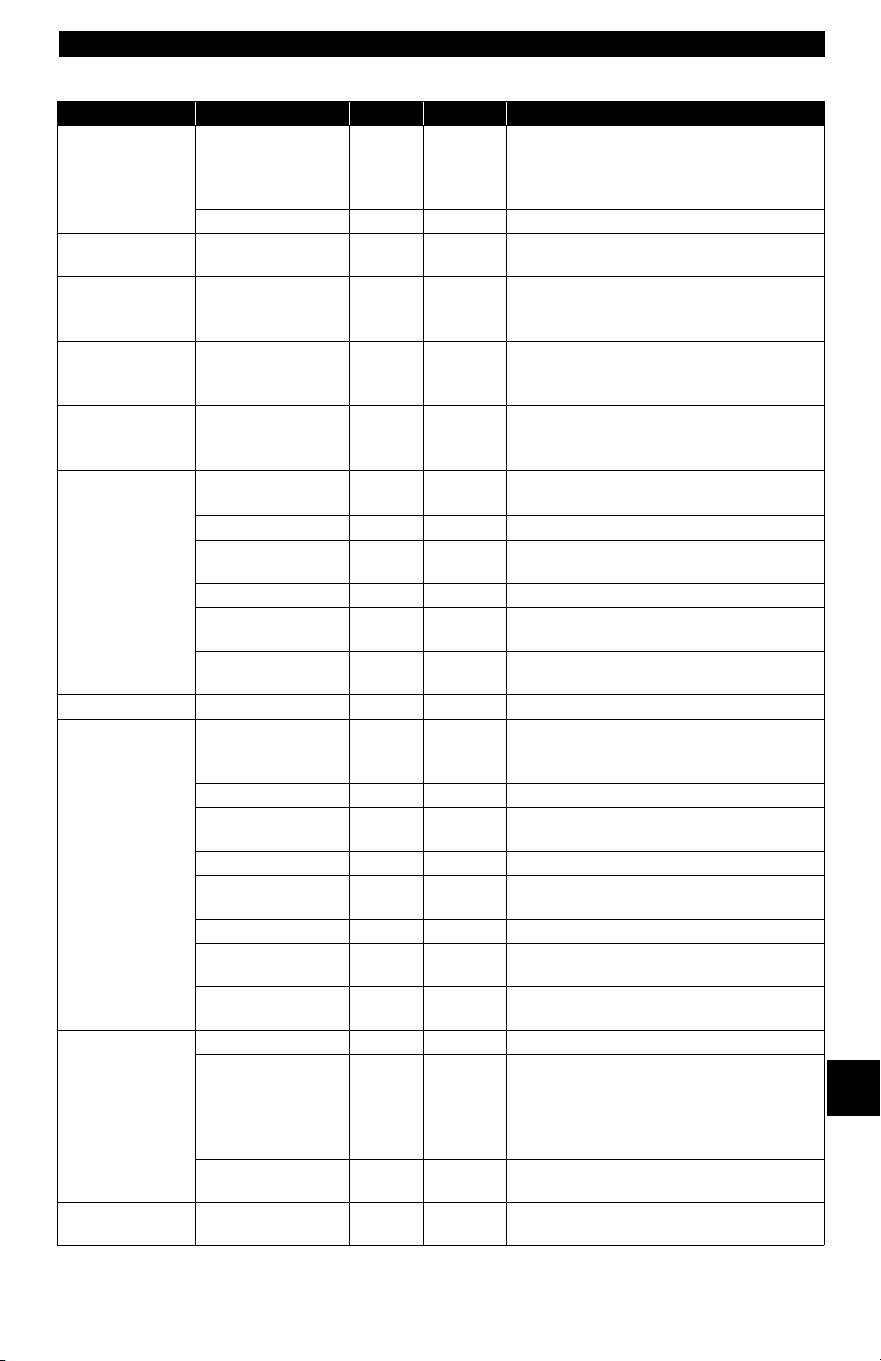
• • • • • • • • • • • • • • • • • • • • • • • • • • • • • • • • • • • • • • • • • • • • • • • • • • • • • • • • • B – 5
Data Link Connectors
B
Tracer 1.8L 88-89
91-95
MECS 6
MECS 17
Engine compartment, left rear corner
near firewall.
Engine compartment, left rear corner
near firewall.
1.9L 91-95 EEC-IV Engine compartment, left rear corner.
XR4Ti 2.3L Turbo 85-88 EEC-IV Engine compartment, right fender
apron above wheel well.
Aerostar 2.3L, 2.8L, 3.0L,
4.0L
86-92
93-95
EEC-IV Left front fender below starter relay.
Left rear engine compartment on fire-
wall.
Bronco 4.9L*, 5.0L*, 5.8L*
*
84-85 A/T Only
84-87
88-95
EEC-IV Right inner fender near starter relay.
Left front corner of engine compart-
ment.
Bronco II 2.8L, 2.9L 84-88
89-90
EEC-IV Right inner fender near starter relay.
Right fender panel below engine com-
partment fuse block.
E-Series,
Econoline Van
4.9L, 5.0L, 5.8L,
7.3L D, 7.3L TD
84-91
92-95
EEC-IV
Right front fender near starter relay.
Left front corner of engine compartment.
5.8L>8,500 GVW 96 EEC-IV Left rear of engine compartment.
5.8L>8,500 GVW
in 49 States, ex CA
97 EEC-IV Left rear of engine compartment.
7.5L W/Fed Emiss 96 EEC-IV Left rear of engine compartment.
7.5L >14,000
GVW
97-98 EEC-IV Left front corner of engine compart-
ment.
7.5L
>8,500 GVW in
49 States ex CA
97-98 EEC-IV Left front corner of engine compart-
ment.
Explorer 4.0L 91-95 EEC-IV Right rear of engine compartment.
F-Series Pickup 4.9L, 5.0L, 5.8L,
7.3L D, 7.3L TD,
7.5L
84-87
88-95
EEC-IV Right inner fender near starter relay.
Left front fender apron in rear of engine
compartment.
5.8L > 8,500 GVW 96-98 EEC-IV Left rear of engine compartment.
5.8L>8,500 GVW
in 49 States, ex CA
97 EEC-IV Left rear of engine compartment.
7.0L 91-96 EEC-IV Left rear of engine compartment.
7.0L > 14,000
GVW
97-98 EEC-IV Left rear of engine compartment.
7.5L W/Fed Emiss 96 EEC-IV Left rear of engine compartment.
7.5L > 8,500 GVW
in 49 States ex CA
97-98 EEC-IV Left rear of engine compartment.
7.5L > 14,000
GVW
97-98 EEC-IV Left rear of engine compartment.
Ranger 2.3L 84 MCU Right front inner fender panel.
2.3L, 2.8L, 2.9L,
3.0L, 4.0L
84-85
86-92
92-94
EEC-IV Right front inner fender panel.
Right rear fender apron near fuel pump
relay.
Left front inner fender by fuse/relay
block.
2.3L, 3.0L, 4.0L 95 OBD II Below instrument panel, right of steer-
ing wheel.
Windstar 3.0L, 3.8L 95 OBD II Below instrument panel, right of steer-
ing wheel.
Ford, Lincoln & Mercury Cars, Light Trucks & Vans
Model Engines Year DLC DLC Location
* Early models are equipped with the EEC III diagnostic system which is not supported by this
tool.
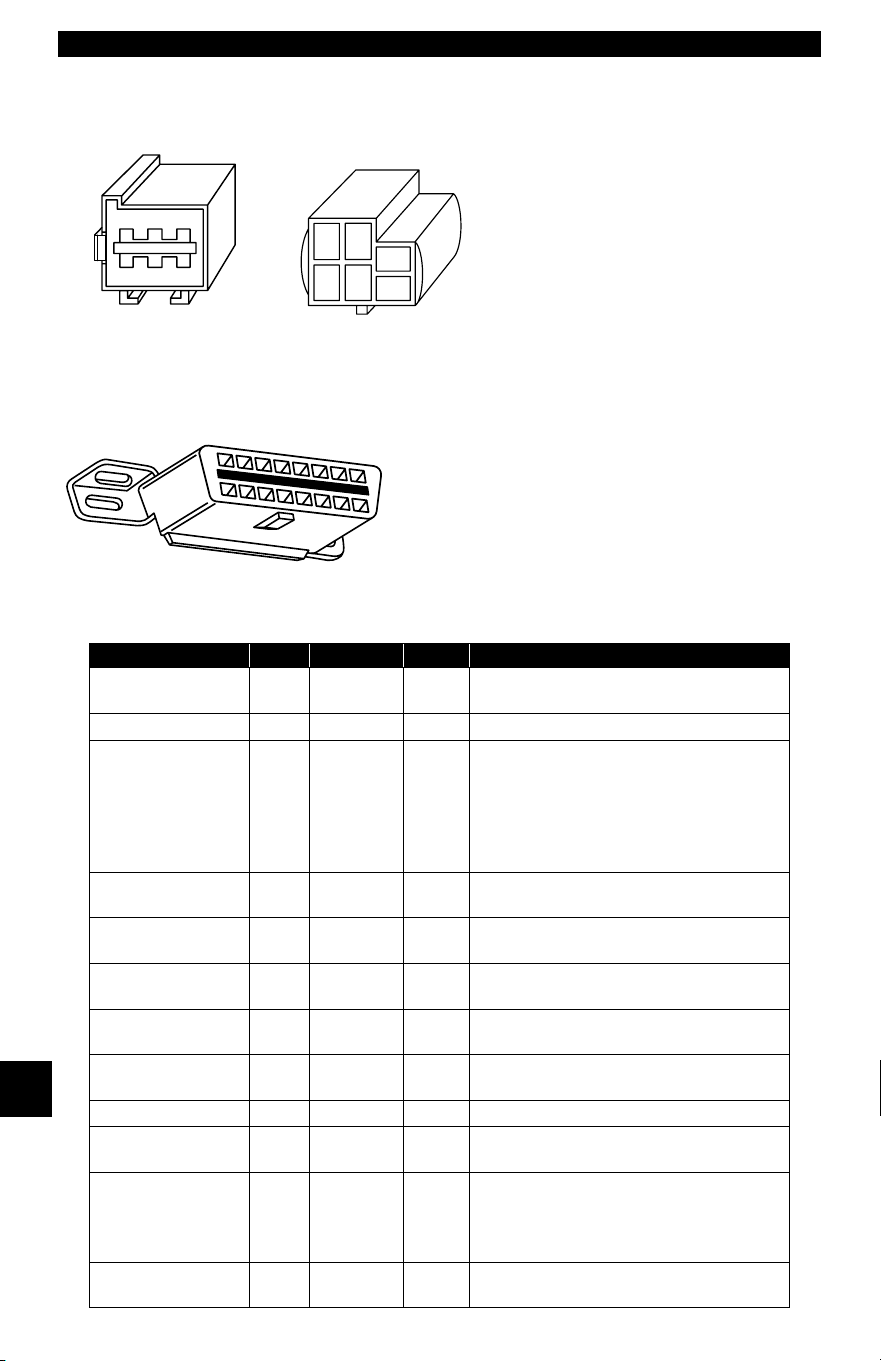
Data Link Connectors
B – 6• • • • • • • • • • • • • • • • • • • • • • • • • • • • • • • • • • • • • • • • • • • • • • • • • • • • • • • • •
B
Chrysler Cars, Light Trucks & Vans
Chrysler Cars, Light Trucks & Vans
Make/Model Year Engine DLC Location
Acclaim 89-95 ALL SCI
Front of left shock/strut tower, near the
SBEC/SMEC module.
Aries K, Reliant 89 ALL SCI At front of left shock/strut tower.
Caravan,
Grand Caravan
89-91
92-93
94-95
ALL
ALL
ALL
SCI
SCI
SCI
In front of left fender panel below
relays.
In engine compartment near PCM
module.
In engine compartment on left side of
firewall.
Cherokee 91-95 ALL SCI
In front of left fender apron behind air
cleaner.
Cirrus 95 ALL OBD II
Left of steering column under dash on
body control module
Comanche 91-92 ALL SCI
In front of left fender apron behind air
cleaner.
Concorde,
Intrepid, Vision
93-95 ALL LH Right of steering column under dash.
Dakota 91 ALL SCI
Engine compartment, right corner of
firewall
Daytona 89-93 ALL SCI At front of left shock/strut tower.
Dynasty 89-93 ALL SCI
Front of left shock/strut tower near
SBEC/PCM.
Fifth Avenue,
Imperial
90
91-93
ALL
ALL
SCI
SCI
In engine compartment near air filter
housing.
On front of left fender panel by
SMEC/SBAC.
Grand Cherokee,
Grand Wagoneer
93- ALL SCI Right rear of engine compartment.
LH DLC
Optional P/N 9605
SCI DLC
OBD II
(
J1962
)
DLC
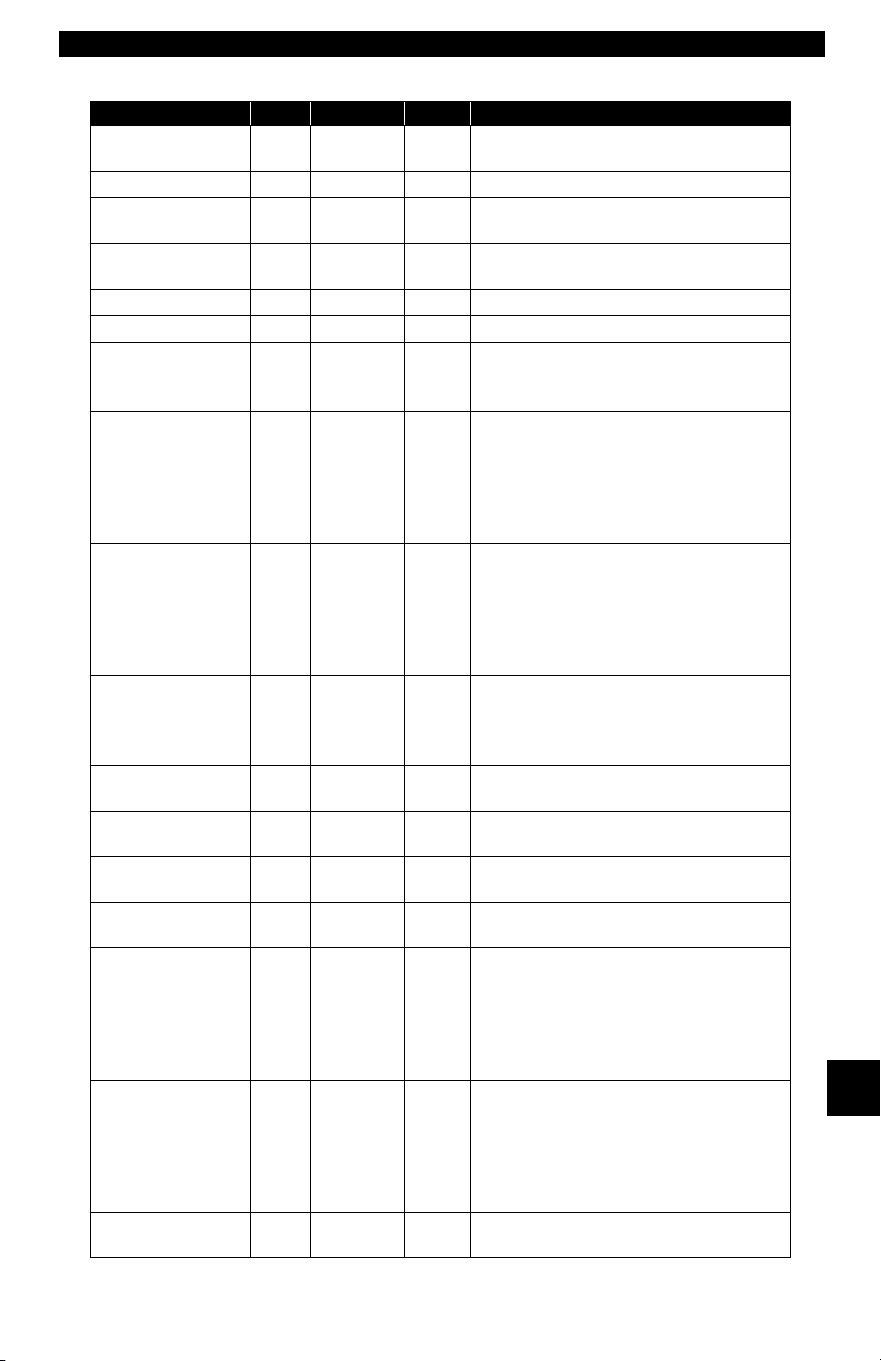
• • • • • • • • • • • • • • • • • • • • • • • • • • • • • • • • • • • • • • • • • • • • • • • • • • • • • • • • • B – 7
Data Link Connectors
B
Horizon, Omni 89-90 ALL SCI
Front of left side shock tower by relays
& SMEC.
Lancer 89 ALL SCI At front of left shock/strut tower.
LeBaron Coupe,
Convertible
89-95 ALL SCI At front of left shock/strut tower.
LeBaron Sedan,
GTS
89-95 ALL SCI
Front of left shock/strut tower near
SBEC/PCM.
LHS 94-95 ALL LH Right of steering column under dash.
Neon 95 ALL OBD II Under left side of dash.
New Yorker
89-93
94-95
ALL
ALL
SCI
LH
Front of left shock tower near the
SBEC/SMEC module.
Right of steering column under dash.
Pickup D/W, RAM
series
89-95
89-95
94-95
5.2L, 5.9L
3.9L, 5.9L
8.0L
SCI
SCI
SCI
On left side of firewall near master cyl-
inder.
In engine compartment on right side of
firewall.
In engine compartment on right side of
firewall.
Ram Wagon/Van,
B-Van
89-90
91-95
92-95
89-95
5.2L, 5.9L
5.2L, 5.9L
5.2L CNG
3.9L
SCI
SCI
SCI
SCI
On left side of firewall below cowl.
On center of firewall next to
SBEC/PCM.
Under center of dash panel.
In engine compartment on right side of
firewall.
Ramcharger
89-90
91-93
ALL
ALL
SCI
SCI
On left side corner of firewall below
cowl.
In engine compartment, near master
cylinder.
Sebring Conv/
Avenger
95 ALL OBD II
Under left side of dash, right side of
steering column.
Shadow, Sun-
dance
89-95 ALL SCI
Front of left shock/strut tower near
SBEC/PCM.
Spirit 89-95 ALL SCI
Front of left shock/strut tower near
SBEC/PCM.
Stratus 95 ALL OBD II
Left of steering column under dash on
body control module
Town & County
90-91
92-93
94-95
ALL
ALL
ALL
SCI
SCI
SCI
On front of left fender panel below
relays.
In engine compartment near PCM
module.
In engine compartment on left side of
firewall.
Voyager, Grand
Voyager
89-91
92-93
94-95
ALL
ALL
ALL
SCI
SCI
SCI
In front of left fender panel below
relays.
In engine compartment near PCM
module.
In engine compartment near PCM
module on left side of firewall.
Wrangler 91-95 ALL SCI
In front of left fender apron behind air
cleaner near SBEC.
Chrysler Cars, Light Trucks & Vans
Make/Model Year Engine DLC Location

Data Link Connectors
B – 8• • • • • • • • • • • • • • • • • • • • • • • • • • • • • • • • • • • • • • • • • • • • • • • • • • • • • • • • •
B

• • • • • • • • • • • • • • • • • • • • • • • • • • • • • • • • • • • • • • • • • • • • • • • • • • • • • • • • • C – 1
C
Appendix C – Glossary
A/C:
Air Conditioner
A/D:
Analog to Digital
A/F:
Air/Fuel ratio. The proportion of air and fuel delivered to the cylinder for
combustion. For example, an A/F ratio of 14:1 denotes 14 times as much air as
fuel in the mixture. Ideally the A/F ratio is 14.7:1.
ABS:
Anti-lock Brake System
A/C Clutch Relay:
The PCM uses this relay to energize the A/C clutch, turning the A/C compressor
on or off.
A/C Pressure Sensor:
Measures air conditioning refrigerant pressure and sends a voltage signal to the
PCM.
A/C Pressure Switch:
A mechanical switch connected to the A/C refrigerant line. The switch is
activated (sending a signal to the PCM) when the A/C refrigerant pressure
becomes too low or high.
Actuator:
Actuators such as relays, solenoids, and motors allow the PCM to control the
operation of vehicle systems.
Air Injection Reaction (AIR) System:
An emission control system operated by the PCM. During cold starts, an air
pump injects outside air into the exhaust manifold to help burn hot exhaust
gases. This reduces pollution and speeds warm-up of oxygen sensors and
catalytic converters. After the engine is warm, the air will either be dumped back
to the atmosphere (or into the air cleaner assembly) or sent to the catalytic
converter.
APP:
Acceleration Pedal Position (Sensor)
ASR:
Acceleration Slip Regulation
Bank x:
The standard way of referring to the bank of cylinders containing cylinder #x.
In-line engines have only one bank of cylinders. Most commonly used to identify
the location of oxygen sensors. See O2S, Sensor x, Sensor x.
BARO:
Barometric Pressure Sensor. See MAP Sensor.
BBV:
Brake Boost Vacuum (Sensor)

Glossary
C – 2 • • • • • • • • • • • • • • • • • • • • • • • • • • • • • • • • • • • • • • • • • • • • • • • • • • • • • • • •
C
BCM:
Body Control Module
Boost Control Solenoid:
A solenoid that is energized by the PCM, in order to control turbo/supercharger
boost pressure.
Brake Switch Signal:
An input signal to the PCM indicating that the brake pedal is being pressed. This
signal is typically used to disengage Cruise Control systems and Torque
Converter Clutch (TCC) solenoids. See also TCC.
CAM:
Camshaft Position Sensor. Sends a frequency signal to the PCM in order to
synchronize fuel injector and spark plug firing.
Catalytic Converter:
Designed to reduce exhaust emissions.
CAN:
Controller Area Network
CARB:
California Air Resources Board. Governing body for emissions control in
California.
CKP REF:
Crankshaft Position Reference.
CKP:
Crankshaft Position. See CPS.
CKT:
Circuit
Closed Loop (CL):
A feedback system that uses the O2 Sensor(s) to monitor the results of
combustion. Based on the signal(s) from the O2 sensor(s), the PCM modifies
the air/fuel mixture to maintain optimum performance with lowest emissions. In
closed loop mode, the PCM can fine tune control of a system to achieve an exact
result.
CMP:
Camshaft Position Sensor
CO:
Carbon Monoxide; odorless gas produced by incomplete combustion.
Code Scanner:
A device that interfaces with and communicates information via a data link.
Continuous Memory Codes:
See Pending Codes.
CPS:
Crankshaft Position Sensor. Sends a frequency signal to the PCM. It is used to
reference fuel injector operation and synchronize spark plug firing on
distributorless ignition systems (DIS).

• • • • • • • • • • • • • • • • • • • • • • • • • • • • • • • • • • • • • • • • • • • • • • • • • • • • • • • • • C – 3
• • • • • • • • • • • • • • • • • • • • • • • • • • • • • • • • • • • • • • • • • • • • • • • • • • • • • • • • • • • • • Glossary
C
CTS:
Coolant Temperature Sensor. A resistance sensor that sends a voltage signal
to the PCM indicating the temperature of the coolant. This signal tells the PCM
whether the engine is cold or warm.
CVRTD:
Continuous Variable Real Time Damping
D/R:
Drive/Reverse
Data Link Connector (DLC):
Connector providing access and/or control of the vehicle information, operating
conditions, and diagnostic information. Vehicles with OBD II use a 16-pin
connector located in the passenger compartment.
Data Stream:
The actual data communications sent from the vehicle’s PCM to the data
connector.
DEPS:
Digital Engine Position Sensor.
Detonation:
See Knock.
DI/DIS:
Direct Ignition/Distributorless Ignition System. A system that produces the
ignition spark without the use of a distributor.
DPFE:
Differential Pressure Feedback – Exhaust Gas Recirculation Sensor
DTC:
Diagnostic Trouble Code. An alphanumeric identifier for a fault condition
identified by the On Board Diagnostic System.
Duty Cycle:
A term applied to signals that switch between on and off. Duty cycle is the
percentage of time the signal is on. For example, if the signal is on only one
fourth of the time, then the duty cycle is 25%. The PCM uses duty cycle type
signals to maintain precise control of an actuator.
EBCM:
Electronic Brake Control Module
EBTCM:
Electronic Brake/Traction Control Module
ECM
Engine Control Module or Electronic Control Module
ECT:
Engine Coolant Temperature sensor. See CTS.
EEPROM:
Electrically Erasable Programmable Read Only Memory
EFE:
Early Fuel Evaporation

Glossary
C – 4 • • • • • • • • • • • • • • • • • • • • • • • • • • • • • • • • • • • • • • • • • • • • • • • • • • • • • • • •
C
EFI:
Electronic Fuel Injection. Any system where a computer controls fuel delivery to
the engine by using fuel injectors.
EGR:
Exhaust Gas Recirculation. The PCM uses the EGR system to recirculate
exhaust gases back into the intake manifold to reduce emissions. EGR is used
only during warm engine cruise conditions.
EOP:
Engine Oil Pressure (Switch)
EOT
Engine Oil Temperature (Sensor)
EPA:
Environmental Protection Agency.
ESC:
Electronic Spark Control. An ignition system function that warns the PCM when
knock is detected. The PCM then retards spark timing to eliminate the knocking
condition.
EST:
Electronic Spark Timing. An ignition system that allows the PCM to control spark
advance timing. The PCM determines optimum spark timing from sensor
information — engine speed, throttle position, coolant temperature, engine load,
vehicle speed, Park/Neutral switch position, and knock sensor condition.
EVAP:
Evaporative Emissions System.
FC:
Fan Control
Freeze Frame:
A block of memory containing DTCs of the vehicle operating conditions for a
specific time.
FTP:
Federal Test Procedure. Strict test of vehicle’s emissions.
Ground (GND):
An electrical conductor used as a common return for an electric circuit(s) and
with a relative zero potential (voltage).
Hall Effect Sensor:
Any of a type of sensor utilizing a permanent magnet and a transistorized Hall
Effect switch. Hall Effect type sensors may be used to measure speed and
position of the crankshaft or camshaft — for spark timing and fuel injector
control.
HO2S:
Heated Oxygen Sensor. See O2S.
HVAC:
Heating, Ventilation & Air Conditioning (System)
I/M:
Inspection and Maintenance. An emission control program.

• • • • • • • • • • • • • • • • • • • • • • • • • • • • • • • • • • • • • • • • • • • • • • • • • • • • • • • • • C – 5
• • • • • • • • • • • • • • • • • • • • • • • • • • • • • • • • • • • • • • • • • • • • • • • • • • • • • • • • • • • • • Glossary
C
IAC:
Idle Air Control. A device mounted on the throttle body which adjusts the amount
of air bypassing a closed throttle so that the PCM can control idle speed.
IAT:
Intake Air Temperature (Sensor)
ICM:
Ignition Control Module.
IMRC:
Intake Manifold Runner Control
IPC:
Instrument Panel Cluster
ISC:
Idle Speed Control. A small electric motor mounted on the throttle body and
controlled by the PCM. The PCM can control idle speed by commanding the ISC
to adjust its position.
ISO:
International Organization of Standardization also know as International
Standards Organization.
KAM:
Keep Alive Memory
Knock Sensor (KS):
Used to detect engine detonation or knock. The sensor contains a piezoelectric
element and is threaded into the engine block. Special construction makes the
element sensitive only to engine vibrations associated with detonation.
Knock:
Uncontrolled ignition of the air/fuel mixture in the cylinder. Also referred to as
detonation or ping. Knock indicates extreme cylinder pressures or “hotspots”
which are causing the air/fuel mixture to detonate prematurely.
KOEO:
Key On Engine Off. Turn the ignition key to on, but don’t start the engine.
KOER:
Key On Engine Running. Start the vehicle.
LCD:
Liquid Crystal Display
LTFT:
Long Term Fuel Trim
M/T:
Manual transmission or manual transaxle.
MAF:
Mass Air Flow (sensor). Measures the amount and density of air entering the
engine and sends a frequency or voltage signal to the PCM. The PCM uses this
signal in its fuel delivery calculations.

Glossary
C – 6 • • • • • • • • • • • • • • • • • • • • • • • • • • • • • • • • • • • • • • • • • • • • • • • • • • • • • • • •
C
MAP:
Manifold Absolute Pressure (sensor). Measures intake manifold vacuum or
pressure and sends a frequency or voltage signal (depending on sensor type)
to the PCM. This gives the PCM information on engine load for control of fuel
delivery, spark advance, and EGR flow.
MAT:
Manifold Air Temperature (sensor). A resistance sensor in the intake manifold
that sends a voltage signal to the PCM indicating the temperature of the
incoming air. The PCM uses this signal for fuel delivery calculations.
MIL:
Malfunction Indicator Lamp. The MIL is most commonly known as the Check
Engine or Service Engine Soon light. A required on-board indicator to alert the
driver of an emission-related malfunction.
Misfire:
Caused by the air fuel ratio being incorrect.
Monitor:
A test performed by the on-board computer to verify proper operation of
emission-related systems or components.
MPFI or MFI:
Multi-Port Fuel Injection. MPFI is a fuel injection system using one (or more)
injector(s) for each cylinder. The injectors are mounted in the intake manifold,
and fired in groups rather than individually.
NOx:
Oxides of Nitrogen. The system EGR and Camshafts injects exhaust gases into
the intake manifold to reduce these gases at the tailpipe.
O2S:
Oxygen Sensor. Generates a voltage of 0.6 to 1.1 volts when the exhaust gas
is rich (low oxygen content). The voltage changes to 0.4 volts or less when the
exhaust gas is lean (high oxygen content). This sensor only operates after it
reaches a temperature of approximately 349ºC (660ºF). O2 sensors are usually
found both upstream and downstream of the catalytic converter. The PCM uses
these sensors to fine tune the air-fuel ratio and to monitor the efficiency of the
catalytic converter. See Bank 1, Bank 2, Sensor 1, Sensor 2.
OBD II:
On-Board Diagnostics, Second Generation. OBD II is a U.S.
Government-mandated standard requiring all cars and light trucks to have a
common data connector, connector location, communication protocol, DTCs
and code definitions. OBD II first appeared on vehicles in late 1994, and is
required to be present on all cars sold in the US after January 1, 1996.
ODM:
Output Device Monitor.
Open Loop (OL):
A control system mode that does not monitor the output to verify if the desired
results were achieved. A fuel delivery system usually operates in open loop
mode during cold engine warm-up because the oxygen sensors are not yet
ready to send a signal. Without the oxygen sensor signal, the computer cannot
check the actual results of combustion.

• • • • • • • • • • • • • • • • • • • • • • • • • • • • • • • • • • • • • • • • • • • • • • • • • • • • • • • • • C – 7
• • • • • • • • • • • • • • • • • • • • • • • • • • • • • • • • • • • • • • • • • • • • • • • • • • • • • • • • • • • • • Glossary
C
PCM:
Powertrain Control Module. The brains of the engine and transmission control
systems housed in a metal box with a number of sensors and actuators
connected via a wiring harness. Its job is to control fuel delivery, idle speed,
spark advance timing, and emission systems. The PCM receives information
from sensors, then energizes various actuators to control the engine. The PCM
is also known as the ECM (Engine Control Module).
Pending Codes:
Also referred to as Continuous Memory codes and Maturing Diagnostic Trouble
Codes. Pending Codes may be set by emission related powertrain components
and systems. If the fault does not occur after a certain number of drive cycles,
the code is erased from memory.
PID:
Parameter Identification. Identifies an address in memory which contains
vehicle operating information.
PNP:
Park/Neutral Position. A switch that tells the PCM when the gear shift lever is
in the Park or Neutral position. When in Park or Neutral, the PCM operates the
engine in an idle mode.
PROM:
Programmable Read-Only Memory. The PROM contains programming
information the PCM needs to operate a specific vehicle model/engine
combination.
PSPS:
Power Steering Pressure Switch
Purge Solenoid:
Controls the flow of fuel vapors from the carbon canister to the intake manifold.
The canister collects vapors evaporating from the fuel tank, preventing them
from escaping to the atmosphere and causing pollution. During warm engine
cruise conditions, the PCM energizes the Purge Solenoid so the trapped vapors
are drawn into the engine and burned.
PWM:
Pulse Width Modulated
PZM:
Platform Zone Module
QDM:
Quad Driver Module
RAM:
Random Access Memory
Relay:
An electromechanical device in which connections in one circuit are switched.
Reluctance Sensor:
A type of sensor typically used to measure crankshaft or camshaft speed and/or
position, driveshaft speed, and wheel speed.

Glossary
C – 8 • • • • • • • • • • • • • • • • • • • • • • • • • • • • • • • • • • • • • • • • • • • • • • • • • • • • • • • •
C
ROM:
Read-Only Memory. Permanent programming information stored inside the
PCM, containing the information the PCM needs to operate a specific vehicle
model/engine combination.
RPM:
Revolutions Per Minute
SAE:
Society of Automotive Engineers.
Scan Tool:
A device that interfaces with and communicates information on a data link.
SDM:
Sensing and Diagnostic Module
Sensor x:
A standard term used to identify the location of oxygen sensors. Sensor 1 is
located upstream of the catalytic converter. See O2S, Bank 1, Bank 2.
Sensor:
Any device that reports information to the PCM. The job of the sensor is to
convert a parameter such as engine temperature into an electrical signal that the
PCM can understand.
SFI or SEFI:
Sequential Fuel Injection or Sequential Electronic Fuel Injection. A fuel injection
system that uses one or more injectors for each cylinder. The injectors are
mounted in the intake manifold and are fired individually.
Solenoid:
A device consisting of an electrical coil which when energized, produces a
magnetic field in a plunger, which is pulled to a central position. A solenoid may
be used as an actuator in a valve or switch.
STFT:
Short Term Fuel Trim.
STS:
Service Throttle Soon
TAC:
Throttle Actuator Control
TBI:
Throttle Body Injection. A fuel injection system having one or more injectors
mounted in a centrally located throttle body, as opposed to positioning the
injectors close to an intake valve port. TBI is also called Central Fuel Injection
(CFI) in some vehicles.
TCC:
Torque Converter Clutch
TCM:
Transmission Control Module
TCS:
Traction Control System for PCM and brakes

• • • • • • • • • • • • • • • • • • • • • • • • • • • • • • • • • • • • • • • • • • • • • • • • • • • • • • • • • C – 9
• • • • • • • • • • • • • • • • • • • • • • • • • • • • • • • • • • • • • • • • • • • • • • • • • • • • • • • • • • • • • Glossary
C
TDC:
Top Dead Center. When a piston is at its uppermost position in the cylinder.
TFP:
Transmission Fluid Pressure
TFT:
Transmission Fluid Temperature (Sensor)
Throttle Body:
A device which performs the same function as a carburetor in a fuel injection
system. On a throttle body injection (TBI) system, the throttle body is both the
air door and the location of the fuel injectors. On port fuel injection systems (PFI,
MPFI, SFI, etc.), the throttle body is simply an air door. Fuel is not added until
the injectors at each intake port are activated. In each case, the throttle body is
attached to the accelerator pedal.
TPS:
Throttle Position Sensor. Potentiometer-type sensor connected to the throttle
shaft. Its voltage signal output increases as the throttle is opened. The PCM
uses this signal to control many systems such as idle speed, spark advance, fuel
delivery, etc.
Traction Assist:
Assist in traction with brakes only.
Trip:
Vehicle operation for a period of time so the systems can be monitored.
TTS:
Transmission Temperature Sensor. A resistance sensor mounted in the
transmission housing in contact with the transmission fluid. It sends a voltage
signal to the PCM indicating the temperature of the transmission.
VECI:
Vehicle Emission Control Information. A decal located in the engine
compartment containing information about the emission control systems found
on the vehicle. The VECI is the authoritative source for determining whether a
vehicle is OBD II compliant.
VIN:
Vehicle Identification Number. This is the factory-assigned vehicle serial
number. This number is stamped on a number of locations throughout the
vehicle, but the most prominent location is on top of the dashboard on the
driver’s side, visible from outside the car. The VIN includes information about the
car, including where it was built, body and engine codes, options, and a
sequential build number.
VSS:
Vehicle Speed Sensor. Sends a frequency signal to the PCM. The frequency
increases as the vehicle moves faster to give the PCM vehicle speed
information used to determine shift points, engine load, and cruise control
functions.
VTD:
Vehicle Theft Deterrent

Glossary
C – 10 • • • • • • • • • • • • • • • • • • • • • • • • • • • • • • • • • • • • • • • • • • • • • • • • • • • • • • •
C
Warm-up Cycle:
Warm-up cycle is when the engine coolant temperature rises at least 40 degrees
above that at engine start up.
WOT:
Wide-Open Throttle. The vehicle operating condition brought about when the
throttle is completely (or nearly) open. The PCM typically delivers extra fuel to
the engine and de-energizs the A/C compressor at this time for acceleration
purposes. The PCM uses a switch or the TPS to identify the WOT condition.

SPX Corporation Limited Warranty
THIS WARRANTY IS EXPRESSLY LIMITED TO ORIGINAL RETAIL
BUYERS OF SPX ELECTRONIC DIAGNOSTIC TOOLS (“UNITS”).
SPX Units are warranted against defects in materials and workmanship for one year (12 months)
from date of delivery. This warranty does not cover any Unit that has been abused, altered, used
for a purpose other than that for which it was intended, or used in a manner inconsistent with
instructions regarding use. The sole and exclusive remedy for any Unit found to be defective is
repair or replacement, the option of SPX. In no event shall SPX be liable for any direct, indirect,
special, incidental or consequential damages (including lost profit) whether based on warranty,
contract, tort or any other legal theory. The existence of a defect shall be determined by SPX in
accordance with procedures established by SPX. No one is authorized to make any statement or
representation altering the terms of this warranty.
DISCLAIMER
THE ABOVE WARRANTY IS IN LIEU OF ANY OTHER WARRANTY, EXPRESS OR
IMPLIED, INCLUDING ANY WARRANTY OF MERCHANTABILITY OR FITNESS
FOR A PARTICULAR PURPOSE.
SOFTWARE
Unit software is proprietary, confidential information protected under copyright law.
Users have no right in or title to Unit software other than a limited right of use revocable
by SPX. Unit software may not be transferred or disclosed without written consent of
SPX. Unit software may not be copied except in ordinary backup procedures.
ORDER INFORMATION
Order replacement and optional parts directly from your SPX authorized tool supplier.
Include the quantity, part number, and item description.
Technical Service
If you have any questions about the operation of the product, call (800) 228-7667.
Repair
When sending your SPX electronic product in for repair, include the following:
• contact name
• telephone number
• description of the problem
• proof-of-purchase for warranty repairs
• preferred method of payment for non-warranty repairs
For non-warranty repairs, please call Tech Support at
(800) 228-7667
. You will be advised
of the cost of repair and any freight charges.
Send the unit to:
SPX Service Solutions
15825 Industrial Parkway
Cleveland Ohio 44135
Attn.: Repair

Glossary
C – 12 • • • • • • • • • • • • • • • • • • • • • • • • • • • • • • • • • • • • • • • • • • • • • • • • • • • • • • •
C

• • • • • • • • • • • • • • • • • • • • • • • • • • • • • • • • • • • • • • • • • • • • • • • • • • • • • • • • C – 13
• • • • • • • • • • • • • • • • • • • • • • • • • • • • • • • • • • • • • • • • • • • • • • • • • • • • • • • • • • • • • Glossary
C

© 2006-2007 SPX Corporation
All Rights Reserved.
Todos los derechos reservados.
Tous droits réservés.
P/N 0002-001-2933