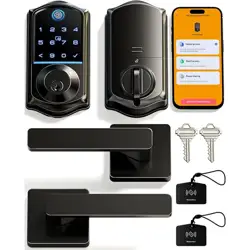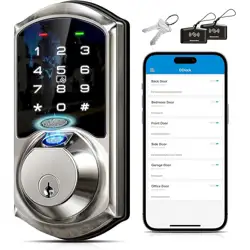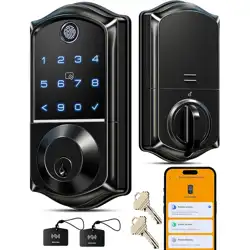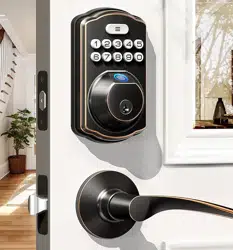
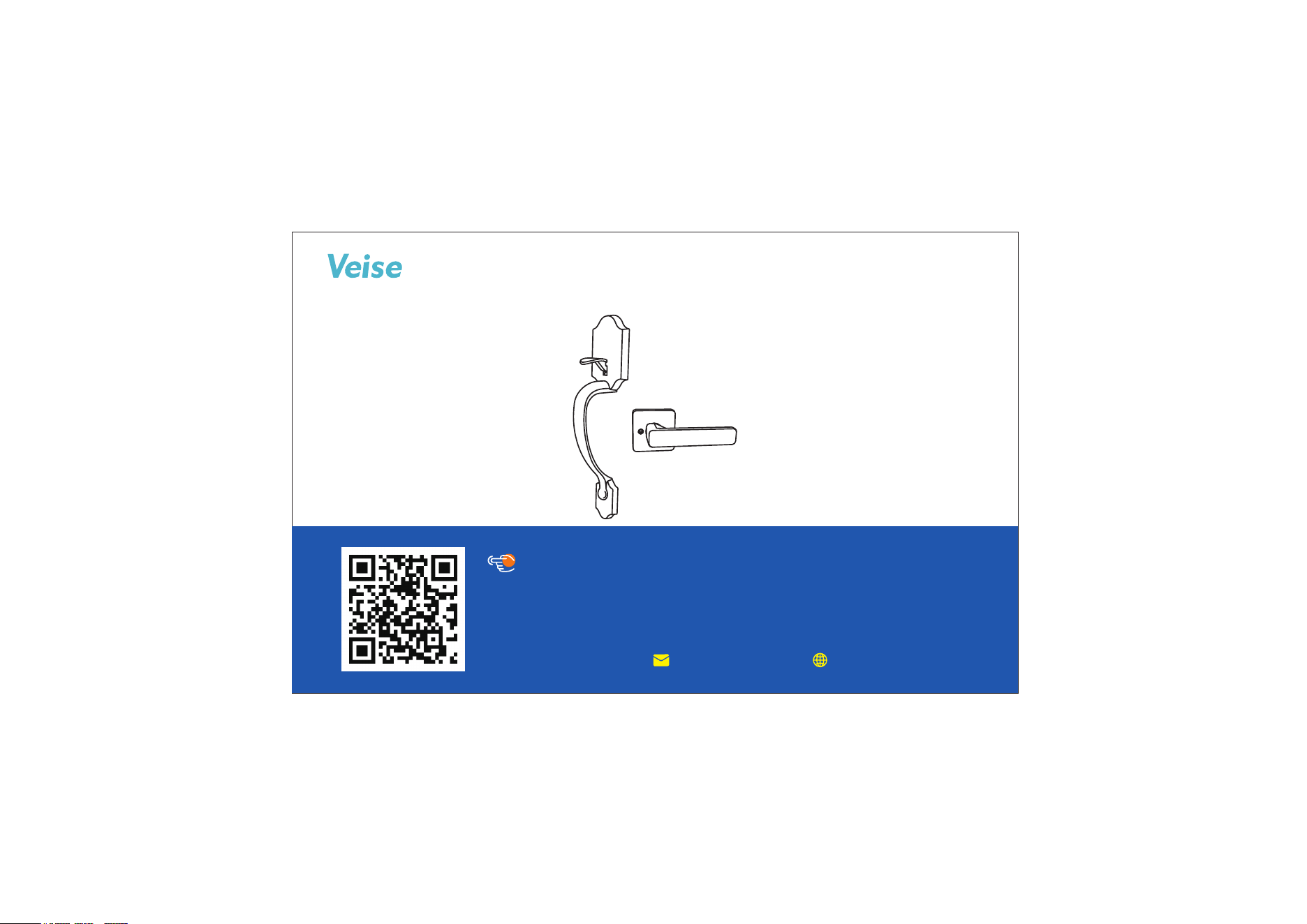
Installation Instructions of Handleset
Need Help? Contact Us!
Call us at +1(855)400-3853 ( Monday-Friday 9:00am-5:00pm PST ),
if you have any questions.
iveise.com
Scan the QR code to get the video.
Tutorial Video
Content
01
Parts List
02
Prepare the Door & Check Dimensions
04
Install the Latch & Strike
05
Install the Handle
06
Install the Handle Lever
03
Latch Adjustment
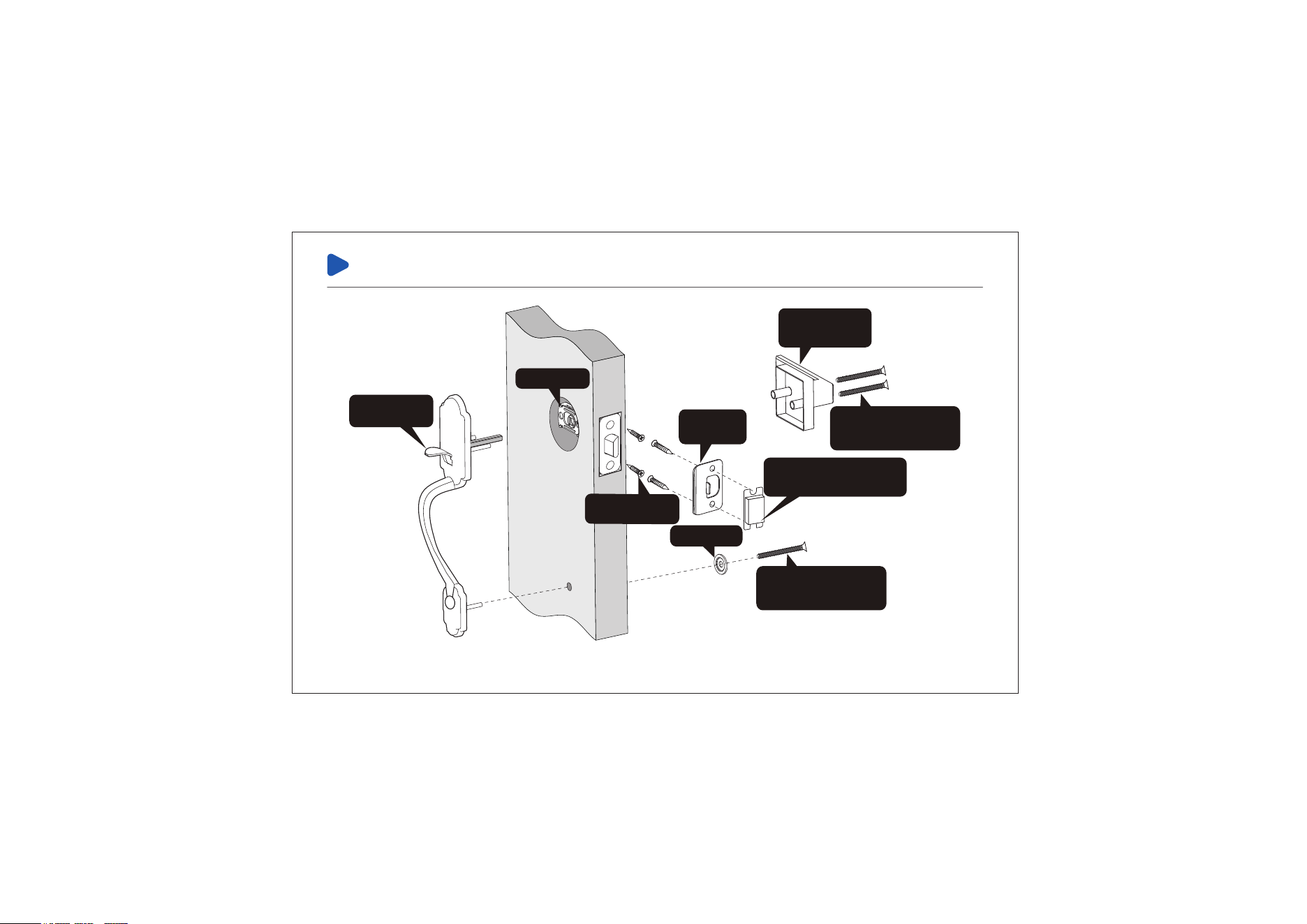
Installation Overview
Strike
(C)
Handle Lever
(E)
Handle Lever
& Handle Screws
(F)
Handle Lever
& Handle Screws
(F)
Dust Cover (optional)
(D)
Handle (A)
Latch (B)
Latch & Strike
Screws (G)
Spacer (H)
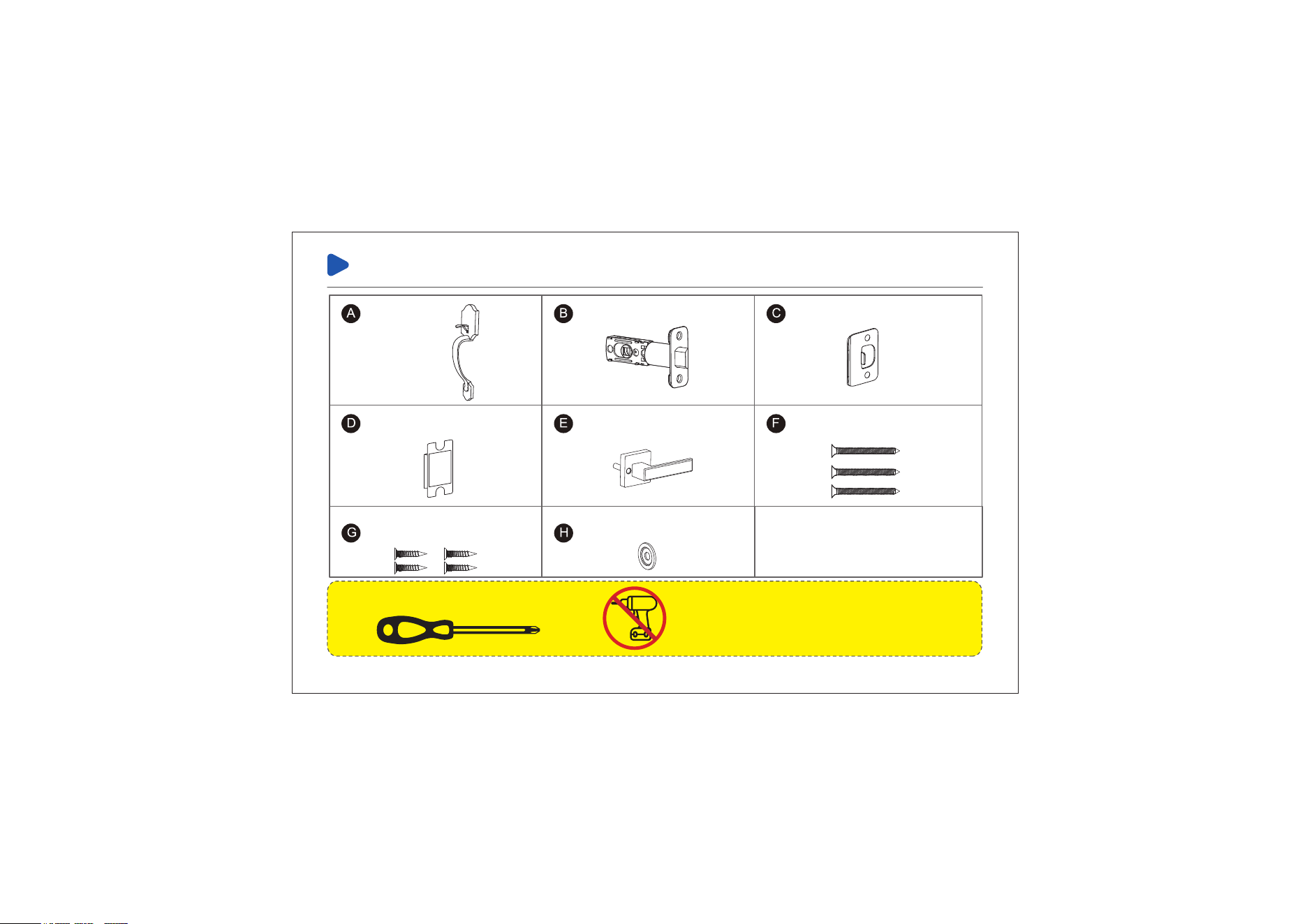
Parts List
TOOL REQUIRED:
Do not use an electric
screwdriver during installation.
Latch x1
Handle x1
Dust Cover x1 (optional) Handle Lever x1
Handle Lever
& Handle Screws x3
Latch & Strike Screws x4
Spacer x1
Strike x1
01
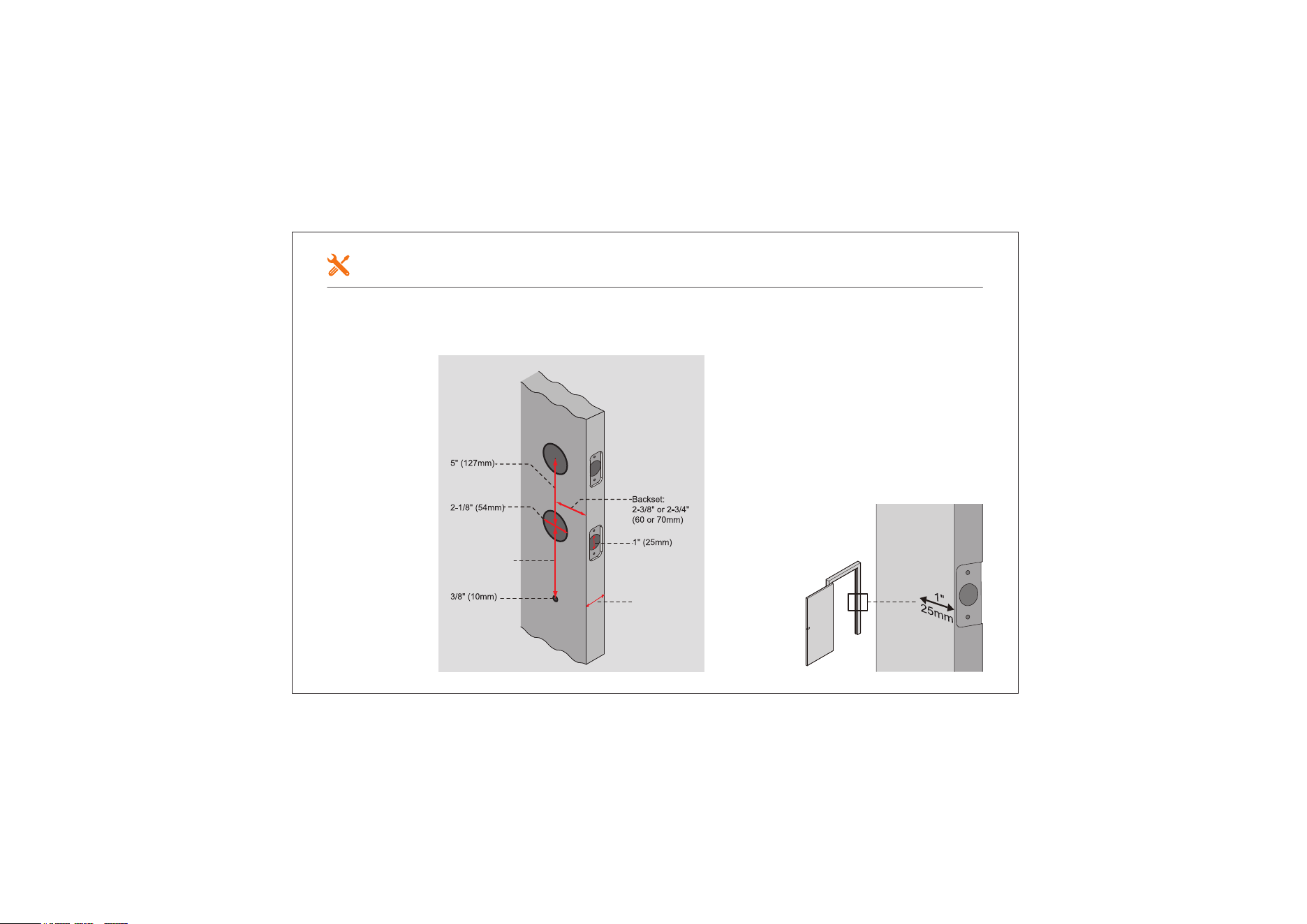
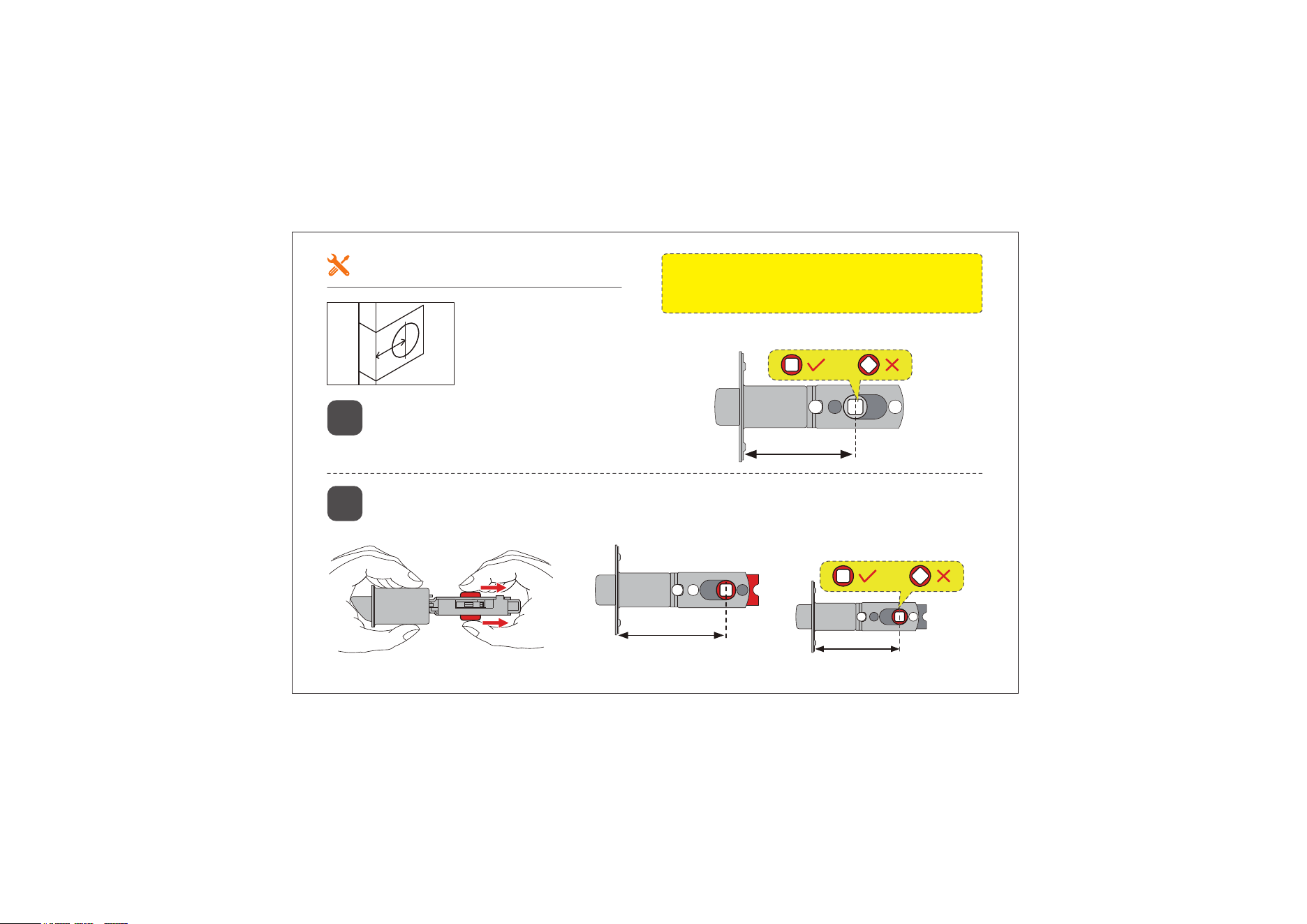
If your door already has the holes shown in the picture below, proceed to the
next step; if your door does not have holes, use the mounting template to drill a
new hole.
Prepare the Door & Check Dimensions
02
8-1/16" to 9-1/4"
(205mm to 235mm)
Door thickness:
1-3/8" to 2"
(35mm to 50mm)
to avoid Handle
rotation failure
Hole spacing
for handle:
Hole spacing
for handle:
Hole diameter:
Hole diameter:
03
2-3/8" (60mm)
If the backset of your door is 2-3/8"
(60mm), there is no need to adjust the
Latch.
1
2-3/4" (70mm)
2-3/4" (70mm)
If the backset of your door is 2-3/4" (70mm), please adjust the Latch.
2
Backset is the distance from the door edge to the center of
the hole in the door.
Latch Adjustment
Note: Be sure to use the provided Latch from
the package, or it will not function properly.
Holes must form a
square, not a diamond.
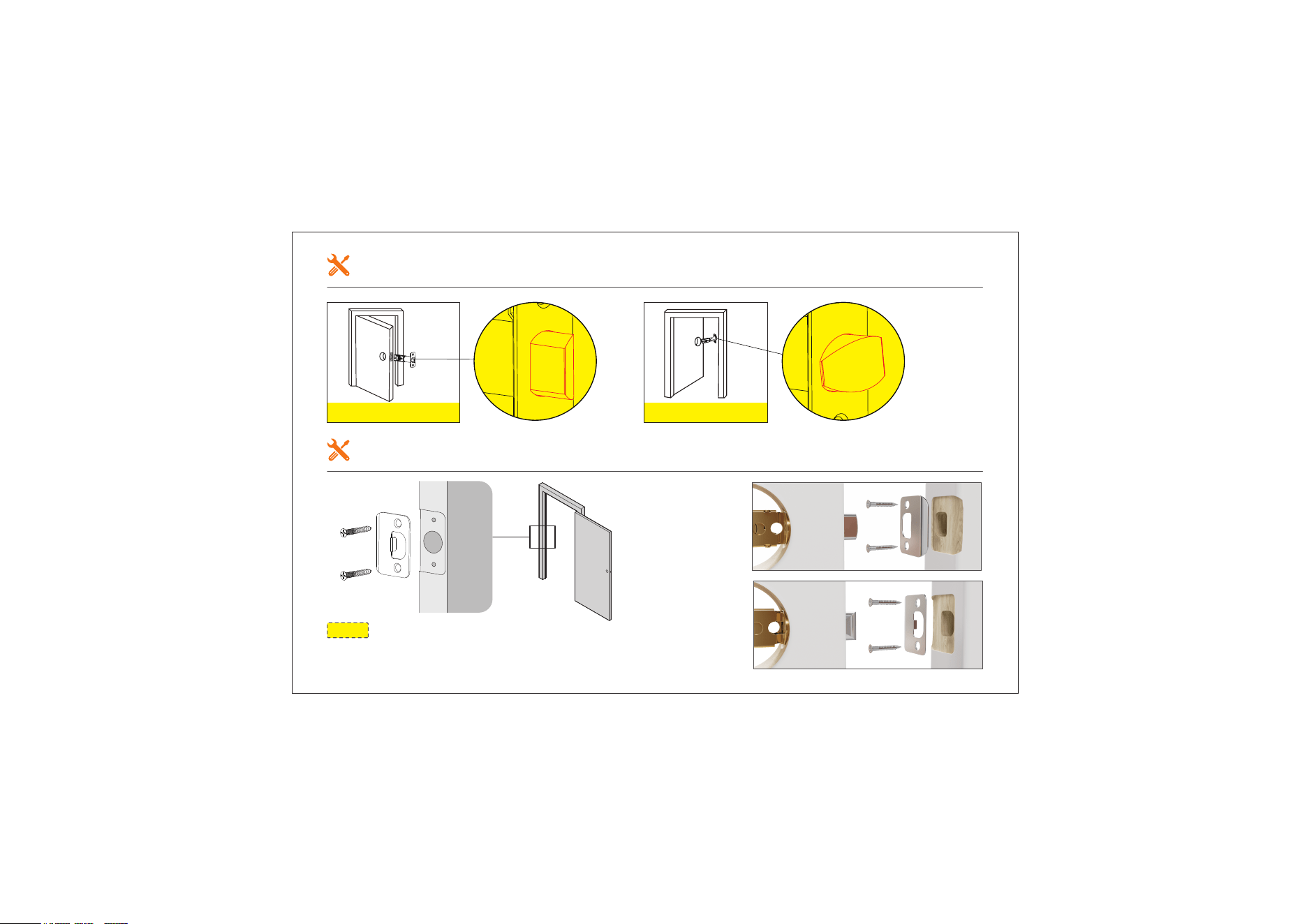
Opening outwards Opening inwards
Strike
Screws
(G)
Opening
outwards
Opening
inwards
Install the Latch
Install the Strike
04
Note: The bevel of the Latch should be
aligned with the bevel of the Strike.
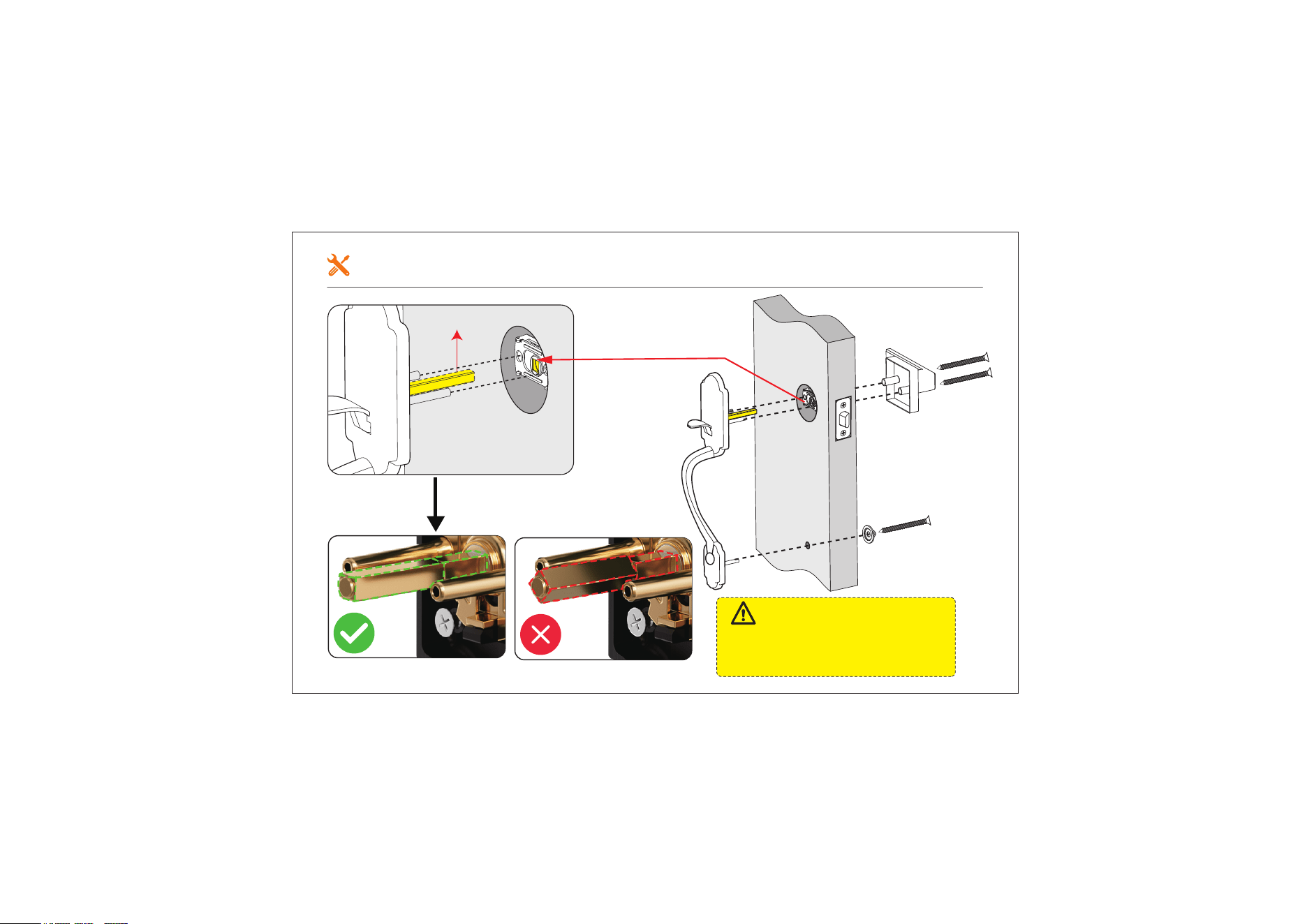
Install the Handle
05
Torque Blade
IMPORTANT:
The Torque Blade must be aligned with
the square hole. Otherwise, the Handle
Button will not unlock when pressed.
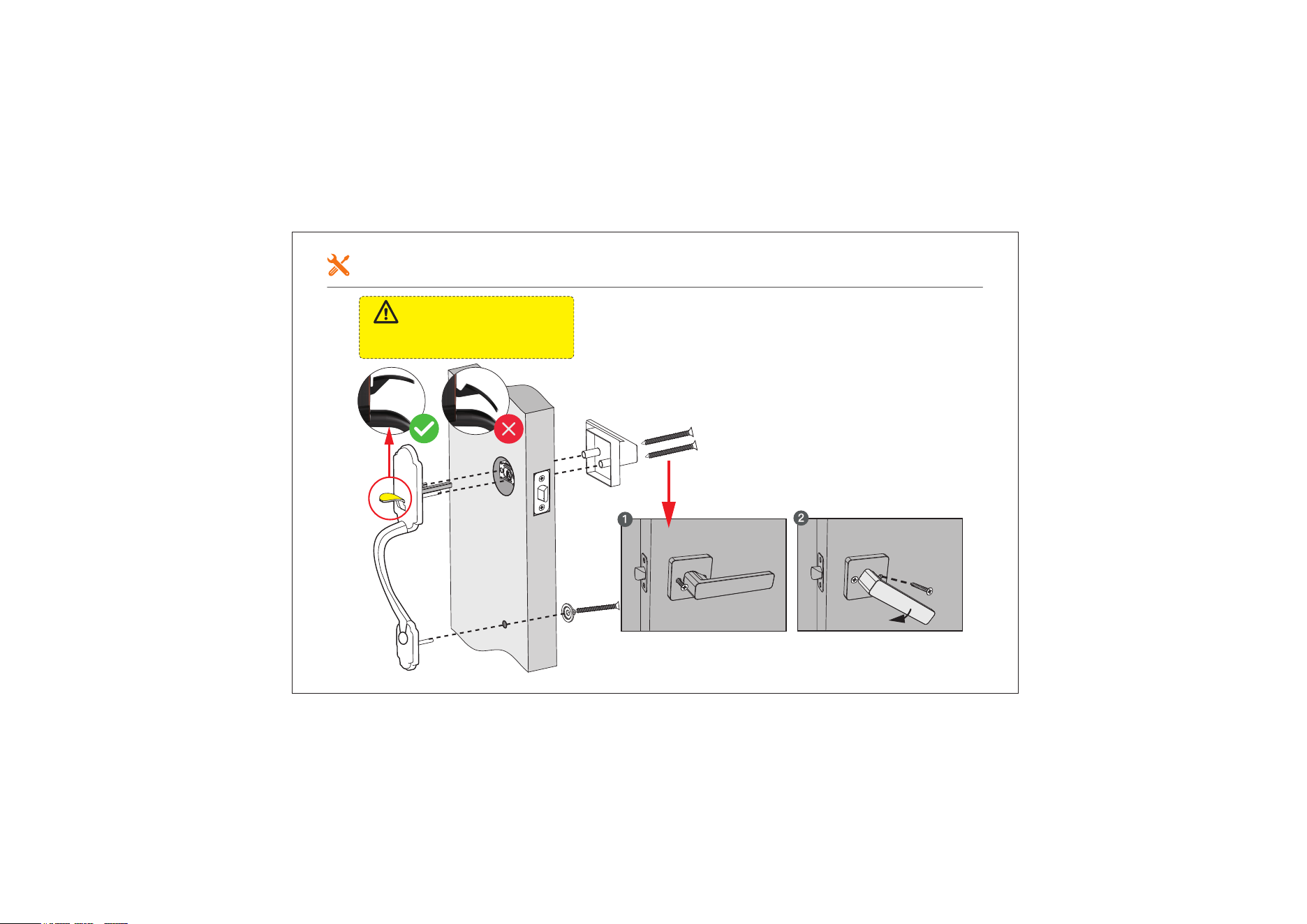
06
Install the Handle Lever
Keep the door open and check the
Handleset to ensure it works smoothly.
Test the Handleset
IMPORTANT:
Don't press the button during the
installation of the handle.

Need Help? Contact Us!
If you have any questions, please contact us at
[email protected] iveise.com
(Monday-Friday 9:00am-5:00pm PST)
+1(855)400-3853
If you have your order ID, videos or images of your problem
(if necessary) ready before contacting Customer Support,
we will solve your problem faster and better.