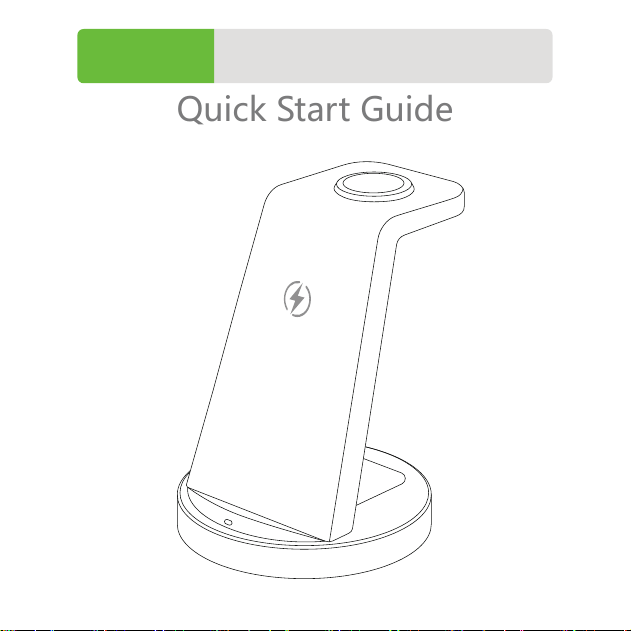
3-In-1 Wireless Charger
Quick Start Guide
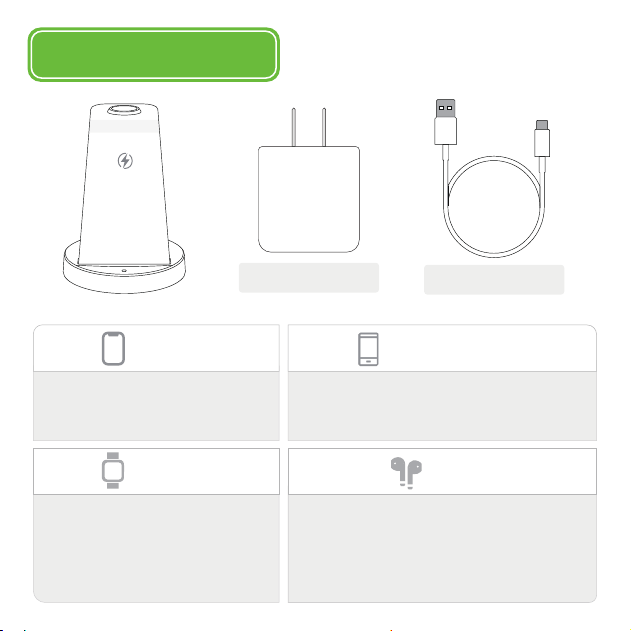
Package Contents
Quick Charger
Charging Cable
/
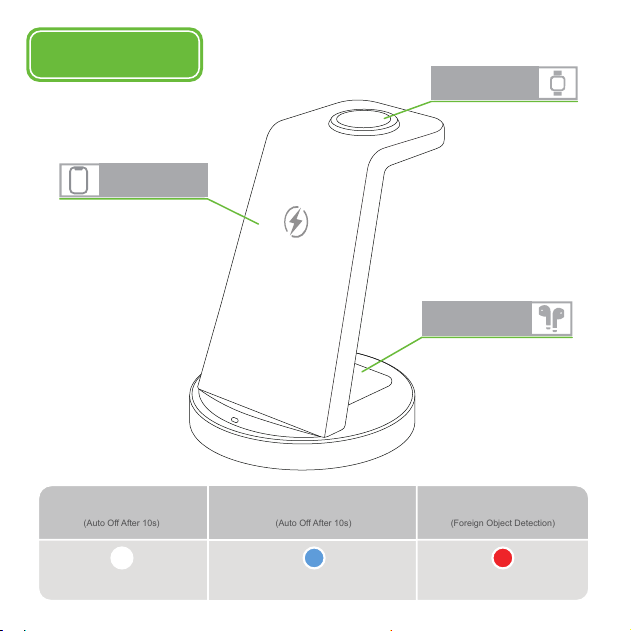
How to Use
ChargingStandby
White
Blue
FOD Alarm
Red
(Auto Off After 10s)
(Auto Off After 10s)
(Foreign Object Detection)
Phone
Watch
AirPods
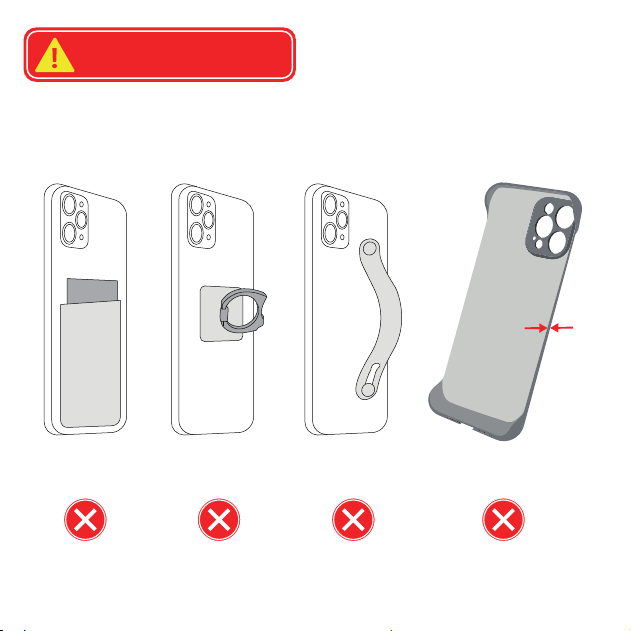
Case> 3mm
Metallic Design
Pocket Case Uneven Surface
0.12 Inch
(3 mm)
>
Cases Should Avoid

Troubleshooting for Charging Issues
Phone Not Charging Consistently
1. Make sure the case less than 3mm, and remove metal objects.
2. Adjust phone to the correct charging position.
3. Unplug the charging adapter and plug it back in.
Watch Not Charging
1. Unplug the charging adapter and plug it back in.
2. Update watch software through Watch app on the Phone > General > Software
Update.
AirPods Not Charging
1. AirPods Pro 1-2 or AirPods 2-4 with MagSafe/Wireless cases are compatible.
2. AirPods 1-4 with Lightning/USB-C cases are not compatible.
3. Check your AirPods package or order to make sure your AirPods support wireless
charging.

-- Increase the separation between the equipment and receiver.-
Connect the equipment into an outlet on a circuit different from that to
which thereceiver is connected.
-- Consult the dealer or an experienced radio/TV technician for help.
FCC Radiation Exposure Statement:This equipment complies with FCC
radiation exposure limits set forth for an uncontrolledenvironment. This
transmitter must not be co-located or operating in conjunction with
anyother antenna or transmitter.
This equipment should be installed and operated with a minimum
distance of 20cm between theradiator and your body.