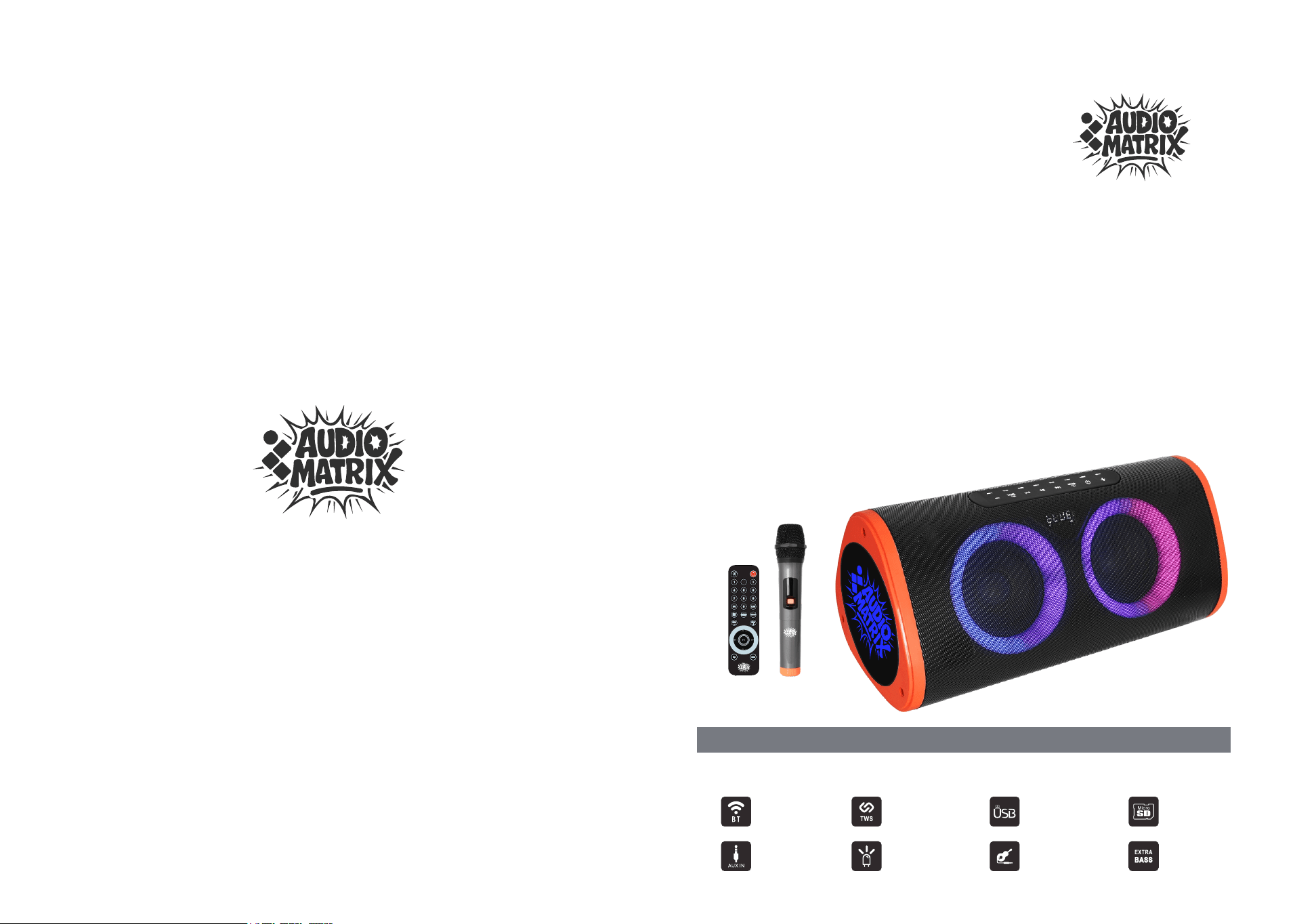
USB Input
SW162
OPERATING
INSTRUCTIONS
Built-In BT
True
Wireless
Stereo
Micro SD
AUX Input
LED Light
Guitar Input
Extra Bass
61-250924-1101(1.1)
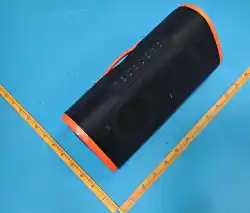
PORTABLE SPEAKER
SW162
SW162
6
TIPS
212.0MHz
SW162
1
Operation wireless microphone
Safety Precautions
Instruction & BT Operation
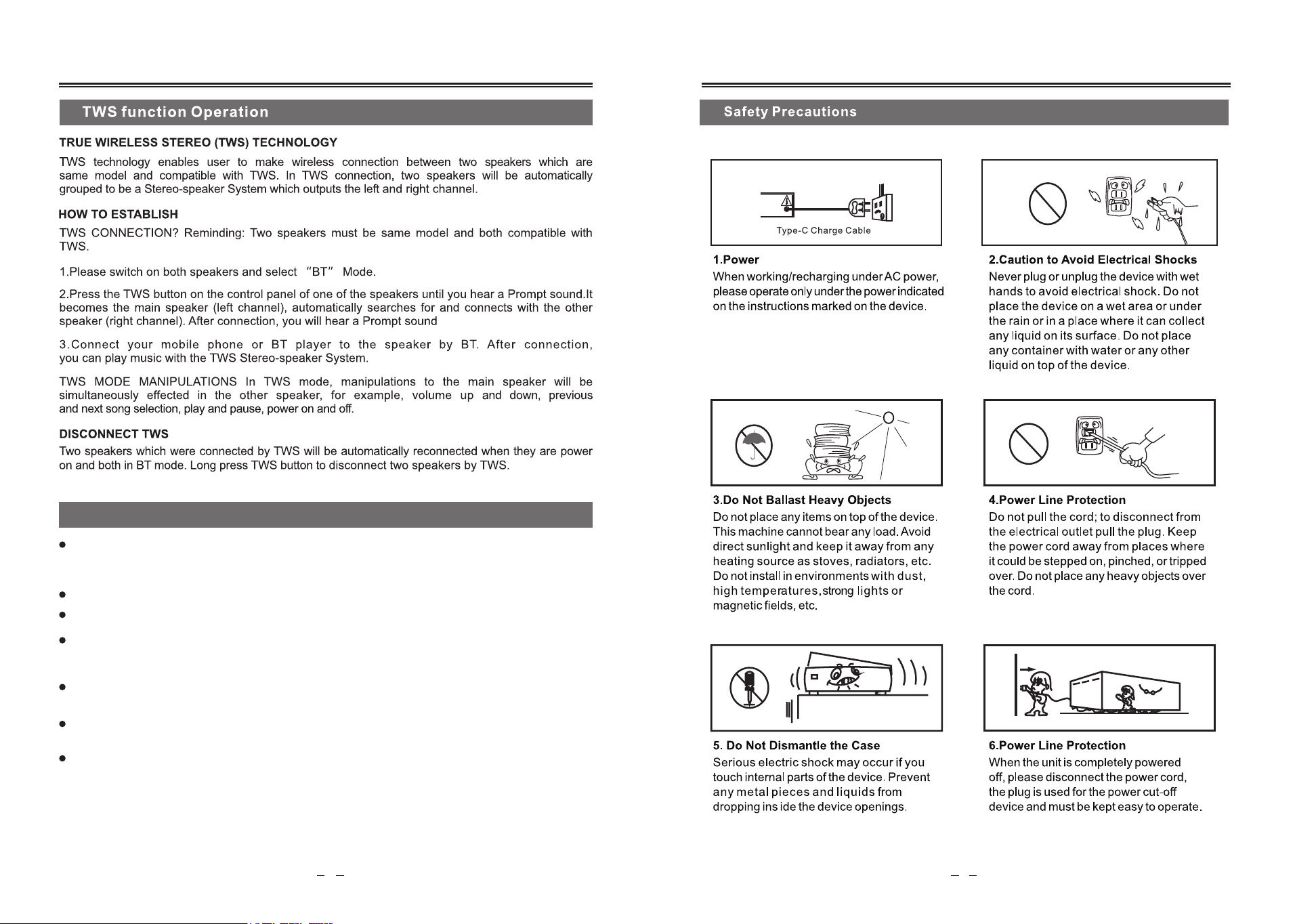
Please turn off the microphone after using
Operation wireless microphone
If you buy more than two sets of active speaker with wireless microphones and want to use
together at the same time, please select standard frequency of different varieties. If not,
there must be 10 meters distance at lease between two sets speaker in same frequency.
So as not to cause interference and other unnecessary trouble. At the same time, don't put
speakers too close to VCD/CD/DVD during using. They are strong interference frequency
equipments. In order to avoid mutual interference between the same frequency and
directly affects the normal work of the wireless microphone signal receiving.
Please don't use the same frequency of microphone to sing at the same time in a short
distance.It will lead to silence or interference.
To achieve the best effect of singing, the distance of mouth and microphone should be keep
in 5-15 cm, and the best angle is 45 degrees.
Wireless microphone effective distance within meters. In order to not affecting the effect, 10
please do not use over than the valid range. When the battery decreased or the environment
radio interference source signal is too strong, it will shorten the using distance.
To adjust the microphone volume knob to you like when you are demo.
This product built-in battery, especially suitable for outdoor concert, advertising,
entertainment and other activities. Please charge the battery full first before using in outdoor
environment. To ensurethat the speaker can be used for a long time for outdoor activities.
25
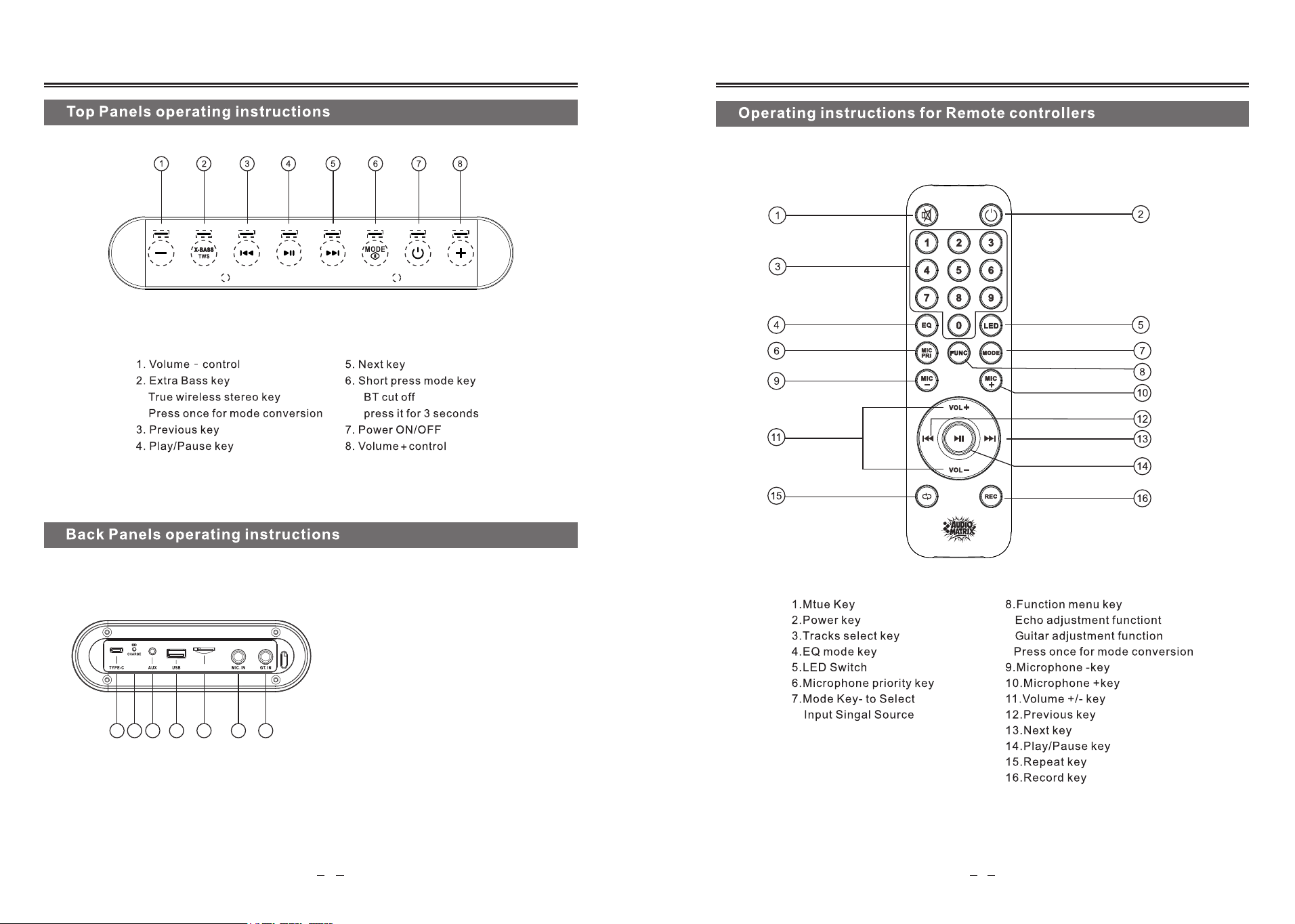
1. Type-C jack
2. Charging indicator light
3. AUX input
4. USB jack
5. Micro SD jack
6. Microphone input
7. Guitar input
1 2 3 4 5 6 7
MICRO SD
TIPS
Power key on top panel: Power ON/OFF
Power key in remote control: Power OFF
The power key in remote control is for power off function instead of standby.
4
3

FCC Caution:
This device complies with part 15 of the FCC Rules. Operation is subject to the following two conditions: (1) This device may not cause harmful interference, and
(2) this device must accept any interference received, including interference that may cause undesired operation.
Any changes or modifications not expressly approved by the party responsible for compliance could void the user's authority to operate the equipment.
NOTE: This equipment has been tested and found to comply with the limits for a Class B digital device, pursuant to Part 15 of the FCC Rules. These limits are
designed to provide reasonable protection against harmful interference in a residential installation. This equipment generates, uses and can radiate radio
frequency energy and, if not installed and used in accordance with the instructions, may cause harmful interference to radio communications. However, there is
no guarantee that interference will not occur in a particular installation.
If this equipment does cause harmful interference to radio or television reception,
which can be determined by turning the equipment off and on, the user is encouraged to try to correct the interference by one or more of the following measures:
-- Reorient or relocate the receiving antenna.
-- Increase the separation between the equipment and receiver.
-- Connect the equipment into an outlet on a circuit different
from that to which the receiver is connected.
-- Consult the dealer or an experienced radio/TV technician for help.
The device has been evaluated to meet general RF exposure requirement. The device can be used in portable exposure condition without restriction.