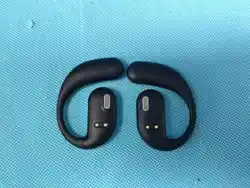
Button Description:
FCC STATEMENT:
the power delivered by the charger must be between min
� Watts required by the radio equipment, and max �.� watts
in order to achieve the maximum charging speed.
B�
Product Parameters:
Bluetooth Version: V�.�
Support Profile: a�dp\avctp\avdtp\avrcp\hfp\spp\smp\at-
t\gap\gatt\rfcomm\sdp\l�cap profile
Frequency Range: �.���GHz-�.���GHz
Working Distance Range: ��m
Battery Specifications: �.�/���mAh
Charging Voltage: DC�V
Charging Time: about � hours
Play time: about ��h(���%) ��h(��%)
Product Parameters:
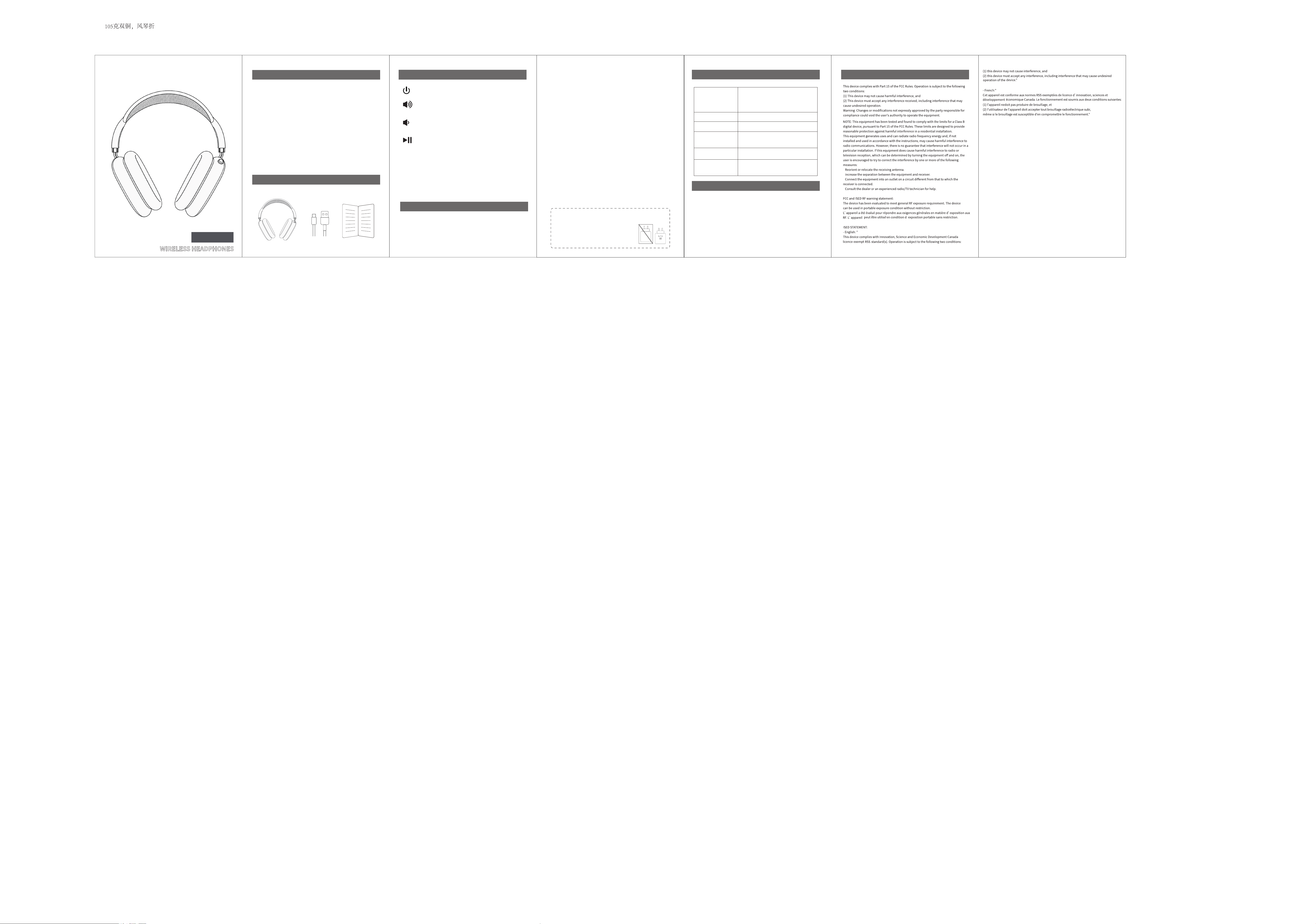
ON/OFF
Short press for increasing volume /
Long press for next song
Short press for reducing volume /
Long press for previous song
Short press � time to answer a call / Short
press � time again to hang up
Press and hold to reject a call
Press � times to redial the last number
Press � times to switch Game mode and Music mode
Bluetooth Mode:
�) Pairing Operation:
a. For the first time pairing:
Long press “【Power Button】” for � seconds to start up the
Bluetooth headset, a tone “Power On” will be heard, it will enter
into Bluetooth mode automatically, then a tone “Bluetooth
Short press � time to pause/play music when in
playing mode.
b. Re-pairing:
Turn off the attached smart device's Bluetooth function, a tone
“Disconnected” will be heard, the headset will enter into re-pair-
ing mode automatically, LED indicator light alternating flashes
blue and red. Open another smart device's Bluetooth searching
function and select the device “B�”, no password is required,
after successful pairing, a tone “Connected” will be heard, LED
indicator light turns to blue.
c. Follow-up pairing:
automatically pair the last connected device in � seconds after
power on.
when in pairing mode, double press � times to
switch English model and Chinese mode
mode” will be heard, LED indicator light alternating flashes blue
and red.
�) Power Saving Function:
if in pairing mode status for � minutes, the headset will auto-
matically shutdown.
Charge Status
LED indicator light stays red when
charging. When fully charged, LED
indicator light turns off.
Power on
LED indicator light turns blue.
Power off
LED indicator light turns off.
Pairing Status
LED indicator light rapidly
alternates flashing blue and red.
Connected status
LED indicator light stays blue.
Using Status
Bluetooth Mode, LED indicator
light flashes blue slowly.
LED indicator light Status
Note
�.If no pairing connection after the Bluetooth headset enters the
pairing mode, please turn off the headset to save power.
�.Do not perform other operations when searching for Bluetooth
to prevent program errors.
�.Please select a proper volume while using to prevent damage
to your ears.
�.Please note that a suitable usage environment for the
Bluetooth headset can avoid damage to the headset.
�.Please charge the headset after long-term non-use.