FOCUSING
LOCK RING
OBJECTIVE
CELL
11 22
11 22 33
33
11
1 | ENGLISH
#93788
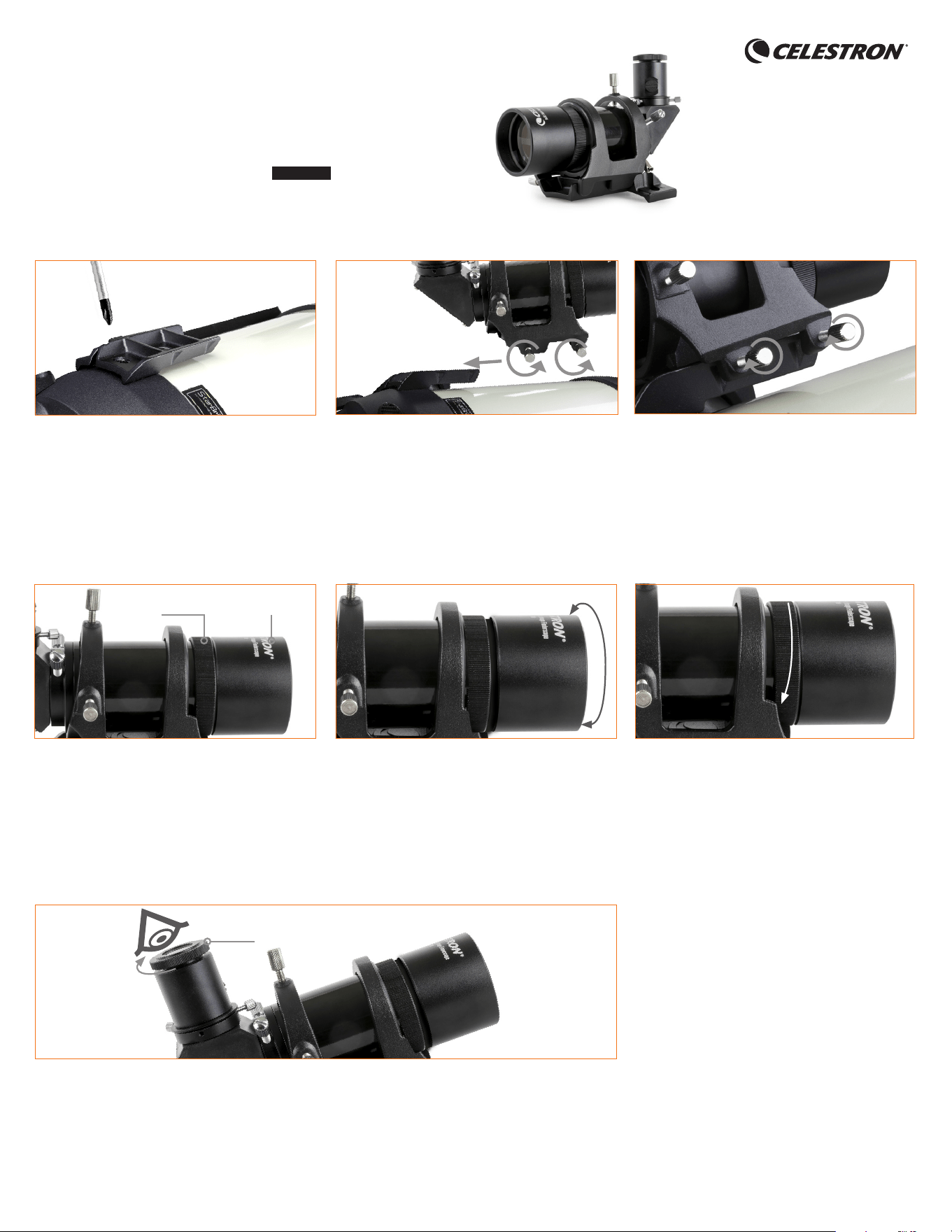
1. Remove existing finderscope bracket from the
telescope using a Philips screwdriver and replace
it with the SCT mounting plate. If your Celestron
telescope already comes with a finderscope that
uses this mounting plate, you may disregard this
step. The mounting rings are compatible with your
existing plate.
QUICK SETUP GUIDE
2. Loosen the two dovetail locking screws on the
bottom of the ring mount and slide it onto the
dovetail base attached to your telescope.
3. Tighten the dovetail locking screws into the
recesses in the dovetail base for a secure fit.
Installing the Finderscope with Celestron Schmidt-Cassegrain Telescopes (SCT):
To Focus the Main Image Through the Finderscope
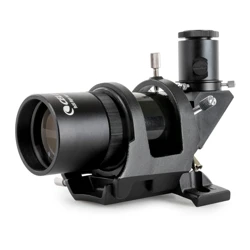
9x50 Right Angle Correct
Image Finderscope
ENGLISH
1. Point the finderscope to an object as far away as
possible to get as close to infinity focus as you can.
Turn the focusing lock ring counterclockwise (as
seen from the eyepiece end of the finder) to back
the ring away from the objective cell.
2. Turn the entire objective cell until the image in your
finderscope is sharp.
3. Turn the focusing lock ring until it snugs up to the
objective cell to lock the focus in place.
RETICLE FOCUS LOCK RING
To Focus the Reticle
1. Turn the reticle focus lock ring (located right behind the eyepiece) clockwise to loosen it.
2 | ENGLISH
The finderscope can be removed from the tube any time by sliding the bracket off the telescope’s dovetail mount. If the finderscope is not bumped or dropped, it should
need no or very little adjustments in alignment the next time you mount the finderscope to the telescope.
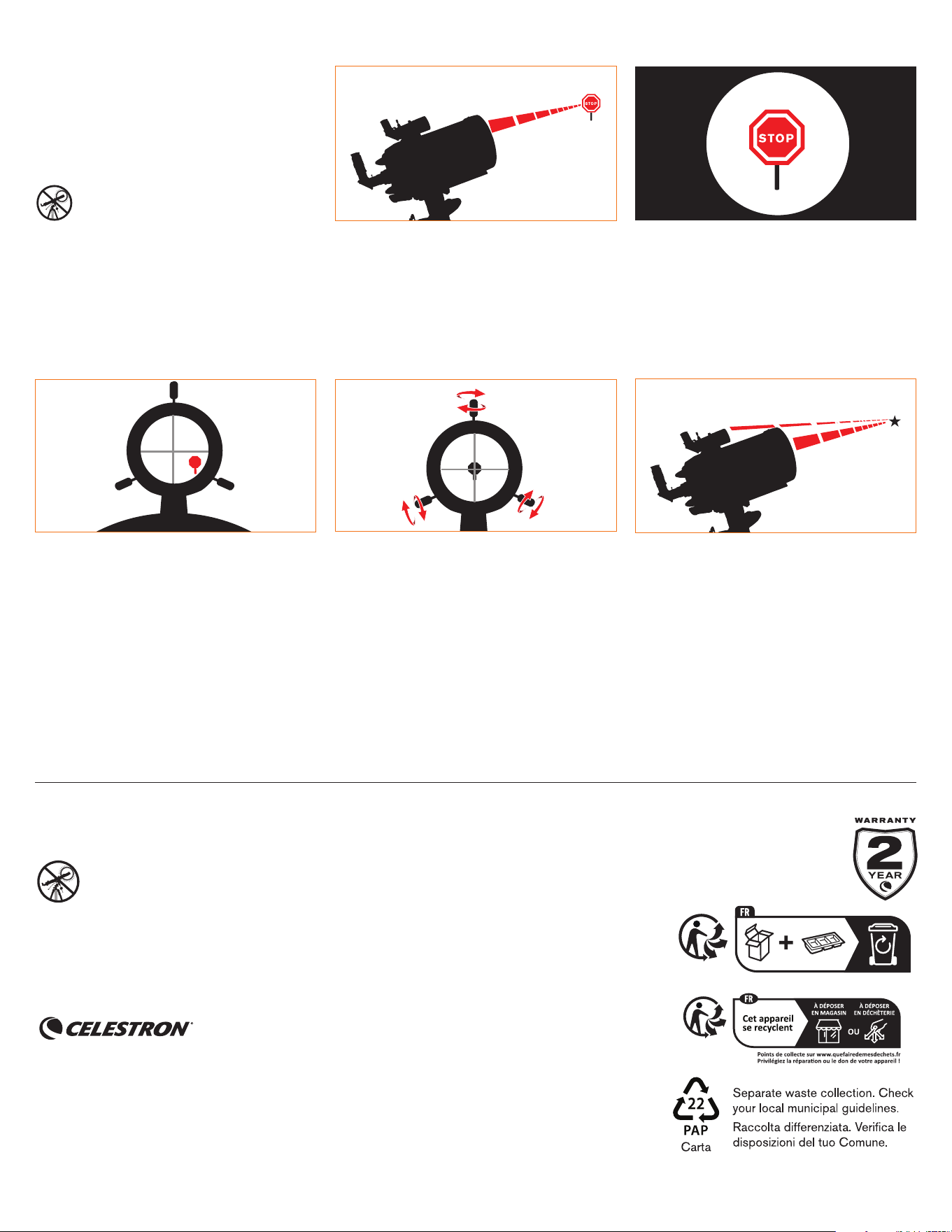
Choose a Target
Take the telescope outside during the day and find an
easily recognizable object, like a streetlight, license
plate or sign. The object should be as far away as
possible, but at least a quarter mile away.
Center Target in Eyepiece
Look through the telescope using your lowest
powered eyepiece. Move the telescope until the
object you chose lies in the center of the view. If the
image is blurry, gently turn the focus knobs on either
side of the telescope until it comes into sharp focus.
NOTE: The image in your telescope may appear
inverted. This is perfectly normal in an astronomical
telescope.
2
Look Through Finderscope
Once the object is centered in your eyepiece, look
through the finderscope and locate the crosshair
reticle.
33 44
Adjust the Finderscope
Without moving the telescope, use the three set
screws surrounding the finderscope bracket to move
the finder around in the bracket until the crosshair
appears over the same object you are observing in
the telescope’s eyepiece.
TIP: Try adjusting one screw at a time. Loosen
one screw by half a turn and tighten another by the
same amount to ensure the finderscope is securely
held in place.
Your Finderscope is Now Aligned!
You won’t need to realign the finderscope unless it is
bumped or dropped, or you remove it from the main
telescope optics.
The finderscope is one of the most important parts of
your telescope. It helps you locate objects and center
them in the eyepiece. The first time you assemble
your telescope, you need to align the finder to the
telescope’s main optics. It’s best to do this during the
day*.
* SOLAR WARNING! Never attempt to
view the Sun through any telescope or
finderscope without a proper solar filter!
Aligning the Finderscope
11
55
22
NEED ASSISTANCE? Contact Celestron Technical Support
celestron.com/pages/technical-support
Product design and specifications are subject to change without prior notification.
This product is designed and intended for use by those 14 years of age and older.
©2025 Celestron. Celestron and Symbol are trademarks of Celestron, LLC.
All rights reserved. • Celestron.com
US: Celestron, 2835 Columbia Street, Torrance, CA 90503 USA
UK: Celestron Global Ltd., Unit 2 Transigo, Gables Way, Thatcham RG19 4JZ, United Kingdom
Made in China | 10-25
SOLAR WARNING: Never attempt to view the Sun through any telescope.
celestron.com/pages/warranty