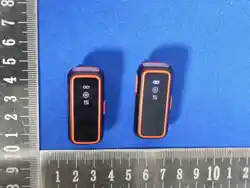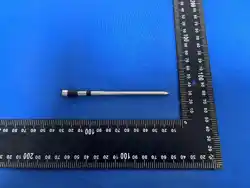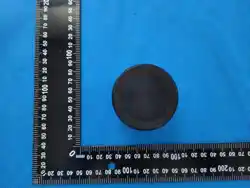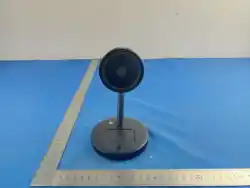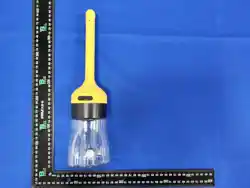
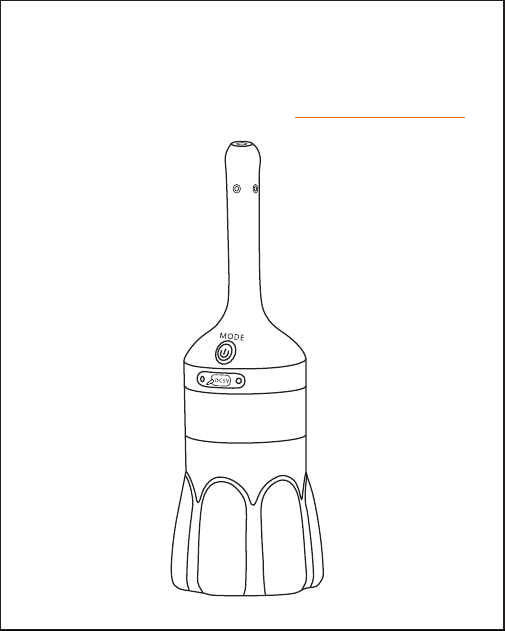
Wireless Visual Cleaner
User Manual
V 2 . 0

Dear Valued User:
1
2
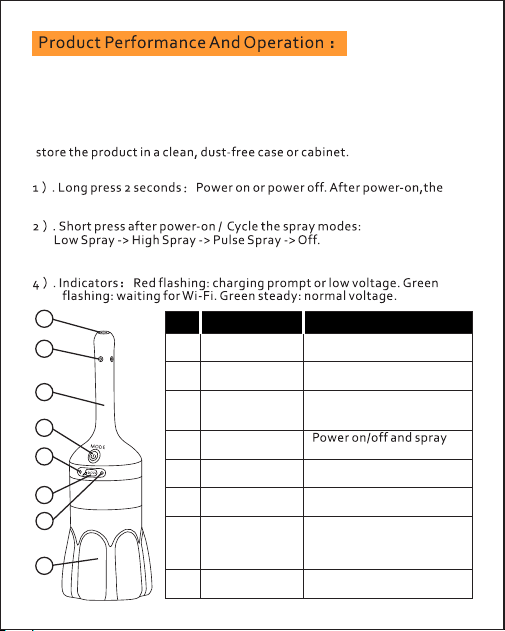
2.Button Operation:
5
3
8
4
6
7
2
1. Product Use:
dirt. Wipe it clean with a sanitary cloth or disinfecting wipe before operation.
1
probe
No.
3
spraying; approx.
for the live app image.
1
Camera window
2
spray operation.
Video viewing window
Dispense liquid during
Probe for insertion and
150 mm / 5.9 in long.
Visual spray
Spray outlets (4)
Function
normal
Green indicator
7
mode switching.
Function
4
button
Flashes for charging
prompt or low voltage.
Red indicator
5
cleaning liquid.
8
Flashes while Wi-Fi is
waiting to connect;
steady green indicates
DC 5V charging input.
Type-C
charging port
6
Liquid bottle
Holds compatible
Part
-Before use, check the visual spray probe for stains, dust, debris, or other
-After use, rinse or wipe the probe and liquid path with clean water or
disinfecting solution as appropriate. Install the protective cover and
is pressed.
camera works first and the pump remains off until the function button
pump. Pump operation is independent of Wi-Fi pairing.
3 . Wi-Fi not pairedt: Pressing the function button can still start the
3
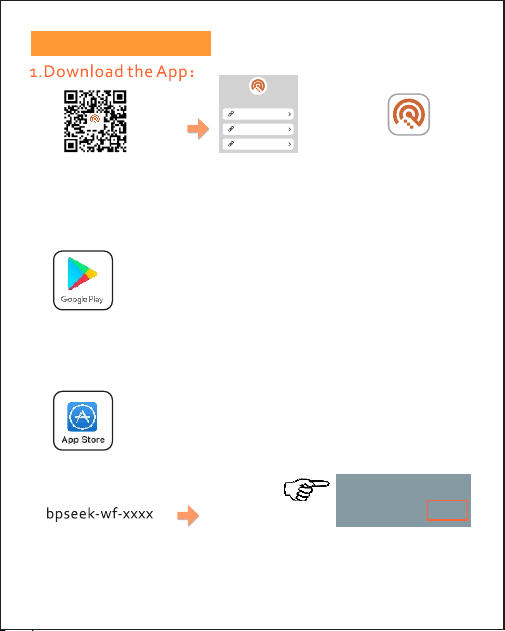
Download & Usage:
2.Android download method:
App Icon
4.ProductWiFiconnection ID:
“ ”
Search "AIR-Look"via browser or mini-program app
marketplace on iOS systems. (App Store)
xxxx Wi-Fi ID:
bpseek-wf-2d44
Wi-Fi ID
eenlo ok
eenlook
ios
And roid( Googl e)
And roid( China )
eenlo ok
Scan to Download
eenlook
Download page
Marketplace on Android systems Search "eenlook”
via browser or mini-program app
3.iOS download method:
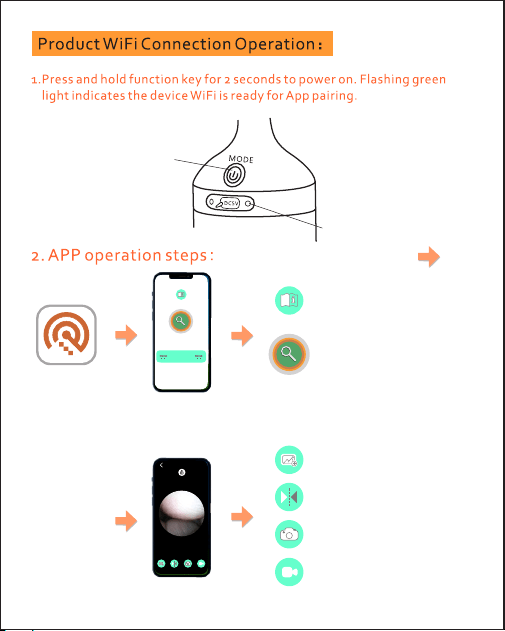
Function Button
Green LED
Click the "Start" button
inside the circular icon on
this screen to search and
pair the product Wi-Fi signal.
4
eenlook
Wi-Fi connected successfully
Tap the "start” key on the App interface
tosearch for device WiFisignals
Visual Mirroring
Visual Image Capture
Video Recording
View Images
Product Description
& Wi-Fi Check
start
设备信 息
start
Usage Precautions:
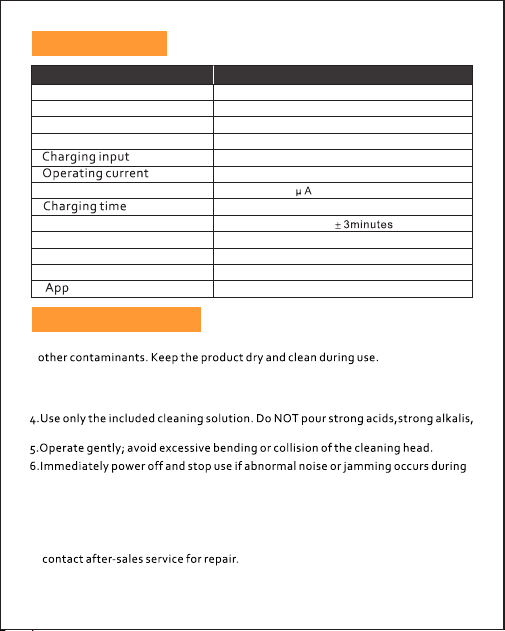
Specifications:
5
Model
EN186
Item
Specification
Dimensions
Approx. 320 x 90 mm / 12.6 x 3.5 in
Probe size
Approx. 150 x 20 mm / 5.9 x 0.8 in
Type-C .DC5V
Approx. 455 mA
Standby current
Approx. 110
Approx. 2.5 hours
Working time
Wireless frequency
2.4 GHz
Spray modes
Phone connection
Device-generated Wi-Fi network to phone
eenlook
Product name
1.Before use, inspect the device body and liquid bottle for stains, dust,debris, or
to guarantee clear video image.
2.Before cleaning, confirm the long spray wand is intact and camera lens is stain-free
3.Do not use while charging. Unplug the charger before powering on to avoid damage.
8.Store in dry and ventilated place; avoid direct sunlight and heavy compression.
or other corrosive liquids into the device.
operation .
improper operation.
7.Power off first before detaching main unit and liquid bottle after cleaning;never
disassemble while powered on.
9.Disassembly of internal components by non-professional personnel is prohibited;
10.Children must use the product under adult supervision to prevent hazards from
Approx. 25 minutes
Low, High, Pulse, Off
Wireless Visual Cleaner
6
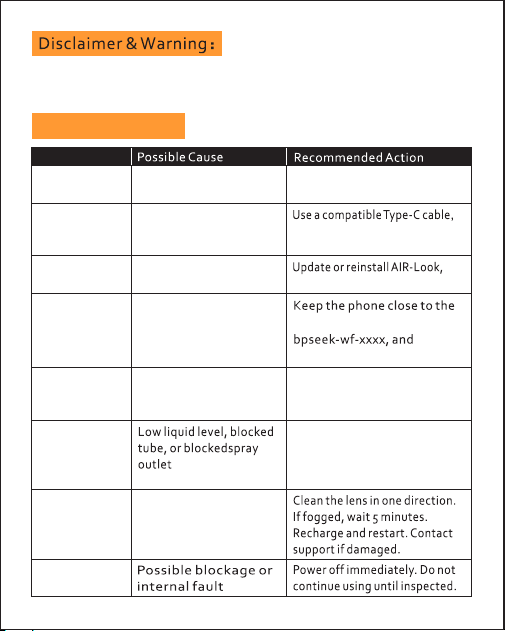
Troubleshooting:
The camera is for working observation only, no personal privacy
data will be leaked.
uneven spray
Wi-Fi connection
is unstable
Charging light
does not turn on
App closes or
freezes
working
Lens light or
image not
no video
Connected but
compatibility issue
or stuckoperation
Abnormal noise
Issue
flashes
Red indicator
DC 5V USB power source.
Charge the product with a
Low battery
App version or phone
then restart the app.
Cable mismatch, loose
the port is dry.
reseat the plug, and confirm
plug, or wet port
restart both devices if needed.
App/device pairing did
not complete
product, reconnect to
Phone is too far away,
weak signal, orpairing
error
clean tool.
Refill with approved liquid.
Carefully clear the tube or
reconnect, and reopen the app.
Disconnect from the product
Wi-Fi, restart the product,
spray outlets with a suitable
No spray or
Dirty lens, fogging,low
battery, or impact damage
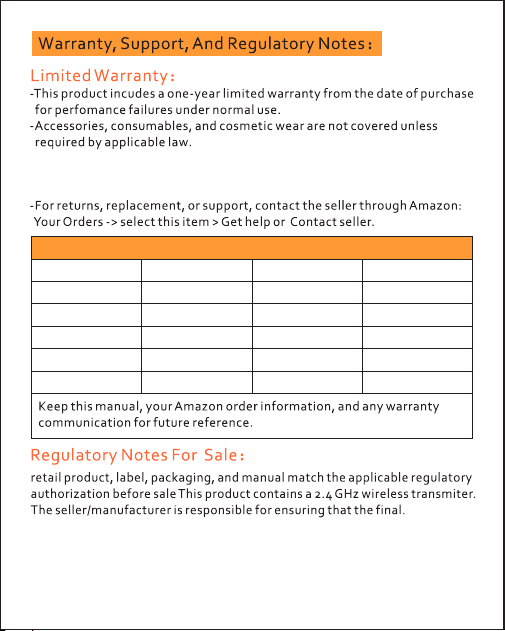
Repair Date
Technician
Product Fault
Repair Summary
Modification notice:Changes or modifications not expressly approved by
the party responsible for compliance could void the user's authority to
operate the equipment.
-Damage caused by misuse, unauthorized disassembly, modification,
improper charging, corrosive liquids, impact, water ingress, or force
majeure is not covered.
7
Maintenance record
无
线
可
视
清
洗
器
使
用
说
明
书
V2 .0
Wi Fi Vis ua l Cl ea ne r
5
1
4
2
3
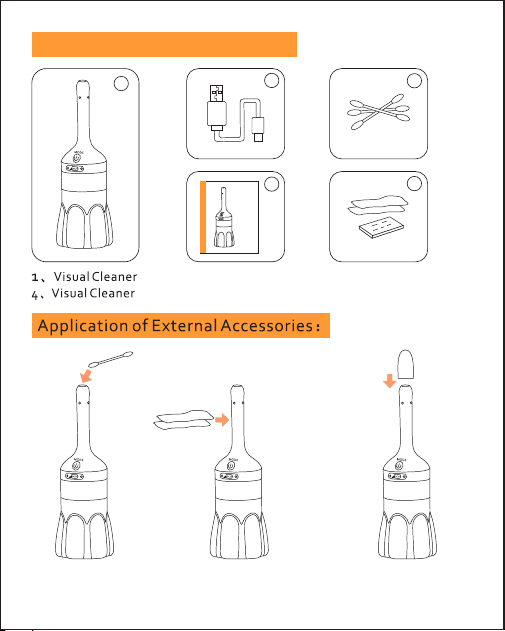
5、Alcohol pack
3、Cotton Swabs
Accessories the packaging box:
2、Type-C cable
Clean the lens with
cotton swabs only.
Cover with dust
cap after use.
8
Wipe the handle of the
product with alcohol pack.
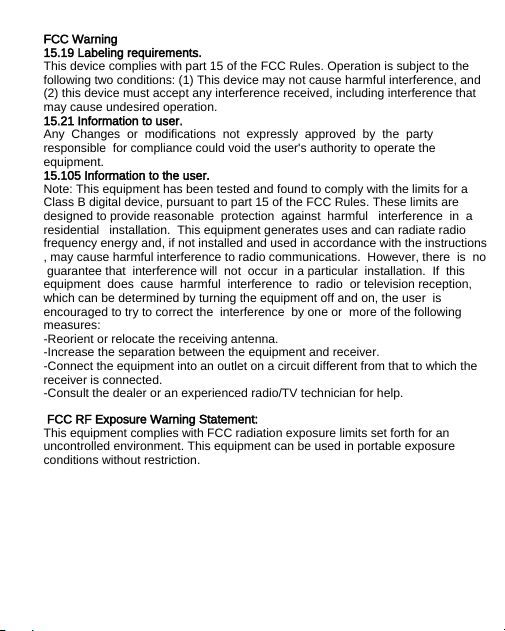
FCC Warning
15.19 Labeling requirements.
This device complies with part 15 of the FCC Rules. Operation is subject to the
following two conditions: (1) This device may not cause harmful interference, and
(2) this device must accept any interference received, including interference that
may cause undesired operation.
15.21 Information to user.
Any Changes or modifications not expressly approved by the party
responsible for compliance could void the user's authority to operate the
equipment.
15.105 Information to the user.
Note: This equipment has been tested and found to comply with the limits for a
Class B digital device, pursuant to part 15 of the FCC Rules. These limits are
designed to provide reasonable protection against harmful interference in a
residential installation. This equipment generates uses and can radiate radio
frequency energy and, if not installed and used in accordance with the instructions
, may cause harmful interference to radio communications. However, there is no
guarantee that interference will not occur in a particular installation. If this
equipment does cause harmful interference to radio or television reception,
which can be determined by turning the equipment off and on, the user is
encouraged to try to correct the interference by one or more of the following
measures:
-Reorient or relocate the receiving antenna.
-Increase the separation between the equipment and receiver.
-Connect the equipment into an outlet on a circuit different from that to which the
receiver is connected.
-Consult the dealer or an experienced radio/TV technician for help.
FCC RF Exposure Warning Statement:
This equipment complies with FCC radiation exposure limits set forth for an
uncontrolled environment. This equipment can be used in portable exposure
conditions without restriction.