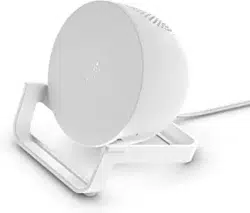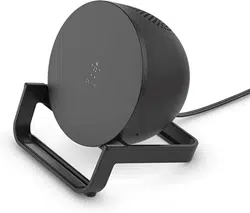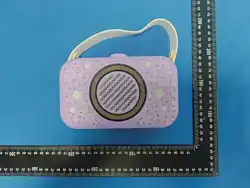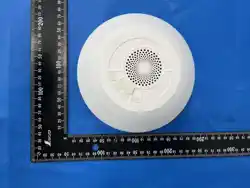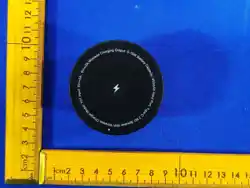
3 lN 1 Speaker With Wireless Charger
2025-10-25
Y01常规说明书
Y01 常规说明书
尹
105g铜版纸
70*80mm
USER MANUAL
Bluetooth
SAFETY NOTICE
1. Do not disassemble or throw the product into fire or water to avoid short circuit.
2. Do not use wireless charger in extremely hot, humid or corrosive environment.
3. Make sure there are no any metal, pop rings, credit cards or magnetic
interference charges.
4. Keep out of reach of children and pets.
5. lf the charging station overheats and stops charging during use, please remove
the charging device and try charging after cooling down.
6. Avoid dropping the product from high place.
7.Use in -20~+40'C temperature environment.
FAQ
1. lf you're experiencing interrupted or slow charging, check the following.
(1) The back of your devices should not have any metal, pop sockets, or credit cards
(2) Put the devices in the center of the charging surface (this lets the charging coil
in your devices line up with the one inside the wireless charger).
(3) Check whether the adapter is QC 3.0 fast charger.
2. lf you're failing to charge your device, please try out the following:
(1)Please restart your cell phone and test with other Type-C charging cable.
(2)Please check whether the indicator turns on or not.
(3) Please check if the adapter is a QC3.0 fast charger
3.Charging slow.
harging eficiency depends on the receiving power of your devices, and do not keep
those apps keep running during charging.
4. The phone is charging intermittently, or the indicator light flashes.
lf the charging current is not enough, please use a adapter with sufficient
power 5V/3A or 9V/3A above.
5. Charging fever.
It is normal for the receiving coil or transmitter board to generate heat during wireless
charging. lf the wireless charger is too hot, please take your devices off it, when the
wireless charger is cooled down, please charge it again.
6.ne charger does not work.
Do not put metal debris or magnetic cards on the charging area. lf the product
does not work due to overheating. please take off the phone and charge it again
when it is cooled down.
7. lf there are another problems, please contact our after-sales for solution.
1. Speaker With Wireless ChargerX1
2.User manual X1
3. C-TO-C quick charging cable X 1
Input: 5V⎓3A , 9V⎓3A
Wireless Charging Output: 5-15W
Battery Capacity: 450mAh
Speaker: 4 Ω 3W
Input Port: Type-C
Product dimensions: 60.3x60.3x37.3mm
iPhone Air, 17,17 Pro,17 Pro Max
iPhone16, 16 Pro,16 Pro Max,16 Plus
iPhone15, 15 Pro,15 Pro Max,15 Plus
iPhone14, 14 Pro,14 Pro Max,14 Plus
iPhone 13,13 Pro,13 Pro Max,13 mini
iPhone 12,12 Pro,12 Pro Max,12 mini
Other mobile phones with wireless charging function
and compatible with charging protocols
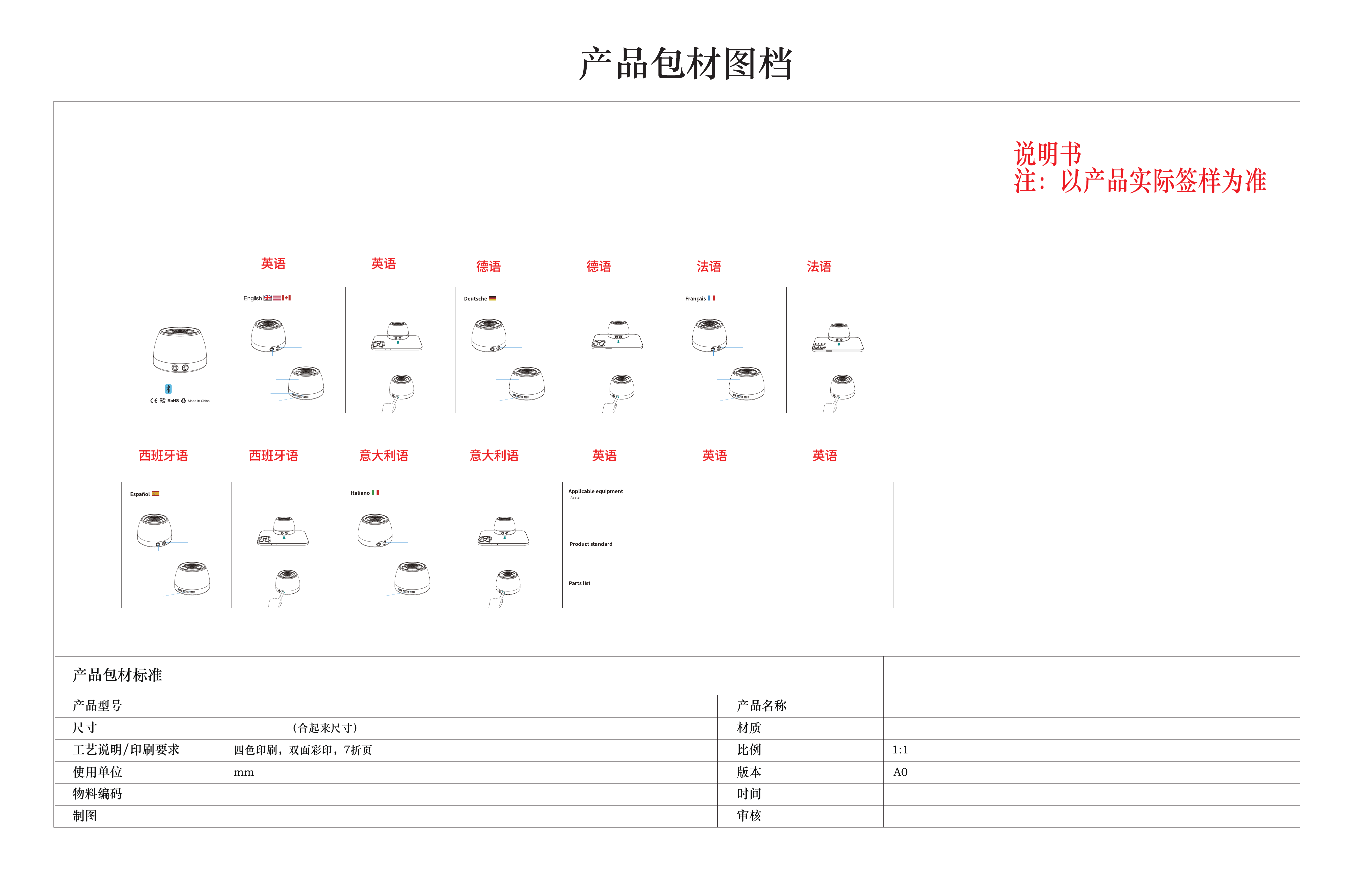
Product appearance
Operation steps
light key
Type-C Port
LED Indicate Light
1: Default warm color light when turned on, 2: Wireless charging of mobile phone,
RGB blue light automatically switches to breathing, when the phone is fully charged,
the RGB blue light stops breathing and remains constantly on, 3: Bluetooth
connection switches to RGB light flow 4:FOD RGB red light flashing rapidly
Heat dissipation hole
Power button
LED Indicate Light
5: Redefine the light button: Three modes (1. Night light mode Warm light
2. Bluetooth mode RGB light Flowing 3. Wireless charging mode Blue light
Breathing) can be switched by clicking the light button at the same time.
6: Night light mode: Click to turn off the light, click again to turn it back on.
Erscheinungsbild des Produktes
Betriebsschritte
Lichttasten
Type-C Port
LED-Anzeige
1: Starten Sie das Standard-Warmfarbenlicht, 2: Handy drahtlos aufladen RGB
blaue Licht automatisch springen Atmung, Handy voll aufgeladen RGB blaue
Licht aufhören zu atmen, halten Sie das blaue Licht immer hell, 3: Bluetooth-
Zugang springen auf RGB-Licht Strom 4: FOD: RGB rotes Licht blinkt schnell
Kühlloch
Stromknopf
LED-Anzeige
5: Lichttaste neu definiert: drei Modi (1. Nacht Licht Modus heißes Licht 2. Bluetooth-
Modus RGB-Licht fließt Wasser 3. drahtloses Laden Modus blaue Licht atmen)
gleichzeitig verwenden Sie die Lichttaste, um den Lichtzustand zu wechseln,
6: Nacht Licht Modus: Klicken Sie, um das Licht auszuschalten, und klicken Sie,
um das Licht wieder einzuschalten.
Apparence du produit
Étapes opérationnelles
Clé lumière
Port type - C
Indicateur LED
1: lumière de couleur chaude par défaut d'allumage, 2: lumière bleue RGB
rechargeable sans fil pour téléphone portable sautez automatiquement pour
respirer, lumière bleue RGB complètement chargée pour téléphone portable
arrête de respirer, Gardez la lumière bleue allumée normalement, 3: accès
Bluetooth Sautez à la lumière RGB eau courante 4: fod: lumière rouge RGB
clignote rapidement
Trous de dissipation
de chaleur
bouton d'alimentation
Indicateur LED
5: clé lumineuse redéfinie: trois modes (1. Mode veilleuse lumière chaude 2. Mode
Bluetooth lumière RGB flux d'eau 3. Mode de charge sans fil lumière bleue respiration)
en utilisant simultanément la touche cliquez sur la lumière peut changer l'état de la
lumière, 6: mode veilleuse: cliquez pour éteindre la lumière, puis Cliquez pour
rallumer la lumière.
Aspetto del prodotto
Passi operativi
Taste di luce
Porta di tipo C
Indicatore LED
1: accendere la luce di colore caldo predefinita, 2: carica wireless del telefono cellulare
luce blu RGB salta automaticamente respirare, il telefono cellulare pienamente carica
luce blu RGB smette di respirare, mantenere la luce blu sempre accesa, 3: accesso
Bluetooth salta alla luce RGB flusso 4: FOD: luce rossa RGB lampeggia rapidamente
Foro di raffreddamento
Pulsante di alimentazione
Indicatore LED
5: Ridefinire il tasto di luce: tre modalità (1. luce notturna in modalità luce calda
2. luce RGB in modalità Bluetooth 3. luce blu in modalità di ricarica wireless
respirare) contemporaneamente usando il tasto di luce per cambiare lo stato
della luce, 6: luce notturna in modalità: fare clic per spegnere la luce, quindi
fare clic per riaccendere la luce.
Apariencia del producto
Pasos de operación
Teclas de luz
Puerto tipo - C
Indicador LED
1: enciende la luz de color cálido predeterminada, 2: carga inalámbrica del teléfono
móvil la luz azul RGB salta automáticamente para respirar, el teléfono móvil está
lleno de luz azul RGB para dejar de respirar, mantener la luz azul siempre encendida,
3: acceso Bluetooth salta a la luz RGB agua corriente 4: fod: luz roja RGB parpadea
rápidamente
Agujero de
disipación
de calor
Botón de encendido
Indicador LED
5: redefinición de la tecla de luz: tres modos (1. modo de luz nocturna luz cálida
2. modo Bluetooth luz RGB agua corriente 3. modo de carga inalámbrica luz azul
respiración) se puede cambiar el Estado de la luz haciendo clic en la tecla de luz
al mismo tiempo, 6: modo de luz nocturna: haga clic para apagar la luz, y luego
haga clic Para volver a encender la luz.
This device complies with Part 15 of the FCC rules. Operation is subject to the following two conditions: 1) this device may not cause harmful
interference, and 2) this device must accept any interference received, including interference that may cause undesired operation.
Note: This equipment has been tested and found to comply with the limits for a Class B digital device, pursuant to part 15 of the FCC Rules.
These limits are designed to provide reasonable protection against harmful interference in a residential installation. This equipment generates
uses and can radiate radio frequency energy and, if not installed and used in accordance with the instructions, may cause harmful interference
to radio communications. However, there is no guarantee that interference will not occur in particular installation. If this equipment does
cause
harmful interference to radio or television reception, which can be determined by turning the equipment off and on, the user is encouraged
to try to correct the interference by one or more of the following measures:
--Reorient or relocate the receiving antenna.
--Increase the separation between the equipment and receiver.
--Connect the equipment into an outlet on a circuit different from that to which the receiver is connected.
--Consult the dealer or an experienced radio/TV technician for help.
Changes or modifications not expressly approved by the party responsible for compliance could void the user’s authority to operate the
equipment.
For BT function, the device has been evaluated to meet general RF exposure requirement. The device can be used
without restriction.
For wireless charger function, the device has been evaluated to meet general RF exposure requirement. This device must operate with a
minimum distance of 20 cm between the radiator and user body.
FCC Radiation Exposure Statement
This device complies with FCC RF radiation exposure limits set forth for an uncontrolled environment. This transmitter must not be co-located
or operating in conjunction with any other
antenna or transmitter.