service.wolfbox@gmail.com

service.wolfbox@gmail.com
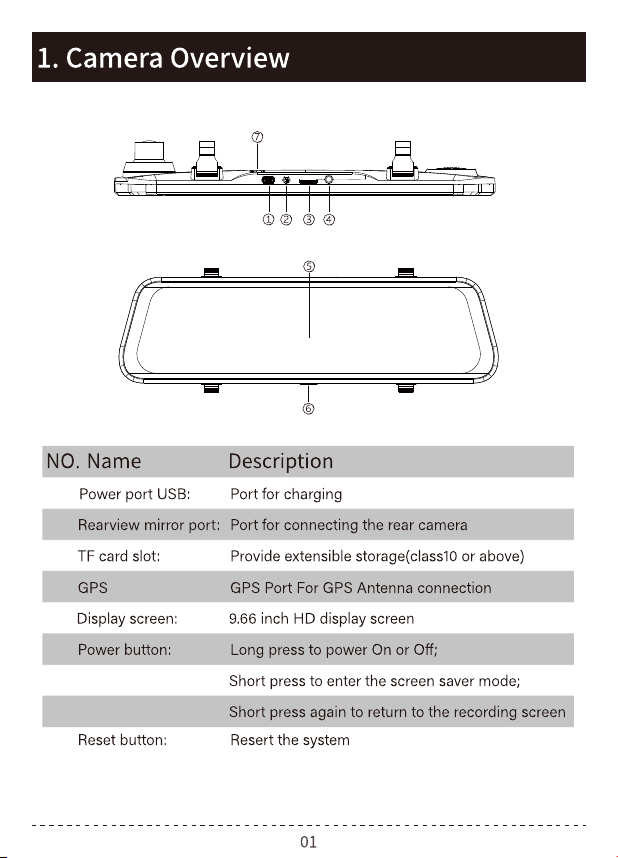
:
1
2
3
4
5
6
7
service.wolfbox@gmail.com
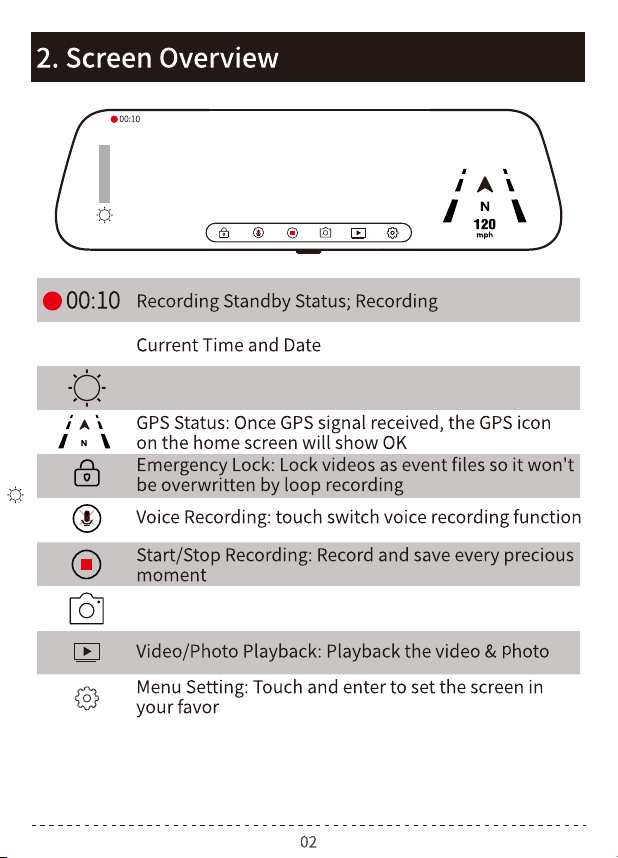
02:00
2020/04/01
02:00
2020/04/01
2.5K
Slide the screen up and down on the cylinder to adjust
the screen brightness
Click to switch to photo mode
service.wolfbox@gmail.com
02:00
2020/04/01
2.5K
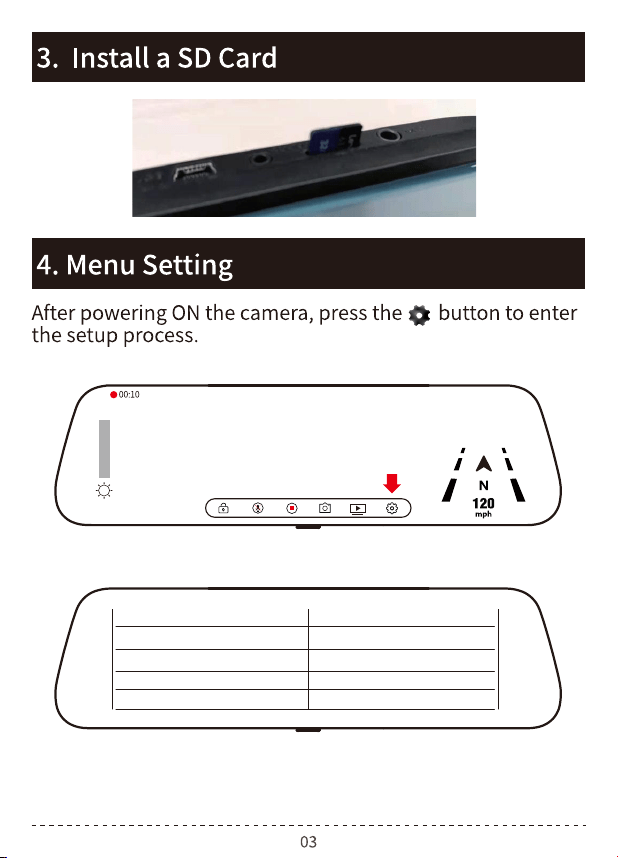
Resolution 2.5K+1080p
1080p+1080pLoop Record
Lapse Record
Parking Monitor
G-Sensor
service.wolfbox@gmail.com
2
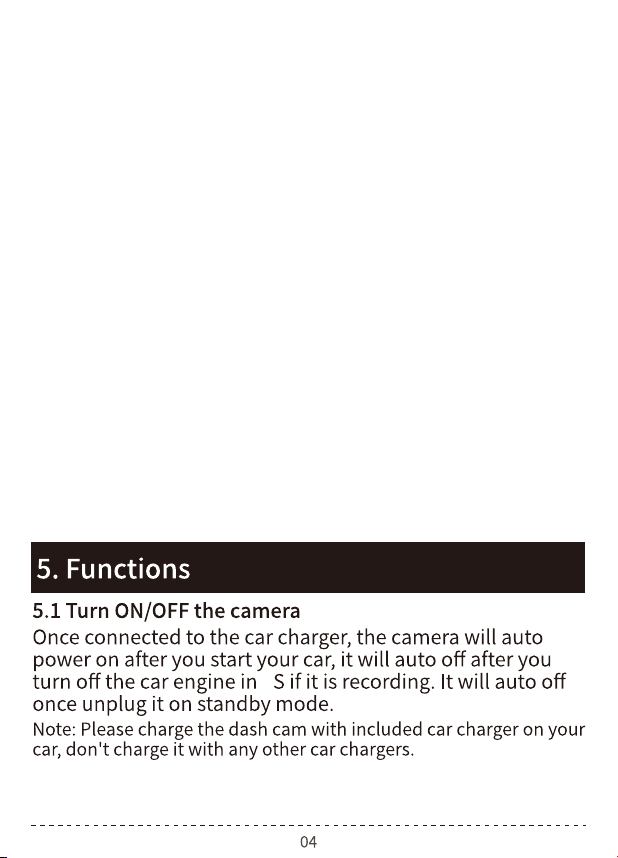
Resolution: 2.5K+1080P; 1080P+1080P
Loop Record: 1MIN/3MIN/5MIN
Lapse Record: OFF/5 hour/12 hour/24 hour
Parking Monitor: OFF/Low/Middle/High
G-Senser: OFF/Low/Middle/High
Screen Saver: OFF/1MIN/3MIN
Steam media mirror: ON/OFF
Time Setting: Click the button to adjust the correct date and time
Volume: Mute/Low/Middle/High
Language: choose language what you need(12 kinds of languages)
Format SD: Cancel/Confirm
Reset Setup: Cancel/Confirm
About: check the firmware verion
Upside Down of rearview:ON/OFF
GPS setting: choose the Time zone and check the GPS information
service.wolfbox@gmail.com
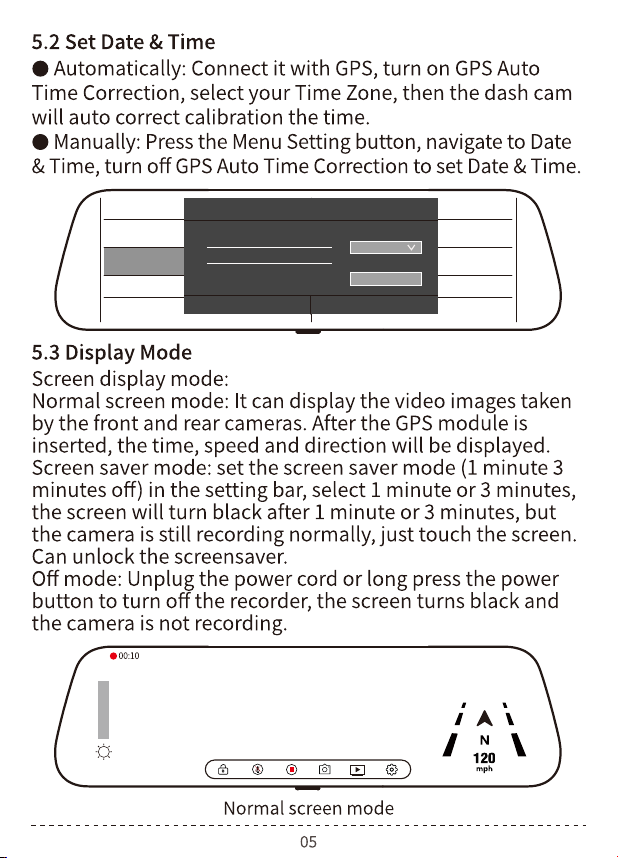
02:00
2020/04/01
2.5K
Screen Save
Steam medi
Time Setting
Volume
Language
Time Setting
2020 03 06 16 31
2020 04 07 17 32
2022 05 08 18 33
Date format
ConfirmCancel
Time format
07-04-2021
17:32:18
service.wolfbox@gmail.com
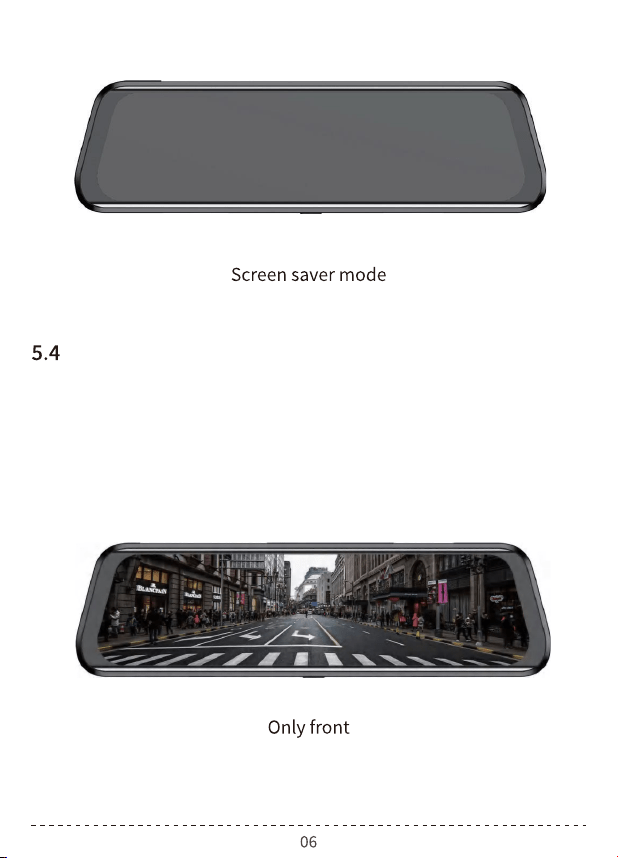
Front view/Rear view Switch
You can swipe left and right with your finger to switch
between the front camera and back camera images
service.wolfbox@gmail.com
2
service.wolfbox@gmail.com
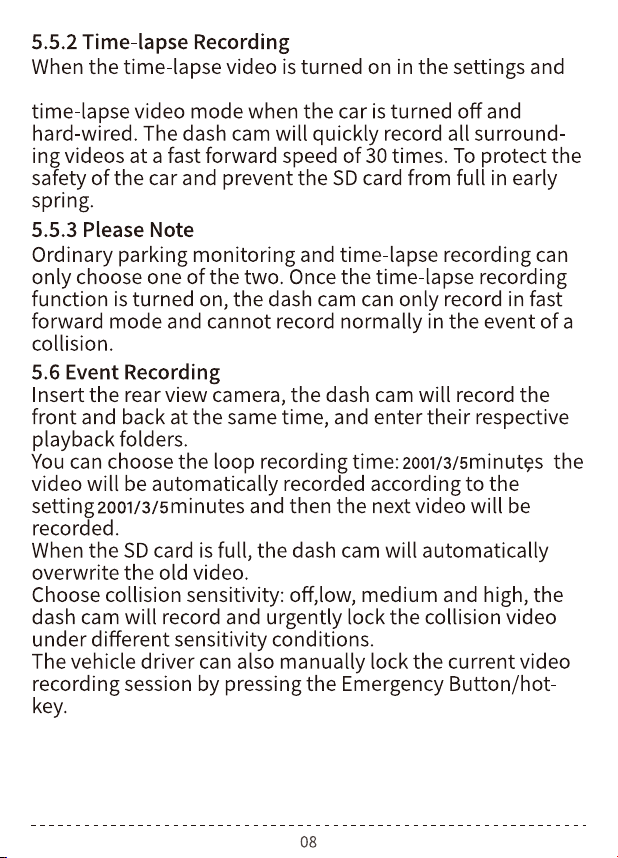
(5 or 12 or 24 hours) is selected,the dash cam will enter the
service.wolfbox@gmail.com
02:00
2020/04/01
2.5K
service.wolfbox@gmail.com
02:00
2020/04/01
2.5K
service.wolfbox@gmail.com
02:00
2020/04/01
2.5K
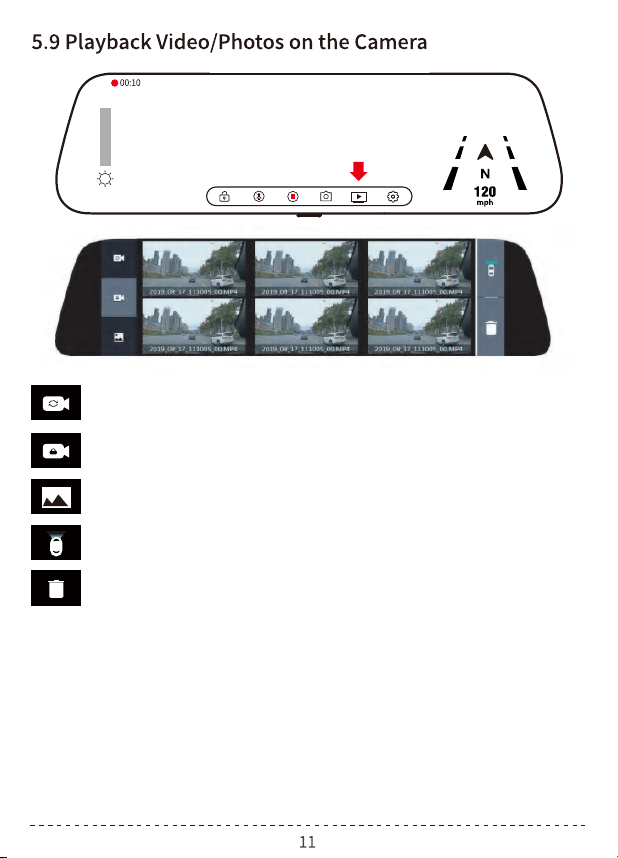
Normal work/Time-Lapse Recording video folder
Locked video folder
Photo folder
TIPS:
Delete button: Click the button to select the file, and
click again to delete the file
Front camera recording/rear camera recording video
file switch button
Slide up and down at any position on the screen to adjust the
angle of view of the front and rear lens (the angle will be
automatically memorized after adjustment)
Adjust the front and rear lens interface (the angle will be
automatically remembered after adjustment)
1
2
service.wolfbox@gmail.com
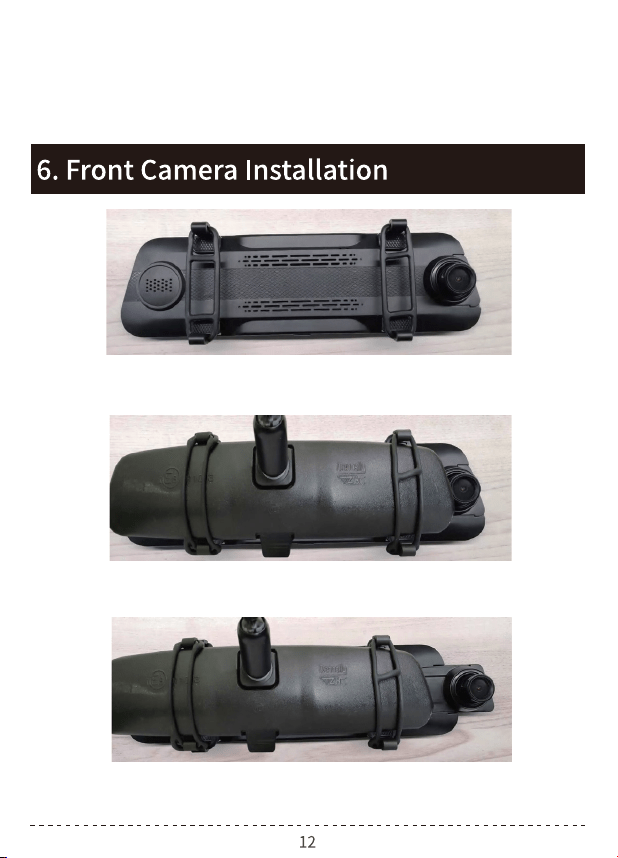
Step 1. Attach the back of the dashcam body to the rearview
mirror of the car.
Step 2. Press the bandage to make it closer and attach
another side of the buckle.
Step 3. Pull out the front lens from the body and adjust the
angle what you need.
In the reversing visual state, you can slide the screen up and
down to adjust the rear view angle (the angle will be
automatically remembered after adjustment)
3
service.wolfbox@gmail.com
service.wolfbox@gmail.com
service.wolfbox@gmail.com
service.wolfbox@gmail.com
4
5
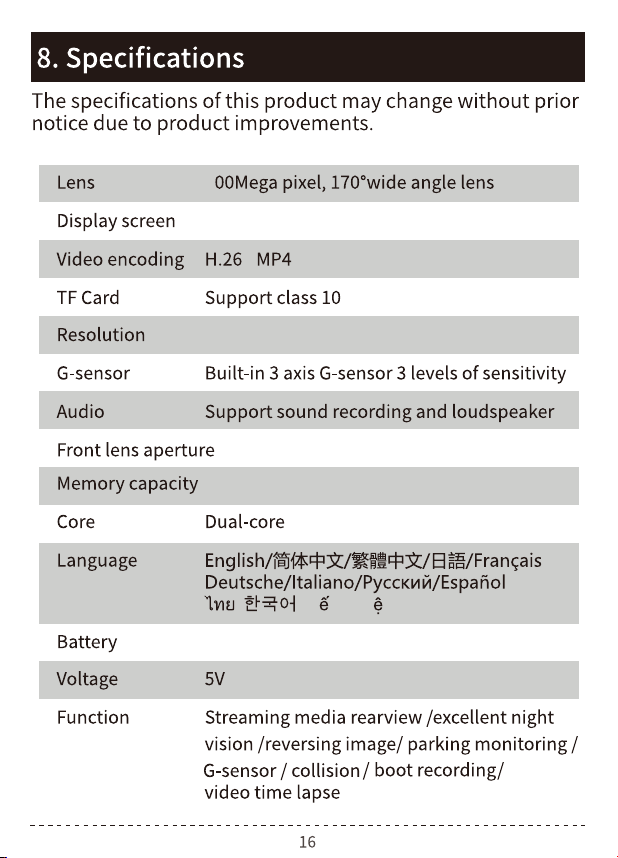
Front 2560*1440P Rear 1920*1080P
F1.9
9.66 inch LCD screen display
128M
/ /Ti ng Vi t
service.wolfbox@gmail.com
(16G-128G)
Built-in lithium battery
service.wolfbox@gmail.com