1. " "Turn on microphone
2. " "Turn off the microphone
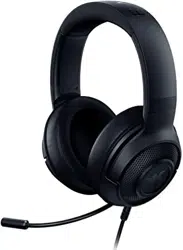
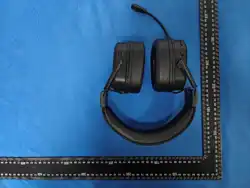
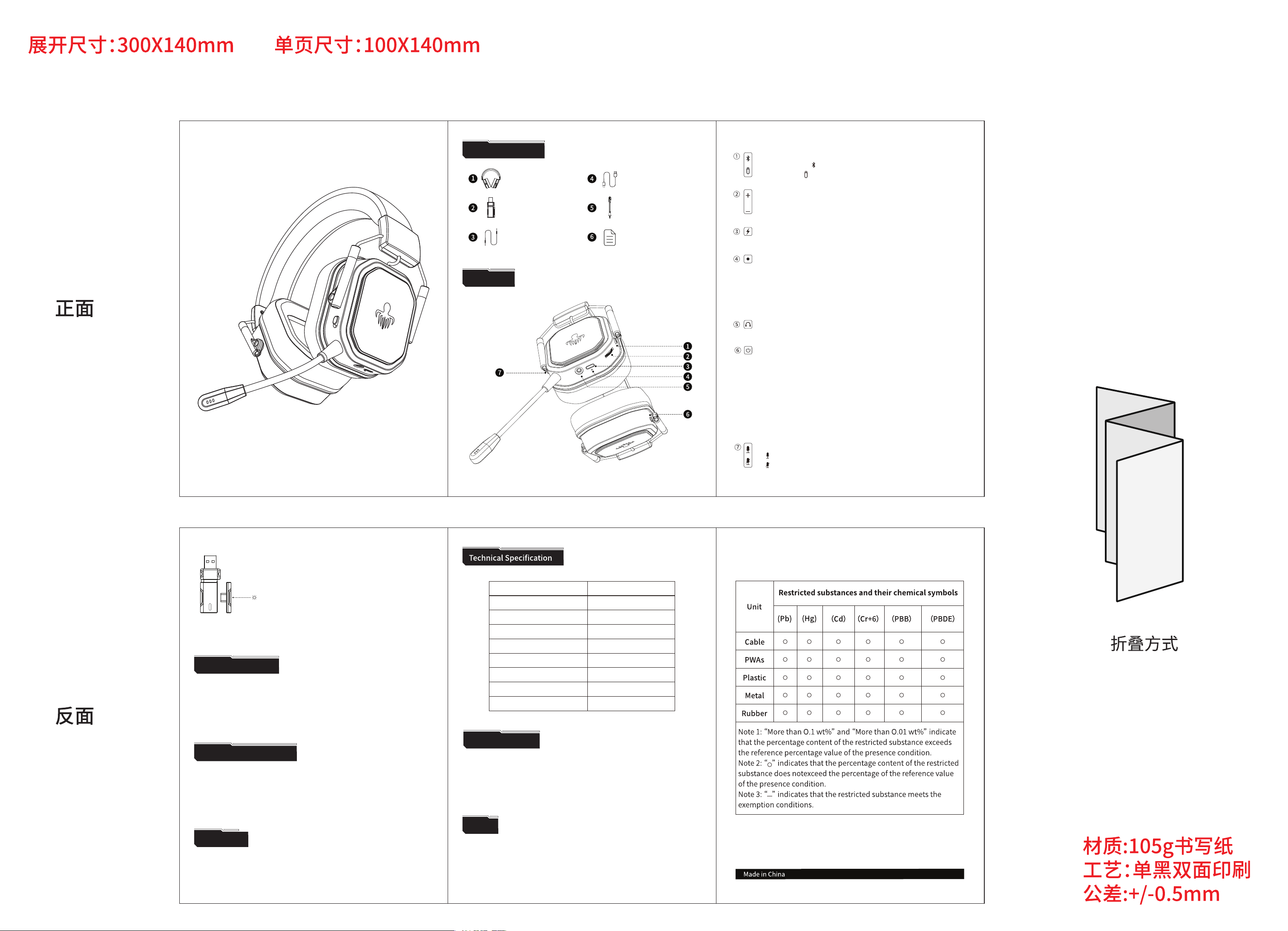
Three-mode wireless backlit game headset
PRODUCT INSTRUCTIONS
Gaming Headset
USB Receiver
3.5mm Audio Cable
Type-C Charging Cable
Detachable Microphone
User Manual
Package Contents
01
2.4G Mode Pairing
1. Press and hold the power button for 3 seconds to turn on the unit.
2. Plug the receiver into the USB port of the device.
3. Press and hold the M button for 3 seconds to switch to dongle mode. Meanwhile,
the lindicator light blinks green. And the headphone will be automatically paired.
Once the connection is established, the indicator will be steady green.
Bluetooth Mode Pairing
1. Press and hold the power button for 3 seconds to turn on the power.
2. Press and hold the M button for 3 seconds to switch to Bluetooth mode.
Meanwhile, the indicator light flashes blue.
3. Turn on the Bluetooth device, search for "Neptune" to connect.
Once the connection is established, the indicator will be steady blue.
Overview
1.Bluetooth Mode:" "Bluetooth Mode
2.Dongle Mode:" "Dongle Mode
Mode Switching:
02
Volume control knob:
1. Adjust the knob towards the "+" direction to increase the volume
2. Adjust the knob in the "-" direction to decrease the volume
Type-C charging interface:
Supports DC-5V power adapter
Headphone Indicator:
1. Waiting for pairing: the blue light flashes quickly
2.The pairing is successful: the blue lightflashes slowly
3. Low battery warning: red flashes for 30 seconds/3times
4. Charging Indication: red light is always on
5. Charging completed: the red light is off
Power button:
1. ON/OFF: keep pressing for 3 seconds
2. Answer /Hang up: shortly press for 1 second
3. Refuse to listen: keep press for 2 seconds
4. Clear the Bluetooth pairing information: in the off state, press and hold
the power button (do not let go)until about 10 seconds after the power is
turned on, the "dong dong dong" prompt sound, the cleraing is successful
Successfully remove pairing data and connect Dongle with headset: Plug
and unplug the Dongle twice to complete connection.
AUX IN:
3.5mm audio port, Play wired sound
Microphone button:
03
Diameter
Sensitivity
Impedance
Frequency Response
Microphone Sensitivity
Microphone Pointing
Product Model
Battery Specifications
Weight
100±3dB 1KHZ
1kHz/32Ω
20~20000Hz
-42±2dB
Omnidirectional
3.7V1200mAh
Neptune
φ50mm
≈325g
Disclaimer
Some of the multimedia features such as call are only applicable in Bluetooth mode
when connecting to cellphones. Certain features may not be realized in 2.4G mode.
No sound at all
Please ensure that either the 2.4G receiver or the Bluetooth connection is
successful and that the headphone is charged. Some Bluetooth-enabled laptops
only work after installing the driver (please check system description of your
laptop for more informa-tion). The Bluetooth transmission distance varies
Troubleshooting
Do not open or repair this device.
Do not use this device in damp environments.
Please clean the equipment with a dry cloth.
Tips
04
Receiver indicator light:
1. Waiting for pairing: Green light flashing rapidly
2. Successful connection: Green light stays on
05

FCC Warnning:
This equipment has been tested and found to comply with the limits for a Class B digital device,
pursuant to part 15 of the FCC Rules. These limits are designed to provide
reasonable
protection against harmful interference in a residential installation. This equipment generates,
uses and can radiate radio
frequency
energy
and,
if
not
installed
and
used
in
accordance
with
the
instructions,
may cause
harmful
interference
to
radio
communications.
However,
there
is
no
guarantee
that interference
will
not
occur
in
a
particular
installation.
If
this
equipment
does
cause
harmful interference to radio or television reception, which can be
determined by turning the equipment off
and
on,
the
user
is
encouraged
to
try
to
correct
the interference
by
one
or
more
of
the following measures:
•
Reorient or relocate the receiving antenna.
•
Increase the separation between the equipment and receiver.
•
Connect the equipment into an outlet on a circuit different from that to which the receiver is
connected.
• Consult the dealer or an experienced radio/TV technician for help.
Caution:
Any
changes
or
modifications
to
this
device
not
explicitly
approved
by
manufacturer
could void your authority to operate this equipment.
This
device
complies
with
part
15
of
the
FCC
Rules.
Operation
is
subject
to
the
following
two
conditions:
(1)This
device
may
not
cause
harmful
interference,
and
(2)
this
device
must
accept
any
interference received, including interference that may cause undesired operation.
This
equipment
complies
with
FCC
radiation
exposure
limits
set
forth
for
an
uncontrolled
environment.
This
equipment
should
be
installed
and
operated
with
minimum
distance
0cm
between the radiator and your body.