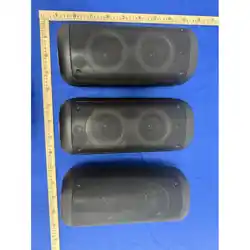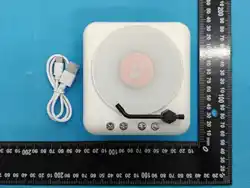
MZS - 4 2 6 8 T
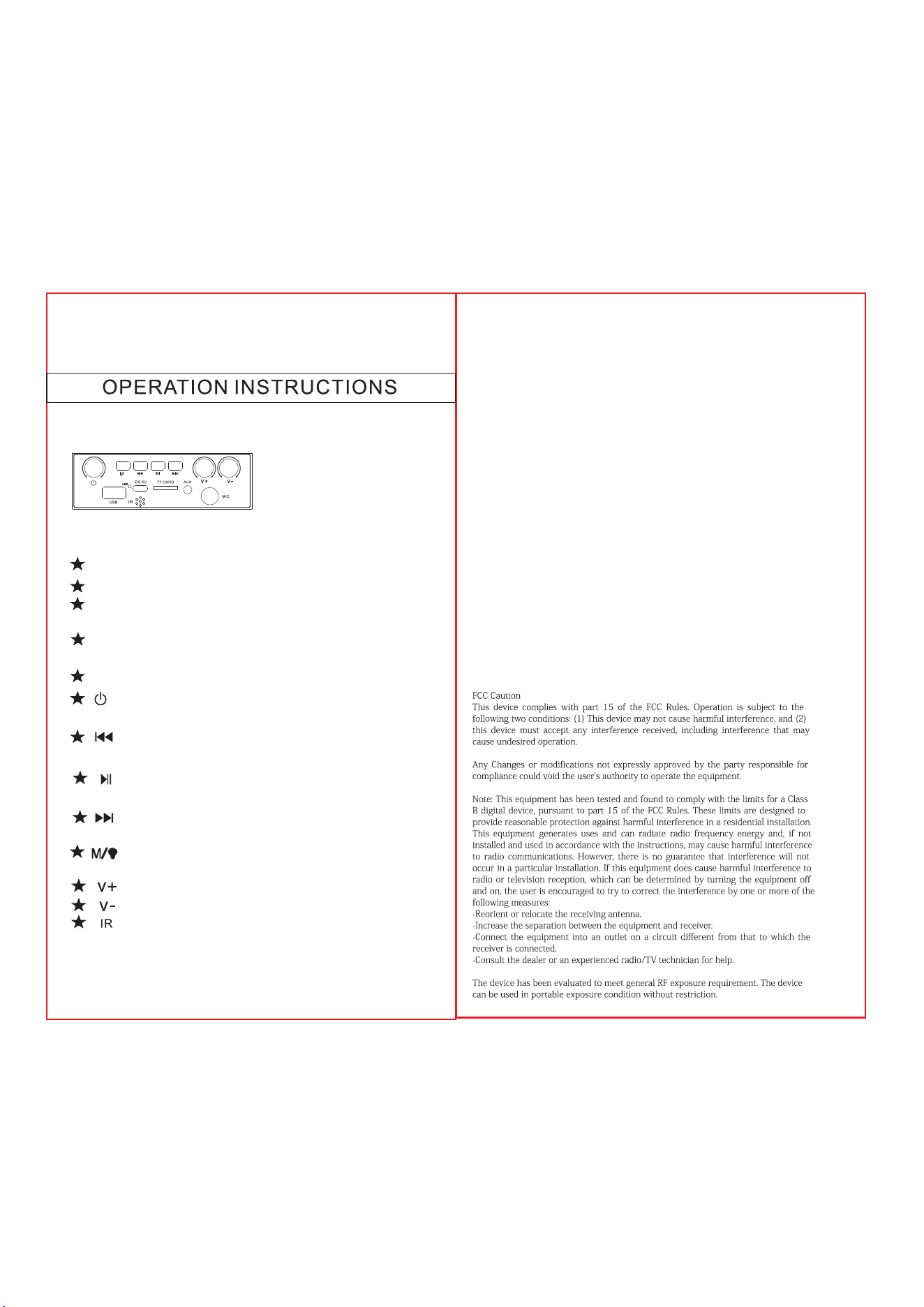
DC5V: charging interface.
TF CARD: Insert the TF card to play MP3 music.
AUX: Use the cable with 3.5mm plug to
connect the AUX.
Mic: Use the cable with we 6.35 mm plug to
connect the Mic slot.
USB: Insert U disk to play MP3 music.
:Long-press the button to power on,
and long-press it again to power off.
:Short press for previous song,long
press to fast backward.
:Short: pause/play. Long (BT): TWS
connection.
:Short press for next song,long press
to speed.
short press USB,Micro SD, & AUX;
long press LED MODE
Short: volume +. Long: quick +.
Short: volume –. Long: quick –
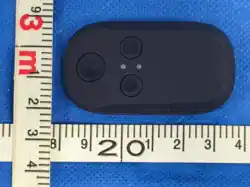
Infrared remote control
USB/TF Card
Insert the usb drive or Micro-SD card into the
USB/TF.It will read Mp3 music files automatically
Aux Input(3.5mm audio cable)
To use as a speaker, please connect the 3.5mm
audio cable to the machine aux in jack and
the computer/cellphone audio output jack.
Wireless MODE
Turn on the speaker, Once powered on it is
already in wireless mode.Turn on your device's wireless
and then scan for new devices and look for
Model name Once found, pair with it. After
pairing,devices can connect with each other
automatically.
Charging
Please use the included charging cable to charge.
red led on when chargingOutput
Power: 6W
Playing time: 4 hours
Lithium Battery: 3.7V 1200mAh
Charging via USB port(PC): up to 5 hours
Wireless range:10 meter
USB charging:DC 5V