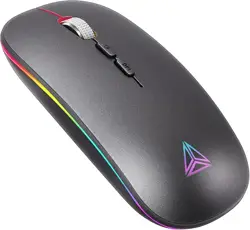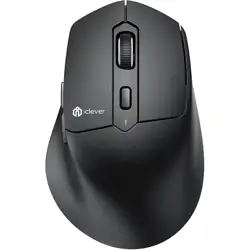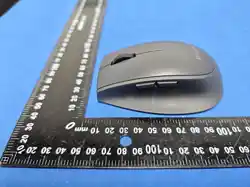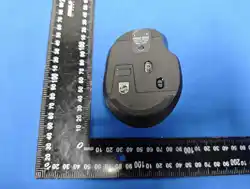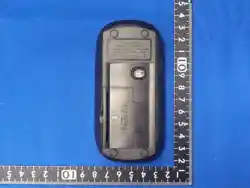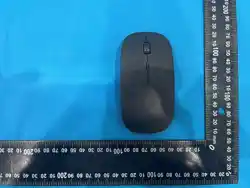
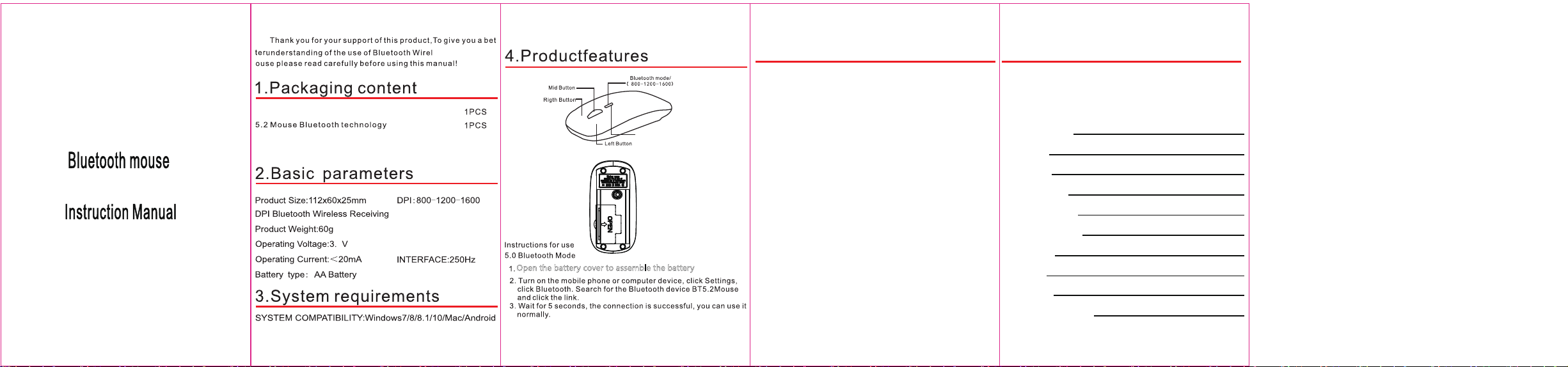
Open the battery cover to assemble the battery
5. Warranty Card
Thank you for purchasing our company's products
Warranty Card Number:
80012001678
Product Name: Bluetooth wireless mouse
Product model: WY-213
Product serial number:
Technical Support Hotline:
Basic product configuration:
User Information:
Delivery date:
Warranty period:
Distributor Name and Signature:
This product has passed our company's strict quality inspection. According to the
instructions on this warranty card, any damage caused by the product itself during normal
use
Hardware failures caused by quality issues will be repaired free of charge by the company
within a one-year warranty period.
Model: WY-213
This device complies with part 15 of the FCC Rules. Operation is
subject to the following two conditions:
(1) This device may not cause harmful interference, and
(2) this device must accept any interference received, including
interference that may cause undesired operation.
Changes or modifications not expressly approved by the party
responsible for compliance could void the user's authority to
operate the equipment.
Note:
This equipment has been tested and found to comply with the
limits for a Class B digital device, pursuant to
part 15 of the FCC Rules. These limits are designed to provide
reasonable protection against harmful interference in a residential
installation. This equipment generates, uses and can radiate radio
frequency energy and, if not installed and used in accordance with
the instructions, may cause harmful interference to radio
communications. However, there is no guarantee that interference
will not occur in a particular installation. If this equipment
does cause harmful interference to radio or television
reception, which can be determined by turning the equipment
off and on, the user is encouraged to try to correct the
interference by one or more of the following measures:
—Reorient or relocate the receiving antenna.
—Increase the separation between the equipment and receiver.
—Connect the equipment into an outlet on a circuit different from
that to which the receiver is connected.
—Consult the dealer or an experienced radio/TV technician for help.
This equipment complies with radiation exposure limits set forth for
an uncontrolled environment.
0
2