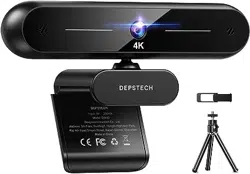
E3153 EMEET S600L 4K Webcam for Streaming with Ring Light, 4 Lighting Modes, Rainbow Effect, 1/2" Sensor, AI Imaging, 0.2S PDAF, 2 Mics, Dial Control, 4K Webcam with Light for OBS/Twitch/YouTube/Zoom/PC/Mac

Product's Documents

Below are documents related to this product, you can read online or download:

User Guide

This is the main product document for model E3153.

The file format is pdf, 2 pages, you can download this manual here .
background
S600L Ring Light Adjustment Guide
Physical Button Control
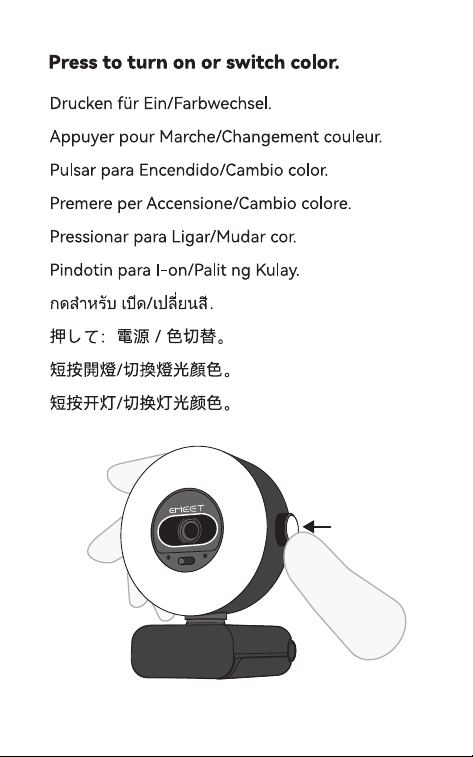
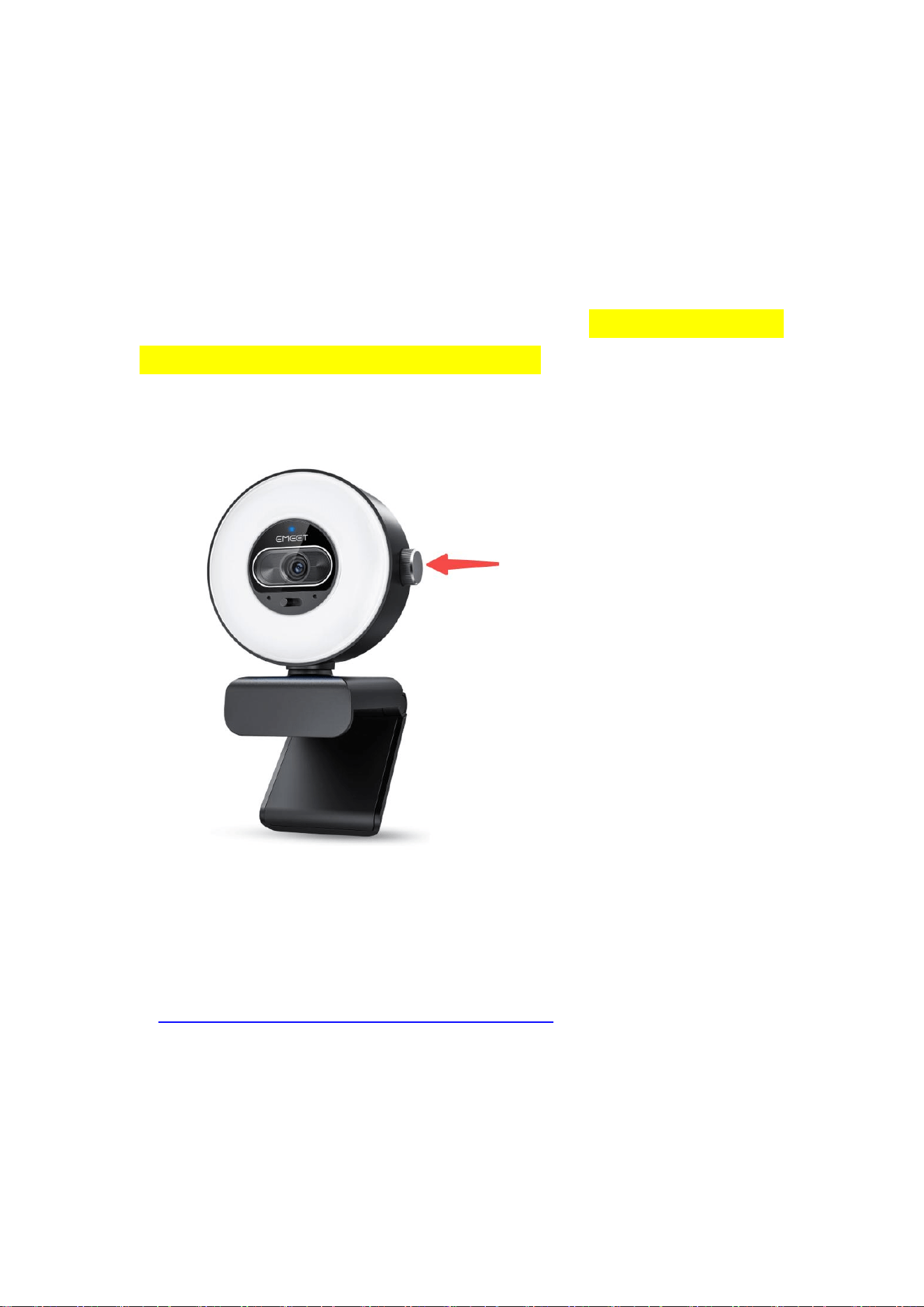
1. Short press the control button to turn on the ring light. Short press again to switch
light colors: Cool White, Warm Yellow, Mixed Light, and Ambient Light (default
blue; more colors available via EMEET STUDIO).
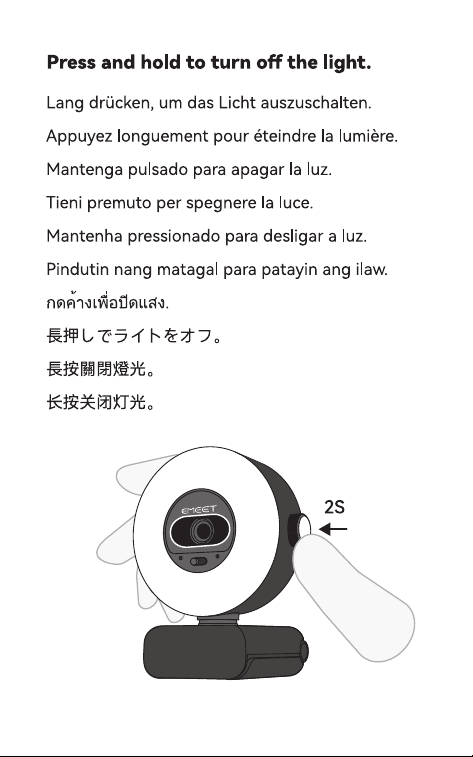
2. Long press the button for 2 seconds to turn off the ring light.
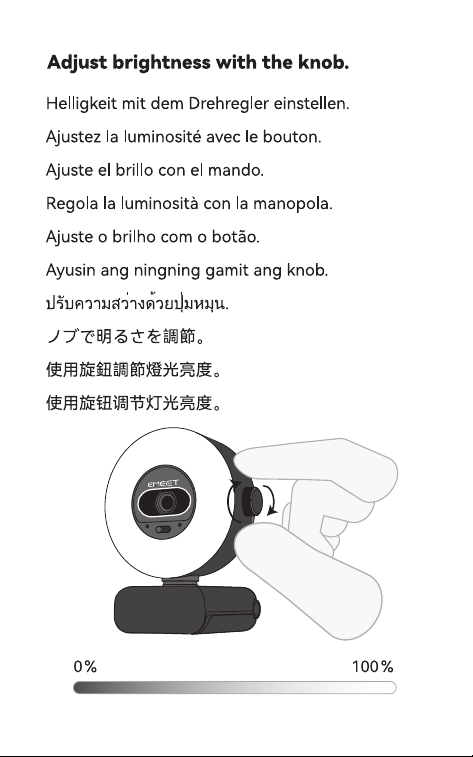
3. Rotate the button to adjust brightness freely.
Software Control
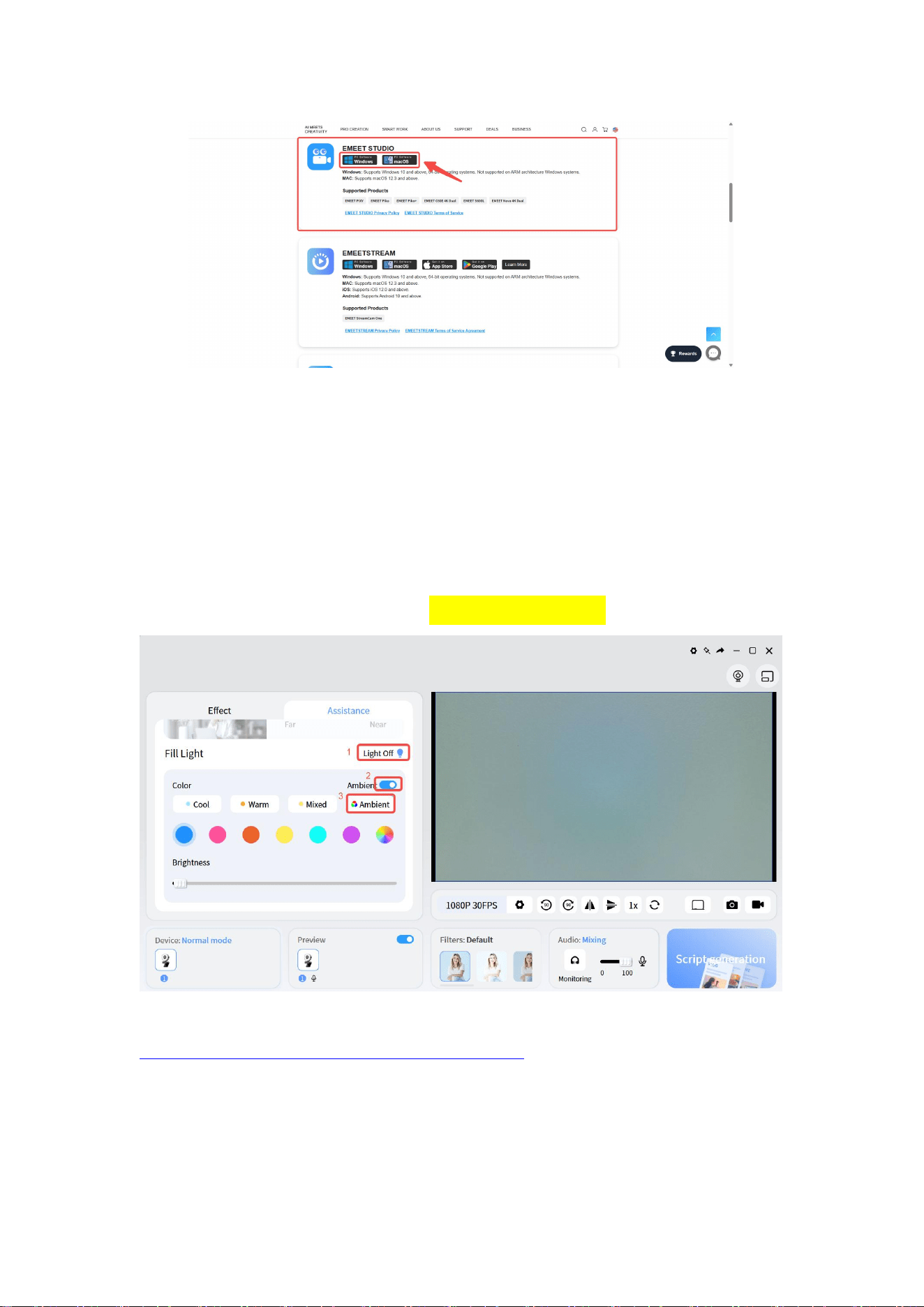
1. Go to the EMEET official website download page
https://emeet.com/pages/software-service-downloads
Download and install
EMEET STUDIO.
background
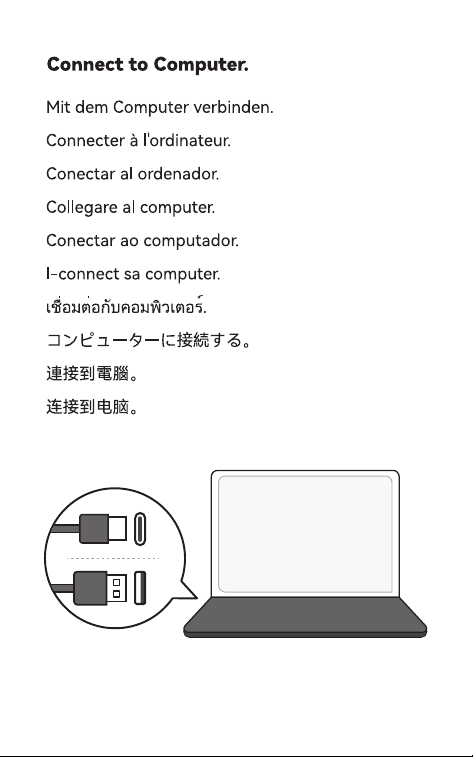
2. Connect your S600L to your computer, launch EMEET STUDIO, enter the
Assistant interface, and scroll down to find fill light settings.
3. In this settings area, you can freely adjust the color and brightness of the fill light.
In addition to the basic light effects of cool white light (Cool), warm yellow light
(Warm), and mixed light (Mixed), you can also customize the ambient light color.
There are 7 options for ambient light: Clear Blue, Soft Purple, Retro Orange, Fresh
Cyan, Sweet Pink, Bright Yellow, and Rainbow Light Effect.
For more operations, view the video tutorial:
https://www.youtube.com/watch?v=iUXy8U20iVU

Specifications

EMEET E3153 Questions and Answers

Questions and Answers

Related Products