Standard operating temperature 150°F / 65°C
PD1
PD2
PD3
PD4
PD5
PD6
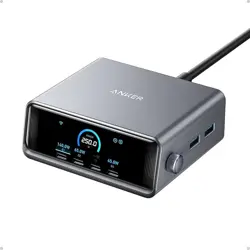
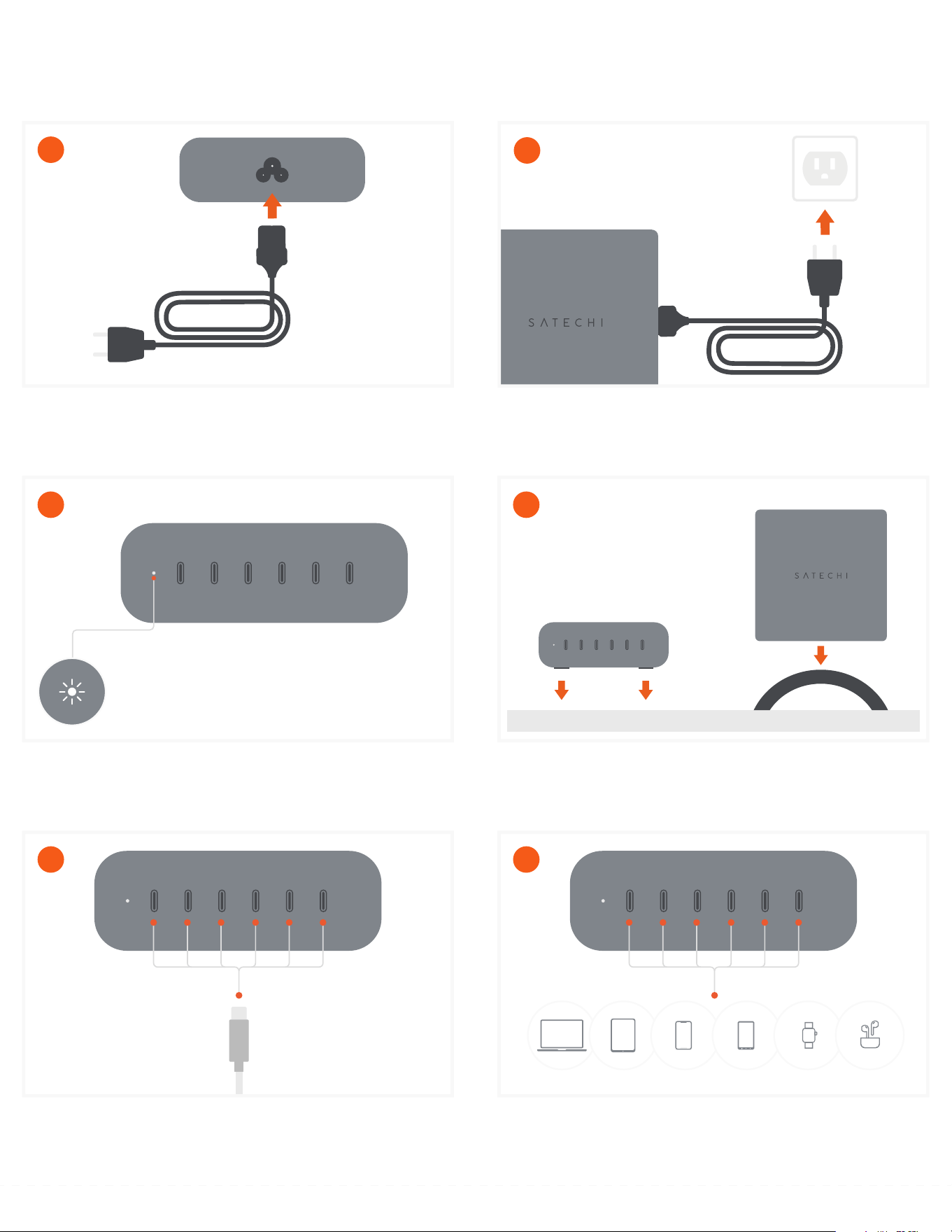
Connect and charge up to six USB-C devices simultaneously
Total max output: 200W.
When connecting devices to all six PD ports, connect your largest
device to the PD1 port.
6
PD1
PD2
PD3
PD4
PD5
PD6
Plug in cables (sold separately) to the charger's USB-C PD ports.
We always recommend using certified charging cables.
EMARK cables are required to reach wattage above 60W.
5
PD1
PD2
PD3
PD4
PD5
PD6
The 200W charger can be laid flat horizontally on the supported
rubber feet or vertically using the included Desktop Stand.
4
PD1
PD2
PD3
PD4
PD5
PD6
The LED Indicator light will Illuminate white when receiving
power.
3
Plug the power cable directly to a power outlet.
2
Connect the included C5 power cable to the C5 connector on the
rear of the charger.
1
QUICK GUIDE
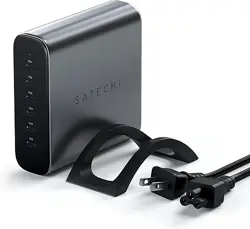
200W USB-C 6-PORT PD GAN CHARGER
PD4
PD5
PD6
PD4
PD5
PD6
MAX
20W
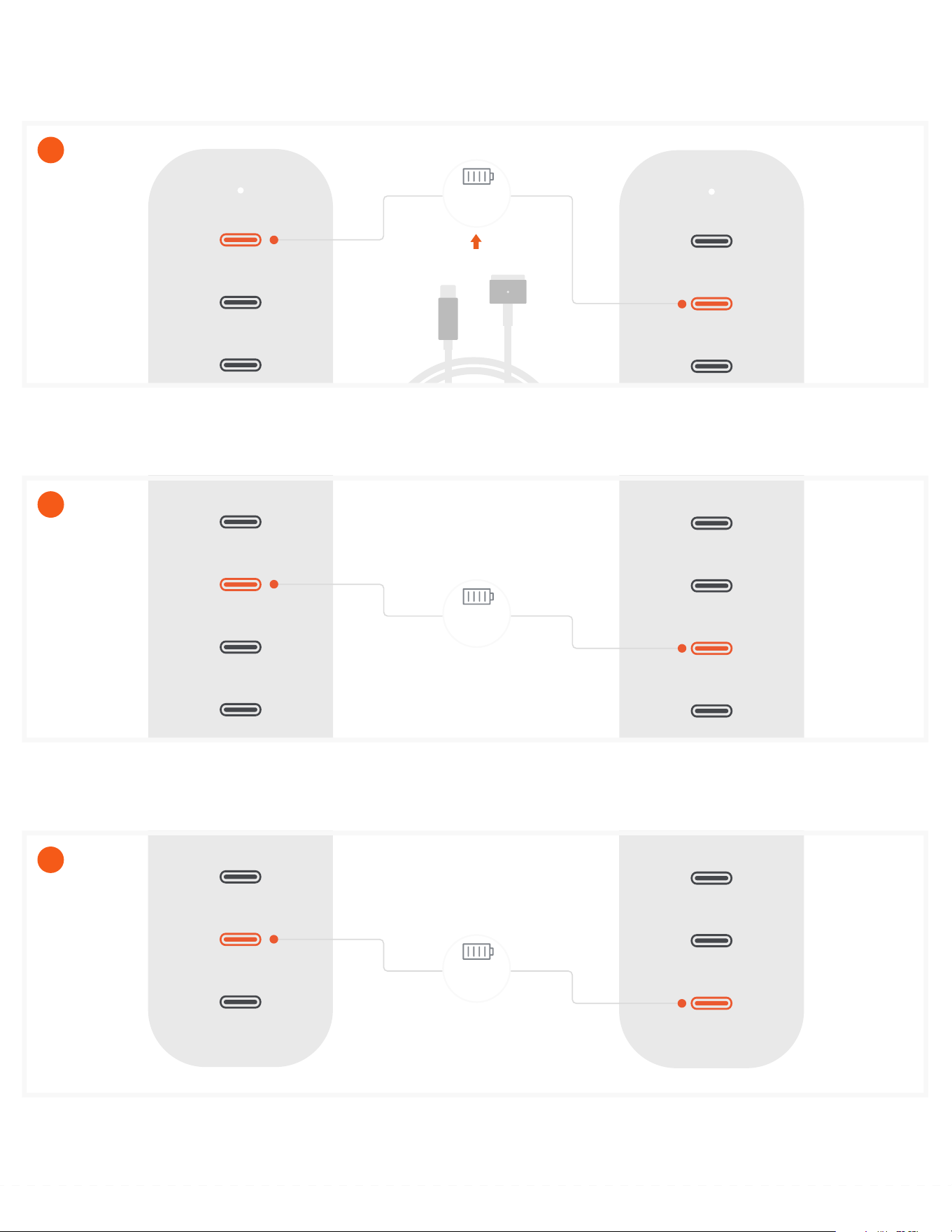
When connected to PD5 or PD6, supported device can charge with a max output of 20W.
9
PD2
PD3
PD4
PD5
PD6
PD2
PD3
PD4
PD5
PD6
MAX
100W
When connected to PD3 or PD4, supported device can charge with a max output of 100W.
8
PD1
PD2
PD3
PD4
PD5
PD1
PD2
PD3
PD4
PD5
MAX
140W
MagSafe 3
When connected to PD1 or PD2, supported device can charge with a max output of 140W.
Only one device can be connected at a time to either port in order to achieve 140W charging.
USB-C to MagSafe 3 Cable must be used in order to achieve 140W output through PD1 or PD2.
7
Please refer to the Power Schematic in the user manual for actual power outputs, depending on the number of connected devices
CHARGING