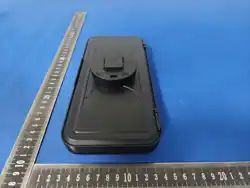
Z07 mobile phone waterproof stand
instruction manual
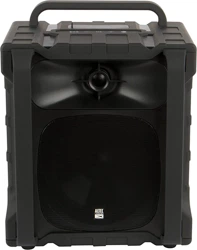
Waterproof speaker
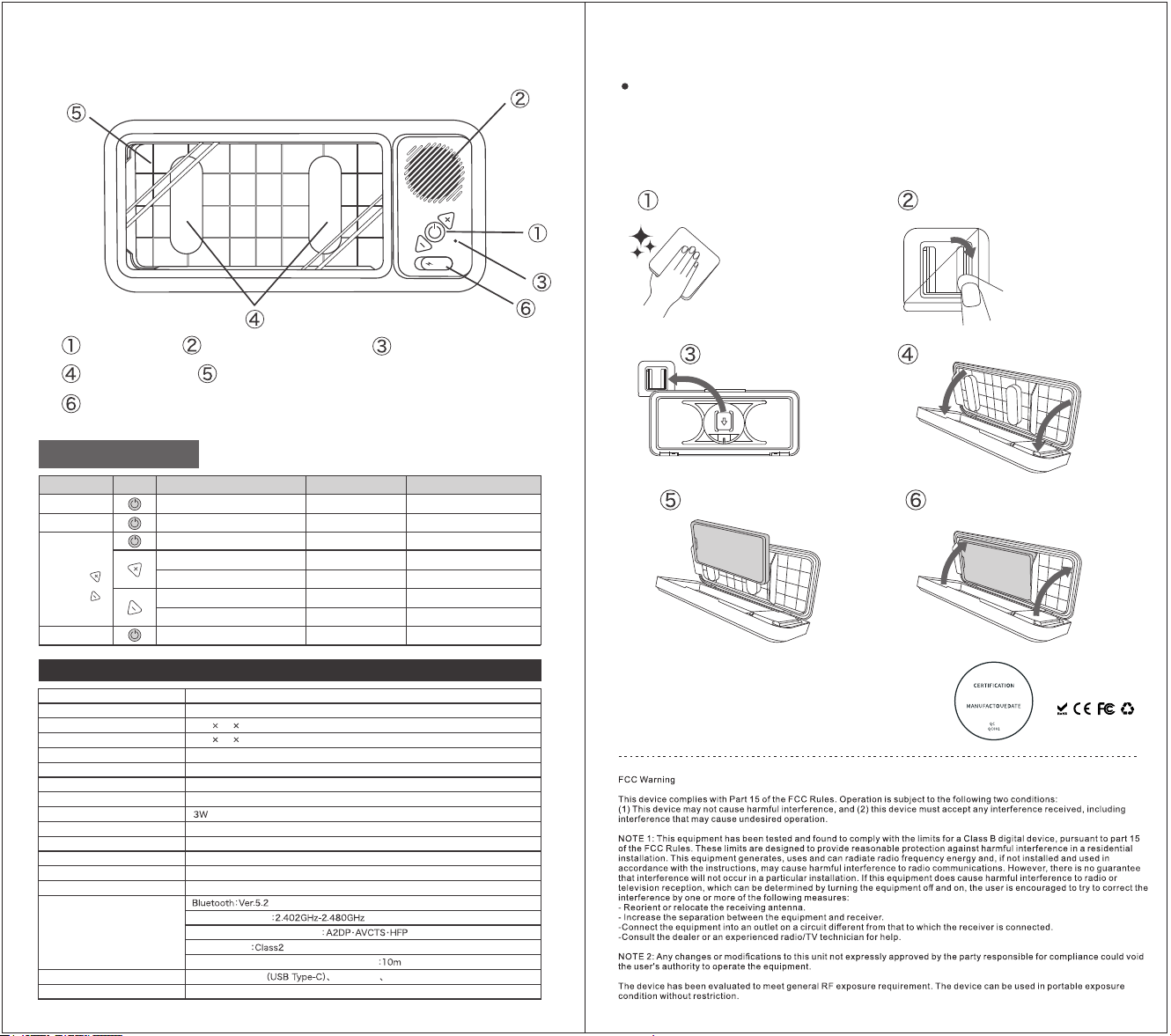
Fix the sponge
MIC call receiving hole
Charging port (When charging, a red light will be displayed; when fully
charged, a green light will be displayed.)
Product Model
Waterproof Mobile Phone Stand
Product Name
Z07
245 44 110(mm)
167 13 84(mm)
255g
Main material (s) ABS.PET. silicone, electronic components
Input Power
DC5V/1A(USB Type-C)
Battery capacity (approx.)
800mAh (Lithium - ion batter y)
power
Charging time (approx.)
2.5 hours
Continuous use time (approx.)
12 hours when the volume is at 50%.
Batter y cycle times (approx.)
300 times
IPX5
Waterproof rating
Wireless specifications
Send output
Frequency range
Support configuration files
Communication distance (approximate)
Accessories
Charging cable
Wall-mounted stickers * 3 Instruction manual
Place of origin
Technical Specifications
Dimensions (approx.)
Inner dimensions (approx.)
Weight (approx.)
China
Common Bluetooth connection methods are as
follows:
Wipe the wall surface where the
wall-mounted sticker will be pasted clean.
Tear off the protective film and stick
the wall-mounted sticker onto the wall surface.
When using it for the first time, you need to pair it via Bluetooth. After
long-pressing the power button to turn it on, turn on the Bluetooth of your mobile
phone and search for a device named Z07. Click on it and start the pairing process.
Once you hear a sound, the pairing is completed.
installation steps;
Align the back fixing base with
the wall-mounted sticker, and
press it down firmly until it reaches
the bottom.
Put the phone in.
Open the cover.
Close the cover, and then the installation
is completed.
※ The product itself cannot be immersed in water
for a long time. Please do not submerge it in water.
※ Before use, please check whether the water
proof plug of the charging port is tightly closed.
Made in China
button
PET touch panel
Button operation
Project
Button
working status
Indicator
Short press for 1 second to power on
Long press for 3 seconds to power off
Power ON
Audio / Video
Volume
Increase volume
Next track
Turn down the volume
Single tap
Pause/Play
Phone call
Function
Answer the call/ End the call
Red and blue lights flashing
/
/
/
/
/
/
/
Power off
Power OFF
Long press
Previous track
Volume
Single tap
Single tap
Single tap
Long press
Power on [Indicator light turns off
when connection is complete]