Read Me
• A low power device for general wellness.
• A TES device that applies tDCS, tACS, or other waveforms.
NeuroMyst IS
• A medical device.
• Intended to treat, cure, or diagnose a medical condition.
NeuroMyst IS NOT
• Have a history of headache, migraine, or seizures
• Are or may be pregnant
• Are <18 years of age
• Are intoxicated or incapacitated
• Have a neurological impairment or an active electronic implant
and have not first consulted your physician
Warning! Do NOT use if you
3
• Apply electrodes to the chest or unhealthy skin
• Apply stimulation that is uncomfortable or painful
For your safety, Do NOT
• Mild skin sensations
• Harmless light flashes
• Very mild skin redness
You might experience
Watch Me
Point your phone
camera at the
tiny dots and click
the yellow link.
Learn More
Point your phone camera at a QR code and click the yellow link.
4
Website
iOS App
Aero Setup
Android App
STEP 1 OF 4
5
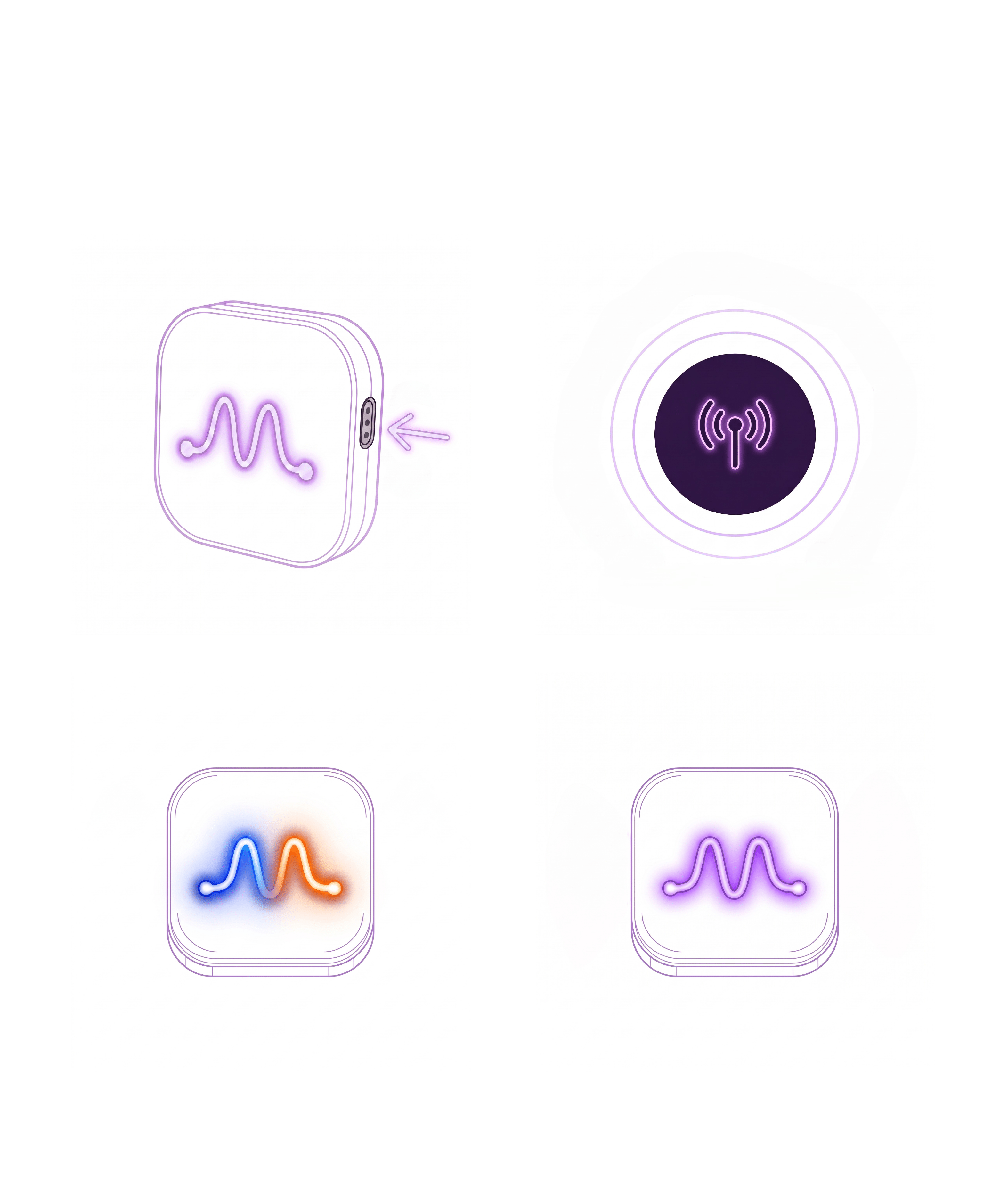
A. Wake up Aero
C. Connecting...
D. Aero Connected
Aero will pulse purple near your
phone or with a side button push.
Aero will pulse blue and orange
while connecting to your phone.
B. Turn on Bluetooth
Enable Bluetooth on your phone
and keep Aero nearby.
Aero will again pulse purple once
connected to your phone.
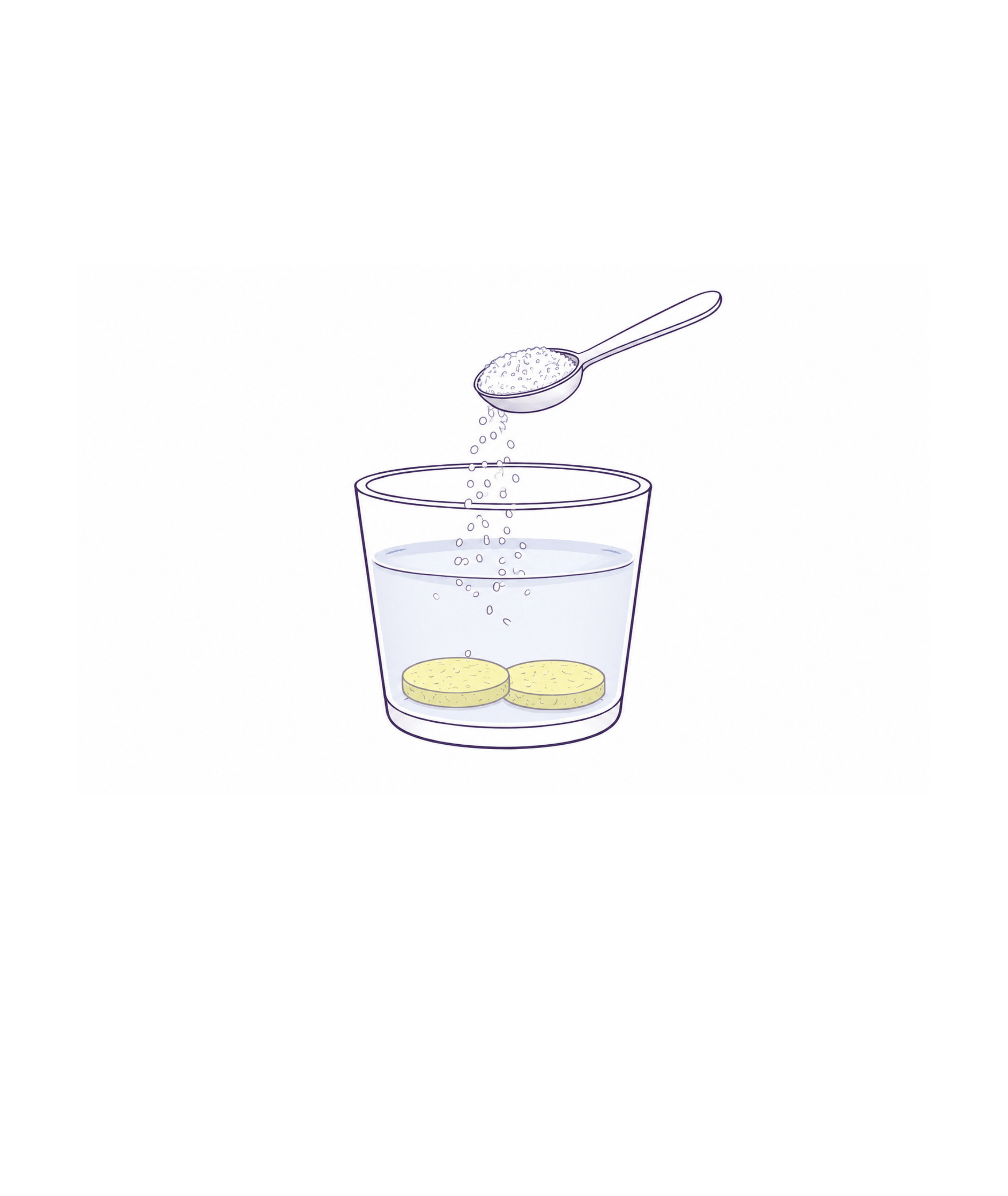
Wet the Electrodes
STEP 2 OF 4
Lightly wet both sponges with salt
water (3/4 tsp of salt per 1/2 L).
6
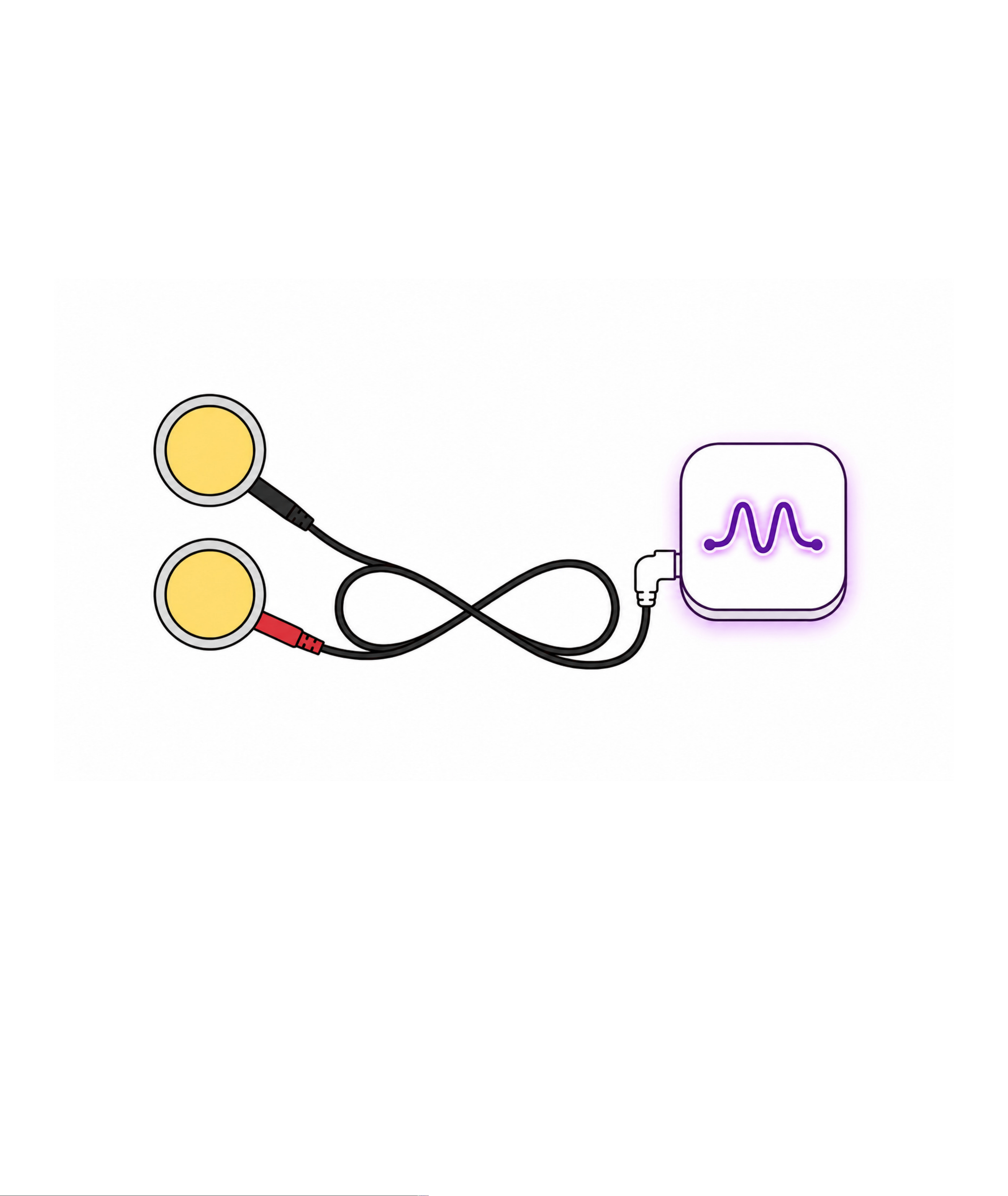
Attach the Electrodes
STEP 3 OF 4
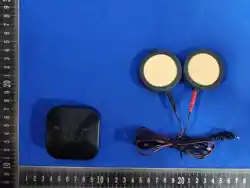
Assemble the sponge electrodes, insert
one red/black pin into each electrode,
and connect the lead wire to Aero.
7
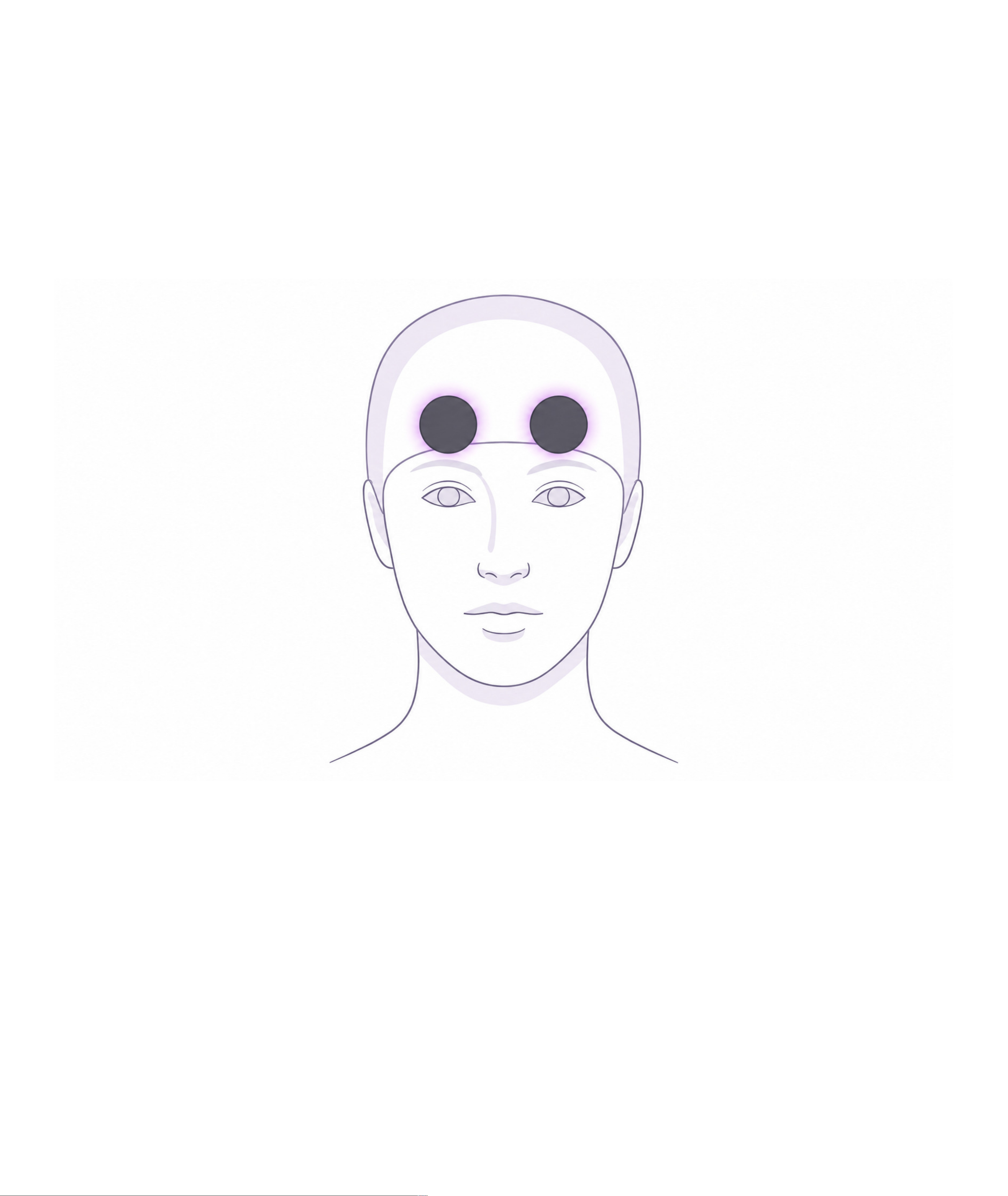
Place & Secure
STEP 4 OF 4
Put on the skullcap, and then slide the
electrodes underneath the cap to the
target montage locations.
8

Terms & Warranty
Limited Output Device. NeuroMyst is not a medical device. It is a
consumer wellness device for transcranial electrical stimulation
(TES). Results may vary based on the user, setup, and other
factors.Keep Aero nearby and charged so it turns on automatically.
If needed, tap the right button to wake it.
Assumption of Risk. Using TES involves exposure to low electrical
currents (up to 4 mA) and may cause temporary skin or visual
sensations. By using this device, you accept all known and
unknown risks associated with its use.
Voluntary Agreement. By using NeuroMyst, you confirm that you
are 18 years or older, have read and understood this manual, and
accept responsibility for your use of the device.
One Year Limited Warranty. NeuroMyst is covered by a one-year
limited warranty against defects in materials and workmanship. The
warranty does not cover normal wear, misuse, or unauthorized
repairs. The product is otherwise provided "as is." Some warranty
limitations may not apply depending on your state or province.
9

FCC Information
FCC ID: 2BXDG-A1000
FCC Warning
This device complies with Part 15 of the FCC Rules. Operation is subject to the following
two conditions:
1. This device may not cause harmful interference, and
2. this device must accept any interference received, including interference that may
cause undesired operation.
NOTE 1: This equipment has been tested and found to comply with the limits for a Class B
digital device, pursuant to part 15 of the FCC Rules. These limits are designed to provide
reasonable protection against harmful interference in a residential installation. This
equipment generates, uses and can radiate radio frequency energy and, if not installed and
used in accordance with the instructions, may cause harmful interference to radio
communications. However, there is no guarantee that interference will not occur in a
particular installation. If this equipment does cause harmful interference to radio or
television reception, which can be determined by turning the equipment off and on, the
user is encouraged to try to correct the interference by one or more of the following
measures:
• Reorient or relocate the receiving antenna.
• Increase the separation between the equipment and receiver.
• Connect the equipment into an outlet on a circuit different from that to which the
receiver is connected.
• Consult the dealer or an experienced radio/TV technician for help.
NOTE 2: Any changes or modifications to this unit not expressly approved by the party
responsible for compliance could void the user's authority to operate the equipment.
The device has been evaluated to meet general RF exposure requirement. The device can
be used in portable exposure condition without restriction.
10