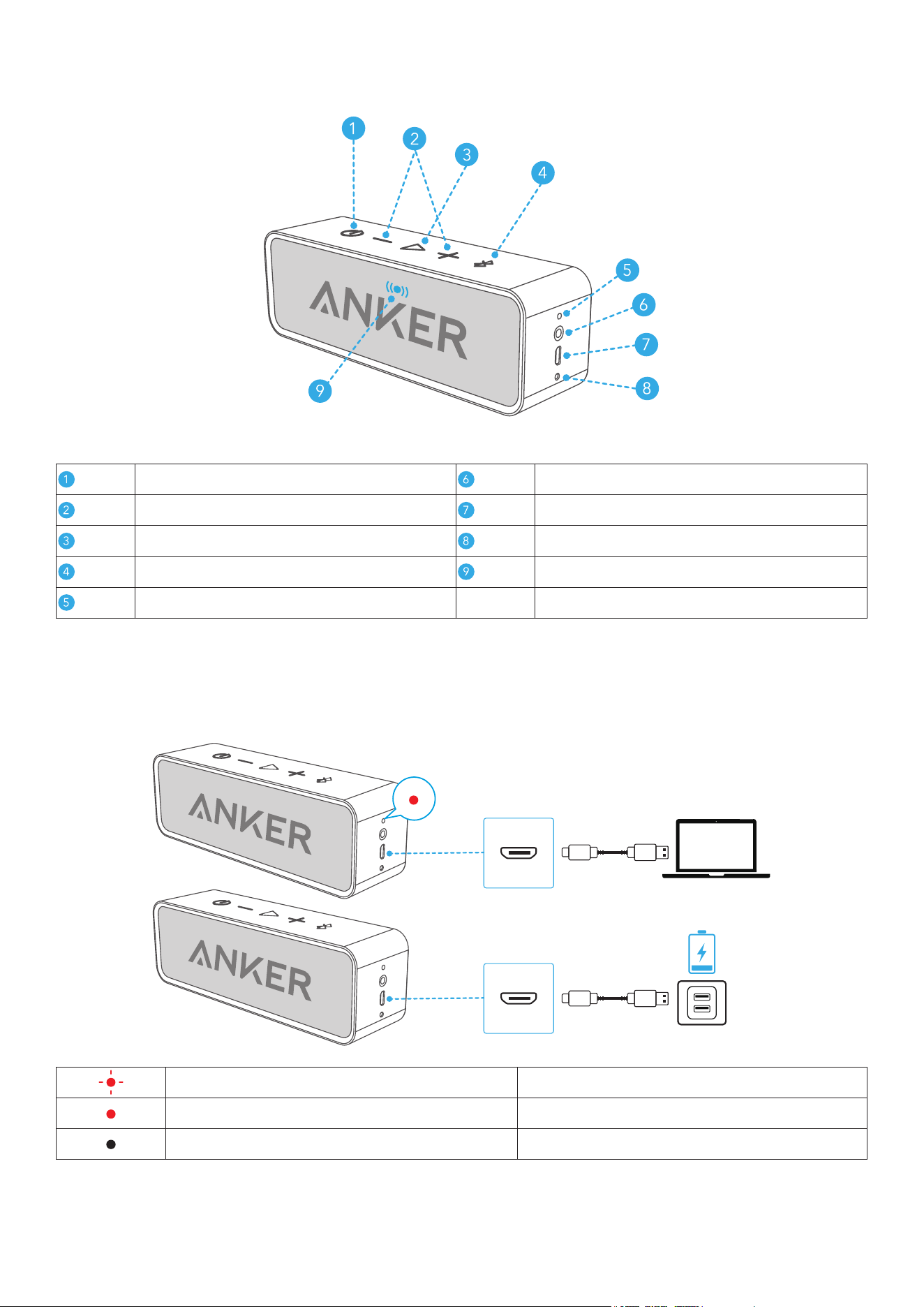
At a Glance
Power Button 3.5mm Aux Input
Volume Buttons USB-C Charging Port
Play/Pause Button
Microphone
Bluetooth Button Status Indicator
Battery Indicator
Charging Your Speaker
• Use the included USB cable to charge your SoundCore and make sure it is fully charged before first use.
Flashing Red Low Battery
Steady Red Being Charged
Off Fully Charged
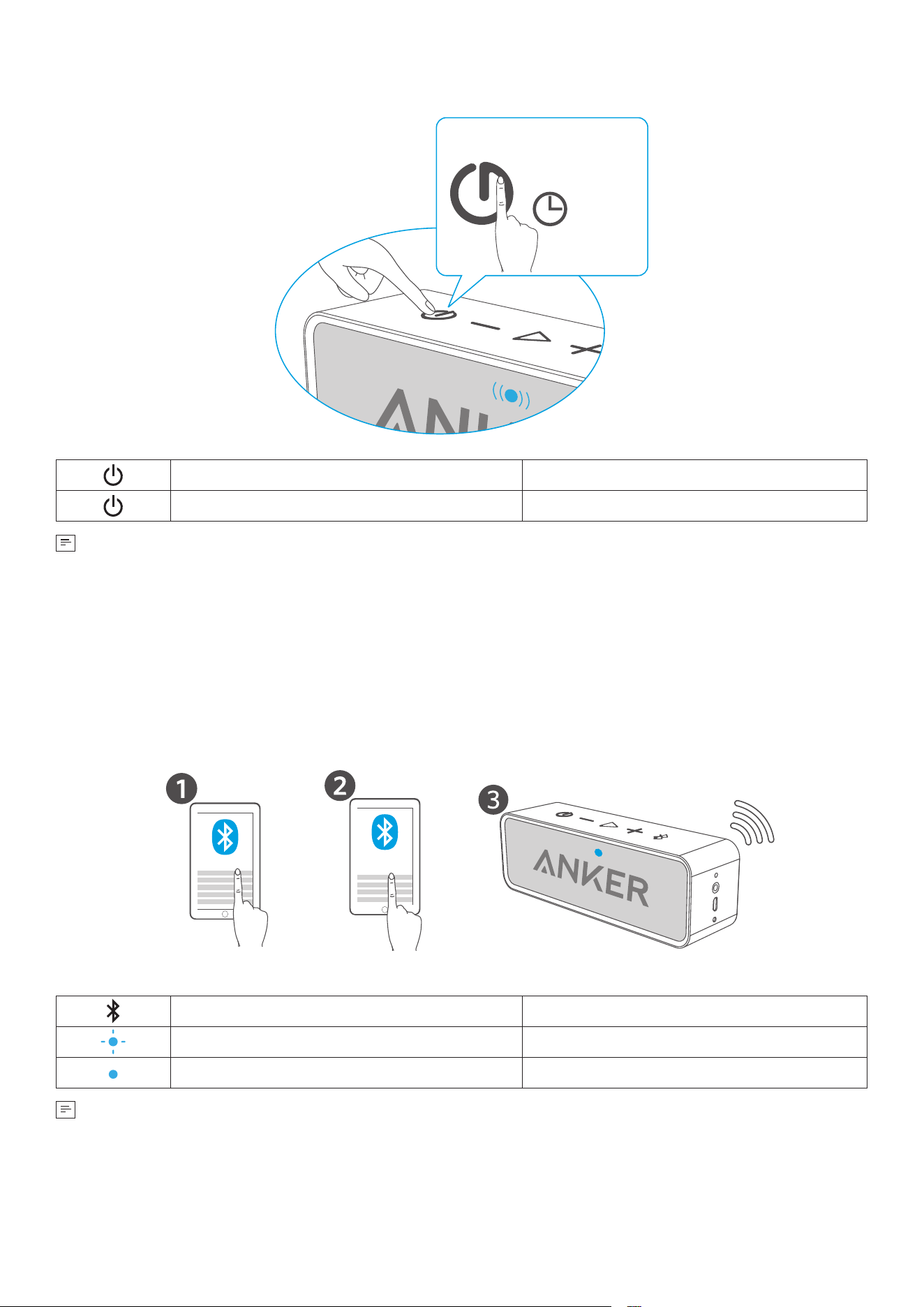
Powering On / Off
>2s
Press and Hold for 2 Seconds Power On
Press and Hold for 2 Seconds Power Off
This speaker will power off automatically after 10 minutes if no device is connected.
Using Your Speaker
Bluetooth Mode
Enable Bluetooth on your mobile device. Then press the Bluetooth button on the speaker to enter Bluetooth
pairing mode, then select "SoundCore" from the Bluetooth list to connect.
Bluetooth ON
SoundCore
Press Enter / Exit Bluetooth Pairing Mode
Flashing Blue Bluetooth Pairing
Steady Blue Bluetooth Connected
• To un-pair the connected device and re-enter pairing mode, press and hold the Bluetooth button for more
than 1 second.
• If the speaker has connection problems, remove it from your device's Bluetooth history, ensure it's less than 3
feet away then try pairing again.
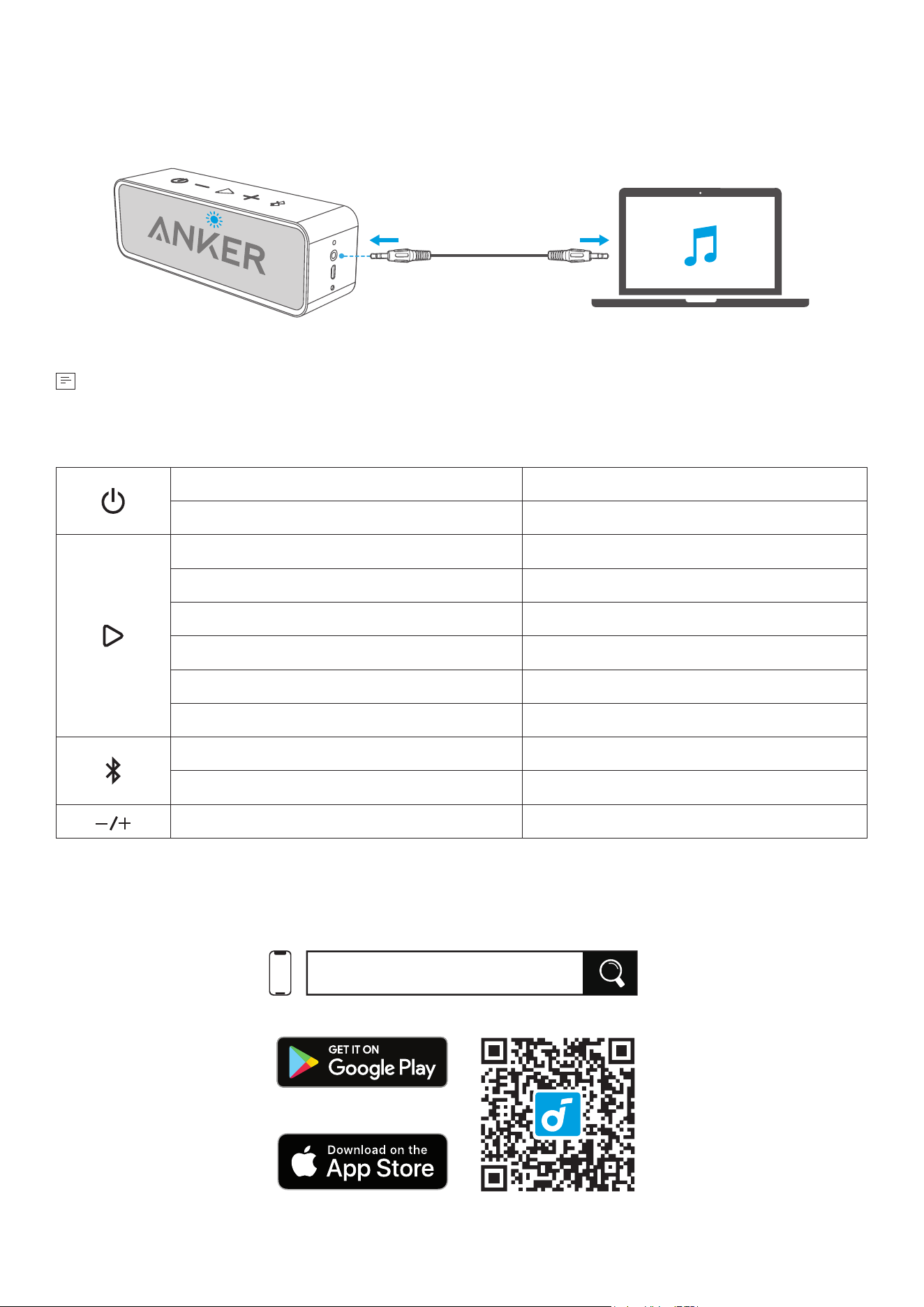
Connect via AUX
AUX AUX
SoundLine AUX cable is sold separately.
Button Controls
Press and Hold for 2 Seconds
Power On
Press and Hold for 2 Seconds
Power Off
Press Play / Pause Audio
Press Twice Next Track
Press Answer / End a Call
Press and Hold for 1 Second
Reject a Call
Press Put Current Call on Hold and Answer Incoming Call
Press and Hold for 2 Seconds Switch between Held Call and Active Call
Press
Enter Bluetooth Pairing Mode
Press and Hold for 1 Second
Un-pair Current Device and Re-enter Pairing Mode
Press Volume Up / Down
soundcore App
Download the soundcore app to enhance your experience.
soundcore
Apple and the Apple logo are trademarks of
Apple Inc.
Google Play and the Google Play
logo are
trademarks of Google Inc.
Specifications
Power Input 5V
⎓
1A
Audio Output 3W ×2
Charging Time 5 to 6 Hours
Playtime (varies by volume level and music content) 24 Hours
Size
165×45×54 mm
6.5×1.8×2.1 in
Weight 365 g / 12.9 oz
Bluetooth Range 20m / 66ft
Hereby, Anker Innovations Limited declares that this device is in compliance with The Product Security and
Telecommunications Infrastructure (Security Requirements for Relevant Connectable Products) Regulations 2023.
For the Statement of Compliance, visit the website:
https://uk.soundcore.com/pages/psti-related.
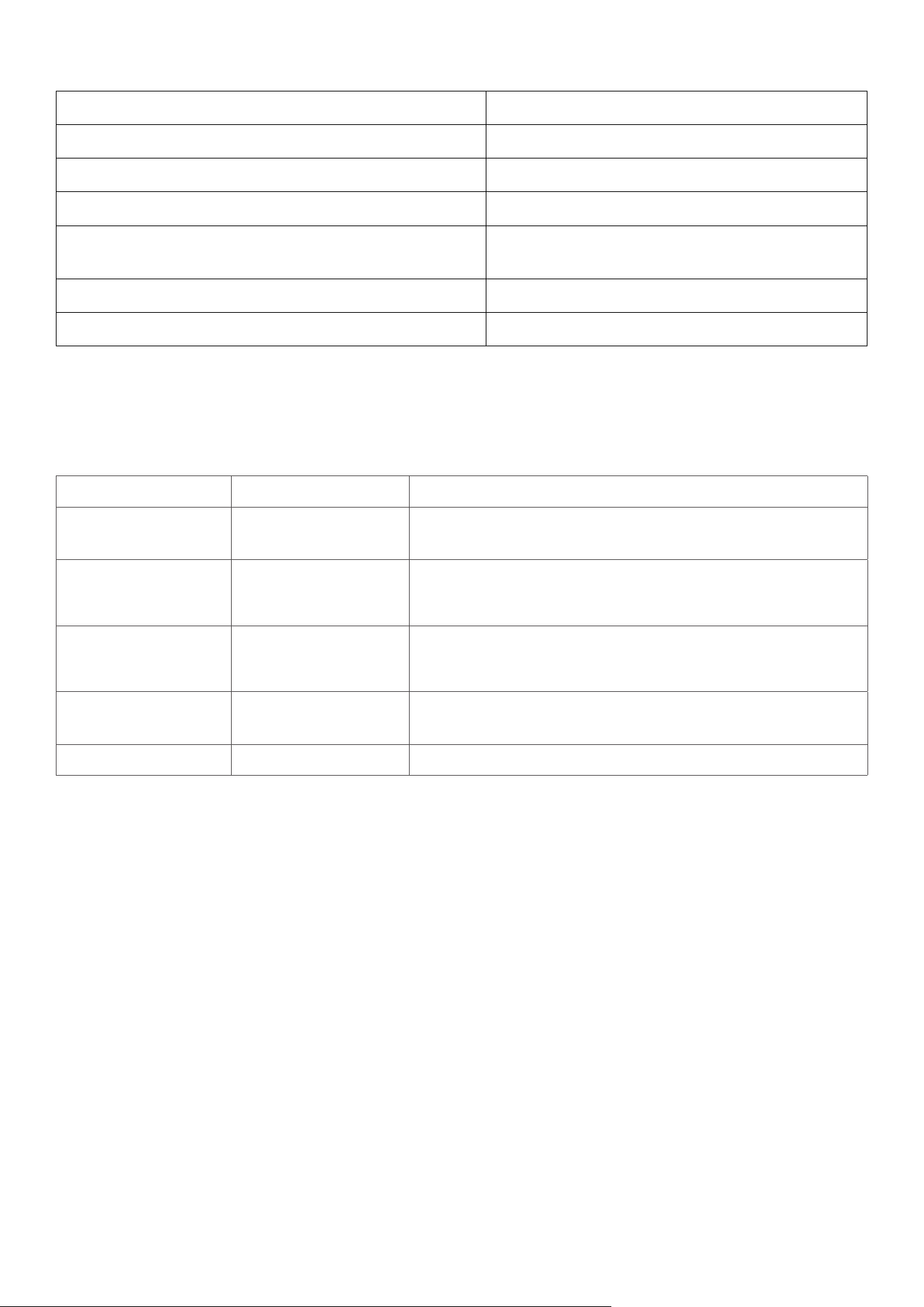
Note: The 'x' of SN Code: xxxxxxxxxxxxxxxx is a variable, see below table.
Variable 'x' Range of variable Content
Eighth 0-9 or A-F
Denotes the hardware version which is not effected on the safety
compliance.
Ninth 8,9,A,B,C...
Denotes the year, 8 means 2018, 9 means 2019, A means 2020, B
means 2021, C means 2022, and so on.
Tenth and Eleventh 01,02,03...
Denotes weeks, 01 means the first week in this year, 02 means
the secondary week in this year, and so on.
Twelfth 1-7
Denotes date, 1 means Monday, 2 means Tuesday..., 7 means
Sunday and so on.
The last five 00001-99999 Denotes serial No.
1. Power consumption in standby mode: ≤0.5W
2. Power management: ≤ 20min
3. Information of applicable adapter:
Brand: ANKER
Manufacturer: Anker Innovations Limited
Model: A2337
Input: 100-240V~ 1.0A, 50-60Hz
Output: 5.0V
⎓
3.0A 15.0W / 9.0V
⎓
3.0A 27.0W / 12.0V
⎓
2.5A 30.0W / 15.0V
⎓
2.0A 30.0W / 20.0V
⎓
1.5A 30.0W
(30.0W Max)
Default Open Port: Classic Bluetooth
Port Description: After the device is powered on, Classic Bluetooth visibility (or pairing mode) is automatically
enabled, providing Bluetooth pairing (or control) services. The Bluetooth service is disabled when the device is
powered off.