
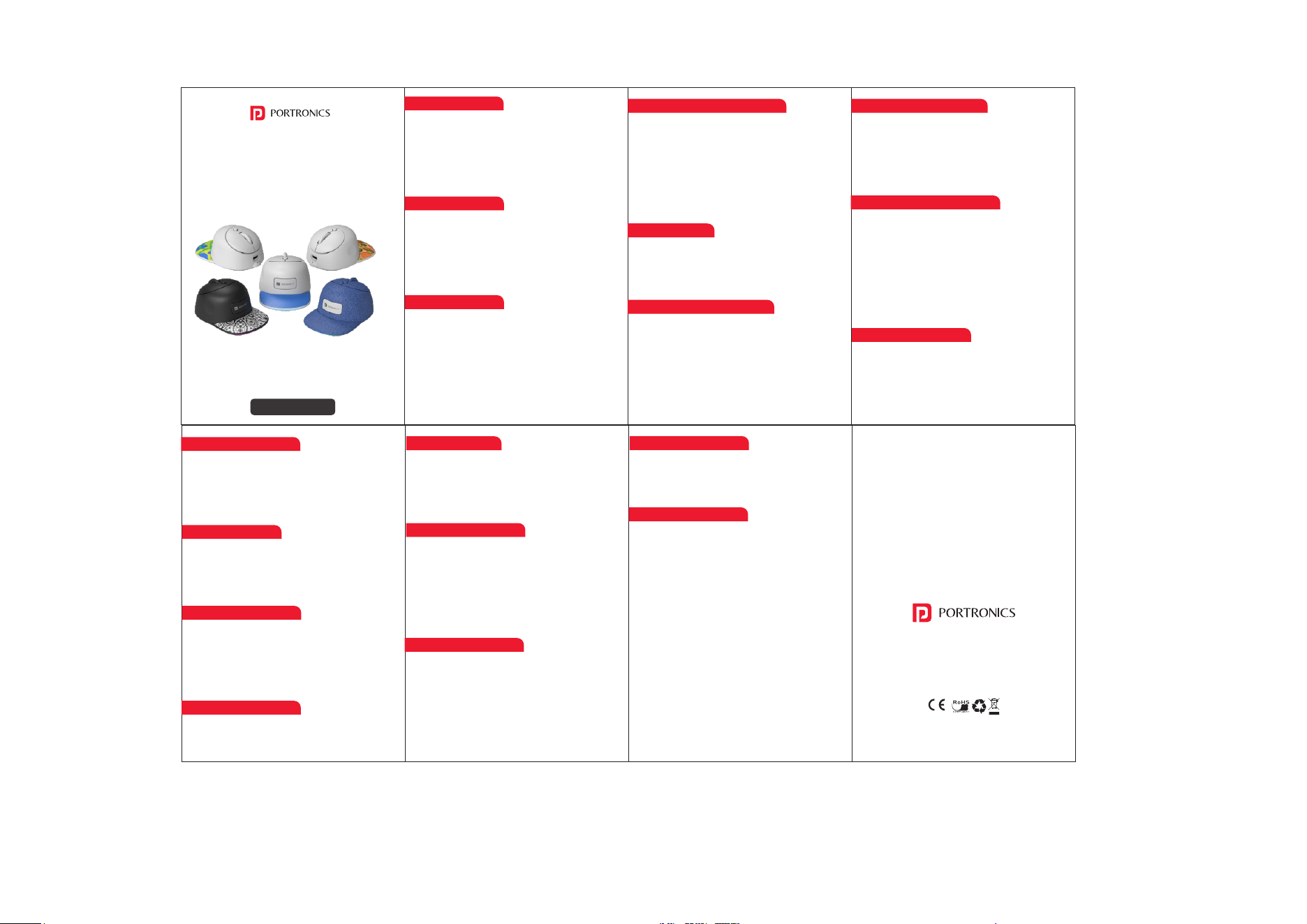
TOAD CAP
Bluetooth & 2.4 GHz Rechargeable Mini Mouse
User Manual
Introduction
This wireless rechargeable mouse is designed for
smooth performance, multi-device connectivity,
and everyday productivity. With support for 2.4GHz
wireless and dual Bluetooth modes, RGB lighting,
and adjustable DPI, it is ideal for work, study, and
entertainment.
Package Contents
• Wireless Rechargeable Mouse 1 N
• USB Nano Receiver (2.4GHz) 1 N
• Type-C Charging Cable 1 N
• User Manual 1 N
Product Features
• Dual Bluetooth (BT1 & BT2) + 2.4GHz Wireless
• Quick switching between 3 devices
• 500mAh rechargeable lithium battery
• Adjustable DPI: 1000 / 1600 / 2400
• Silent buttons for comfortable use
• RGB lighting with 11 effects
• Auto sleep power-saving mode
Product Overview & Buttons
Power On / Off
Move the toggle switch to ON to power the mouse.
Move it to OFF when not in use to conserve battery.
Mode Switching Instructions
• Short press the pairing key to switch between
2.4G / BT1 / BT2 modes.
• Long press the pairing key (≥3 seconds) to force
Bluetooth pairing.
• Press and hold the middle button to power on
and clear Bluetooth pairing history.
2.4GHz Wireless Connection
• Turn the power switch ON.
• Select 2.4G mode using the pairing key.
• Insert the USB receiver into the computer.
• Click any mouse button to start using.
Bluetooth Connection (BT1 / Bt2)
• Turn the mouse ON.
• Select BT1 or Bt2.
• Long press the pairing key until the blue light
flashes.
• Search and connect to BT1 or BT2 on your
device.
Note : BT1 and BT2 cannot connect
simultaneously.
RGB Backlight Control
• Backlight turns off automatically after 1 minute
of inactivity.
• Move the mouse to wake the light.
• Switch lighting modes by just clicking the middle
button for 3 seconds or Middle + Left button.
RGB Lighting Modes
Flowing → Neon → Breathing → Mixed Color → Red
→ Green → Blue → Orange → Cyan → Purple →
White → Of
(Default: Flowing Light)
DPI Adjustment
• Press the DPI button to cycle through 1000 / 1600 /
2400 DPI.
• Higher DPI provides faster cursor movement.
Charging Instructions
• Use the supplied Type-C cable.
• Connect to a computer USB port.
• Do not use mobile phone fast chargers.
• Mouse can be used while charging.
Power Saving Features
• Auto sleep activates during inactivity.
• Press any button to wake the mouse.
Compatibility
• Bluetooth Mode : Windows 8/10, Android 12+, iOS
13+, macOS 10.10+
• 2.4GHz Mode : Windows XP/7/8/10/11, macOS 10.5+
Troubleshooting
If mouse does not work:
• Charge the battery
• Reinsert USB receiver
• Try another USB port
• Reduce interference from other wireless devices
Safety & Care
• Keep product dry
• Do not disassemble
• Avoid dropping or impact
• Use only recommended charging methods
Warranty & Support
This product is covered under manufacturer
warranty as per brand policy. Please retain your
purchase invoice for warranty claims.
E-Waste Management
For E-Waste & ROHS compliance
refer to www.portronics.com/ewaste
www.portronics.com
For Support
Visit : www.portronics.com
E mail : [email protected]
Contact No. : +91 9555245245
(Working Hours : Monday - Saturday
10:00am - 6:00pm)
Technical Specifications
• Left Button: Left click
• Right Button: Right click
• Middle Button: Scroll & click
• DPI Button: Adjust cursor speed
• Pairing Key: Mode switching & pairing
• Power Toggle Switch: ON/OFF
1. Connectivity :
• Dual Mode Connectivity: Bluetooth 5.0 & 2.4GHz
Wireless.
• Operating Range: Up to 10 meters (maximum).
• USB Nano Receiver included (for 2.4GHz mode).
• Seamless switching between devices.
2. Compatibility :
• Supports Windows XP / Vista / 7 / 8 / 10 / 11.
• Supports macOS / Mac OS X 10.5 or above.
3. DPI Resolution
• Adjustable DPI Levels: 1000 / 1600 / 2400 (Default).
4. Battery & Charging
• Built-in 500mAh Lithium Rechargeable Battery.
• Type-C Charging Port.
• Energy-efficient & Environment-friendly Design.
• Auto Power Saving Mode.
• On/Off Power Switch.
5. Buttons & Controls
• Total Buttons: 5.
• Controls: Left Button, Right Button, Scroll Wheel
(Middle), DPI Button, Pairing Key.
• Silent Left & Right Click Buttons.
6. Physical Dimensions
• Product Size: 96.3 × 62.8 × 43.9 mm.

