Product Introduction Wire Your Switch
Kasa smart dimmer switch turns on and
dims the lights automatically, saving you
eort and electricity bills.
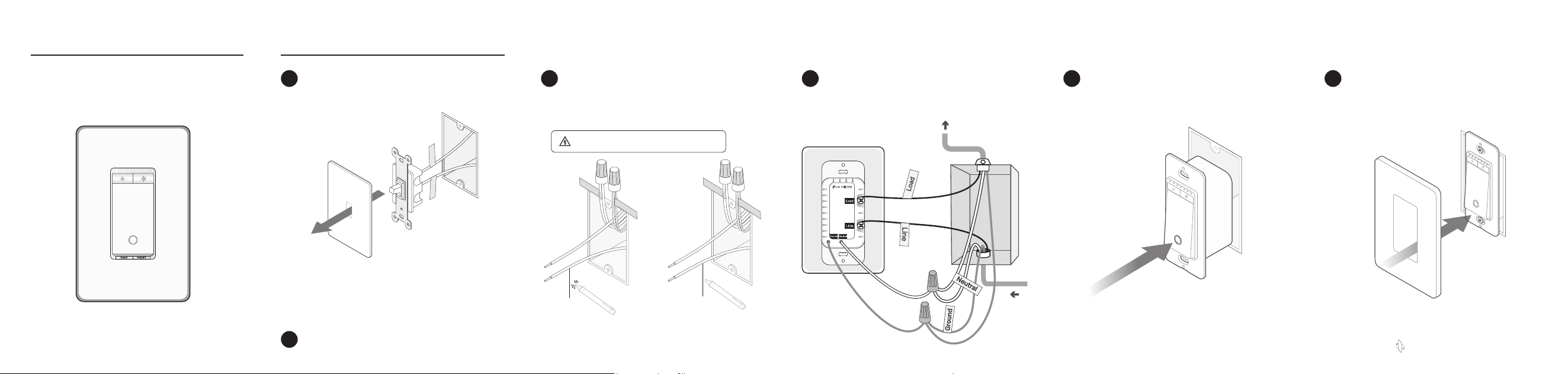
Connect the wires to the smart dimmer
switch as shown below.
4
Disconnect the wires from the old switch.
Ground: Usually green or copper.
Neutral: Usually white and not connected to the dumb switch.
Line: Usually black and coming from the circuit breaker.
Load: Usually black. One end is connected to the light.
If you are unsure, consult a qualied electrician.
Turn o the circuit breaker. Then remove
the old wallplate of the wall switch and
label the Ground and Neutral wires.
1
2
Identify Line and Load wires.
3
Line up the dimmer switch with the
mounting holes. Secure it with screws.
5
Attach the wallplate and turn on the
circuit breaker. Then the wiring is
nished.
6
Flip the page over to complete setup.
Power
Source
To Light
1) Turn on the circuit breaker. Use a voltage detector
to identify the energized wire (Line wire).
2) Turn o the circuit breaker. Label the Line and Load
wires.
Take care to avoid electric shocks.
Load wireLine wire
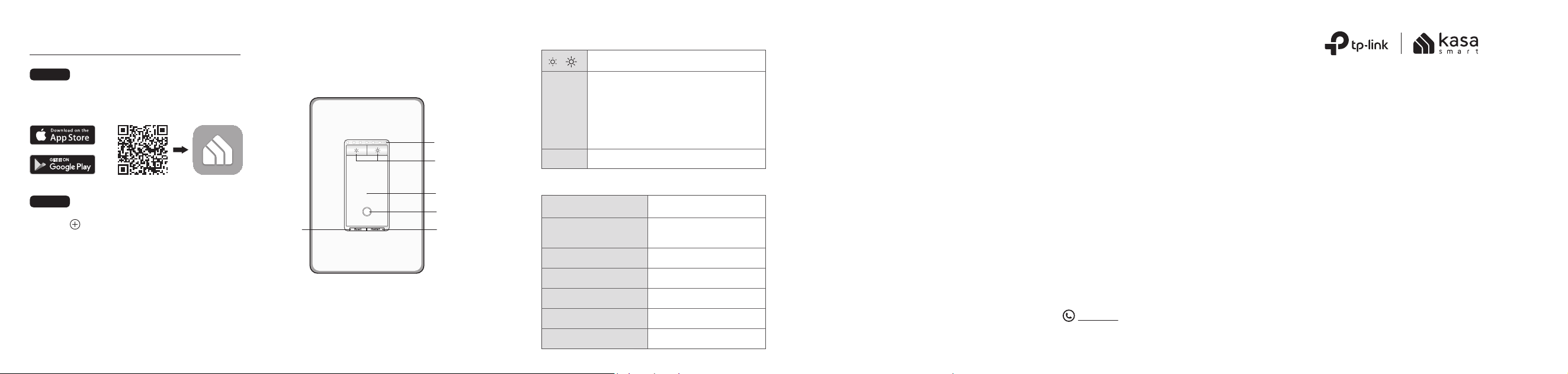
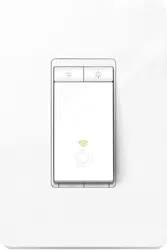
Button Explanations
LED Status
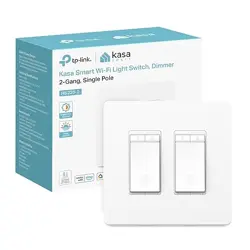
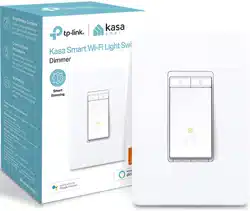
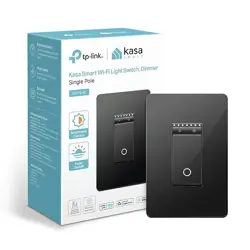
Smart Wi-Fi Light Switch, Dimmer
Quick Start Guide
©2023 TP-Link 7106510624 REV4.0.0
Specications
Rating: 120V~ 60Hz
Max Load: 300W Incandescent/Halogen, 150W LED
Dimming Type*: Leading Edge Dimming / TRIAC
Phase Cut
Operation temperature: 0~40℃
*We recommend contacting your bulb’s customer
support to verify its compatible dimming options.
Method of mounting included: Independently
mounted (Vertically position only);
Operating control, Type 1.Y action
Pollution Degree 2, Rated Impulse Voltage 2500 V
Software Class A, NEMA Type 1
*Images may dier from your actual product.
Restart
Reset
Press to restart your dimmer switch.
Decrease or increase the brightness.
/
Set Up Your Switch Appearance
STEP 2
SET UP
Tap the button in the app.
• If your device is white, select Smart
Switches > Smart Dimmer (Wi-Fi).
• If your device is black or almond, select
Smart Switches > Smart Dimmer (BLE).
And then follow app instructions to complete
setup.
DOWNLOAD APP
Get the Kasa Smart app from the App Store
or Google Play.
STEP 1
OR
Before installing, servicing or removing the switch, read and follow
all safety precautions including the following:
• CAUTION – Risk of Electric Shock – More than one disconnect
switch may be required to de-energize the equipment before
servicing. A circuit breaker which disconnects the Line and
Neutral conductor simultaneously is suitable. Ensure power is o
at the circuit breaker before removing or installing any switch.
Use a non-contact voltage tester to ensure the power is o.
• The Smart Switch must be installed and used in accordance with
the National Electric Code (NEC) or your local electrical code. If
you are unfamiliar with these codes and requirements, or are
uncomfortable performing the installation, consult a qualied
electrician.
• Do not install the Smart Switch with wet hands or when standing on
wet or damp surfaces.
• Install only in a suitable UL Listed outlet box (suitable dimensions:
H > 2.95 in./75 mm, W > 1.81 in./46 mm, D > 2 in./51 mm).
• Tighten terminal screws to 13 lbf-in.
On/O
Button
Decrease/Increase
Brightness
Restart
LED
Reset
Brightness
Indicators
Starting up.Solid amber
Blinking amber
Blinking green
White
Solid red
Stay green for 30s
Blinking amber & green
Connecting to Wi-Fi.
Ready for setup;
Resetting Wi-Fi.
Device resetting.
Light fixture is off.
Disconnected from Wi-Fi.
Connected to Wi-Fi.
Safety Notice
Press and hold for about 5s until the LED
blinks amber and green to reset Wi-Fi
while keeping other settings.
Press and hold for about 10s until the
LED blinks amber to restore to factory
default settings.
High Voltage-Disconnect power supply at the circuit
breaker before servicing
CAUTION
Haute tension : débranchez l'alimentation électrique au
niveau du disjoncteur avant l'utiliser
MISE EN GARDE
Third-Party Services
Kasa works with Alexa, Google Assistant, and
other third-party services to control your dimmer
switch by voice. Go to Me > Third-Party
Services in the Kasa Smart app to integrate
third-party services.
For step-by-step setup instructions, please visit:
• Google Home Assistant:
https://www.tp-link.com/support/faq/1534/
• Amazon Alexa:
https://www.tp-link.com/support/faq/944/
For technical support, the user guide and other
information, visit https://www.tp-link.com/support/.
Support