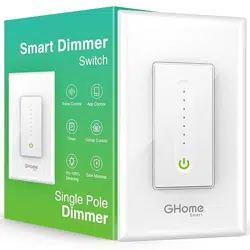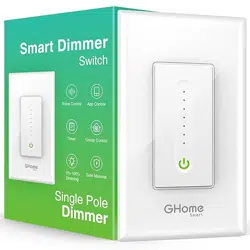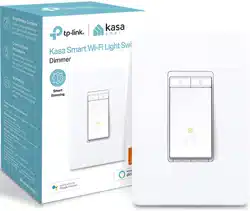
HS220 Smart Wi-Fi Light Switch, Dimmer www.tp-link.com
STEP 1
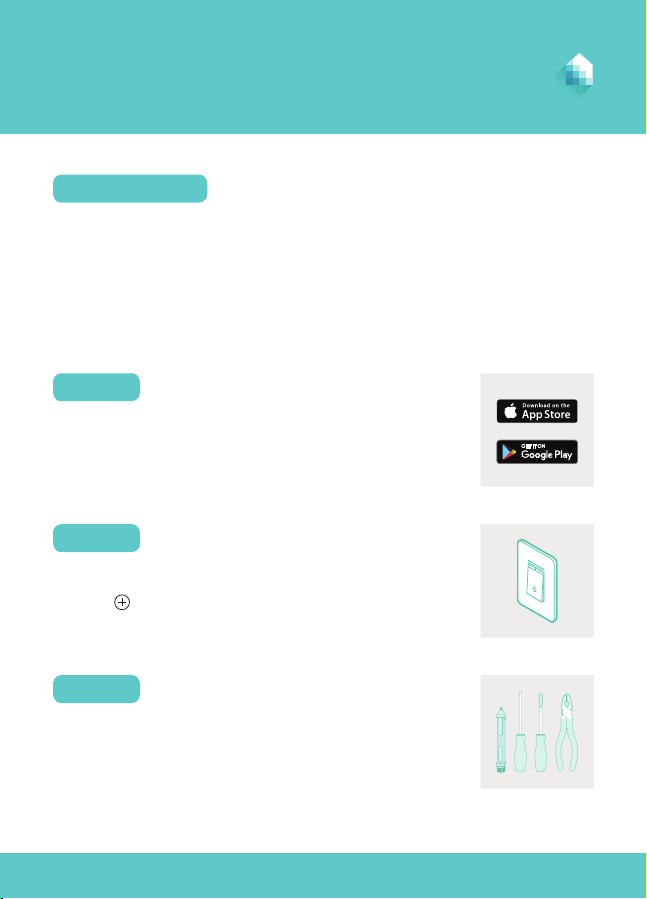
DOWNLOAD KASA
Get the Kasa for Mobile app from the Apple App
Store or Google Play.
Let’s get started with your new Smart Dimmer.
WELCOME TO KASA
Kasa
• Read and follow all safety precautions in the Kasa app.
• Ensure power is o at the circuit breaker before removing or installing
any wall switch.
• Follow all national and local safety regulations and practices. If you are
uncertain or uncomfortable performing the installation, consult a
qualied electrician.
SAFETY FIRST
Tap the button in the Kasa app and select
Smart Dimmer.
ADD TO KASA
STEP 2
Follow Kasa step-by-step instructions for wiring your
Smart Dimmer and connecting it to your home network.
INSTALL AND POWER UP
STEP 3

7106507888 REV1.0.0 © 2018 TP-Link. All rights reserved.
Need some help?
Visit www.tp-link.com/support
for User Guides, FAQs, Warranty & more
?