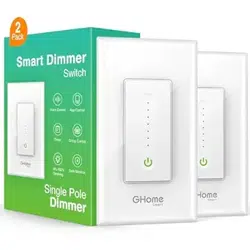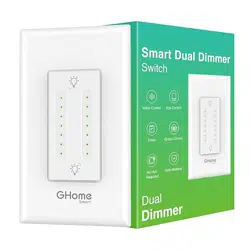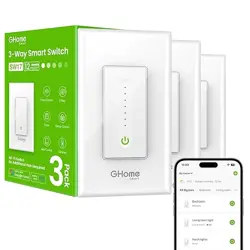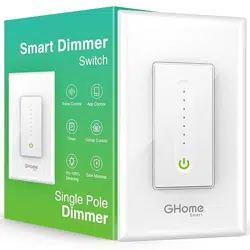
GHome Smart SW2-4 Smart Dimmer Switch Work with Alexa Google Home, Neutral Wire

Product's Documents

Below are documents related to this product, you can read online or download:
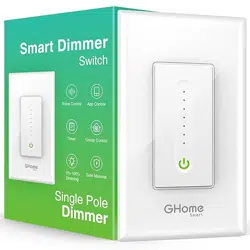
SW2-4 photo

User Manual

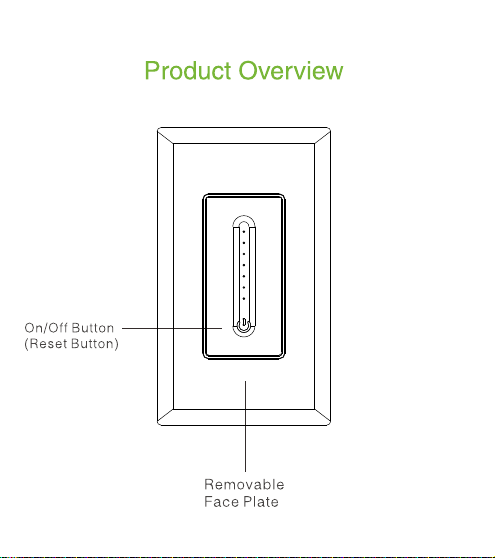
This is the main product document for model SW2-4.

The file format is pdf, 8 pages, you can download this manual here .

background
E 5 09666
SW2
Dimmer Smart Switch Instruction
料号: 4.02.000.0693 V1.0
名称: SW2 说明书
材质: 105克哑粉纸,双面印, 风琴折
尺寸: 80X90 mm
4.02.000.0693 V1.0
Before you install
smart
smart
smart
background
E 5 09666
SW2
Dimmer Smart Switch Instruction
料号: 4.02.000.0693 V1.0
名称: SW2 说明书
材质: 105克哑粉纸,双面印, 风琴折
尺寸: 80X90 mm
4.02.000.0693 V1.0
Before you install
smart
smart
smart
background
E 5 09666
SW2
Dimmer Smart Switch Instruction
料号: 4.02.000.0693 V1.0
名称: SW2 说明书
材质: 105克哑粉纸,双面印, 风琴折
尺寸: 80X90 mm
4.02.000.0693 V1.0
Before you install
smart
smart
smart
background
E 5 09666
SW2
Dimmer Smart Switch Instruction
料号: 4.02.000.0693 V1.0
名称: SW2 说明书
材质: 105克哑粉纸,双面印, 风琴折
尺寸: 80X90 mm
4.02.000.0693 V1.0
Before you install
smart
smart
smart
background
E 5 09666
SW2
Dimmer Smart Switch Instruction
料号: 4.02.000.0693 V1.0
名称: SW2 说明书
材质: 105克哑粉纸,双面印, 风琴折
尺寸: 80X90 mm
4.02.000.0693 V1.0
Before you install
smart
smart
smart
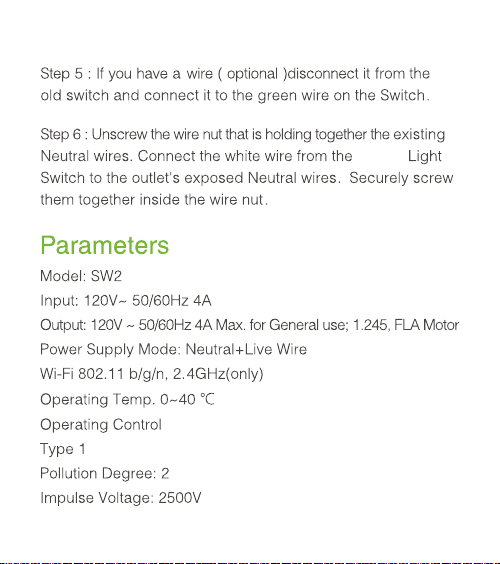
background
E 5 09666
SW2
Dimmer Smart Switch Instruction
料号: 4.02.000.0693 V1.0
名称: SW2 说明书
材质: 105克哑粉纸,双面印, 风琴折
尺寸: 80X90 mm
4.02.000.0693 V1.0
Before you install
smart
smart
smart
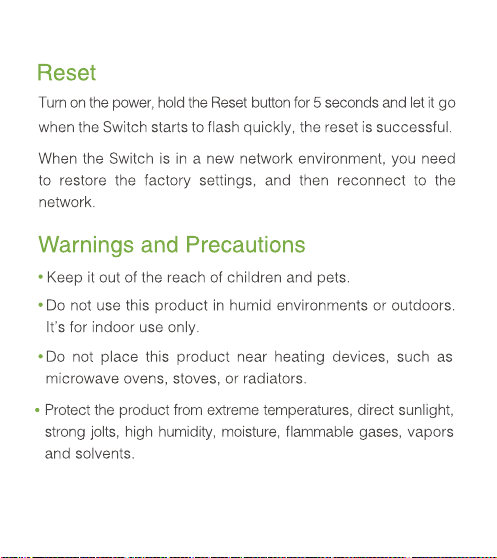
background
E 5 09666
SW2
Dimmer Smart Switch Instruction
料号: 4.02.000.0693 V1.0
名称: SW2 说明书
材质: 105克哑粉纸,双面印, 风琴折
尺寸: 80X90 mm
4.02.000.0693 V1.0
Before you install
smart
smart
smart
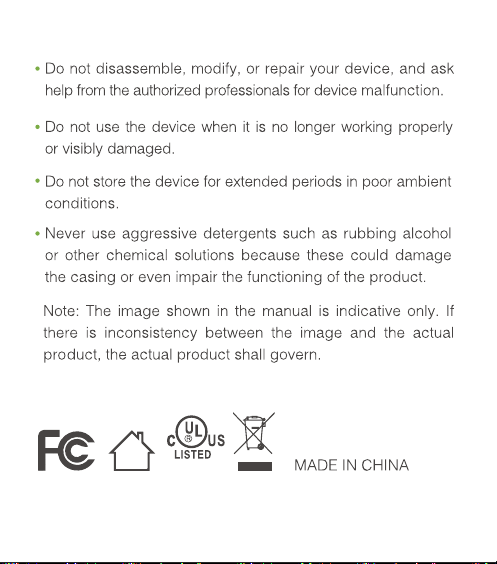
background
E 5 09666
SW2
Dimmer Smart Switch Instruction
料号: 4.02.000.0693 V1.0
名称: SW2 说明书
材质: 105克哑粉纸,双面印, 风琴折
尺寸: 80X90 mm
4.02.000.0693 V1.0
Before you install
smart
smart
smart

Specifications

Indexed Terms: Smart Switch

GHome Smart SW2-4 Questions and Answers


#1 Does it need a neutral line?

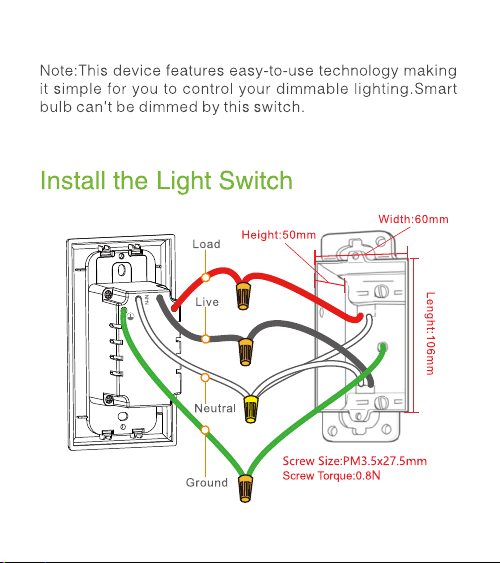
Yes, it needs a neutral line.

#2 What is the feature the dimmer switch?

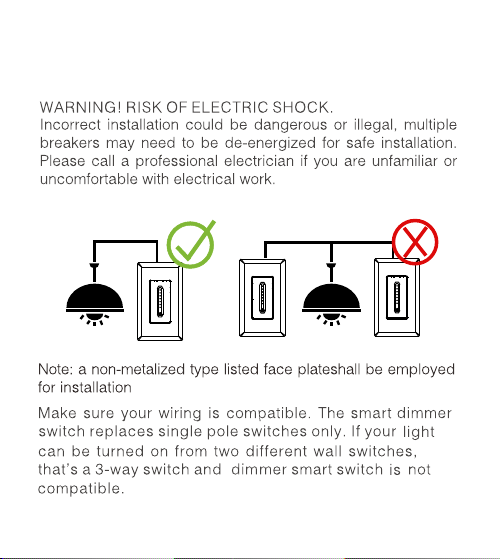
The dimmer switch is designed to turn on/off the light at only 1 place, besides, it also could control the speed and brightness.

#3 How to connect Alexa?

Turn on the smart dimmer switch in our app, then open Alexa App, click "Skills&Games" search our app click "Enable" log into the account you registered in our product app and click "Link now" click "Discover devices.

#4 How to connect Google home ?

Turn on the smart dimmer switch in our app, then open Google Home App, click "Home Control" Click "add a device" and search our app click "Enable" log into the account you registered in our product app and click "Link now".

#5 Could you kindly try to change bulbs?

The type of dimmable bulbs that our dimmer can support are Incandescent lamps, Philips, SULVA NIA, relax LED, refreesh LED, the Great Value

See other models: SW2-2 SW2-1