70mm
95mm
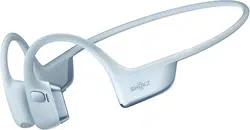
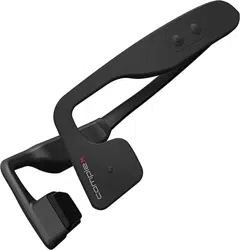
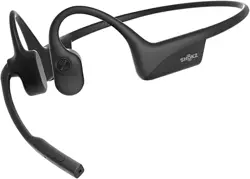
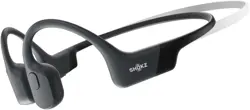
示意图
产品清单
骨传导蓝牙耳机
使用说明
产品保修卡
该卡为产品保修凭证,请妥善保管
产品维修记录
产品名称: 产品型号:
购买日期:
联系方式:
客戶名称:
日期 方案不良现象
合 格 證
Q.C.Passed
使用指南及保修说明
Operating instructions and Wananty description
1: 耳机 x1 2: 充电线 x1 3: 说明书(含保修卡) x1
请使用输出5V1A及以内的充电头。
注意
本产品的可充电电池必须妥善处理,以便回收利
用。请不要将电池放入火中,以免引起爆炸。
产品参数
版本 : 6.0
充电 : ≈2h
播放 : ≈6h&60%音量
输入 : 5V/150mA
防水 : IPX5
型号 : X3Pro
重量 : 24g
通话 : -42dB
距离 : 蓝牙10米
容量 : 200mAh
协议 : A2DP, AVRCP, HFP
保养与清洁:
注意事项
• 耳机不能泡水,不然耳机会短路烧坏。
• 如何长时间不使用,请至少一个月充满一次电。
• 请不要私自拆装产品上任何部件,如发现产品有缺陷请立即停
止使用,并联系销售方售后处理。
• 每次运动后请将耳机擦拭干净,特别是充电口位置,要及时处
理干净,防止汗水,盐水腐蚀充电口,影响产品寿命。
• 产品远离火源、热源、冷冻源、化学品、严禁暴力撞击拆装挤
压产品。
• 请使用输出5V1A及以内的充电头。
蓝牙配对
首次使用,耳机正常开机后,会进入蓝牙配对状态,此时手机蓝
牙设置里可搜索到 “ X13 ”,点击连接成功后指示灯灭灯,播放
音乐,蓝灯会5秒闪烁一次。
更换配对设备及回连
断开当前配对设备蓝牙,耳机指示灯红蓝交替闪烁,其他设备即
可搜索到“ X13 ”,点击连接“ X13 ” 骨传导耳机支持自动回连配对
设备,正常开机后即会自动回连最后一次连接的设备,请确保前
端(如手机蓝牙)正常开启。
充电
正常蓝牙连接状态下,手机会显示耳机电量,如电量显示红色,
即表示需要充电,插入充电线充电即可。2小时左右即可充满。
充电状态下指示灯为红灯常亮,充满电则蓝灯常亮。
操作说明
播放音乐
暂停播放
增加音量
减少音量
下一曲
上一曲
暂停播放
恢复播放
单击“ ”
单击“ ”
长按“ ”1秒
长按“ ”1秒
功能 耳机状态 操作
来电时
通话中
接听电话
挂断电话
拒接电话
音量控制
指示灯说明
正在充电
充满电量
蓝牙音乐播放
搜索配对
红灯常亮
蓝灯常亮
蓝灯5秒闪一次
红蓝灯交替闪烁
智能运动,轻松好玩
(手机需支持语音唤醒功能)
说明: 在蓝牙连接状态中,双击” ”,听到提示音后,就可以
语音操控手机,节约操作手机的时间,快捷又智能。
例如您可以直接操控耳机问:
现在几点钟……今天天气……
导航去深圳世界之窗……打电话给某某……
打开网易云音乐……播放刘德华的冰雨……下一曲……音量降低……
打开美团……打开喜马拉雅……打开微信……播放戏曲……
AI智能语音控制
蓝牙已连接语音控制
功能 耳机状态 操作
故障及排除
无法开机
确定耳机是否充满电量,按键是否误操作,同时充电激活。
无法蓝牙连接
耳机指示灯是否处于红蓝交替闪阶段,如耳机处于蓝灯呼吸状,
表示耳机与其他设备已经连接,需要断开当前连接设备。
无法回连
确定前端(如手机蓝牙)是否正常开启。
耳机音量较小
手机是否需加大音量,需要手机增加或减小音量。确认佩戴方式
是否正确。
开机
关机
蓝灯亮1秒
红灯亮1秒
功能 操作 指示灯
开关机
长按 “ ” 5秒
长按 “ ” 3秒
• The product cannot be soaked in water, otherwise it will short-circuit
and burn out.
• If not used for a long time, please fully charge it at least once a
month.
• Do not disassemble any part of the product without permission. If
you find that the earphone is defective, please stop using it.
• Keep the product away from fire, heat, freezing, and chemicals. Do
not immerse the earphone in water, and do not wipe it with
chemicals such as aromatherapy water.
• Store in a cool, dry place. Do not expose the product to direct
sunlight for a long time.
• Please use a USB power adapter with an output of 5V less than 1A.
Play music
Pause
Increase volume
Reduce volume
Next song
Previous song
Pause
Resume
Earphone status
Phone calls in
Calling
Answer the call
Hang up
Decline the call
Volume control
Charging
Finished charging
Bluetooth music player
Search for a match
Normally on red light
Normally on blue light
Blue light flashes once every 5 sec.
Red and blue lights flash alternately
Note: In the Bluetooth connection status, Double click ‘ ’. After
hearing the prompt, you can voice control the phone, saving time to
operate the phone, fast and smart.
For example: You can directly control the earphone and ask:
What time is it now......Today's weather......
Navigate to Taipei 101......Call someone ……..
Power On
Power Off
Function
Function
Operation Indicator light
Instructions for usage and warranty
Operating instructions and Warranty description
Care and cleaning
Product parameterTroubleshootingSchematic diagram Instruction Power On/Off Indicator
Operating instruction
Model: X3Pro
weight: 24g
Input: 5V/150mA
Call parameters: -42dB
Waterproof grade: IPX5
Distance: Bluetooth 10 meter
Operating time : ≈6h@60% Volume
Profile: A2DP, AVRCP, HFP
Unable to boot
Determine whether the headset is fully charged, whether the button
is misoperated, and then charge and activate.
Unable to connect to Bluetooth
Whether the headphone indicator is in the alternately flashing stage
of red and blue, such as the headphone is in the breathing state of
blue light, Indicates that the headset has been connected to other
devices and needs to disconnect the current connected device.
Can't back to even
Make sure the front end (e.g., Bluetooth) is open properly.
Headphone volume is low
Whether the phone increases the volume, the phone needs to
increase or decrease the volume. Wearing a way Whether it is right.
Product warranty card
This card is a product warranty certificate, please keep it properly
Product maintenance records
Product name: Product model:
Purchase date:
Contact:
Clients name:
Date SolutionBad phenomenon
Certificate of conformity
Q.C.Passed
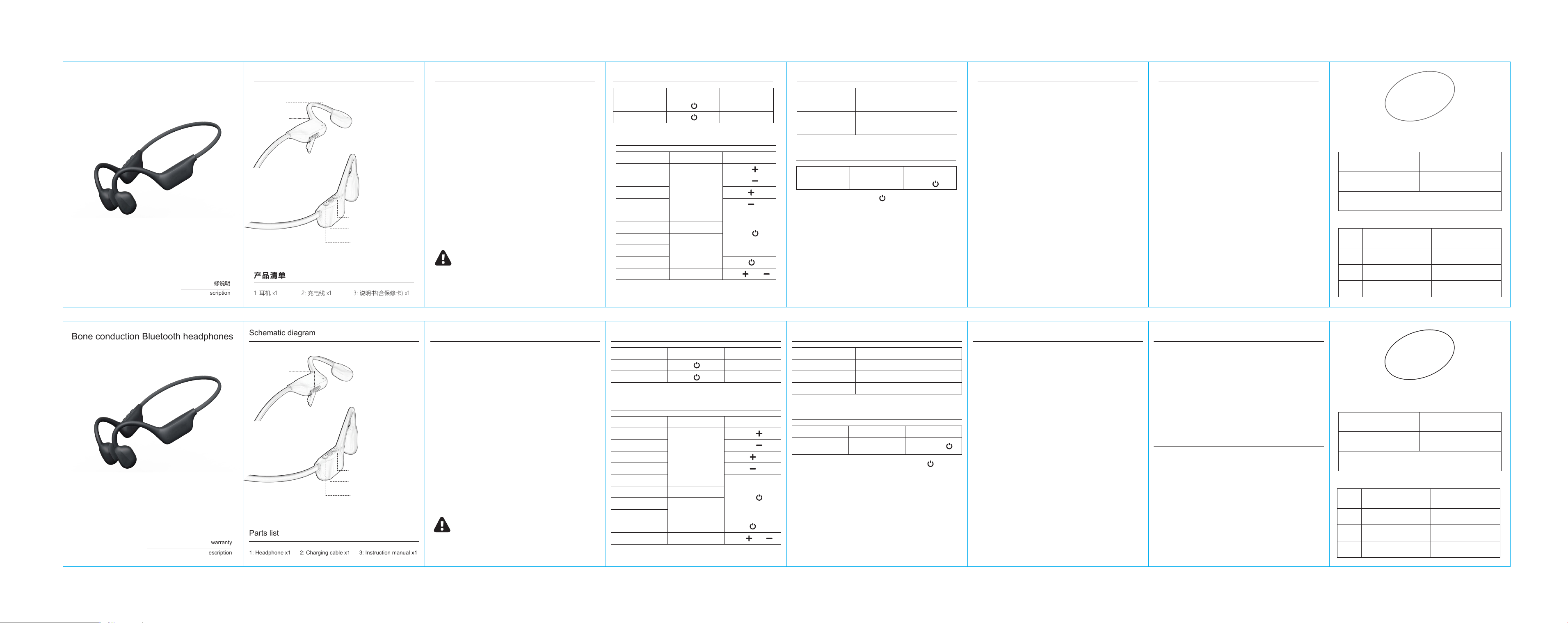
Parts list
1: Headphone x1 2: Charging cable x1 3: Instruction manual x1
Charging
Normal connection, the phone will display the earphone battery, such
as the battery display red, that is, the meter show the need to charge,
plug in the charging line to charge. about 2 hours to fill, charging
status indicator is red light, full charge often blue light .
Please use a USB power adapter with an output of 5V
less than 1A.
The rechargeable battery of this product must be
properly disposed of for recycling. Please do not place
the battery in a fire to avoid explosion.
Note
Operation
( Phone needs to support
voice wake-up function )
Voice control
Bluetooth is
connected
Earphone status
Function
Al intelligent voice control
Operation
The blue light on for 1s
The red light on for 1s
Smart exercise, easy and full of fun
长按“ ”1秒
Click ‘ ’
Click ‘ ’
Click ‘ ’/ ‘ ’
单击“ ”/ “ ”
Press ‘ ’ for 1s
Press ‘ ’ for 1s
Press ‘ ’ for 3s
Press ‘ ’ for 5s
单击“ ”
Click ‘ ’
Press ‘ ’ for 1s
双击“ ”
电源键/多功能复合键
音量+ /下一曲
麦克风
充电接口
音量 一 /上一曲
Double click ‘ ’
Version: 6.0
Battery: 200mAh
Charging time: ≈2h
Bluetooth Paring
When used for the first time, after the headset is turned on normally, it
will enter the Bluetooth pairing state. At this time, " X13 " can be
searched in the Bluetooth settings of the mobile phone. After clicking
the connection button, the indicator light will turn off, and the music
will start playing. The blue light will flash once every 5 second.
Change paired devices and reconnect
Disconnect the Bluetooth of the currently paired device, the headset
indicator light flashes red and blue alternately, other devices can
search for “X13” , Click connect . For connected devices, please
ensure that the front end ( such as mobile phone Bluetooth ) is turned
on normally.
Power supply
volume+ /Next Track
Microphone
charging port
volume一/Previous track
Bone conduction Bluetooth headphones
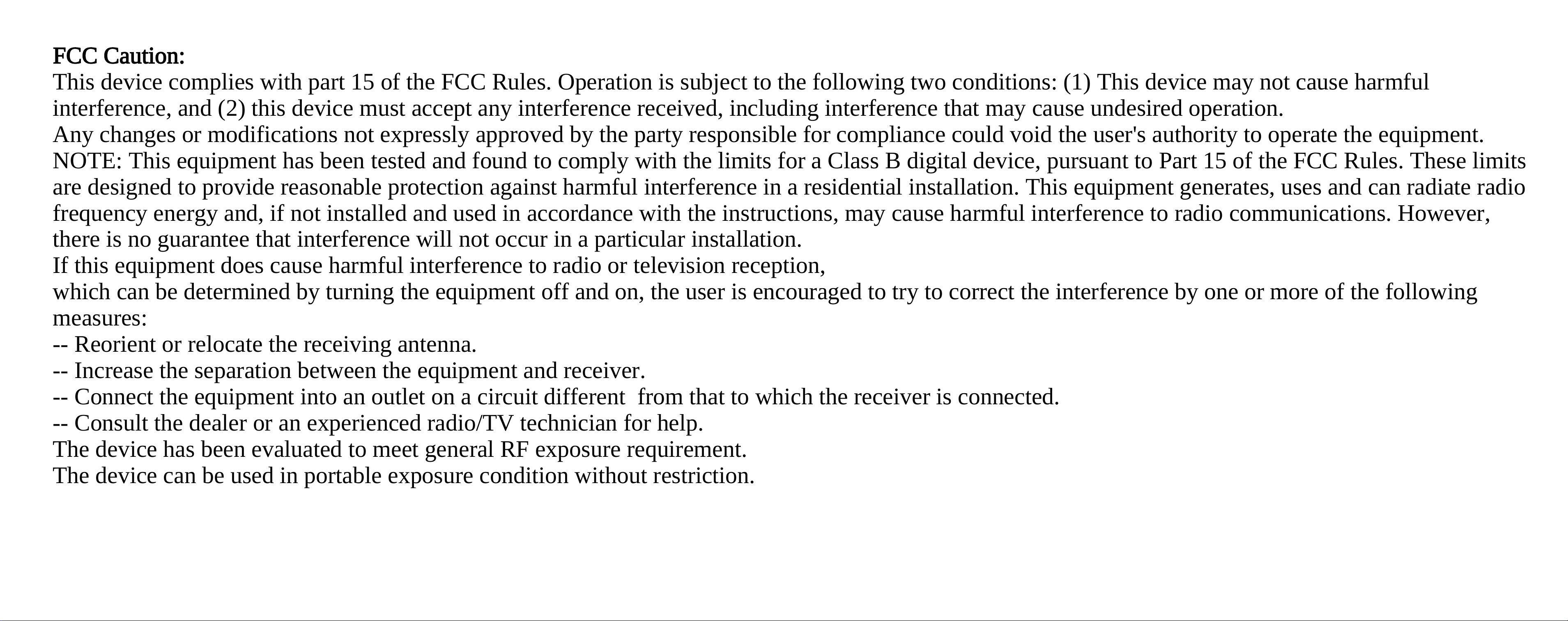
FCC Caution:
This device complies with part 15 of the FCC Rules. Operation is subject to the following two conditions: (1) This device may not cause harmful
interference, and (2) this device must accept any interference received, including interference that may cause undesired operation.
Any changes or modifications not expressly approved by the party responsible for compliance could void the user's authority to operate the equipment.
NOTE: This equipment has been tested and found to comply with the limits for a Class B digital device, pursuant to Part 15 of the FCC Rules. These limits
are designed to provide reasonable protection against harmful interference in a residential installation. This equipment generates, uses and can radiate radio
frequency energy and, if not installed and used in accordance with the instructions, may cause harmful interference to radio communications. However,
there is no guarantee that interference will not occur in a particular installation.
If this equipment does cause harmful interference to radio or television reception,
which can be determined by turning the equipment off and on, the user is encouraged to try to correct the interference by one or more of the following
measures:
-- Reorient or relocate the receiving antenna.
-- Increase the separation between the equipment and receiver.
-- Connect the equipment into an outlet on a circuit different from that to which the receiver is connected.
-- Consult the dealer or an experienced radio/TV technician for help.
The device has been evaluated to meet general RF exposure requirement.
The device can be used in portable exposure condition without restriction.