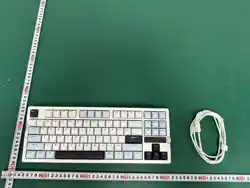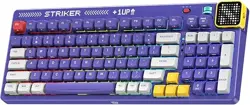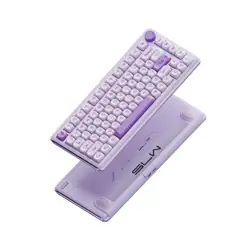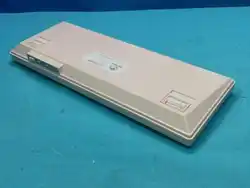
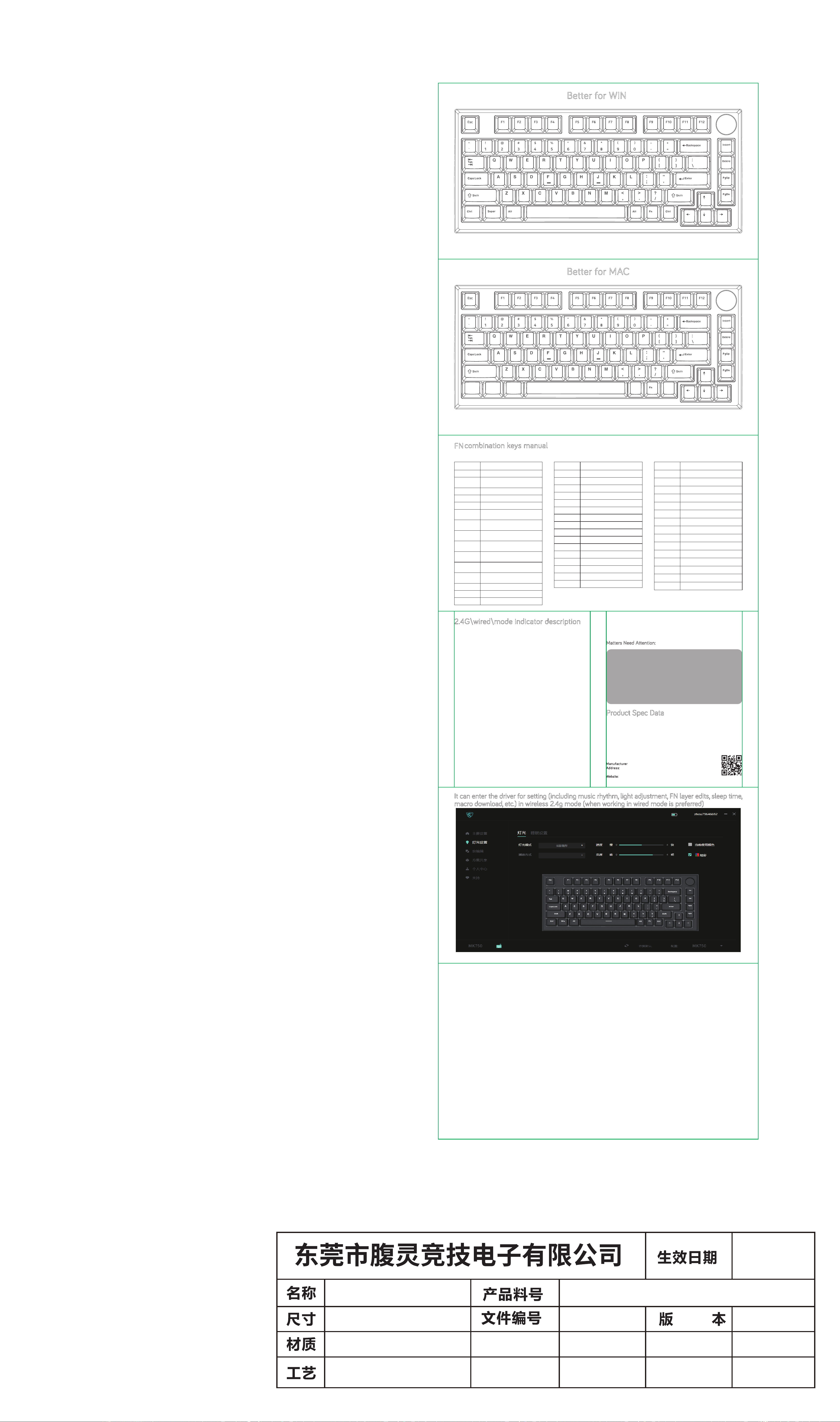
Better for WIN
*The above keycap layout is for reference only, please see the real product.
Better for MAC
Tips : Switch to MAC mode quickly with a toggle switch at the keyboard bottom.
*The above keycap layout is for reference only, please see the real product.
*
Tips : Quickly switch 2.4g/wired/Bluetooth mode by toggle switch at the keyboard bottom.
Tips: You can adjust the volume with the knob (left turn the volume to decrease, right turn the volume to increase, press to mute).
*
MK750: 2.4G&WIRED&THREE MODE
MK750: 2.4G&WIRED&THREE MODE
It can enter the driver for setting (including music rhythm, light adjustment, FN layer edits, sleep time,
macro download, etc.) in wireless 2.4g mode (when working in wired mode is preferred)
www.f l esports.com
Software ocial download website:
FN
combination keys manual
COMMON PART
FN
+
ESC
Long press for 3 seconds to restore factory mode
FN
+
Left WIN
Lock or unlock the WIN key
FN
+
Right CTRL
Backlight mode switch
(IOS_MAC System automatically unlocked)
FN
+
Right SHIFT
Backlight color switch
FN
+
DEL
Go to static backlight
FN
+
Z\X\C
Backlight customized key 1/2/3
FN
+
V
Customized backlight recording save
FN
+
INS
Enter or exit the power saving mode
FN
+
UP/Down
key
Change backlight brightness, up go brighter
and down go darker
FN+Left/Right
key
Change the backlight speed, left go slow and
right go fast
FN
+
Backspace
Query the battery power under mode.
(only if the battery is powered separately)
FN
+
1
Press to switch to device 1, and press for
3S to enter the pairing
FN
+
2
Press to switch to device 2, and press for
3S to enter the pairing
FN
+
3
Press to switch to device 3, and press for
3S to enter the pairing
FN
+
4
Pressing FN combination key in 3seconds to
enter 2.4G paired receiver mode
Key Function description
IOS_MAC System model
F1
Display brightness -
Key Function description
F2
Display brightness +
F3
Mission control
F4
Back to homepage
Default
Default
F5
F6
F7
PREV
F8
Play \ Pause
F9
NEXT
F10
Mute
F11
Volume down
F12
Volume up
CTRL
control
WIN
option
AIT
command
Ocial Website
Windows_Android System model
FN
+
F1
Display brightness -
Key Function description
FN
+
F2
Display brightness +
FN
+
F3
WIN
+
TAB ( Mission control )
FN
+
F4
WIN
+
E ( Turn on my computer )
FN
+
F5
Email
FN
+
F6
Homepage
FN
+
F7
PREV
FN
+
F8
Play \ Pause
FN
+
F9
NEXT
FN
+
F10
Mute
FN
+
F11
Volume down
FN
+
F12
Volume up
FN
+
I
PRTSC
FN
+
O
SCRLK
FN
+
P
PAUSE
FN
+
Left ALT
APP
Pull the switch to 2.4G mode, factory has paired receiver 1 to 1 okay, but if you need re-pair the dongle, Long
press FN+ 4, and the green light of the ESC key will flash three time/per second to search the receiver. After
successful connection, the green light will be o. When the paired dongle cannot be found for 60s, the matching
code will be quit and all keys’ light will be extinguished. The keyboard re-connection needs 10s, at the same
time the green light of the ESC key will flash slowly, and the keyboard will go to sleep when the keyboard
fails to connect back. After the re-connection is successful, the green light of the ESC key will be o. When the
keyboard is not used, the backlight will be turned o after 120s, and the keyboard will fall asleep after 10min.
2.4G\wired\mode indicator description
2.4G mode:
Pull the switch to wired mode, and white light of the ESC key will flash for three seconds, then become the
present backlight eect.
Wired mode:
When the USB cable is plugged in, it means in charging mode when the blue light of the BACKSPACE key flash
showly. When the voltage up to 4.2V, the light of the BACK key will become the present backlits eect which
means the power has been fully charged. (Only could check the status of battery under&2.4G mode)
Charging mode:
When the power is less than 20%, the BACKSPACE key will alternately flash red color to prompt the user to
charge. (Note: When the battery voltage is lower than 3.1V, the keyboard will stop working directly, and can not
be waked up. At this time, when you click any key, will only have the BACKSPACE key flash and with red light,
and other keys no response, and prompt the suer to plug in the USB cable to charge to 3.1V above so
keyboard could be waked up.)
Low power mode:
Pull the switch to mode, the combination key for connection is 1, 2 and 3 three key. Long press FN+1/2
/3 key for 3s to broadcast, short press alone to switch three devices. Press the combination key for 3s to
enter the pairing state, and the blue light of the ESC key will flash three times/per second, after the pairing is
successful, the blue light will be o. When the matching device cannot be found in 60s, the pairing will be quit
and all keys’ light will be extinguished, keyboard enter into sleep mode. The keyboard re-connection needs
10s, at which time the blue light of the ESC key will flash slowly, and the keyboard will go to sleep when the
keyboard fails to connect back. After the re-connection is successful,the light of the ESC key become the
present backlight eect. When the keyboard is not used, the backlight will be turned o after 120s, and the
keyboard will fall asleep after 10min.
mode:
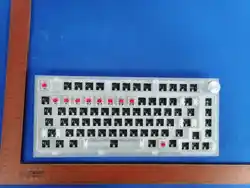
Product Type: MK750 RGB dual system three mode mechanical keyboard
Product Size:330mm(L)x 142mm(W)x 45mm(H)
Total key number: 82 keys Switch lifespan:>50 millions
Keyboard function:All keys anti-ghosting Conduction Travel:1.5mm~2.4mm
Working voltage: 5V Cable length:1.6 meters
Cable connector type:TYPE-C Keyboard connector type:USB2.0
Product Spec Data
Matters Need Attention:
1. When is broadcast, two names "5.0KB" and "3.0KB" will be displayed at the same time
if the receiver is version 4.0 or above. In this case, "5.0KB" will be preferred for connection.
When the receiver version of the device is below 4.0, only one name "3.0KB" will be
displayed. Only "3.0KB" can be selected to connect.
2. When Connecting device, pay attention to the code indicator. The device can search for the
keyboard only when the indicator is flashing quickly. If it is a slow flash state, representing the
keyboard in the state to back connect (At this point, the device cannot search for the keyboard), you
need to press the code combination one more time (FN
+
1 or 2 or 3), see the light flash to loosen,
the equipment can normal search to the keyboard.
3. It is recommended to press the combination key FN+PGUP to enter the power-saving mode when
the keyboard power is low, and the working current decreases to about 12mA, which greatly
increases the battery life.
control
option
option
command
command
Manufacturer: DONGGUAN FL ESPORTS ELECTRONICS CO.,LTD.
A
ddress: Building B,Wangwuzhou Industrial Zone,Shilong Town,
Dongguan City,Guangdong,China
Website:
www.flesports.com.
K239_FLCMMK_MK750_说明书FCC版
K239_FLCMMK_MK750_说明书
FCC版
V0
20240820
100g铜版纸
折后尺寸:200x110mm
双面四色印刷,表面过光油,
风琴三折
电子工程师 结构工程师 平面工程师 审 核 人
展开200x660mm
FCC Caution:
This device complies with part 15 of the FCC Rules. Operation is subject to the following two conditions:
(1) This device may not cause harmful interference, and
(2) this device must accept any interference received, including interference that may cause undesired operation.
Any changes or modifications not expressly approved by the party responsible for compliance could void the user's authority to operate
the equipment.
NOTE: This equipment has been tested and found to comply with the limits for a Class B digital device, pursuant to Part 15 of the FCC Rules.
These limits are designed to provide reasonable protection against harmful interference in a residential installation. This equipment generates,
uses and can radiate radio frequency energy and, if not installed and used in accordance with the instructions, may cause harmful interference
to radio communications. However, there is no guarantee that interference will not occur in a particular installation.
If this equipment does cause harmful interference to radio or television reception,
which can be determined by turning the equipment o and on, the user is encouraged to try to correct the interference by one or more of the
following measures:
-- Reorient or relocate the receiving antenna.
-- Increase the separation between the equipment and receiver.
-- Connect the equipment into an outlet on a circuit dierent
from that to which the receiver is connected.
-- Consult the dealer or an experienced radio/TV technician for help.
The device has been evaluated to meet general RF exposure requirement.
The device can be used in portable exposure condition without restriction. FCC ID:2A4V8-MK750