Instruction
Important Notices
Auto Power Off: If pairing is unsuccessful for 5 minutes after entering pairing
mode, the earbuds will automatically power off.
Low Battery Warning: A "ding-dong" sound will play when the earbud battery
is very low, indicating they need charging.
Battery Level Compatibility: The earbuds are compatible with the battery level
display feature on most Apple and Android phones.
FCC Caution:
This device complies with part 15 of the FCC Rules. Operation is subject to
the following two conditions: (1) This device may not cause harmful
interference, and (2) this device must accept any interference received,
including interference that may cause undesired operation.
Changes or modifications not expressly approved by the party responsible for
compliance could void the user’s authority to operate this device.
This equipment has been tested and found to comply with the limits for a
Class B digital device, pursuant to part 15 of the FCC Rules. These limits are
designed to provide reasonable protection against harmful interference in a
residential installation. This equipment generates, uses, and can radiate radio
frequency energy and, if not installed and used in accordance with the
instructions, may cause harmful interference to radio communications.
However, there is no guarantee that interference will not occur in a particular
installation. If this equipment does cause harmful interference to radio or
television reception, which can be determined by turning the equipment off
and on, the user is encouraged to try to correct the interference by one or
more of the following measures:
—Reorient or relocate the receiving antenna.
—Increase the separation between the equipment and receiver.
—Connect the equipment into an outlet on a circuit different from that to which
the receiver is connected.
—Consult the dealer or an experienced radio/TV technician for help.
Earbud Controls (Function Button):
1.Answer/End a Call: Single-press the function button.
2.Reject a Call: Long-press the function button.
3.Activate Voice Assistant (e.g., Siri/Google):Long-press the function button.
4.Play/Pause Music: Single-press the function button.
5.Previous Song: Double-press the function button on the right earbud.
6.Next Song: Double-press the function button on the left earbud.
7.Decrease Volume: Triple-press the function button on the right earbud.
8.Increase Volume: Triple-press the function button on the left earbud.
9.Power Off: Long-press the function button on either earbud for 4 seconds or
Product Specification:
Product Name: DIP AND DOT EARBUDS
Music Playback Time: 10hrs
Battery Capacity: 200mAh
Earbuds: 30mAh
Charging time: 2 hrs
Charging Port: Type-C 5V 0.2A
Instruction for Use:
1. Initial Pairing:
Remove the earbuds from the charging case.
The earbuds' red and blue LED lights will flash, indicating they are searching
for a device.
On your phone/device, go to Bluetooth settings and select "WIRELESS
EARBUDS".
2. Subsequent Connections: Removing the earbuds from the case will
typically connect them automatically to your last paired device.
3. Earbud-to-Earbud Pairing: After successful pairing with your device, a blue
light will flash on one earbud to confirm the earbuds are linked to each other.
Charging Indicators:
1. Charging the Case:
While charging: RGB LED flashes.
Fully charged: LED off.
2. Charbuds Charging in the Case:
While charging: Red LED stays on steadily (on the case or earbuds,
depending on design - typically the case LED).
Fully charged: Red LED turns off.
Place the earbuds back into the charging case.
FCC Radiation Exposure Statement:
This equipment complies with FCC radiation exposure
limits set forth for an uncontrolled environment.
CAUTION FOR YOUR SAFETY,
the charging cable included with this item
is intended for use with this product only.
7.87 inches Charging cable
Input: 5V DC, 0.2A
USB Cable rating 0.2A, 1W Max
Frequency Response: 20Hz-20KHz
FRONT BACK
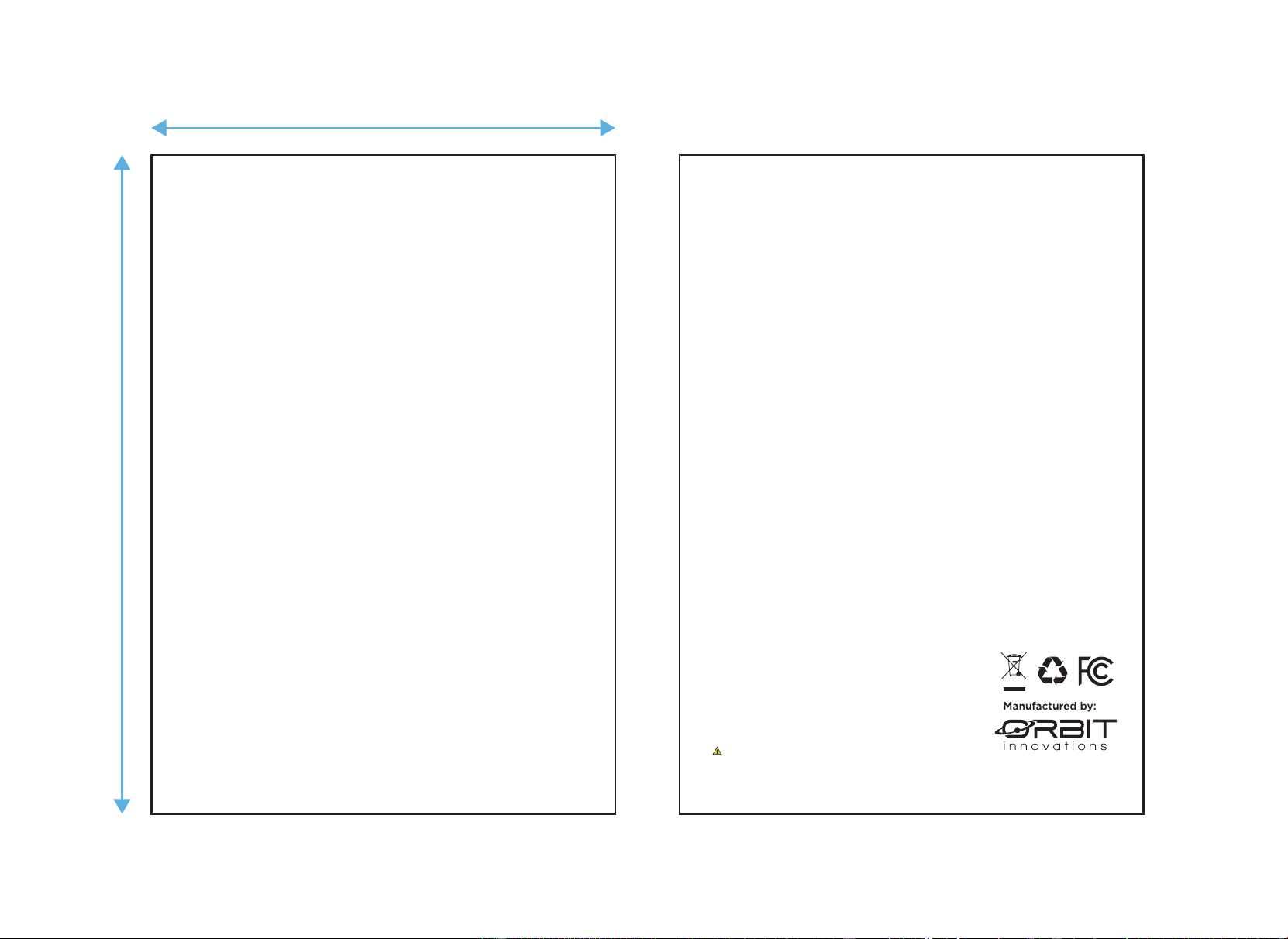
135 mm
95 mm
148 West 37th Street, 14th Floor
New York, NY 10018
FCC ID:2A9QP-6000526-BT