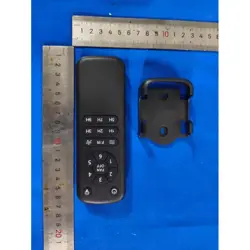
Remote Control User Manual
1.Before using the product, install two LR03/AAA 1.5V batteries (to prevent damage to the remote control, please remove the
batteries if the device will not be used for an extended period).
2.Store the remote control in a location away from high temperatures or humidity.
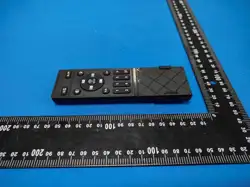
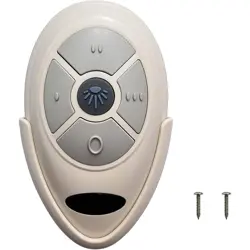
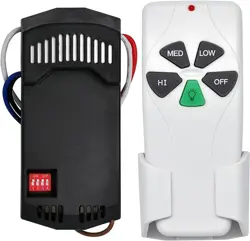
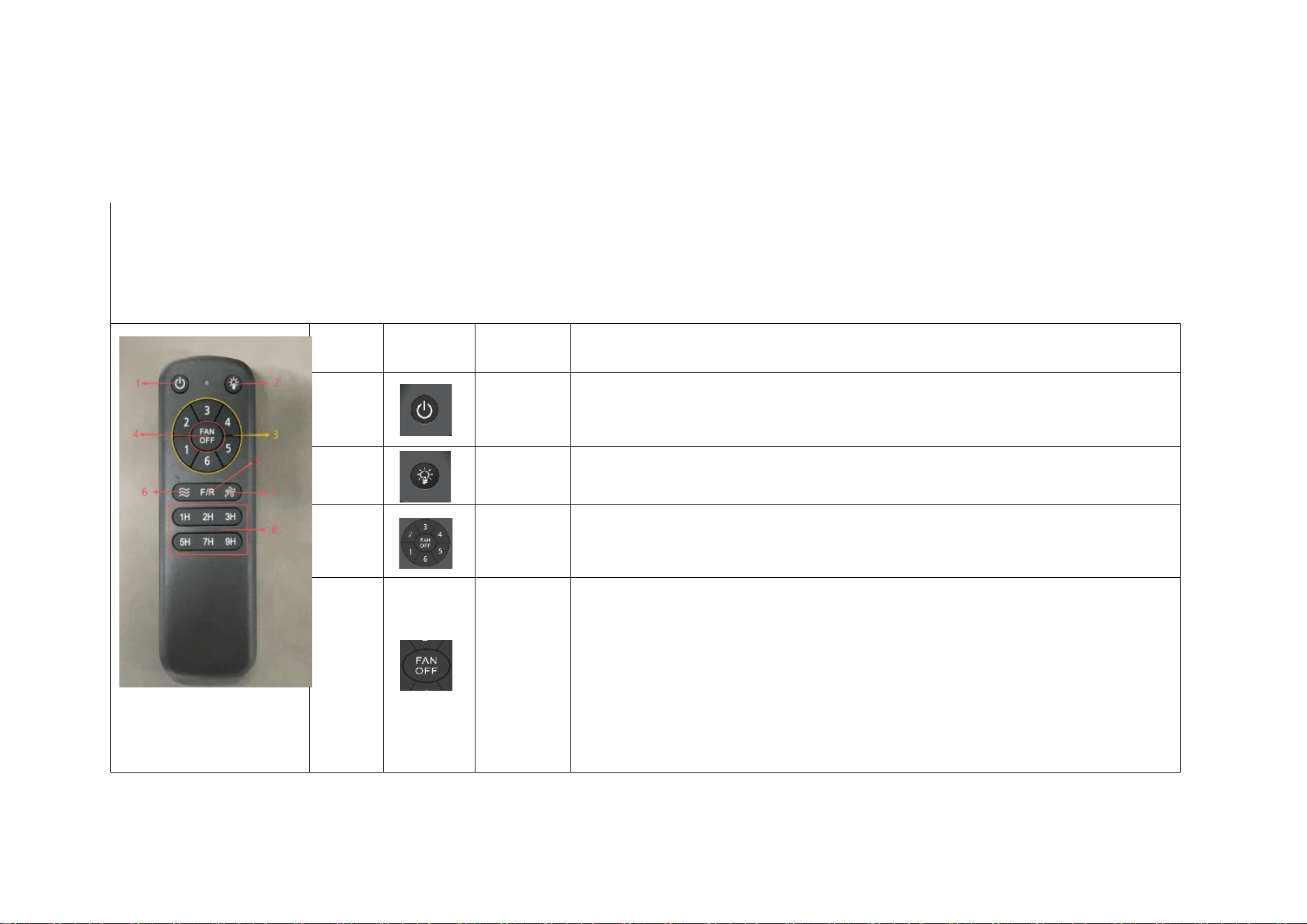
3.The figure below shows how to operate the function buttons on the remote control panel.
适
配
电
控
图
片
参
考
order
number
icon
Button
Name
functional description
1
Main
power
switch
Press and hold the fan or light button to power off the device; this does not
turn the device on.
2
Light
switch
Press once to turn the light on or off.
3
Fan speed
selector
button
Press and hold the corresponding fan speed selection button to switch between
different fan speeds: 1 = low speed; 6 = high speed.
4
Fan
On/Off
Button
(1)When the fan is running, press this button briefly to stop the fan.
(2)When the fan has stopped, press this button briefly to restart the fan within
3 seconds and resume its previous operating mode.
(3)Natural Air Mode: Press this button to turn off the fan; press it again to
exit Natural Air Mode and resume operation at the fan speed set when the device
was turned off.
(4)Sleep Mode: Press this button to turn off the fan; press it again to exit
Natural Air Mode and switch to Fan Speed Level 2.
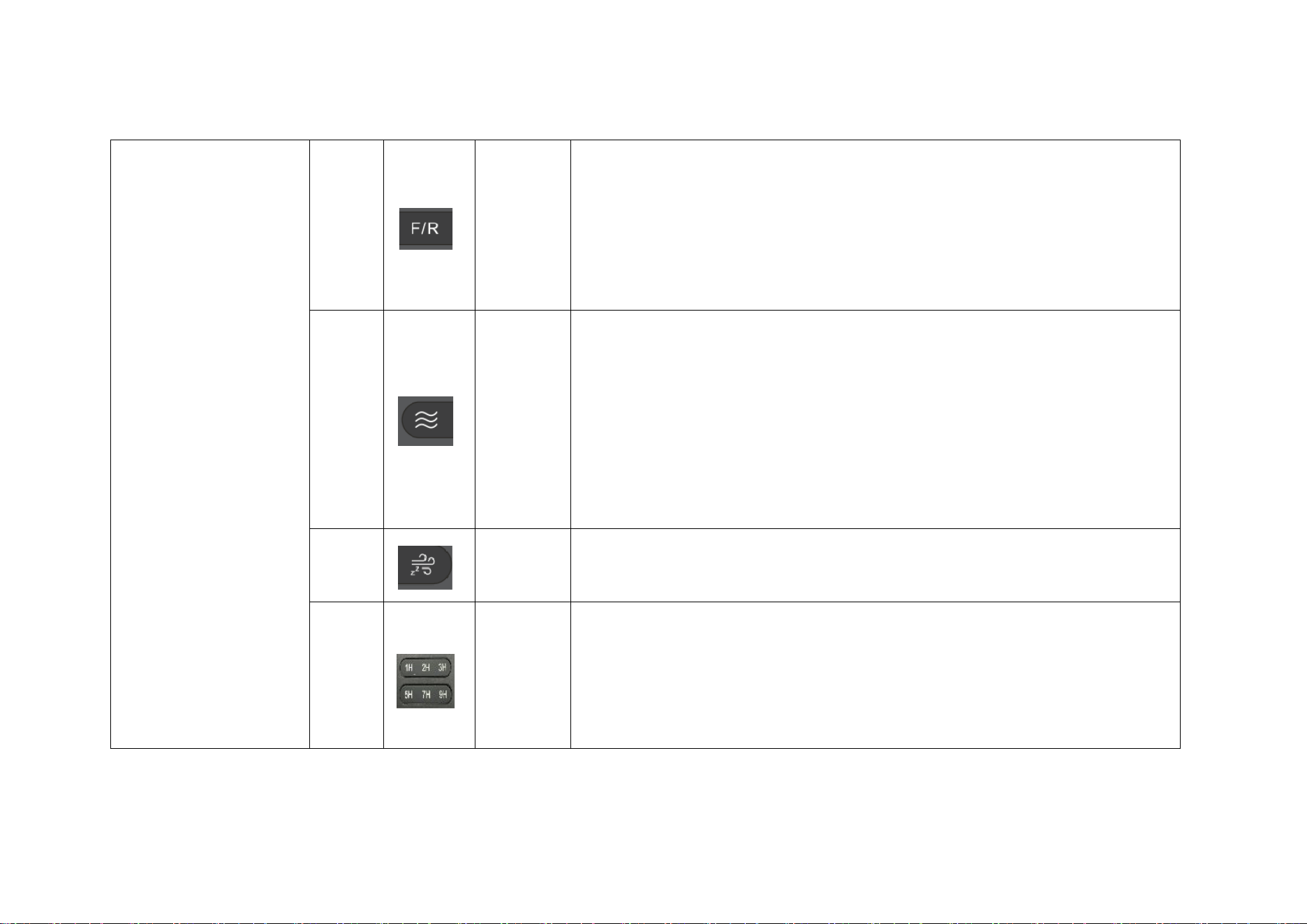
5
Forward/
Reverse
Rotation
(1)When the fan is off, pressing this button briefly will not start the fan.
(2)When the fan is running, pressing this button briefly will first turn off
the fan, then switch it to the opposite rotation direction from before it was
turned off; the fan speed remains unchanged.
(3)When using Natural Wind or Sleep Mode, press the reverse button to stop the
fan, then switch the fan to operate in the opposite direction before turning it
off. The fan speed remains unchanged.
6
natural
wind
(1)Natural Air Mode: The fan cycles through the following settings – Setting
1 → Setting 3 → Setting 2 → Setting 4 → Setting 3 → Setting 5 → Setting
4 → Setting 6 → Setting 1 – with each setting running for approximately 90
seconds; this cycle repeats continuously.
(2)When the fan is running and natural air is being drawn in, it will switch
to the next speed level (as per the aforementioned operating logic) and begin
operating; each speed level lasts approximately 90 seconds, and this cycle
repeats.
(3)The natural airflow feature is inactive when the Sleep Wind Mode is active.
7
Sleep
Wind
Press this button while the fan is running or the lights are on to switch the
fan to Speed 2 operation within 2 seconds, simultaneously turning off the lights.
Pressing this button when the lights are off has no effect.
8
Timer
Button
Press and hold the 1H/2H/3H/5H/7H/9H timer button to set a timer; once the timer
expires, the entire device will shut down and then enter standby mode. While the
1H/2H/3H/5H/7H/9H timer is running, repeatedly press this button to restart the
timer. If you press the Sleep button, power off the device completely, disconnect
the power supply, or turn off the fan and lights during the timer operation, the
timer will be interrupted.
matters need attention,
matters needing attention:
This remote control does not feature a memory function. The default factory
setting is: the fan is stopped, the startup direction is forward, and the light
is off. The included remote control is pre-paired with the receiver and comes
with default settings; therefore, no additional code pairing is required. If you
find that your remote control is unable to communicate with the receiver, please
follow the setup steps below.
Product Reset
Within 10 seconds after powering on the main supply, hold both the Main Key and
Light On/Off Key for 5 seconds to complete the light reset.
FCC Statement
This equipment has been tested and found to comply with the limits for a Class B digital device, pursuant to part 15 of the
FCC Rules. These limits are designed to provide reasonable protection against harmful interference in a residential
installation. This equipment generates, uses and can radiate radio frequency energy and, if not installed and used in
accordance with the instructions, may cause harmful interference to radio communications. However, there is no guarantee
that interference will not occur in a particular installation. If this equipment does cause harmful interference to radio or
television reception, which can be determined by turning the equipment off and on, the user is encouraged to try to correct
the interference by one or more of the following measures:
— Reorient or relocate the receiving antenna.
— Increase the separation between the equipment and receiver.
— Connect the equipment into an outlet on a circuit different from that to which the receiver is connected.
— Consult the dealer or an experienced radio/TV technician for help.
This device complies with part 15 of the FCC Rules. Operation is subject to the following two conditions: (1) this device may
not cause harmful interference, and (2) this device must accept any interference received, including interference that may
cause undesired operation.
Changes or modifications not expressly approved by the party responsible for compliance could void the user's authority to
operate the equipment.