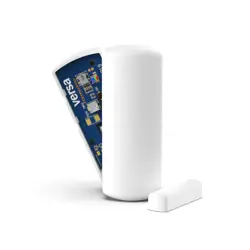
Shock-319
Wireless Transmitter
Installation & Setup Guide
Features
•
Bluefield LED magnet indicator
• Built-in unique serial number which must be enrolled into the control panel
• Refer to the control panel’s installation instructions for programming details.
LED Indicators
LED
Meaning
Blue
Green
Red
Mounting
•
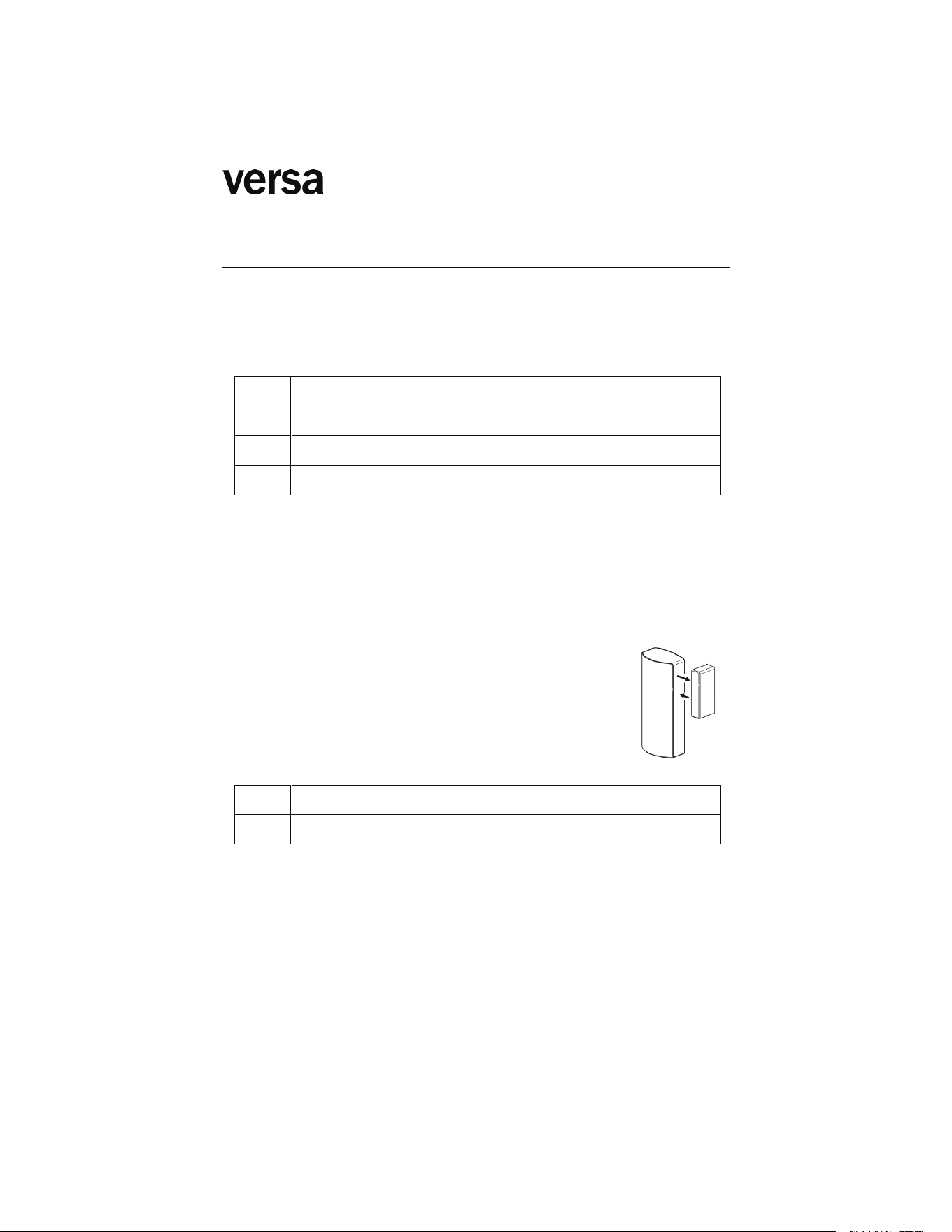
Choose a mounting location where the device is stationary and the magnet is
mounted to the moving part of the door or window.
• Verify adequate signal strength by using the control panel’s Go/No Go test (see
control’s instructions) before mounting permanently.
• Avoid mounting in areas where it will be exposed to moisture or where the operating
temperature of 32 to 120ºF (0 to 50ºC) will be exceeded.
• Keep the Shock-319 and magnet away from metal or metallic surfaces such as foil
wallpaper.
• Avoid mounting the Shock-319 in areas with a l
arge quantity
of metal or electrical wiring, such as a furnace or utility room.
DIP SWITCH
ON
OFF
Enables reed switch operation. Shock will only activate when the reed
switch & magnet are in the closed position.
Disables reed switch operation. Shock will activate when the reed
switch & magnet are in the closed or open position.
Shock Sensitivity
Once the Shock-319 is mounted in place, test the sensitivity by gently hitting the
surface on which the device is installed with the palm of your hand. Gradually
increase the pressure or turn the shock sensitivity adjustment dial clockwise with a
small screwdriver until the desired response is obtained. Ensure that the device is not
triggered by accidental vibrations (like wind or window coverings). Normal traffic of
operation of the door/window should not trip the shock sensor. When testing the
sensitivity, do not cause stress or damage to the mounting surface or to the glass.
Shock sensor detection option is not evaluated by UL.
WARNING: In order to avoid personal injury, do not apply pressure to glass
inserts or windows. The Shock-319 is intended to be installed on windows
frames and doors with or without glass inserts, but not on the actual glass
surface.
Lights when the magnet is within proper range of the Shock-319 (1 inch
max). LED is active for 5 minutes after the battery is first installed or when
the cover is removed.
Flashes when the Shock-319 detects a PRE-SHOCK measurement that is
near, but not quite strong enough to trigger the SHOCK Alarm.
Lights to indicate a SHOCK ALARM is in progress.
• Mount the Shock-319 on the frame of the protected door or window
using double-faced tape (supplied).
• Mount the magnet (supplied on the protected door or opening portion
of the protected window. Check that the bluefield LED lights when
the door or window is closed.
PROGRAMMING
BATTERY CAUTION: Risk of fire, explosion and burns. Do
not recharge, disassemble, heat above 212°F (100°C) , or
incinerate. Dispose of used batteries properly. Keep away
from children.
Attention de batterie: Risque d'incendie, d'explosion et de
brûlures. Ne rechargez pas, démonter, chauffer au-dessus de
212° F (100°C), ou incinérer. Débarrassez-vous des batteries
utilisées de façon appropriée. Gardez à partir des enfants.
SPECIFICATIONS
Dimensions:
Operating Conditions:
Magnet Gap:
Wood / Metal Surfaces Maximum: 1”, 1/4” (25.4mm, 6.35mm)
Battery:
FEDERAL COMMUNICATION
S COMMISSION STATEMENTS
The user shall not make any changes or modifications to the equipment unless authorized by the Installation Instructions or
User Manual. Unauthorized changes or modifications could void the user's authority to operate the equipment.
FCC/IC STATEMENT
This device complies with Part 15 of the FCC Rules, and Industry Canada’s license-exempt RSSs. Operation is subject to
the following two conditions: (1) This device may not cause harmful interferen
ce (2) This device must accept any interference
received, including interference that may cause undesired operation.
Cet appareil est conforme à la partie 15 des règles de la FCC et exempt de licence RSS d’Industrie Canada. Son
fonctionnement est soumis aux conditions suivantes: (1) Cet appareil ne doit pas causer d' interférences nuisibles. (2) Cet
appareil doit accepter toute interférence reçue y compris les interférences caus
ant une réception indésirable.
REFER TO THE INSTALLATION INSTRUCTIONS FOR THE CONTROL WITH WHICH THIS DEVICE IS USED FOR
DETAILS REGARDING LIMITATIONS OF THE ENTIRE ALARM SYSTEM.
The product should not be disposed of with other household waste. Check for the nearest authorized collection centers or
authorized recyclers. The correct disposal of end-of-life equipment will help prevent potential negative consequences for the
environment and human health.
103 - 19292 60 Ave
Surrey, BC V3S3M2
® 2024 Versa Wireless Inc.
www.versawireless.com
1. Place your panel in “autolearn” mode.
2. Open / Close magnet or tap the cover
3. Customize the name and settings then touch “ADD”
Transmitter: 2.85” x 1.15” x 0.75” / 73mm x 30mm x 19mm
32º - 122ºF / 0º - 50ºC
1 x 3v, Lithium, Versa CR2U
Replace Batteries with Versa part number CR2U or Panasonic part
number CR2. Use of another battery may present a risk of fire or
explosion.
V0000404-01-03 SHOCK-319 Installation Instructions
Compatible with Qolsys IQ Panel 2 Security system
RES BURG