AI Smart Recording Card User Manual
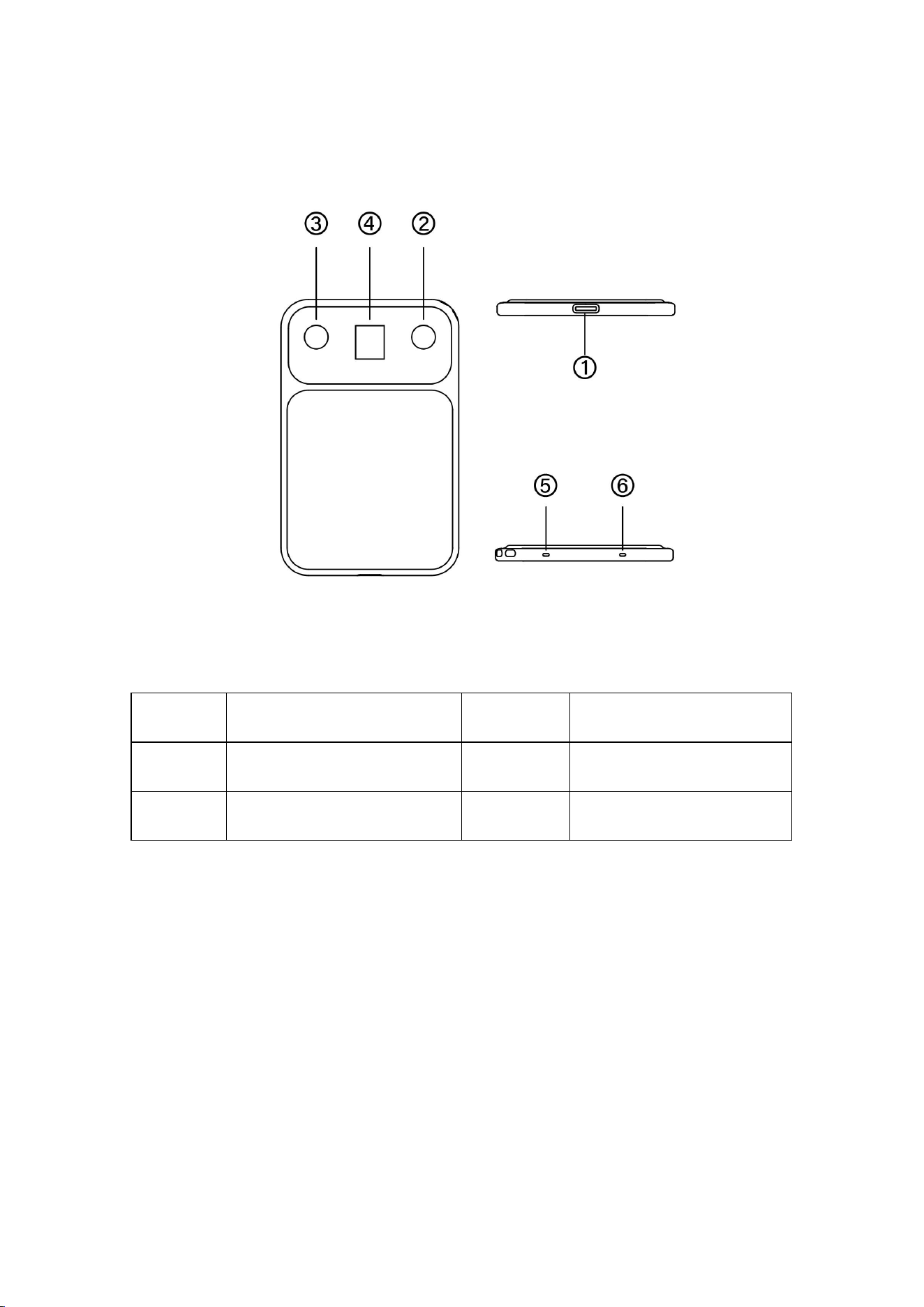
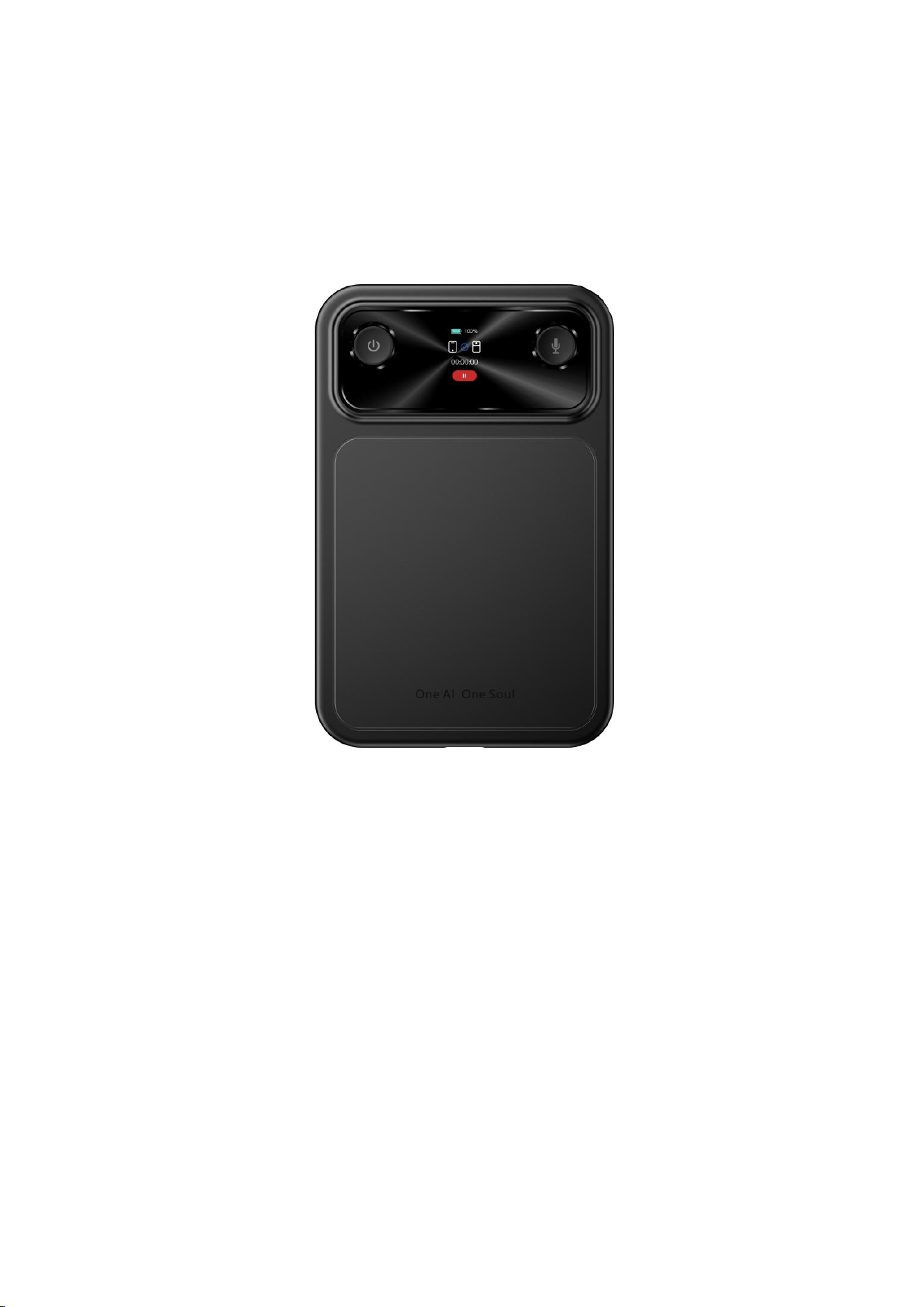
Function Diagram
1
Type-C Charging Port
2
Recording Button
3
Power Button (On/Off)
4
Display Screen
5
Microphone Hole
6
Microphone Hole
Power On:
Press and hold the power button for 3 seconds when the device is turned
off.
Power Off:
Press and hold the power button for 3 seconds when the device is turned
on.
Standby Mode:
The device will automatically enter standby mode after 5 minutes of
inactivity when powered on.
Reset:
Press and hold the power button for more than 9 seconds to reset and
power on the device.
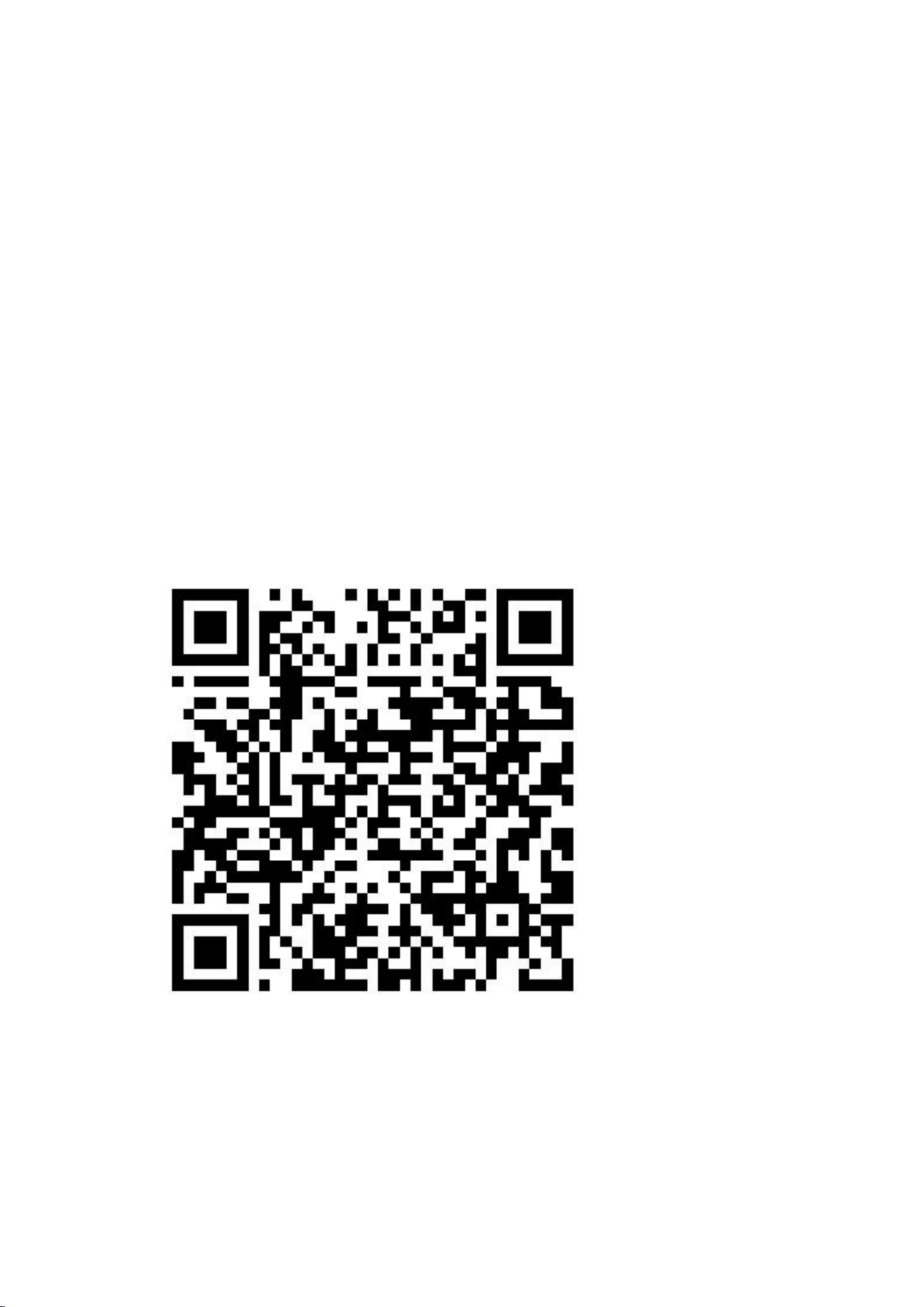
Download the APP
To activate the device for the first time, please download the APP.
●
Users can scan the QR code below to download the APP.
● Android and iOS users can search for "GeFit" in the app store to find
and install the application.

Connect to the APP
● After downloading and installing the APP successfully, open it and
complete user registration.
● With the device powered on, enable the phone call recording mode
on the device; then turn on Bluetooth on your phone, open the APP and
click "Connect Device".
● Search for the Bluetooth device named "L1" and tap to connect. If the
connection fails, restart Bluetooth and try again using the same method.
Function Description
Real-time Transcription: Supports real-time recording and transcription
in multiple languages.
Import Audio/Video: Can import local audio/video from mobile phones
or third-party software for transcription, generating summary minutes
and mind maps.
Simultaneous Interpretation: Enables real-time recording and
translation between multiple source and target languages.
Audio transcription: Click once to start recording and click again to
pause; recorded files are automatically saved and can be viewed,
transcribed, summarized into minutes, or converted into mind maps in
the APP. The same operation can be performed by short-pressing the
recording button when the device screen is on.

Recording file: Click "Transfer" to send recorded files from the recorder
to the APP; files can be transcribed, summarized into minutes, translated,
or converted into mind maps.
Important Notes
- The company reserves the right to amend the content of this notice
without prior notification. Under normal circumstances, certain features
may vary in specific software versions.
- The product should be charged for over 2 hours before initial use.
However, avoid leaving it charging unattended for extended periods.
- Please use a charging adapter with an input voltage of 5V/1A or 5V/2A,
in conjunction with the original charging cable provided by the
manufacturer.
- Before using the product, please download the corresponding
application to your mobile phone and set up your personal information.
- It is prohibited to use a car charger (vehicle voltage is unstable during
ignition and shutdown).
- It is prohibited to use a fast-charging multi-port adapter to charge both
a phone and the recording card simultaneously.

Legal Restrictions
Please strictly comply with relevant laws and do not use this product
illegally. The company assumes no commitment or liability for the
consequences of illegal activities.
Privacy Protection
All data is stored solely on the recording device unless you synchronize
the audio files with the application. In that case, the files will be stored on
your smartphone.
Data Security
The company is not responsible for the loss or damage of personal data
caused by hardware, software, product maintenance, battery
replacement, or other unforeseen circumstances. The company shall not
be liable for any other indirect losses arising therefrom.
Safety
- Keep the device and accessories out of reach of children to prevent
choking or other injuries.
- Do not expose the battery (battery pack or installed battery) to fire
sources or excessively hot environments (such as direct sunlight).

Maintenance
Do not use chemicals or reagents to clean the recorder, as this may
damage its surface and cause corrosion.
Battery
If the product will not be used for an extended period, please charge and
discharge it once every three months to prevent battery damage.
Storage Capacity
The system software will occupy a small portion of the storage space.
The actual available capacity will be slightly less than the capacity
indicated in the specifications.
Low-power Radio Wave Radiation Equipment Management
Regulations
1. This device complies with Part 15 of the FCC Rules. Operation is
subject to the following two conditions:
(1) This device may not cause harmful interference, and
(2) This device must accept any interference received, including
interference that may cause undesired operation.

2. Changes or modifications not expressly approved by the party
responsible for compliance could void the user's authority to operate the
equipment.
Low-power radio frequency equipment that has passed inspection and
obtained certification shall not have its frequency, power increased, or
original design characteristics and functions altered without approval by
the company, business, or user. The use of low-power radio frequency
equipment must not affect flight safety or interfere with lawful
communications. If interference is detected, use must cease immediately
and may only resume after improvements ensure no interference.
"Lawful communications" refers to radio communications operating in
accordance with the Telecommunications Management Act. Low-power
radio frequency equipment must tolerate interference from lawful
communications or industrial, scientific, and medical radio wave
radiation equipment.
NOTE: This equipment has been tested and found to comply with the
limits for a Class B digital device, pursuant to Part 15 of the FCC Rules.
These limits are designed to provide reasonable protection against
harmful interference in a residential installation.
This equipment generates uses and can radiate radio frequency energy
and, if not installed and used in accordance with the instructions, may

cause harmful interference to radio communications. However, there is
no guarantee that interference will not occur in a particular installation. If
this equipment does cause harmful interference to radio or television
reception, which can be determined by turning the equipment off and on,
the user is encouraged to try to correct the interference by one or more
of the following measures:
Reorient or relocate the receiving antenna.
Increase the separation between the equipment and receiver.
Connect the equipment into an outlet on a circuit different from that to
which the receiver is connected.
Consult the dealer or an experienced radio/TV technician for help.
RF Exposure
This device has been evaluated and complies with general RF exposure
requirements. The device can be used in portable exposure conditions
without restriction.
Product Parameters
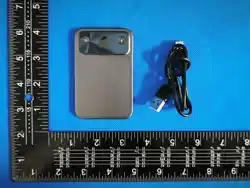
Product Name: AI Smart Recording Card
Bluetooth Name:L1
Body Size: 88*56*4mm

Languages: Multi-language Support
Product Weight: Approx. 36g
Display Screen: Resolution 128*150
Recording Format: WAV / OPUS
USB Port: Type-C
Battery Capacity: 470mAh
Charging Specification: 5V/1AInput
Operating Temperature: -10℃ ~ 50℃
Compatible Systems: iOS 13.0 or above, Android 7.0 or above