Quick Start Guide
www.philips.com
Visit us
2022 AquaShield
All rights reserved
The Philips trademark and the Philips Shield Emblem are registered trademarks of Koninkli-
jke Philips N.V. used under license.
Rev A JUL 22
There may be certain dierences between the content of this manual and your product.
Please refer to the actual product. We reserve the right to update the product at any time
without prior notice.
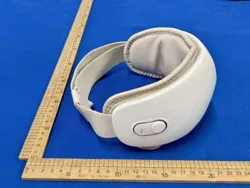
Back Massager
PPM4501
Back and Waist
Massager
Please choose the massage mode reasonably according to your own situation,
and do not use the device for more than 30 minutes each time. Let the device rest
for 30 minutes after each use.
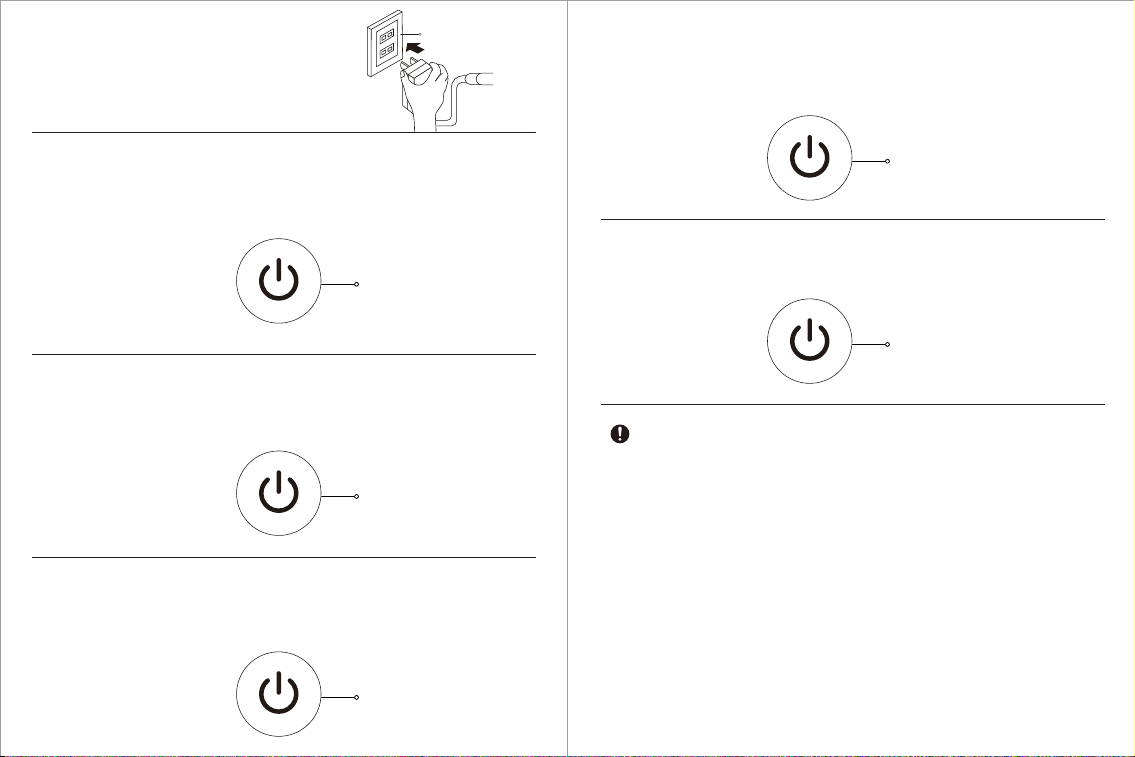
1. Insert the plug into
the power socket.
2. Hold the “ON/OFF” button for 2 seconds to turn on the massager. Heating is
activated by default, and the massage nodes rotate from outside to inside. The button
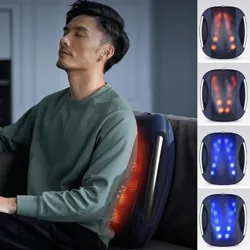
indicates in orange, while massage nodes in yellow.
3. Short press the “ON/OFF” button. The massage nodes rotate from inside to outside with
heating. The button indicates in orange, while massage nodes in yellow.
5. Short press the “ON/OFF” button again. The massage nodes rotate from inside to
outside without heating. The button and massage nodes indicate in blue.
6. The default o time is 15 minutes. To stop the device midway, please hold the
“ON/OFF” button for 2 seconds to turn it o.
Hold for 2 seconds
Orange indicator
Socket
Press for the second time
Orange indicator
Press for the fourth time
Blue indicator
Hold for 2 seconds
to turn o
4. Short press the “ON/OFF” button again. The massage nodes rotate from outside to
inside without heating. The button and massage nodes indicate in blue.
Press for the third time
Blue indicator