READ THIS MANUAL THOROUGHLY BEFORE USING AND
KEEP IT FOR FUTURE REFERENCE
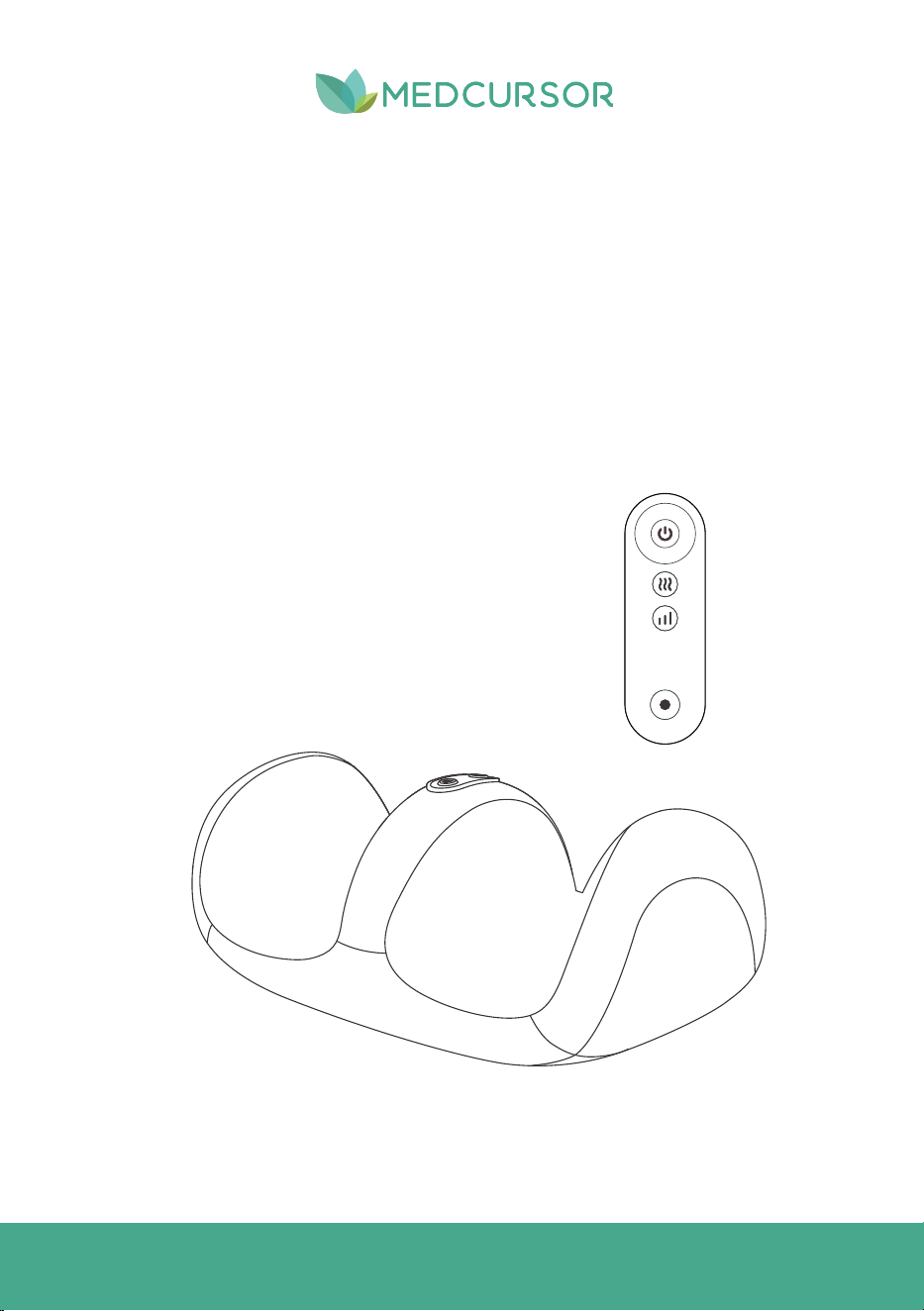
Foot Massager
MODEL NO.: MD-FM12
USER MANUAL

Thank you for purchasing Foot Massager. Medcursor is
committed to providing our customers with high-quality
products and great services. If you have any questions or
concerns about using your new product, feel free to
contact our helpful customer support team at
support@medcursor.com.
We hope you enjoy your new product!
Explore more surprises at
The following pages of this manual have the
instructions for all the functions and features of
your Foot Massager. Please read the user's manual
carefully.
www.medcursor.com

TABLE OF CONTENTS
1
3
4
5
6
IMPORTANT SAFEGUARDS
GETTING TO KNOW YOUR FOOT MASSAGER
BEFORE FIRST USE
OPERATION INSTRUCTIONS
CARE & MAINTENANCE
TROUBLESHOOTING
FCC STATEMENT
WARRANTY INFORMATION
CUSTOMER SUPPORT
7
8
8
........................................................................................................
............................................................................
....................................................................................................................
.............................................................................................................
5
.....................................................................................................
.................................................................................................................
........................................................................................................................
........................................................................................................
...............................................................................................................

IMPORTANT SAFEGUARDS
1
IMPORTANT:
Read all instructions.
Close supervision is necessary by or near children.
To protect against electric shock, do not immerse cord, plug, or any parts of the Foot
Massager in water or other liquids.
Do not let the cord hang over the edge of the table or counter.
Do not operate the appliance with a damaged cord or plug, or after the appliance
malfunctions or has been damaged in any way.
The use of accessory attachments not recommended by the appliance manufacturer may
cause hazards or injury.
Unplug from outlet when not in use.
1.
2.
3.
4.
5.
6.
7.
MATTERS NEEDING ATTENTION:
This machine cannot be used in humid environments or bathrooms. Please keep it in a dry
place away from strong light. The kneading massage area should not be used during sleep
to prevent long-term stimulation to a certain part from affecting health.
If excessive stimulation occurs during use, causing discomfort, you should stop using the
machine immediately.
When a child or a person with limited mobility uses this product, a suitable supervisor must
be nearby.
If the power cord of the machine is damaged, please contact customer support.
You must not replace the damaged cord yourself.
1.
2.
3.
4.
5.
When using the electrical appliance, basic safety precautions should always be followed
including the following:
WARNINGS:
This device is not intended for use by individuals (including children) with physical
disabilities, sensory or neurological impairments, or a lack of relevant experience and
knowledge, unless they are supervised and guided by a guardian.
Children must be supervised to ensure that they do not use this appliance as a toy.
If the surface of this machine heats up during use, extra caution must be taken when using
the
it for people who are sensitive to heat.
1.
2.
3.
2
SAVE THESE INSTRUCTIONS
HOUSEHOLD USE ONLY
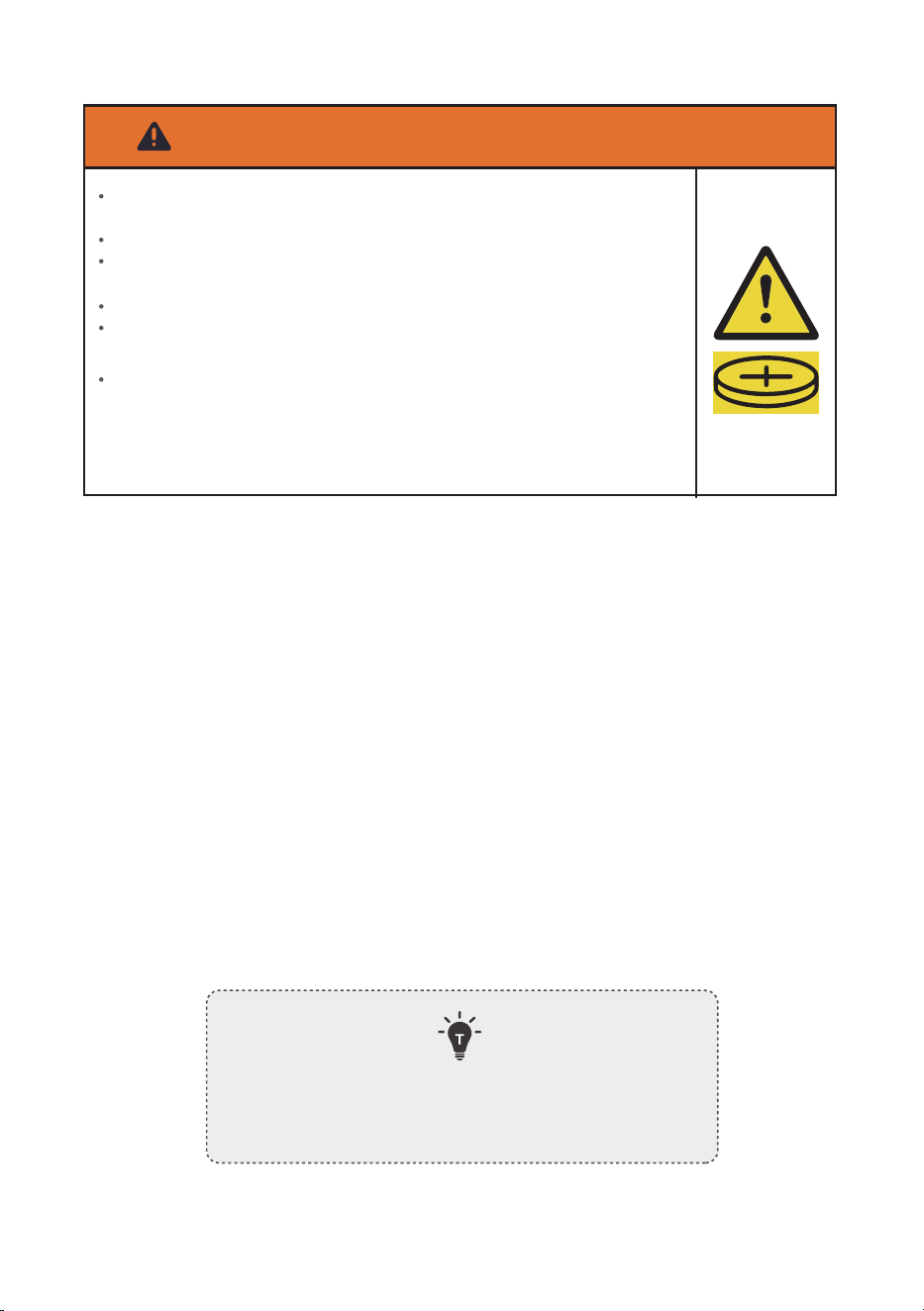
WARNING – Button Cell Battery Safety
INGESTION HAZARD. This product contains a button cell or coin
battery.
DEATH or serious injury can occur if swallowed.
A swallowed button cell or coin battery can cause internal chemical
burns in as little as 2 hours.
KEEP new and used batteries OUT OF REACH OF CHILDREN.
Seek immediate medical attention if a battery is suspected to be
swallowed or inserted inside any part of the body.
Battery Replacement
Replace the battery with the same type and rating only.
Insert the battery with the correct polarity (+/-).
Keep the battery compartment securely closed after replacement.
Dispose of used batteries according to local regulations.
GETTING TO KNOW YOUR FOOT MASSAGER
3
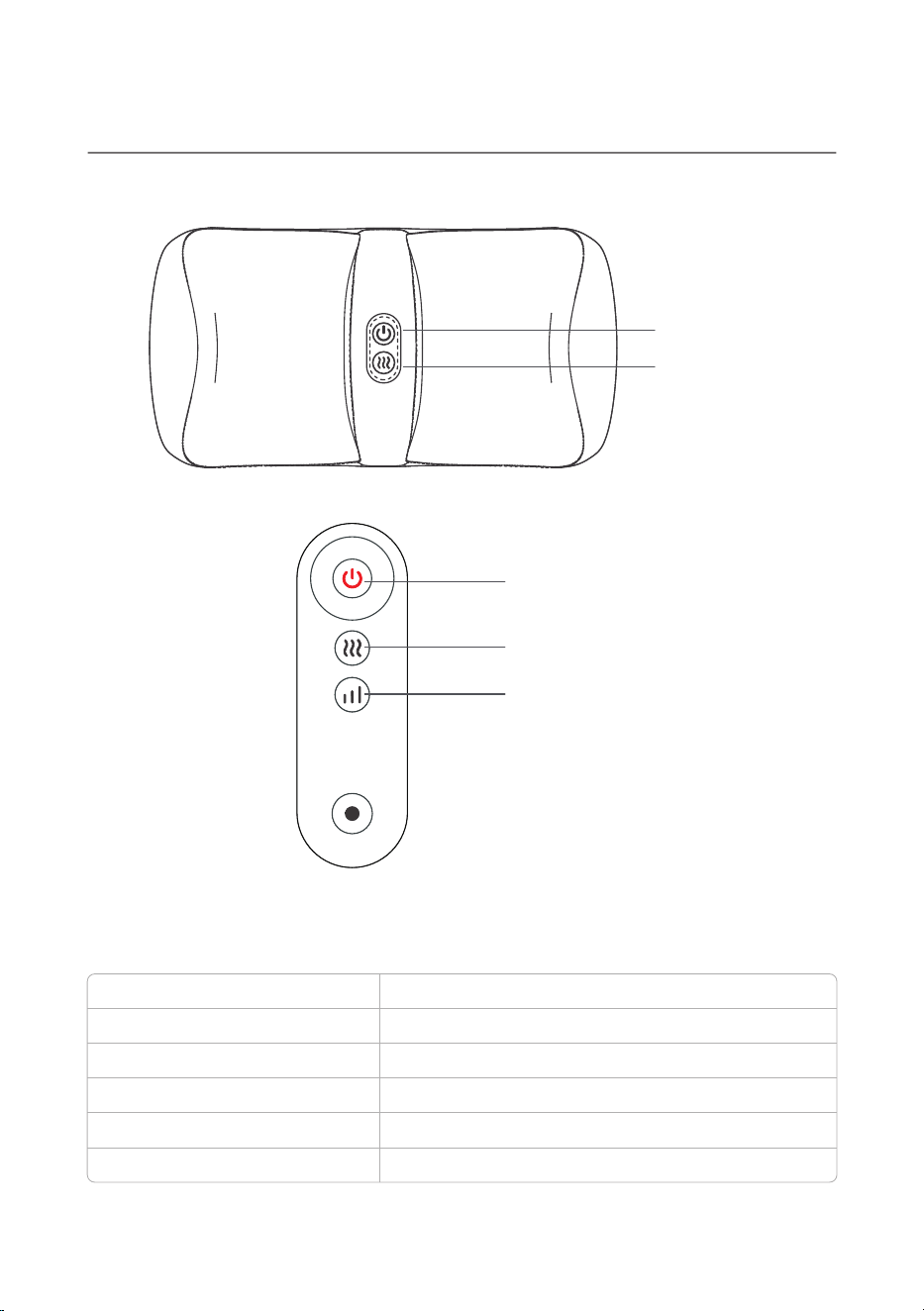
1.PRODUCT DIAGRAM
Power button
Heat button
2.SPECIFICATIONS
FOOT MASSAGERProduct Name:
MD-FM12Product Model:
12V2A
24W
Rated Voltage:
Rated power:
www.medcursor.com
Website:
support@medcursor.com
Email:
Power Button
Intensity Button
Heat Button
BEFORE FIRST USE
4
1. Remove the Shiatsu Foot Massager and its accessories from the packaging box.
Kindly check if all package contents are included.
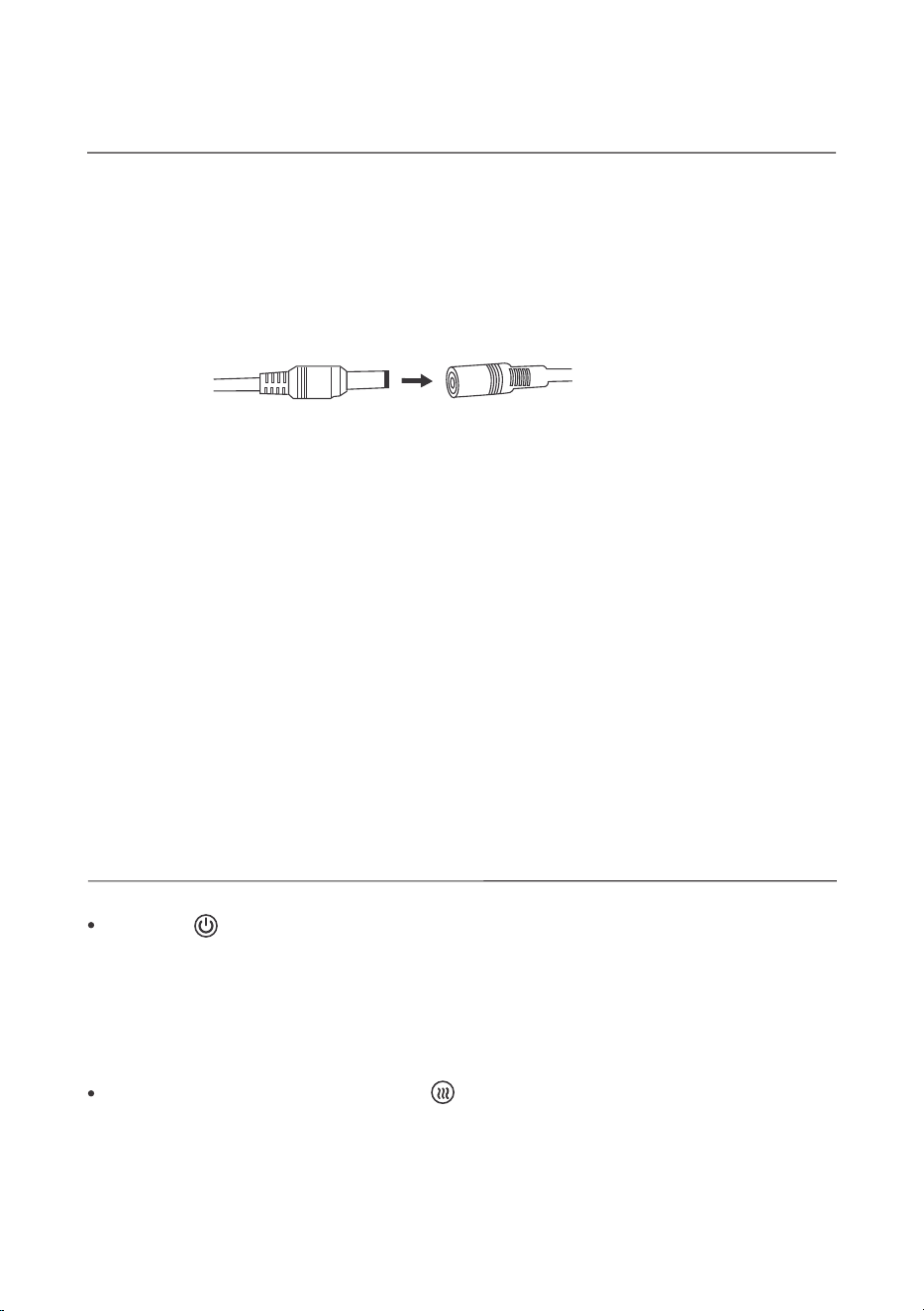
2. Connect the DC power adapter to the massager and plug it into an outlet.
3. If you feel mild pain during the initial use of the massager, we recommend that you wear
thick socks or put a towel under your feet to reduce pressure and improve your massage
experience. Once you get used to the massage intensity, you can remove the towel or socks
for a more comfortable and effective massage experience.
Power DC cable head Massager DC cable head
USING THE MASSAGER
OPERATING INSTRUCTIONS
Press the " " button to turn on the machine. The default timer is set to 15 minutes, the
heating function is turned on by default, and the massage intensity is set to low intensity. After
turning on the machine, press the button to switch the massage intensity from low intensity to
medium intensity, press again to switch to high intensity, press once more to stop the
massage, and press again to return to low intensity, and so on. Long press the button to turn
off the machine, and all functions will stop.
After turning on the machine, press the " " button to control the heating function. The
heating function is turned on by default. Press once to turn off the heating, press again to turn
the heating function back on, and so on.
The program is set to automatically change the massage head direction every 60 seconds.
*

5
CARE & MAINTENANCE
MAINTENANCE
CLEANING
When not in use, disconnect the power supply and store the product in a safe place.
Avoid contact with sharp objects to prevent piercing or damaging the product.
Do not store this product near high temperatures, open flames, or direct sunlight, as it may
cause discoloration or damage.
Avoid contact with benzene, diluents, or other corrosive liquids on the product and its
accessories.
When storing, do not bind the product with wires or hang it using wires.
1.
2.
3.
4.
5.
Before cleaning, please turn off the power supply and wipe the product gently with a soft,
slightly damp sponge or cloth.
The product should not be soaked in any liquid and should not be washed directly with
water or any other liquid.
Do not use sharp brushes, gasoline, kerosene, furniture cleaning fluid, etc., to clean this
product.
1.
2.
3.
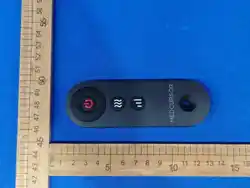
REMOTE CONTROL
BUTTON FUNCTIONS
Remote allows full function control of the device within operating range
Wireless control for convenience during use
•
•
BUTTON
FUNCTION
Power
Intensity
Power On / Off
Intensity
Adjustment
OPERATION DESCRIPTION
Short press to turn on or off the device. When powered on, the
device starts with the default settings: 15-minute timer, massage
head rotating forward, heating function ON, and massage
intensity set to low intensity.
Short press to cycle massage intensity levels: Low Intensity →
Medium Intensity → High Intensity → Stop → Low Intensity.
Heat
Heating Control
Short press to turn the heating function ON/OFF
independently.

TROUBLESHOOTING
6
COMMON PROBLEMS
POSSIBLE SOLUTIONS
There is a clattering noise during
operation.
The massage device switches off
suddenly.
The massager is turned on, but the
massage functions stopped working.
This is perfectly normal and is caused by the
operation of the product. It is a normal condition.
The device may have been used for 15 minutes,
activating the auto-shutoff function. To continue
using it, press the "power" button after resting the
unit for 15 minutes.
1. Make sure the power outlet is working.
2. Unplug the power adapter from the massager
and plug it back in.
3. If you have been using the massager for a
long time, the overheat protection may have
activated. Turn the massager off and allow it to
cool down for at least 40 minutes, then turn on
again.
Remote does not work Check battery / ensure within range

7
FCC STATEMENT
This device complies with Part 15 of the FCC Rules. Operation is subject to the following two
conditions:
1. This device may not cause harmful interference, and
2. This device must accept any interference received, including interference that may cause
undesired operation.
Any changes or modifications not expressly approved by the party responsible for compliance
could void the user's authority to operate this equipment.
This equipment has been tested and found to comply with the limits for a Class B digital
device, pursuant to Part 15 of the FCC Rules. These limits are designed to provide reasonable
protection against harmful interference in a residential installation. This equipment gener ates,
uses and can radiate radio frequency energy and, if not installed and used in accordance with
the instructions, may cause harmful interference to radio communications. However, there is
no guarantee that interference will not occur in a particular installation. If this equip ment does
cause harmful interference to radio or television reception, which can be determined by
turning the equipment off and on, the user is encouraged to try to correct the interference by
one of the following measures:
Reorient or relocate the receiving antenna.
Increase the separation between the equipment and receiver.
Connect the equipment into an outlet on a circuit different from that to which the receiver
is connected.
Consult the dealer or an experienced radio/TV technician for help.
FCC RADIATION EXPOSURE STATEMENT
The equipment complies with FCC Radiation exposure limit set forth for uncontrolled
environment. The device shall be operated and installed without restriction.
•
•
•
•

WARRANTY INFORMATION
We offer a 1-year warranty on the product, starting from the date of purchase. Within the
warranty period, we will address any defects in the appliance resulting from faults in materials
or workmanship. Please contact us at
support@medcursor.com
to initiate a warranty claim.
This guarantee does not cover: damage due to improper use, normal wear or use as well as
defects that have a negligible effect on the value or operation of the appliance. The guarantee
becomes void if repairs are undertaken by unauthorized persons and if original product parts
are not used.
8
CUSTOMER SUPPORT
If you have any product questions or concerns, please don't hesitate to contact us directly
at
support@medcursor.com
or visit our website at:
www.medcursor.com
.
We have a hassle-free warranty and customer service team for satisfactory solutions to
any issue you might have.
1.
2.

Ver.260911