Electronic Perler Bead Board
User Guide
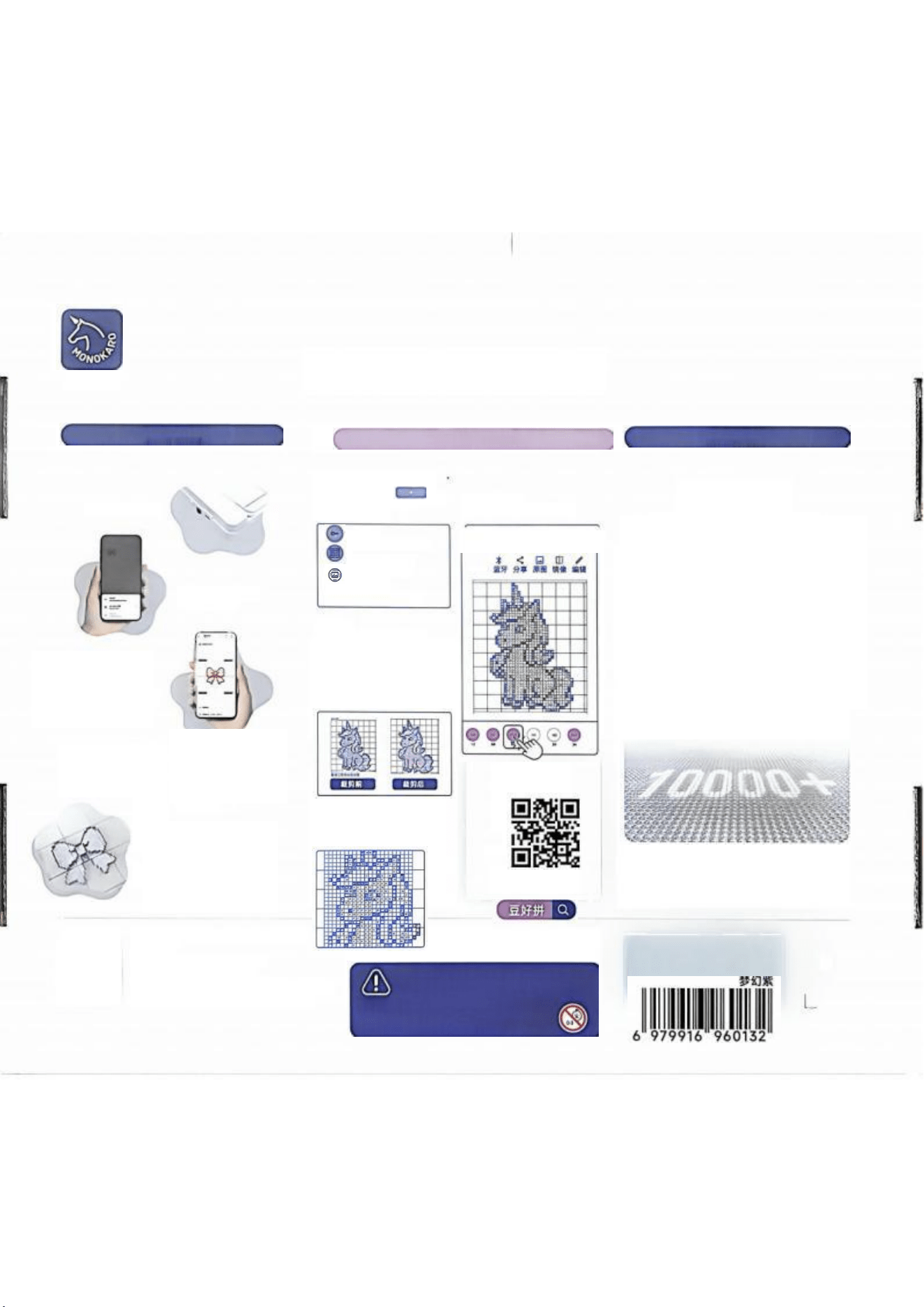
Power on and connect to the mobile
phone's Bluetooth
Open the APP
and import the
perler bead
pattern
How to use the app
How to import perler bead patterns
1
.
In the APP, click/
select "Perler Bead Pattern"
Extraction code
Perler bead
pattern
Regular image
2
、
Crop
Drag the selection box to frame
the main pattern of the drawing
3、Align
After selecting the pattern size,
align the grid
APP download
Highlights
Eye-friendly
Warning:
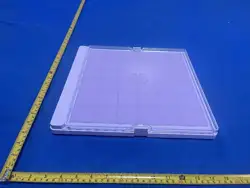
Product Name: Electronic Perler Bead Board DHP-104
Color: Pink-Purple
Size: 315mm×335mm×34mm
Manufacturer: Shenzhen monokaro Technology Co., Ltd.
Address: 15th Floor, South Building, Yuanxing Science and
Technology Building, No.1 Songpingshan, Nanshan District,
Shenzhen
宝 石 角
4、Import completed
Click the color number
to synchronize
实时同步
Tap the color number
panel on the APP, the
light will turn on
automatically, and you
can arrange perler
beads following the
+
The app automatically
converts the pixel art
pattern to be
compatible with the
electronic perler bead
board
Remove the transparent
bean board,Can be
directly ironed into shape
This product is only for people
aged 14 and above. It is prohibited
for children under 3 years old to
use.
10000+ high-definition eye-
friendly lamp beads,
three brightness levels
adjustable
matte body,
no reflection,
no eye fatigue

FCC Warnning:
This equipment has been tested and found to comply with the limits for a Class B digital device,
pursuant to part 15 of the FCC Rules. These limits are designed to provide
reasonable
protection against harmful interference in a residential installation. This equipment generates,
uses and can radiate radio
frequency
energy
and,
if
not
installed
and
used
in
accordance
with
the
instructions,
may cause
harmful
interference
to
radio
communications.
However,
there
is
no
guarantee
that interference
will
not
occur
in
a
particular
installation.
If
this
equipment
does
cause
harmful interference to radio or television reception, which can be
determined by turning the equipment off
and
on,
the
user
is
encouraged
to
try
to
correct
the interference
by
one
or
more
of
the following measures:
•
Reorient or relocate the receiving antenna.
•
Increase the separation between the equipment and receiver.
•
Connect the equipment into an outlet on a circuit different from that to which the receiver is
connected.
• Consult the dealer or an experienced radio/TV technician for help.
Caution:
Any
changes
or
modifications
to
this
device
not
explicitly
approved
by
manufacturer
could void your authority to operate this equipment.
This
device
complies
with
part
15
of
the
FCC
Rules.
Operation
is
subject
to
the
following
two
conditions:
(1)This
device
may
not
cause
harmful
interference,
and
(2)
this
device
must
accept
any
interference received, including interference that may cause undesired operation.
This
equipment
complies
with
FCC
radiation
exposure
limits
set
forth
for
an
uncontrolled
environment.
This
equipment
should
be
installed
and
operated
with
minimum
distance
0cm
between the radiator and your body.