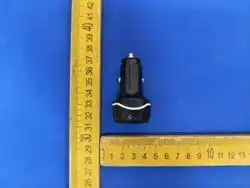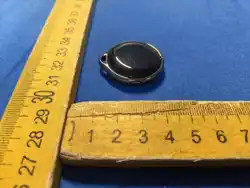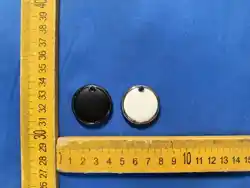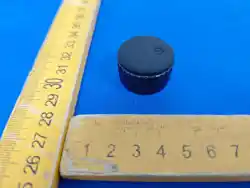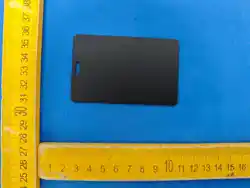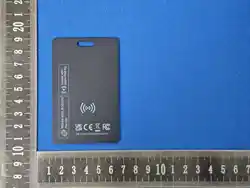
DERAX FIND CARD
MANUAL MANUAL
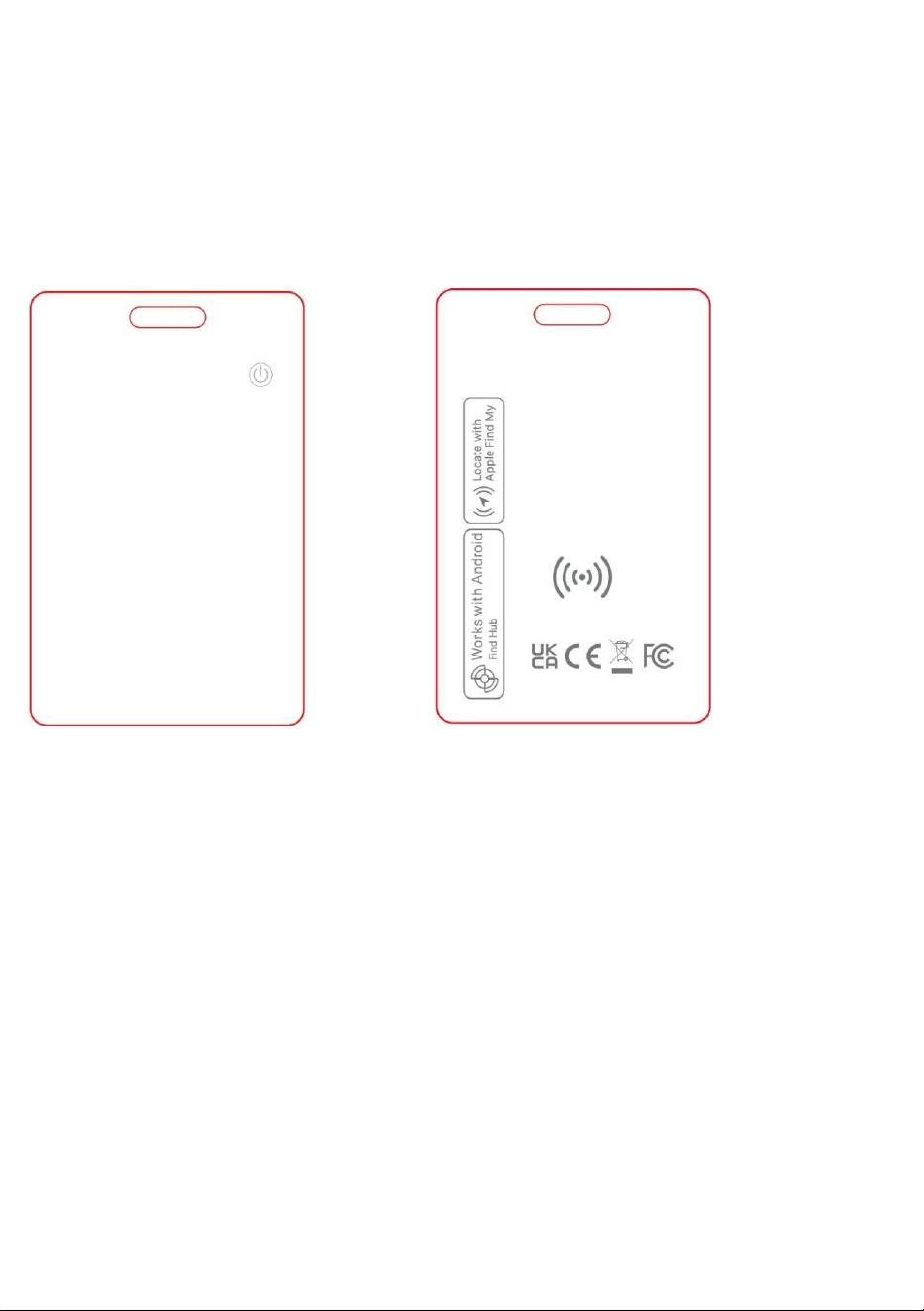
Product Overview
Specification
Charging type: Wireless charging
Battery type: Rechargeable lithium battery
Battery life: 12 months for one-time charge
Bluetooth version: V5.2
Bluetooth transmission range: 10-20 meters indoors, 20-50 meters outdoors
Operating system versions: Compatible with both iOS and Android; iOS 14.5 and
above, Android 11 and above
Operating temperature: 0~50°C
Sound level: 100dB
Water resistance: IP68

Operation Instructions I
1. Power on : Long press the button for 5 seconds;
2. Device status confirmation: Double click the device button, the device beeps, it
is on. If it does not beep, it is off.
3. Pairing mode timeout, device enters pairing mode again: When the
device is on, if it is not paired within 10 minutes, the device will exit pairing mode,
please click the device button once, the device beeps, then you can pair it with
the Find My or Find Hub app.
4. How to query serial number: Press the button 6 times in a row within 2 seconds,
the device beeps.
5. Factory reset: Press the device button 4 times quickly, the device will sound.
Long press the device button, and the device will beep, do not release it, continue
pressing until the second piece of music is played.
6. Power off: Press the device button 5 times in a row within 2 seconds, the
device beeps, it is off.
7. After unbinding the device with your phone, please perform a factory reset
before binding the device to a new phone.
How to charge the device
The product is equipped with a built-in battery, rechargeable by induction.
When the device is connected to the app, the battery level is visible there.
If the level is low, recharge the device.
Place the charging area of the device onto the wireless charger.
• Red light: charging
• Green light: charging complete
Work with Google’s Find Hub
1. Open the app that is pre-installed on the Android™ device : Find Hub;

* lf you are unable to find it, download it directly on the Google Play app.
2. After the pop-up window “Find Card” appear, select Connect;
3. Select: Accept and continue;
4. After assigning a name, the following function is available: Make the device ring:
click “Ring”, and the device will play a melody.
5. To remove the device: choose “Remove item”.
Work with Apply Find My
1. Open the Find My app on your iPhone and go to the ltems tab at the bottom of
the screen.
2. Tap the “+” icon, then select “Add Other ltem.”
3. Bring the device close to your iPhone. When “Find Card” appears, tap
Connect.
4. Follow the prompts to name your device, choose an emoji, and agree to link
the tag to your Apple lD.
5. Tap Finish to complete the setup.
Note:
If the device is powered on but Find Hub cannot detect it, restore the device
to factory settings. If it still cannot be found, restart your phone to locate the
device.
If you dismiss the Fast Pair™ pop up twice or frequently pair and unpair a
tag, you might trigger the banning logic,which prevents unnecessary Fast
Pair pop ups. To resolve this,you can either wait for five minutes for the Fast
Pair pop up to be re-enabled or reboot your phone.
Some of these steps are applicable only on Android 12 and above.
Use of the Works with Apple badge means that a product has been
designed to work specifically with the technology identified in the
badge and has been certified by the product manufacturer to meet
Apple Find My network product specifications and requirements.

Apple is not responsible for the operation of this device or use of this
product or its compliance with safety and regulatory standards.
To use the Apple Find My app to locate this item, the latest version of
iOS, iPadOS, or macOS is recommended. The Find Items app on Apple
Watch requires the latest version of watchOS.
Apple, Apple Find My, Apple Watch, Find My, iPhone, iPad, iPadOS,
Mac, macOs and watchOS are the trademarks of Apple Inc., registered
in the U.S. and other countries. IOS is a trademark or registered
trademark of Cisco in the U.S. and other countries and is used under
license.
This product has been certified by Google to meet Find Hub network
accessory specifications. Google is not responsible for the operation of this
product. Google is also not responsible for ensuring that the product
complies with any applicable safety standards or other requirements.
Find Hub network requires location services and Bluetooth to be turned
on.Requires cell service or internet connection. Works on Android 9+ on
select devices [devices or phones] and in certain countries for age-eligible
users.
Google, Android, Google Play, Find Hub and Fast Pair are trademarks of
Google LLC.
FCC Warning
This device complies with Part 15 of the FCC Rules. Operation is subject to the
following two conditions:
(1) This device may not cause harmful interference, and (2) this device must
accept any interference received, including interference that may cause

undesired operation.
NOTE 1: This equipment has been tested and found to comply with the limits for
a Class B digital device, pursuant to part 15 of the FCC Rules. These limits are
designed to provide reasonable protection against harmful interference in a
residential installation. This equipment generates, uses and can radiate radio
frequency energy and, if not installed and used in accordance with the
instructions, may cause harmful interference to radio communications.
However, there is no guarantee that interference will not occur in a particular
installation. If this equipment does cause harmful interference to radio or
television reception, which can be determined by turning the equipment off and
on, the user is encouraged to try to correct the interference by one or more of
the following measures:
- Reorient or relocate the receiving antenna.
- Increase the separation between the equipment and receiver.
-Connect the equipment into an outlet on a circuit different from that to which
the receiver is connected.
-Consult the dealer or an experienced radio/TV technician for help.
NOTE 2: Any changes or modifications to this unit not expressly approved by the
party responsible for compliance could void the user's authority to operate the
equipment.
The device has been evaluated to meet general RF exposure requirement. The
device can be used in portable exposure condition without restriction.
Regulatory Safety Information
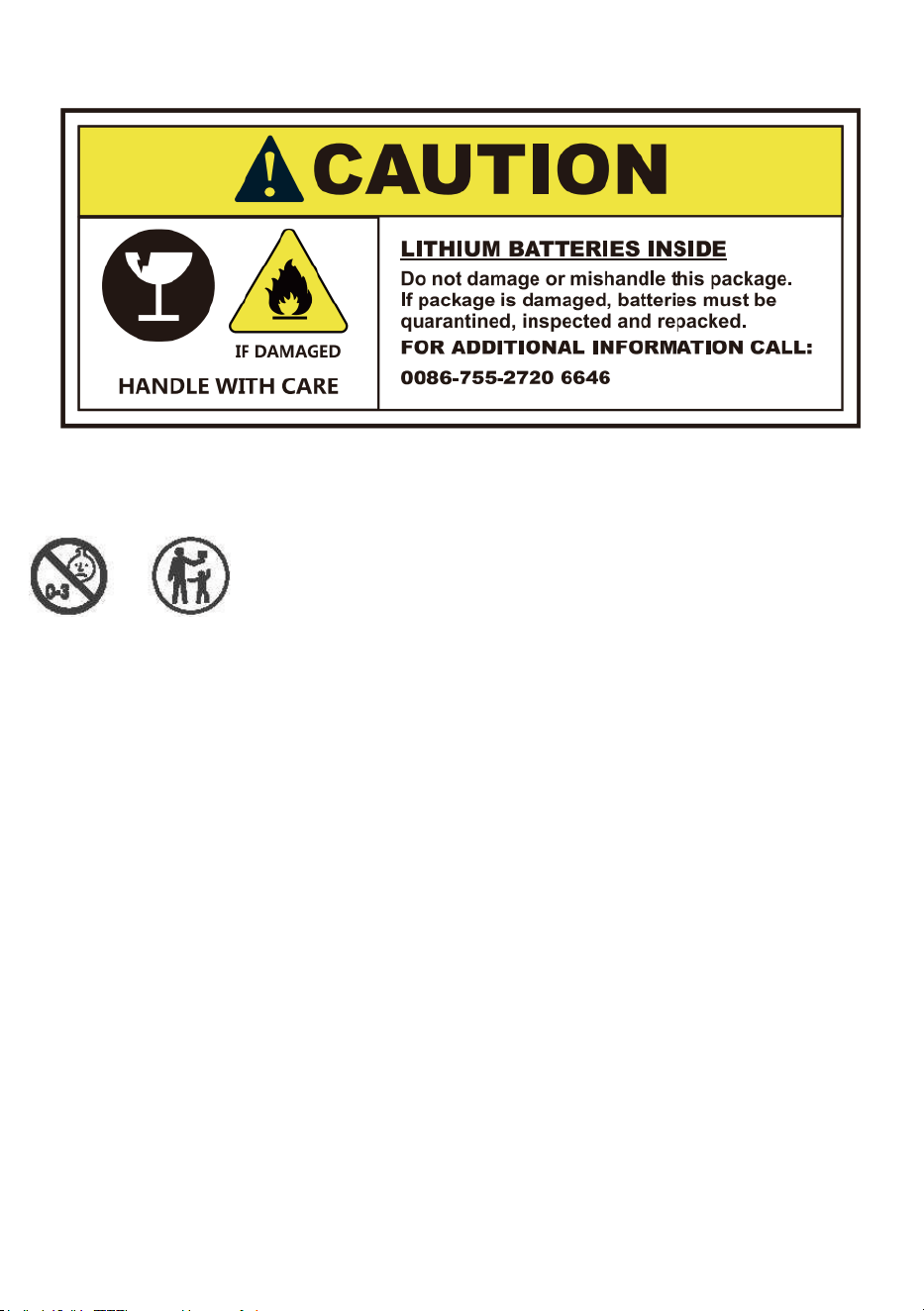
WARNING: KEEP BATTERIES OUT OF REACH OF CHILDREN
1. Swallowing may lead to serious injury in as little as 2 hours or death,
due to chemical burns and potential perforation of the oesophagus.
2. If you suspect your child has swallowed or inserted a button battery
immediately call the 24-hour Poison Information Centre for fast expert
advice.
3. Immediately dispose of used batteries and keep away from children.
Do NOT dispose of batteries in household trash. Even used batteries
may cause severe injury or death. Call a local poison control center for
treatment information.