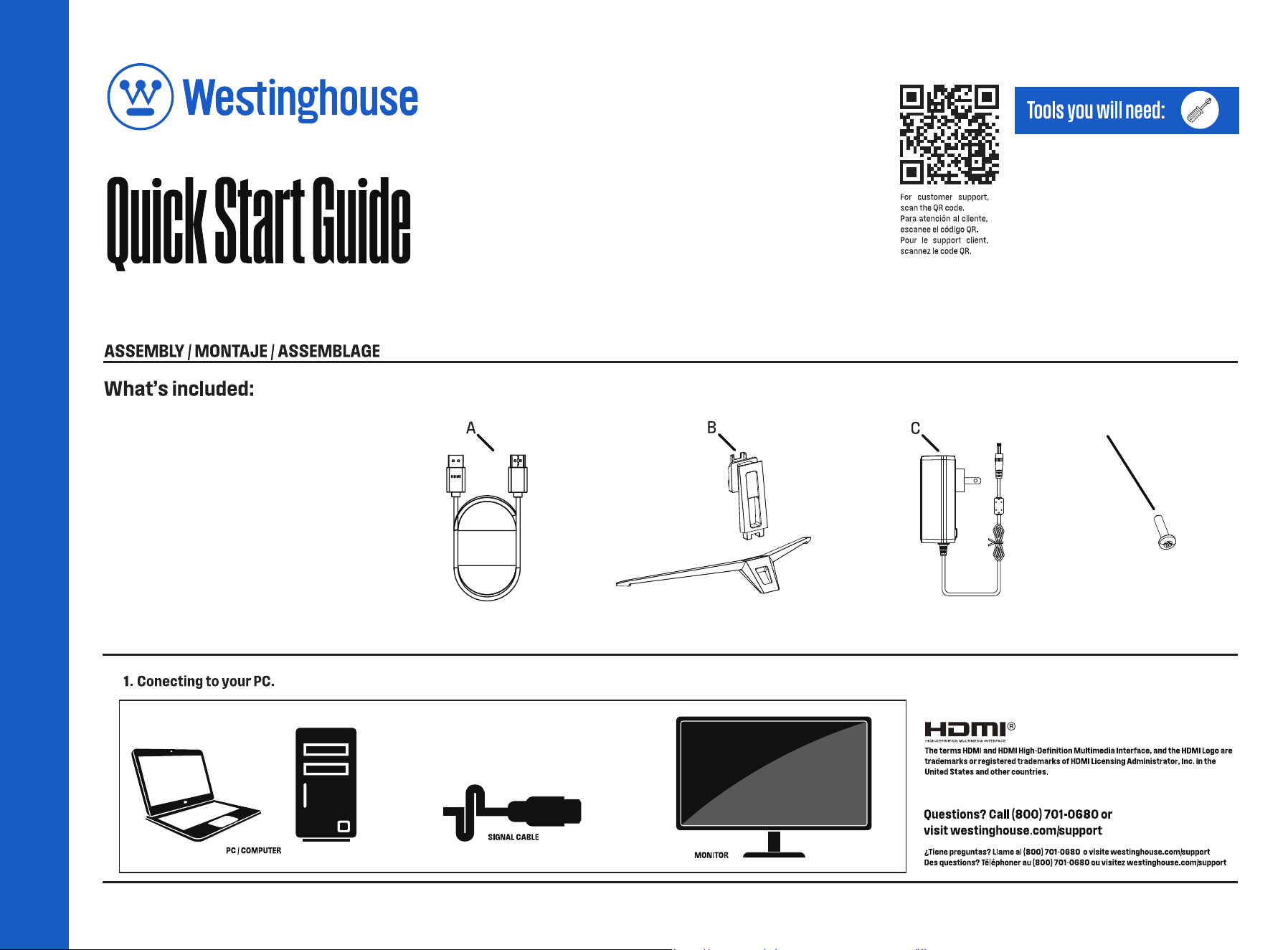
A - HDMI Cable
C - Adapter
D - Screw
B - Base/Stand
D
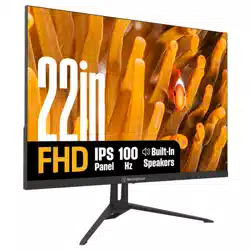
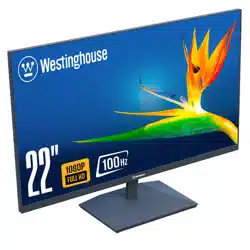
WH22FA9600U
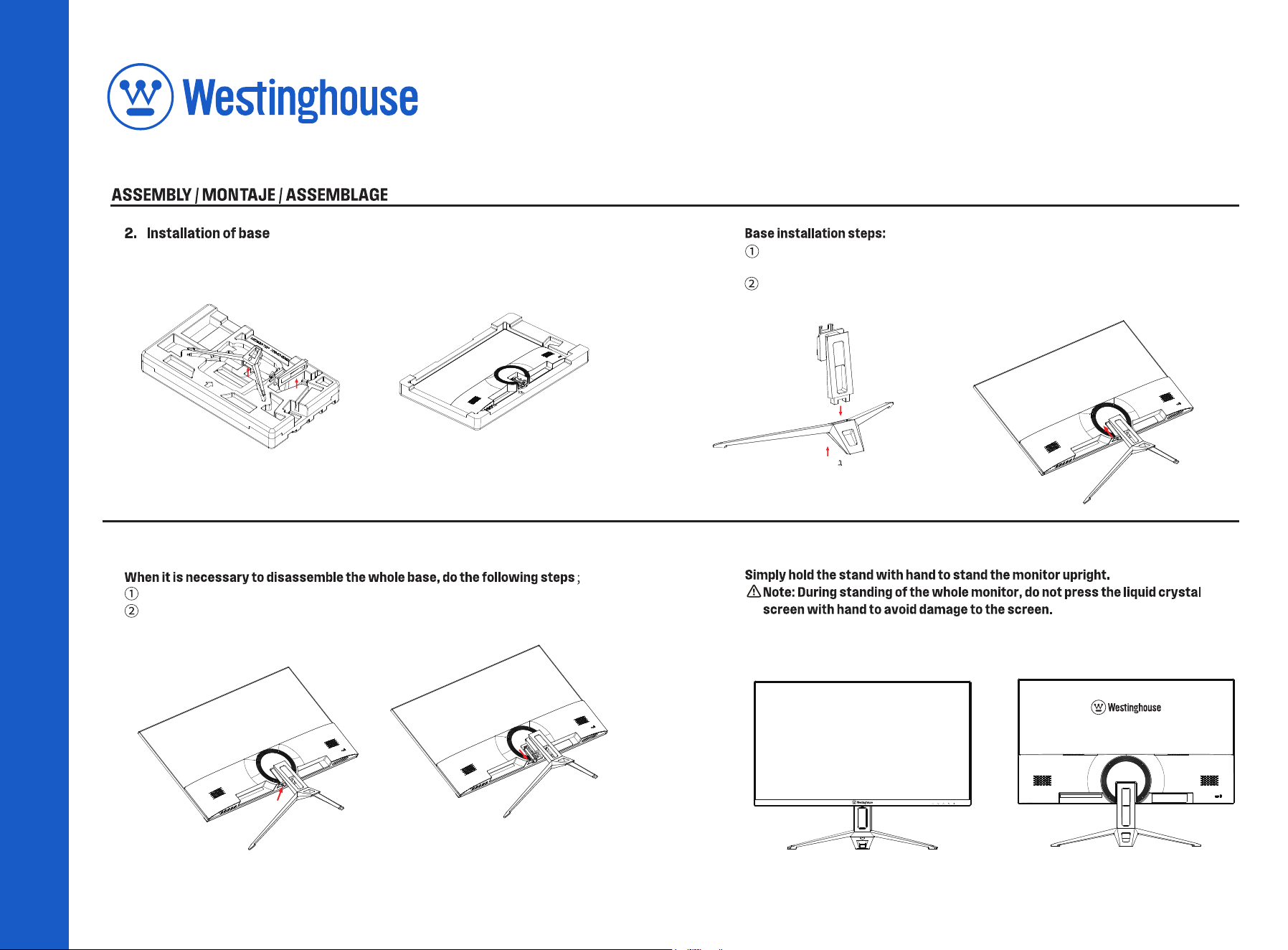
Take out the bracket and base first, and then open the upper cover.
Fasten the stand into the rear shell in the direction of the arrow.
Take the base out in the direction of the arrow
Press down on the stand switch;
P/N: 750-05-00248
Align the bracket with the base, take out the matching screws and tighten
them with a screwdriver.