How to pair RB37 with Bluetooth headphones & Headphone information
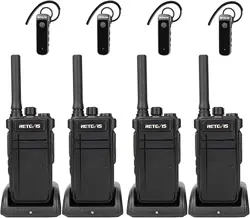
Regarding how to pair the RB37 with a Bluetooth headset, it is divided into the following two
scenarios:
Ⅰ. Out-of-box use
Ⅱ. Unclear which walkie-talkie is paired with which Bluetooth headset
---
Ⅰ
. Out-of-box use
Generally, the RB37 walkie-talkie and Bluetooth headset come pre-paired in the package, so they
are ready to use upon unboxing.
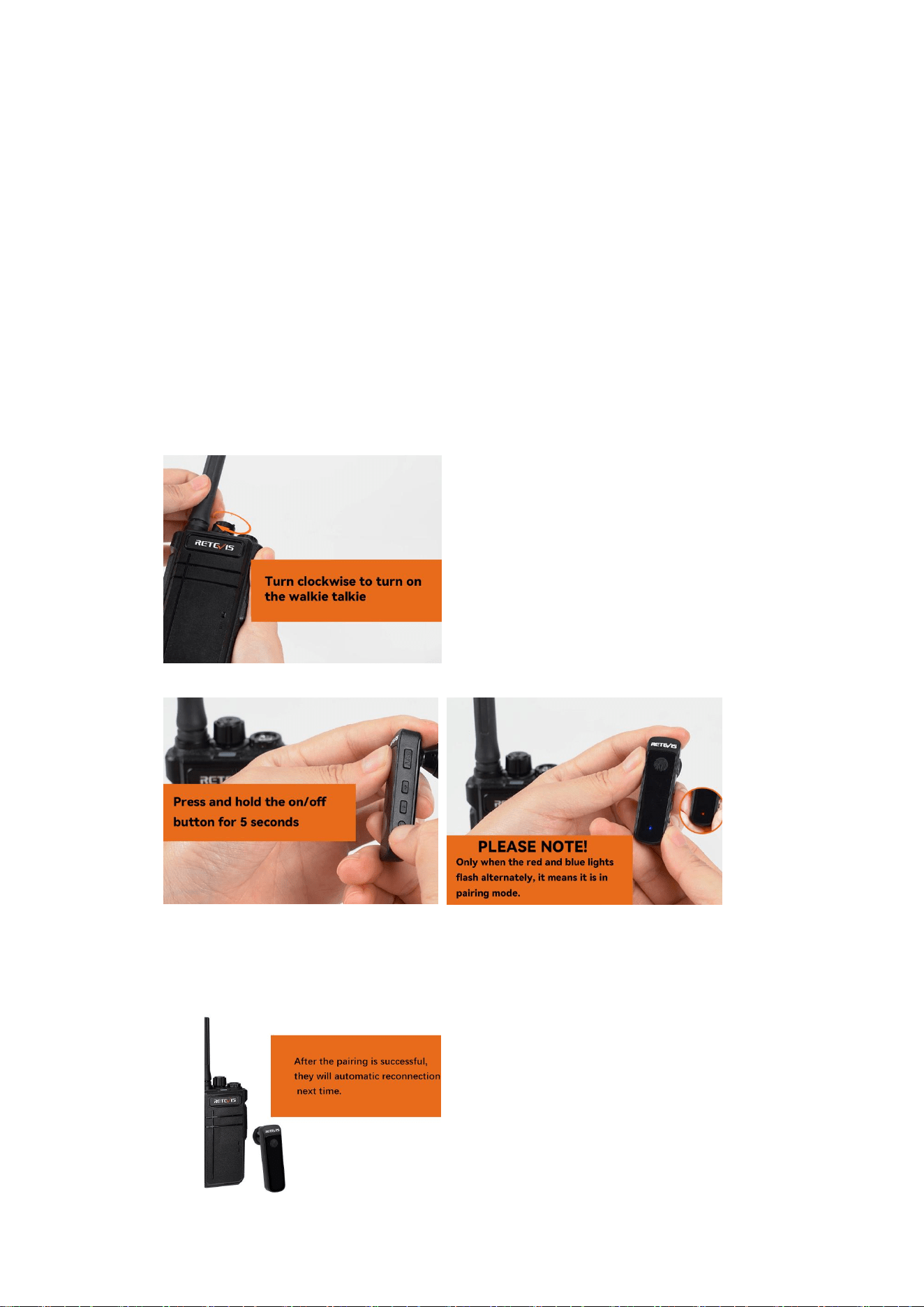
Follow the steps below:
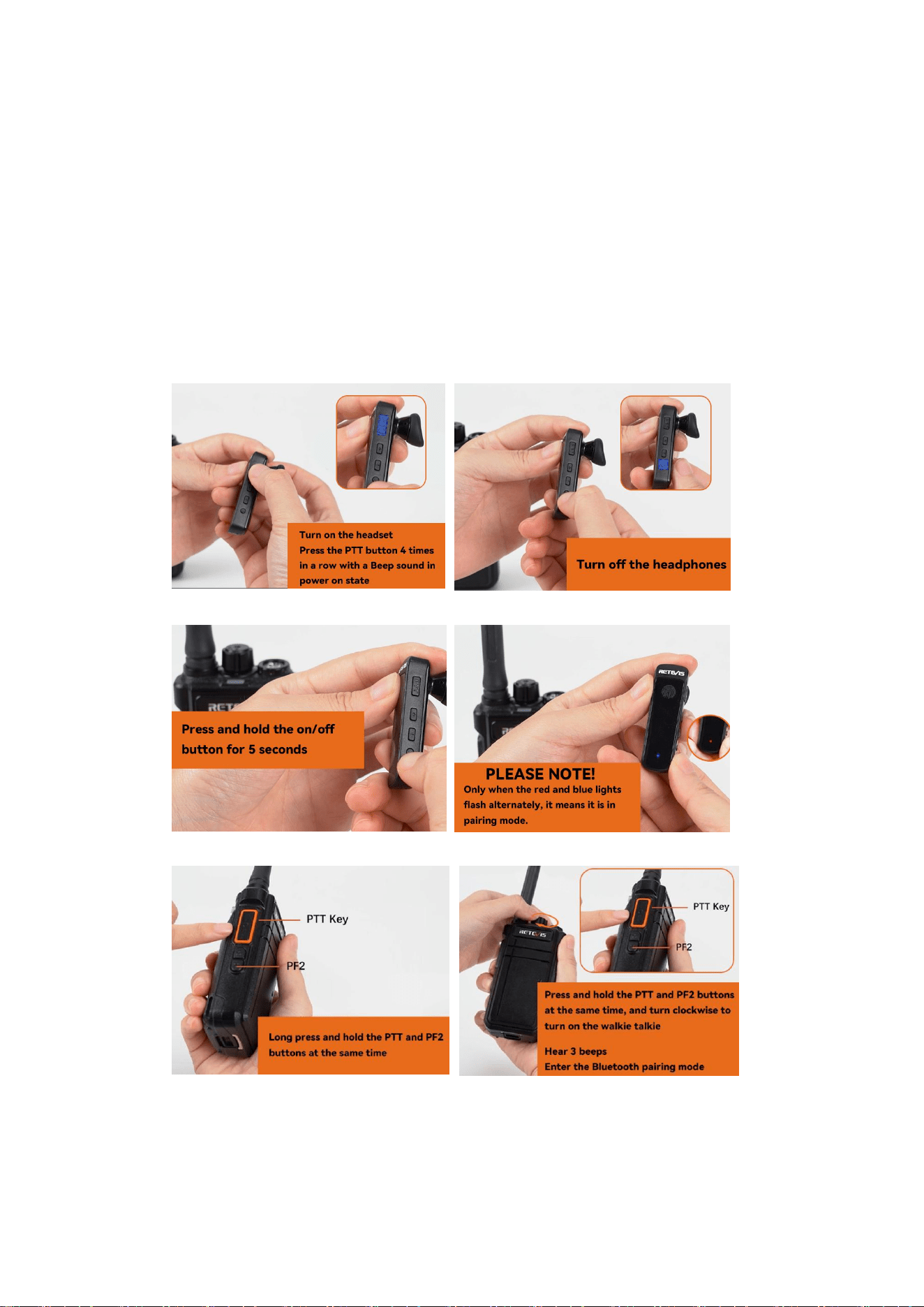
1. Turn on the walkie-talkie
2. Open the Bluetooth headset's pairing mode
3. Sign of successful pairing between headset and walkie-talkie
* The headset prompts "connected" indicating successful connection.
* Indicator light for a connected Bluetooth headset: Blue light flashes once every 5
seconds.
Ⅱ
. Unclear which walkie-talkie is paired with which Bluetooth
headset
If you are unsure which walkie-talkie is paired with which Bluetooth headset, you need to first
clear the headset's pairing memory. Then, reopen the walkie-talkie's Bluetooth pairing mode,
open the headset's Bluetooth pairing mode, and the headset and walkie-talkie will pair.
Follow the steps below:
1. Clear previous pairing memory on the Bluetooth headset
Turn on the Bluetooth headset and press the PTT button four times consecutively.
2. Open the Bluetooth headset's pairing mode
3. Open the walkie-talkie's Bluetooth pairing mode
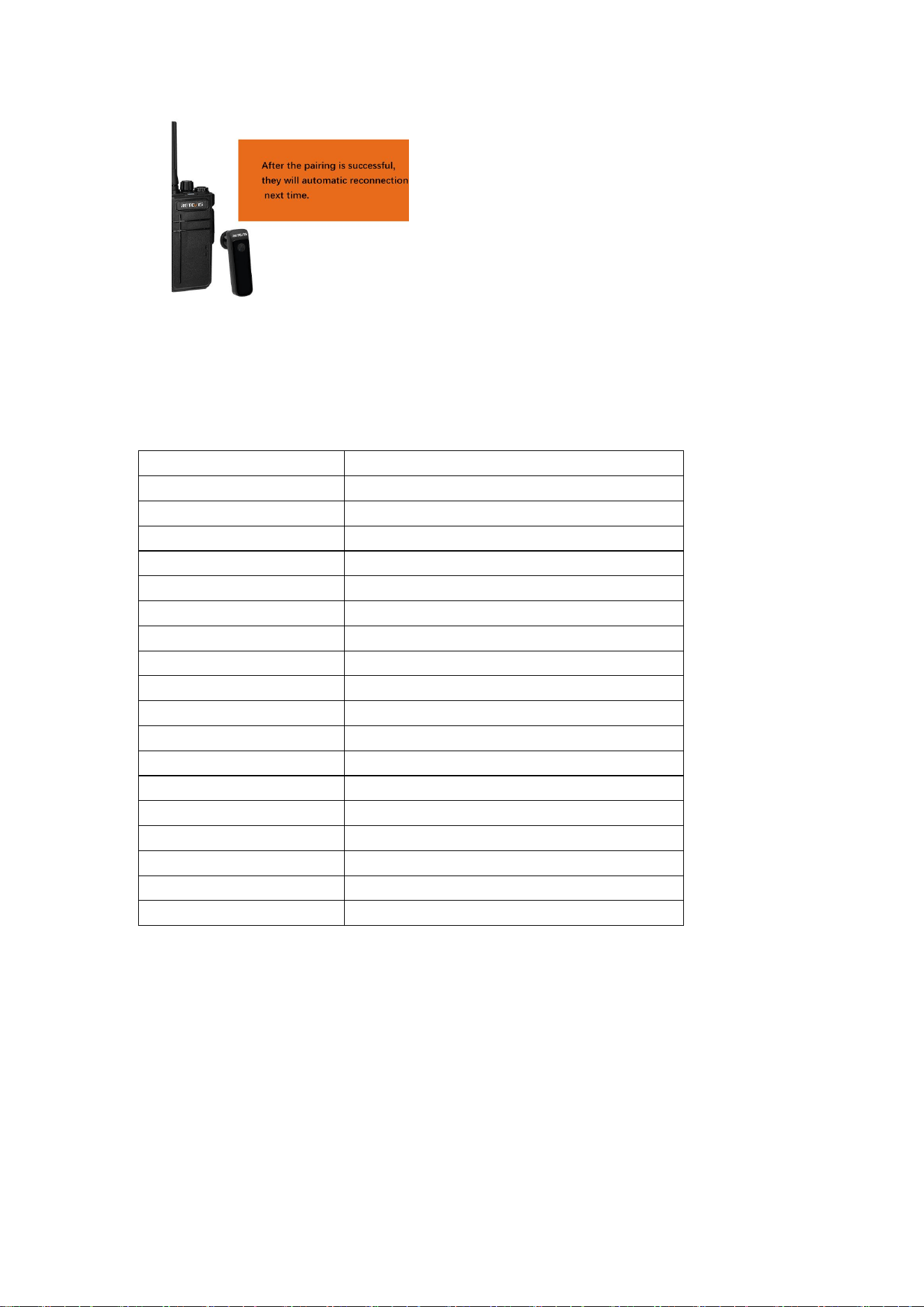
4. Sign of successful pairing between headset and walkie-talkie
* The headset prompts "connected" indicating successful connection.
* Indicator light for a connected Bluetooth headset: Blue light flashes once every 5
seconds.
Ⅲ
. Information you may need about the Bluetooth headset
* Bluetooth headset disconnection: Automatically powers off after 8 minutes of disconnection.
Feature/Indicator
Description
Touch PTT
Supported for push-to-tal
Side Button PTT
Phone Play/Pause/Answer/Hang Up/push-to-talk
Charging Indicator
Red light stays solid
Fully Charged Indicator
Red light turns off
Pairing Indicator
Red and blue lights flash alternately
Power On Indicator
Blue light turns on
Power Off Indicator
Red light flashes 3 times
Bluetooth Not Connected
Blue light flashes rapidly
Bluetooth Connected
Blue light flashes once every 5 seconds
In Call Indicator
Red light stays solid
Low Battery Indicator
Red light flashes once every 5 seconds
Bluetooth Range
Maximum transmission distance
≥
8 meters
Dimensions (Main Unit)
56*17*12mm
Weight (Main Unit)
Approx. 13.2g
Operating Temperature
0~45
℃
Operating/Storage Humidity
5%~95%
Storage Temperature
-20~60
℃
Standby Time (Powered Off)
30 days