封面
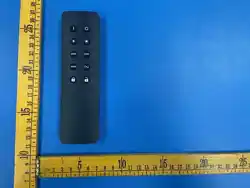
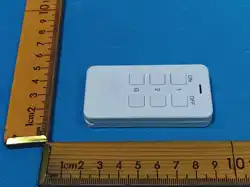
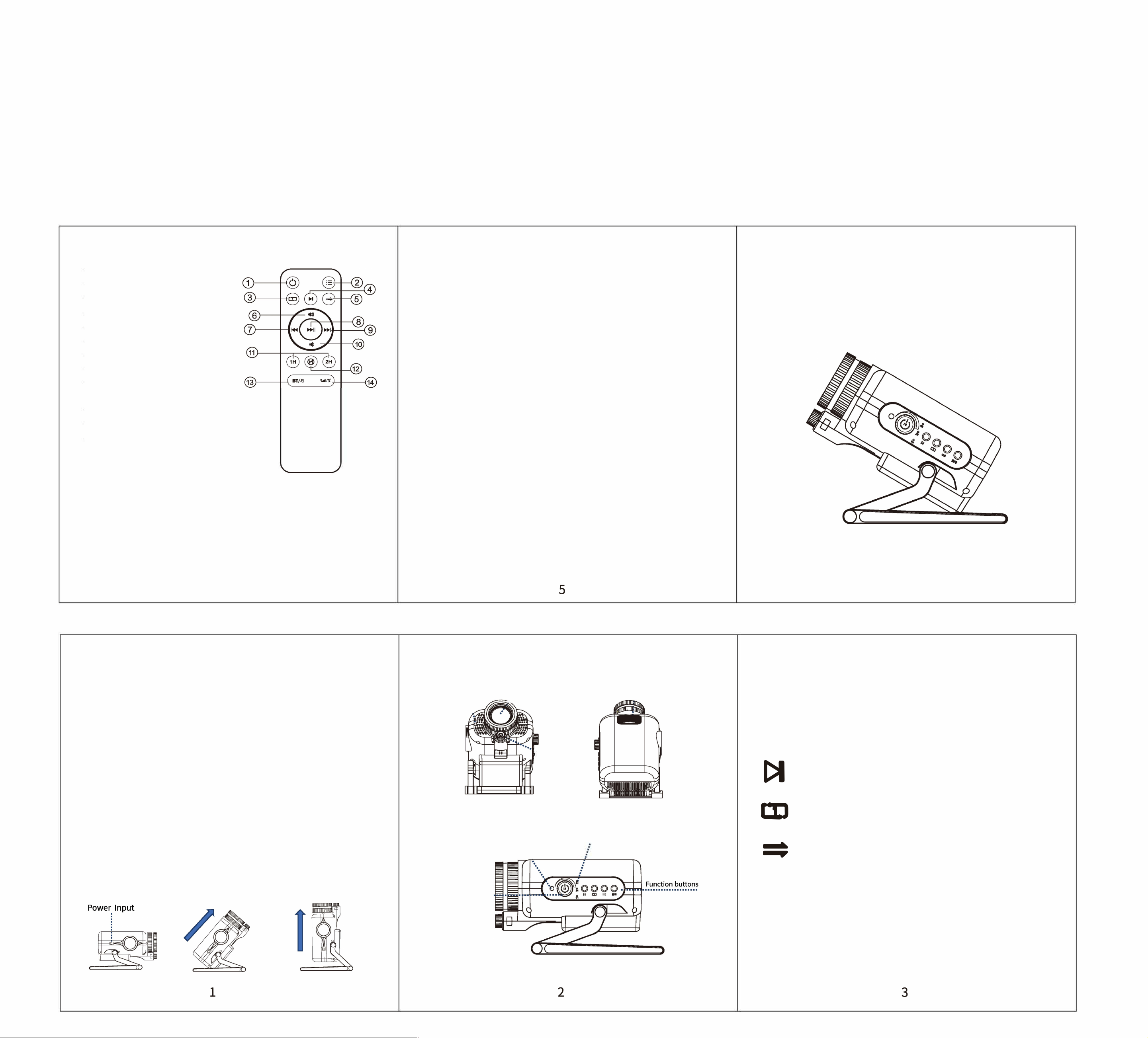
Remote control function buon description:
C
Power On/O
(�
'
) Menu On/O
�
'
)
Single video loop playback
()
Switch the next video
Sequentialplayback of all videos
飞) Volume+/ Menu up
:z)
Previous Song/ Menu Le
Pause/ Play
Next Song/ Menu Right
沁Volume -/ Menu Down
Set timer for 1 hour/ 2 hours auto shutdown
f
Cancel the set timer
f
Bluetooth audio/ Built-in audio mode switching
�
Sho press to adjust backlight brightness/
Long press to turn on & o green star
Specification:
Power adapter input: AC 100V-240V, 50Hz-60Hz
Product power supply input: DC19V / 1.894A
Operating Temperature: 32
°
F~l04
°
F (0
°
C~40
°
C}
Projection area: 161 ~538 square feet (15~50 square meters)
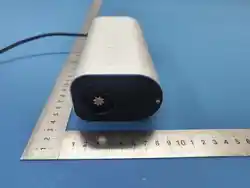
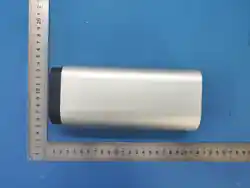
Product Size: 206*135*96mm
4
Statement:
!.The light source of this fixture is a non-replaceable light source, when the Light
source reaches the end of life, the entire fixture should be replaced.
2.This product has been thoroughly and rigorously tested before leaving the
factory, and users should strictly observe the warnings and instructions.
Incorrect use may cause damage to the product, which is not covered by
the company's warranty.
3.Do not stare directly at the operating light source when powered on.
公
IEC 60825-1:2014
DO NOT LOOKDIRECTLY
ATTHE LASER LIGHT SOURCE!
CLASS 1 LASER PRODUCT
Complies with 21 CFR 1040.10 and1040.ll except for
conformancewith IEC 60825-1 Ed. 3., as described in Laser
Notice No. 56, dated May 8, 2019
Diode Laser - Max.Output< 0.39 mW
Laser Wavelength: 532nm
Made in China
3D Prector
Instruction manual
5
Unpacking and Inspection
Thank you for purchasing our products, please read the instruction manual
carefully before use, which contains important safety recommendations and
instructions for use, please follow the instruction manual to avoid damage to
the product due to misuse. When you receive the product, please check for
any damage.
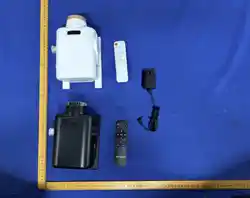
Packing li:
Main unit xl
Remote control xl
Power adapter xl
Instruction manual xl
Warning:
The power supply requirement for this product
is DC19V / 1.894A. Once the power adapter is
out of this range, please use a regulator device,
otherwise its service life will be aected or the
product will be damaged!
Product usage diagm
1.Plug the included power
adapter into the power input port.
2.The product can be adjusted to the projection angle, as shown
in the
following figure.
3. You can rotate the "Projection Focus Wheel" to adjust the sharpness of the
screen.
Produ Function Buon Diagram
Remote control signal
receiving win9ow 2
\
Main power
switch and
......................
le/right tary
knobs
3D
·
screen projection
,
�
·
·
·
Remote control signal
receiving window 1
飞
.
.
.
.
.
Full Sky Star
Projection cus wheel
:
Timer Indicator light
Product key function operation description
�
日B
__
伽
Multi-function switch
Sho press to turn on when power o/
Long press to turn o aer power on;
Sho press to pause/play after power on.
Rotate to adjust volume.
Ne scene
Switch the next video scene
Loop Playback
Single video loop playback
Sequential playback
Sequential playback of all videos
Built-in Audio/Bluetooth
Press the button to switching (Bluetooth/built-in music),
a prompt tone sounds when switching to Bluetooth mode.
Bluetooth Name: 3D02
Note: By deult, this product will automatically shut down
after 4 hours of continuous operation!
1
2
3

FCC
w
arnin
g
:
This device complies with Part 15 of the FCC Rules. Operation is subject t
o
the following t
wo conditions:
(1) th
is device may not cause harmful interference, and
(
2) this device must accept any interference received, including interference that
may cause undesired operation.
Changes or modifications not expressly approved by the party responsible for
c
ompliance could void the user's authority to operate the equipment.
Note: This equipment has been tested and found to comply with the limits for a
Class B digital device, pursuant to part 15 of the FCC Rules. These limits are
designed to provide reasonable protection against harmful interference in a
residential installation. This equipment generates uses and can radiate radio
frequency energy and, if not installed and used in accordance with the
i
nstructions, may cause harmful interference to radio communications. However,
there is no guarantee that interference will not occur in a particular installation.
If this equipment does cause harmful interference to radio or television
reception, which can be determined by turning the equipment off and on, the
user is encouraged to try to correct the interference by one or more of the
following measures:
-Reorient or relocate the receiving antenna.
-Increase the separation between the equipment and receiver.
-Connect the equipment into an outlet on a circuit different from that to which
the receiver is connected.
-Consult the dealer or an experienced radio/TV technician for help.
*RF warning for Mobile device:
This equipment complies with FCC radiation exposure limits set forth for an
uncontrolled environment. This equipment should be installed and operated
with minimum distance 20cm between the radiator
&
your body.
2