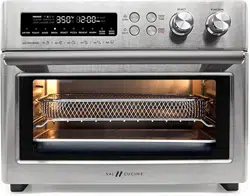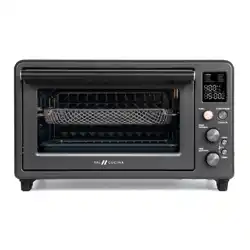
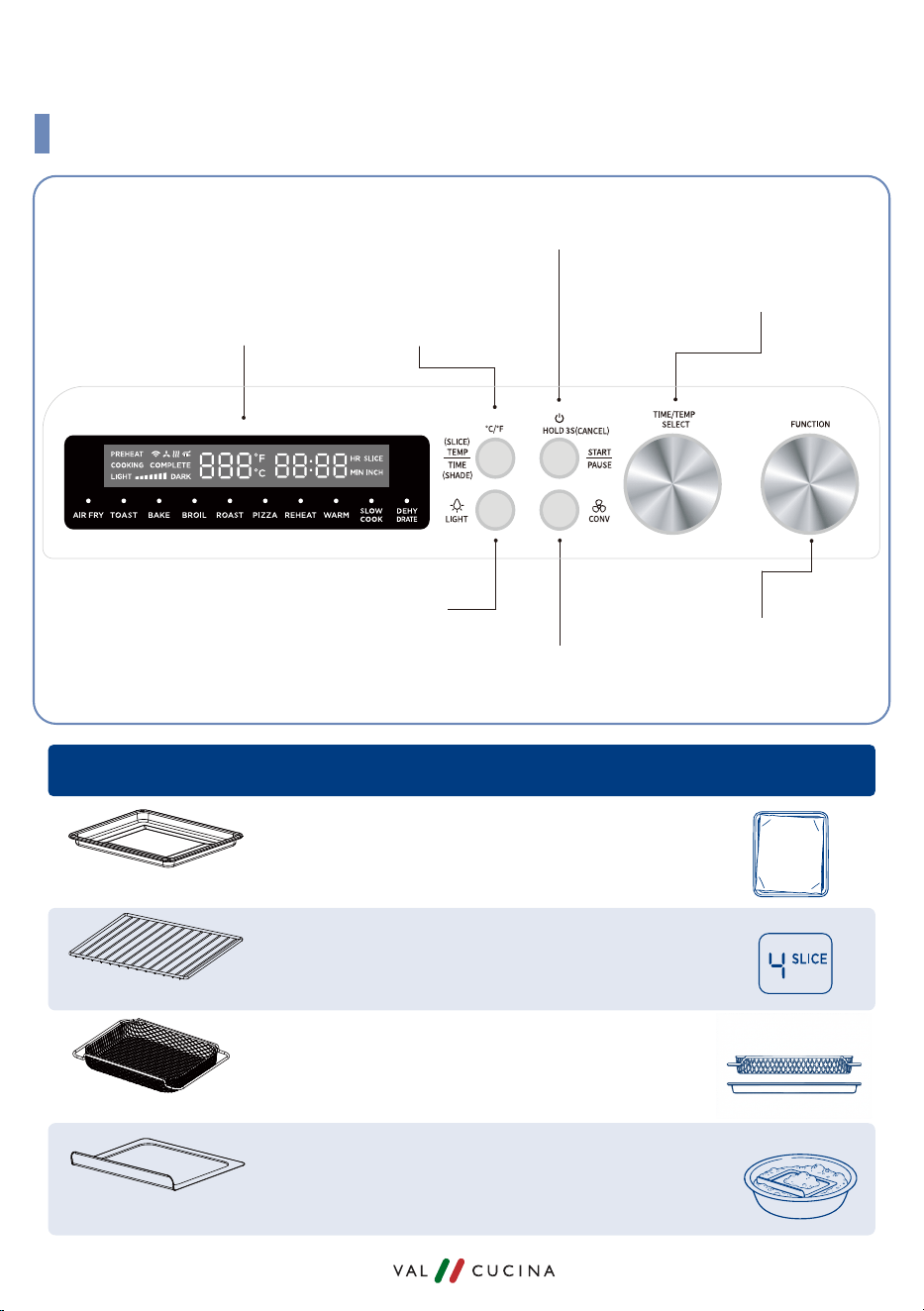
KNOW YOUR CONTROLS
DISPLAY
FUNCTION
Dial
Interior Light Button
CONVECTION FAN
Button
ON/OFF
START/PAUSE Button
(Power O)
SELECT Dial
(Temp/Time adjustment)
TEMP/TIME
Switch Button
(SLICE/SHADE Switch for TOAST Function)
(Hold to switch between
o
C and
o
F)
ACCESSORIES
Tips
Baking Pan
Oven Rack
Air Fry Basket
Crumb Tray
QUICK START GUIDE
Always place the baking pan underneath the
air fry basket to prevent drippings from
falling on the heating element.
For deep cleaning, let the accessories soak in
warm, soapy water overnight and scrub with
a non-abrasive brush or sponge.
For easy cleanup, line the baking pan with
parchment paper or aluminum foil.
When using Toast function, select the exact
number of bread slices.
for all TA25G Series
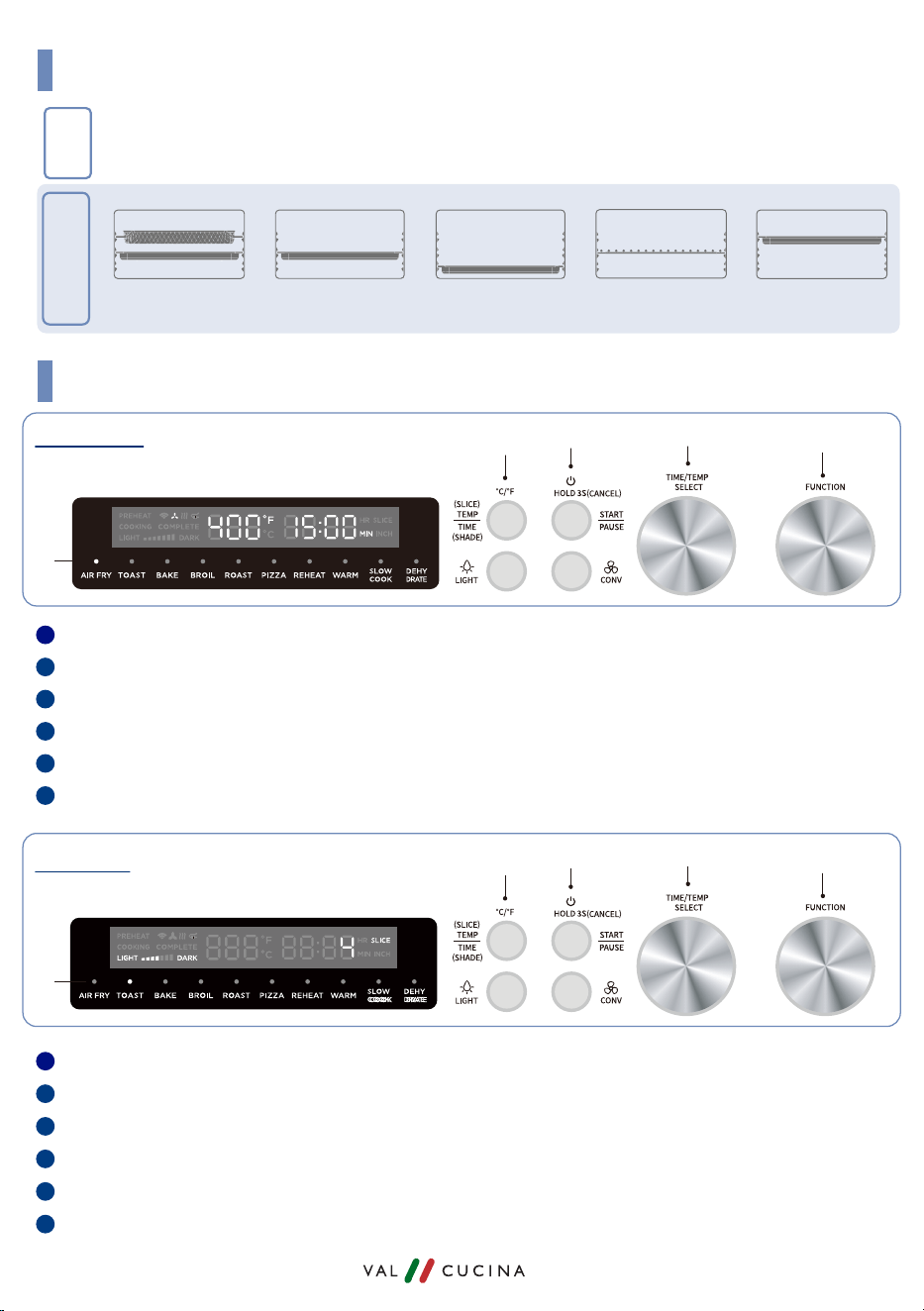
Turn the a. FUNCTION dial until the e. AIR FRY indicator light turns on.
Turn the b. SELECT dial to set temperature.
Press the
d. TEMP/TIME button to switch to time adjustment.
Turn the
b. SELECT dial again to set cooking time.
Press the
c. START/PAUSE button to start cooking.
Press and Hold the
c. START/PAUSE
button for 3 seconds to cancel/power o.
Turn the a. FUNCTION dial until the e. TOAST indicator light turns on.
Turn the
b. SELECT dial to choose how many slices of bread.
Press the
d. TEMP/TIME button to switch to darkness setting.
Turn the
b. SELECT dial again to set the desired darkness level (Shade).
Press the
c. START/PAUSE button to start toasting.
Press and hold the
c. START/PAUSE
button for 3 seconds to cancel/power o.
Air Fry Basket - Top
Baking Pan - Middle
Baking Pan - BottomBaking Pan - Middle Oven Rack - Middle Baking Pan - Top
FUNCTIONS
AIR FRY/DEHYDRATE
ROAST/REHEAT/
SLOW COOK
BAKE TOAST/PIZZA BROIL
FUNCTIONS AND ACCESSORIES PLACEMENT
QUICK OPERATION GUIDE
AIR FRY
TOAST
4
3
6
2
5
1
ACCESSORY
PLACEMENT
a
b
c
d
e
4
3
6
2
5
1
a
b
c
d
e