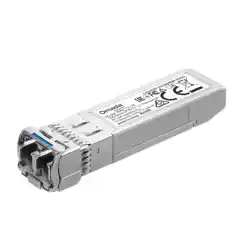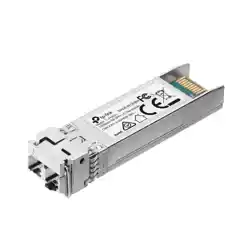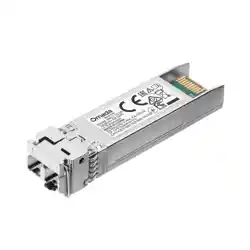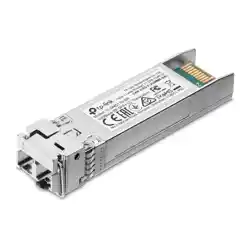
Remove the TransceiverInstall the Transceiver
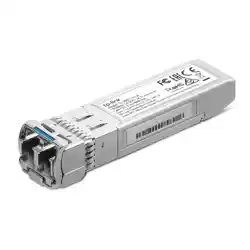
40GBase-SR QSFP+ MPO Transceiver
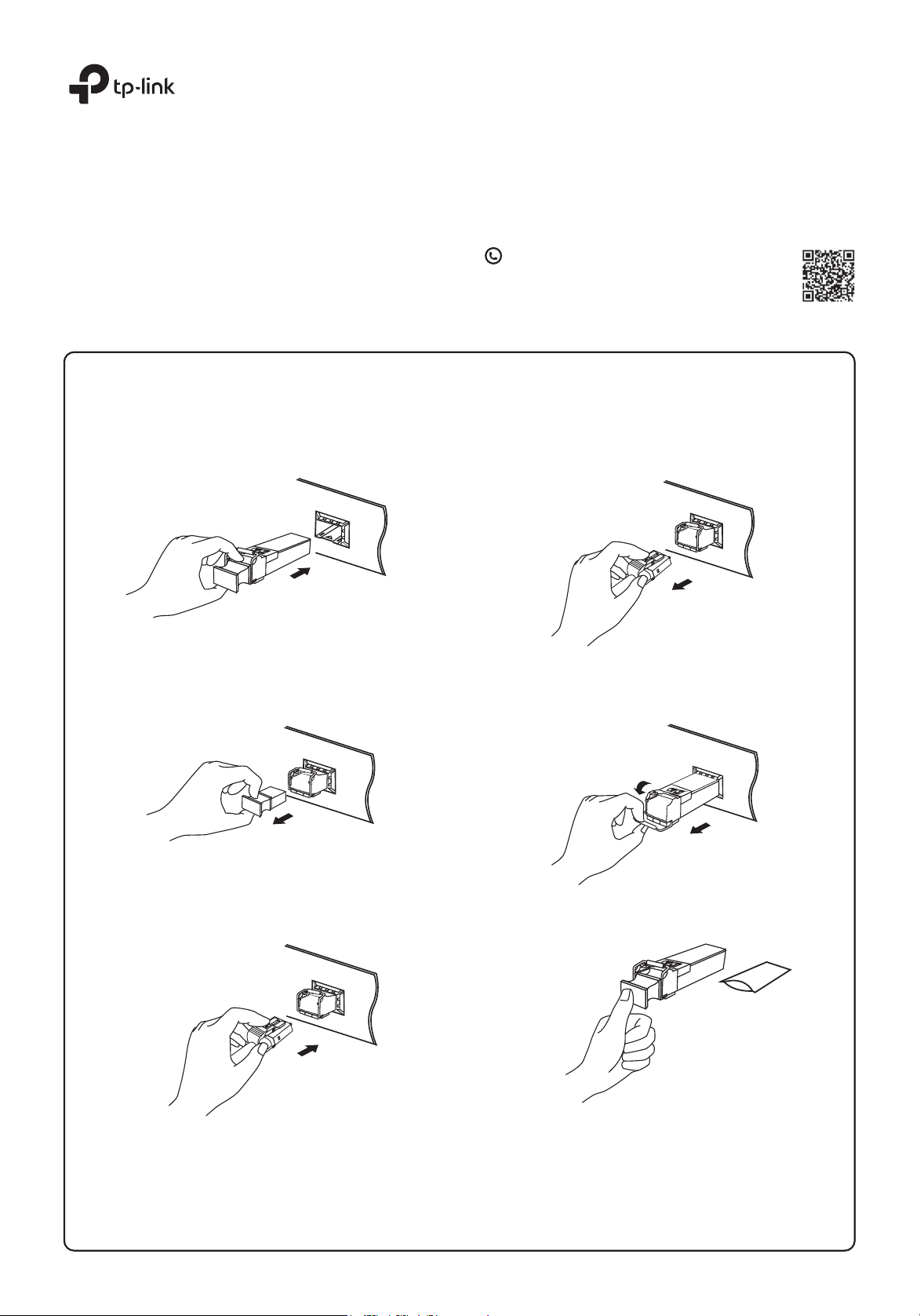
1. Wear an ESD-preventive wrist or ankle strap to prevent ESD damage to
the transceiver.
2. Insert the transceiver into the slot and rmly press it into place.
3. Remove the protective dust plug from the transceiver.
4. Plug ber-optic cables into the transceiver. Note that the transceiver
works without any additional conguration.
1. Wear an ESD-preventive wrist or ankle strap to prevent ESD damage to
the transceiver.
2. Disconnect the network ber-optic cables from the transceiver.
4. Reinstall the protective dust plug in the transceiver’s optical bores and
place it on antistatic mat or a static shielding bag.
3. Pull the safety latch downwards to release the transceiver, and then
pull it out from the slot.
Installation Guide
Note:
1. Do not touch the output pins on the transceiver with your hand.
2. Always keep the protective dust plug on the transceiver’s optical bores until you are ready to make a connection.
Caution:
DO NOT point or stare directly into the beam or into the optical port of the transceiver when it is operating, as this can injure your eyesight.
©2023 TP-Link 7106510795 REV1.2.0
For technical support and other information, please visit
https://www.tp-link.com/support, or simply scan the QR code.
* Images may differ from actual products.
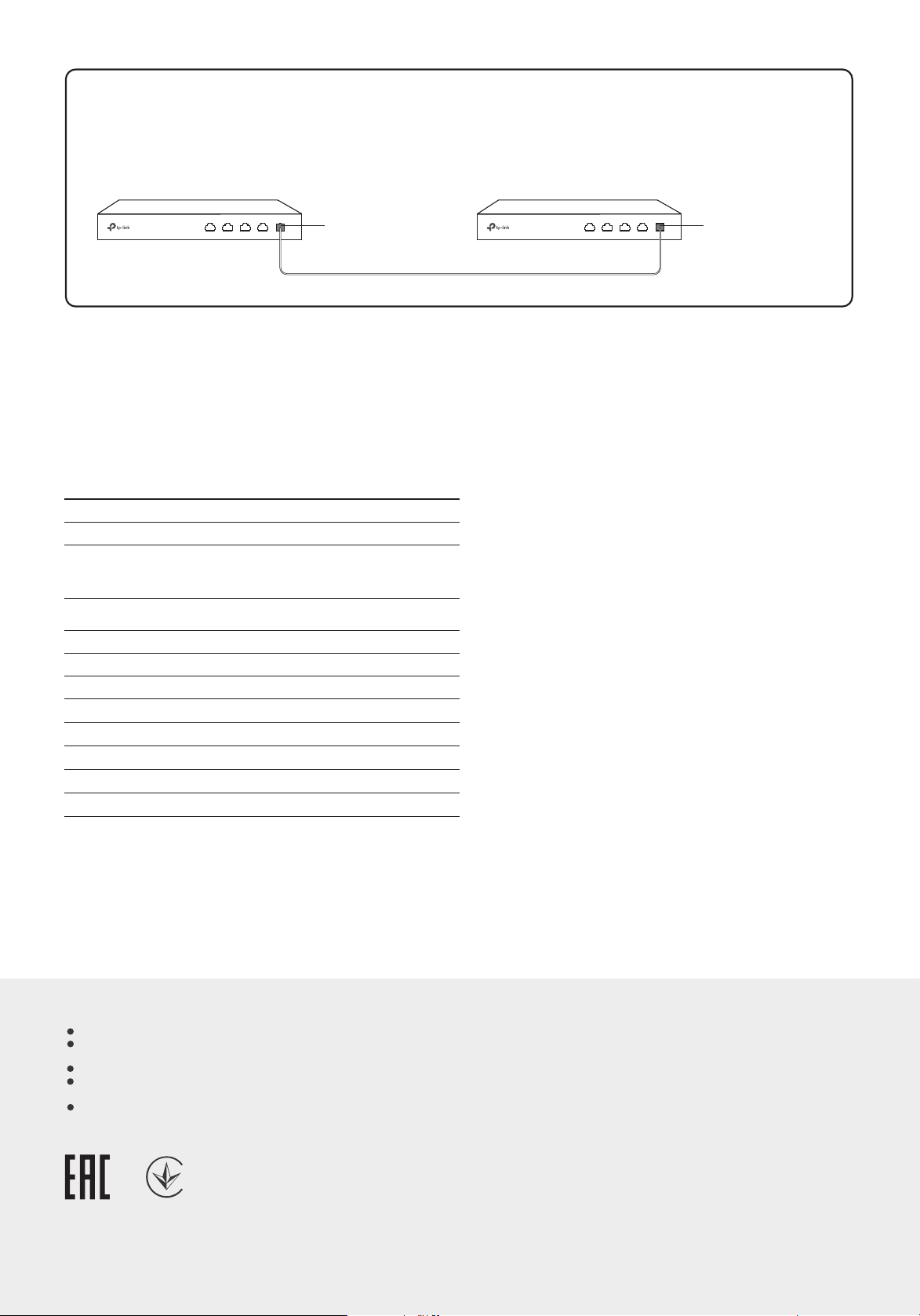
Only use the same transceiver model between switches for fast and reliable connectivity.
Connection
Switch Switch
TL-SM7110-SR
Fiber
TL-SM7110-SR
General Specications
Specications
Port Type
Cable
Data Rate
Wave Length
Standards and Protocols
Normal
Max. Cable Length
Power Support
Safety & Emission
DDM
SFP+ MSA
Hot Swappable
40 Gbps
MPO
3.3 V
FCC, CE
Ye s
Ye s
Ye s
850 nm
50/125 or 62.5/125 μm
Multi-mode Fiber
150 m (OM3)
TL-SM7110-SR
IEEE 802.3ae
TCP/IP
SFF-8472
For simplicity, we will take SM-7110-SR as an example.
Safety Information
Keep the device away from water, re, humidity or hot environments.
Keep the device away from re or hot environments. DO NOT immerse in
water or any other liquid.
Do not attempt to disassemble, repair, or modify the device.
Avoid using this product during an electrical storm. There may be a remote
risk of electric shock from lightning.
Do not point or stare directly into the beam or into the optical port of the
transceiver when it is operating, as this can injure your eyesight.
TP-Link hereby declares that the device is in compliance with the essential
requirements and other relevant provisions of directives 2014/30/EU,
2014/35/EU, 2011/65/EU and (EU)2015/863.
The original EU declaration of conformity may be found at
https://www.tp-link.com/en/support/ce/
EU Declaration of Conformity
TP-Link hereby declares that the device is in compliance with the essential
requirements and other relevant provisions of the Electromagnetic
Compatibility Regulations 2016 and Electrical Equipment (Safety) Regulations
2016.
The original UK declaration of conformity may be found at
https://www.tp-link.com/support/ukca/
UKCA Declaration of Conformity