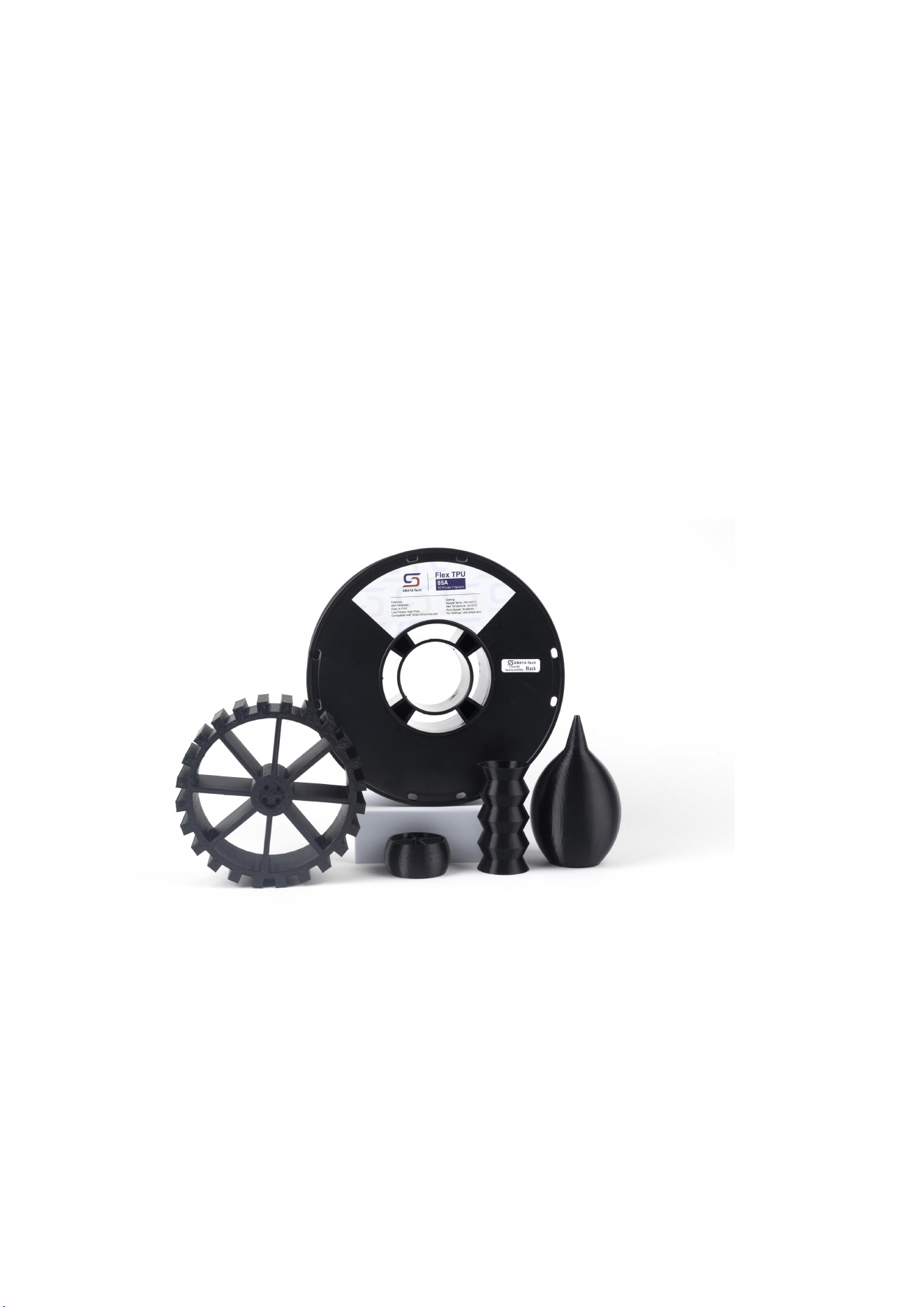
Siraya Tech Flex TPU 85A User Guide:
Mastering 3D Printing Flexibility
1. Introduction to Flex TPU 85A
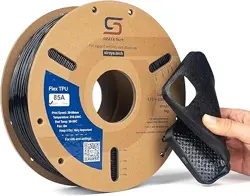
Embark on an advanced 3D printing journey with Siraya Tech Flex TPU 85A, the premier
choice for flexible and resilient printing projects. This guide is designed to assist
hobbyists and professionals in fully leveraging the unique properties of Flex TPU 85A for
their 3D printing endeavors.
Flex TPU 85A, with a Shore hardness of 85A, offers superior softness compared to the more
common 95A variants, making it perfect for projects requiring exceptional pliability, like
wearable items, protective gear, and flexible guards.
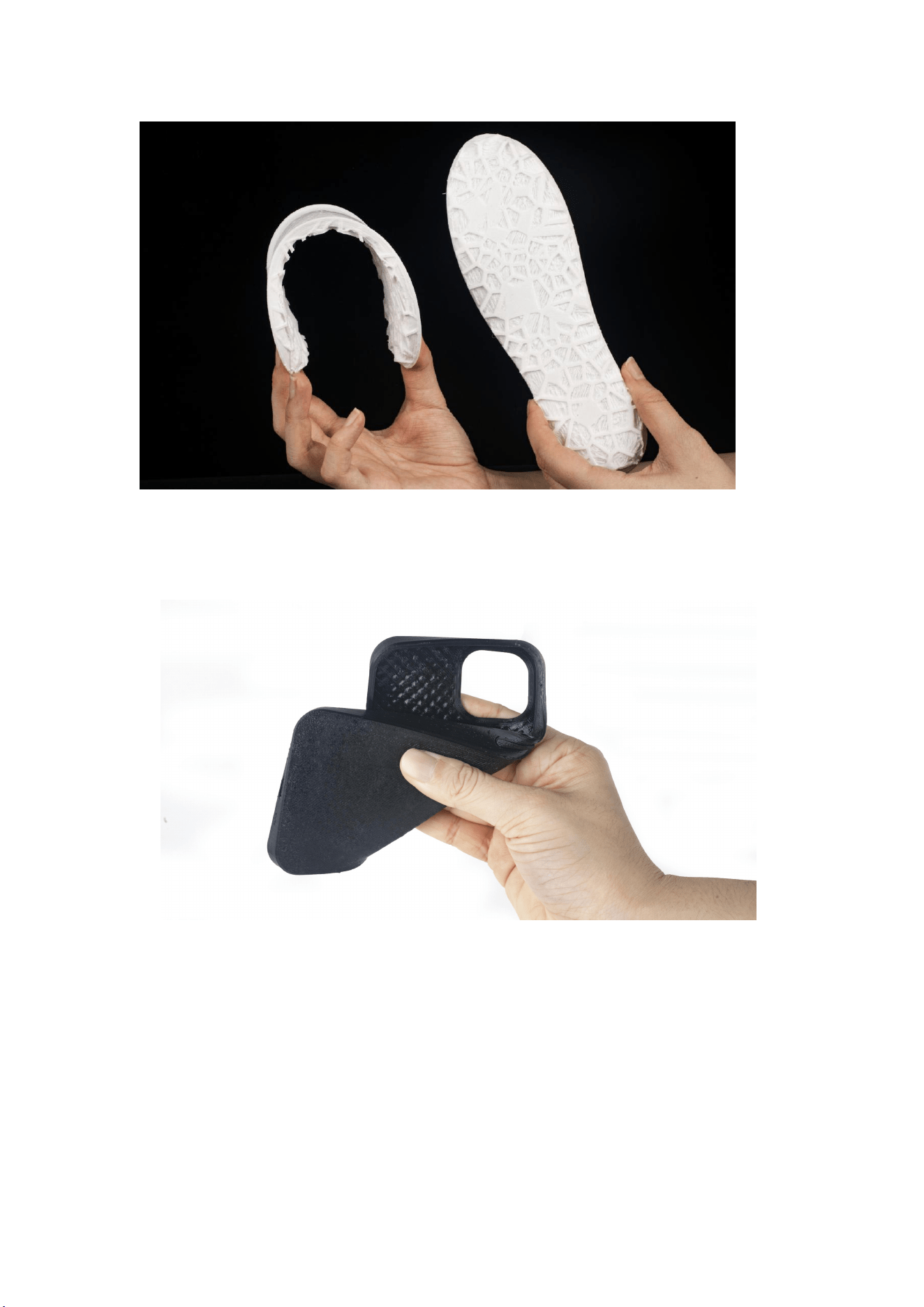
Siraya Tech’s Flex TPU 85A is specially formulated to balance ease of printing with the
distinctive characteristics of TPU - high tear and chemical resistance.
2. Material Characteristics
Density: 1.16 g/cm³ (ISO 1183)
Hardness: 85A (ISO 7619)

Melt temperature: 200℃
Softening temperature: 76°C (ISO 306)
All numbers below are tested on the X/Y axis
Tensile breaking strength 24± 3.0 MPa (ISO 527)
Elongation at break: 580%
Tensile stress at 100%: 6.7 MPa
Tensile stress at 200%: 8.4 MPa
Tensile stress at 300%: 10.8 MPa
3. Preparing for Printing
(1) Printer Compatibility
Flex TPU 85A is optimized for FDM printers equipped with direct drive extruders, which
are located on the toolhead for enhanced filament control. This setup is crucial for
successful TPU printing.
For best results, mount the filament directly above the extruder to facilitate the shortest
and most efficient path from the spool to the extruder, thus significantly enhancing the
print quality and success rate.
(2) Print Bed Preparation
A clean, level print bed is essential. We recommend a heated bed temperature ranging
from 20°C to 50°C, adjusted according to your printer’s capabilities.

4. Printing with Flex TPU 85A
(1) Temperature Settings
Ideal extrusion temperatures range from 200°C to 225°C, varying with printer models
and environmental factors. Printers with shorter melt zones may benefit from the higher
end of this spectrum (215-225°C), while those with longer melt zones can operate at the
lower range (200-210°C).
Notably, the black variant of TPU 85A often performs better at slightly cooler
temperatures compared to the white variant.
(2) Print Speed: Thanks to its high-flow formulation, Flex TPU 85A can be printed at
speeds between 30-90 mm/s. Start at the lower end and gradually increase speed for
optimal results.
(3) Nozzle Size: A nozzle size greater than 0.2mm is recommended, with the best
results typically achieved using a 0.4mm nozzle.
(4) Retraction Settings: To prevent clogging, keep retraction speeds between
1800-3600 mm/min and retraction distances within 1-3 mm. Start with short and slow
retraction first.
(5) Build Platform Material: PEI or glass with glue stick application is recommended for
best adhesion.

(6) Cooling Fan: Ensure the cooling fan is operational to maintain print quality. Adjust
settings as needed for your specific printer.
5. Moisture Management
TPU filaments, including Flex TPU 85A, are prone to moisture absorption, which can
adversely affect print quality. Effective moisture management is therefore crucial.
(1) Storage: Store Flex TPU 85A in the provided moisture-resistant aluminum bags
when not in use. Using a dry box with desiccant, maintaining humidity below 15%, is
ideal for prolonged storage.
(2) Drying Filament: If moisture absorption is suspected, dry the filament at 50°C -
65°C for 4-6 hours in a filament dryer or an oven.
6. Troubleshooting Common Issues
(1) Stringing: Adjust retraction settings and print speed to tackle stringing. Also, ensure
the filament’s moisture level is within acceptable limits.
(2) Poor Bed Adhesion: Improve bed adhesion using a glue stick or hairspray, or by
slightly increasing the bed temperature.

7. Conclusion
Unleash the full potential of 3D printing with Siraya Tech Flex TPU 85A. Adhering to
these guidelines will help you consistently produce high-quality, flexible, and durable
prints. For more insights and tips on 3D printing with Flex TPU 85A, visit our website.