< Back
Next
1. Before You Start
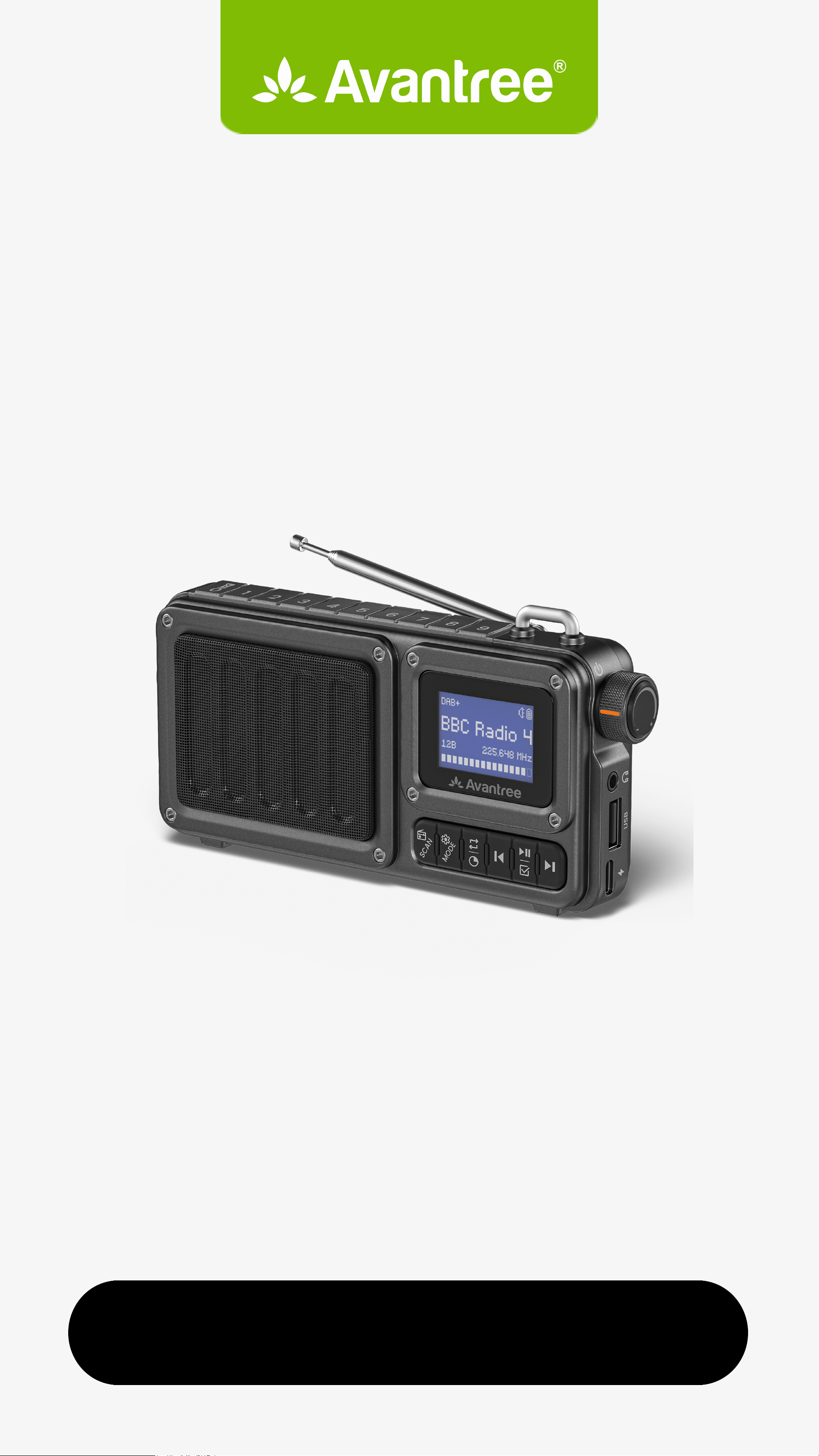
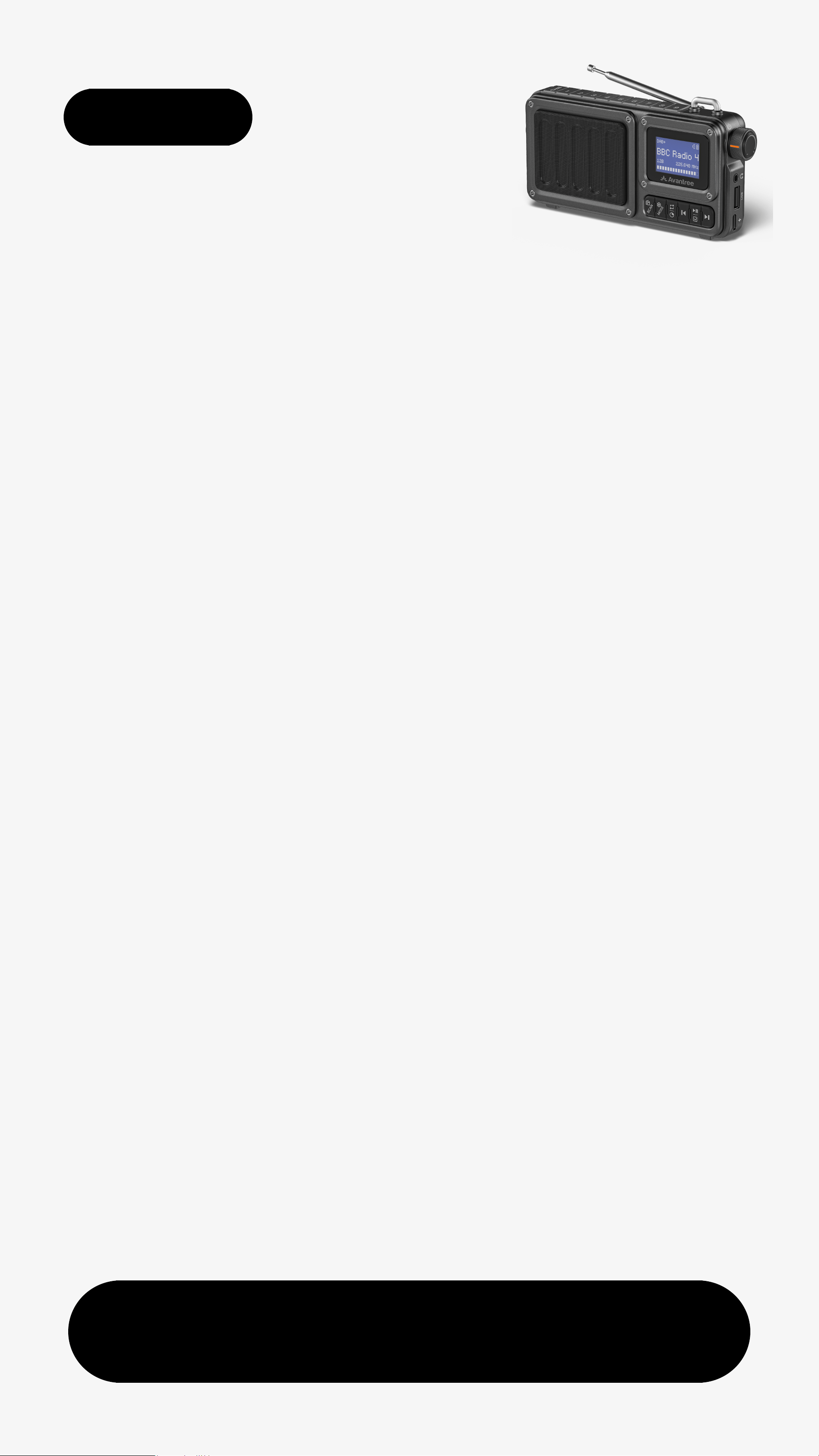
This device lets you enjoy DAB+
and FM radio, stream audio from
your phone via Bluetooth, and
play music from a microSD card
or USB drive.
It’s easy to use with features like
auto-scanning for stations and
saving presets.
For optimal reception, fully extend
the antenna and use near
windows or outdoors.
Menu
Was this helpful?
< Back
2. Button Functions
Got itNext
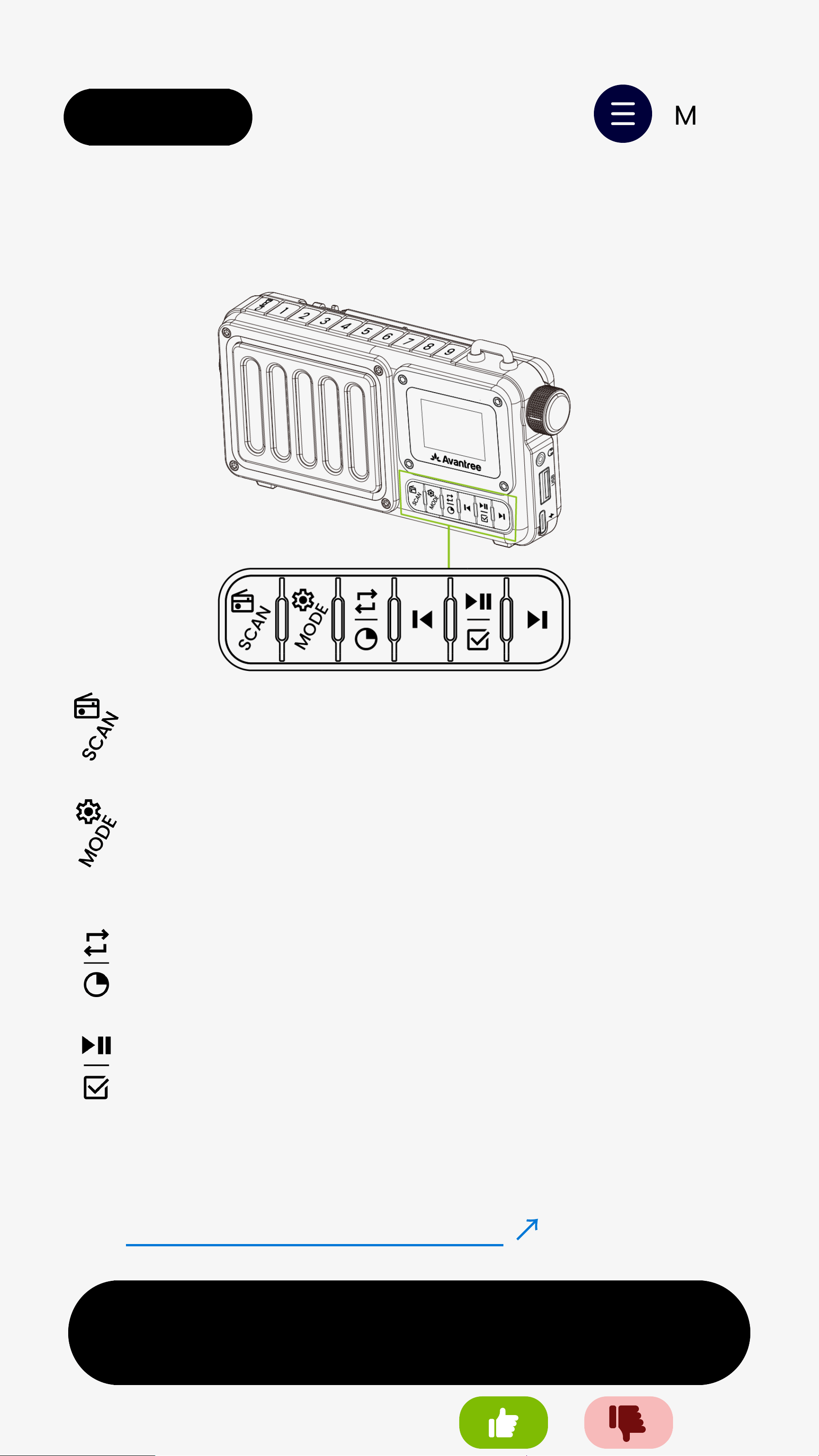
👉 See All Button Functions
↗
Menu
Press to switch DAB+/ FM modes
Press to switch Bluetooth Speaker /
microSD Card / USB Drive modes
Press to cycle Repeat All / Repeat One
/ Random Play
Press to confirm a selected DAB station
Was this helpful?
🔦 Hold “0” key to turn flashlight on/off
< Back
A. DAB Radio
Next
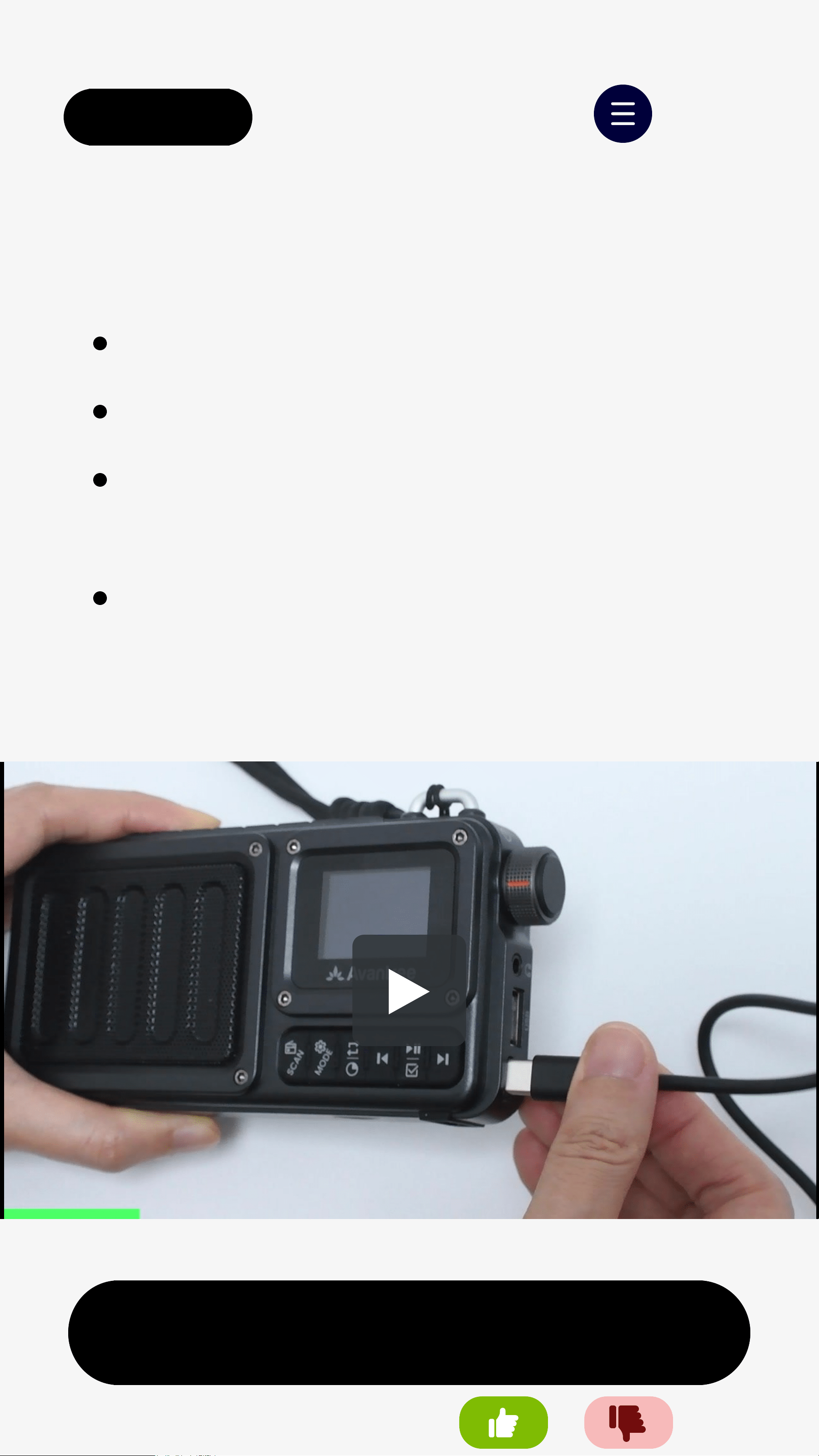
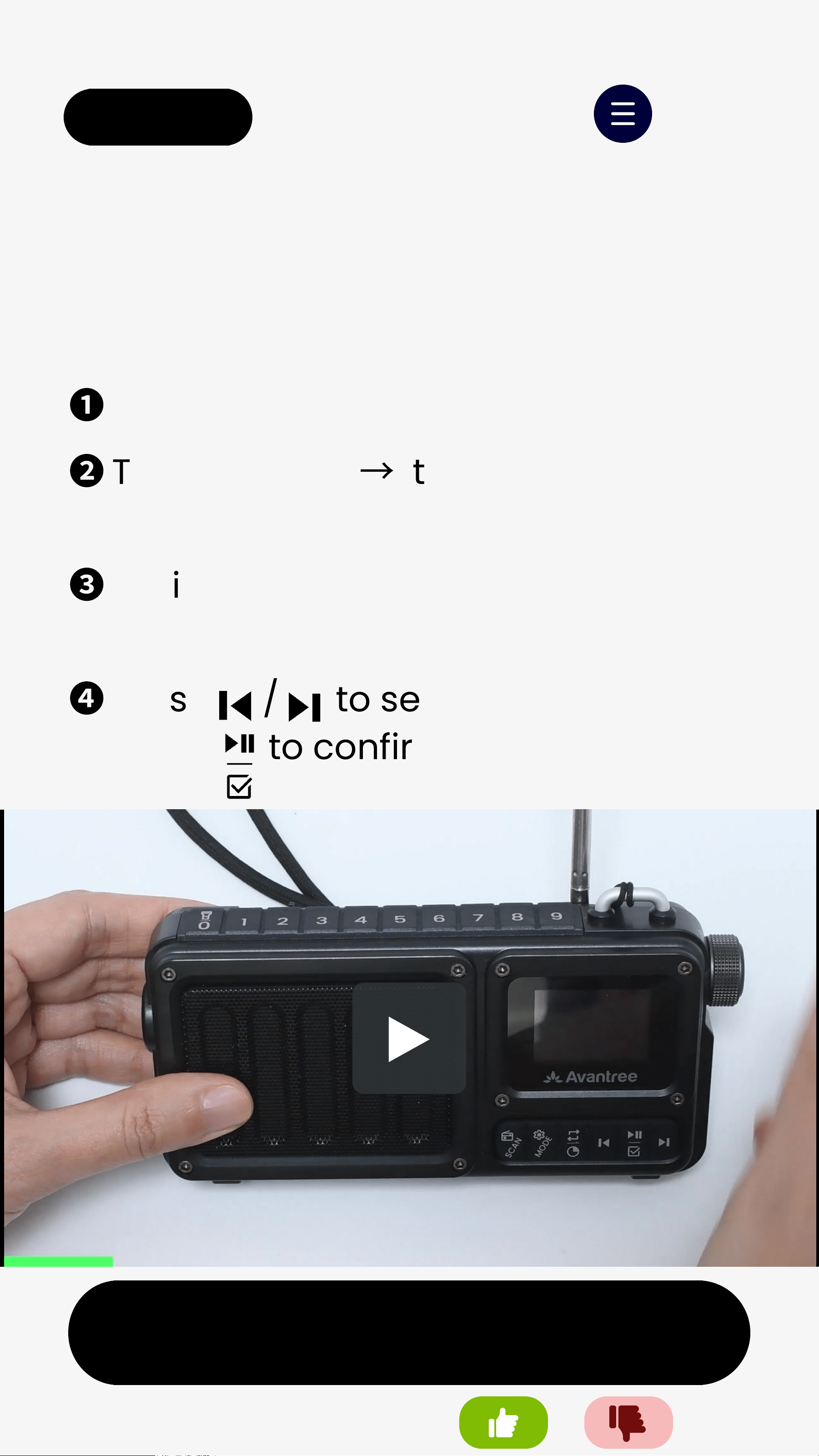
Option 1. Auto-Scan (First Time Use)
❶
Extend the antenna before scanning.
❷
Turn on SP851
→
It auto-scans for
DAB stations.
❸
Wait for the scan to finish. All stations
will be saved automatically.
❹
Press / to select a station, then
press to confirm.
Menu
Was this helpful?
< Back
Next
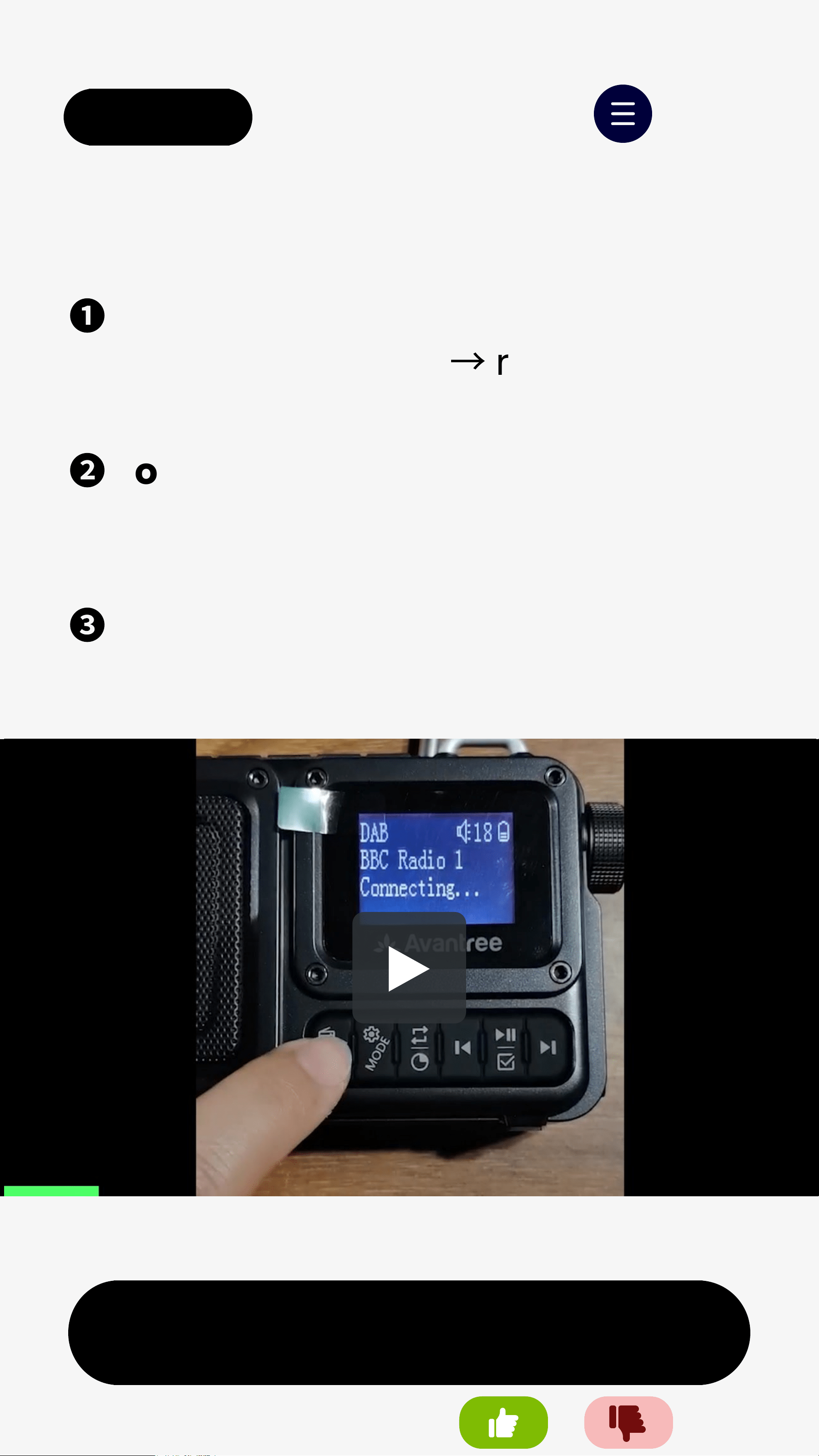
Option 2. Manual Scan
❶
Hold SCANfor 1s to search for
available stations
→
results are
saved automatically.
❷
To save: Tune to a station, then hold
a number key (1–9) for 2s until
"Channel Saved" appears.
❸
To recall: Press the same number
key to tune directly to that station.
Menu
Note: You can save up to 9 stations.
Was this helpful?
< Back
B. FM Radio
Next
Menu
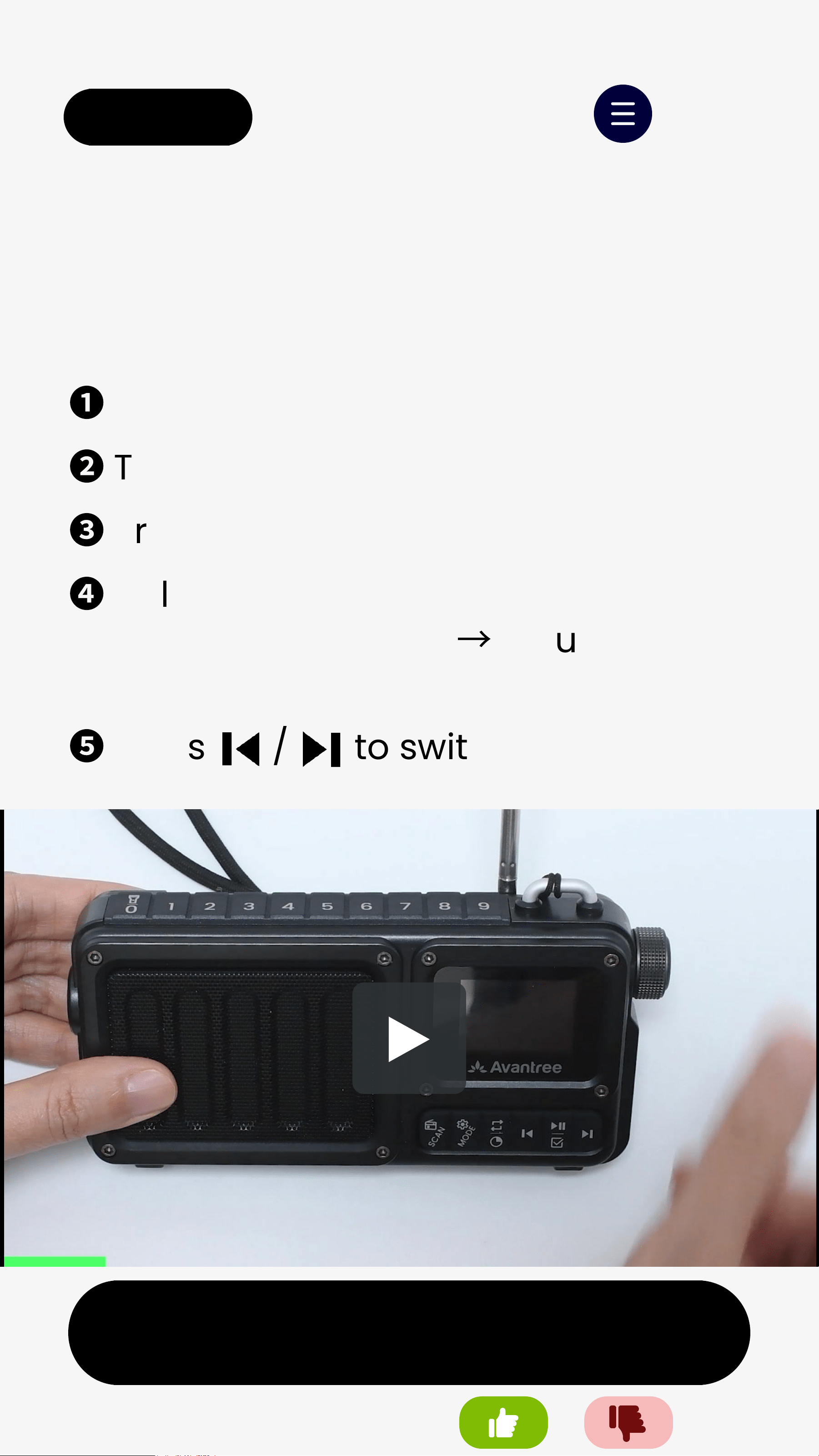
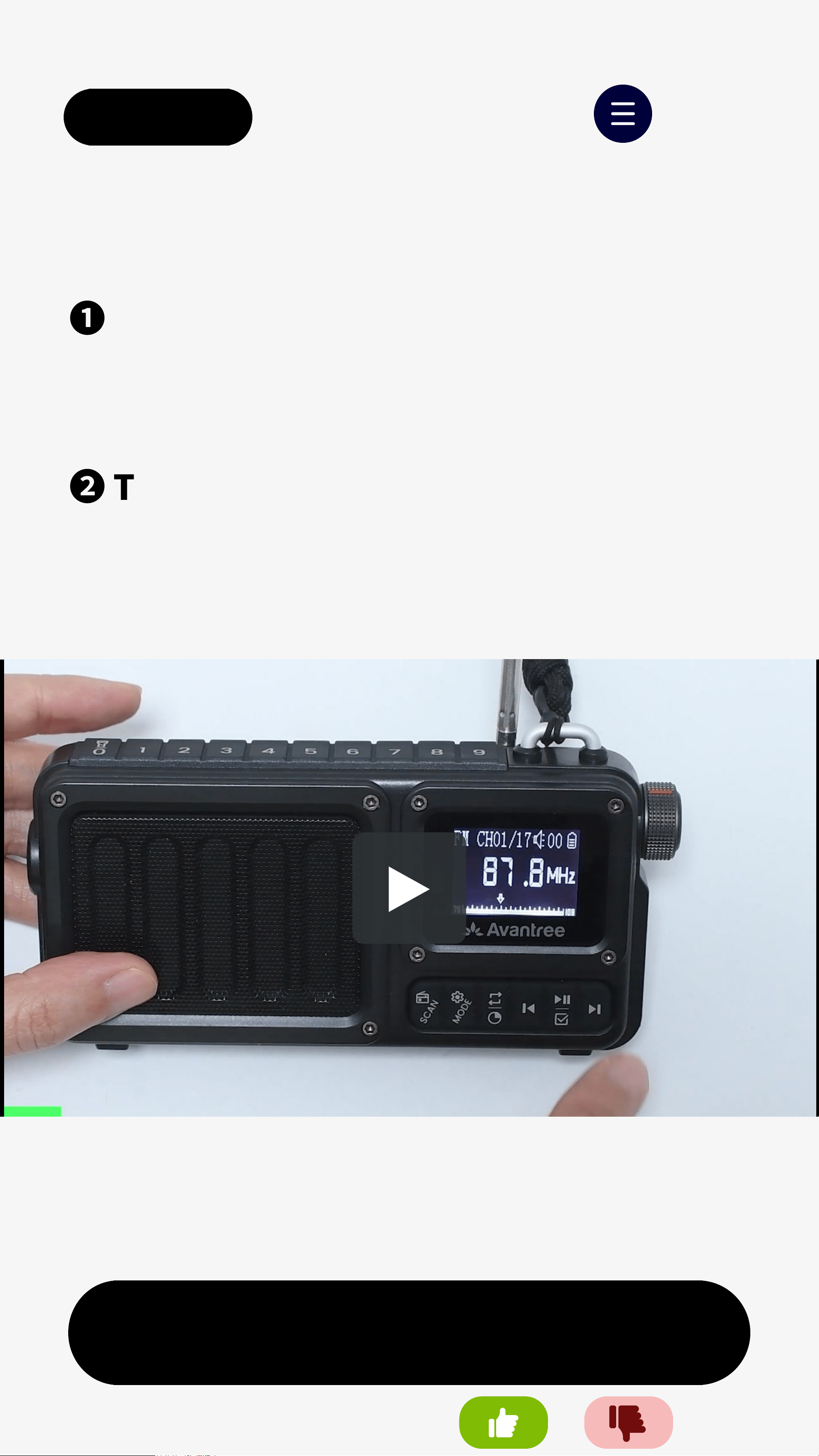
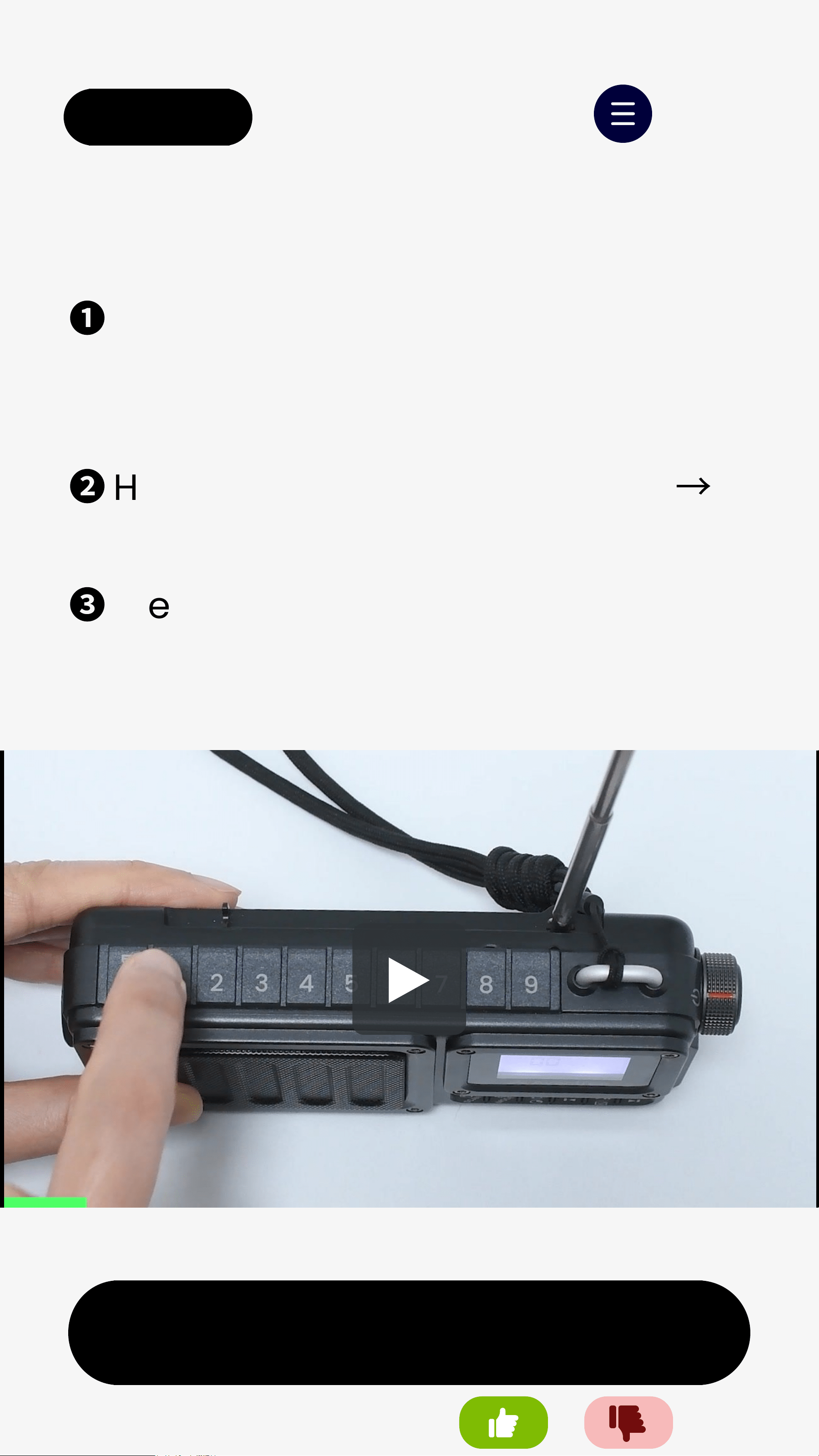
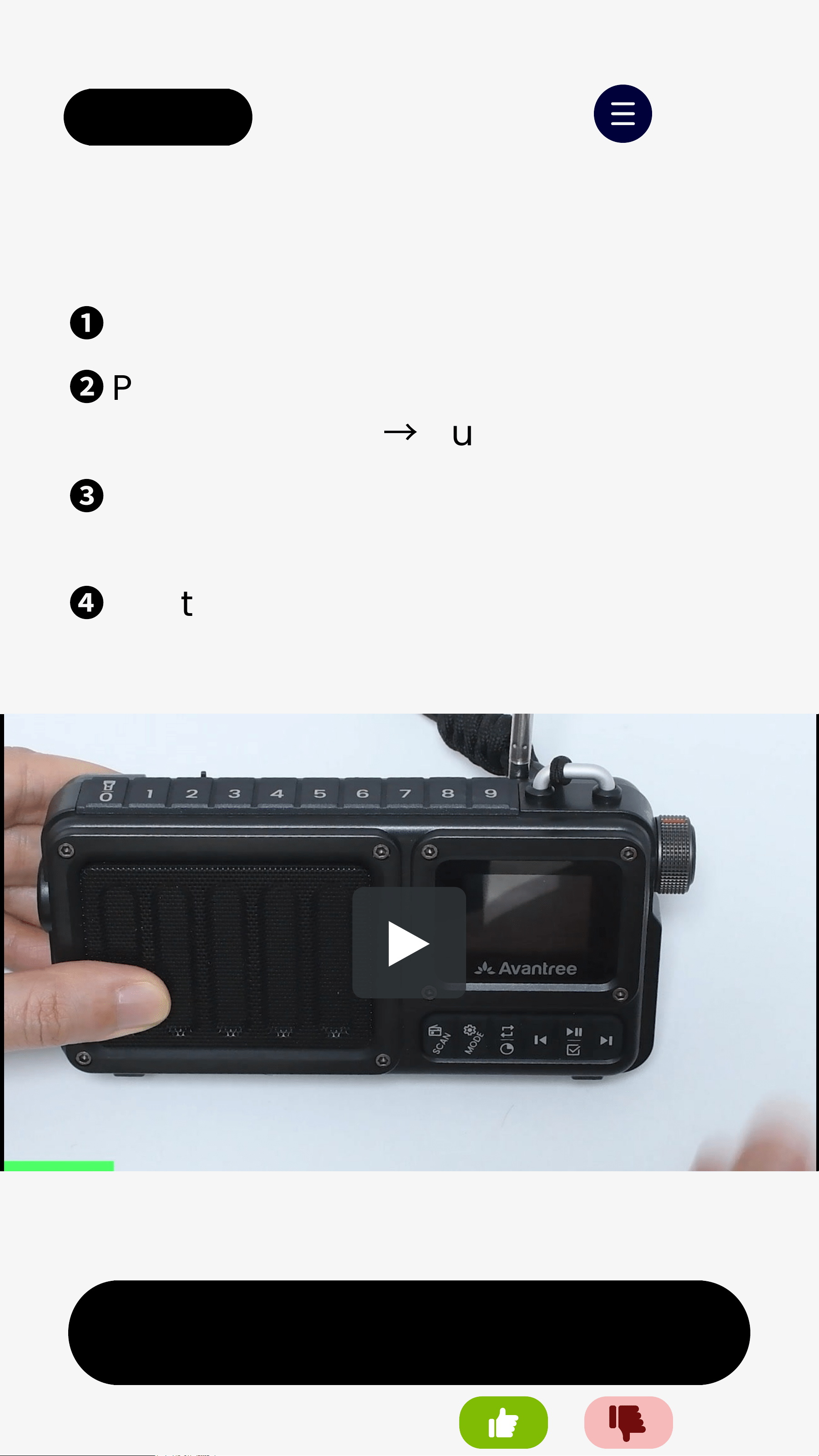
1. Manual Scan
❶
Extend the antenna before scanning.
❷
Turn on SP851.
❸
Press SCAN to switch to FM mode.
❹
Hold SCANfor 1s to search for
available stations
→
results are
saved automatically.
❺
Press / to switch stations.
Was this helpful?
< Back
Next
C. Bluetooth Speaker
❶
Turn on SP851.
❷
Press MODEto enter Bluetooth
Speaker mode
→
Auto-enter pairing.
❸
On your phone,turn on Bluetoothand
select "Avantree SP851-DAB".
❹
Wait for "Connected" on screen and
play music.
Menu
Was this helpful?
Note:EQ is available in Bluetooth mode only and
resets after power off.
< Back
D. MicroSD Card Player
Next
❶
Insert a microSD card.
❷
Turn on SP851.
❸
Press MODEtoswitch to microSD card
mode; music will play automatically.
❹
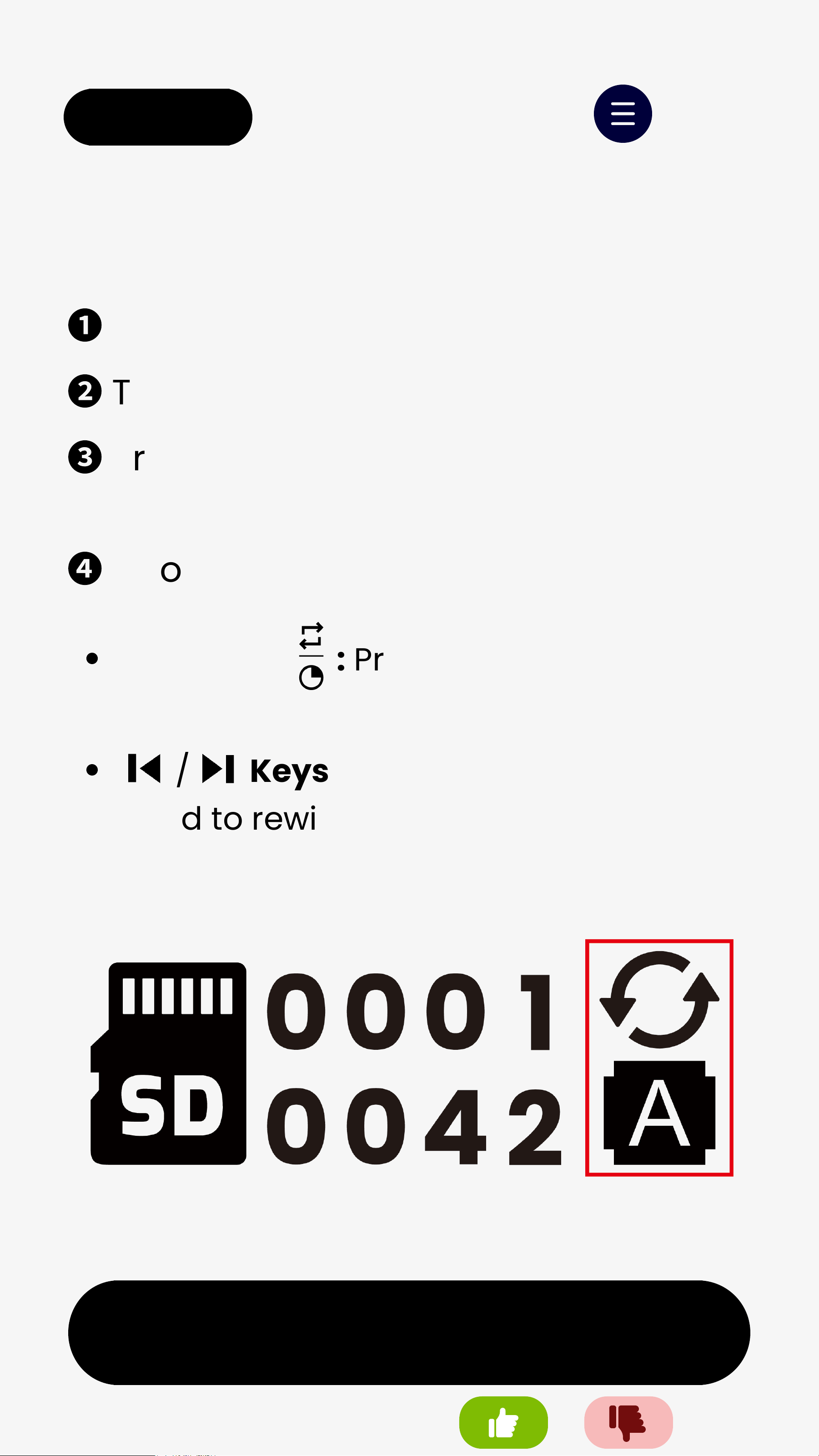
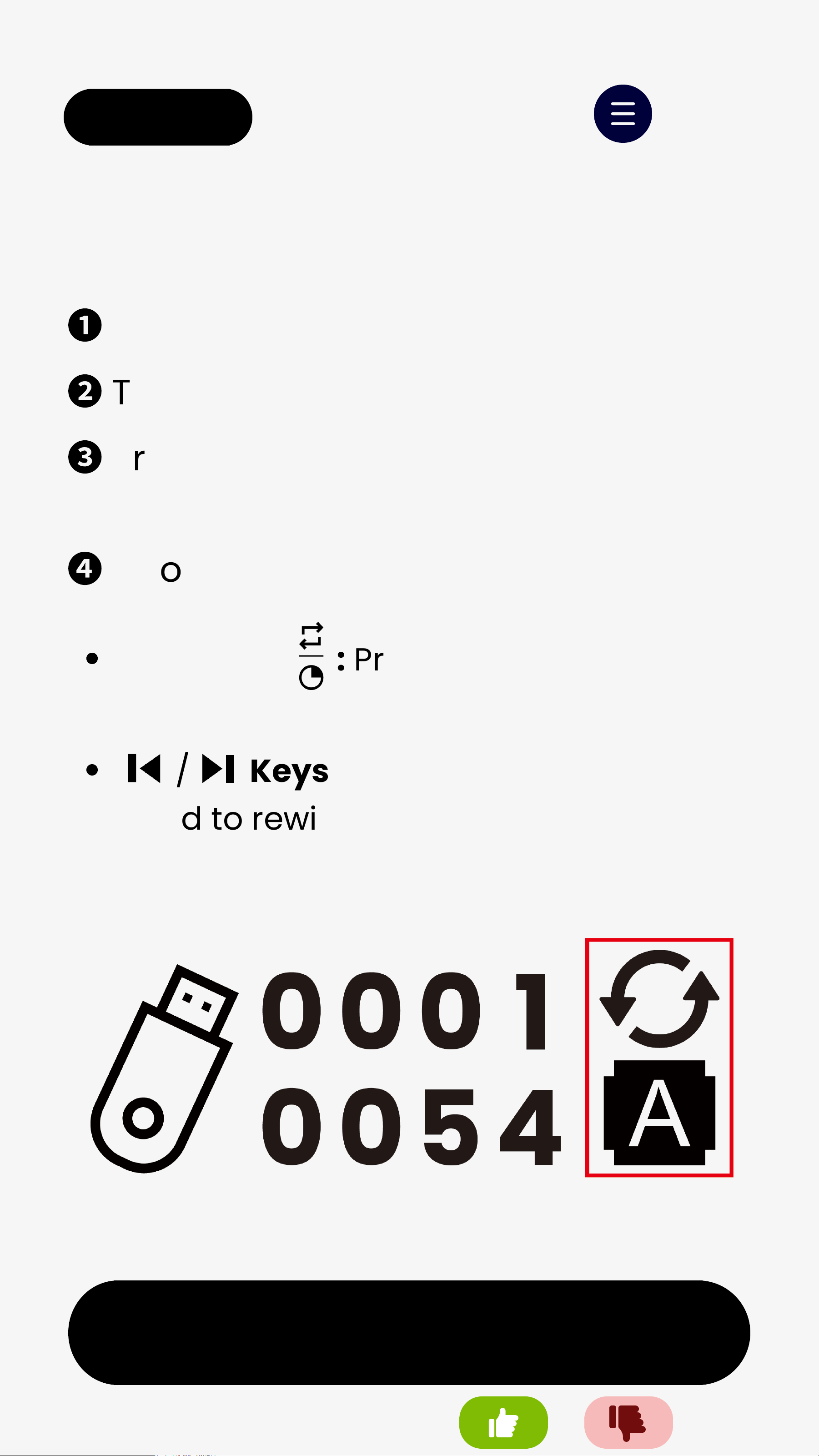
Choose playback mode:
Menu
Cycle Key : Press to switch between
Repeat All, Repeat One, or Random Play.
/ Keys: Tap to change tracks;
hold to rewind or fast-forward.
Was this helpful?
< Back
Next
Menu
MicroSD Card Notes:
Capacity: up to 256GB
File systems: FAT32 / exFAT
Music formats:MP3, WAV, WMA,
APE, FLAC
Use a computer to transfer music
to the microSD card's root
directory or a few folders.
Recommended: Keep files within
one folder level only - avoid two
or more subfolder layers.
Was this helpful?
< Back
E. USB DrivePlayer
Next
Menu
❶
Insert a USB drive.
❷
Turn on SP851.
❸
Press MODEtoswitch to USB Drive
mode; music will play automatically.
❹
Choose playback mode:
Cycle Key : Press to switch between
Repeat All, Repeat One, or Random Play.
/ Keys: Tap to change tracks;
hold to rewind or fast-forward.
Was this helpful?
< Back
Next
Menu
USB Drive Notes:
Capacity: up to 256GB
Supported file systems: FAT32 /
exFAT
Music formats:MP3, WAV, WMA,
APE, FLAC
Use a computer to transfer music
to the USB drive’s root directory or
a few folders.
Recommended: Keep files within
one folder level only - avoid two
or more subfolder layers.
Was this helpful?
< Back
5. Advanced Features
Next
Menu
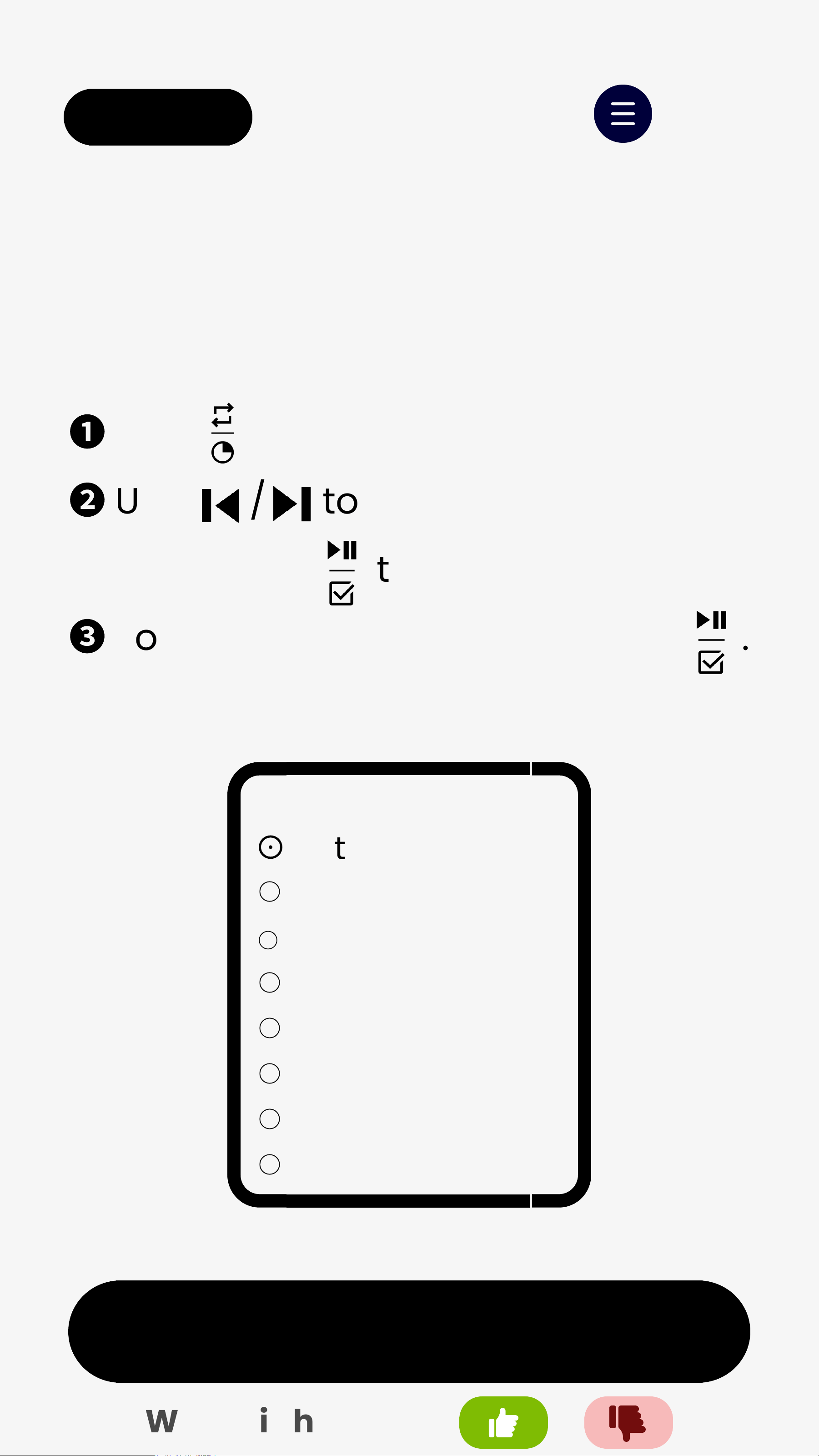
1. Set Sleep Timer
❶
Hold to open "Shut down"menu.
❷
Use / to choose a timer,
thenpress to confirm.
❸
To cancel, select OFFand press .
Shut down
⊙
Return
OFF
10 min
20 min
30 min
45 min
60 min
90 min
○
○
○
○
○
○
○
Was this helpful?