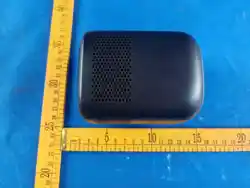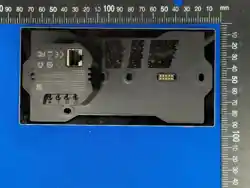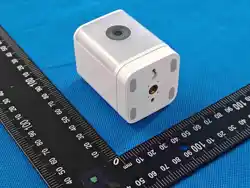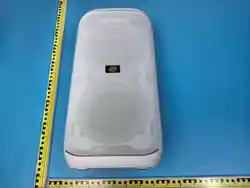
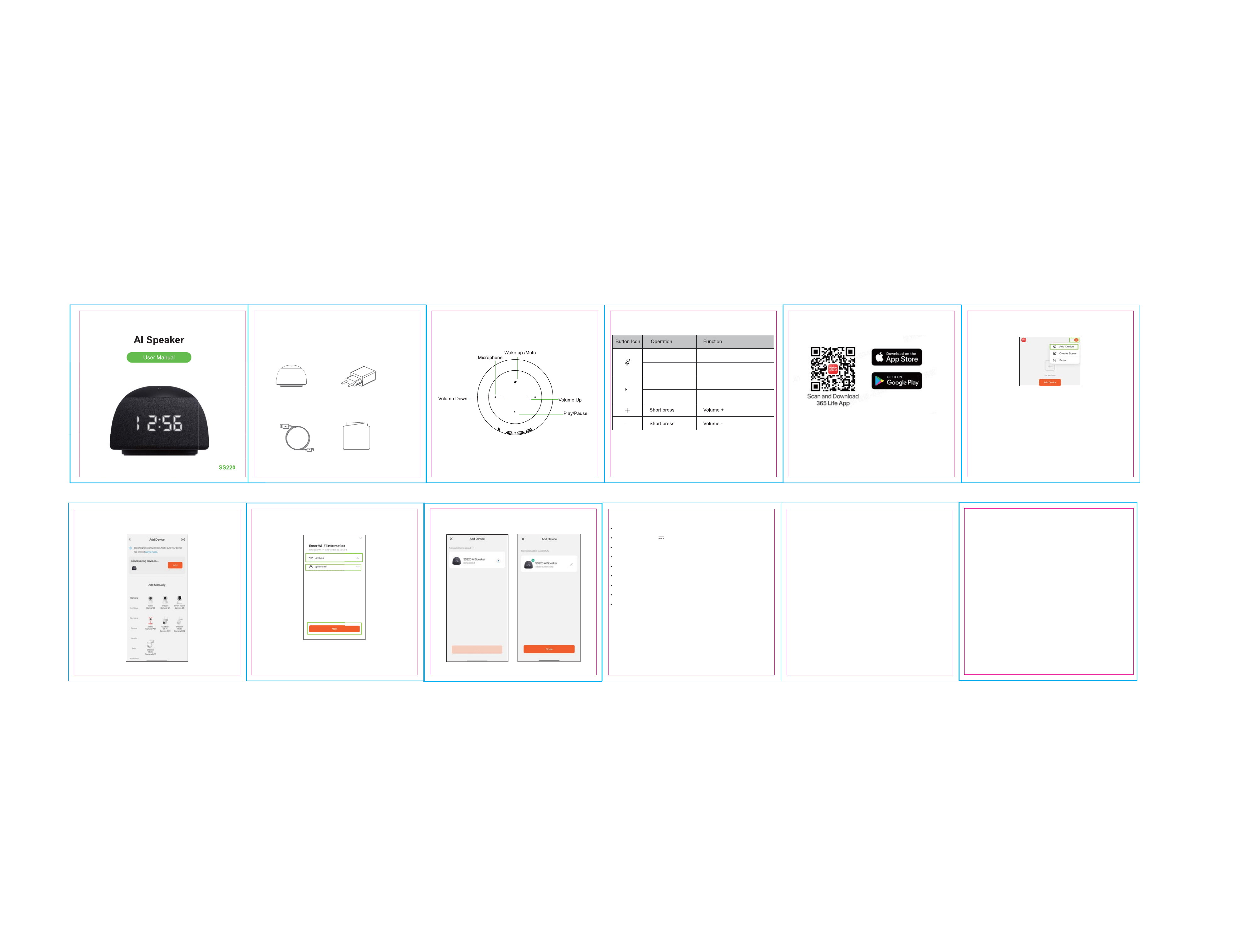
Product Information: Button Function Instructions
Short press
Long press for 5s
Long press for 5s
Reset device and
reconnect to network
Play/Pause
Mute microphone
Wake up/Resume
microphone
Short press
Set up AI Speaker
AI Speaker Product Specification
1、365life APP download
(5)Keep your phone's Bluetooth turned on and select the "SS220 AI
Speaker" for pairing.
(6)Select the Wi-Fi network for device pairing and enter the Wi-Fi password.
(Support 2.4G and 5G).
(7)Added successfully. You can also "Change Device Name"
(8)Now you can wake up and use your AI Speaker with "Hey TUYA."
Model: SS220
Power Input: DC 5V 2A
Speaker: 5W/1piece
Operating Temp: 0°C ~ 40°C
Operating Humidity: 4% - 90%RH (Non-condensing)
Wireless Connectivity: 2.4GHz and 5GHz Wi-Fi, Bluetooth5.3, IR
Dimensions: 100.4x100.4x70.4mm
Manufacturer: Zhejiang Lingzhu Technology Co., Ltd.
Address: Room 302,No 1 Building Huace Center,Xihu District,
HangzhouCity, Zhejiang Province,China
FCC Warning
This device complies with part 15 of the FCC Rules. Operation is subject
to the following two conditions: (1) This device may not cause
harmful interference, and (2) this device must accept any interference
received, including interference that may cause undesired operation.
Note: This equipment has been tested and found to comply with the limits for
a Class B digital device, pursuant to part 15 of the FCC
Rules. These limits are designed to provide reasonable protection against
harmful interference in a residential installation. This
equipment generates, uses and can radiate radio frequency energy and, if not
installed and used in accordance with the instructions,may cause harmful
interference to radio communications. However, there is no guarantee that
interference will not occur in a particular
installation. If this equipment does cause harmful interference to radio or
television reception, which can be determined by turning
the equipment off and on, the user is encouraged to try to correct the
interference by one or more of the following
measures:
—Reorient or relocate the receiving antenna.
—Increase the separation between the equipment and receiver.
—Connect the equipment into an outlet on a circuit different from that to which
the receiver is connected.
—Consult the dealer or an experienced radio/TV technician for help.
Note: The Grantee is not responsible for any changes or modifications not
expressly approved by the party responsible for
compliance. such modifications could void the user's authority to operate
the equipment.
(4)Tap the "+" icon in the upper-right corner of the mobile app, then select"
Add Device."
2、Open APP, then log in your account or sign up a new account
3、Al Speaker First-Time Pairing Setup:
(1)Power on using the USB-C adapter included with the product.
(2)The speaker will automatically enter pairing mode.
(3)If not in pairing mode, press and hold the Play/Pause button for 5seconds
to enter network pairing mode, accompanied by an audible prompt.
AI Speaker x 1 Power Adapter x 1
USB Power Cable x 1 User Manual x 1
Package Contents
The device has been evaluated to meet general RF exposure requirement. To
maintain compliance with FCC's RF exposure guidelines, the distance must be
at least 20 cm
between the radiator and your body, and fully supported by the operating and
installation