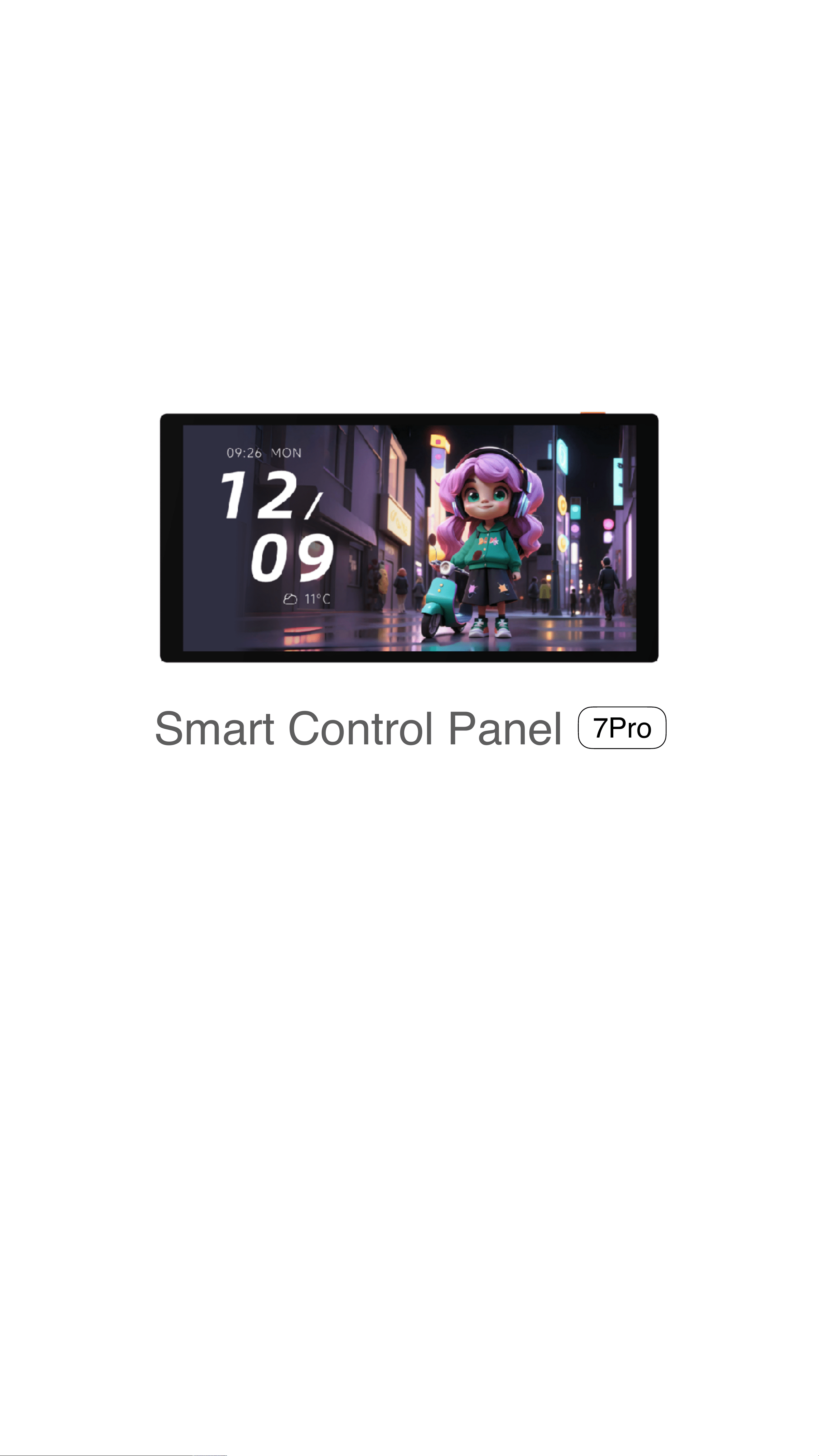
Smart Control Panel
Product Manual
7Pro
Premium Ultra-Slim AI Flagship Control Panel

Contents
Welcome
Installation Guide
Product Specifications
FCC Statement
Warranty Policy
Non‑Warranty Conditions
01
03
07
08
09
09
Hazardous Substances Declaration 10
Product Diagram 02
Welcome
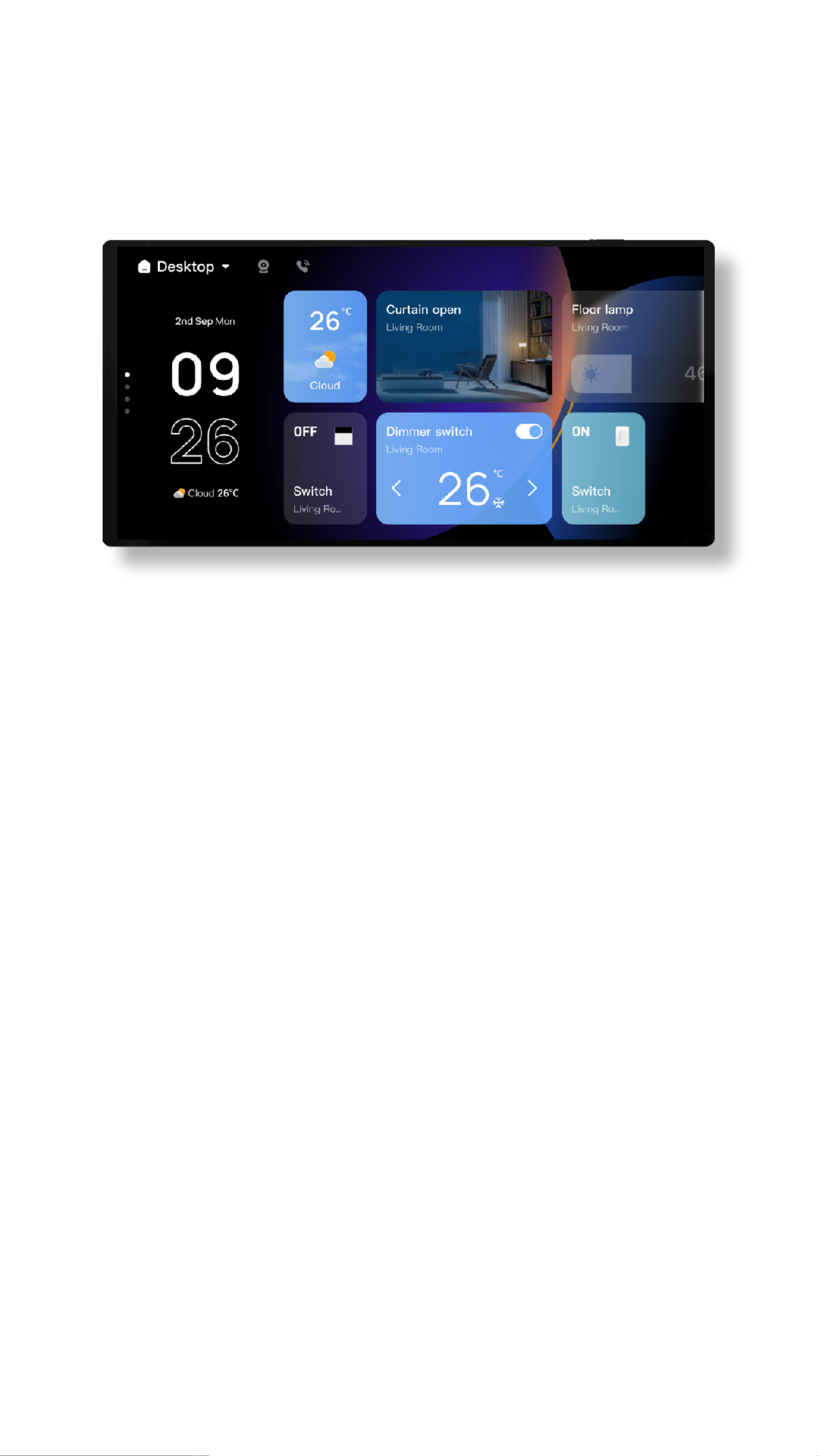
Smart Control Panel 7Pro+ is a multi‑functional
interactive device that combines touch control,
voice control, a multi‑mode gateway, a
dual‑channel relay, and infrared remote control.
Through touch and voice interaction, you can
control various Powered by Tuya devices and
scenes in your home. The multi‑mode gateway
supports connecting Zigbee and Bluetooth
Sigmesh sub‑devices. The dual‑channel relay can
replace traditional switches to control two lighting
circuits. The built‑in infrared remote control can
directly control infrared devices such as TVs and
air conditioners.
In addition to controlling devices and scenes, the
Smart Control Panel 7Pro+ also supports smart
cameras, video doorbells, and video door locks.
You can view the camera’s audio/video stream
directly on the screen, and when paired with a
video door lock, you can unlock the door right
from the screen.
01
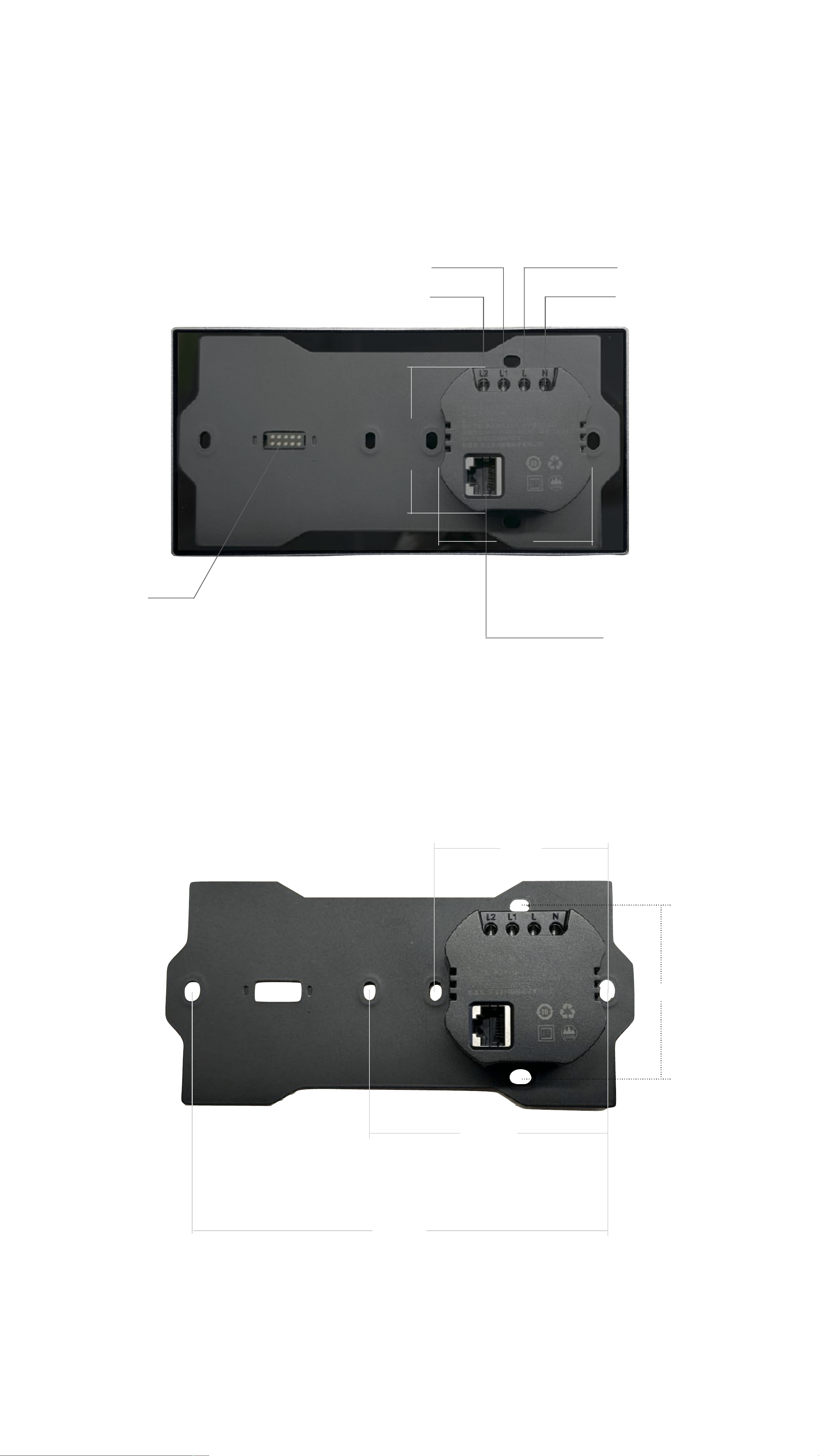
Product Diagram
02
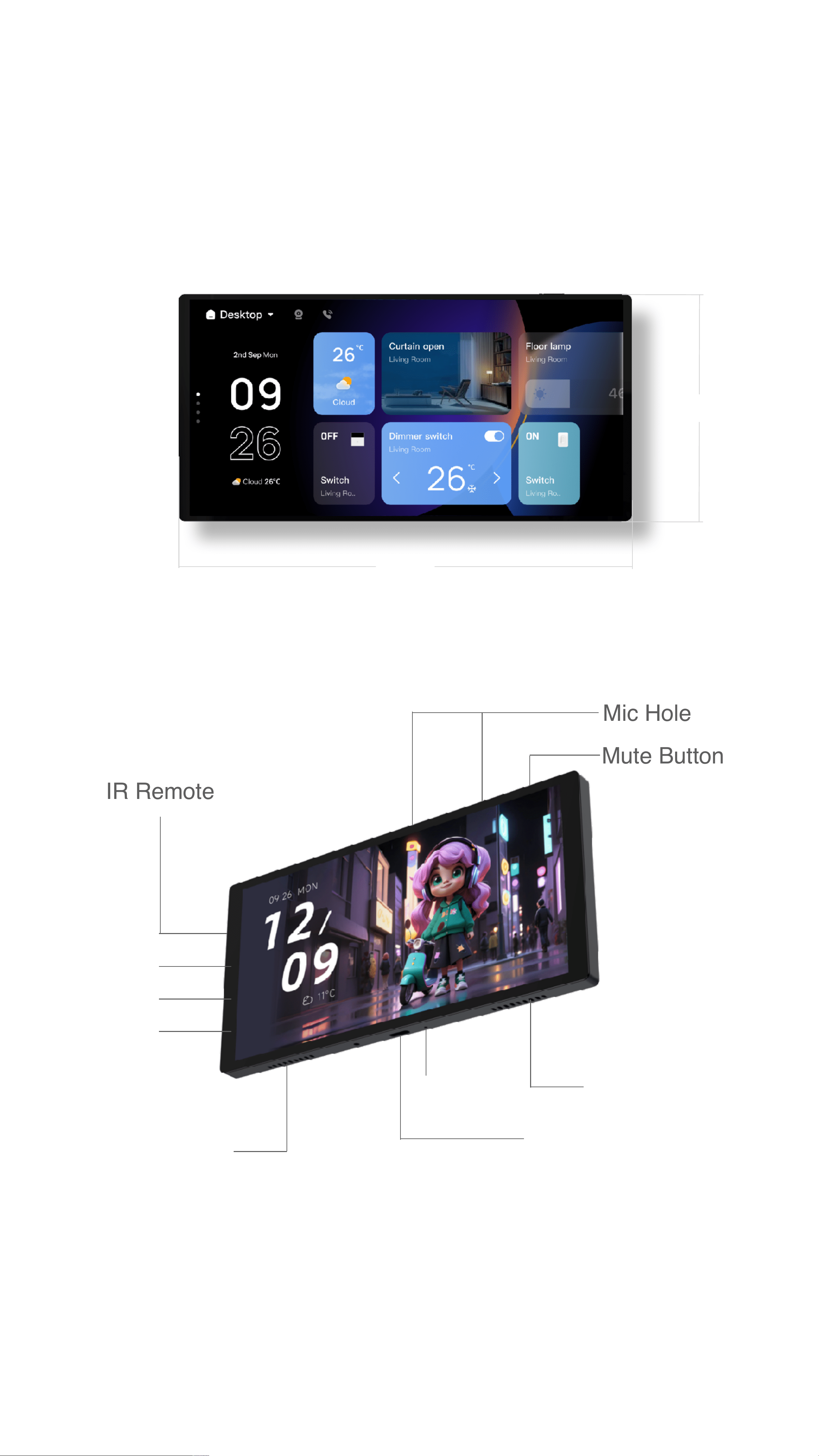
86mm
172mm
IR Remote
Mute Button
Mic Hole
Type C
*For Debug Only
Speaker
Speaker
Reset Hole
Mute Indicator
Light Sensor
Proximity Sensor
Product Diagram
Magnetic
connector*2
03
L1
L2
Neutral wire
Live wire
RJ45
network port
*Original wall base – as shown
Optional desktop base
60mm
54mm
83.5mm
146mm
*86-type switch standard mounting hole spacing
*US standard switch mounting hole spacing
*Double 86-type switch tandem mounting hole spacing
52.5mm
60mm
Installation Guide
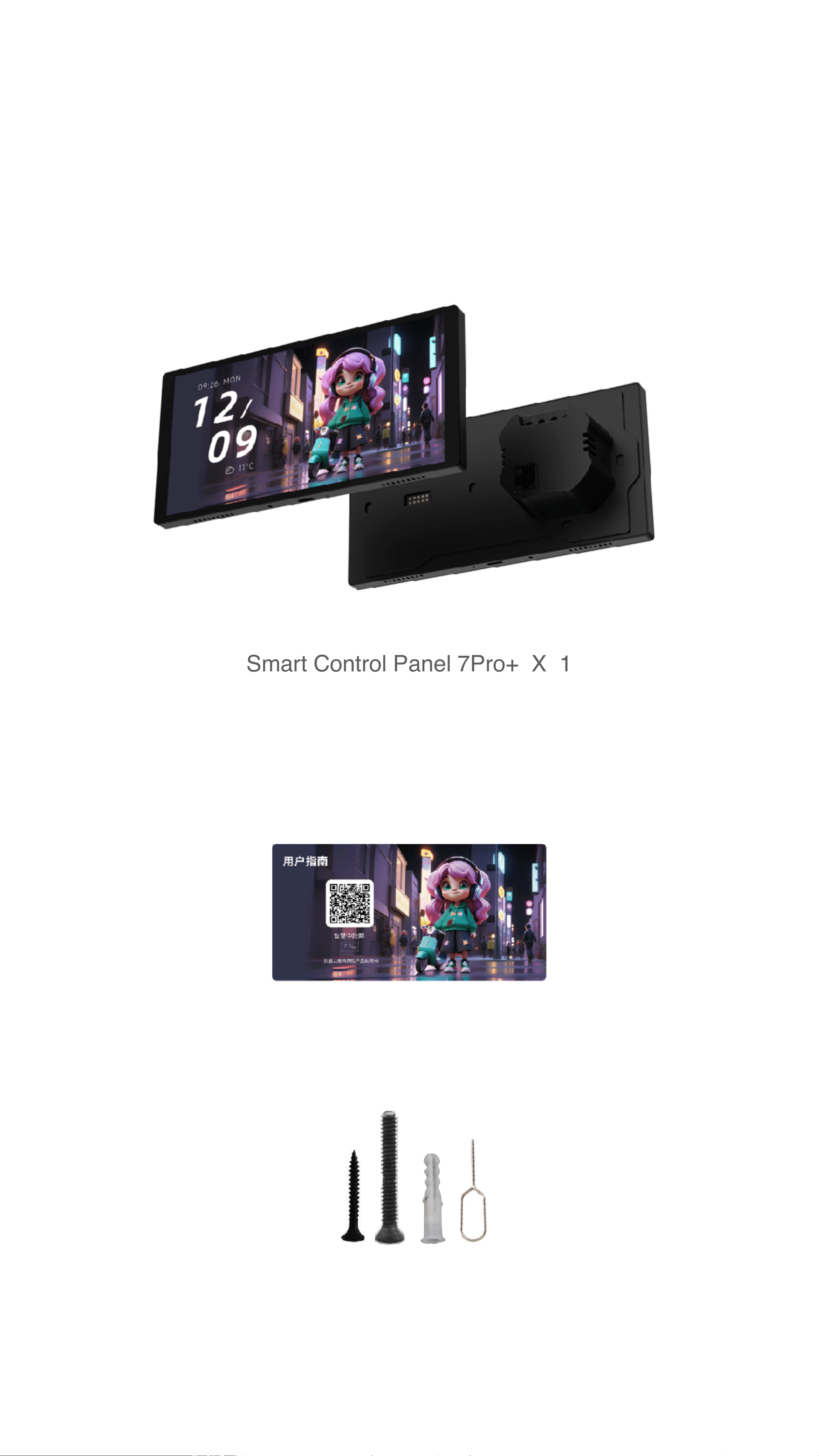
①Packing List
03
Smart Control Panel 7Pro+ X 1
User Guide X 1
Accessory kit X 1
(Including screen and wall-mount base)

Installation Guide
②Installation Notes
1.This product connects to the internet via Wi‐Fi or an
Ethernet cable. Please ensure Wi‐Fi or an Ethernet
cable is ready.
2.The power back box requires a neutral wire and live
wire. The mounting box must have a neutral wire. If
not, a neutral wire must be added.
3.Installation of the power back box involves 220V
mains voltage. It must be carried out by a qualified
electrician. Read the Installation Guide carefully before
installation. Failure to follow the Installation Guide may
endanger your life.
4.The product supports two loads, each up to 200W
max.
5.For indoor use only. Do not install in damp
environments such as bathrooms.
6.Only install and use at altitudes below 2000 meters.
7.Prepare tools: screwdriver, voltage tester, electrical
tape, etc.
8.Do not work on live wires.
*This product features an industry-leading full-screen design, delivering an
ultimate visual experience. Due to its bezel-less construction and larger
display area, the screen itself has limited durability against drops or
impacts. To avoid accidental damage, please handle with care and prevent
contact with hard objects.
04
Installation Guide
③Installation Location
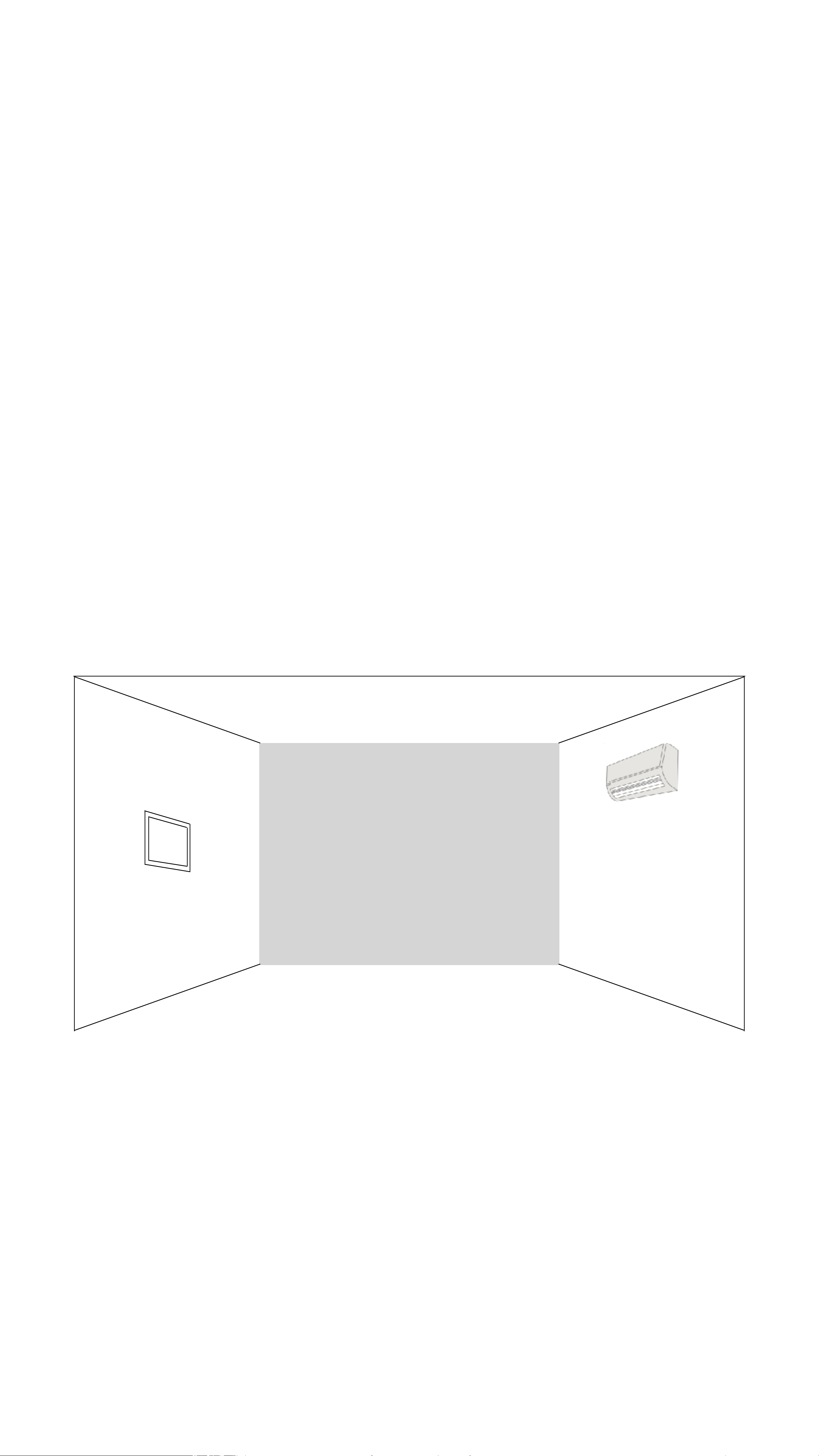
The Smart Control Panel 7Pro+ has a built‑in infrared
transmitter to control infrared appliances. During installation,
you can power the device via USB‑C to verify that the
chosen location allows effective control of the infrared
appliances.
Infrared signals cannot penetrate walls. For the best control
experience, it is recommended to install the panel in an
open area directly facing the infrared device
05
Installation location diagram
Smart Control Panel 7Pro+
air conditioner

Installation Guide
③Installation Steps
1.Use a voltage tester to identify the live wire, neutral
wire, and lighting control wires, then turn off the circuit
breaker.
2.Take out the product body and the screw accessory
pack from the box.
3.Use a flat‐head screwdriver to gently pry open the
panel from the bottom release slot, separating the
panel from the power base (Fig. 1).
4.Connect the neutral wire to terminal N, the live wire to
terminal L, and the lighting control wires to terminals
L1/L2 respectively (Fig. 2).
5.After verifying the connections are correct, tighten the
terminal screws.
6.Use the KM4 screws from the accessory pack to
secure the power base to the wall box (Fig. 3).
7.Tilt the panel and snap it onto the wall‐mounted power
base. Check that the panel is firmly attached.
06
Product Specifications
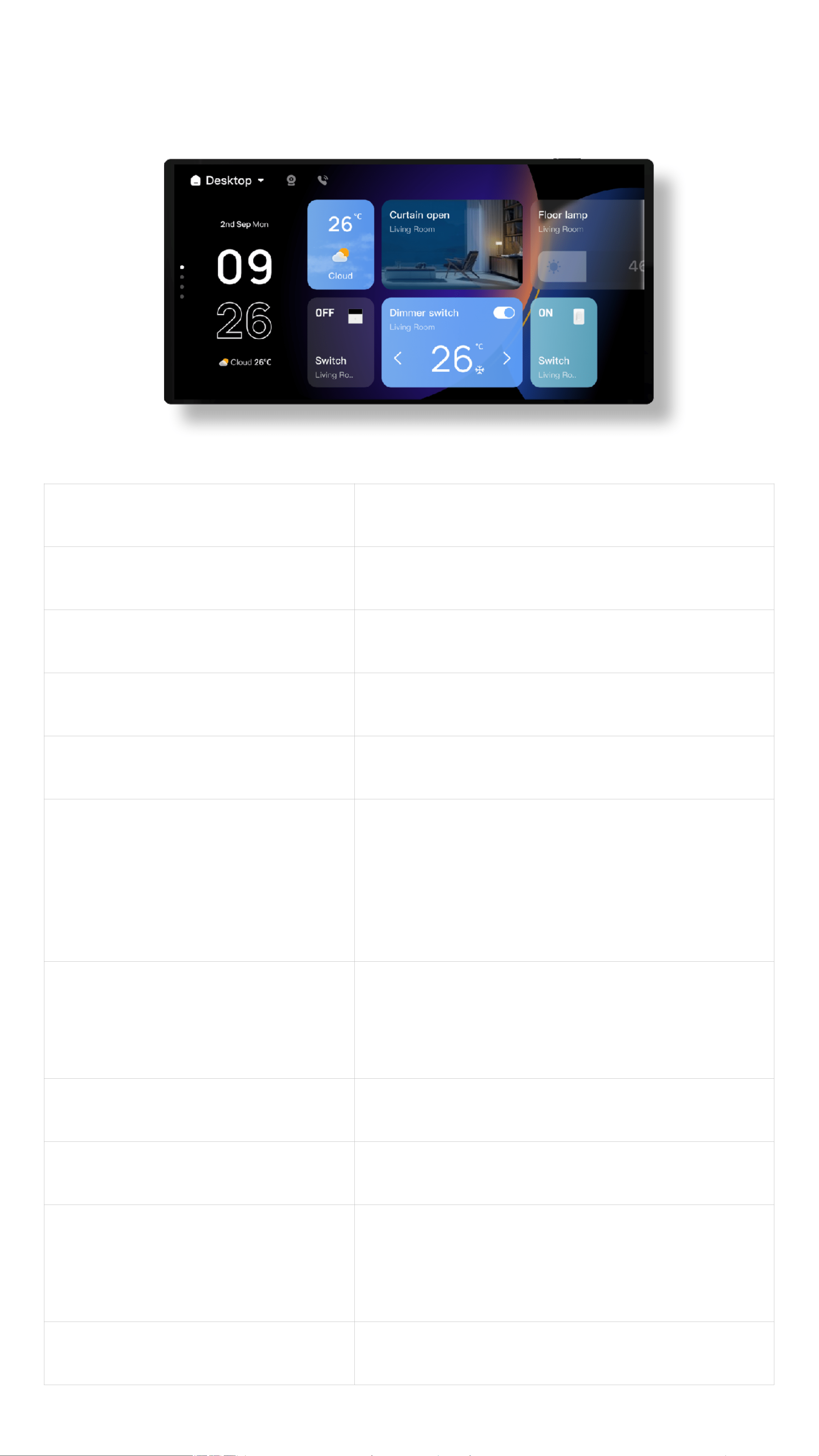
Product Name
Smart Control Panel 7Pro+
Model
TPL07-M2
Screen Size
6.9 inches
Screen Resolution
1440*720
Input
100-240V~; 50/60Hz;5A
Wireless Protocols
Wi‐Fi (2.4GHz/5GHz)
Zigbee 3.0
Bluetooth 5.2/Bluetooth Mesh
Max Load
Total max 400W
Single channel max 200W
Operating Temperature
0°C ~ 40°C
Operating Humidity
5% ~ 90% RH (non‐condensing)
Product Dimensions
172*65*8.5mm (without base)
172*65*39.2mm (with base)
Net Weight
Approx. 360g
07

Warranty Policy
After‐sales service strictly follows the Law of the People's
Republic of China on the Protection of Consumer Rights
and Interests and the Product Quality Law of the People's
Republic of China, implementing the "Three Guarantees"
policy. Service terms:
1.Within 7 days from the date of receipt, if a
performance defect occurs, you may receive a free
refund or replacement.
2.Within 8‐15 days from the date of receipt, if a
performance defect occurs, you may receive a free
replacement or repair.
3.Within 12 months from the date of receipt, if a
performance defect occurs, you may receive free repair
services.
08

Non‑Warranty Conditions
1.Damage caused by unauthorized repair, misuse,
collision, neglect, abuse, liquid ingress, accident,
modification, incorrect use of non‐original accessories,
or tampering with/removing labels or anti‐counterfeit
marks.
2.Exceeding the warranty period.
3.Damage caused by force majeure.
4.Damage or failure caused by issues other than design,
technology, manufacturing, or quality defects of the
product itself.
09
This device complies with Part 15 of the FCC Rules.
Operation is subject to the following two conditions:
(1) this device may not cause harmful interference, and
(2) this device must accept any interference received,
including interference that may cause undesired
operation.
Please take attention that changes or modification not
expressly approved by the party responsible for
compliance could void the user's authority to operate
the equipment.
FCC STATEMENT
This equipment complies with FCC radiation exposure
limits set forth for an uncontrolled environment. This
equipment should be installed and operated with
minimum distance 20cm between the radiator & your
body.
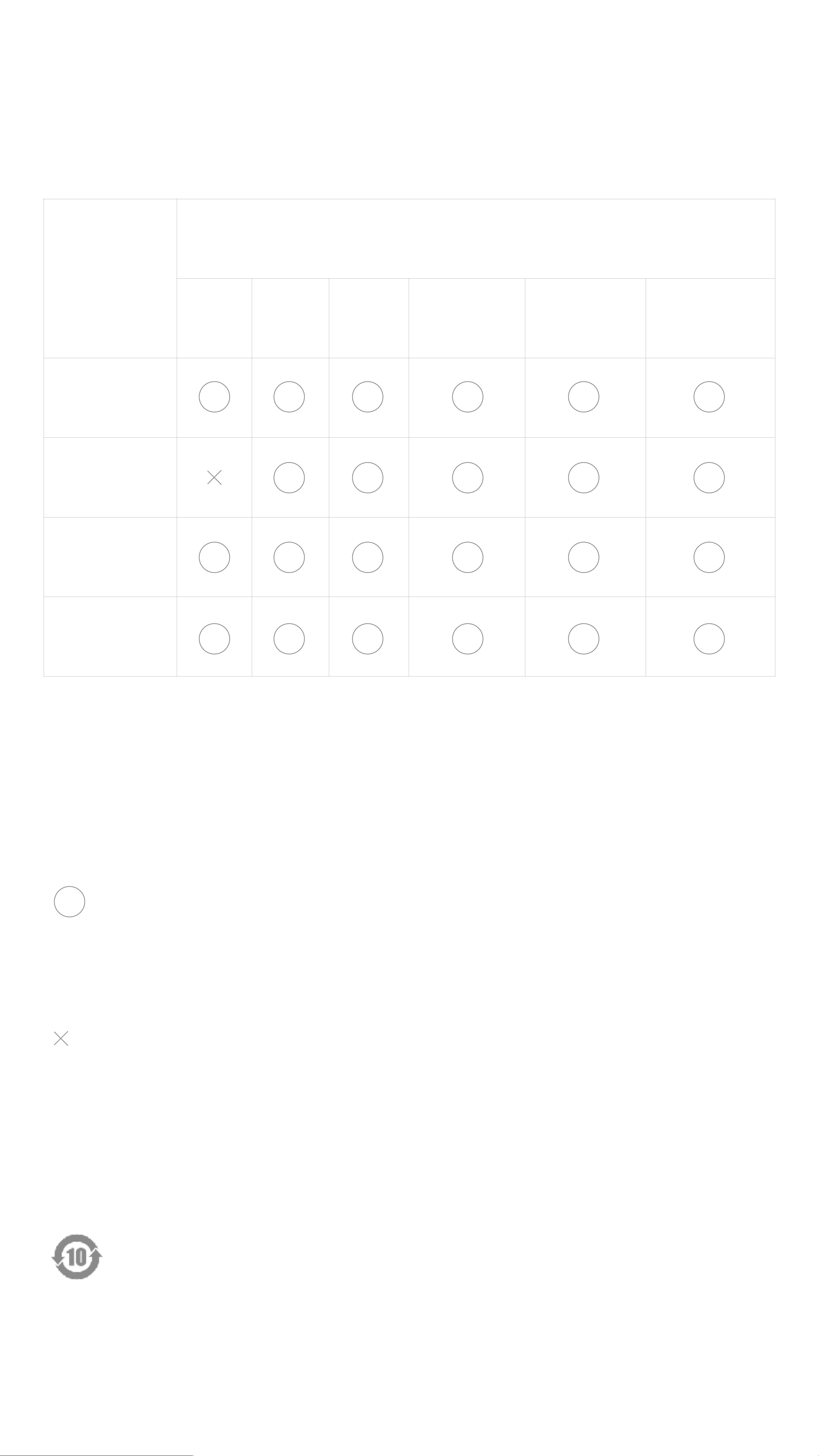
Hazardous Substances Declaration
for Electronic Information Products
Component
Name
Hazardous Substances and Elements
Lead
(Pb)
Mercur
y (Hg)
Cadmiu
m (Cd)
Hexavalent
Chromium
Cr(VI)
Polybrominate
d Biphenyls
PBB
Polybrominated
Diphenyl Ethers
PBDE
Plastic parts
Metal parts
Wireless
module
PCBA
*"In compliance with the China RoHS standard SJ/T11364,
all hazardous substances present in the product are
disclosed below. Please disregard this notice if the product
is not to be sold or installed in China.”*
:Indicates that the content of the hazardous substance
in all homogeneous materials of the component is below the
limit specified in GB/T26572‑2011.
:Indicates that the content of the hazardous substance in
at least one homogeneous material of the component
exceeds the limit specified in GB/T26572‑2011.
The number in this mark indicates the environmental
protection use period under normal use is 10 years.
Some components may have their own environmental
protection use period marks; the period indicated on
those marks shall prevail.
10

