Product and Brand 24Six
Type Solo 4
Operating system
2.4GHz / 5.0GHz
Bluetooth 5.0
Voltage 5V
Power Source Li-Polymer 2000mah
Battery Included Yes
Audio Jack 3.5mm
Internal Memory 128GB
RAM 4GB
SIM N/A
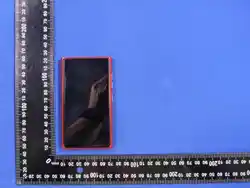
Product Dimension 113.6x63.5x12mm
Product Weight <200g
Sreen Size 4.0"
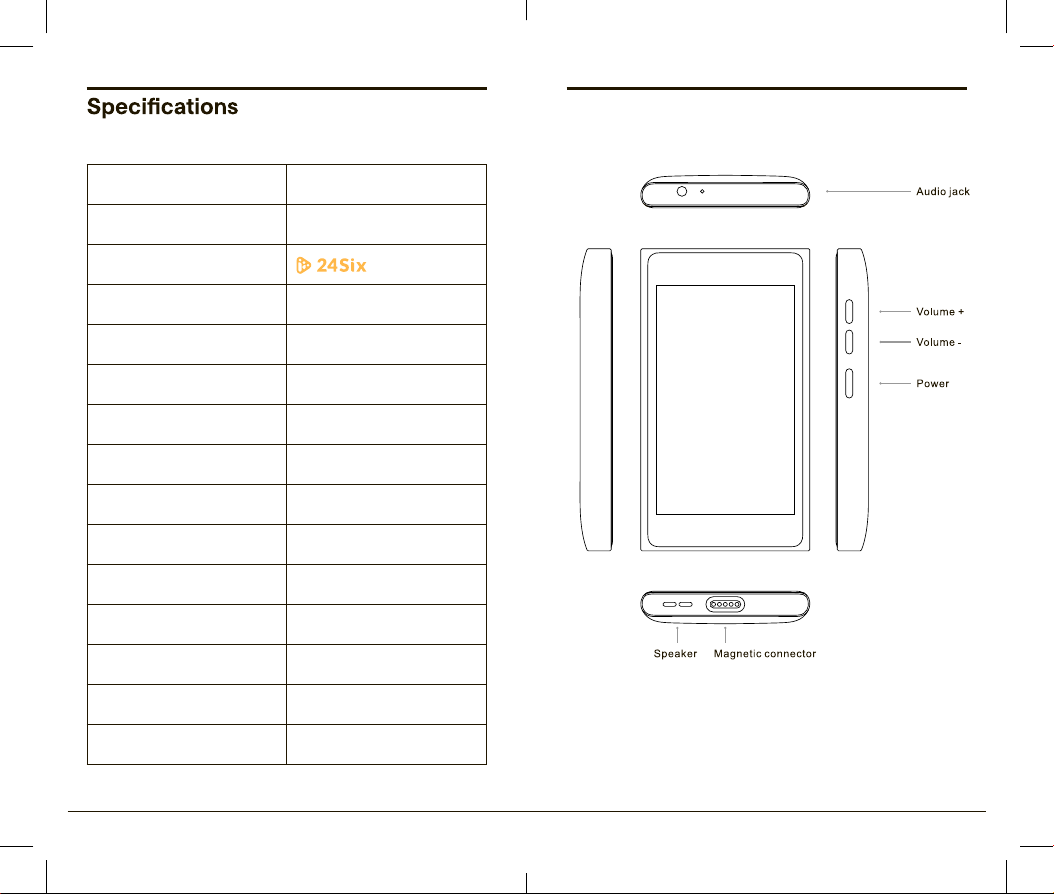
Device Overview
2 24Six Solo 4 Quick Guide 24Six Solo 4 Quick Guide 3
OS
Wifi
Welcome to the 24Six Solo
MP3 Music Player.
How to use 24Six:
→ Create your account at www.24six.app.
→ Login to the app on the device to
→
for each person using 24Six, so you can
customize the experience for them.
→ The 24Six Solo 4 can only do one thing:
Play 24Six Music. There is no phone,
camera, calculator, messaging, or
internet on this device. When you turn on
the device, connect to Wi-Fi, you can
also connect to a Bluetooth speaker if
you choose.
→ Login once to the 24Six app with the
parental password, and then each user
unique 4-digit passcode.
→
login using the account password.
→ If you have any questions, feel free to
email support anytime at [email protected].
Getting Started 24SixOS
Automatic Updates
24Six Solo 4 runs on the exclusive 24SixOS.
24SixOS is a custom operating system that
locks the entire device, ensuring a user
experience that is 100% safe. The only thing
the 24SixOS does is play 24Six, and it gives
you access to the settings you need.
You can connect to Wi-Fi, Bluetooth, set the
Date & Time, change the language to Hebrew
from English, and restart the device. You
cannot add additional apps. There is no SD
card slot or SIM card. There are no other
apps, and no home screen. 24Six Solo 4 is a
solo device with a solo purpose: to play
24Six Music!
When turning on 24Six Solo 4, connect to
Wi-Fi and the device will automatically
update to ensure you have the latest updates
of both 24SixOS and the 24Six Solo 4 app.
24Six Solo 4, when connected to Wi-Fi, will
always check for the latest updates, and
automatically update in the background, so
you will always have the latest, most
up-to-date app and features!
4 24Six Solo 4 Quick Guide 24Six Solo 4 Quick Guide 5
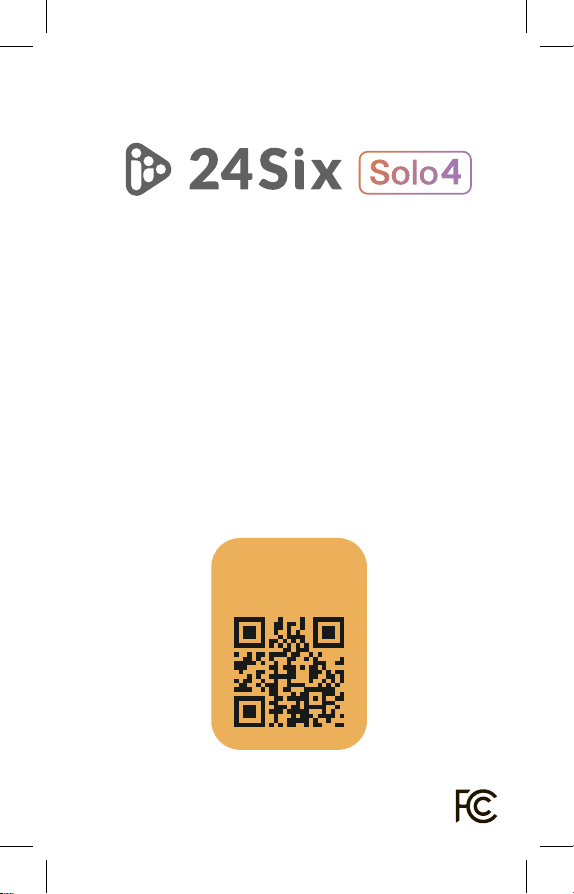
Subscribe
and Play!
1. Scan QR Code or visit
www.24Six.app/register
2. Create an account
3. Log in to 24Six
4. Enjoy!
Get started in 4 easy steps
24Six is a registered trademark.
Copyright © 24Six Inc. All rights reserved.
CE Maintenance
1.The product shall only be connected to a USB interface of version USB2.0.
Power supply and ADP(rating):
Input: DC 5V 2A
Declaration of Conformity
24Six Player LLC hereby declares that this 24Six Solo 4 is in compliance with the
essential requirements and other relevant provisions of Directive 2014/30/EU. In
accordance with Article 10(2) and Article 10(10),This product is allowed to be used in
all EU member states.
For CE:
operating temperature:0℃- 40℃
This device is restricted to indoor use only when operating in 5150 to 5350 MHz.
The maximum results of SAR as follows:
Body-worn (with 0mm separation): 0.211W/Kg
limbs (with 0mm separation): 0.211W/Kg
BR+EDR: 2402~2480 MHz 3.61dBm (EIRP)
BLE: 2402~2480 MHz -3.09 dBm (EIRP)
2.4G WIFI: 2412~2472MHz 13.78dBm (EIRP)
5.2G RLAN: 5180~5240MHz 13.25dBm (EIRP)
5.3G RLAN: 5260~5320MHz 13.97dBm (EIRP)
5.6G RLAN: 5500~5700MHz 14.11dBm (EIRP)
For FCC:
NOTE: This equipment has been tested and found to comply with the limits for a Class B digital
device, pursuant to part 15 of the FCC Rules. These limits are
designed to provide reasonable protection against harmful interference in a
residential installation. This equipment generates, uses and can radiate radio
frequency energy and, if not installed and used in accordance with the instructions, may cause
harmful interference to radio communications. However, there is no guarantee that interference
will not occur in a particular installation. If this equipment does cause harmful interference to radio
or television reception, which can be determined by turning the equipment off and on, the user is
encouraged to try to correct the interference by one or more of the following measures:
- Reorient or relocate the receiving antenna.
- Increase the separation between the equipment and receiver.
-Connect the equipment into an outlet on a circuit different from that to which the receiver is
connected.
-Consult the dealer or an experienced radio/TV technician for help.
Changes or modifications not expressly approved by the party responsible for compliance could
void the user's authority to operate the equipment.

This device complies with Part 15 of the FCC Rules. Operation is subject to the following two
conditions:
(1) this device may not cause harmful interference, and (2) this device must accept any
interference received, including interference that may cause undesired operation.
FCC RF Exposure Warning Statement:
This equipment has been tested for SAR compliance. This equipment should be installed and
operated with minimum distance 0 mm between the radiator and your body. This transmitter must
not be collocated or operating in conjunction with any other antenna or transmitter.
For USA: The frequency stability of all transmission frequencies of U-NII-1, U-NII 2A, U-NII 2C
meets the requirements of 47 CFR FCC Part15.407(g), and the manufacturer declares that their
transmission is maintained at Band U-NII-1, U-NII 2A, U-NII 2C.