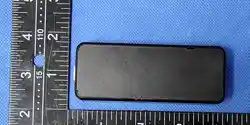
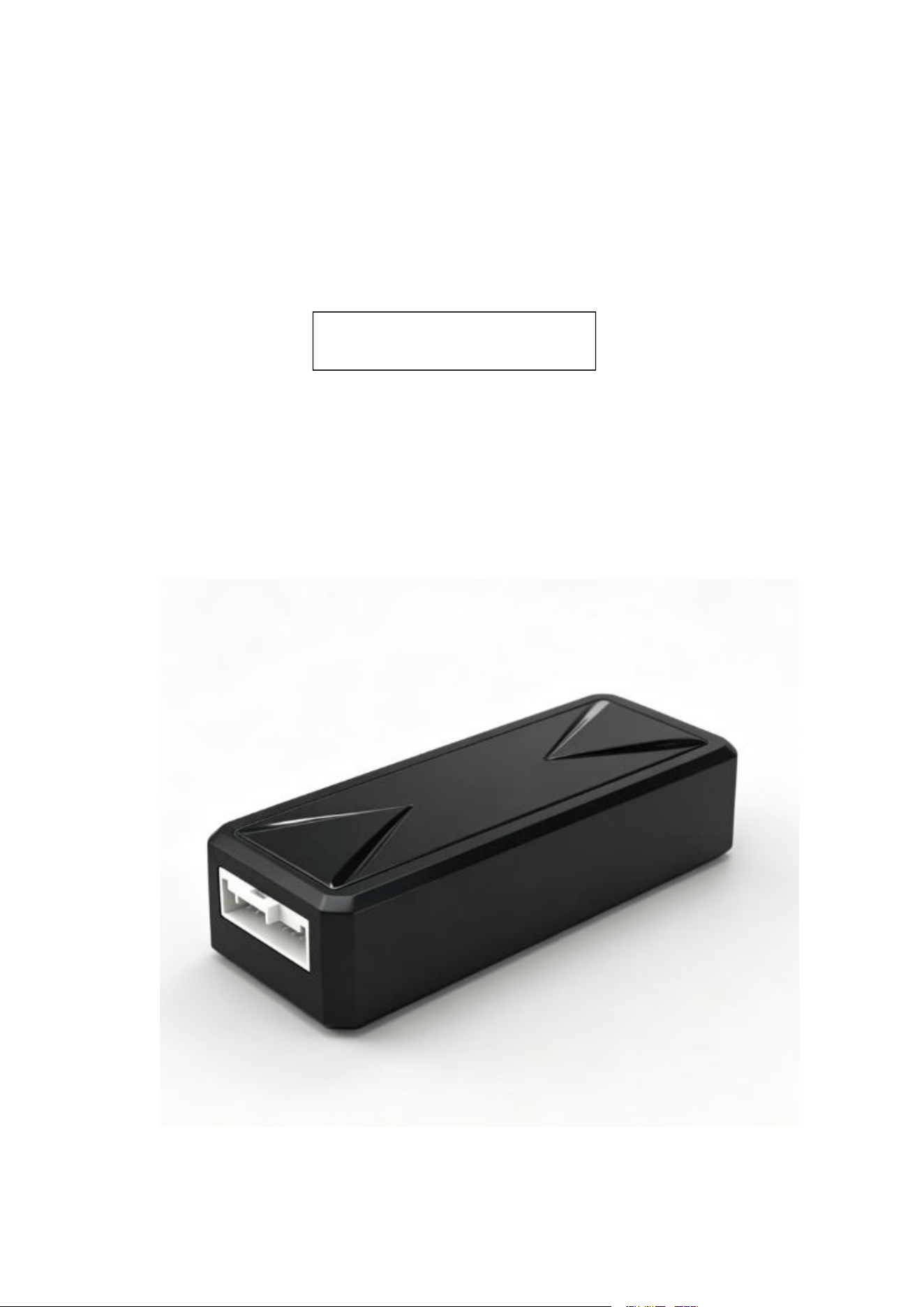
Vehicle terminal device
Product User Manual
Product Name: LORA Tracker
Product model: LR03

Content
І. Product composition ...........................................................................................................................3
1.1 Product overview
............................................................................................................................3
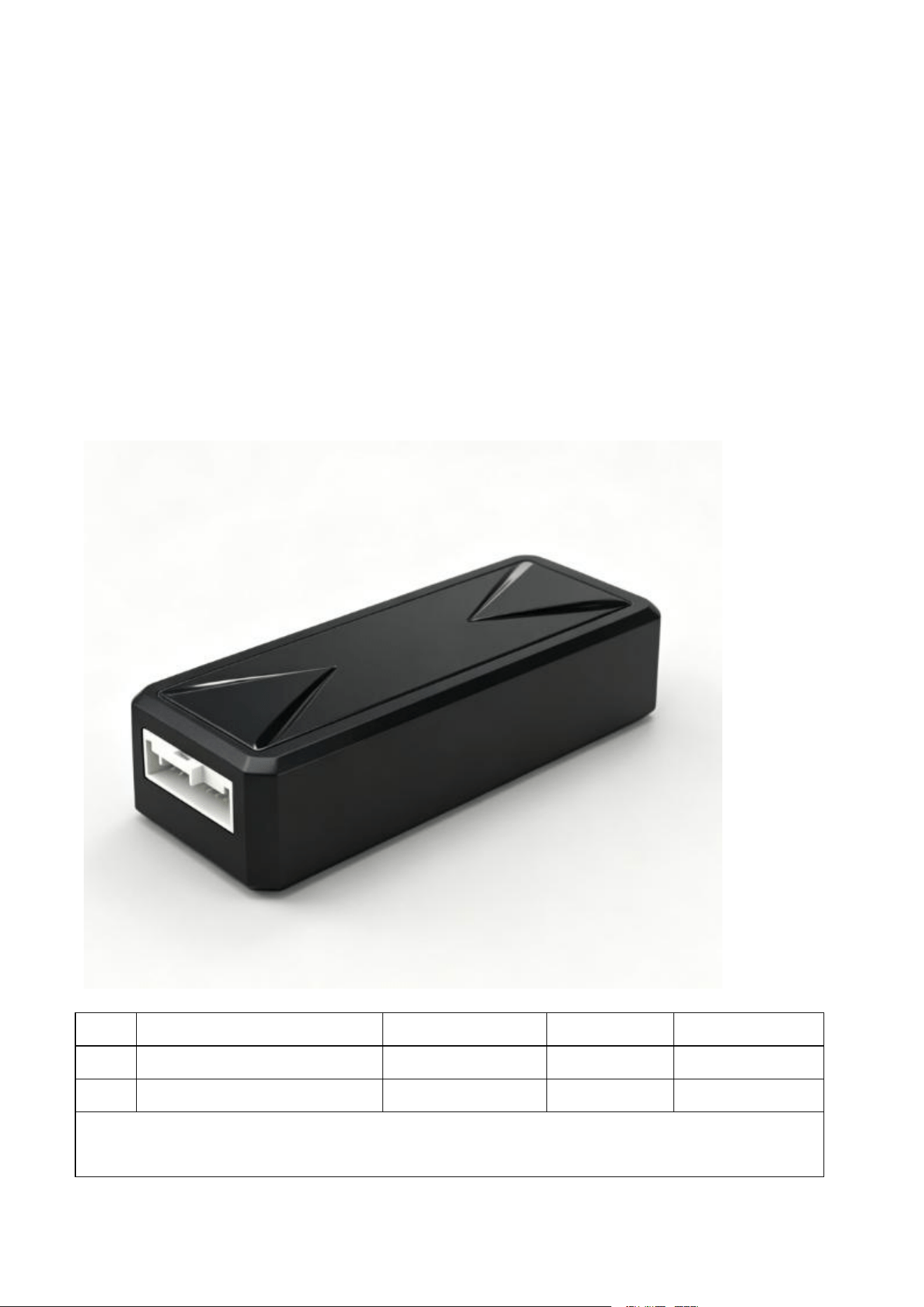
1.2 Product picture
............................................................................................................................... 3
1.3 Product configuration list
............................................................................................................... 3
1.3.1 Standard list ............................................................................................................................. 3
1.4 Status of indicator light
.................................................................................................................. 4
П. Pa
r
a
me
t
ers
a
nd
f
unc
tio
n
o
per
a
ti
o
n in
s
tructi
o
n
s ............................................................................4
2.1 Product parameter
...........................................................................................................................4
2.2 Functions
........................................................................................................................................ 5
2.3 Product installation operation process
............................................................................................ 5
2.3.1 Device installation ................................................................................................................... 5
Ш
. Commo
n pr
o
b
l
e
m a
n
alys
i
s a
nd
a
fter-
sa
le
s s
er
v
ice
s ..................................................................... 6
3.1 Common problem analysis
............................................................................................................. 6
3.2 Attention
.........................................................................................................................................7
3.3 After-sale service
............................................................................................................................7
І. Product composition
1.1 Product overview
Produc
t
Na
m
e
:
LORA Tracker
Produc
t m
ode
l:
LR03
Produc
t s
pec
i
f
ica
tion
s
: L 95 x W 38 x H 22 mm
1.2 Product picture
1.3 Product configuration list
1.3.1 Standard list
No
Name
Quantity
Unit
Remark
1
LR03 host
1
PCS
2
Power line
1
PCS
Note: The above is a standard configuration list of the whole set of products, and accessories
outside the above range are subject to additional fees.
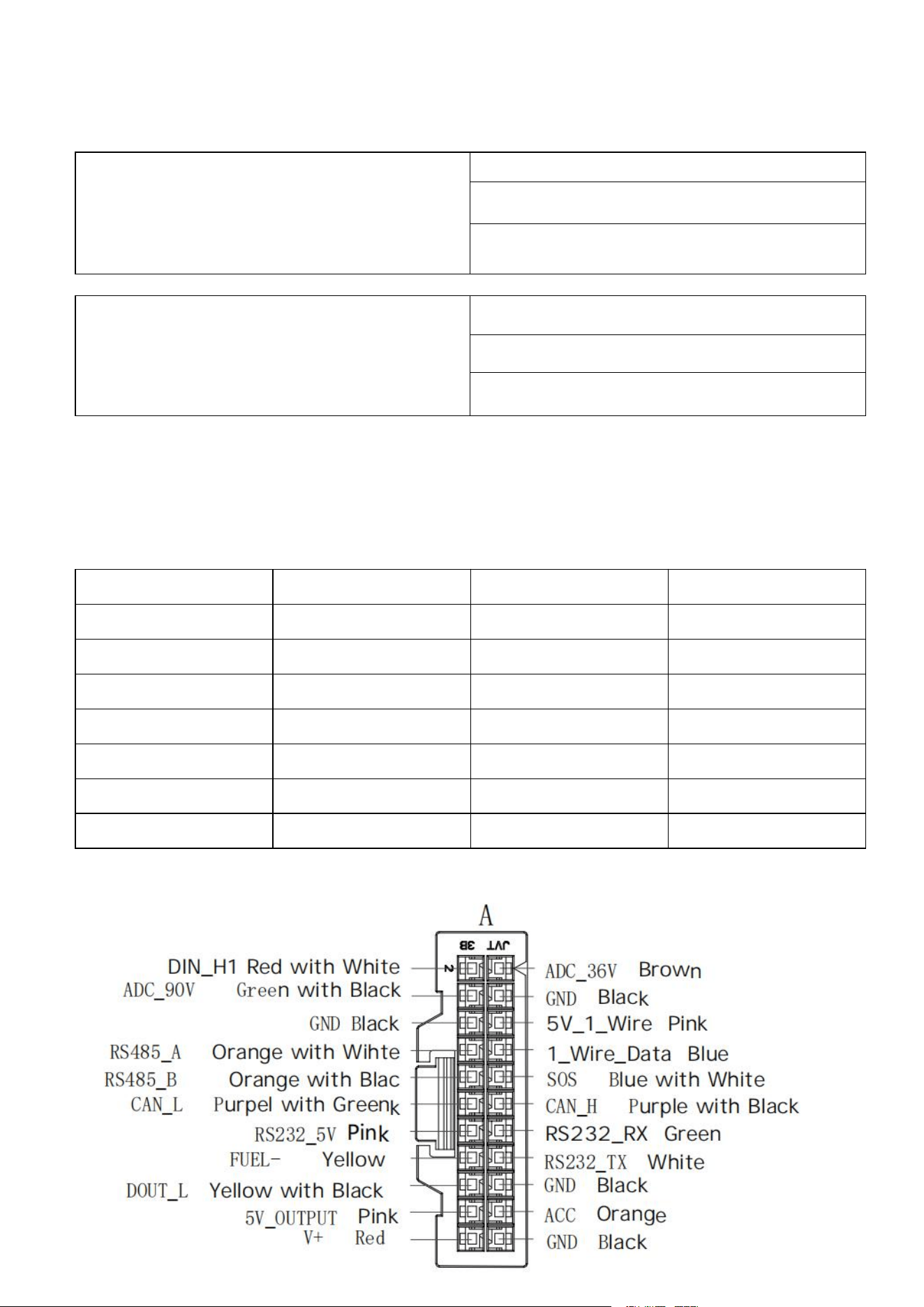
1.4 Status of indicator light
GPS (Yellow)
When the device is Located, the light will stay on.
The device light will turn off if the GPS error or no
working.
When the device is in the satellite search mode,
the yellow light flashes rapidly.
Lora (Blue)
When the LORA module is initialized normally,
the blue light flashes rapidly.
When the device is successfully paired, the blue
light will remain on constantly.
When the device fails to pair successfully or is not
connected, the blue light turn off.
П. Pa
r
a
me
t
ers
a
nd
f
unc
tio
n
o
per
a
ti
o
n in
s
tructi
o
n
s
2.1 Product parameter
NO
Parameter
Value
Remark
1
Battery
55mAh
Lithium Battery
2
Sensor
G-sensor DA213
3
Positioning Module
B1010-W2
CC1167Q
4
Lora Antenna
FPC
5
GPS Antenna
25*25*4mm
6
Lora chip
SX1262
7
Power Consumption
IOM(About 31.5mA)
Sleep mode(7.7mA)
Interface

2.2 Functions
Function
Description
Tracker mode
The device will be able to transmit a command LoRa packet to
the MBU when the unit is in its receive window time slot.
Recovery mode
The device do not enter any sleep mode and transmit continuously
2.3 Product installation operation process
2.3.1 Device installation
(
1
)
In
s
pec
t
devi
ce
C
heck wheth
e
r th
e e
quipm
e
nt
a
pp
ear
ance i
s
good, fitting
s
i
s
complete.
(
2
)
Tear off the conductive cloth
Tear off the conductive cloth on the device, and the device starts working normally and enters
tracker mode
(
3
) T
he
t
er
mi
nal in
s
t
a
ll
a
tion po
s
ition r
e
quirement
s
A.Wa
t
erproof:
c
hoo
se
pl
ace
whi
c
h i
s
not ea
s
y to fill the po
s
ition, kept terminal dry, p
a
y
atten
ti
on
t
o be
fa
r
a
w
a
y from th
e a
ir-
c
onditioning outlet in ca
s
e of the change
s
of temperatur
e
.H
a
v
e
conden
s
ed wa
te
r
acc
umul
a
t
e
d in
s
id
e
th
e
t
e
rminal
s
eriou
s
ly affect the
s
ervice life of the product.
B
.
S
hock
:
t
e
rmin
a
l
ca
n't h
a
ng up in
s
t
a
lled in
s
trong vibration po
s
ition for a long time.
C
.
T
a
m
per-proof: t
e
rmin
a
l
s
hould be away from the car video intercom and ele
ctr
on
ic
equ
i
p
m
en
t
,
s
uch
as
to pr
e
v
e
nt
c
ondu
c
tion and radiation.

Ш
. Commo
n pr
o
b
l
e
m a
n
alys
i
s a
nd
a
fter-
sa
le
s s
er
v
ice
s
3.1 Common problem analysis
Question
Reason
Solution
The indicator light is not on
If the indicator light is not on,
the device should be in sleep
mode
The indicator light will only flash
for 8 cycles when the device is
first started and then turn off

3.2 Attention
1.
El
ec
t
ron
i
c p
r
odu
c
t pl
ease
not
e
w
a
t
e
rproof.
2.
Pl
ea
s
e keep th
e
b
ac
kup b
a
tt
e
ry i
s e
nough.
3. When
t
he
te
mp
e
r
a
tur
e
of th
e e
nvironment i
s
more than the normal work of the te
rmi
n
al
tempera
t
ure rang
e
,
a
dvi
ce
without
e
l
ec
tricity.
4. When the vehicle is in an underground parking lot, tunnel, or garage, or is obstructed by
obstacles, it will affect the reception effect and cannot be monitored; After the vehicle
leaves the above area, the equipment will automatically resume normal operation.
5. In abnor
m
a
l s
itu
a
tion, pl
ease
do not r
e
pair it
s
elf. By linking the original attachment or unplug
t
h
e
connec
ti
on be
twee
n th
e
v
a
riou
s c
ompon
e
nt
s
damage, manufacturer i
s
not liable.
3.3 After-sale service
1. Dur
i
ng
t
h
e
on
e
-y
ea
r w
a
rr
a
nty, pl
eas
e feel free to contact u
s
if there i
s
any problem or d
ama
g
e
no
t
cau
s
ed by hum
a
n f
ac
tor
s
.
2. No
t m
aint
e
n
a
n
ce
:
(
1
) Cli
en
t
d
ism
antl
e
d priv
a
t
e
ly
(
2
) F
orce
m
a
j
eur
e
(flood
s
,
acc
id
e
nt
s
,
e
t
c
.)
3.
M
ore
t
h
a
n on
e
y
ea
r d
a
m
a
g
e
or f
a
u
l
ty maintenance will need to pay for raw material.
4.
F
ree
t
o provid
e c
u
s
tom
e
r
s
with the purcha
s
e, u
s
e, in
s
tallation and other con
s
ultation
a
nd
te
c
hn
i
ca
l s
erv
ices
.
FCC Statement
This equipment has been tested and found to comply with the limits for a Class B
digital device, pursuant to Part 15 of the FCC Rules.Any changes or modifications not expressly
approved by the party responsible for compliance could void the user's authority to operate the
equipment. These limits are designed to provide reasonable protection against harmful interference
in a residential installation.This equipment generates, uses and can radiate radio frequency energy
and, if not installed and used in accordance with the instructions, may cause
harmful interference to radio communications. However, there is no guarantee that
interference will not occur in a particular installation. lf this equipment does cause

harmful interference to radio or television reception, which can be determined by
turning the equipment off and on, the user is encouraged to try to correct the
interference by one or more of the following measures:
-Reorient or relocate the receiving antenna.
Increase the separation between the equipment and receiver.
-Connect the equipment into an outlet on a circuit different from that to which
the receiver is connected.
-Consult the dealer or an experienced radio/TV technician for help.
Radiation Exposure Statement
This device complies with FCC radiation exposure limits set forth for an
uncontrolled environment and it also complies with Part 15 of the FCC RF Rules.T
his equipment should be installed and operated with a minimum distance 20cm b
etween the device and your body.
This device complies with part 15 of the FCC Rules. Operation is subject to the following two
conditions: (1) This device may not cause harmful interference, and (2) this device must accept any
interference received, including interference that may cause undesired operation.
Changes or modifications not expressly approved by the party responsible for compliance could
void the user’s authority to operate the equipment.

