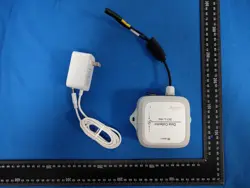
LoRa Data Collector DC1-L-1RS
User Manual
This user manual is a guide for UBIBOT® LoRa data collector DC1-L-1RS.
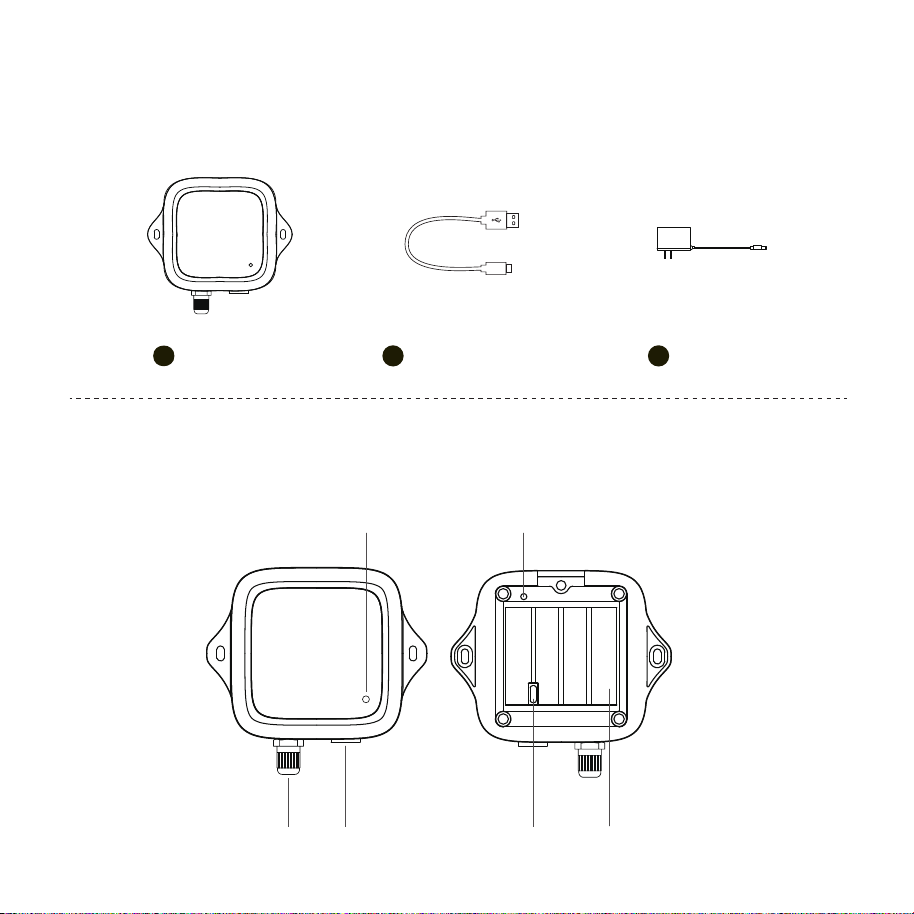
PACKAGE LIST
INTRODUCTION
1. Basic Features Introduction
1
USB Type-C x 1
2
Device x 1
1
Adapter x 1
3
DC12V USB Type-CSensor Interface
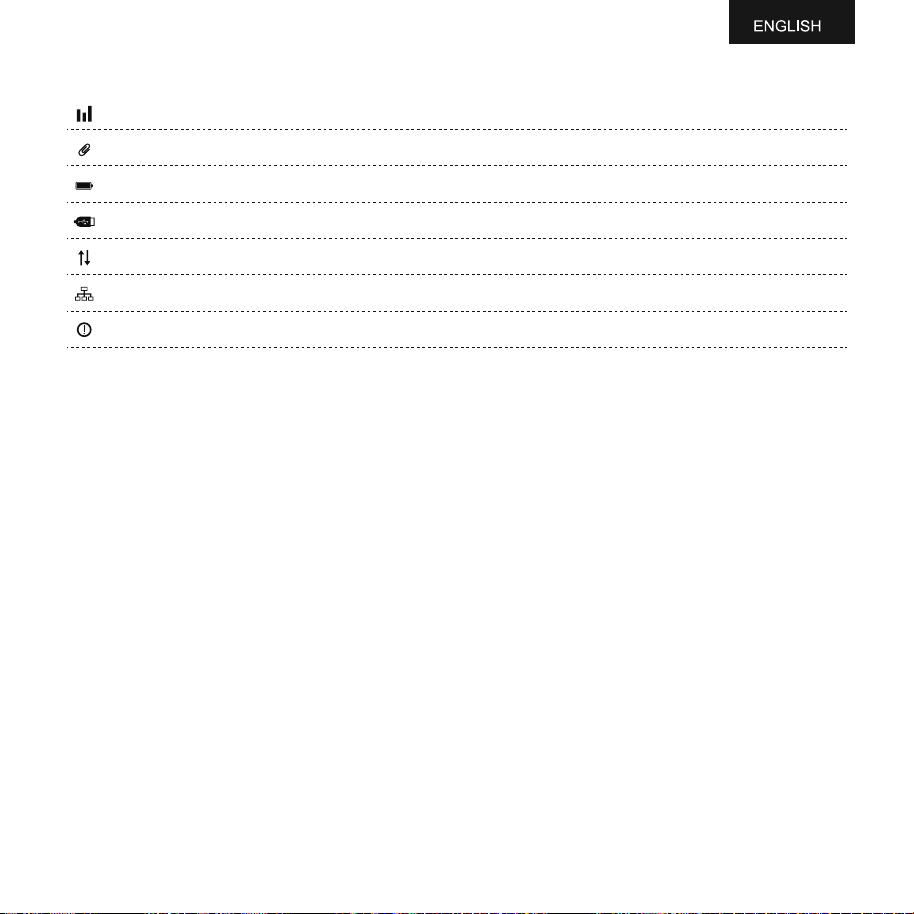
Indicator Function Button
Battery Compartment
DEVICE SETUP
2.Device Operations
Download the App at www.ubibot.com/setup or search 'UbiBot Connect' on the App Store or Google Play.
2
Via the app and web console (http://console.ubibot.com), you are able to view the readings as well as config-
ure your device, such as create alert rules, set data sync-interval, etc.
Press the button once, the green device status indicator will flash, then send
data.
Press and hold the button for about 3 seconds until the device status indicator
flashes red and green alternately. Release at this time to enter the setup mode.
Press and hold the function button for about 8 seconds until the red device
status indicator blinks, then release the button to restore factory settings.
Setup Mode
Send data
Reset to Default Settings
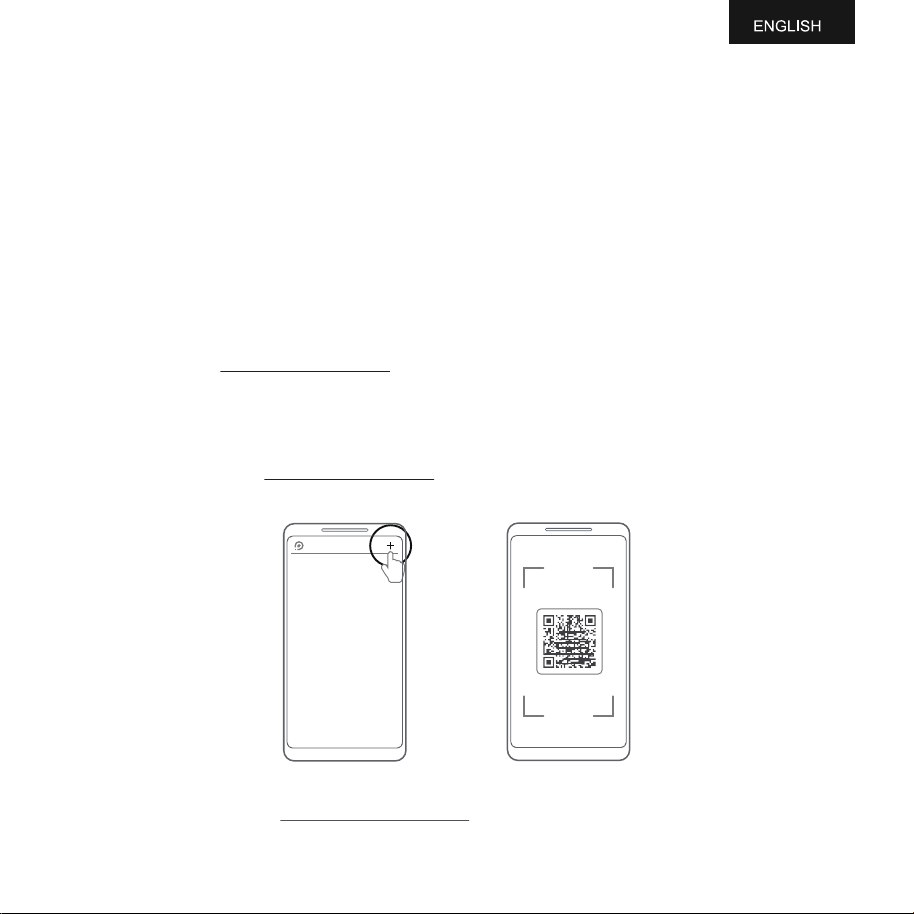
Launch the App and log in. In the app, select the LoRa Gateway and go to the Glance page. Tap " + " to start
adding your node device. Then please follow the in-app instructions to complete the setup. You can also view
the demonstration video at www.ubibot.com/setup for step by step guidance.
WARRANTY
This product is covered by a one-year limited warranty from the date of purchase (with valid proof of
purchase). During the warranty period, UbiBot will repair defects in materials or workmanship under normal
use at no charge. Return shipping to our repair center is the sender's responsibility.
Warranty exclusions:
- Warranty expired.
- Damage caused by misuse, incorrect operation, or failure to follow instructions.
- Accidental or intentional damage (including liquid ingress, impact, deformation, cable damage).
- Normal wear and aging (including casing and cables).
- Unauthorized disassembly or modification.
- Damage due to force majeure (earthquake, fire, flood, lightning, etc.).
- Other damage not caused by manufacturing defects.
3
DEVICE SPECIFICATION
LoRa band: EU868 / US915 / AU915 / IN865 / RU864 / KR920 / AS923
Material: Flame resistant ABS
Battery: 4 x AA batteries / 4 x ER14505 Li-SOCl2 batteries
Power supply: DC 12V / 2A
Dimensions: 108mm x 92mm x 47mm
Built-in memory: 50,000 sensing data
Optimal operation and storage conditions: -20 to 60℃, 10% to 90% RH (No condensation)
PRODUCT MAINTENANCE INSTRUCTIONS
Please always follow the instructions contained in this manual.
Keep away from acidic, oxidising, flammable or explosive substances.
When handling the device, avoid using excessive force and never use sharp instruments to try and open it.
Always mount the device on a stable surface.
Please use common USB Cable or original charger, Otherwise, It may result to danger. When you use a
charger for charging, adapter shall be installed nearthe equipment and shall be easily accessible.
Manufacturer of Power adapter: Guangdong Sangu Technology Co., Ltd.
Parameters of Power adapter: Input: AC 100~240V, 0.6A, 50/60Hz. Output: DC 12V, 2.0A.
FCC Statement
This equipment has been tested and found to comply with the limits for a Class B digital device, pursuant to
part 15 of the FCC Rules. These limits are designed to provide reasonable protection against harmful
interference in a residential installation. This equipment generates, uses and can radiate radio frequency
energy and, if not installed and used in accordance with the instructions, may cause harmful interference to
radio communications. However, there is no guarantee that interference will not occur in a particula
installation. If this equipment does cause harmful interference to radio or television reception, which can be
determined by turning the equipment off and on, the user is encouraged to try to correct the interference by
one or more of the following measures:
Reorient or relocate the receiving antenna.
Increase the separation between the equipment and receiver.
Connect the equipment into an outlet on a circuit diferent from that to which the receiver is connected.
Consult the dealer or an experienced radio/TV technician for help.
Caution: Any changes or modifications to this device not explicitly approvedby manufacturer could void your
authority to operate this equipment.
This device complies with part 15 of the FCC Rules. Operation is subject to the following two conditions: (1)
This device may not cause harmful interference, and (2) this device must accept any interference received,
including interference that may cause undesired operation.
This equipment complies with FCC radiation exposure limits set forth for an uncontrolled
environment. This equipment
should be installed and operated with minimum distance 20cmbetween the radiator and your body.
4

V1.0