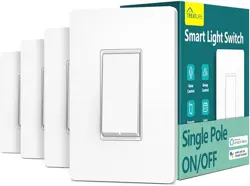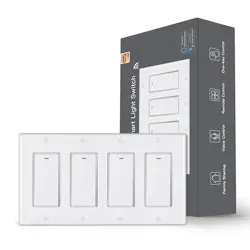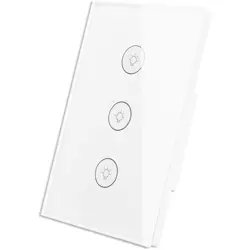
Thank you very much for purchasing WIFI version curtain switch controller series product
produced by our company, in order to make our products serve better for your life, please read
this manual carefully before using, and keep it for future reference.
1、specification:
Applicable products: incandescent, energy saving lamps, fluorescent lamps, LED lamps and
other lighting
Operating voltage: AC100 - 240V, 50 / 60HZ
Load power: ≤1000W / Road
Standby power consumption: ≤ 0.5 W
Working temperature: 0 ℃ ~ 80 ℃
Relative humidity: 10% to 93% (non-condensing)
Control: Touch, a mobile control
Wiring method: zero, FireWire
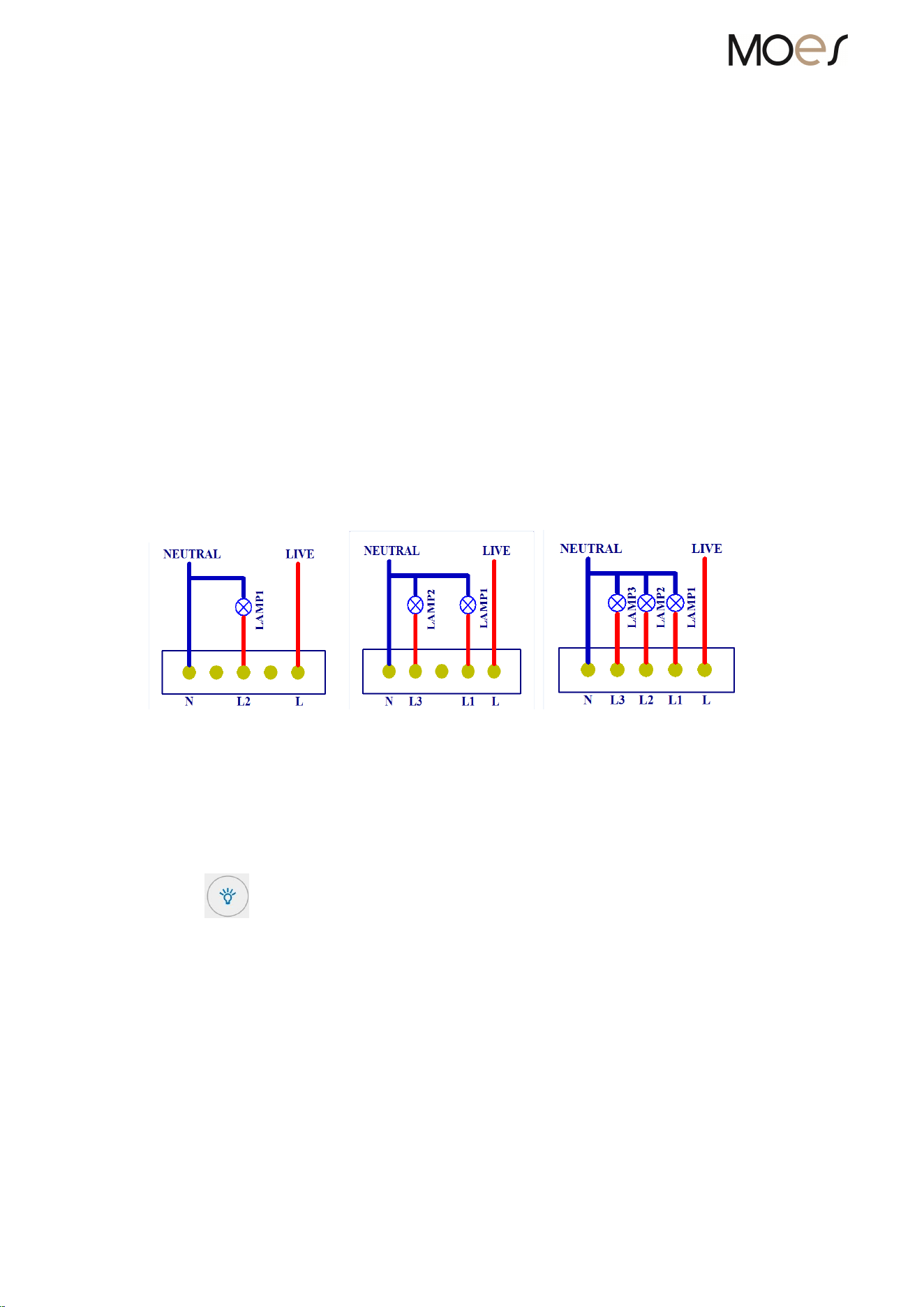
2、the wiring diagram:
A switch wiring diagram 2switch wiring diagram 3 switch wiring diagram
3、the manual operation:
①sweep on the swith panel,The key indicator light is blue, then the switch is off (that
is, turn off); button indicator light is red, then the switch is closed (that is, turn on the lights)。
4、the mobile operating:(divided into local and remote control modes when the phone and the
switch in the same network as the wireless LAN control when the phone network operators
outside the network, compared with remote control NOTE: When you add a device need to use the
phone through wireless router network)
①Install mobile APP (search keyword: "intelligent life" or sweep
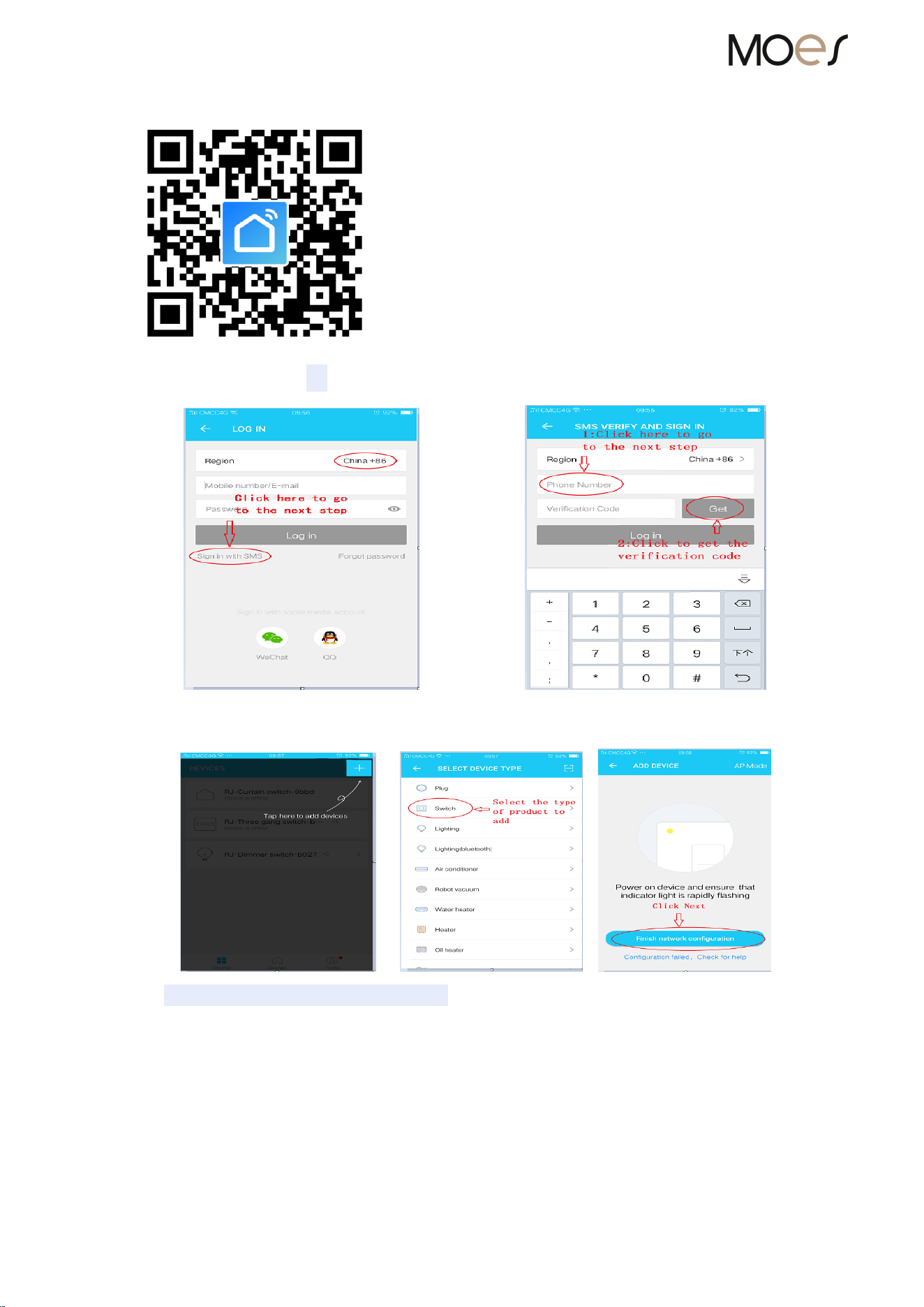
②mobile phone register (as shown)
③add the switch device (as shown) the switch required normal power)
→ →
④set up the work WIFI for device (as shown)
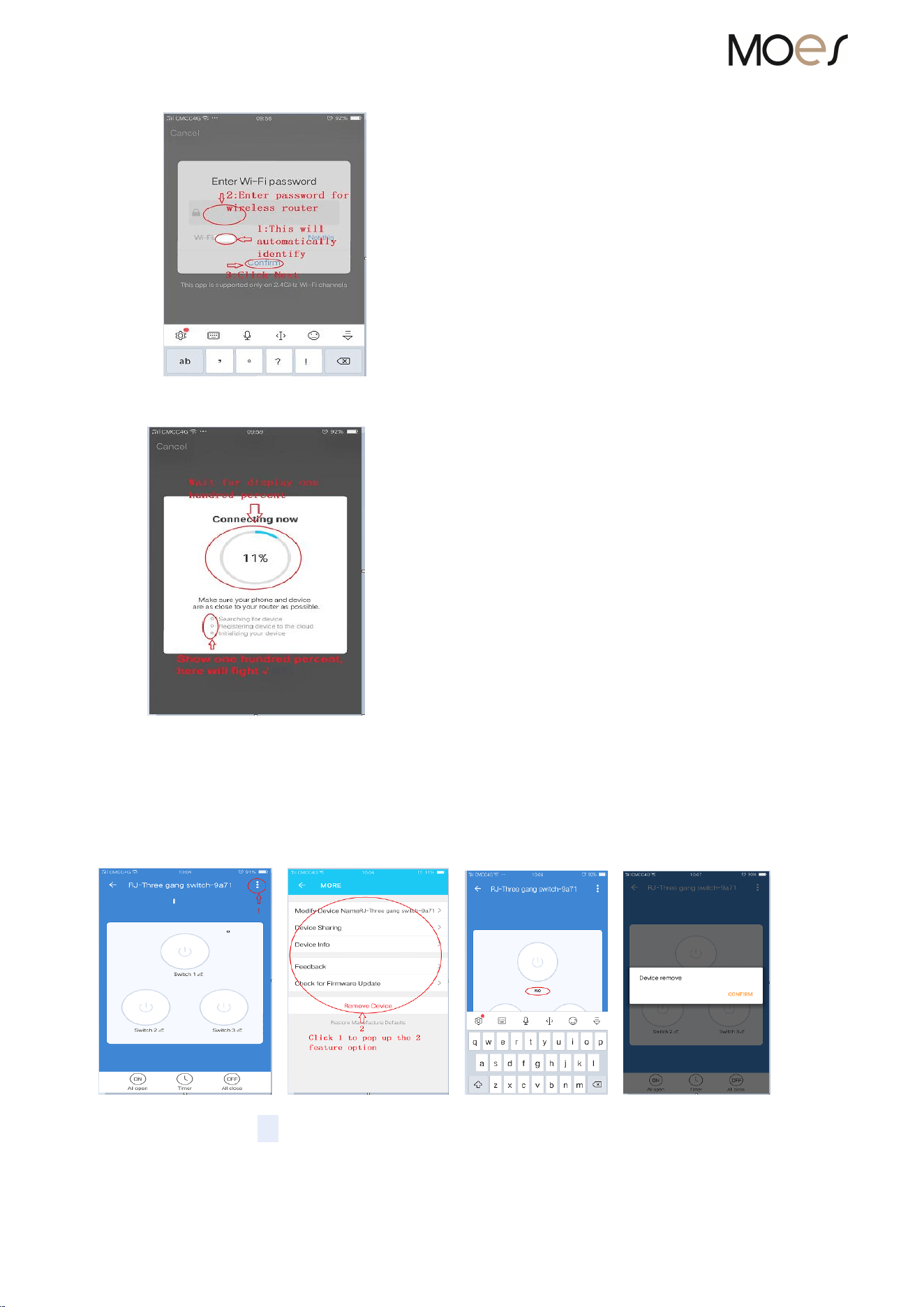
⑤automatically added process (as shown)
⑥successfully completed the above steps to add the product to operate
⑦ other functions
a)naming device﹑ removed (as shown)
→ → →
b)scenes Editing (as shown)

5、manually reset the device
①Reset light switch ﹑ light curtain controller and other equipments
O Press any key of the device for 15 seconds untill light flashes indicating a successful reset;
O indicator light flash quickly (flash 2 times every second) indicating fast mode;
O indicator light flash slowly (1 flash every 3 seconds) indicating hotspot mode;
O under fast mode, press any device key for 15 seconds until the indicator flashes slowly,
indicating it has switched to focus mode; and vice versa.
②Reset the dimmer switch
O In the dimmer switch off long press down key for 15 seconds until light flashes, indicating a
successful reset;
O indicator lights flash quickly (2 times flash every second) indicating fast mode;
O indicator lights flash slowly (1 flash every 3 seconds) indicating hotspot mode;
O under fast mode, press and hold down the device key for 15 seconds until the indicator flashes
slowly, indicating that it has switched to focus mode; and vice versa.
6、the light switch accessories:
light switch Instructions 1 piece
Warranty card 1 piece
the screws 2 pieces
The above accessories are subject to change without prior notice. If you have any
questions, please contact your local dealer or contact us