.
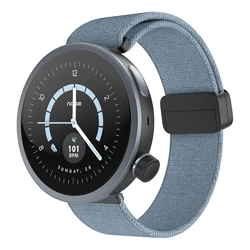
NoiseFit Alt Watch 1
Alt Watch 1
NoiseFit
• Plug the USB cable into a power adaptor.
• Plug the power adaptor into an electrical socket.
(Power adaptor not included)
• Place the magnetic charger on the magnetic
charging points of the watch.
• Once the battery is fully charged,
remove the charger.
• Open the NoiseFit app and allow the Bluetooth and GPS positioning
to be turned on.
• Feed in your personal information and health goals in the app.
• Go to 'Pair Device' page in the app, select the watch name and MAC address
and link the watch
Or you can follow these steps:
• Turn on the watch.
• Scan the QR code from the NoiseFit app on your phone.
• Select Pair with device and wait for it to pair.
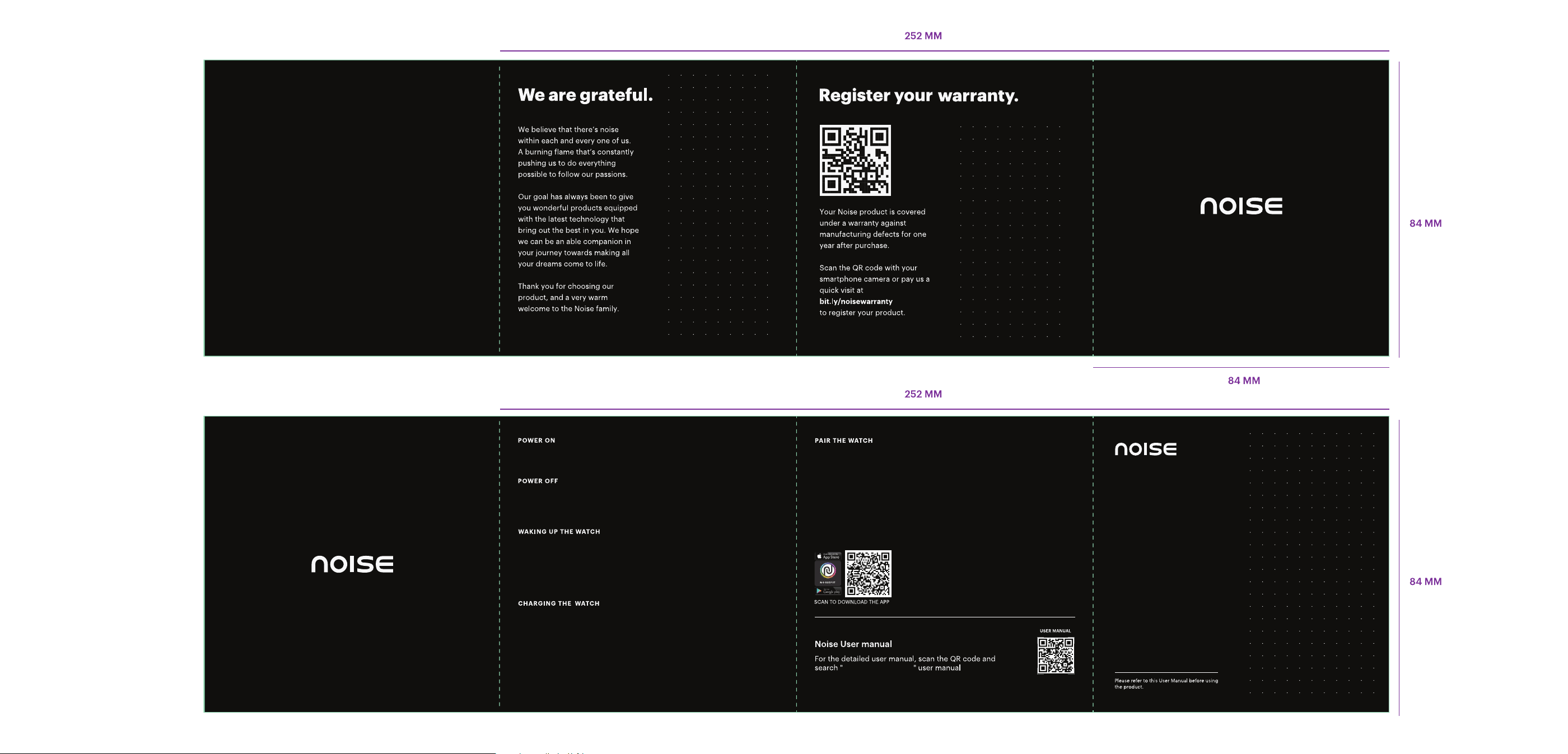
Press and hold the Crown button for a
few seconds to turn on the watch.
Press and hold the Crown button for a
few seconds, select 'Power O' and
confirm to power o.
To preserve battery, the watch screen turns
o when not in use. To turn the screen back
on, you can wake up the watch by:
• Pressing the Crown button
• Turning on the wrist sense
FCC Statement
This device complies with part 15 of the FCC rules. Operation is subject to the
following two conditions: (1) this device may not cause harmful interference, and
(2) this device must accept any interference received, including interference that
may cause undesired operation.
Changes or modifications not expressly approved by the party responsible for
compliance could void the user's authority to operate the equipment.
NOTE: This equipment has been tested and found to comply with the limits for a
Class B digital device, pursuant to part 15 of the FCC Rules. These limits are
designed to provide reasonable protection against harmful interference in a
residential installation, This equipment generates uses and can radiate radio
frequency energy and, if not installed and used in accordance with the
instructions, may cause harmful interference to radio communications. However,
there is no guarantee that interference will not occur in a particular installation. lf
this equipment does cause harmful interference to radio or television reception,
which can be determined by turning the equipment o and on, the user is
encouraged to try to correct the interference by one or more of the following
measures:
• Reorient or relocate the receiving antenna.
• Increase the separation between the equipment and receiver.
• Connect the equipment into an outlet on a circuit dierent from that to which
the receiver is connected.
• Consult the dealer or an experienced radio/TV technician for help.
The device has been evaluated to meet general RF exposure requirement. The
device can be used in portable exposure condition without restriction.